




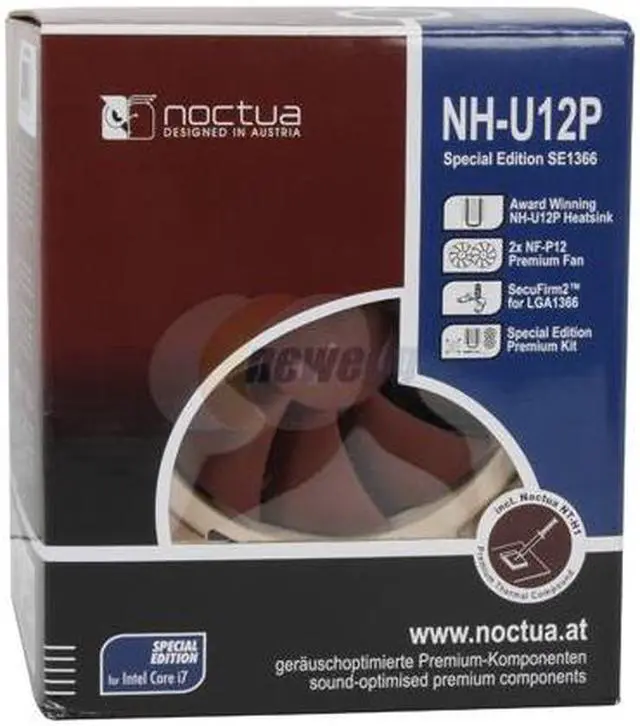


Noctua NH-U12P SE1366 120mm SSO CPU Cooler
- Rotational Speed (+/- 10%) 1300 RPM Rotational Speed with L.N.A. (+/- 10%) 1100 RPM Rotational Speed with U.L.N.A. (+/- 10%) 900 RPM
- Airflow 92,3 m³/h Airflow with L.N.A. 78,5 m³/h Airflow with U.L.N.A. 63,4 m³/h
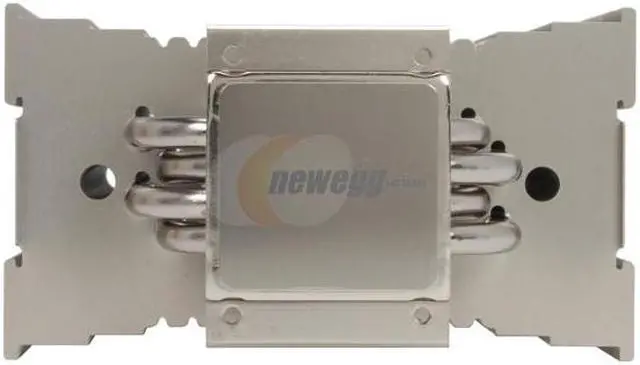
- Copper (base and heat-pipes), aluminium (cooling fins), soldered joints & nickel plating
Overview
Specs
Reviews (165)
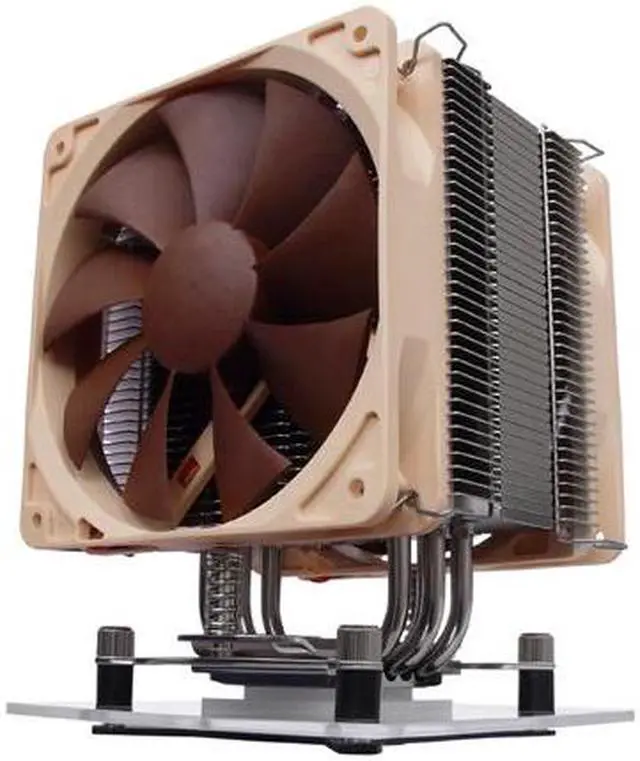
Intel's new Core i7 CPUs mark an exciting advance in processing power, but they definitely require a high quality heatsink if you want to cool them without excessive noise. Noctua offers easy entry into the world of premium quality quiet cooling with the NH-U12P SE1366, a premium value package that offers everything you need to cool Core i7 CPUs quietly.
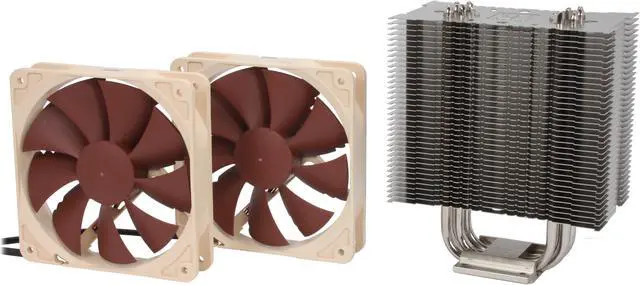
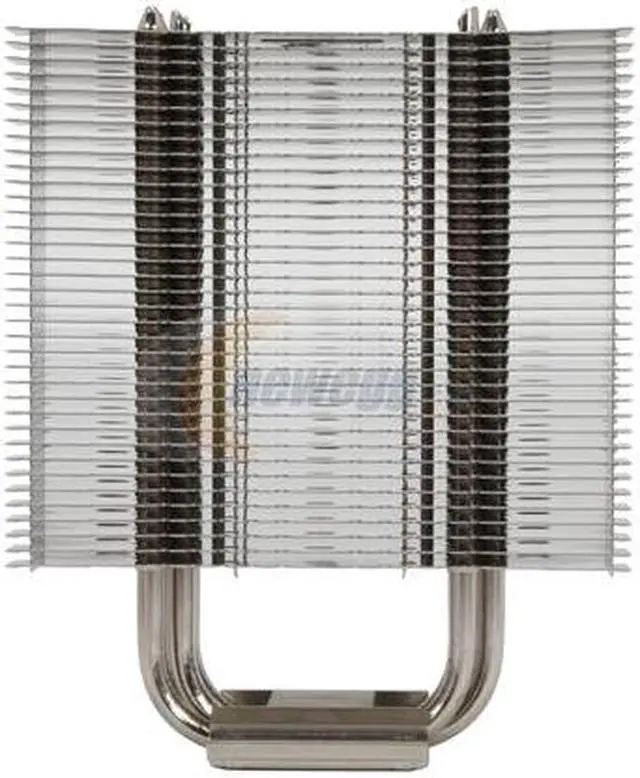
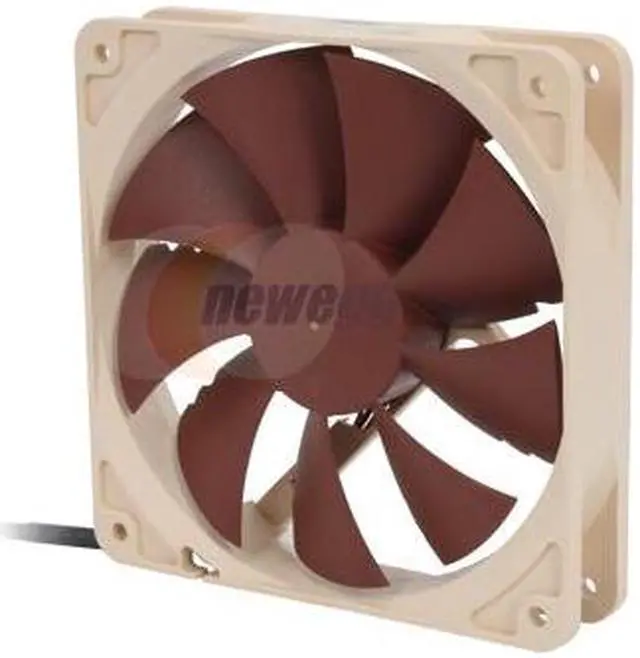
Heat is drawn away from the CPU by the base of the copper heatsink and transferred up into the array of hi-grade aluminum fins for dissipation. A large 120mm fan spins on each side of the array blowing heated air away from the heatsink. The fans' support for PWM lets the BIOS control the speed of the fan based on the CPU's thermal needs – lowering the fans speed and noise during off-peak cycles.
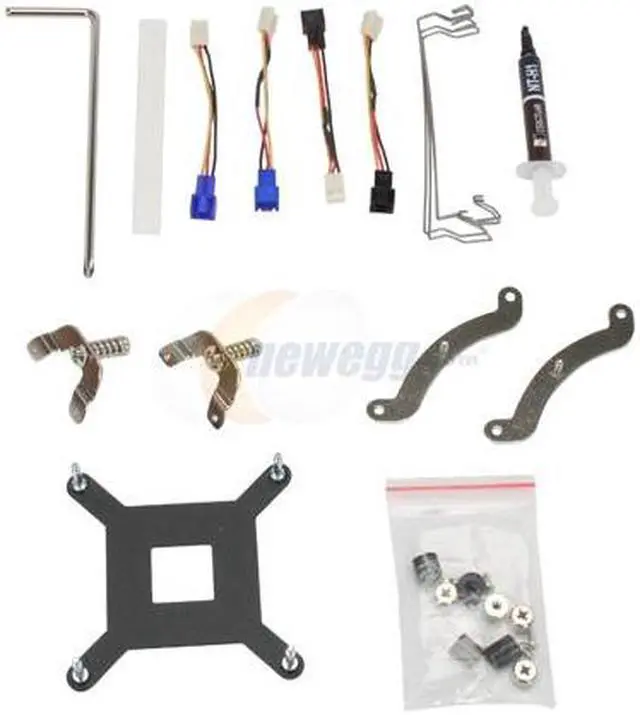
The NH-U12P SE1366 ships with Noctua's SecuFirm2 mounting system that combines outstanding reliability, optimal contact pressure and easy, straightforward installation on the new LGA1366 socket. A tube of Noctua's pro-grade NT-H1 thermal compound is bundled in as well.
Intel's new Core i7 CPUs mark an exciting advance in processing power, but they definitely require a high quality heatsink if you want to cool them without excessive noise. Noctua offers easy entry into the world of premium quality quiet cooling with the NH-U12P SE1366, a premium value package that offers everything you need to cool Core i7 CPUs quietly.
Heat is drawn away from the CPU by the base of the copper heatsink and transferred up into the array of hi-grade aluminum fins for dissipation. A large 120mm fan spins on each side of the array blowing heated air away from the heatsink. The fans' support for PWM lets the BIOS control the speed of the fan based on the CPU's thermal needs – lowering the fans speed and noise during off-peak cycles.
The NH-U12P SE1366 ships with Noctua's SecuFirm2 mounting system that combines outstanding reliability, optimal contact pressure and easy, straightforward installation on the new LGA1366 socket. A tube of Noctua's pro-grade NT-H1 thermal compound is bundled in as well.
Heat is drawn away from the CPU by the base of the copper heatsink and transferred up into the array of hi-grade aluminum fins for dissipation. A large 120mm fan spins on each side of the array blowing heated air away from the heatsink. The fans' support for PWM lets the BIOS control the speed of the fan based on the CPU's thermal needs – lowering the fans speed and noise during off-peak cycles.
The NH-U12P SE1366 ships with Noctua's SecuFirm2 mounting system that combines outstanding reliability, optimal contact pressure and easy, straightforward installation on the new LGA1366 socket. A tube of Noctua's pro-grade NT-H1 thermal compound is bundled in as well.
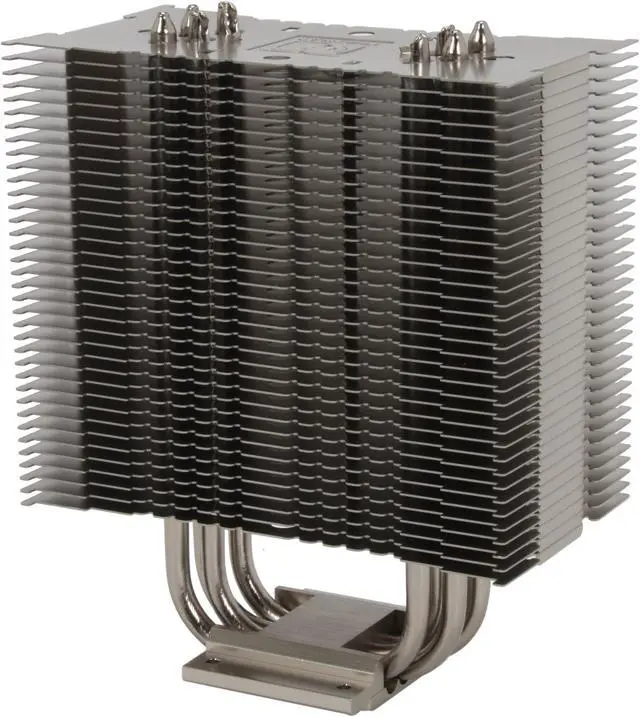
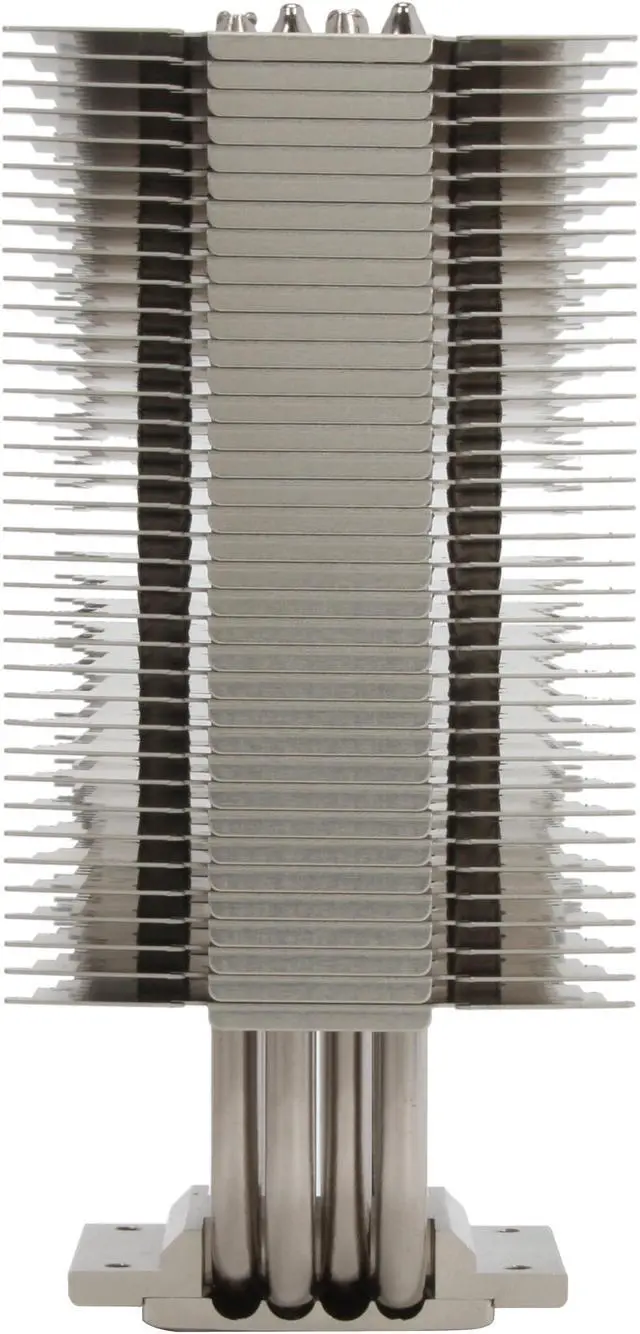
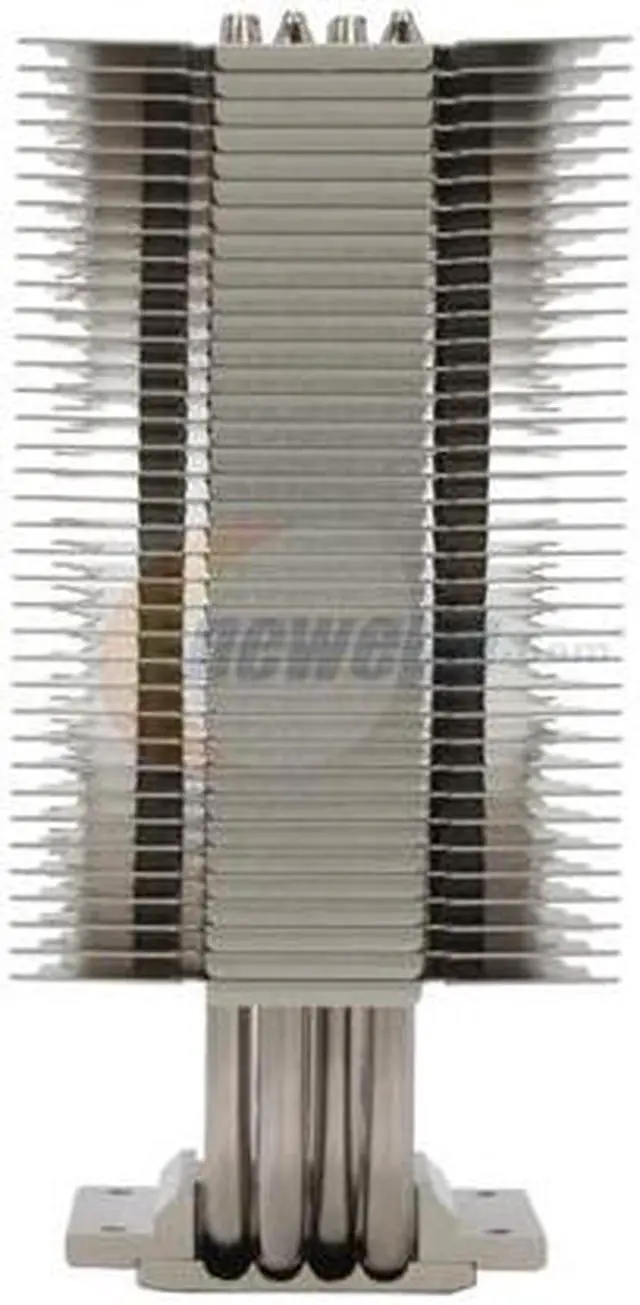
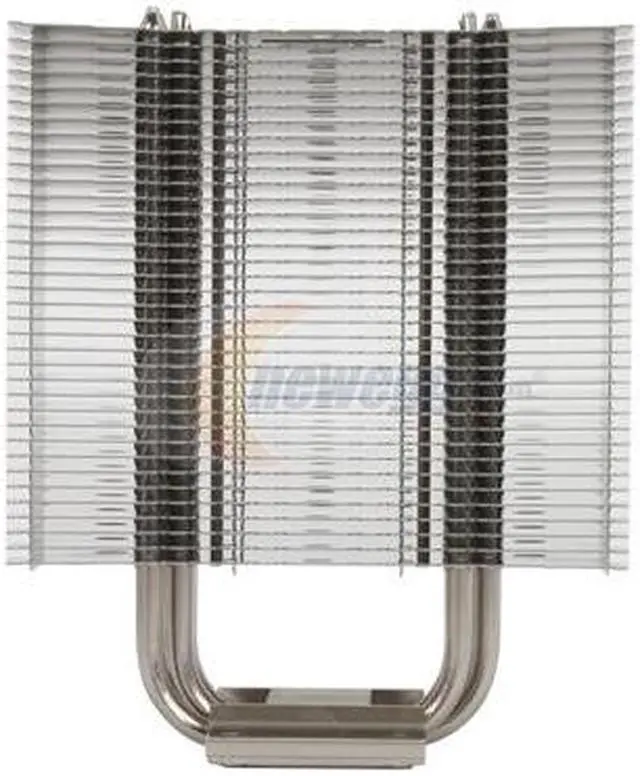
 Excellent Quiet Cooling PerformanceThe Noctua NH-U12P consists of 4 dual heat pipes, soldered joints and widely-spaced aluminum cooling fins to guarantee optimal heat dissipation even at low fan speeds.
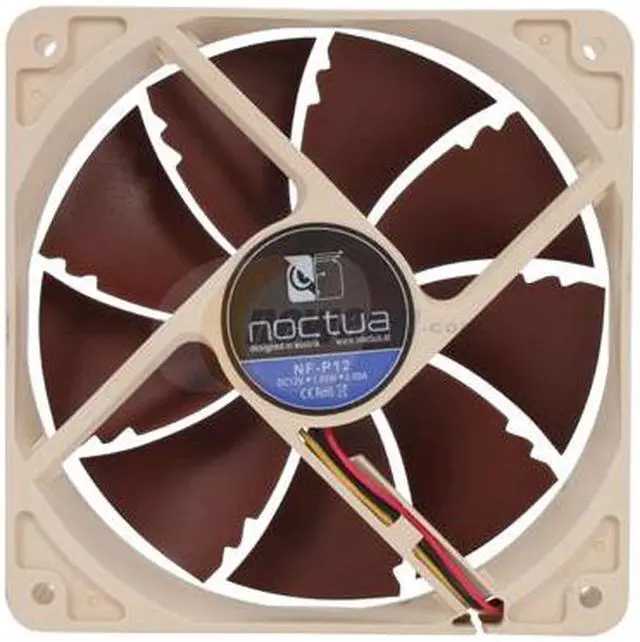
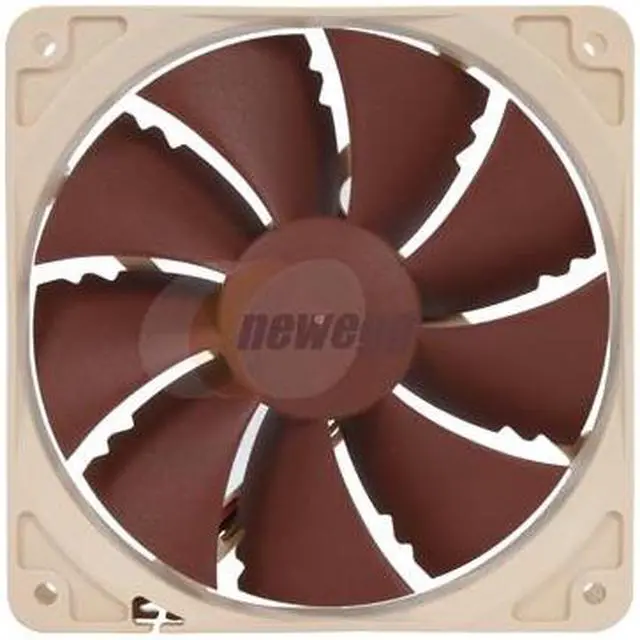
 Dual NF-P12 Premium FanDual NF-P12 cooling fans feature psycho-acoustic optimizations and Noctua's premium-grade SSO-bearing to achieve exceptional quietness and long-term stability. With the supplied Low-Noise Adapter (L.N.A.) and Ultra-Low-Noise Adapter (U.L.N.A.), you can fine tune the fan speeds for the optimum balance between cooling performance and noise level.
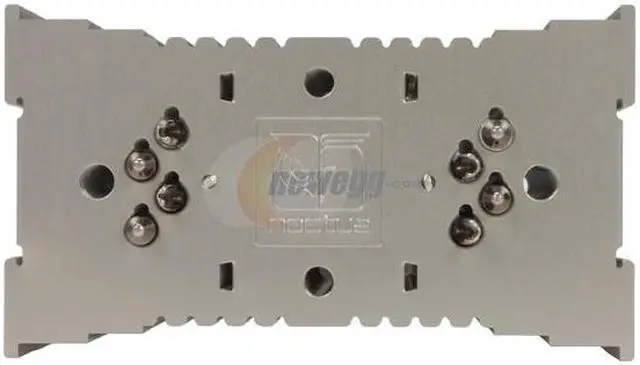
 SecuFirm2 LGA 1366 Mounting SystemThe SecuFirm2 Mounting System provides superior reliability and contact pressure on the Intel LGA1366 platform, and features one-piece fastening brackets with integrated springs and screws for easy installation.
 NT-H1 Thermal CompoundThe included pro-grade NT-H1 thermal compound provides extremely low thermal resistance as well as excellent pliability and spreadability. The NT-H1 is packaged in a syringe for easy control of the amount applied.
 Excellent Quiet Cooling PerformanceThe Noctua NH-U12P consists of 4 dual heat pipes, soldered joints and widely-spaced aluminum cooling fins to guarantee optimal heat dissipation even at low fan speeds.
 Dual NF-P12 Premium FanDual NF-P12 cooling fans feature psycho-acoustic optimizations and Noctua's premium-grade SSO-bearing to achieve exceptional quietness and long-term stability. With the supplied Low-Noise Adapter (L.N.A.) and Ultra-Low-Noise Adapter (U.L.N.A.), you can fine tune the fan speeds for the optimum balance between cooling performance and noise level.
 SecuFirm2 LGA 1366 Mounting SystemThe SecuFirm2 Mounting System provides superior reliability and contact pressure on the Intel LGA1366 platform, and features one-piece fastening brackets with integrated springs and screws for easy installation.
 NT-H1 Thermal CompoundThe included pro-grade NT-H1 thermal compound provides extremely low thermal resistance as well as excellent pliability and spreadability. The NT-H1 is packaged in a syringe for easy control of the amount applied.
Warranty & Returns
Warranty, Returns, And Additional Information
Warranty
- Limited Warranty period (parts): 6 years
- Limited Warranty period (labor): 6 years
- Read full details
Return Policies
- Return for refund within: 45 days
- Return for replacement within: 1 year
- This item is covered by Newegg.ca's 45/1 Return Policy.
- Read full return policy for details.
Manufacturer Contact Info
LOADING...
LOADING...