


Out of stock
This item is currently out of stock and it may or may not be restocked.
Ships from United States.
Most customers receive within 6-8 days.
Shop it at NeweggBusiness.

Meet Your Seller

Get Educated

Make informed decisions with expert advice. Learn More

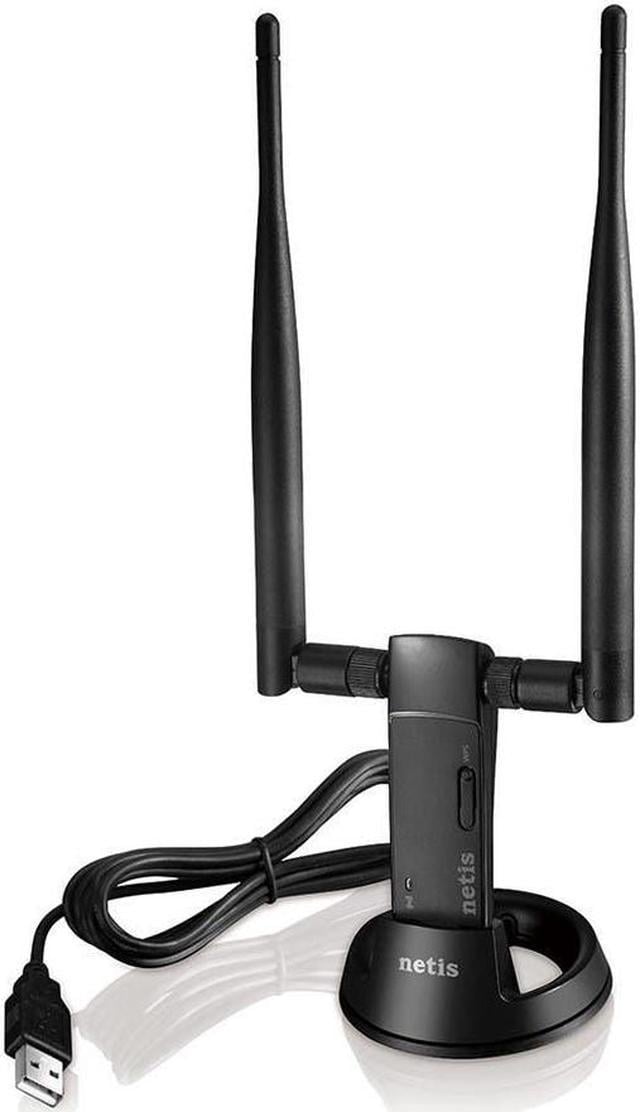
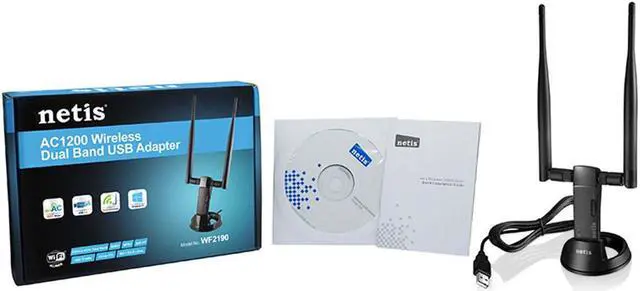
Netis AC1200 Wireless Dual Band 2.4GHz and 5GHz USB WiFi Adapter, High Gain 5dBi Antennas, WiFi Hotspot Feature, WPS Button

  • 802.11AC: Based on the next generation of Wi-Fi technology 802.11ac, the netis WF2190 adapter delivers wireless high speeds up to 867Mbps at 5GHz or 300Mbps at 2.4GHz.|Dual band external antennas: The netis WF2190 adapter is equipped with 2 dual band external 5dBi antennas, ensuring a wide range across a greater distance.|USB 3.0 Port: With the latest USB connectivity standard, the USB 3.0 port on WF2190 transfers data up to 10X faster than USB 2.0 and is also backward compatible with USB 2.0 devices.|Soft AP for network sharing: Soft AP Mode can be used when you want your computer to act as an access point for a local wireless network. With this feature, the WF2190 saves you the trouble of getting another wireless router.
Overview
Specs
Reviews (1)

The Netis WF2190 is designed to connect a desktop or notebook computer to a wireless network and access high-speed Internet connection. It is compatible with 802.11a/b/g/n/ac devices and provides wireless transfer speeds up to 2.4GHz 300Mbps or 5GHz 867Mbps, offering better performance for online gaming, HD video streaming, and VoIP phone calling. With 802.11n MIMO and 802.11ac technology, it ensures a strong and stable wireless connection and allows you to enjoy wireless freedom around your home. Moreover, it features a WPS button, which helps you easily setup a secure wireless connection with the push of the button.

Features:

  • Maximum speeds up to 2.4GHz 300Mbps and 5GHz 867Mbps
  • Integrates the latest 802.11 AC technology, use in 2.4G or 5G networks
  • 2x High Gain 5dBi detachable antennas
  • Advanced security feature with the latest WPA2 encryption to protect the network
  • Easy connection to a wireless network at a push of the WPS button
  • Access Point feature to set up a Wi-Fi hotspot to share the Internet
  • Supports Windows, macOS, and Linux as Ubuntu operating systems (see full specifications for details)
  • Easy to install and configure with the setup CD and utility
image for this item
802.11AC

Based on the next generation of Wi-Fi technology 802.11ac, the Netis WF2190 adapter delivers wireless high speeds up to 867Mbps at 5GHz or 300Mbps at 2.4GHz.

image for this item
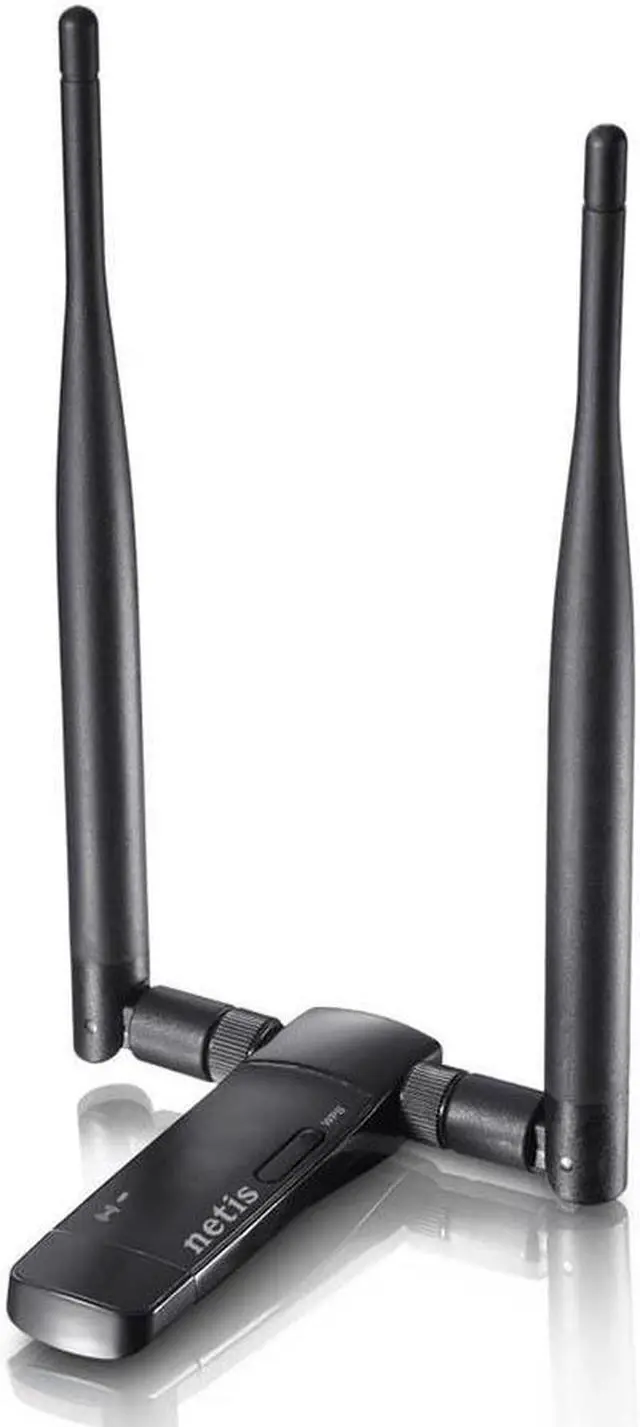
Dual Band External Antennas

The Netis WF2190 adapter is equipped with 2 dual band external 5dBi antennas, ensuring a wide range across a greater distance.

image for this item
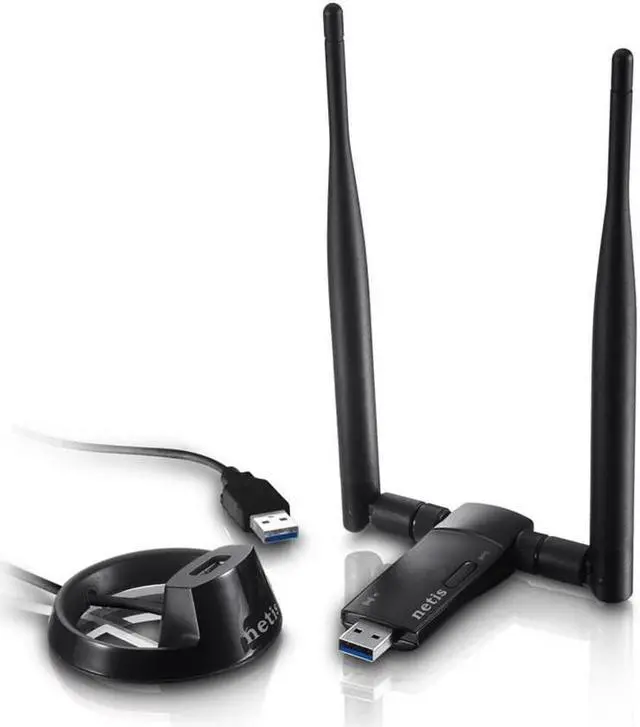
USB 3.0 Port

With the latest USB connectivity standard, the USB 3.0 port on WF2190 transfers data up to 10X faster than USB 2.0 and is also backward compatible with USB 2.0 devices.

image for this item
Soft AP for Network Sharing

Soft AP Mode can be used when you want your computer to act as an access point for a local wireless network. With this feature, the WF2190 saves you the trouble of getting another wireless router.

image for this item

With the Wi-Fi Protected Setup (WPS) feature, you can setup a secured wireless connection simply by pressing the WPS button on your Netis router and adapter. No need to enter long passwords anymore!

image for this item
Stylish USB Cradle

The Netis WF2190 adapter is equipped with a USB cradle and 1.8m extension cable, providing flexible network deployment options for home and office use.

The netis WF2190 is designed to connect a desktop or notebook computer to a wireless network and access high-speed Internet connection. It is compatible with 802.11 a/b/g/n/ac devices and provides wireless transfer speeds up to 2.4GH z 300Mbps or 5GHz 867Mbps, offering better performance for online gaming, HD video streaming, and VoIP phone calling. With 802.11 n MIMO and 802.11 ac technology, it ensures a strong and stable wireless connection and allows you to enjoy wireless freedom around your home. Moreover, it features a WPS button, which helps you easily setup a secure wireless connection with the push of the button.

Warranty & Returns

Warranty, Returns, And Additional Information

Warranty

  • Please contact the Seller directly for warranty information. Warranty information may also be found on the Manufacturer's website.
  • Read full details
  • CONTACT

Return Policies

  • Return for refund within: 30 days
  • Return for replacement within: 30 days
  • This item is covered by Monoprice Return Policy

Manufacturer Contact Info

LOADING...