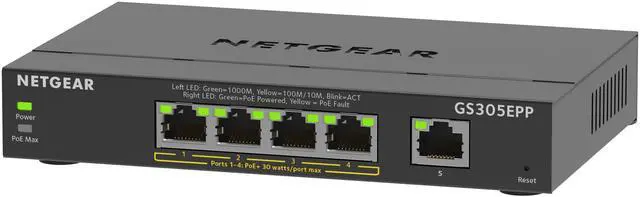
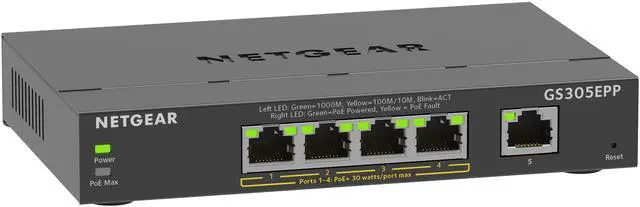
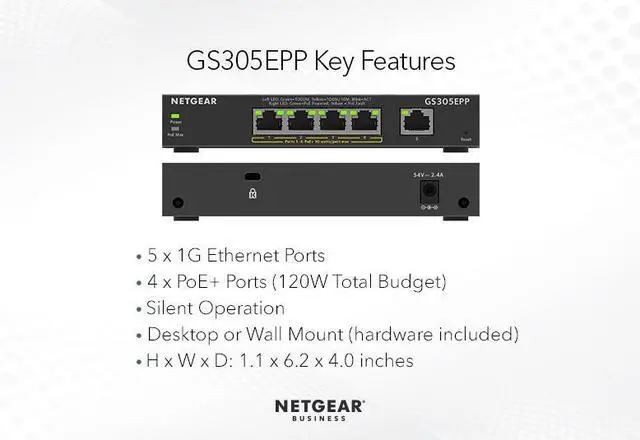
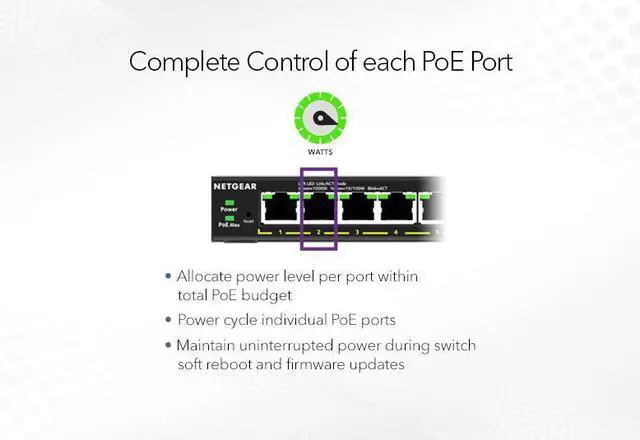
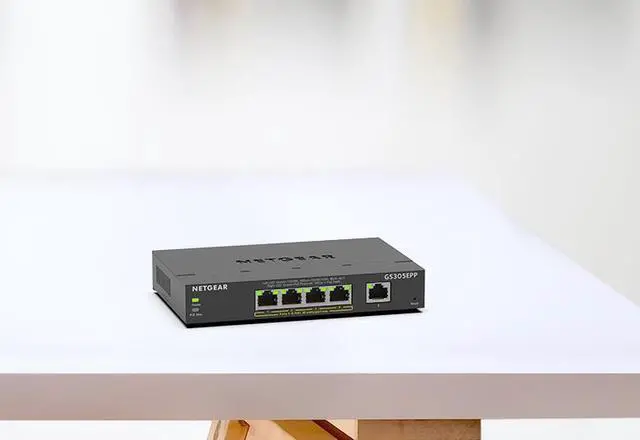
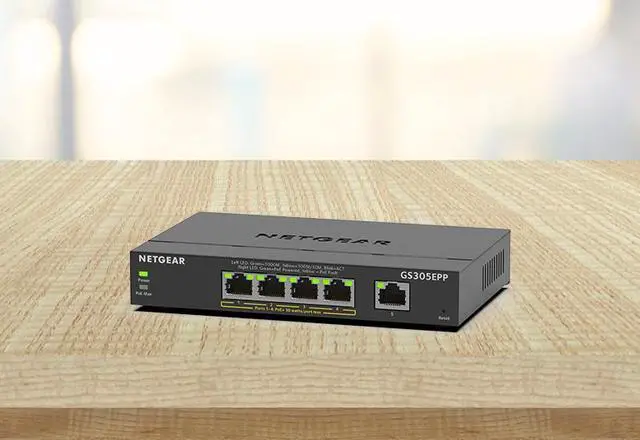
The NETGEAR GS305EPP is a 5-port Gigabit Easy Smart switch with four PoE+ ports, suited to small offices or home networks that need to connect and power compatible devices while managing basic network settings.
Recommended For
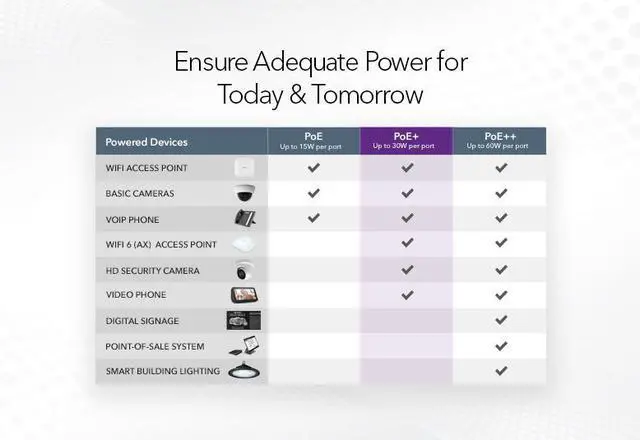
- Small surveillance setups connecting up to four PoE+ cameras can use the switch to provide both Gigabit Ethernet and power from one compact switch, subject to the cameras’ power draw staying within the 120W total budget.
- Small offices adding a few PoE-powered Wi-Fi access points or VoIP phones can use its four PoE+ ports and web-based configuration for basic network setup and monitoring.
- Home-office and small-network users who want to separate a handful of wired devices with VLANs or prioritize selected traffic can use its basic Layer 2 management features without moving to a larger switch.
- Users placing a small switch on a desk or wall near work or media equipment may value its compact, fanless design and silent operation.
Real-World Use Scenarios
- For a small office or home surveillance setup, connect PoE IP cameras to the switch and link it to the router or recorder; the cameras can receive power and network access over Ethernet without separate power adapters at each camera.
- To add a wired Wi-Fi access point in a home office or small business, connect the access point to a PoE port and the switch to the router; this can provide a wired network connection and power at the access-point location without a separate nearby outlet for the AP.
- For a small office using Ethernet VoIP phones, connect the phones to PoE ports and the switch to the existing network; the phones can receive power and network connectivity through their Ethernet cables, while QoS settings can be used to prioritize supported voice traffic.
- In a home lab or small office with cameras and other network devices, configure VLANs to separate supported traffic groups; this can help keep device traffic organized, but effective separation also depends on compatible VLAN configuration elsewhere on the network.
- When a desk or media area needs a few more wired connections, use the switch to connect devices such as a computer, TV, or other Ethernet equipment to the existing router; it adds local wired ports, while PoE is available for compatible devices.
Spec Summary
| Attribute | Value |
|---|
| Best For | Small desktop networks needing five Gigabit Ethernet ports, smart Layer 2 management, and PoE+ connectivity for up to four devices |
|---|
| Ports And Ethernet Speed | Five RJ45 ports supporting 10/100/1000 Mbps Ethernet |
|---|
| PoE And Power | Four PoE+ ports with a 120W total power budget |
|---|
| Network Management And Features | Smart-managed Layer 2 switching with VLAN support, QoS, port mirroring, and IEEE Ethernet, VLAN-tagging, priority, and flow-control standards |
|---|
| Traffic Handling | 4K MAC address table, 9216-byte jumbo frames, and 192KB buffer memory |
|---|
| Status Indicators | Per-port speed, link, activity, and PoE LEDs; device power, system, and PoE Max LEDs |
|---|
| Physical Design | Desktop format with a black plastic case; 10.4 × 6.8 × 3.5 inches and 0.88 pounds |
|---|
| Operating Environment | Operating temperature: 32° to 104°F (0° to 40°C); operating humidity: up to 90% RH, non-condensing |
|---|
| Included Accessories | Power adapter, installation guide, wall installation kit, and rubber feet |
|---|
| Model Identifiers | NETGEAR GS305EPP-100NAS |
|---|