shippingWe‘re shipping as usual! The Canada Post strike only affects certain remote deliveries and PO Boxes. Details
shipping Holiday Shipping Details & Extended Holiday Returns
  • $1,187.99
  • Free 30-day Returns
  • Ships from United States.
    Price alert
    Shop it at NeweggBusiness.

    Meet Your Seller

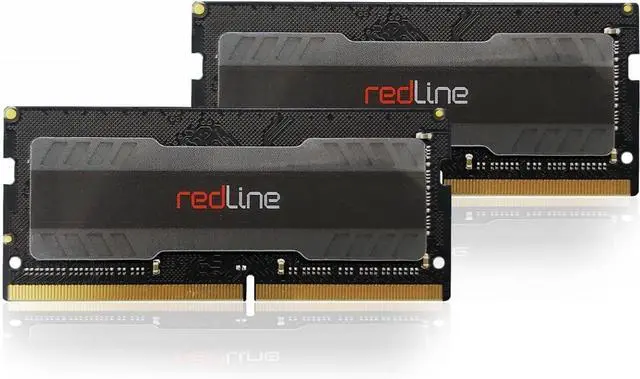
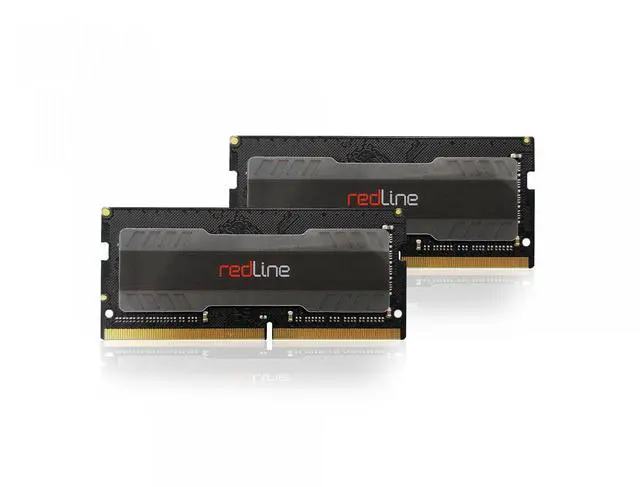
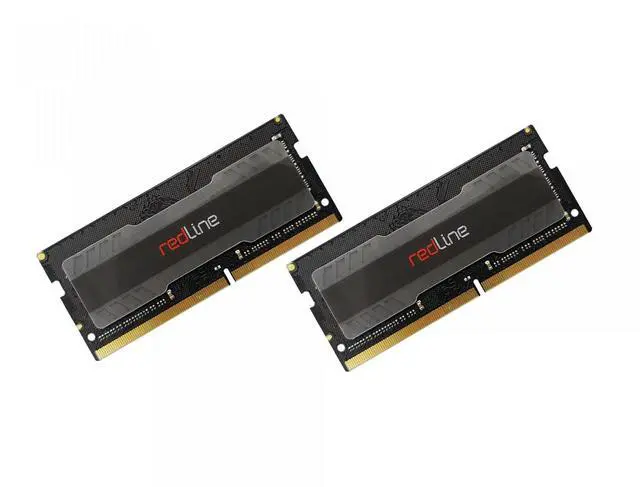
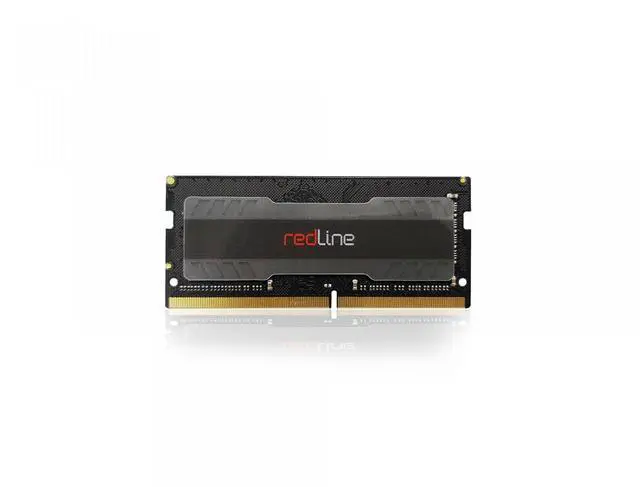
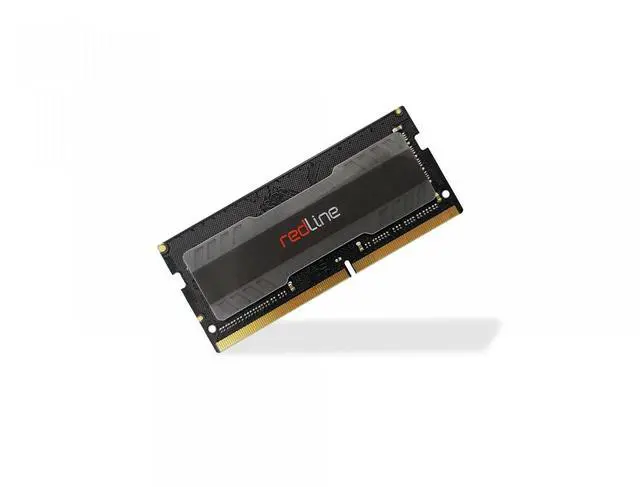
    Mushkin Enhanced Redline 64GB (2 x 32GB) 262-Pin DDR5 SO-DIMM DDR5 4800 (PC4 38400) Memory (Notebook Memory) Model MRA5S480FFFD32GX2

    • 64GB (2 x 32GB)
    • 32GB (2 x 16GB)
    • 16GB
    • 8GB (2 x 4GB)
    • 4GB
    • DDR3L 1866 (PC3L 14900)
    • DDR4 2133 (PC4 17000)
    • DDR5 4800 (PC4 38400)
    • CL13
    • CL15
    • CL40
    • DDR5 4800 (PC4 38400)
    • CAS Latency CL40
    • 1.10V
    +
    +
    Overview
    Specs
    Reviews (555)
    The installation of memory modules is a quick and easy process. No matter the type of your memory or computer, this installation guide will help you get your new Mushkin Enhanced memory up and running.

    Step 1: Shut down your computer. Locate the memory expansion slots on your motherboard.

    Step 2: Touch your computer's power supply to ground yourself. Make sure the power supply is still connected to the wall outlet.

    Step 3: Push open the retainer clips (as illustrated in Image 3).

    Step 4: Memory modules fit one way only; align the notch in the memory module's gold pins with the notch in the memory installation slot. Push firmly on the top of the module until it is properly seated. The retainer clips will ease into the notches at either horizontal edge of the modules.

    Step 5: Installation complete! Your computer is now Mushkin Enhanced.

    Warranty & Returns

    Warranty, Returns, And Additional Information

    Warranty

    • Please contact the Seller directly for warranty information. Warranty information may also be found on the Manufacturer's website.
    • Read full details
    • CONTACT

    Return Policies

    Manufacturer Contact Info

    LOADING...