

  • $239.99
  • Free 76-day Returns
  • Add to PC build list 
    Sold by Newegg

    Shipped by Newegg

    Price alert

    Best Sellers

    Top Rated
    4.7 (5,520 total ratings)
    • $265.99
    • + FREE SHIPPING
    4.3 (3,168 total ratings)
    • $310.54
    • + FREE SHIPPING
    Top Rated
    4.6 (918 total ratings)
    • $361.86
    • + FREE SHIPPING
    Shop it at NeweggBusiness.
    Get Educated

    Make informed decisions with expert advice. Learn More

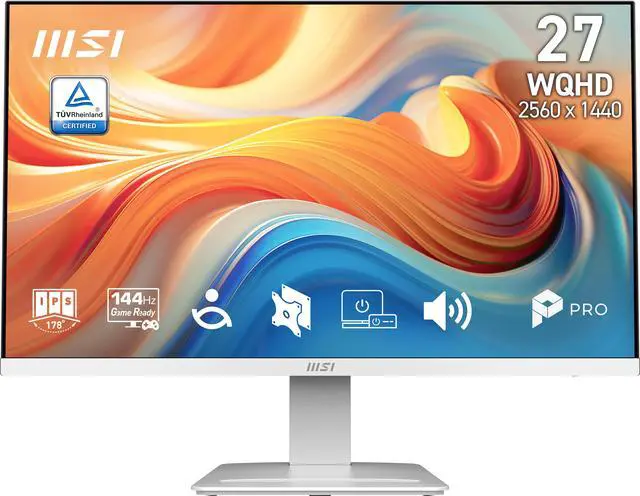
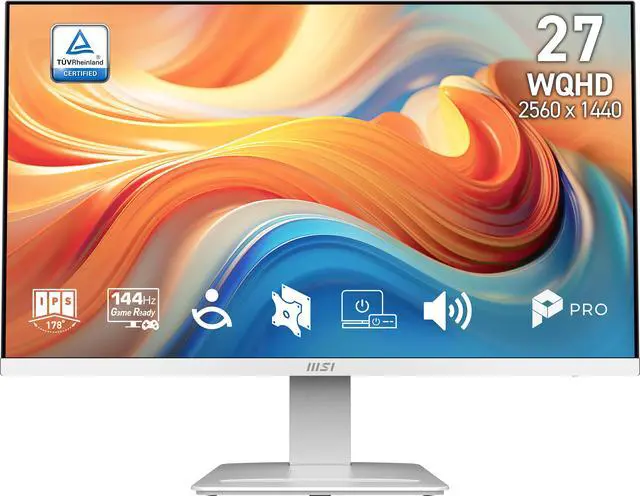
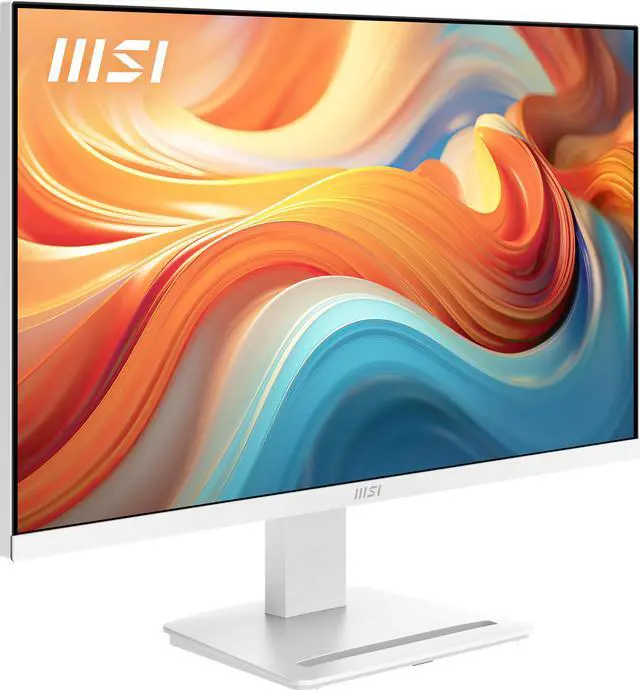
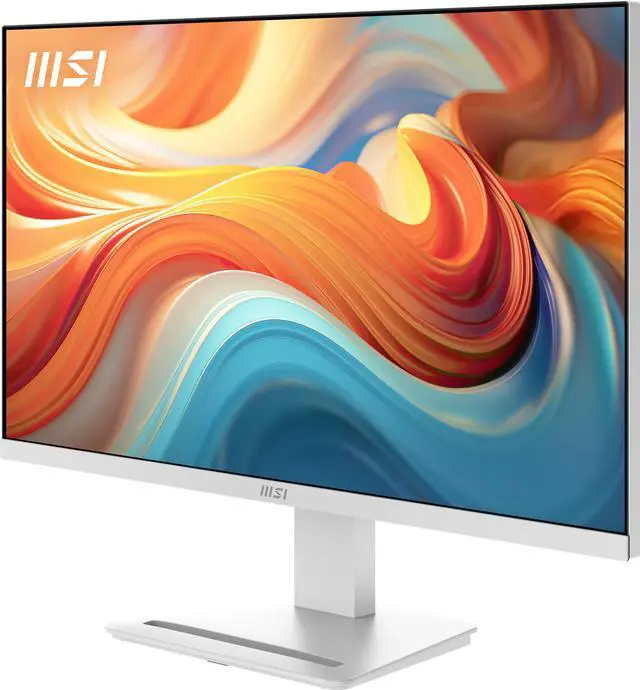
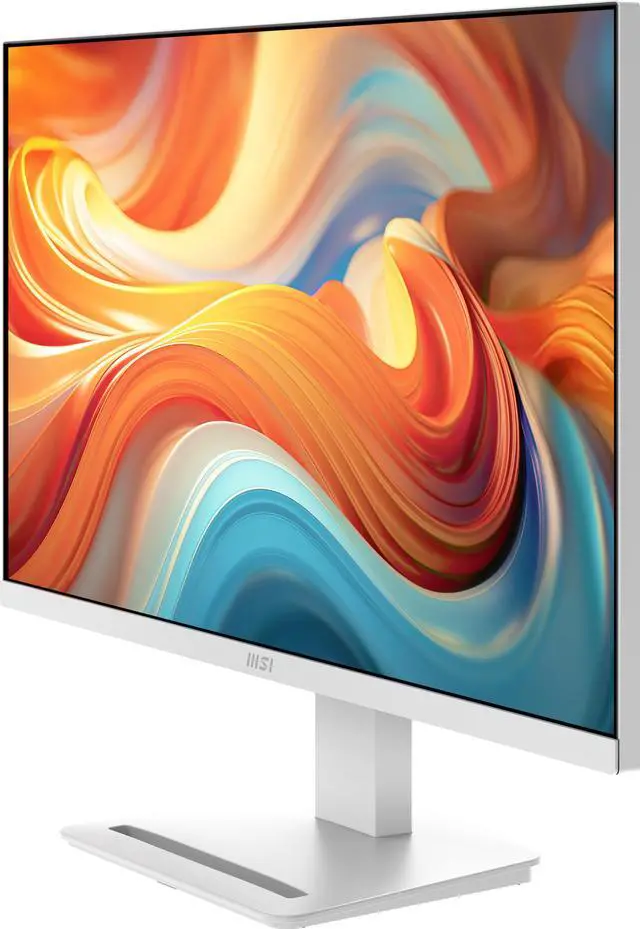
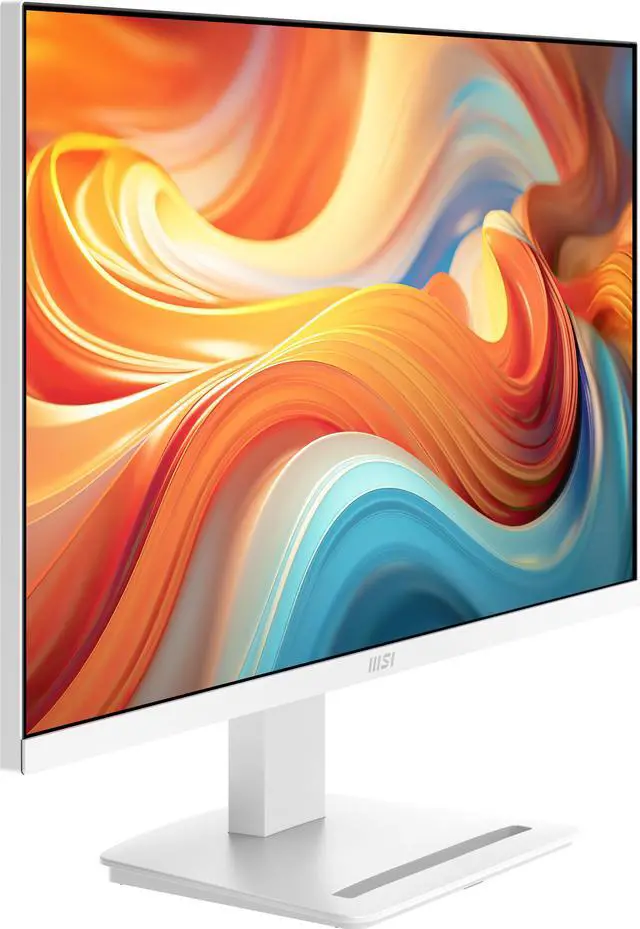
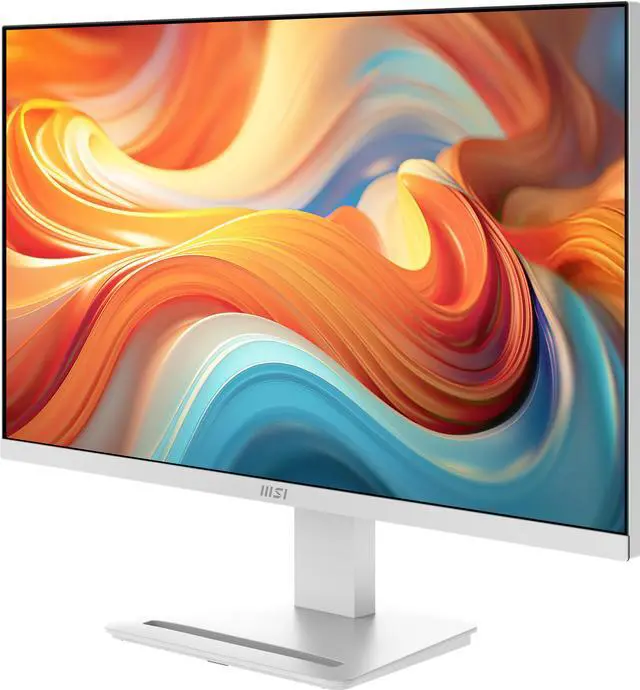
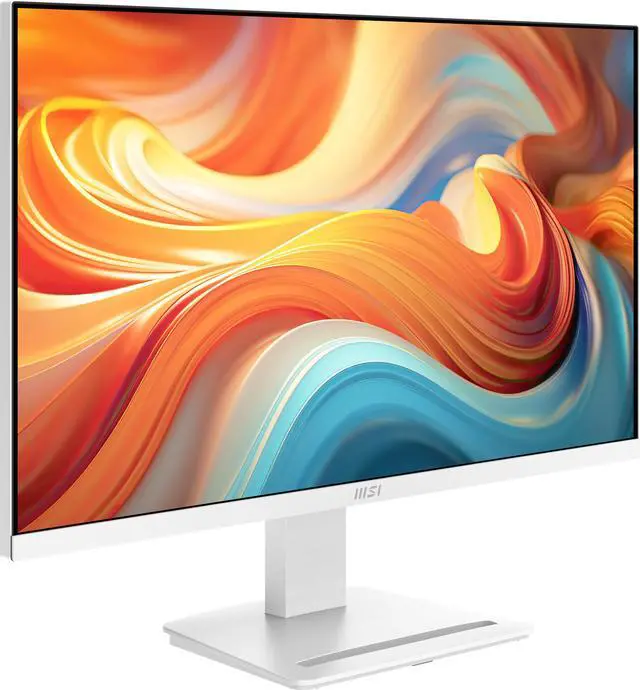
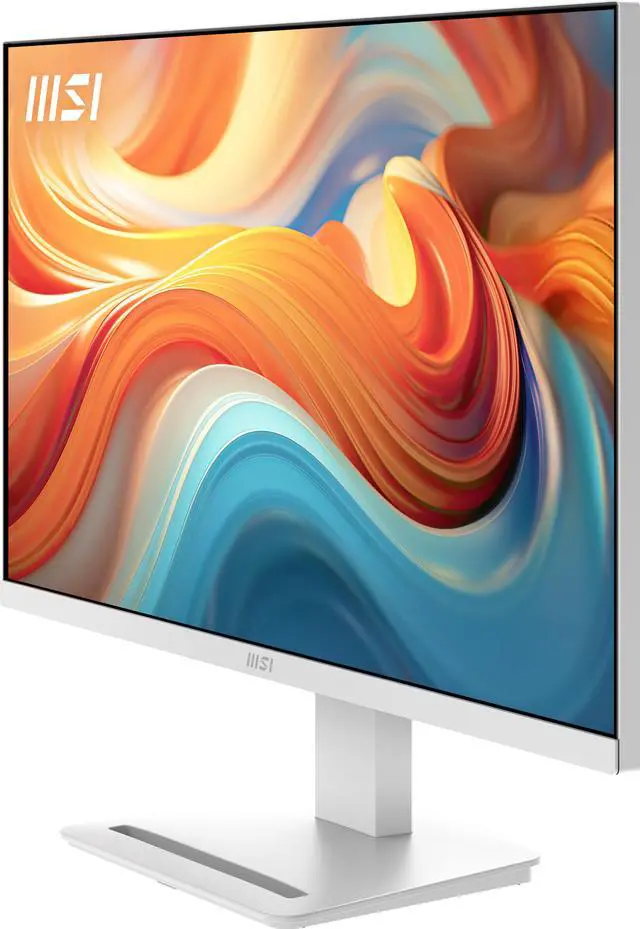
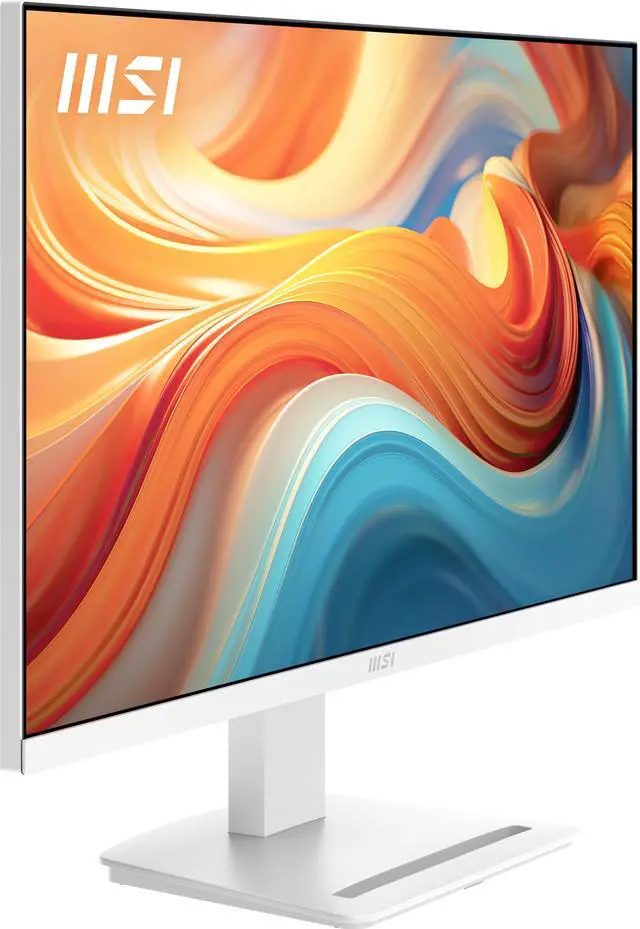
    MSI 27 inch WQHD 2K 1440P 144Hz AMD FreeSync IPS 1ms White Computer Monitor with Built-in Speakers for both Work & Gaming PRO MP273QW E14

    • Black
    • White
    • Elegant White Aesthetic & 1440p Clarity: Featuring a stunning modern white finish, this monitor is designed to complement minimalist office setups and white-themed gaming rigs. The 27-inch WQHD (2560 x 1440) resolution provides 77% more screen real estate than standard Full HD for enhanced productivity.
    • Fluid 144Hz Performance & Adaptive-Sync: Transition seamlessly from professional tasks to high-speed gaming. The 144Hz refresh rate and 1ms (MPRT) response time provide ultra-smooth motion, while Adaptive-Sync technology prevents screen tearing during intense gameplay or video editing.
    • IPS Panel with Vibrant Color: The high-performance IPS panel ensures consistent brightness and accurate colors from every angle. With HDR Ready support and a wide 178° viewing angle, your visuals will remain vivid and professional, whether you're analyzing data or watching 4K content.
    • Certified Eye-Care & EyesErgo Tech: Protect your vision during long workdays with TÜV-certified Anti-Flicker and Less Blue Light technology. The unique MSI Eye-Q Check system helps you monitor eye fatigue and reminds you to take healthy breaks, reducing strain and increasing long-term comfort.
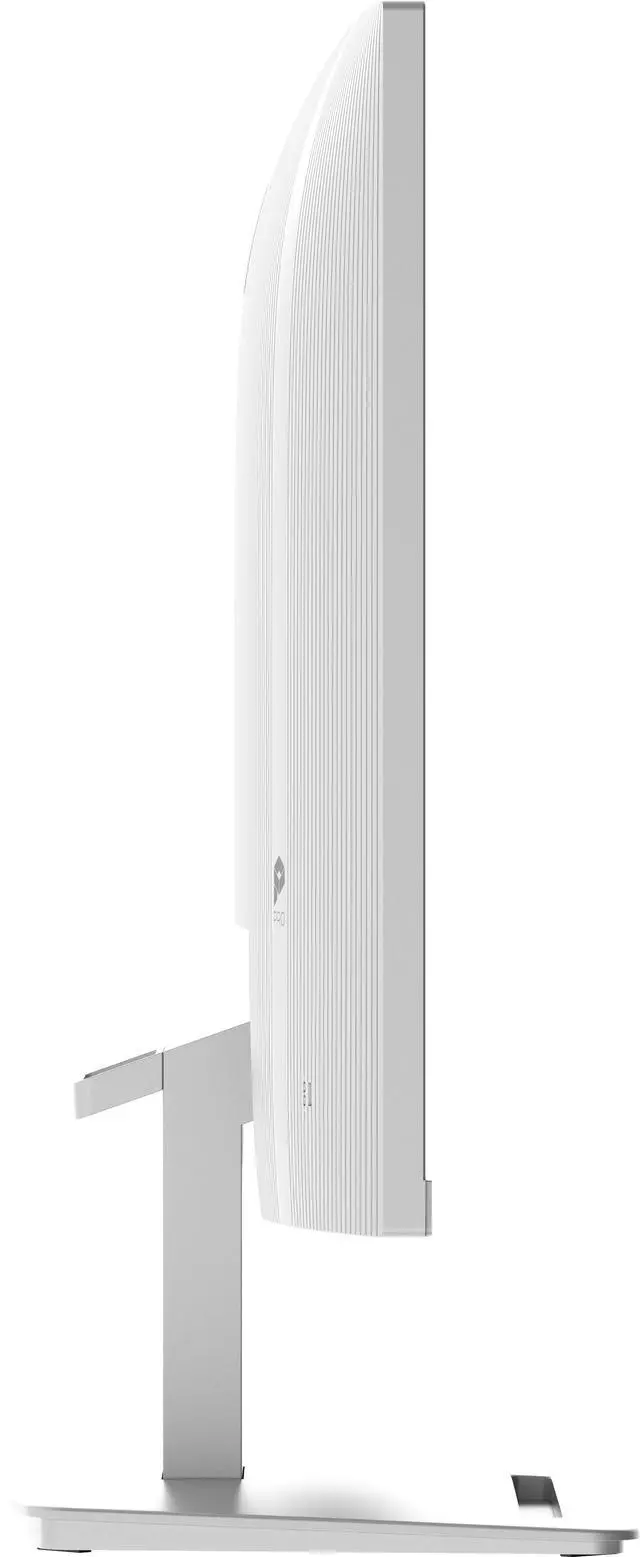
    • Built-in Audio & Clean Cable Management: Keep your desk clutter-free with integrated 2W dual speakers and a removable cable management system. The stand includes a convenient accessory slot for your smartphone, ensuring your essential devices are always within reach.
    +
    +
    Overview
    Specs
    Reviews (6)
    MSI PRO MP273QW E14 IPS 2560 x 1440 (QHD) Computer Monitor

    Business Productivity Monitor

    PRO MP273QW E14

    MSI PRO MP273QW E14 IPS 2560 x 1440 (QHD) Computer Monitor
    MSI PRO MP273QW E14 IPS 2560 x 1440 (QHD) Computer Monitor
    MSI PRO MP273QW E14 IPS 2560 x 1440 (QHD) Computer Monitor
    MSI PRO MP273QW E14 IPS 2560 x 1440 (QHD) Computer Monitor

    Efficiency by Day, Dominance by Night

    The PRO MP273QW E14 monitor combines a 144Hz refresh rate and Adaptive-Sync for smooth gaming and work. Its ergonomic design, IPS Panel, and HDR Ready feature enhance comfort and immersion, making it the perfect all-in-one solution.

    MSI PRO MP273QW E14 IPS 2560 x 1440 (QHD) Computer Monitor

    144Hz + 1ms MPRT + Adaptive-Sync

    Unlock the full potential of your monitor with a high refresh rate. From seamless multitasking at work to ultra-smooth gaming and fluid AI-generated visuals, every detail comes to life with precision and speed.

    Whether you're creating, playing, or innovating — this is performance you can see and feel.

    MSI PRO MP273QW E14 IPS 2560 x 1440 (QHD) Computer Monitor
    MSI PRO MP273QW E14 IPS 2560 x 1440 (QHD) Computer Monitor

    Sleek Integration with Mini PC Mountable

    Experience the flexibility of a 4-way adjustable monitor and the convenience of a tidy desk with our mini-PC mountable stand.

    MSI PRO MP273QW E14 IPS 2560 x 1440 (QHD) Computer Monitor
    MSI PRO MP273QW E14 IPS 2560 x 1440 (QHD) Computer Monitor

    Sleek Integration with Mini PC Mountable

    Experience the flexibility of a 4-way adjustable monitor and the convenience of a tidy desk with our mini-PC mountable stand.

    MSI PRO MP273QW E14 IPS 2560 x 1440 (QHD) Computer Monitor

    MSI Power Link Support

    MSI Power Link with HDMI™ CEC lets the mini-PC be powered on by the monitor's button, enhancing efficiency and user experience.

    MSI PRO MP273QW E14 IPS 2560 x 1440 (QHD) Computer Monitor

    EyesErgo Tech, Your Health Protector

    MSI Eye Care Technology

    Eye Care Panel

    MSI PRO MP273QW E14 IPS 2560 x 1440 (QHD) Computer Monitor

    WITH MSI EYE CARE TECHNOLOGY

    Less Blue Light + Anti-Flicker + Anti-Glare

    MSI PRO MP273QW E14 IPS 2560 x 1440 (QHD) Computer Monitor

    WITHOUT ANTI-FLICKER

    MSI PRO MP273QW E14 IPS 2560 x 1440 (QHD) Computer Monitor

    WITHOUT LESS BLUE LIGHT

    MSI PRO MP273QW E14 IPS 2560 x 1440 (QHD) Computer Monitor

    WITHOUT ANTI-GLARE

    Eye-Q Check

    Posture Correction

    MSI recommends you to sit up straight and adjust your eye position to one-ninth of the top edge of the screen. A good sitting posture can effectively prevent neck and shoulder pain.

    MSI PRO MP273QW E14 IPS 2560 x 1440 (QHD) Computer Monitor

    Astigmatism

    To test, cover your left eye with your left hand and look closely at the image, then do the same with your right eye. MSI recommends you to take a rest for 20 minutes if some lines appear greyer than others.

    MSI PRO MP273QW E14 IPS 2560 x 1440 (QHD) Computer Monitor
    MSI PRO MP273QW E14 IPS 2560 x 1440 (QHD) Computer Monitor

    Amsler Grid

    MSI recommends you to take a rest for 20 minutes if any of the lines in the grid appear wavy, blurred or distorted; or if some boxes in the grid don't look like a square or the same size.

    MSI PRO MP273QW E14 IPS 2560 x 1440 (QHD) Computer Monitor
    MSI PRO MP273QW E14 IPS 2560 x 1440 (QHD) Computer Monitor
    MSI PRO MP273QW E14 IPS 2560 x 1440 (QHD) Computer Monitor

    Ergonomics for All-Day Productivity

    Working in a suitable position not only has a positive impact on job satisfaction and productivity but can also contribute to overall health and well-being.

    Experience Stunning Visuals with HDR Ready

    HDR Ready technology delivers richer colors, deeper contrast, and vivid details for a lifelike viewing experience. Whether for work, movies, or gaming, it enhances screen performance to new heights.

    MSI PRO MP273QW E14 IPS 2560 x 1440 (QHD) Computer Monitor

    Accessory Slot Design

    The accessory slot offers convenient storage for small peripherals, keeping your workspace organized and clutter-free. Ideal for cables, adapters, or other essentials, it enhances efficiency and maintains a tidy environment.

    MSI PRO MP273QW E14 IPS 2560 x 1440 (QHD) Computer Monitor
    MSI PRO MP273QW E14 IPS 2560 x 1440 (QHD) Computer Monitor

    Accessory Slot Design

    The accessory slot offers convenient storage for small peripherals, keeping your workspace organized and clutter-free. Ideal for cables, adapters, or other essentials, it enhances efficiency and maintains a tidy environment.

    Firmware Update

    PRO MP273QW E14 can update the firmware through DP connector, which is simple and easy to use. This allows users to update the firmware on their own at any time when the latest version is released by MSI. This ensures that the screen is always in the best-optimized state.

    MSI PRO MP273QW E14 IPS 2560 x 1440 (QHD) Computer Monitor
    MSI PRO MP273QW E14 IPS 2560 x 1440 (QHD) Computer Monitor

    Firmware Update

    PRO MP273QW E14 can update the firmware through DP connector, which is simple and easy to use. This allows users to update the firmware on their own at any time when the latest version is released by MSI. This ensures that the screen is always in the best-optimized state.

    MSI PRO MP273QW E14 IPS 2560 x 1440 (QHD) Computer Monitor

    Built-in Speakers

    Experience clear, powerful audio with built-in speakers, enhancing your multimedia without cluttering your workspace.

    MSI PRO MP273QW E14 IPS 2560 x 1440 (QHD) Computer Monitor

    Simplicity At Your Fingertips - Display Kit App

    The MSI exclusive software Display Kit provides the most convenient tool, the proper display that allows you to read and enjoy the image at the same time & color mode to you while working or everyday.

    MSI PRO MP273QW E14 IPS 2560 x 1440 (QHD) Computer Monitor

    Connect to Wireless Display

    MSI PRO MP273QW E14 IPS 2560 x 1440 (QHD) Computer Monitor

    Layout Setting

    MSI PRO MP273QW E14 IPS 2560 x 1440 (QHD) Computer Monitor

    Auto Shutdown

    MSI PRO MP273QW E14 IPS 2560 x 1440 (QHD) Computer Monitor

    Zoom-in

    MSI PRO MP273QW E14 IPS 2560 x 1440 (QHD) Computer Monitor

    Project Mode

    Power Saving Product

    It is our responsibility to promote sustainable development and we proudly offer an eco-friendly product, contributing to a greener environment.

    MSI PRO MP273QW E14 IPS 2560 x 1440 (QHD) Computer Monitor
    MSI PRO MP273QW E14 IPS 2560 x 1440 (QHD) Computer Monitor

    Sustainable Packing Solutions

    Reduce the environmental impact with our sustainable solutions.

    MSI PRO MP273QW E14 IPS 2560 x 1440 (QHD) Computer Monitor

    Crafted for the Modern Professional.

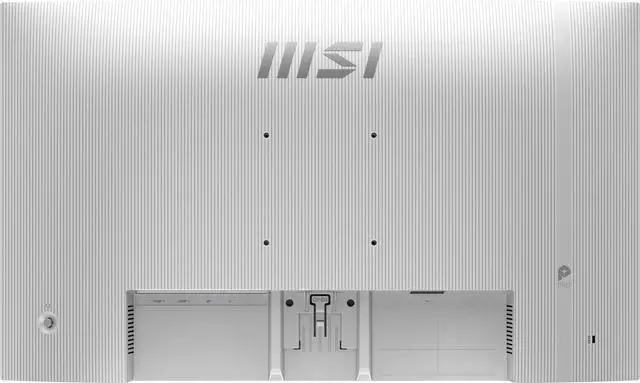
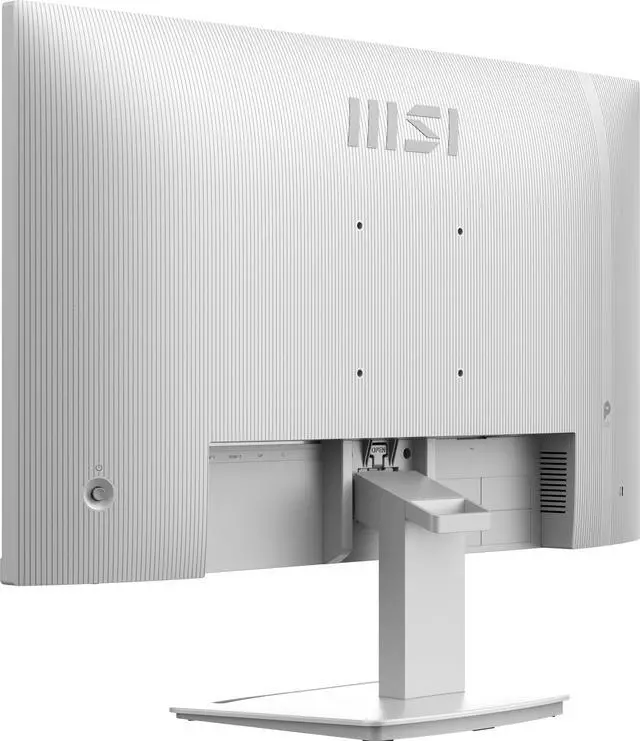
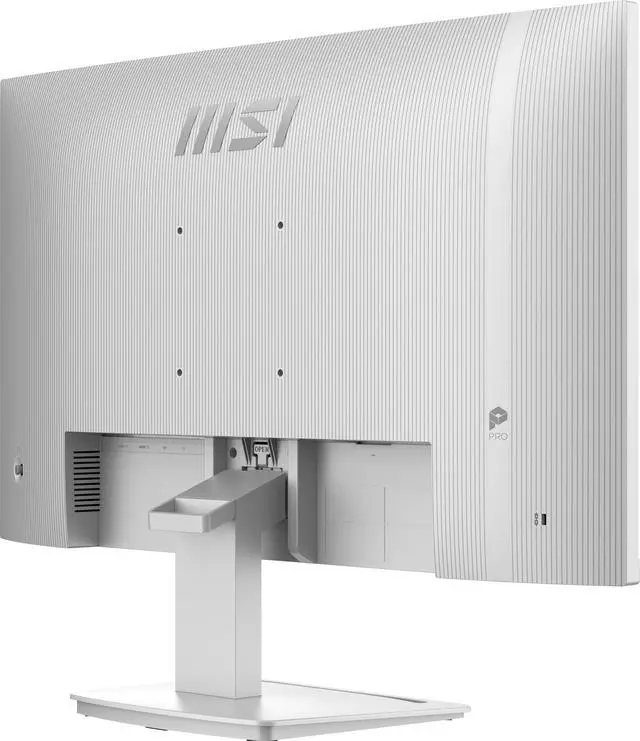
    Inspired by the younger generation's pursuit of simplicity and efficiency, the monitor's back cover features refined engravings. This elegant design symbolizes limitless possibilities, making it the perfect companion for young professionals.

    MSI PRO MP273QW E14 IPS 2560 x 1440 (QHD) Computer Monitor
    MSI PRO MP273QW E14 IPS 2560 x 1440 (QHD) Computer Monitor

    PRO MP273QW E14

    Panel Size: 27"

    Panel Type: IPS

    Aspect Ratio: 16:9

    Panel Resolution: 2560 x 1440 (WQHD)

    Refresh Rate: 144Hz

    Response Time: 1ms (MPRT)

    MSI PRO MP273QW E14 IPS 2560 x 1440 (QHD) Computer Monitor

    PRO MP273QW E14

    • Enjoy the high-quality entertainment with a smoother 144Hz high refresh rate.
    • TÜV certified display ensures the protection and health of eyesight.
    • MSI EyesErgo technology with Anti-Flicker technology helps prevent eye strain and fatigue.
    • MSI Eye-Q Check helps have self-check eyes & reminds to take a rest while using the monitor for a long time.
    • Maintain versatility across various devices by utilizing multiple input sources, such as HDMI™ and DP ports.
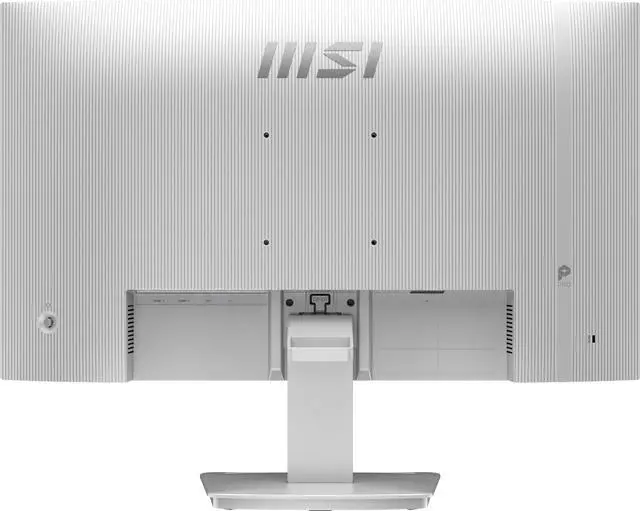
    • Enjoy the cleanest environment with a convenient and removable cable management design.
    • Standard VESA mountable & Accessory Slot design.

    Warranty & Returns

    Warranty, Returns, And Additional Information

    Warranty

    • Limited Warranty period (parts): 1 year
    • Limited Warranty period (labor): 1 year
    • Read full details

    Return Policies

      We want to ensure your holiday shopping this year is hassle-free. That’s why we’re automatically extending our return policies on almost every product! For purchases placed between November 1st, 2026 and December 31, 2026 you will have until January 31, 2027 to return your product.

    • Return for refund until: January 31, 2027
    • Return for replacement until: January 31, 2027
    • This item is covered by Newegg.ca's Extended Holiday Return Policy.
    • Read full return policy for details.
    LOADING...
    LOADING...

    The MSI PRO MP273QW E14 is a 27-inch 1440p IPS monitor with a 144Hz refresh rate, FreeSync, and built-in speakers, suited to people who want one display for everyday work, media, and smoother gaming.

    Recommended For

    • Hybrid work users who want a 27-inch QHD workspace for documents, browser tabs, and video calls, with a smoother-than-60Hz desktop experience; it has no built-in webcam, so calls still need a separate camera.
    • People who use one monitor for office work and casual gaming: the 144Hz IPS display and AMD FreeSync support suit everyday play as well as productivity, without making this a specialist esports monitor.
    • White-themed home-office or PC setups where a white monitor finish matters; the model is positioned for business and productivity use and includes an accessory slot and cable-management features for a tidier desk.
    • Users who want basic audio without separate desktop speakers for system sounds, calls, or occasional video; its built-in speakers are 2W each, so this is a convenience feature rather than a dedicated listening setup.

    Real-World Use Scenarios

    • For everyday office or study work—such as writing, browsing, and checking spreadsheets—use the screen space to keep two documents or windows visible side by side, with text that stays legible at a desk-sized viewing distance.
    • For a mixed work-and-gaming setup, move from coding or browser tabs to PC games on the same display; compatible games can look sharper at 1440p and feel smoother when the computer can deliver higher frame rates.
    • For remote meetings and quick video playback, use the built-in speakers for voices, notifications, or casual listening without adding desktop speakers; use headphones or dedicated speakers when richer or louder sound matters.
    • For a compact desk shared by a PC and another device, connect more than one source and switch between work and entertainment without repeatedly swapping the display cable.
    • For long stretches of reading, writing, or browsing, use the matte screen and built-in eye-care features as part of a comfortable desk setup; they do not replace breaks or a properly adjusted viewing position.

    Spec Summary

    AttributeValue
    Best ForBusiness and desktop use, with a 144Hz display and adaptive sync suited to gaming
    Panel And Resolution27-inch flat IPS display with 2560 × 1440 WQHD resolution, 16:9 aspect ratio, matte non-glare finish, 178° horizontal and vertical viewing angles, 300 cd/m² brightness, 1,500:1 contrast ratio, and 16.7 million colors; HDR Ready, with sRGB 89% / DCI-P3 91% and Adobe RGB 85% gamut specifications
    Refresh Rate And Response144Hz refresh rate, 1ms MPRT / 4ms GTG response time, and adaptive sync with AMD FreeSync and G-Sync Compatible support
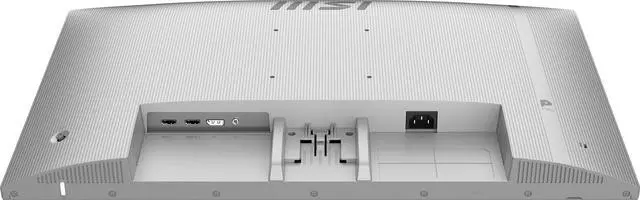
    Ports And Connectivity2 HDMI 2.0b ports and 1 DisplayPort 1.2a; no USB or Thunderbolt ports
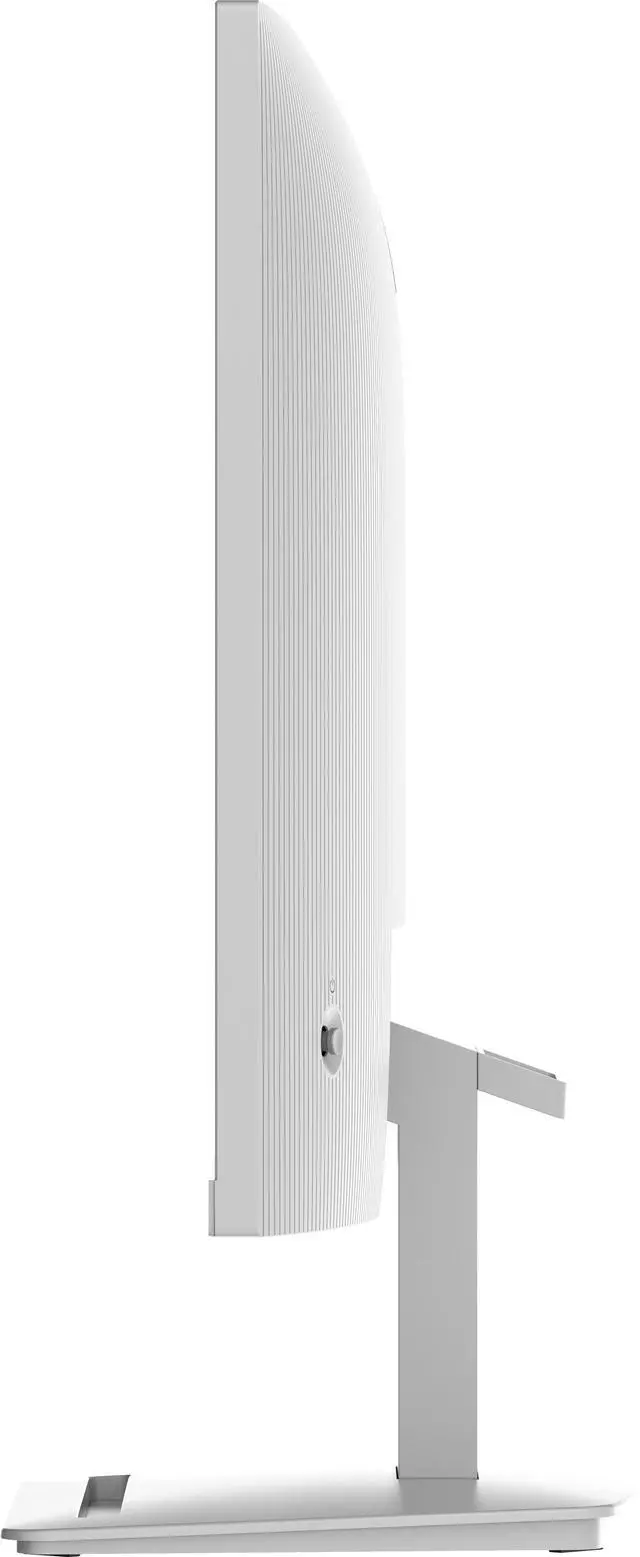
    Stand And MountingTilt adjustment from −8° to 20° and 100 × 100 mm VESA mounting compatibility
    Audio And WebcamTwo built-in 2W speakers; no built-in webcam
    Power21W power consumption; 100–240 VAC, 50/60Hz power supply
    Physical SpecificationsMatte-black cabinet; weight 9.02 lb
    Model IdentifiersMSI Pro Series, model PRO MP273QW E14, part number 9S6-3PE2CH-024

    Reference Q&A

    Q: MSI PRO MP273QW E14 or PRO MP273 E14A: which 27-inch monitor gives me more detail?

    A: Choose the PRO MP273QW E14 for sharper 2560 × 1440 resolution while retaining a 144Hz refresh rate. The PRO MP273 E14A pairs 1920 × 1080 resolution with 144Hz, making it the Full HD alternative in MSI’s 27-inch PRO lineup.

    Q: MSI PRO MP273QW E14 or PRO MP273Q E7 for work and gaming?

    A: Choose the PRO MP273QW E14 if you want a 1440p display with a 144Hz refresh rate for work alongside smoother gaming. The PRO MP273Q E7 also has 1440p resolution, and its 75Hz refresh rate is a fit for a more work-focused setup.

    Q: MSI PRO MP273QW E14 or G272QPF E2 for a 1440p gaming setup?

    A: Choose the PRO MP273QW E14 for a work-and-gaming setup that pairs 1440p and 144Hz with built-in 2W × 2 speakers and MSI’s white PRO monitor design. The G272QPF E2 is MSI’s gaming-focused option, with a 1440p Rapid IPS panel and a 180Hz refresh rate for users who prioritize a higher refresh rate.

    Q: Is this monitor suitable for both office work and gaming?

    A: Yes. Its 27-inch 2560 × 1440 IPS display provides workspace for documents and spreadsheets, while the 144Hz refresh rate and FreeSync support smooth gaming. The stand tilts but does not offer height adjustment, and the monitor has no built-in webcam.

    Q: Can I use this monitor with a PS5?

    A: Yes. It has HDMI inputs and a 2560 × 1440 display, and a Best Buy Q&A for the closely related MSI PRO MP273Q E14 confirms PS5 compatibility. The monitor supports up to 144Hz; the refresh rate you get depends on the console and game.

    Q: Can I connect it to a MacBook?

    A: Yes, if the MacBook can output video through a compatible adapter or cable. This monitor has HDMI and DisplayPort inputs, but no USB-C input, so a USB-C-to-HDMI or suitable DisplayPort connection may be needed.

    Q: Does it have a built-in webcam for video calls?

    A: No. The monitor has built-in speakers but no webcam, so video calls require a separate camera connected to the computer.

    Q: Is the MSI PRO MP273QW E14 a good-value 27-inch 1440p monitor?

    A: It may be a good value when priced competitively: it combines a 27-inch 2560 × 1440 IPS panel with a 144Hz refresh rate. Reddit discussions of this model and its close sibling compare it with similarly priced alternatives, so value depends on the price and features of competing monitors where you shop.

    Q: Is 144Hz worth paying extra for over 120Hz?

    A: The 144Hz setting allows up to 24 more displayed frames per second than 120Hz, but the difference depends on whether your computer can produce more than 120 frames per second in the games you play. The monitor supports up to 144Hz; whether that premium is worthwhile depends on the price gap and your PC’s performance.

    Q: Is this monitor suitable for PC gaming?

    A: It is suited to gaming setups targeting up to 144Hz at 1440p: it has an IPS panel and AMD FreeSync. Your PC must be able to render games at the resolution and frame rate you want; this monitor cannot make a system reach 144 frames per second on its own.