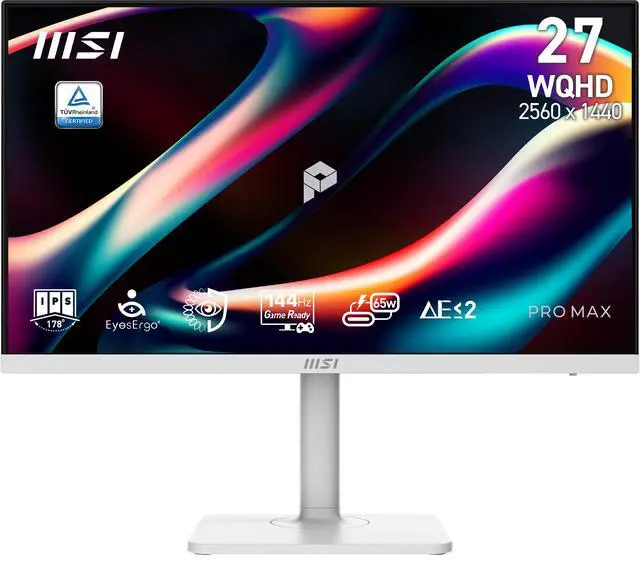
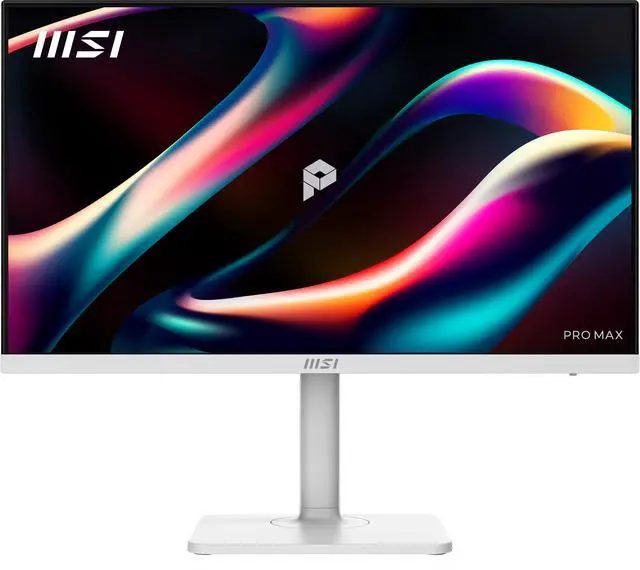
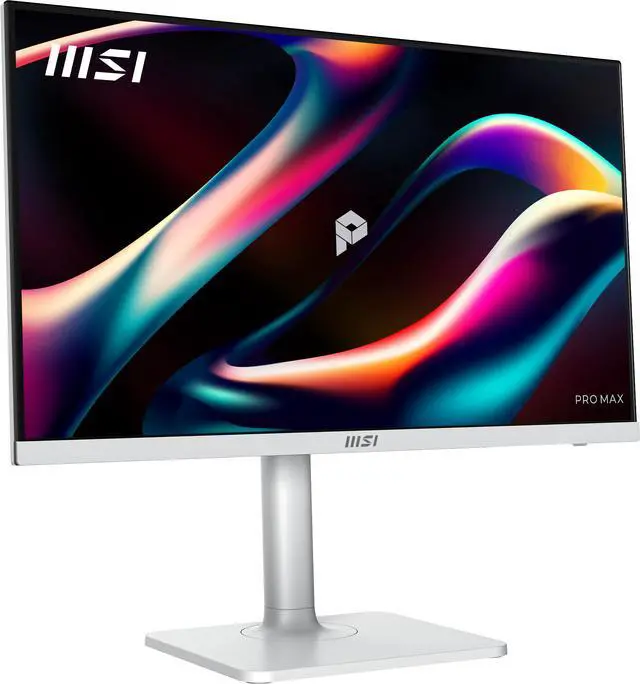
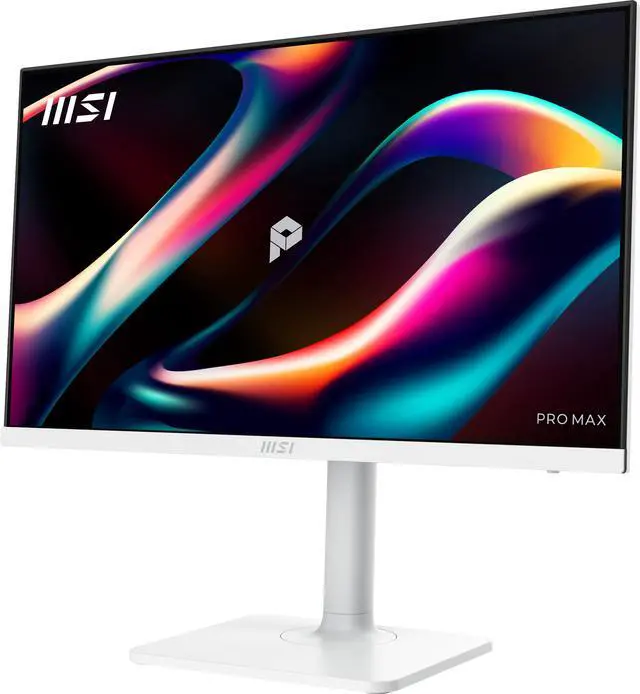
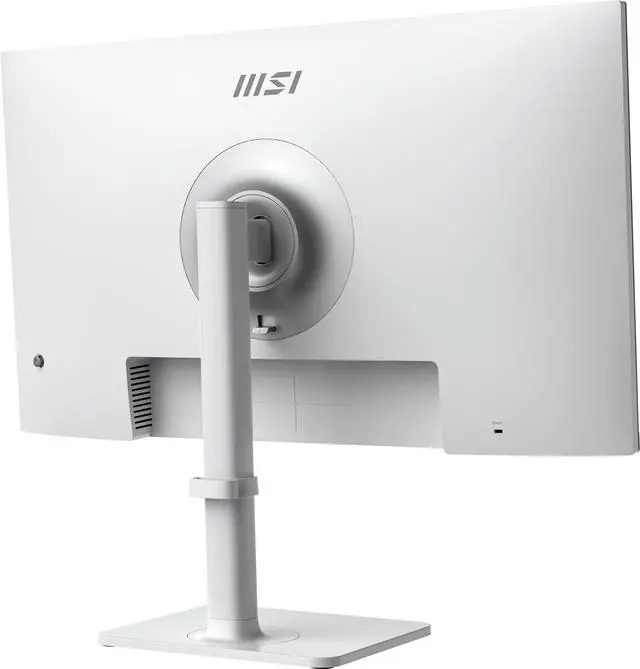
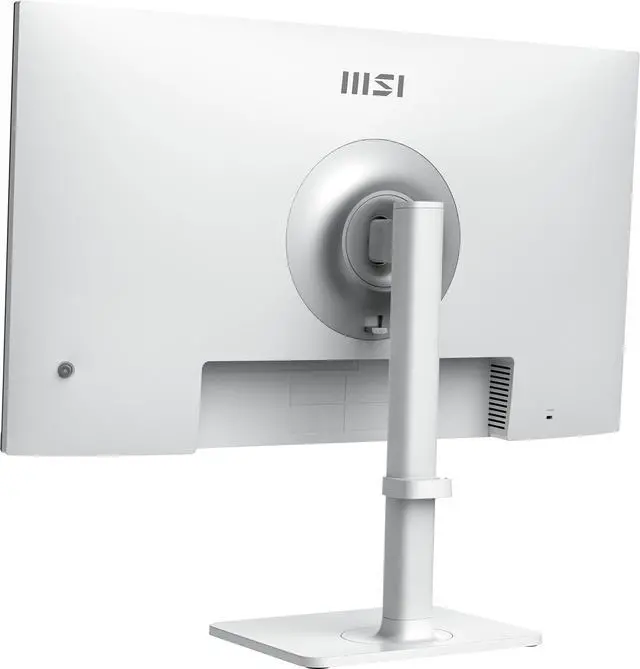
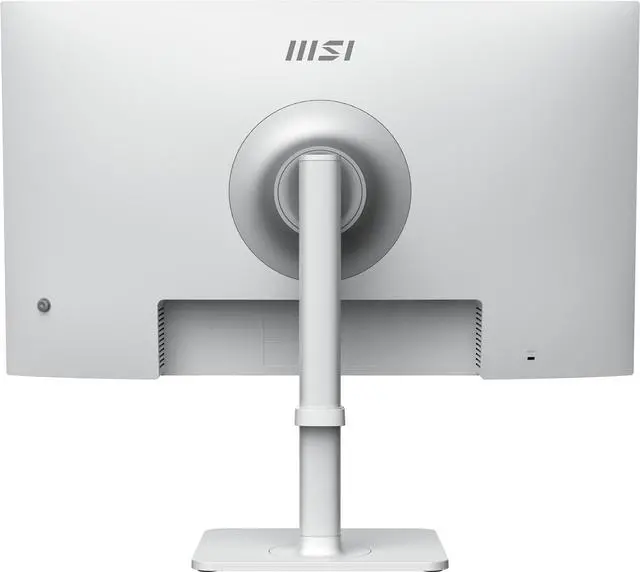
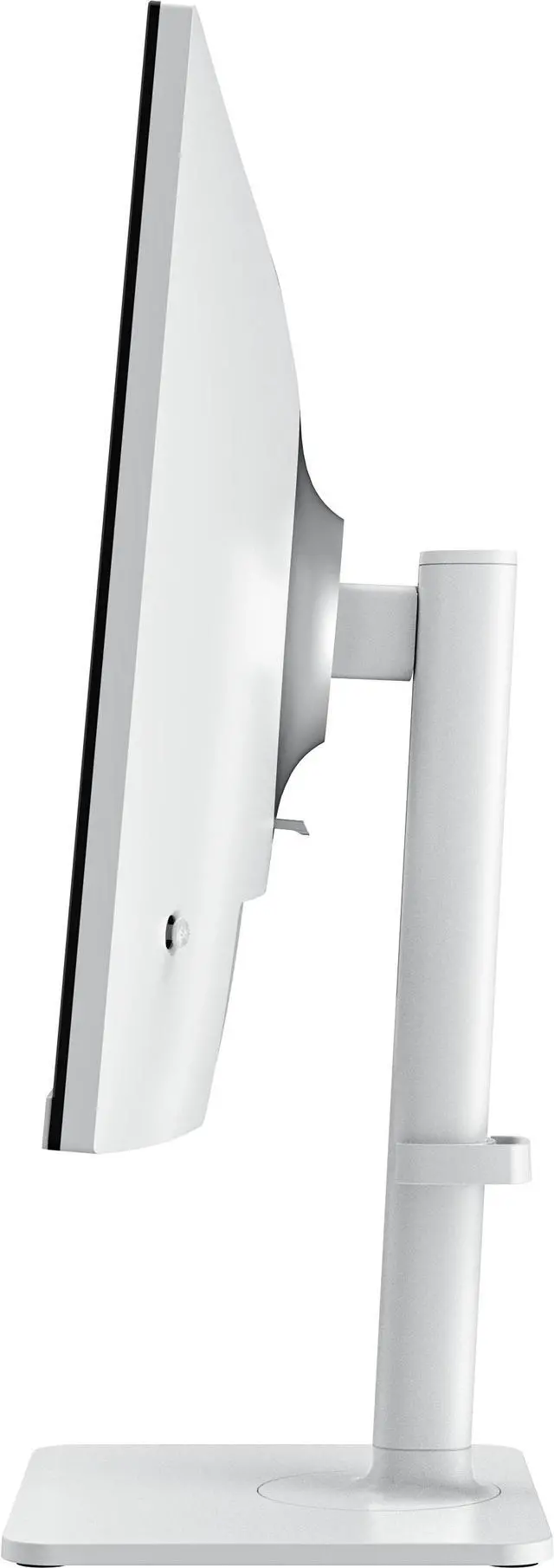
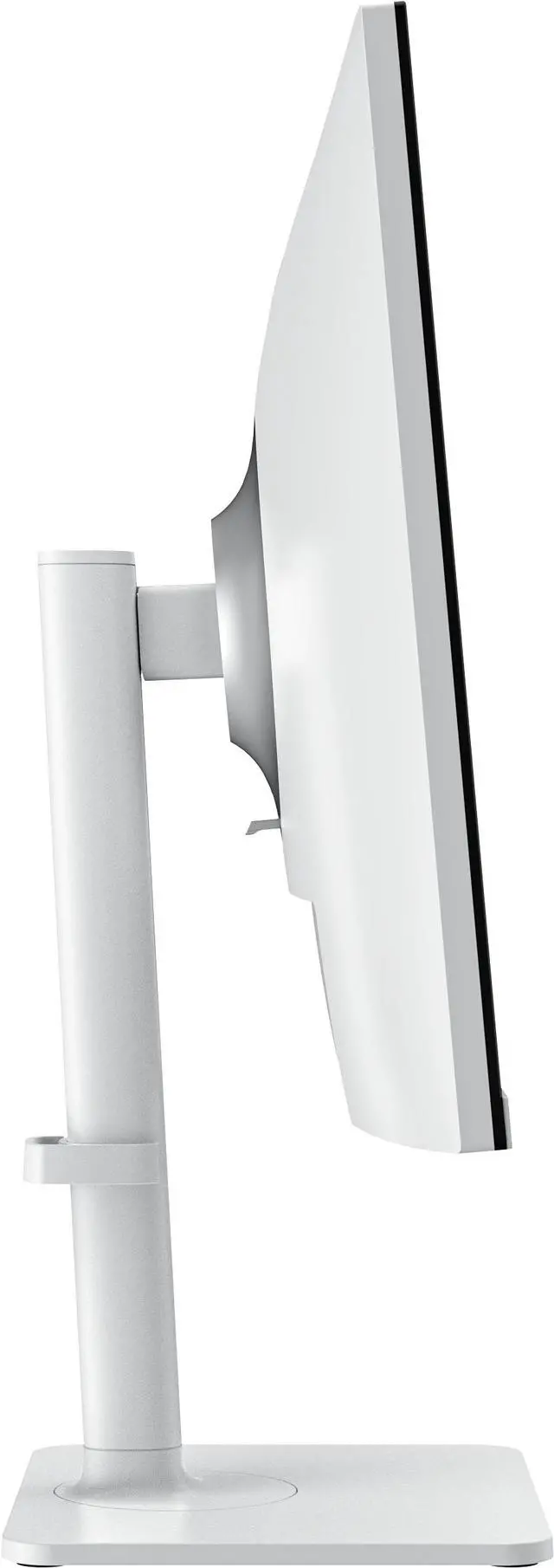
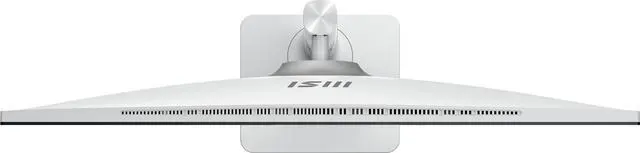
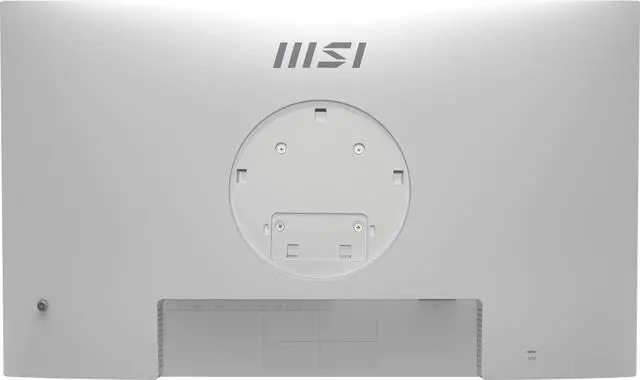
The MSI PRO MAX 271QPHW E14 is a 27-inch QHD IPS monitor with a 144Hz refresh rate, AMD FreeSync, and an adjustable stand, suited to programmers and home-office users who want a sharp, smooth display with flexible positioning.
Recommended For
- Programmers and web designers who want a 27-inch QHD workspace, with portrait rotation available for long code or document panes.
- Laptop-based hybrid workers who want to connect video, data, and up to 65W charging through one USB-C cable at a desk.
- People switching between two computers who want to share the monitor’s USB-connected peripherals using its KVM feature.
- Desk workers who spend long sessions reading, writing, or browsing and want an adjustable stand, eye-comfort features, and a 144Hz refresh rate for smoother scrolling.
- Work-first users who also play PC games and want QHD resolution, adaptive sync, and refresh rates up to 144Hz on the same display.
Real-World Use Scenarios
- When coding, users can keep an editor and browser or documentation visible side by side; the 27-inch QHD workspace shows more content than a comparable 1080p screen, while the adjustable stand helps position the display for long desk sessions.
- At a shared home-office desk, a user can connect a compatible laptop over USB-C for display, charging, and access to connected USB peripherals, reducing cable clutter. The laptop must support video over USB-C.
- For a desk shared by a work computer and a personal PC, the built-in KVM can let users switch the connected keyboard and mouse between the two systems, avoiding a separate set of input devices for each.
- For web graphics or photo adjustments, users can work on a 27-inch QHD screen with a factory-calibrated sRGB mode. The review found good sRGB accuracy on its test sample, but also noted uneven backlighting, so users doing demanding color-critical work should check their own unit and workflow.
- After work, users can play PC or console games on the same display. Its high-refresh-rate mode and adaptive sync support smoother motion when the connected device and game can use them; it is positioned for general gaming rather than as a dedicated esports display.
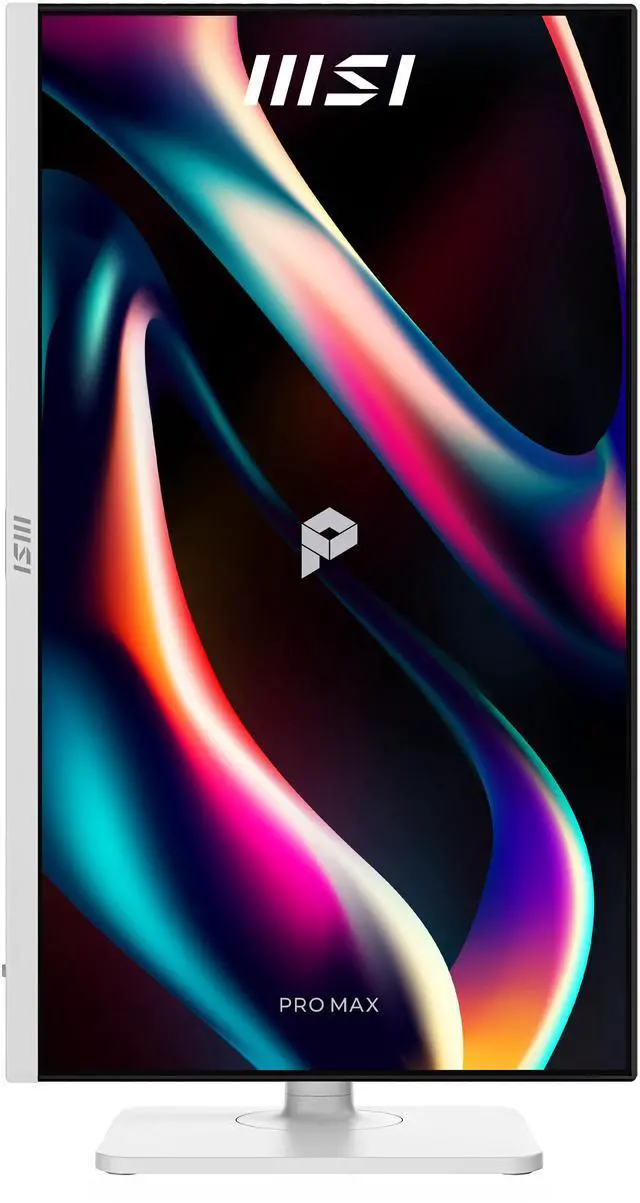
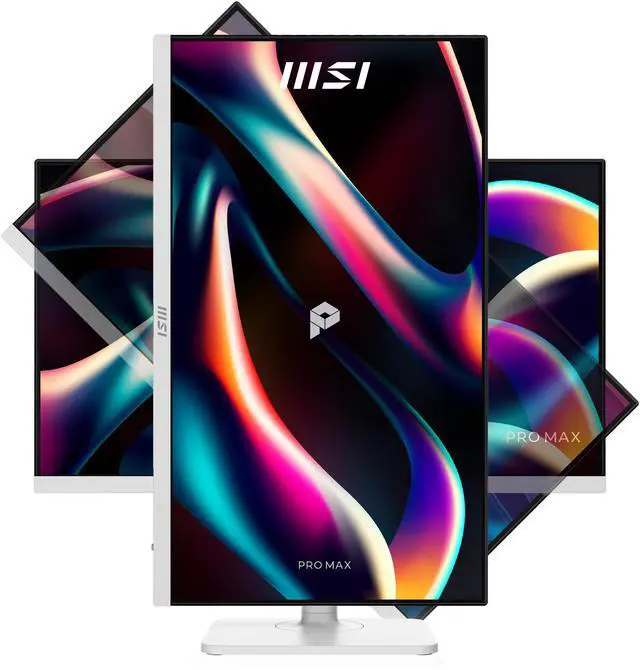
- When reading long documents or code, users can rotate the monitor to portrait orientation and adjust its height and angle. This can make a tall page easier to view at once, depending on the app and the user's preferred layout.
Spec Summary
| Attribute | Value |
|---|
| Best For | Programming, coding, and website design work that benefits from a 27-inch QHD IPS display and adjustable positioning |
|---|
| Panel And Resolution | 27-inch flat IPS display with 2560 × 1440 WQHD resolution, 16:9 aspect ratio, 178° horizontal and vertical viewing angles, and 16.7 million colors; non-glare matte finish, 300 cd/m² brightness, 1,500:1 contrast ratio, 0.2331 mm pixel density, and 99% sRGB gamut |
|---|
| Refresh Rate And Picture Features | 144 Hz refresh rate, 1 ms response time, AMD FreeSync adaptive sync, and HDR Ready support |
|---|
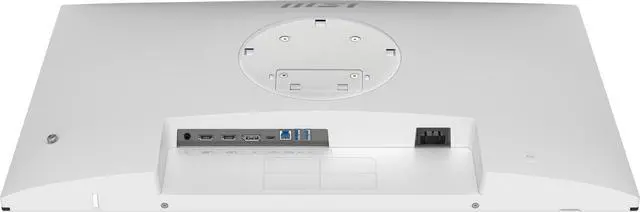
| Ports And Connectivity | 2 HDMI 2.0b inputs, 1 DisplayPort, 2 USB 3.2 Gen 1 Type-A ports, 1 USB 3.2 Gen 1 Type-B port, and a headphone connection; included cables are HDMI, USB Type-A to Type-B, and USB Type-C to Type-C |
|---|
| Audio Setup | Built-in stereo speakers rated at 2 × 3 W |
|---|
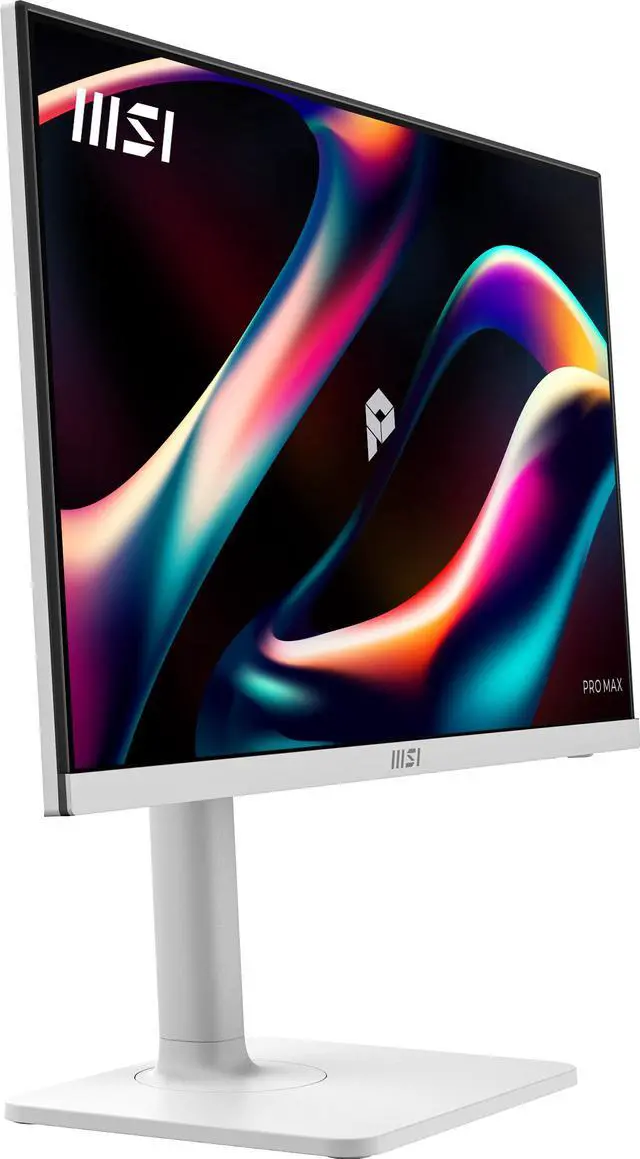
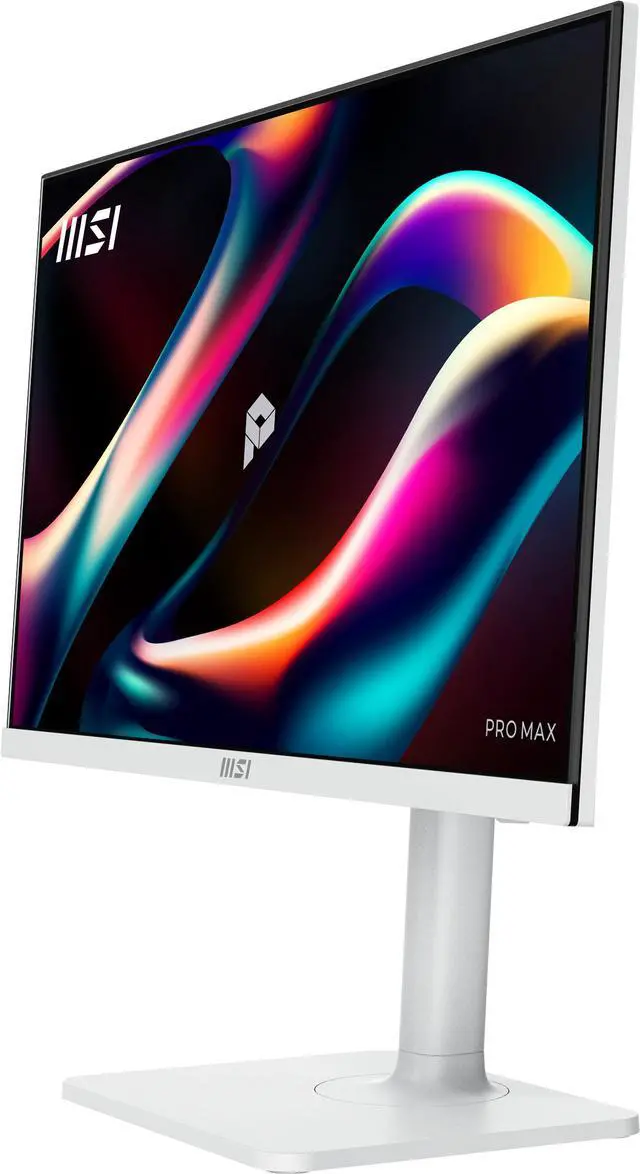
| Stand And Mounting | Stand adjusts for height, pivot, swivel, and tilt; compatible with 100 × 100 mm VESA mounts |
|---|
| Power And Efficiency | 100–240 VAC, 50/60 Hz power supply; 17 W operating consumption and less than 0.5 W in power-saving or off mode |
|---|
| Physical Design And Dimensions | Matte white cabinet; 24.15 × 16.17 × 7.91 inches with stand and 24.15 × 14.27 × 2.51 inches without stand; weighs 14.11 lb |
|---|
| Model Identifiers | MSI PRO MAX 271QPHW E14 |
|---|
Reference Q&A
Q: Should I choose the MSI PRO MAX 271QPHW E14 or the PRO MAX 271PHW E14?
A: Choose the PRO MAX 271QPHW E14 if you want a 27-inch 1440p workspace: it offers 2560 × 1440 resolution at 144Hz. The PRO MAX 271PHW E14 is also 27 inches and 144Hz, with 1920 × 1080 resolution. The main decision is higher resolution for more detailed on-screen content versus Full HD.
Q: How does the PRO MAX 271QPHW E14 compare with the MSI PRO MP275Q E14 for a laptop-and-desktop setup?
A: Both monitors are 27-inch, 1440p IPS displays with 144Hz refresh rates. Choose the PRO MAX 271QPHW E14 when a single USB-C connection with up to 65W laptop charging or an integrated KVM switch for controlling two computers fits your workflow. It also has a stand with height, pivot, swivel, and tilt adjustment.
Q: Which MSI monitor should I choose for factory-calibrated color: the PRO MAX 271QPHW E14 or PRO MP275Q E14?
A: Choose the PRO MAX 271QPHW E14 if you prioritize MSI’s stated factory calibration of Delta E ≤ 2. The PRO MP275Q E14 is also a 27-inch, 1440p, 144Hz IPS monitor and lists 1.07 billion colors with 10-bit color (8-bit + FRC). Compare the calibration and color-depth specifications against the needs of your work.
Q: Is this monitor a good fit for programming and everyday office work?
A: Yes. Its 27-inch QHD IPS screen provides more workspace than a 1080p display of the same size, and the stand adjusts for height, tilt, swivel, and portrait orientation. The 144Hz refresh rate can make scrolling feel smoother, but the monitor is a desktop display, not a travel device.
Q: Can I connect a laptop with one USB-C cable?
A: Yes, with a compatible laptop. The monitor’s USB-C port supports video and up to 65W power delivery, so one cable can carry the display signal and charge the laptop. Confirm that the laptop’s USB-C port supports video output and that 65W meets its charging needs.
Q: Can I rotate the screen vertically for coding or reading?
A: Yes. The included stand supports pivot adjustment, so the screen can rotate into portrait orientation. It also supports height, swivel, and tilt adjustment.
Q: Are the built-in speakers and webcam enough for video meetings?
A: The monitor has two 3W speakers for basic audio, but it has no built-in webcam. You will need a separate webcam for video calls; a headset or external speakers may be preferable if you want fuller sound.
Q: Would this monitor work well for long study or office sessions?
A: Its 27-inch QHD IPS screen and adjustable stand fit a study or office setup. The product listing also mentions eye reminders and TÜV certification, but those features do not establish that it will prevent discomfort during long sessions.
Q: Is it suitable for CAD, 3D work, or graphic design?
A: The 27-inch QHD IPS panel and adjustable stand suit general CAD and design work. The supplied specifications do not establish color accuracy or calibration, so users doing color-critical work should verify those before buying.
Q: Should I be concerned about flickering with this monitor?
A: One Reddit owner reported flickering in desktop windows and while the monitor was idle, but not during full-screen games or browsing. That single report does not establish a widespread defect; it does mean buyers concerned about flicker may want to check return and warranty options.
Q: Is it a good choice if I’m sensitive to eyestrain?
A: The listing describes a non-glare screen, eye reminders, and TÜV certification, but those details do not guarantee reduced eyestrain for an individual. Reddit discussion also raises a panel-related concern without establishing how the monitor affects users’ comfort, so consider your own sensitivity and return options.