


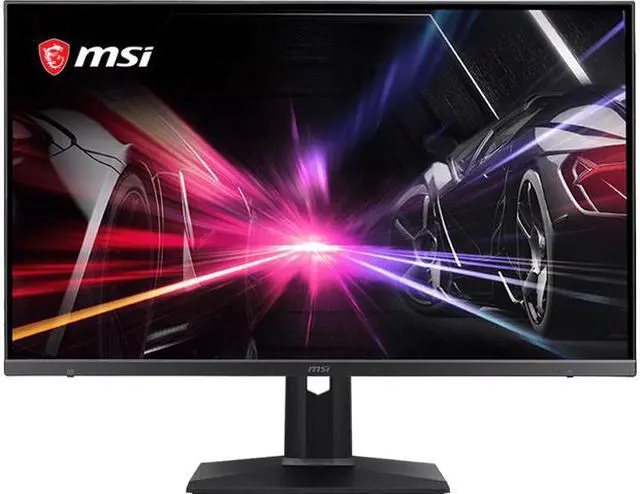
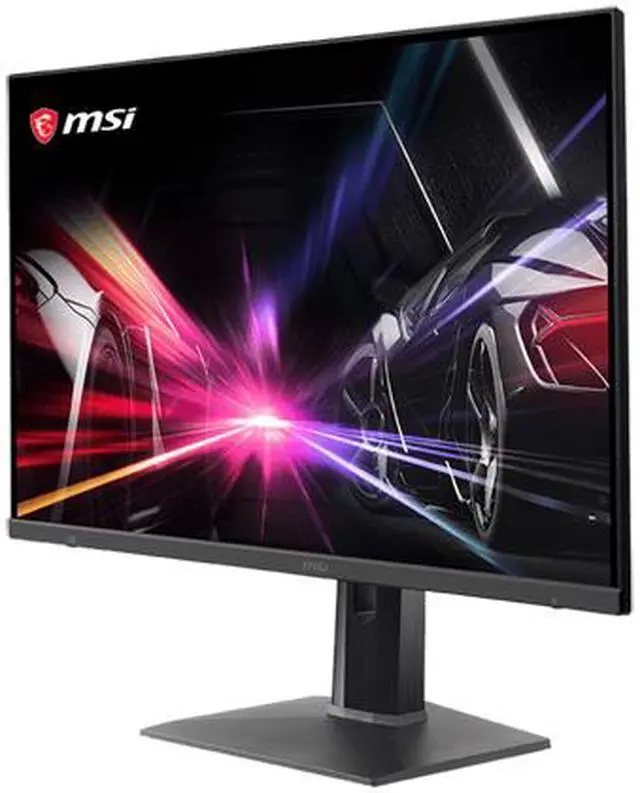
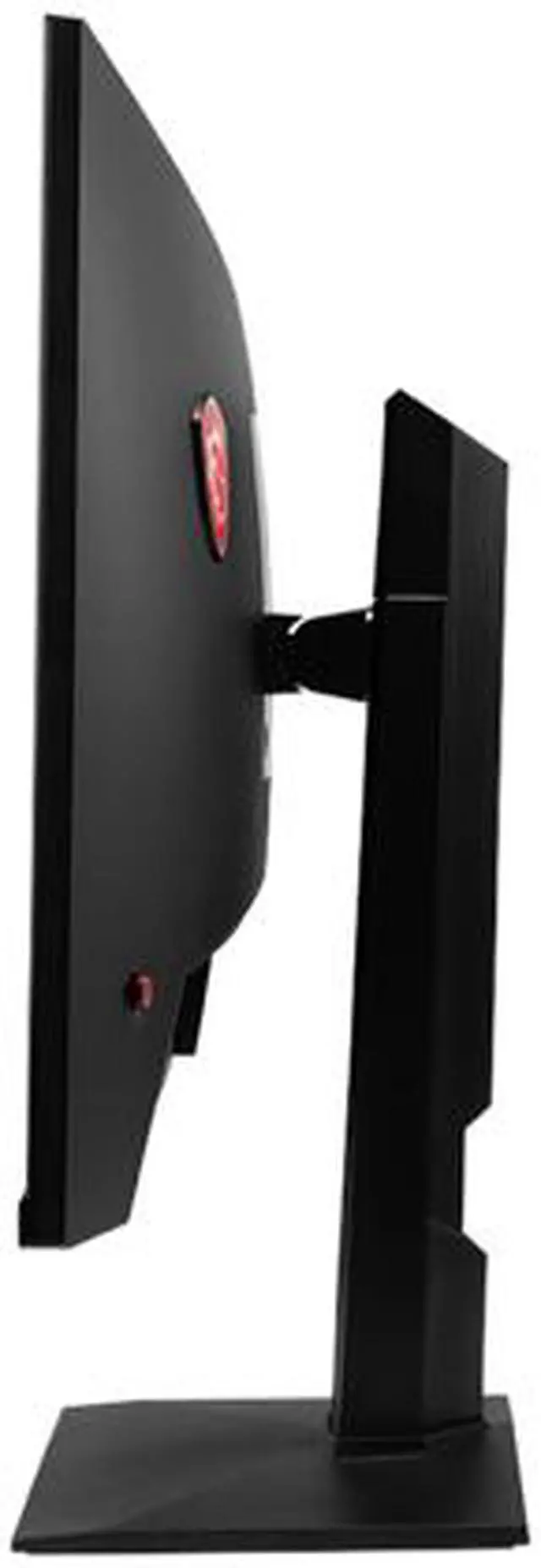


- FHD High Resolution - Game titles will even look better, displaying more details due to the FHD resolution.
- 165Hz Refresh Rate – Real smooth gaming.
- 1ms response time - eliminate screen tearing and choppy frame rates.
- Gaming OSD App - Create the ultimate viewing settings for your game.
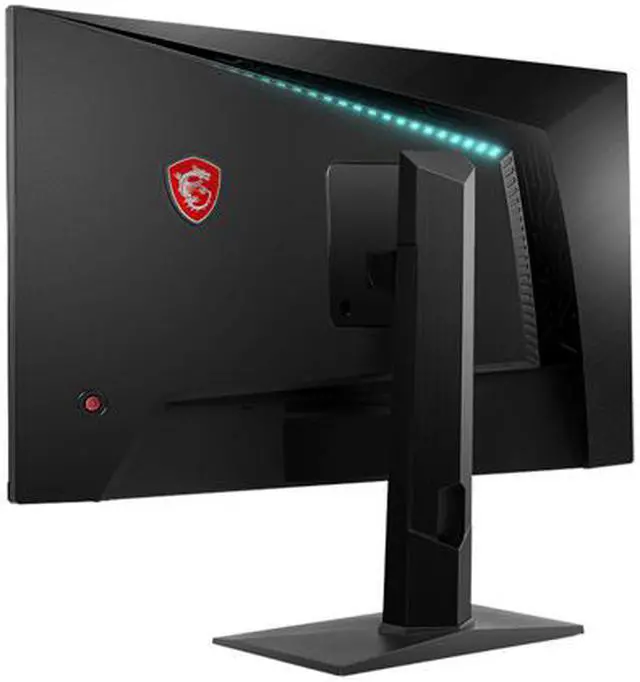
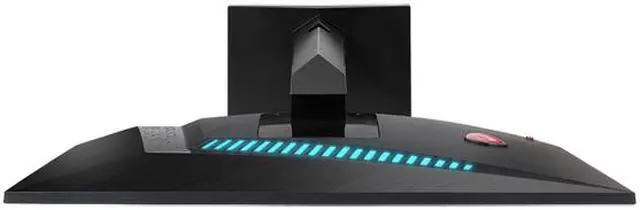
- Mystic Light – The ultimate gaming finish.
- True colors – DCI-P3 92% & sRGB 118%.
- AMD FreeSync™ Premium Technology - Tear free, stutter free, fluid gaming.
- Anti-Flicker and Less Blue Light – game even longer and prevent eye strain and fatigue.
- Frameless design – Ultimate gameplay experience.
- 178° wide view angle.


MSI gaming monitors are equipped with a 165Hz refresh VA LED panel which has the most benefit in fast moving game genres such as first person shooters, fighters, racing sims, real-time strategy, and sports. These type of games require very fast and precise movements, which an ultra-high refresh rate monitor will put you ahead of your competition.


Gaming OSD support keyboard and mouse control, allowing players to control the monitor setting through keyboard and mouse. With Gaming OSD’s intuitive user interface, gamers can easily adjust their monitors based on their needs.

Gaming OSD allows players to save their monitor setting as presets that can be linked to games. When the game is launched next time, the corresponding preset will take effect automatically, giving players the suitable gaming visual they want.

Winning or losing is often determined within a few milliseconds. Gaming OSD offers the hotkey function that allows gamers to rapidly adjust the monitor setting such as turning on the Crosshair and changing the brightness level and the black tuner.

Streaming, gaming and music playing can all be done in the same time. Gaming OSD offers the split windows function, allowing gamers to rearrange their windows easily.

Too lazy to get off your bed to turn off that monitor? Gaming OSD supports the mobile control,allowing gamers to control the monitor through smartphones. To turn off the monitor, all you need to do is to tap on your smart phone,and you can rest freely.


MSI gaming monitors has the fastest 1ms response time in the industry. When the game scenes are changing rapidly, MSI gaming monitor can still maintain the sharp and clear image quality.


The Optix Series Gaming Monitor has at least 35% more gamut coverage compared to general monitors. Gameplay colors and details will look more realistic and refined, to push immersion to its limits.


MSI gaming monitors offers several game modes for gamers to choose from. Gamers can choose the mode based on the style of the game to experience the best visual effects.


Get the jump on enemies before they even notice you. The Night Vision is built to be easy on the eyes. You're not afraid of the dark, are you?


Gaming shouldn't be a choice between choppy gameplay or broken frames. With MSI Optix series gaming monitors, it doesn't have to be. Get fluid, artifact-free performance at virtually any framerate with AMD FreeSync™ technology.


