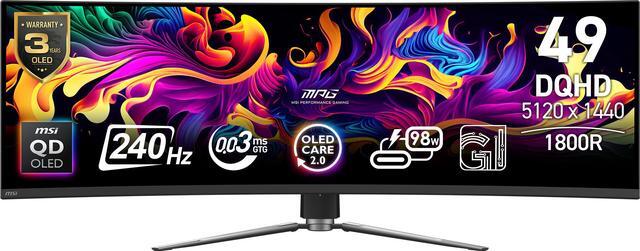
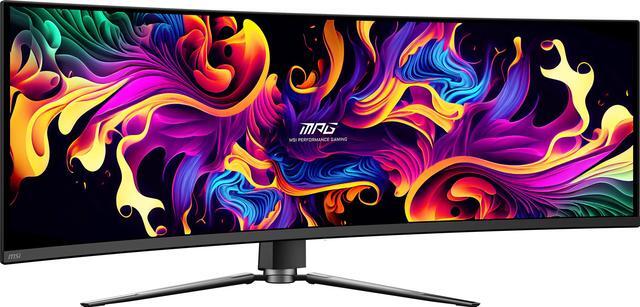
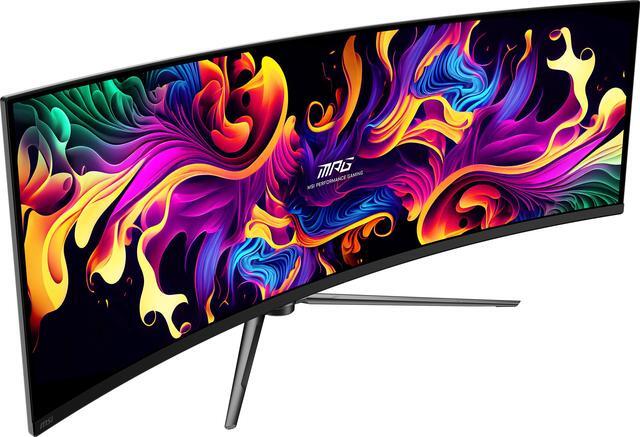
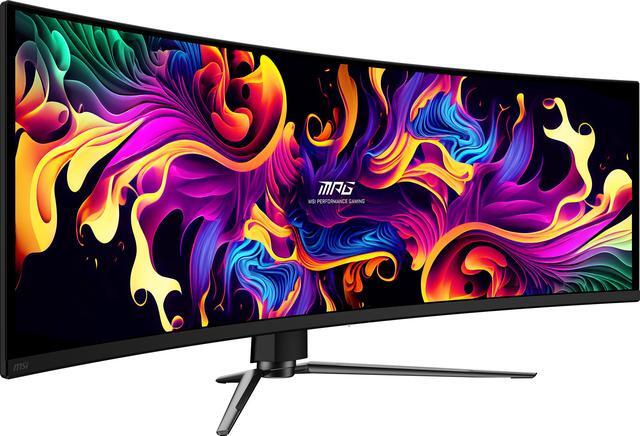
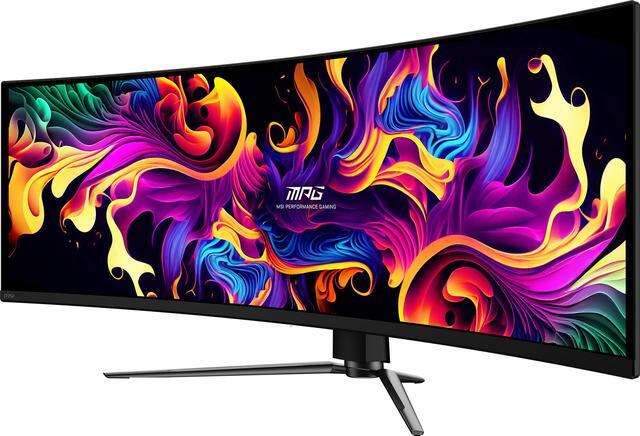
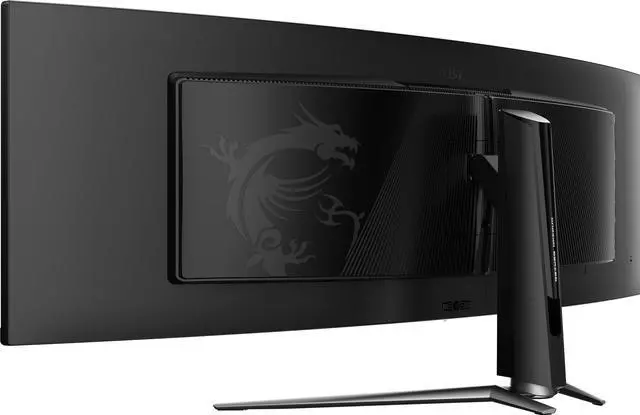
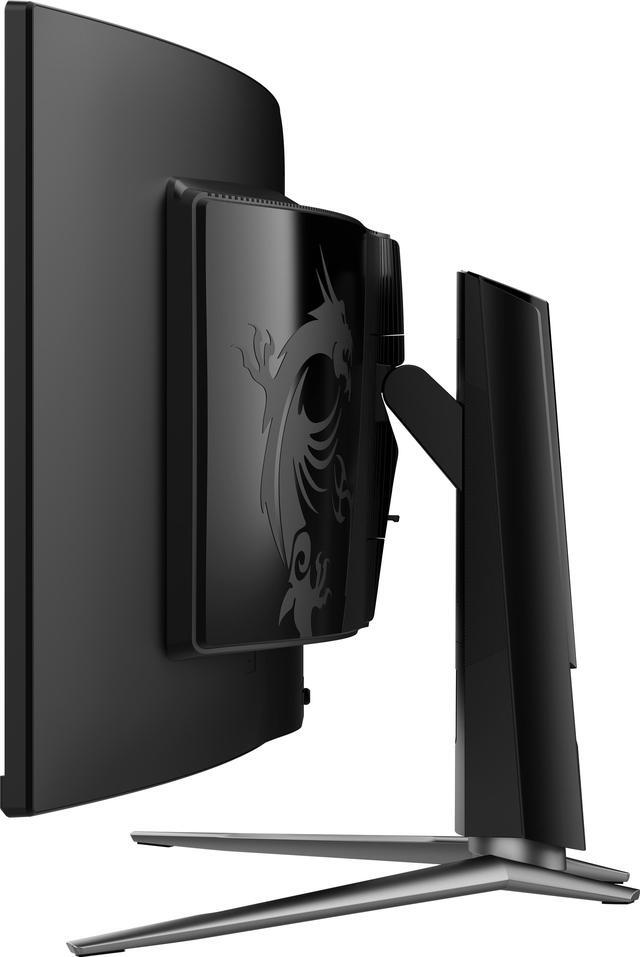
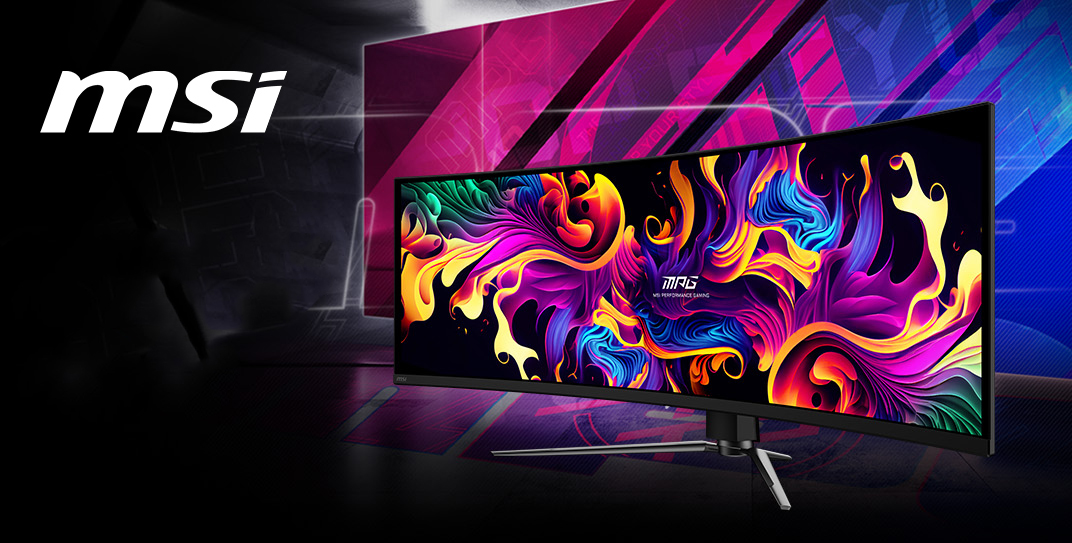
The MSI MPG 491CQPX QD-OLED is a 49-inch 5120 × 1440 curved gaming monitor with a 240Hz refresh rate and 0.03ms response time, suited to PC gamers who want a wide, immersive view and fast motion performance.
Recommended For
- PC sim-racing, flight-sim, and strategy gamers who want a wide field of view and whose games support a 32:9 display.
- Multitaskers replacing a two-monitor desk setup who want a single continuous workspace for side-by-side apps, documents, and calls.
- PC gamers and movie watchers who prioritize OLED contrast, vivid color, and smooth high-refresh-rate motion on a large curved screen.
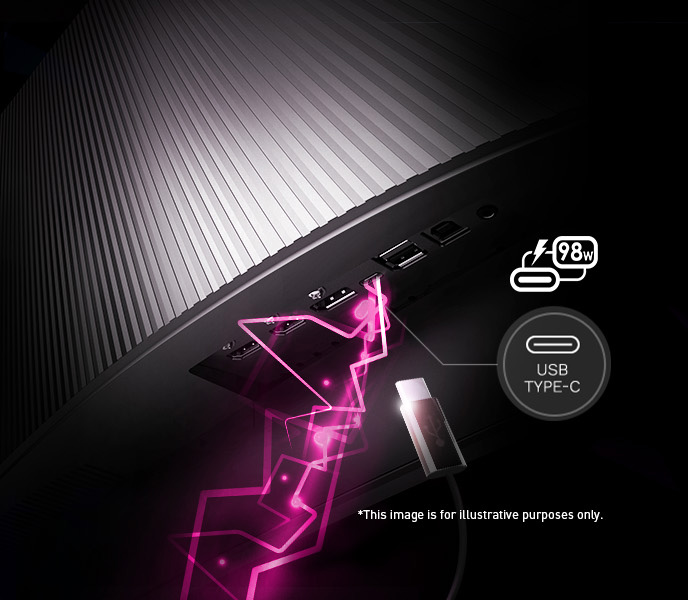
- Laptop users who want to connect a compatible computer to a large desktop display through USB-C and use the monitor’s power delivery for everyday desk work.
Real-World Use Scenarios
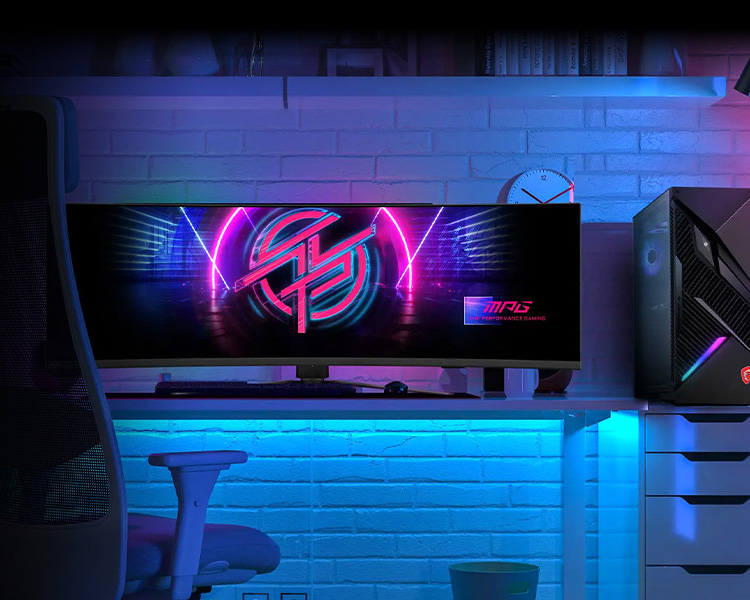
- In games that support 32:9, the curved screen can keep more of a racing, flight-sim, or open-world scene in view, making play feel more enveloping; games with limited ultrawide support may instead show side bars or need display-setting adjustments.
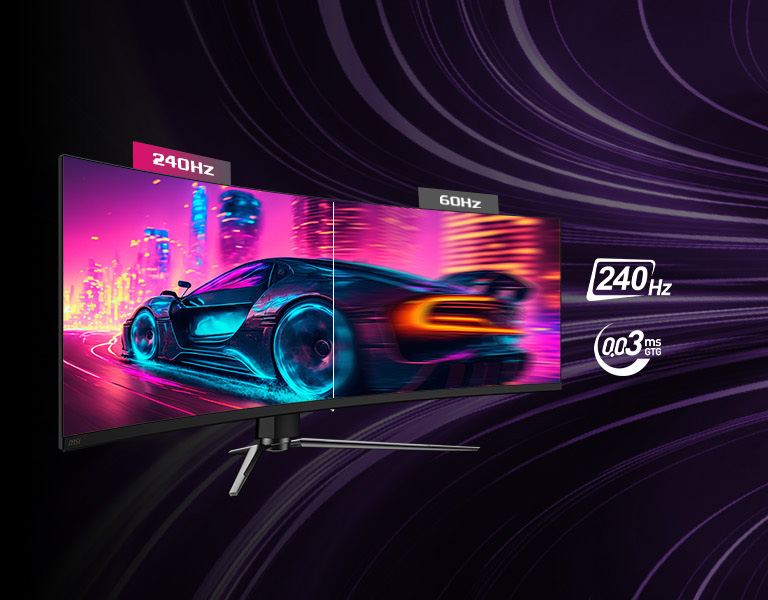
- For fast-paced PC gaming, the high-refresh OLED presentation can make motion look smoother and reduce visible blur; the benefit depends on the game and whether the PC can drive a high frame rate at the monitor’s wide resolution.
- When working with several documents, browser tabs, or reference windows at once, the wide desktop can keep more windows visible side by side and reduce the need to switch between separate monitors.
- For a home office shared between a laptop and desktop, USB-C video and the monitor’s KVM feature can help switch between connected devices while using one keyboard and mouse; check the connection setup needed for your devices.
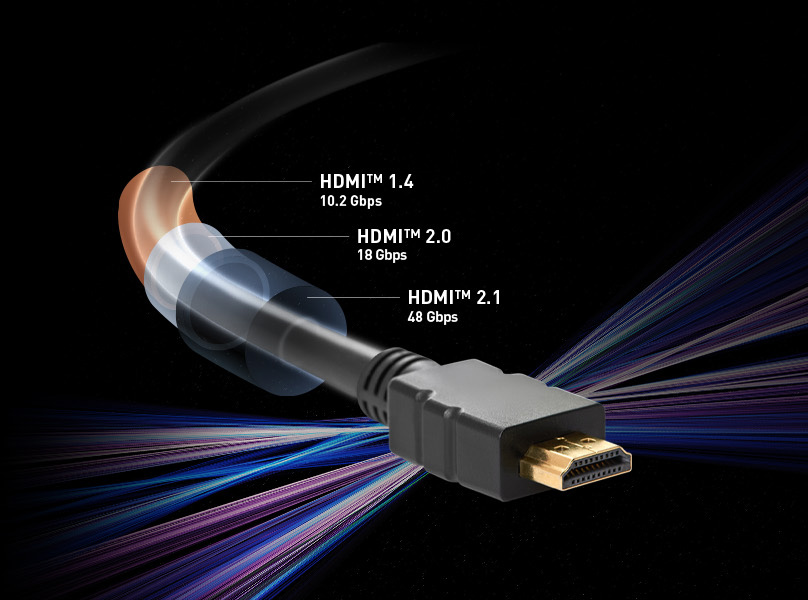
- When connected to a compatible console, HDMI 2.1 features support high-refresh-rate console gaming up to 120Hz; console games typically use a 16:9 image rather than filling the full 32:9 screen.
Spec Summary
| Attribute | Value |
|---|
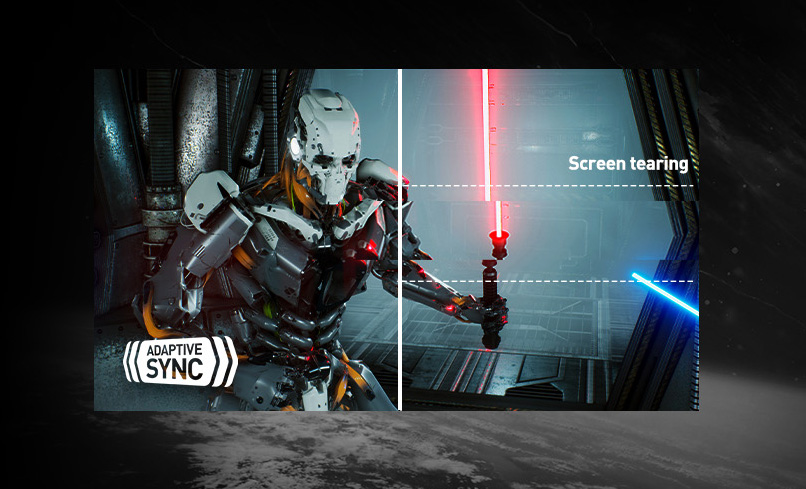
| Best For | PC and console gaming on a 49-inch ultrawide curved display, with G-Sync Compatible adaptive sync |
|---|
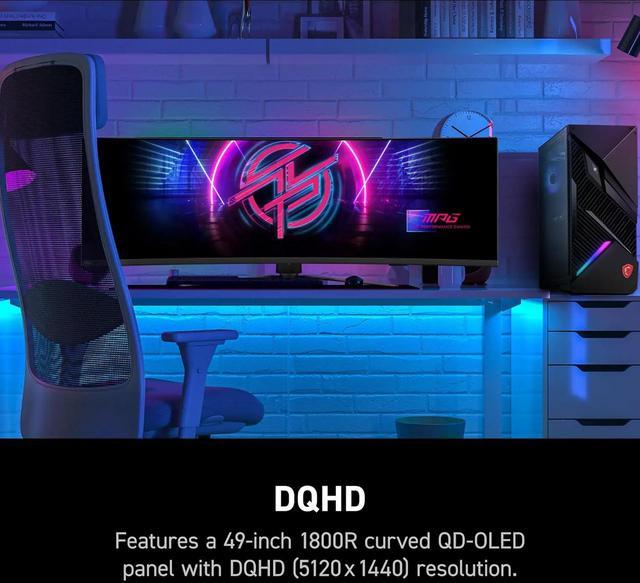
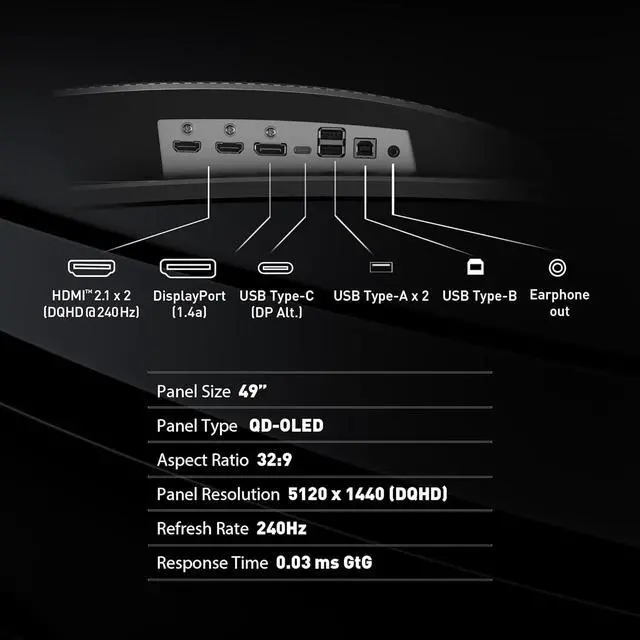
| Panel And Resolution | 49-inch QD-OLED panel with 5120 × 1440 DQHD resolution, 32:9 aspect ratio, 1800R curvature, and 178° horizontal and vertical viewing angles |
|---|
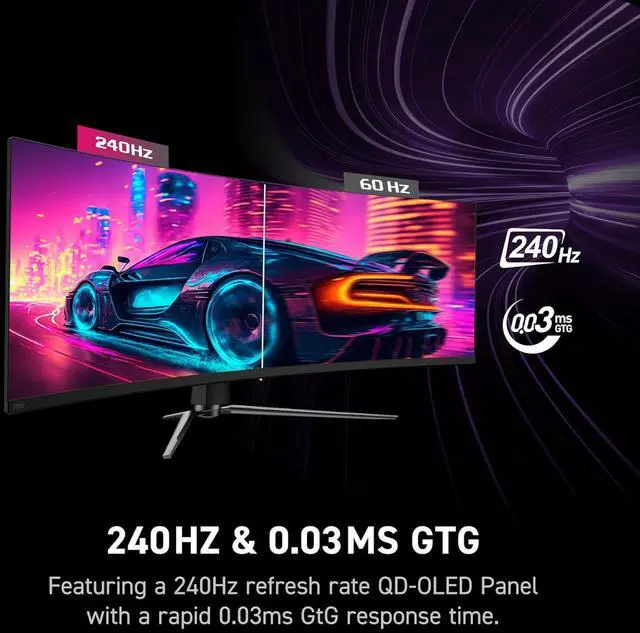
| Refresh Rate And Response | 240Hz refresh rate and 0.03ms GTG response time, with G-Sync Compatible adaptive sync |
|---|
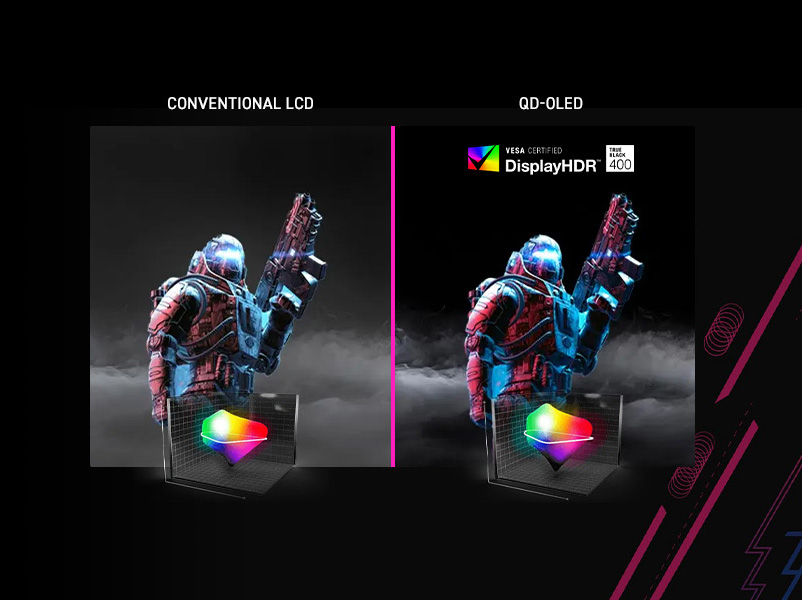
| Color And HDR | DisplayHDR True Black 400, 1.07 billion display colors, and 1,500,000:1 contrast ratio; HDR brightness is specified up to 1,000 nits peak |
|---|
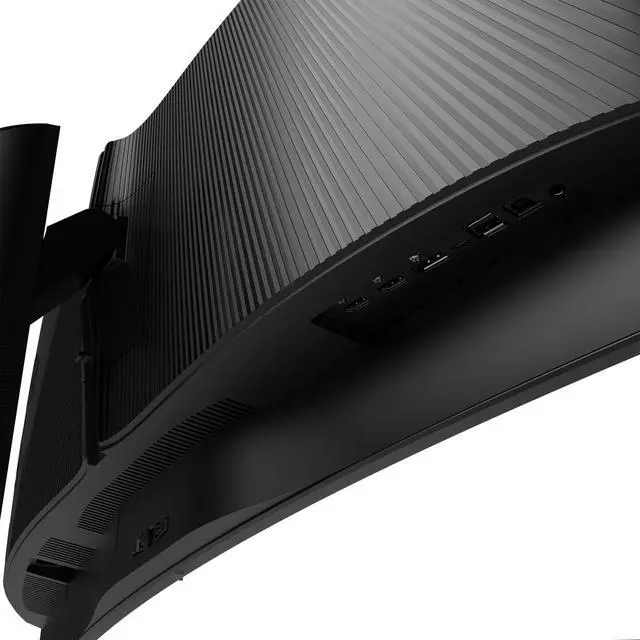
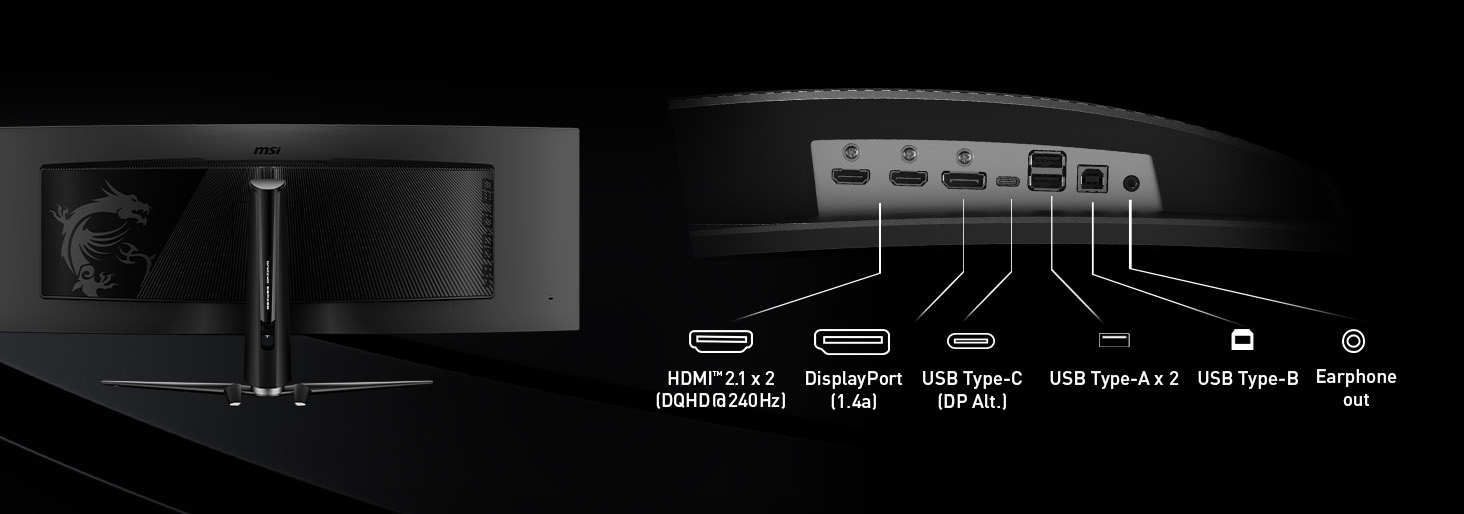
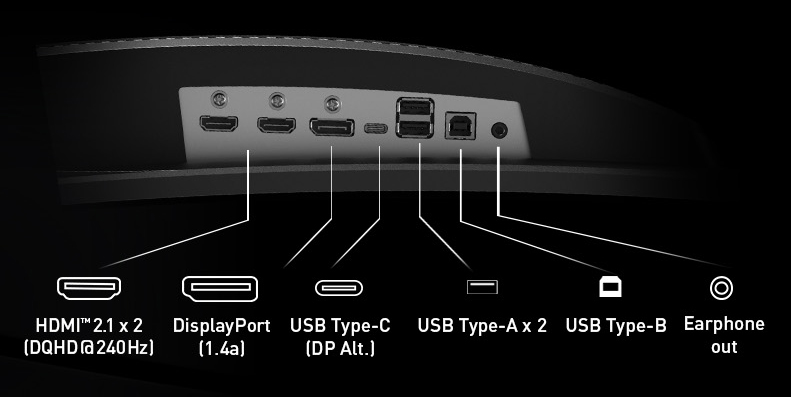
| Ports And Connectivity | 2 HDMI 2.1 ports, DisplayPort 1.4a, USB-C with DisplayPort Alt Mode and 98W Power Delivery, 2 USB-A 2.0 ports, 1 USB-B 2.0 port, and headphone output |
|---|
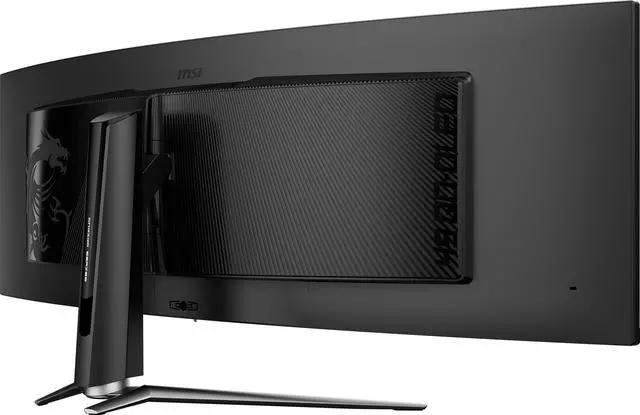
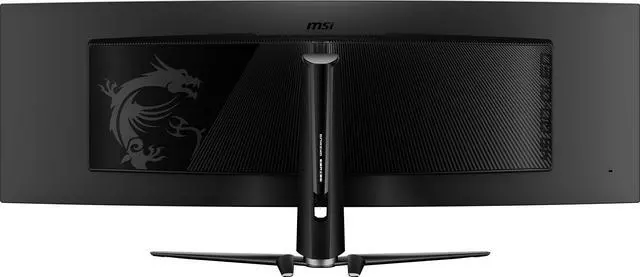
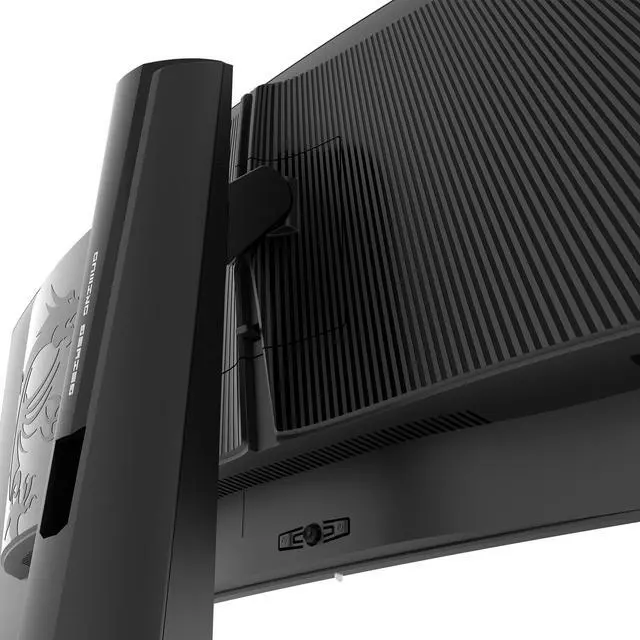
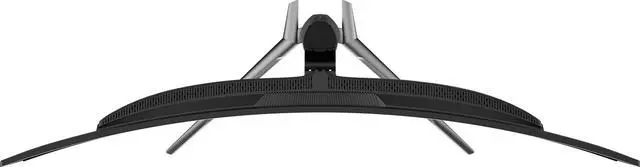
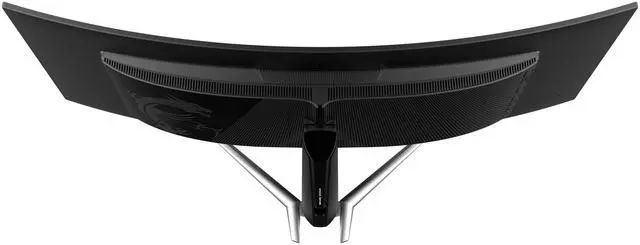
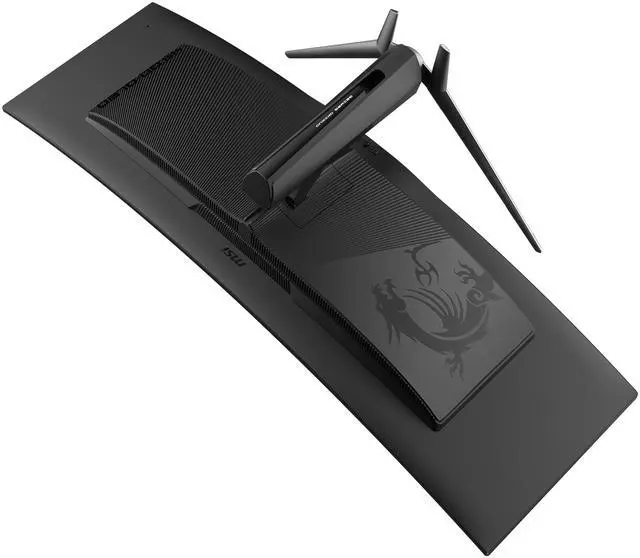
| Stand And Mounting | Stand adjusts 0–100 mm in height, tilts from −5° to 20°, and swivels from −30° to 30°; supports 100 × 100 mm VESA mounting |
|---|
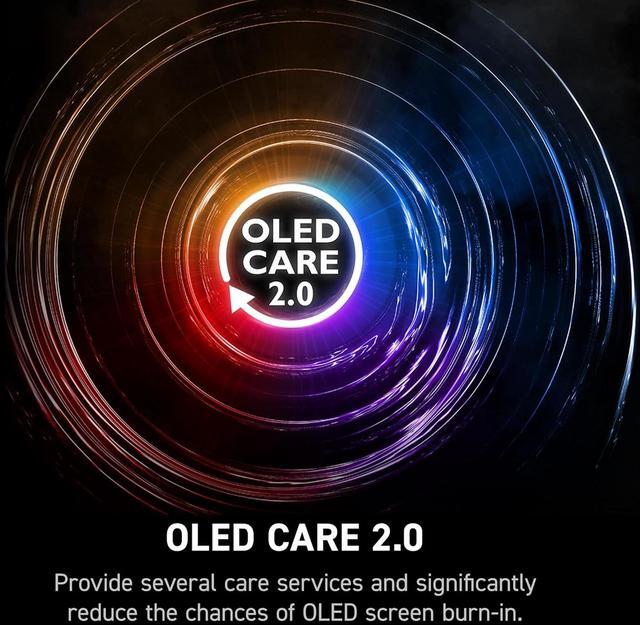
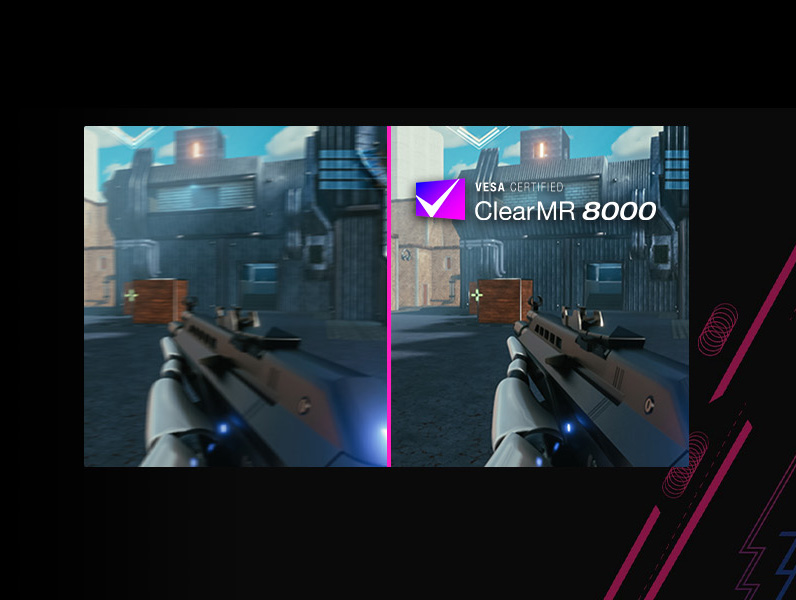
| Design And Features | Glare-finish screen with a narrow, three-sided frame; includes MSI Gaming OSD, Gaming Intelligence app, RGB lighting, OLED Care 2.0, QD Premium Color, and ClearMR 13000 |
|---|
| Audio And Webcam | No built-in speakers or webcam |
|---|
| Power | Internal power supply rated for 100–240V, 50/60Hz |
|---|
| Dimensions And Weight | 47.05 × 16.15 × 12.92 inches with stand; 47.05 × 14.65 × 7.48 inches without stand; 23.3 lb |
|---|
| Package Contents | HDMI 2.1 cable, DisplayPort 1.4a cable, USB Type-B-to-A cable, C13 power cord, quick guide, VESA wall-mount screws, and CD |
|---|
| Model Identifiers | MSI MPG 491CQPX QD-OLED, part number 9S6-3FA84T-017 |
|---|
Reference Q&A
Q: MSI MPG 491CQPX vs Samsung Odyssey OLED G9 G95SC: which should I choose?
A: Both are 49-inch, 5120 × 1440 QD-OLED monitors with a 240Hz refresh rate. Choose the MSI MPG 491CQPX if USB-C with up to 98W power delivery is important; choose the Samsung G95SC if you want Samsung’s built-in Smart TV apps and Gaming Hub. Their core screen size, resolution, and refresh rate are closely matched.
Q: Should I choose the 49-inch MSI MPG 491CQPX or the 34-inch MPG 341CQPX?
A: Choose the MPG 491CQPX for a wider 32:9 workspace and games that support super-ultrawide viewing. Choose the 34-inch MPG 341CQPX if you prefer a narrower 21:9 screen and a smaller desktop footprint. Both are QD-OLED monitors with 240Hz refresh rates; the 49-inch model has 5120 × 1440 resolution, while the 34-inch model has 3440 × 1440.
Q: Is the MSI MPG 491CQPX worth choosing over the older MPG 491CQP?
A: Choose the MPG 491CQPX if you want up to 240Hz for high-frame-rate PC gaming; the MPG 491CQP tops out at 144Hz. Both are 49-inch, 5120 × 1440 QD-OLED monitors with a 0.03ms GtG response-time rating. The 491CQP is a practical alternative if 144Hz meets your needs and you find it at a lower price.
Q: Is this monitor suitable for both gaming and a full workday?
A: It can suit mixed gaming and productivity use: the 49-inch, 32:9 DQHD screen provides a wide workspace, and its 240Hz refresh rate and 0.03ms response time are gaming-focused. Because it is an OLED display, people who keep static work interfaces visible for long periods should use the OLED care features and avoid assuming they eliminate burn-in risk.
Q: Can I connect and charge a laptop through USB-C?
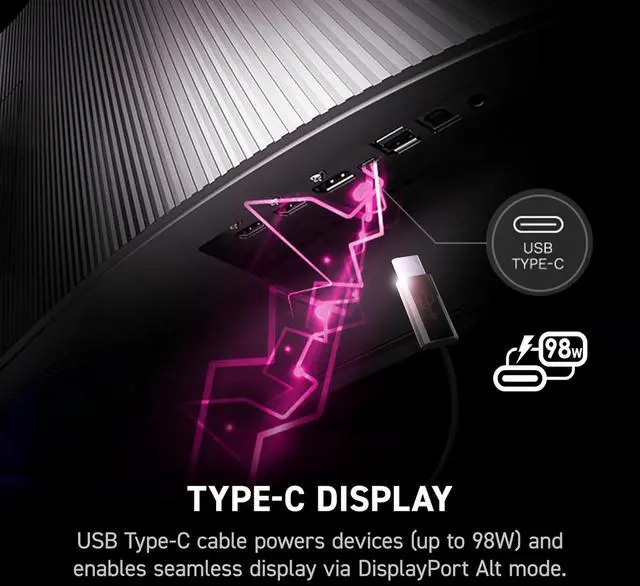
A: Yes. The USB-C port supports DisplayPort Alt Mode and up to 98W Power Delivery, so it can carry video and charge a compatible laptop through one cable. Confirm that the laptop supports video output and charging over USB-C.
Q: Does it have built-in speakers or a webcam?
A: No. This monitor has neither built-in speakers nor a webcam, so plan to use separate audio and camera devices if you need them for meetings or gaming.
Q: Can I mount it on a monitor arm or wall mount?
A: Yes. It supports 100 × 100mm VESA mounting. Check that the mount is rated for the monitor’s 23.3-pound weight and can accommodate its 49-inch width.
Q: Is the MSI MPG 491CQPX suitable for both gaming and work?
A: It can suit a mix of gaming and work if you want one very wide display: its 5120 × 1440 resolution provides room for multiple windows, and its 240Hz QD-OLED panel is aimed at gaming. Consider the OLED trade-off if your work keeps static content, such as spreadsheets or code, on screen for long periods.
Q: Will every game support the monitor’s full 32:9 screen?
A: No. Reddit users note that 32:9 support varies by game. The monitor runs at 5120 × 1440, but games without suitable super-ultrawide support may use a narrower image or require display-setting workarounds.
Q: Can it replace two 27-inch 1440p monitors?
A: Its 5120 × 1440 resolution provides the horizontal pixel space of two 2560 × 1440 displays side by side, without a bezel between them. It may work well for side-by-side windows, but whether it replaces your setup depends on your preferred layout and available desk space.
Q: Is OLED burn-in a concern for coding or spreadsheet work?
A: It may be a consideration if you leave static windows visible for long periods. MSI lists OLED Care 2.0 for this monitor, but that feature should not be treated as a guarantee against burn-in. If you want to avoid that concern, consider a non-OLED display.