



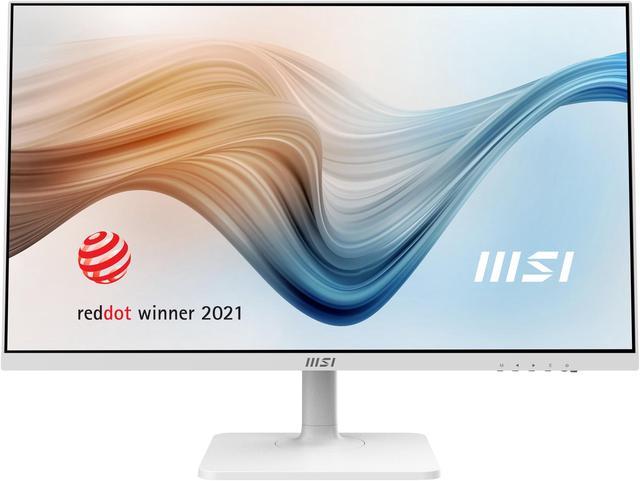
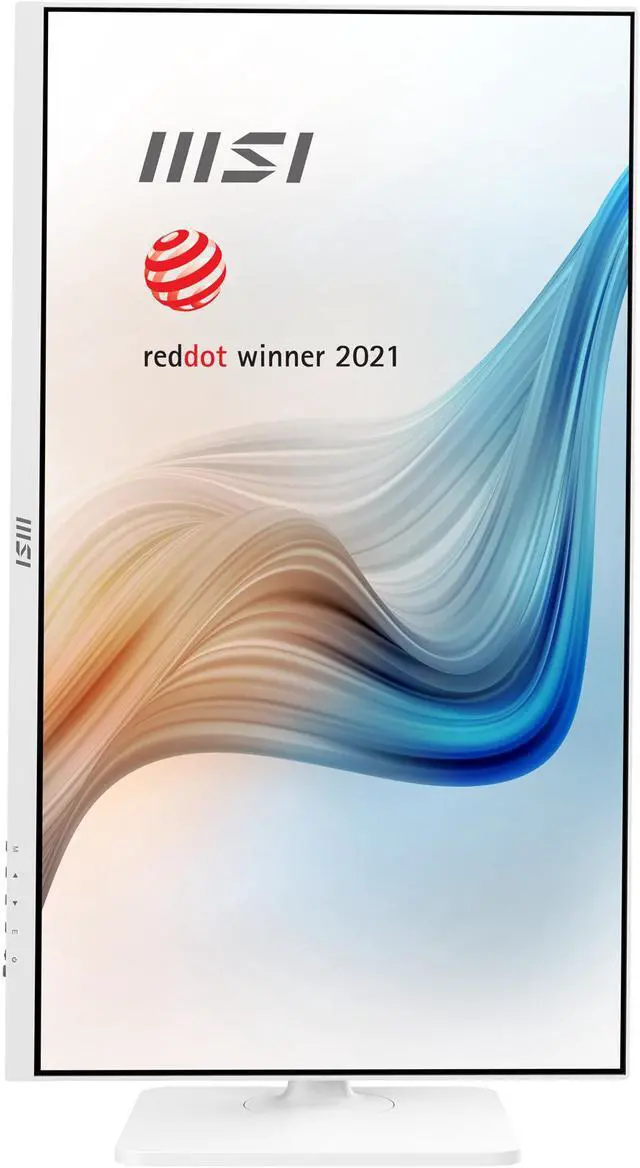
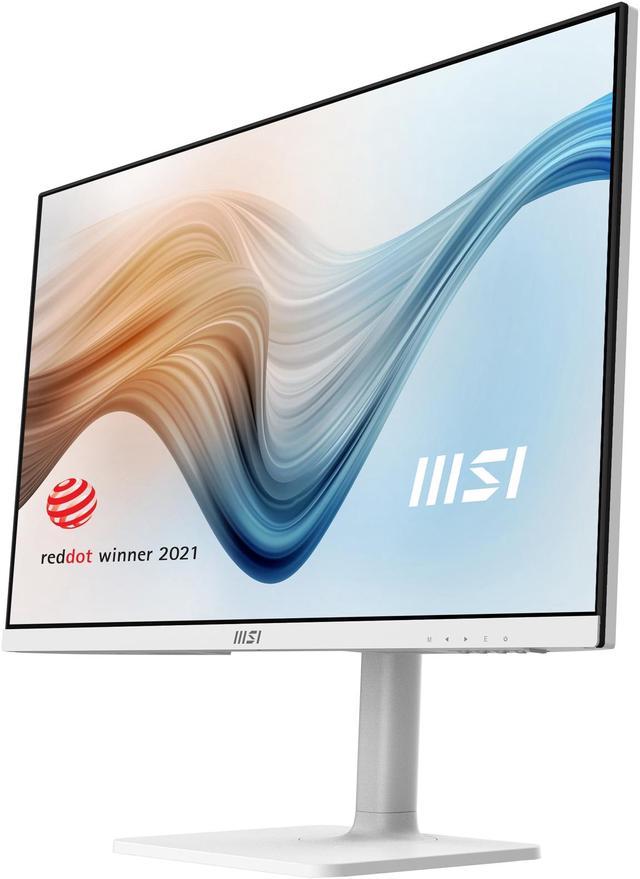
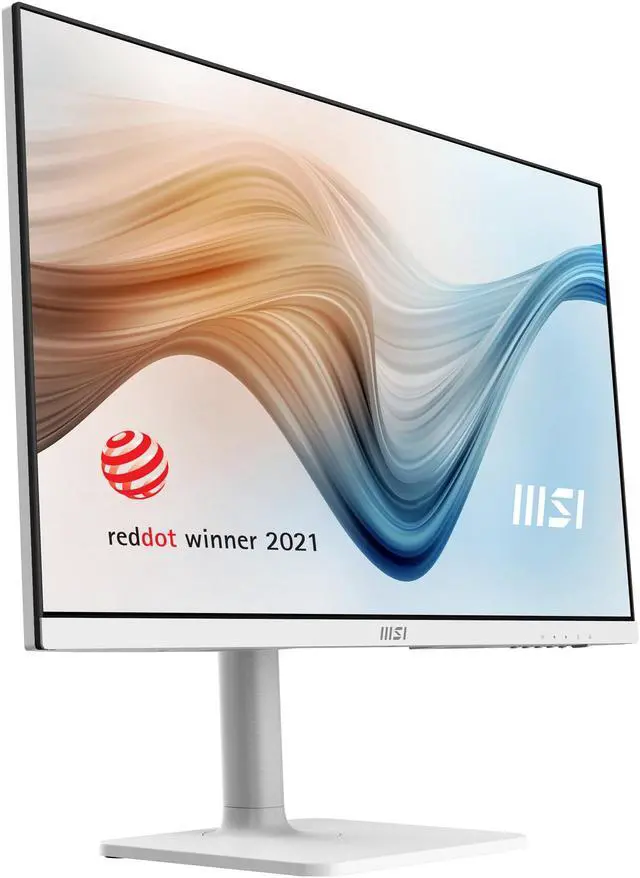
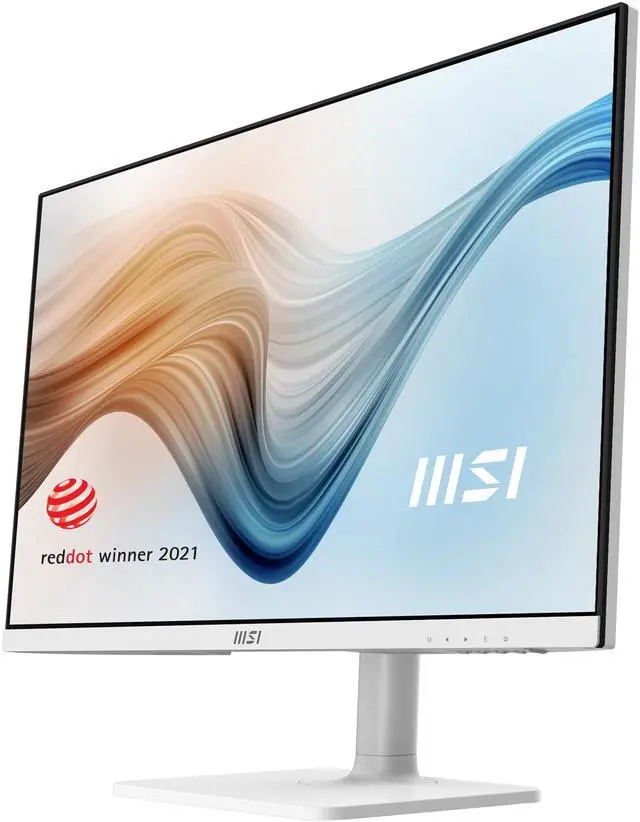
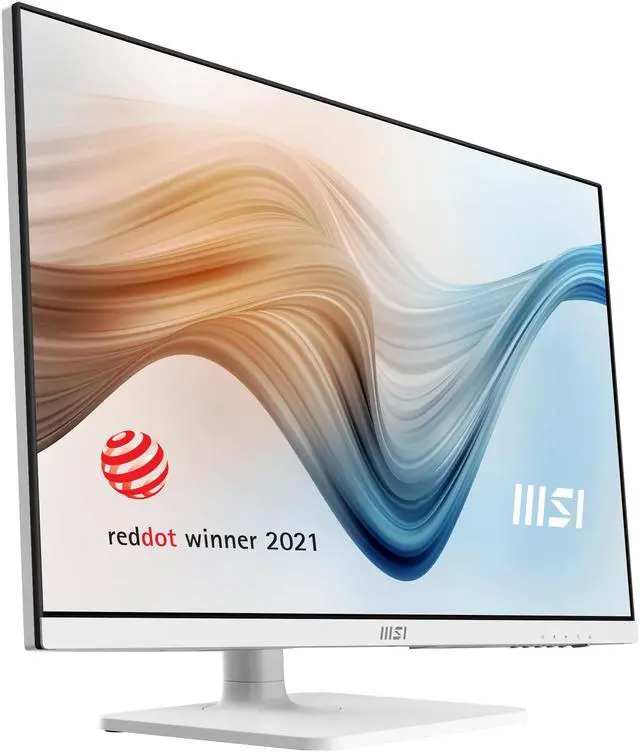
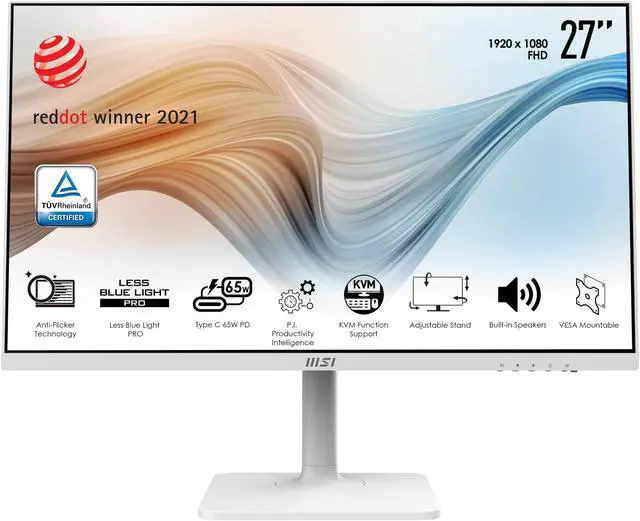
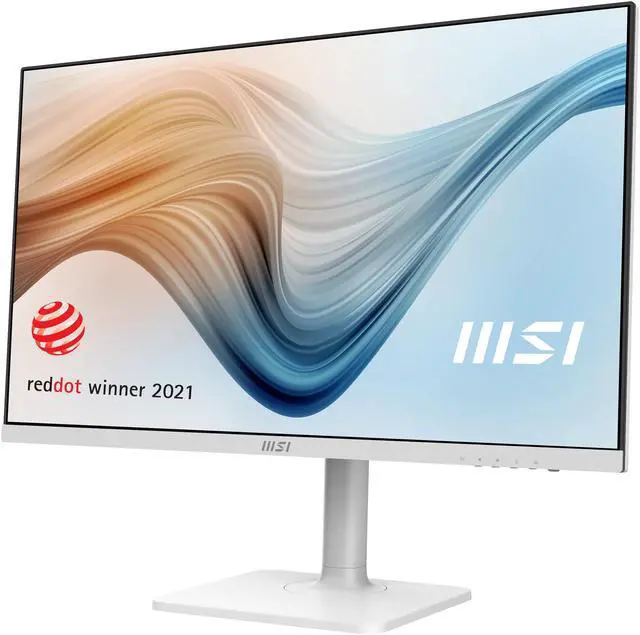
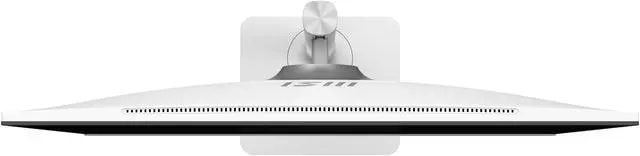
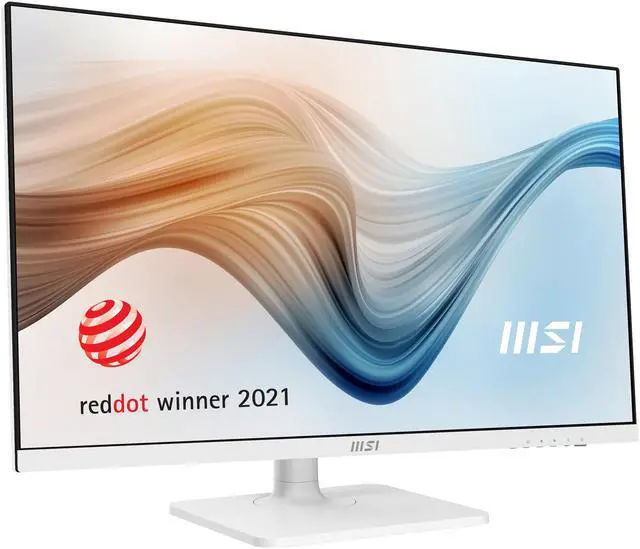
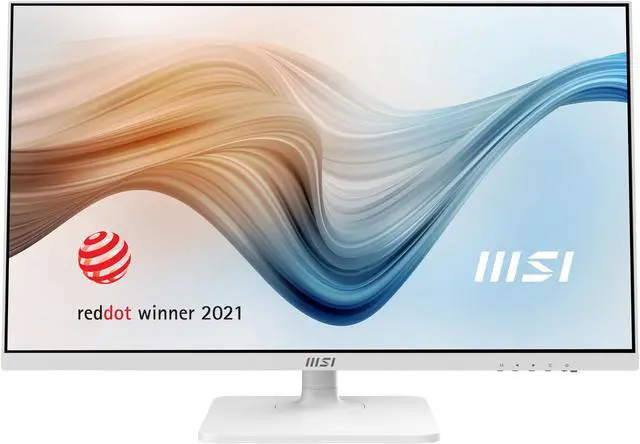
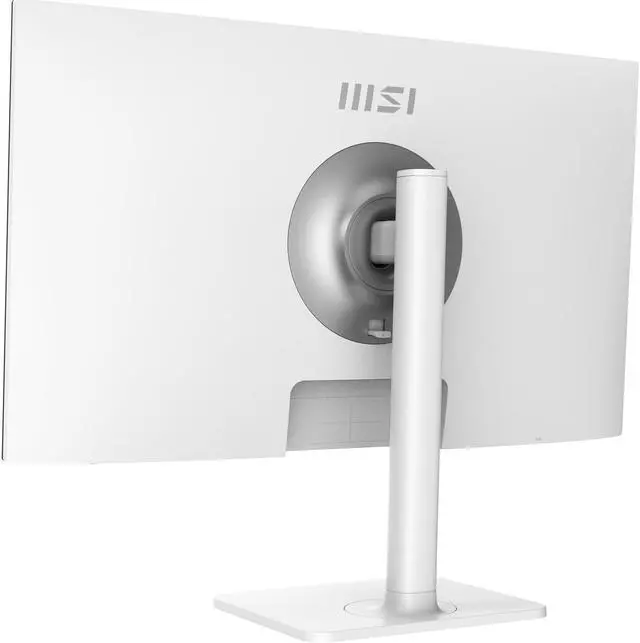
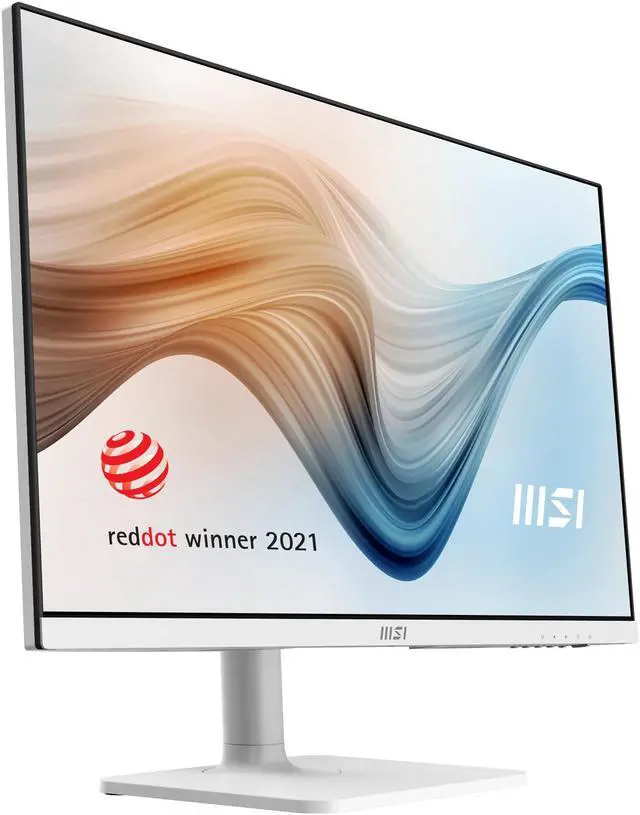
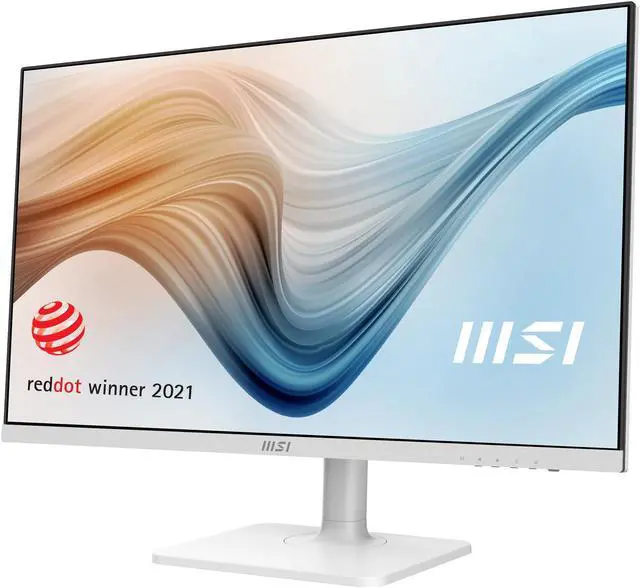
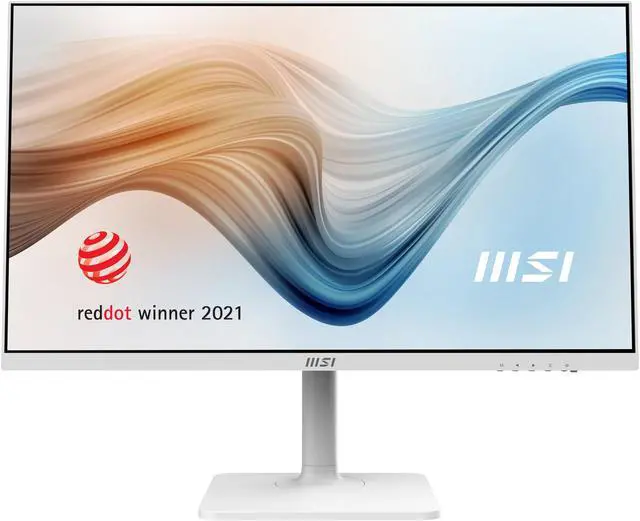


Work With Attitude And Live In Freedom. Modern MD272 Series is your window to the world. You can see what you want, do what you love and get what you like.
The 27" monitor with elegant design and 75Hz refresh rate supports your idea and your imagination. It’s all about what you do right now to make a difference for yourself.
Effortlessly Control with Productivity Intelligence (P.I.)
Effortlessly increase your efficiency & enjoy a smart life with the exclusive MSI Productivity Intelligence (P.I.) app which provides the smartest tools with efficient functions to you while working with it everyday.

Connect Your PC with Productivity Intelligence (P.I.)
Connect USB Type B to A port to your first computer and Modern MD272 series, and then connect the HDMI or DP port to enjoy the most out of Productivity Intelligence App.
Enjoy the convenience of KVM with your second computer or laptop equipped with a USB Type C which simultaneously supports the display and data transmission function.

KVM Switch Design
Switch Effortlessly to Your Work 1,2
Improves productivity, saves space, and money by allowing you to use multiple computers with one set of keyboard, monitor, and mouse.

P.I. - KVM Switch
Keep KVM in Auto mode, then you just need to switch the input source and enjoy the convenience of KVM Switch.

KVM Switch with the Easiest Way
Switch between different input sources from your devices with mouse or just with the Hotkey which is set by yourself to enjoy the most efficient productivity with the most convenient & fastest way.

P.I. - KVM Switch
Switch with the customizable Hotkey.

P.I. - KVM Switch
Easily switch between your devices, and control them with just one set of keyboard & mouse which could be wired or wireless set.

Productivity Intelligence (P.I.)
Ergonomic & Convenient Design
The MSI exclusive software Productivity Intelligence (P.I.)provides the most convenient KVM switch function, the proper display mode, and convenient tools for you while working with it everyday.

Less Blue Light PRO
Less Blue Light PRO with a hardware filter base technology simultaneously protects your eyes and keeps a vivid color & detail for you.

TUV Certified – Protect Your Eyes With Less Blue Light Technology
The Less Blue Light Mode filters visual exposure to the blue spectrum light during daily use scenarios and bring the most comfortable viewing experience for users.

TUV Certified – Protect Your Eyes With Anti-Flicker Technology
Thanks to MSI Anti-Flicker technology, a stable output current for the monitor is provided. It will help against dry eyes, eyestrain, and lower the chance to need reading glasses in the future.

High Refresh Rate Helps Prevent Eye Fatigue
High refresh rate display provides a better viewing experience. Also, the more images shown in the same time, the less burden will impose to your eyes.

The Best Position While Working & Learning At Home
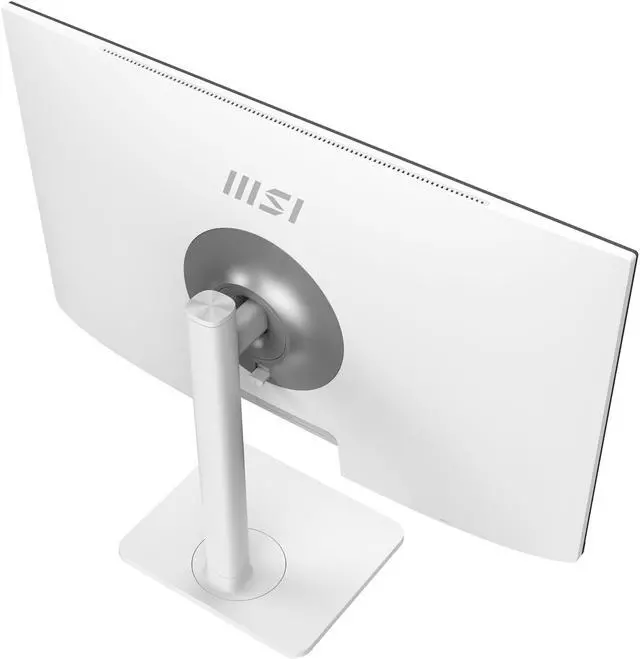
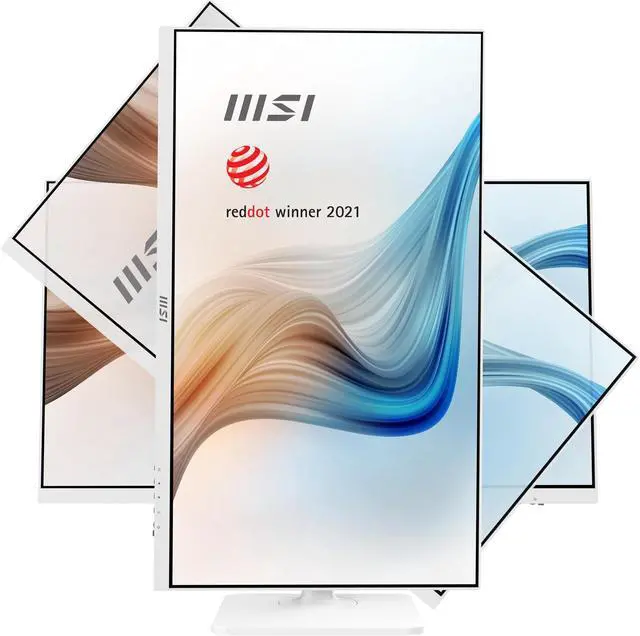
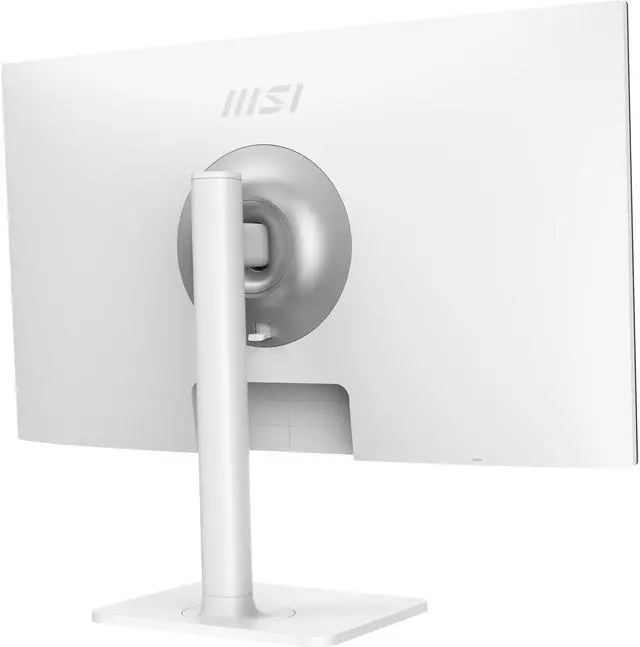
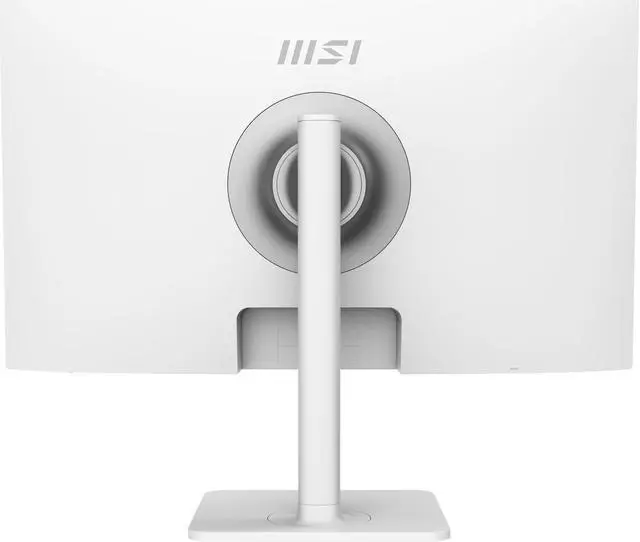
Ergonomic Stand
With 4 ways adjustable stand, You are able to learn or manage your E-commerce with a comfortable viewing position and can always adjust the tilt & height according to different situations.

Tool-less Assembly & VESA Mountable

Type-C Display
Built in an USB Type-C connection allows you to effortlessly connect to and charge your devices.

Type-C 65W Power Delivery
A built-in USB Type-C connection with 65W power delivery allows you to effortlessly connect to and charge your devices.

VESA Mountable Design
Mount With MSI VESA Arm
Enjoy a clean cable management with the MSI VESA Arm MT81 which support the VESA standards, you can share any information or e-learning material with family at home or in the office.

Enjoy Your Life with Dual Display
Enjoy dual display & a clean cable management with the MSI MT81 which supports the VESA standards, you can share any information or e-learning material with the most efficient way.

E/M - Commerce with Triple Displays
Preview and manage your E-Commerce or M-Commerce materials with triple displays.

Multiple Sources Supported for Your Different Devices
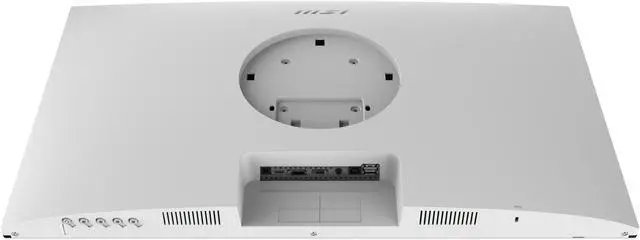
Multiple input design (HDMI, Type-C and DP) provides the best efficiency for your learning or working from home with multiple devices.

IPS Panel with Wide Viewing Angle
Instantly optimize the screen colors and brightness to ensure that you enjoy every detail at its best while creating your own on-line video.

Two Built-in Speakers
With two built-in speakers, users were allowed to listen to audio files, to attend online conferences, or to edit videos at any time without carrying an external speaker or wearing a headphone.

I/O Overview

1. A Type-C with display and USB signal functions are required.
2. Please connect the wired keyboard & mouse with USB ports of Modern MD272. Or connect the receiver of the wireless keyboard & mouse with USB port of Modern MD272.