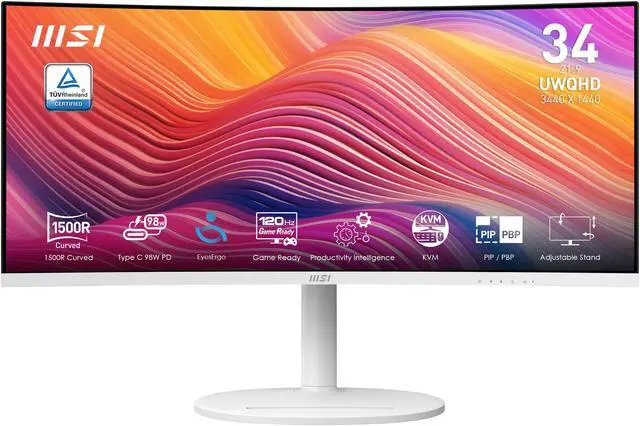
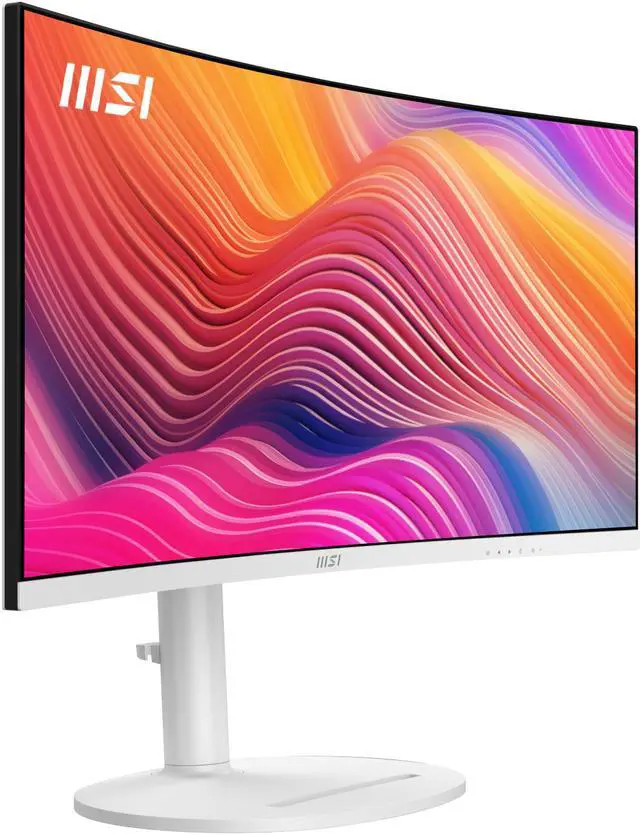
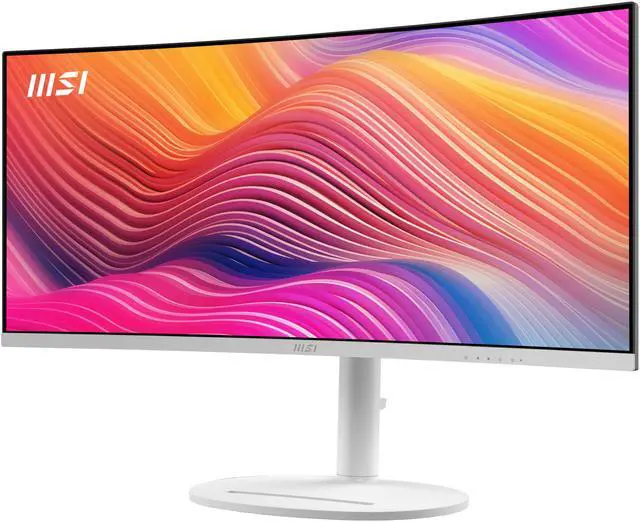
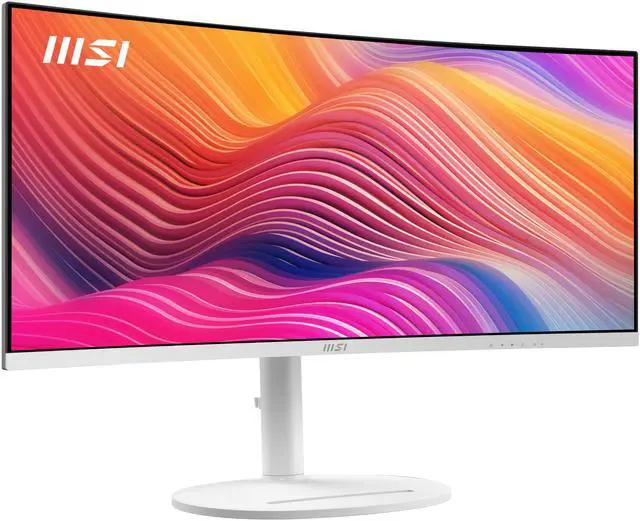
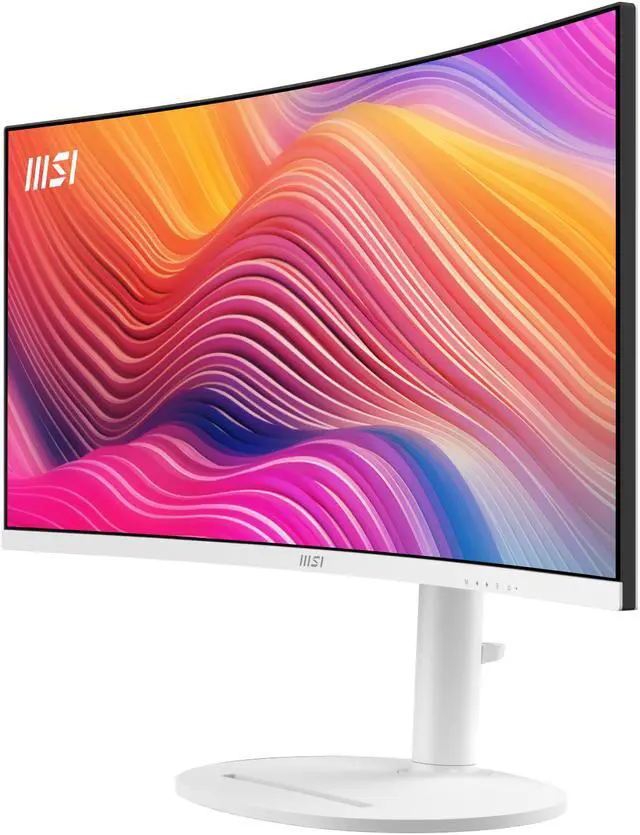
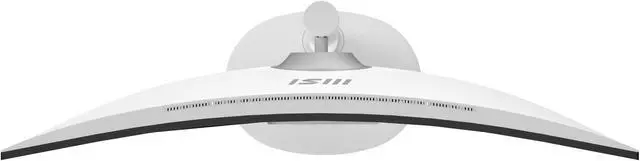
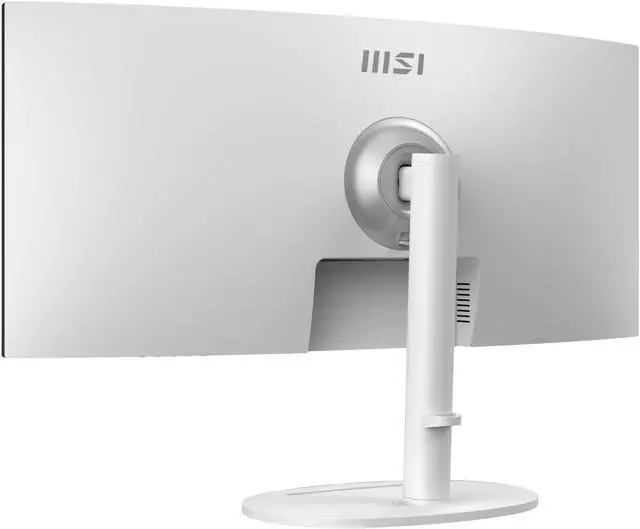
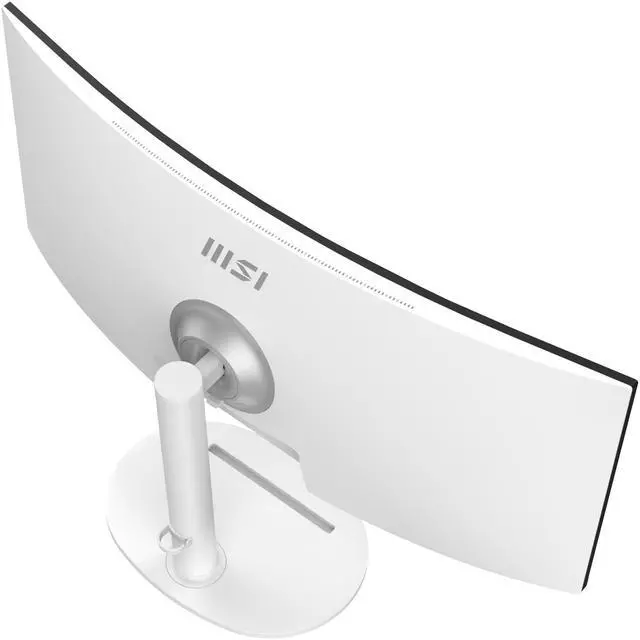
The MSI Modern MD342CQPW is a 34-inch curved ultrawide monitor with 3440 × 1440 resolution, a 120Hz refresh rate, and Adaptive-Sync, suited to users who want a spacious screen for work, entertainment, and smooth everyday gaming.
Recommended For
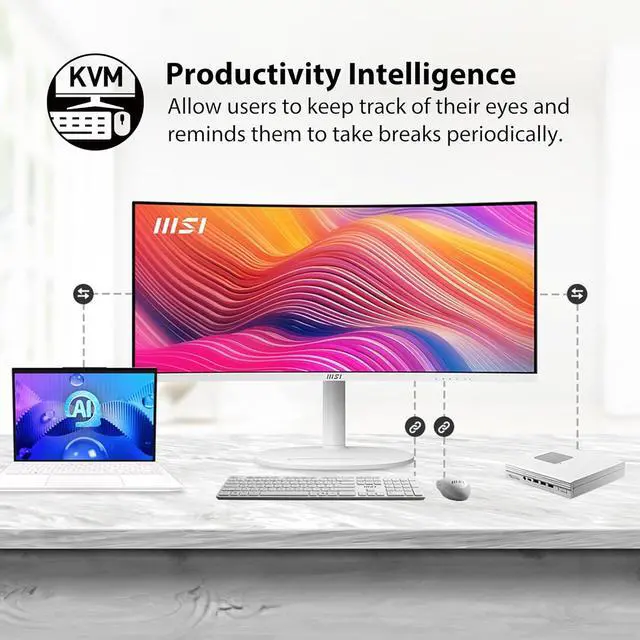
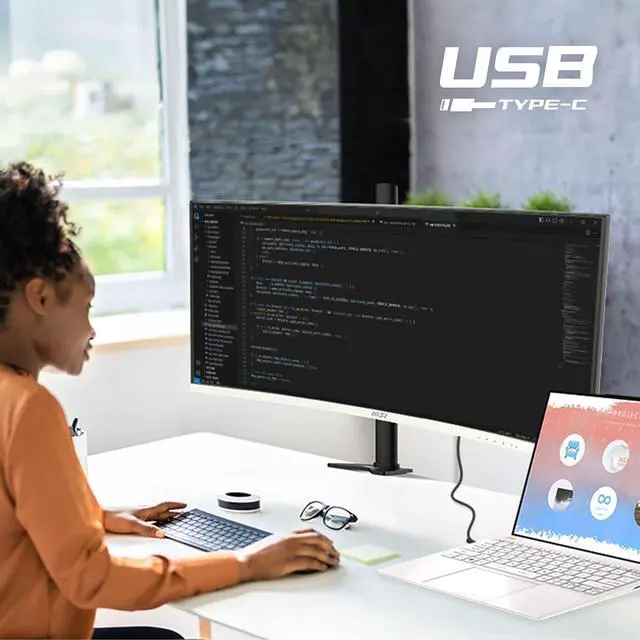
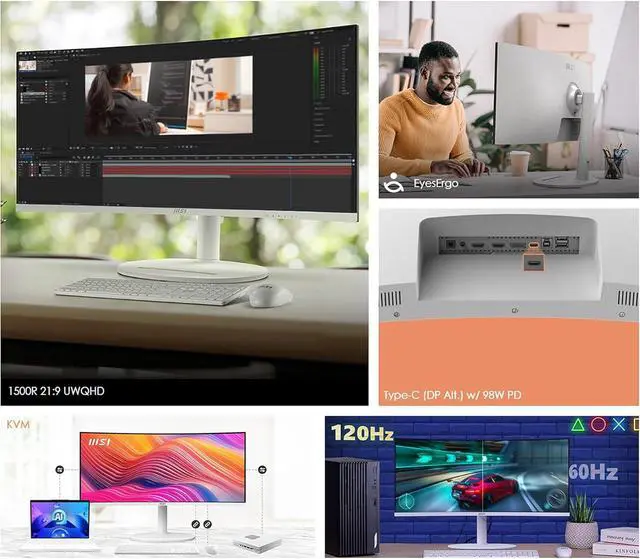
- Laptop-based workers who want a single-cable desk setup: USB-C carries video and can supply up to 98W of power, while the KVM can share a keyboard and mouse with a second computer.
- People who work across several windows or compare two sources at once: the 21:9 desktop, KVM, and Picture-by-Picture/Picture-in-Picture modes suit document-heavy work and multi-device setups.
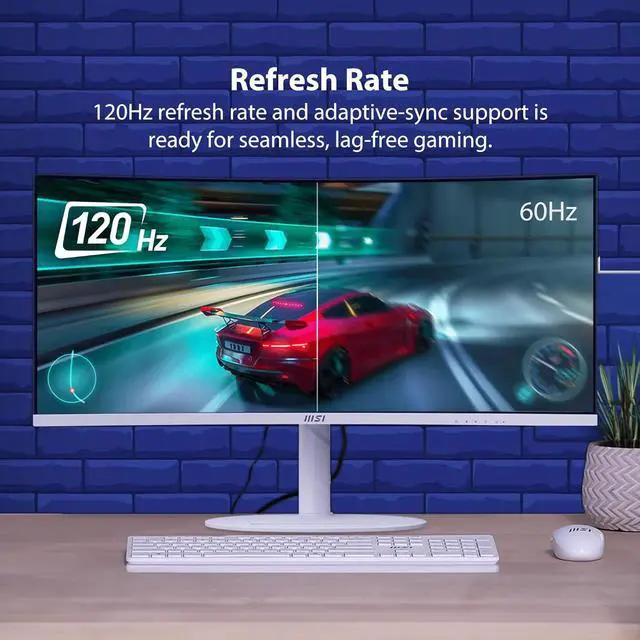
- Hybrid work-and-play users who prioritize a wide workspace and occasional gaming over esports-level motion clarity: the reviewer found 120Hz smooth for desktop use and enjoyable for games, while noting that faster gaming displays are clearer in motion.
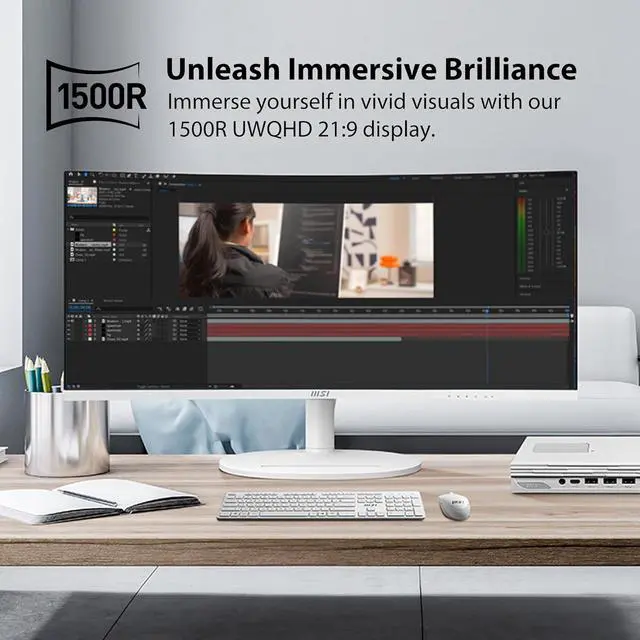
- Desk-based users seeking more screen width without adding a second monitor: the reviewer found the ultrawide workspace useful during work and more immersive for games.
Real-World Use Scenarios
- When working across spreadsheets, documents, and browser tabs, users can keep more windows visible side by side, reducing the need to switch between them on a single-screen setup.
- For a laptop-based home-office setup, a compatible USB-C connection can carry video, data, and power through one cable, helping keep the desk simpler; the built-in KVM can also share a keyboard and mouse with a second computer.
- When switching between a work laptop and a desktop, users can connect both and use the monitor’s KVM function to share a keyboard and mouse, avoiding separate input-device sets on the desk.
- For casual gaming after work, the curved ultrawide screen gives compatible games a wider, more involving view, while the 120Hz refresh rate makes motion feel smoother than on a typical 60Hz display; it is less suited to players seeking the clearest motion in dark, fast scenes.
- When comparing two connected sources at once—such as a work computer and another device—Picture-by-Picture or Picture-in-Picture can show both on screen, which is useful for reference work or monitoring a second feed.
Spec Summary
| Attribute | Value |
|---|
| Best For | Ultrawide viewing and multitasking at 3440 × 1440, with USB-C video and power delivery for compatible devices |
|---|
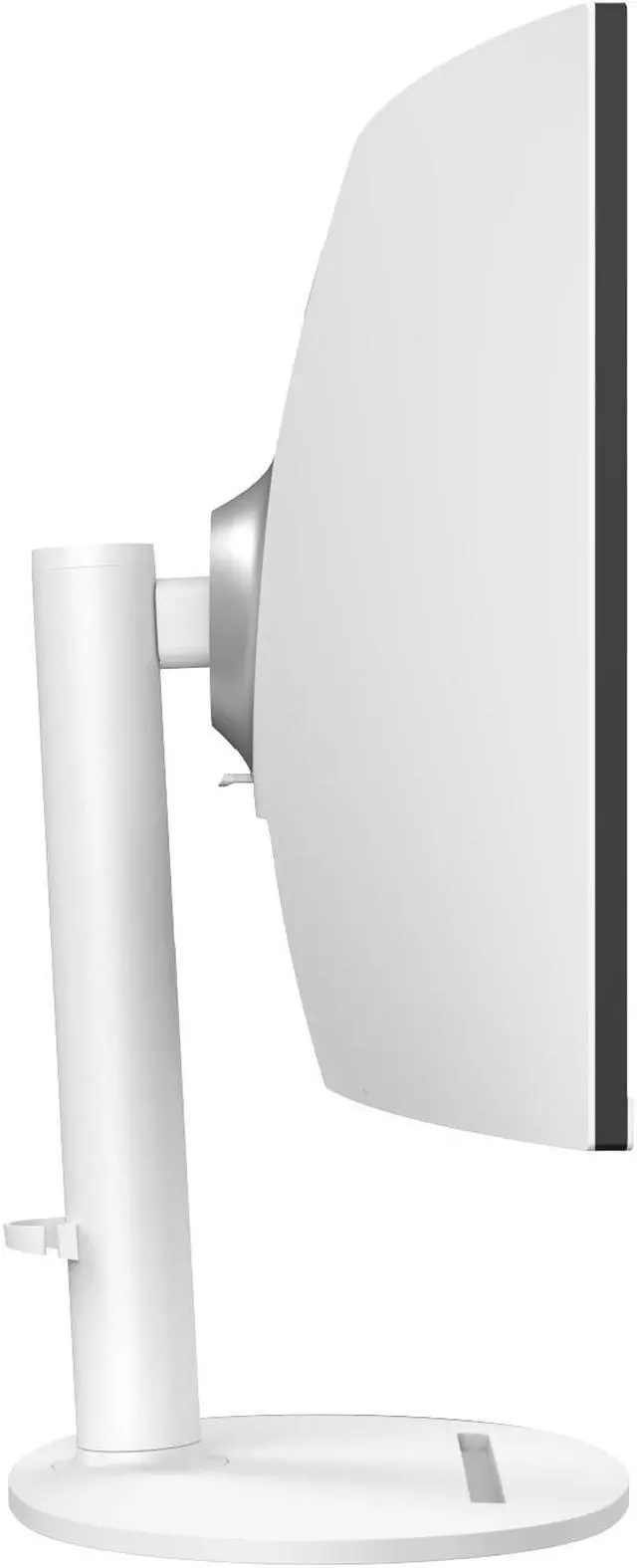
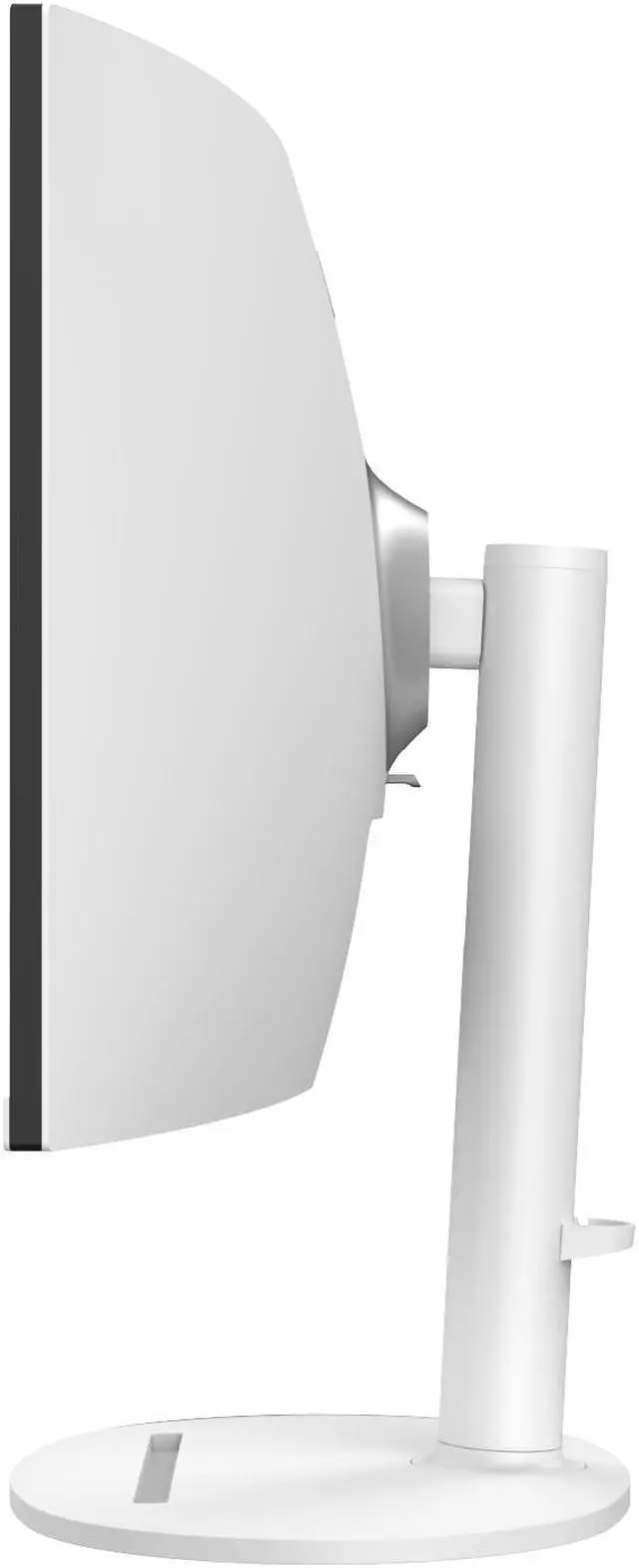
| Panel And Resolution | 34-inch curved VA panel with 3440 × 1440 UWQHD resolution, 21:9 aspect ratio, 1500R curvature and non-glare finish; 178° horizontal and vertical viewing angles |
|---|
| Image Quality | 300 cd/m² brightness, 3500:1 contrast ratio, 1.07 billion display colors and Adobe RGB / DCI-P3 / sRGB coverage of 92% / 95% / 119%; 0.231 mm pixel density |
|---|
| Refresh Rate And Response | 120Hz refresh rate, 1ms MPRT / 4ms GTG response time and Adaptive Sync |
|---|
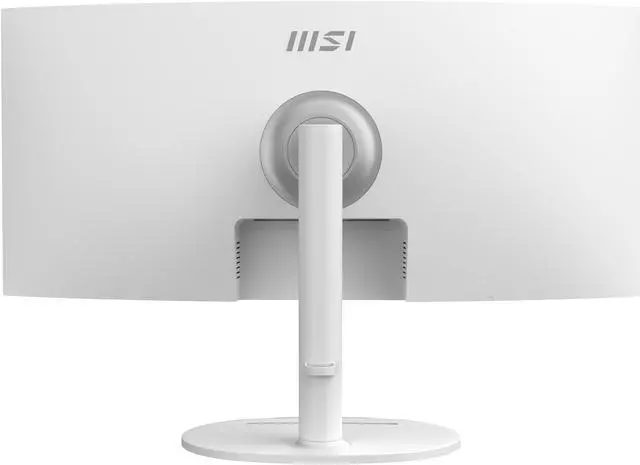
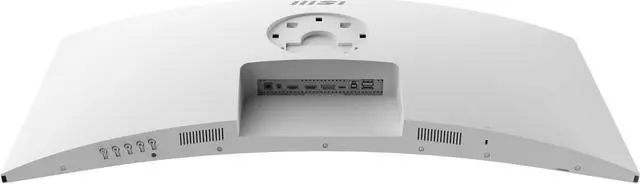
| Ports And Connectivity | 2× HDMI 2.0b (up to UWQHD at 100Hz), 1× DisplayPort 1.4a, USB-C with DisplayPort Alt Mode and 98W power delivery, 2× USB 2.0 Type-A, 1× USB 2.0 Type-B and headphone output |
|---|
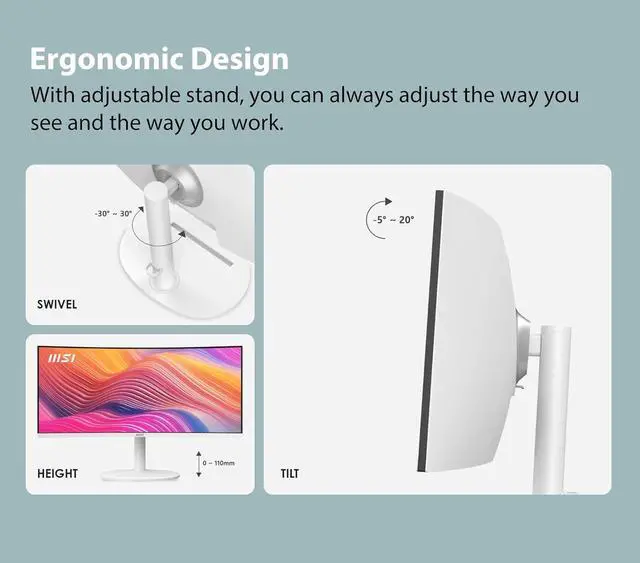
| Stand And Mounting | Height, swivel and tilt adjustment; VESA 75 × 75mm mount compatibility |
|---|
| Audio And Webcam | Built-in 2× 3W speakers; no built-in webcam |
|---|
| Power And Consumption | External power adapter; 31W typical power-on consumption and less than 0.5W in power-saving or off mode |
|---|
| Dimensions And Weight | With stand: 31.83 × 9.87 × 16.7 inches; without stand: 31.81 × 4.93 × 14.27 inches; 17.75 lb |
|---|
| Included Accessories | DisplayPort 1.2a cable, USB 3.2 Gen 1 Type-B-to-A cable, power adapter, power cord, quick guide and four VESA wall-mount screws |
|---|
| Model Identifiers | MSI Modern series, model MD342CQPW; part number 9S6-3PC59H-011; matte white cabinet |
|---|
Reference Q&A
Q: MSI Modern MD342CQPW vs. MSI MAG 342CQR E2: which is better for work and gaming?
A: Choose the Modern MD342CQPW for a laptop-centered desk setup: it combines a 34-inch, 3440 × 1440 display with USB-C video and up to 98W power delivery, plus KVM support. Choose the MAG 342CQR E2 if a higher gaming refresh rate is the priority; it supports up to 180Hz, compared with the Modern’s 120Hz.
Q: Is the MSI MPG 341CQR QD-OLED X36 a worthwhile upgrade from the Modern MD342CQPW?
A: The MPG 341CQR QD-OLED X36 is the performance-focused choice, with a QD-OLED panel, 360Hz refresh rate, and VESA DisplayHDR True Black 500. The Modern MD342CQPW is oriented toward everyday work and laptop connectivity, with a 120Hz VA panel, USB-C with 98W power delivery, and KVM. Choose the X36 for its OLED display and higher-refresh gaming specification; choose the Modern for its productivity-focused feature set.
Q: For a laptop-first setup, should I choose the MSI Modern MD342CQPW or MAG 342CQR E2?
A: The Modern MD342CQPW is the better fit for a laptop-first workflow because its USB-C connection carries DisplayPort video and provides up to 98W of power, and it includes KVM support for controlling multiple devices. The MAG 342CQR E2 is the gaming-oriented alternative, with a 180Hz refresh rate. Pick based on whether one-cable laptop connectivity or a higher refresh rate matters more to your setup.
Q: Is this monitor suitable for office work and video meetings?
A: Yes. Its 34-inch 3440 × 1440 ultrawide screen, adjustable stand, USB-C connection, and built-in speakers suit office work and multitasking. It has no built-in webcam, so you’ll need a separate camera for video meetings.
Q: Can I connect a laptop with one USB-C cable and charge it at the same time?
A: Yes, if the laptop’s USB-C port supports DisplayPort Alt Mode and the cable supports video and data. The monitor’s USB-C port supports video, data, and up to 98W power delivery. A USB-C cable is not listed among the included accessories.
Q: Can I use one keyboard and mouse with two computers on this monitor?
A: Yes. The monitor supports KVM switching, letting you share a keyboard and mouse between connected devices. Its PIP and PBP modes can also display multiple video sources at once. Connect the computers and peripherals using compatible ports and cables.
Q: Will this ultrawide monitor work well with a game console?
A: It can connect through HDMI, but console support for the monitor’s 21:9 ultrawide aspect ratio varies; some consoles may show black bars rather than fill the screen. The HDMI inputs support UWQHD up to 100Hz. For up to 120Hz, check the device’s output capability and use a compatible DisplayPort or USB-C connection.
Q: Is the MSI MD342CQPW worth considering for USB-C laptop work?
A: It offers a 34-inch, 3440 × 1440 workspace and USB-C with DisplayPort Alt Mode and up to 98W power delivery, which can support a one-cable laptop setup. Reddit users report that USB-C video connection can require a compatible video-capable cable and settings adjustments; some also describe connection problems. Confirm your laptop supports video over USB-C and check the monitor’s return policy if USB-C is essential to your setup.
Q: Is it a good fit for productivity with occasional gaming?
A: It may suit people prioritizing work space and occasional play: it has a 34-inch 21:9, 3440 × 1440 display, 120Hz refresh rate, Adaptive Sync, and a VA panel. Reddit discussions mention work and light gaming as intended uses, but do not establish gaming performance across titles. If gaming motion performance is your main priority, compare panel-specific reviews before buying.
Q: Does the MD342CQPW work for using two sources side by side?
A: The monitor includes Picture-by-Picture (PBP), which displays two sources side by side, and Picture-in-Picture (PIP). A Reddit user considering it for a work laptop and a second video source later reported using PBP for productivity. Check that your intended devices and connections work with the input arrangement you plan to use.
Q: Is the built-in KVM suitable for switching between a laptop and desktop?
A: The product specifications list KVM support, intended to let one keyboard and mouse control multiple connected devices. Reddit users specifically ask whether switching between a laptop and desktop is intuitive, but the discussion does not establish how reliably or conveniently it works in practice. If KVM behavior is a deciding factor, seek hands-on confirmation for your setup.