


- Free 15-day Returns
$1,067.99
Add to PC build list
Sold by Newegg
Shipped by Newegg
Add to Wish List(Found on 11 wish lists)
Best Sellers
- $1,384.44
- + $59.75 Shipping


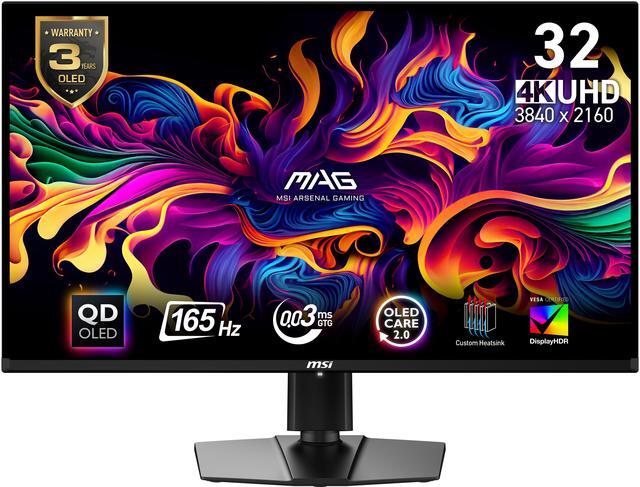
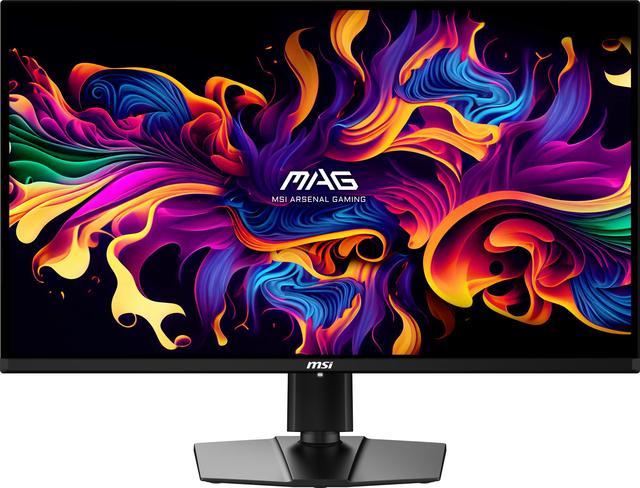
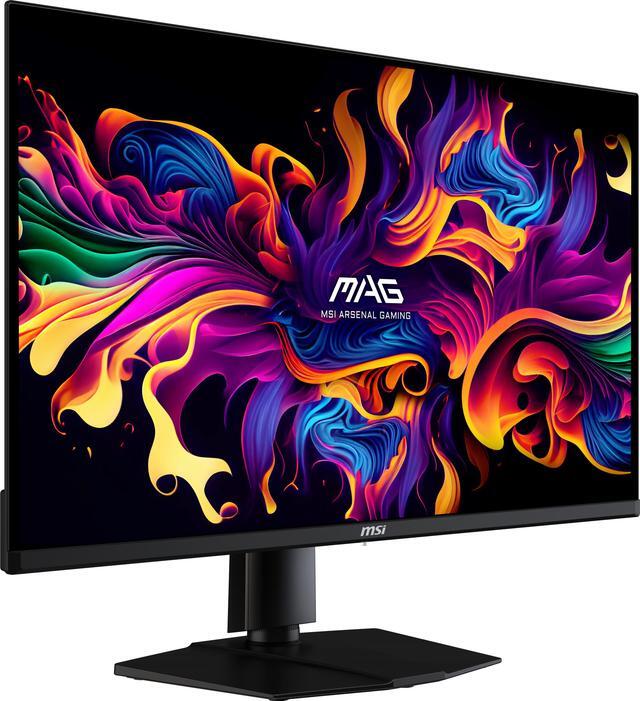
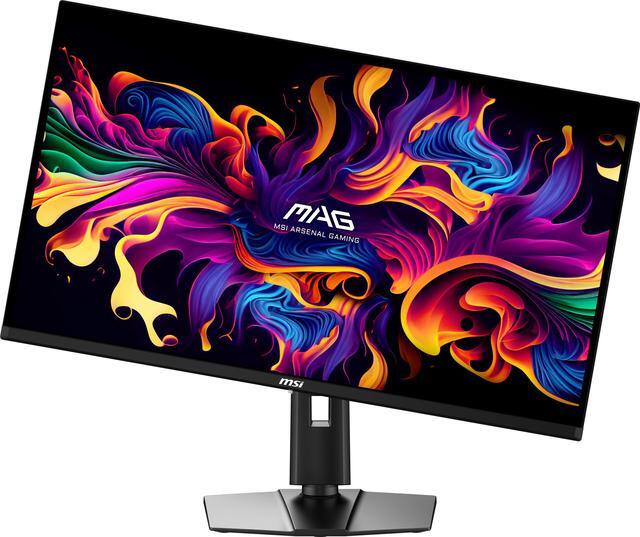
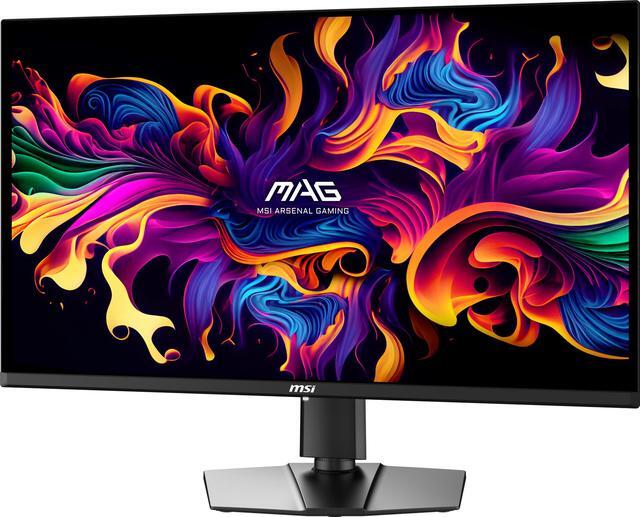
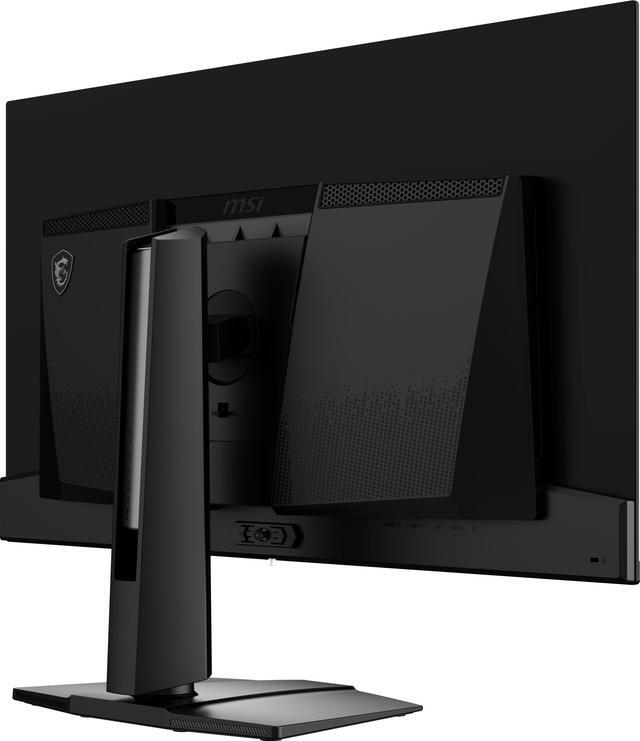
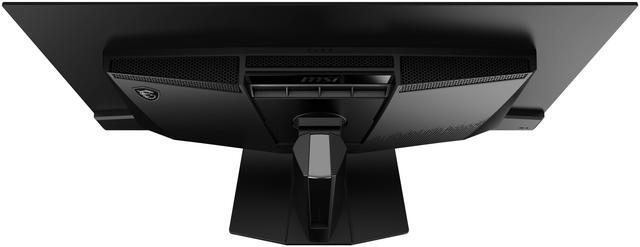
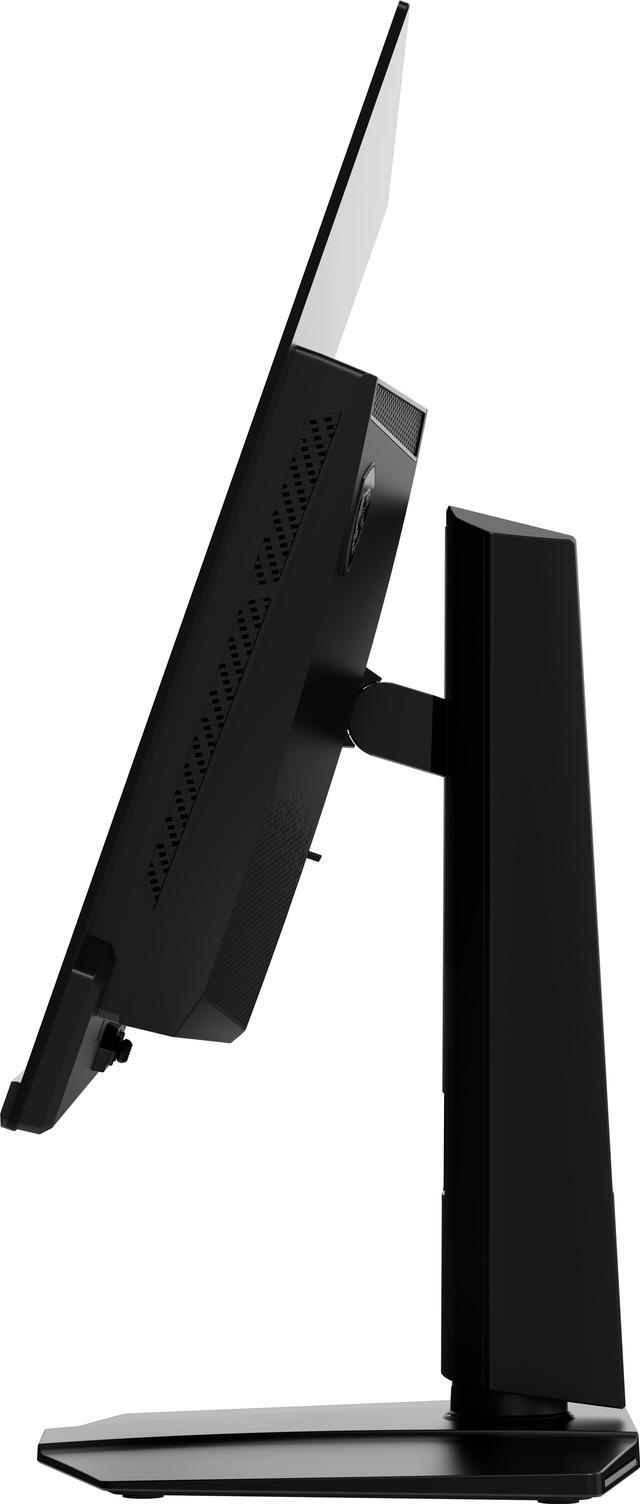
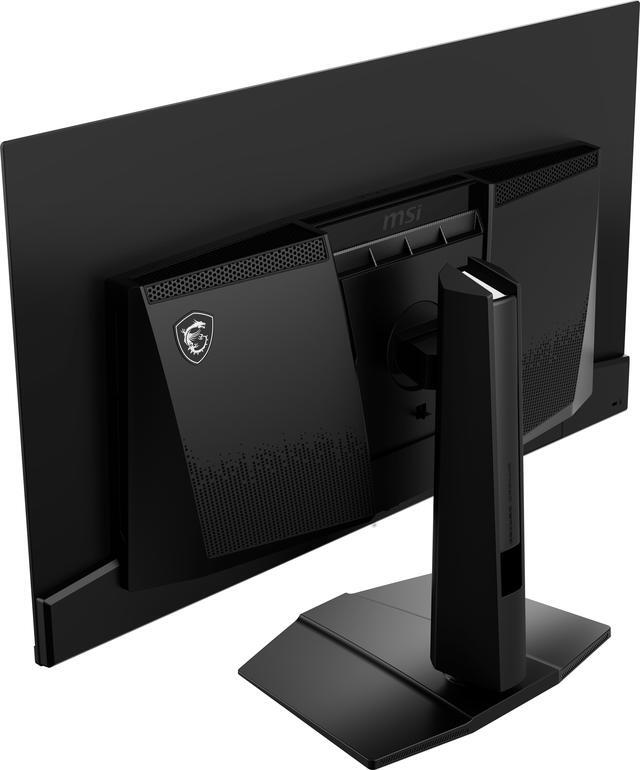


MSI 32 inch (31.5" viewable) UHD 4K 165Hz with AMD FreeSync Premium Pro 0.03ms HDR400 USB-C OLED Gaming Computer Monitor with Height Adjustable, Pivot, Swivel & Tilt stand MAG 321UP QD-OLED
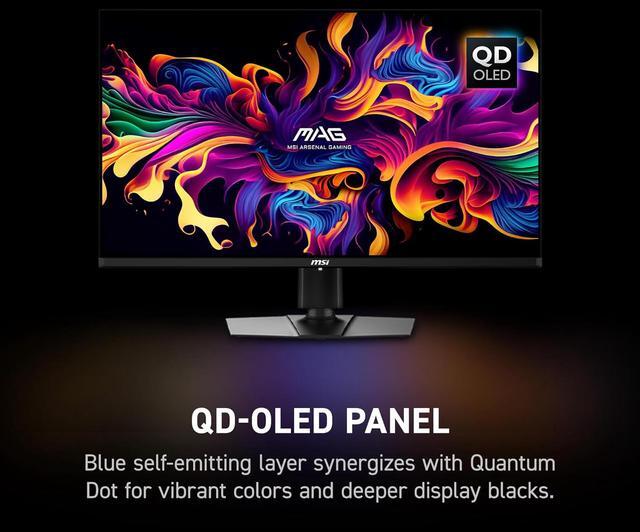
- Next-Gen 32"(31.5" viewable) QD-OLED Display - Experience ultra-vivid 3840x2160 UHD visuals with deep blacks, brilliant colors, and lifelike contrast on a 32"(31.5" viewable) flat QD-OLED panel.
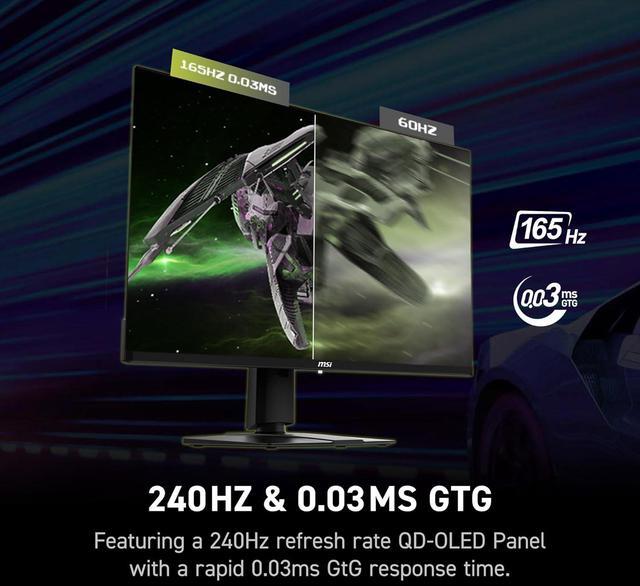
- 165Hz Refresh Rate & 0.03ms Response Time - Enjoy silky-smooth motion and near-instantaneous responsiveness, perfect for competitive gaming and fast-paced action.
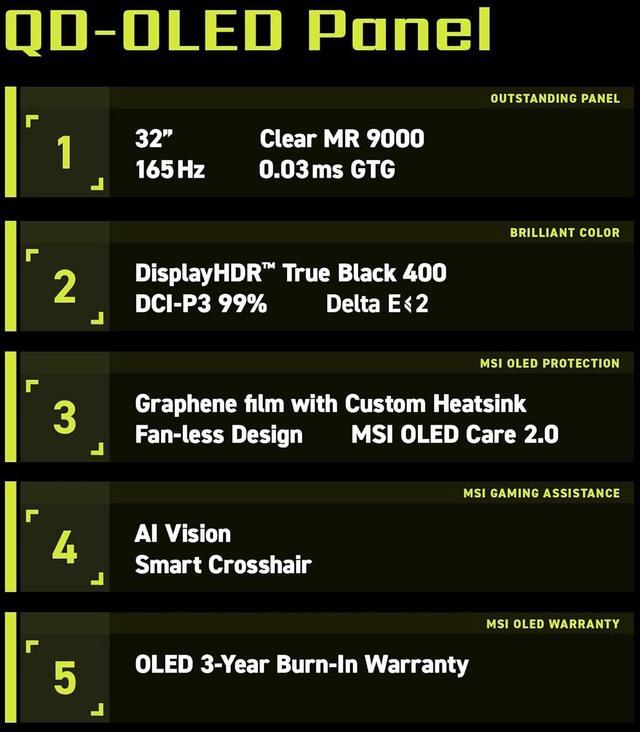
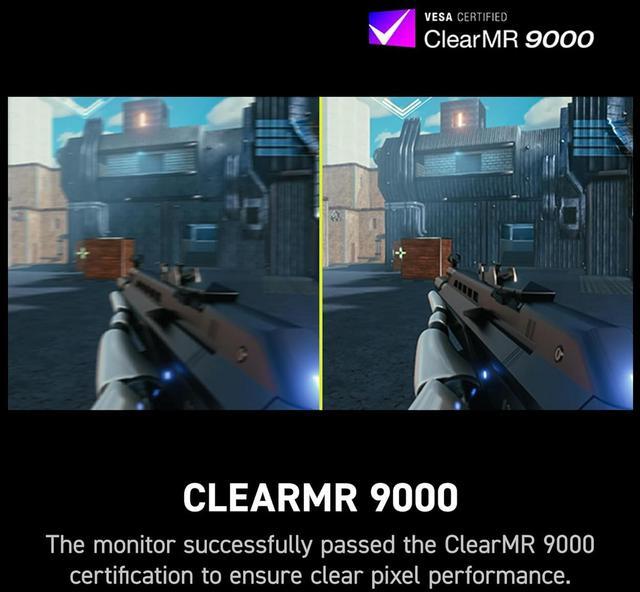
- DisplayHDR True Black 400 & ClearMR 9000 - VESA-certified HDR delivers stunning color depth, while ClearMR 9000 minimizes motion blur for crystal-clear gameplay.
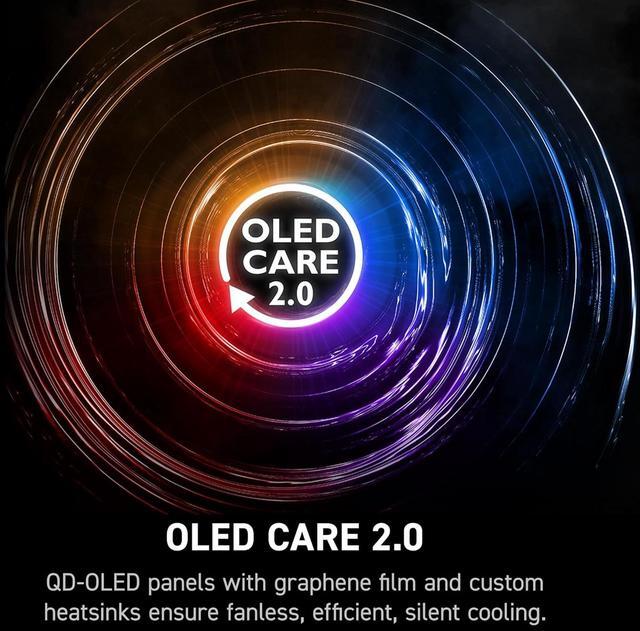
- OLED Care 2.0 for Durability - Protect your investment with OLED Care 2.0, designed to reduce the risk of burn-in and extend panel lifespan.
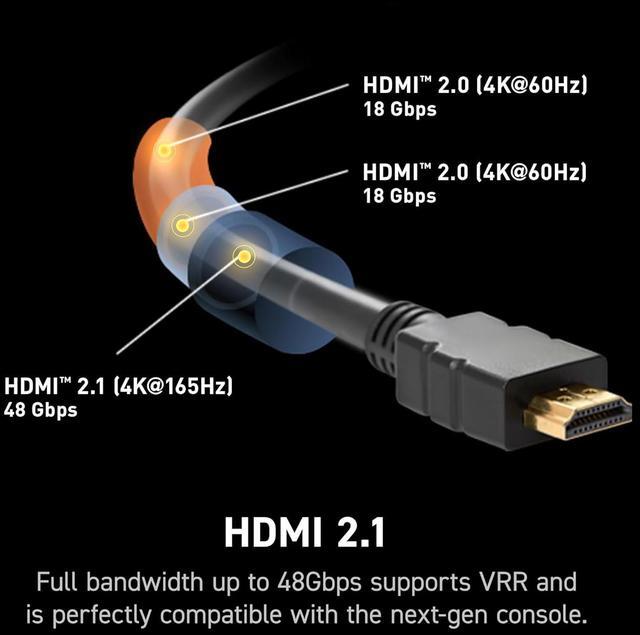
- Console-Ready with HDMI 2.1 - Supports 4K @165Hz, VRR, and ALLM for next-gen consoles, ensuring ultra-smooth, tear-free gaming.
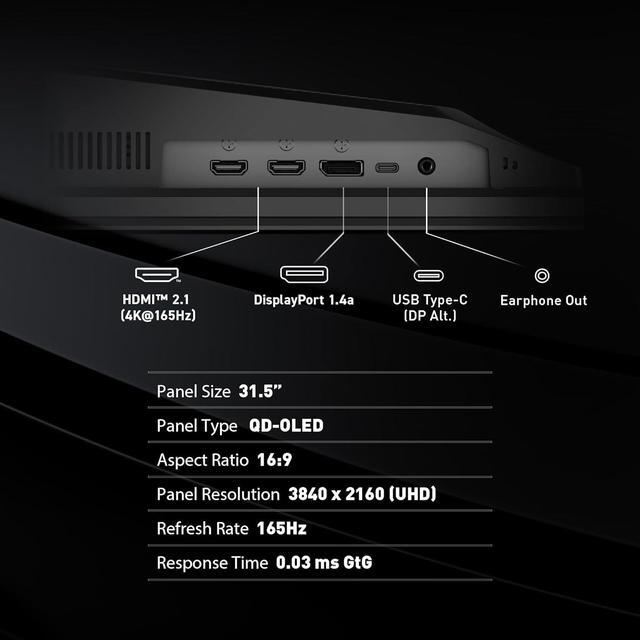
- Comprehensive Connectivity & Ergonomic Design - Featuring DisplayPort 1.4a, HDMI 2.1, and USB-C (DP Alt Mode with 15W PD) along with tilt, swivel, pivot, and height adjustments for ultimate comfort.
+
+
Overview
Specs
Reviews (382)
While the MSI MAG 321UP QD-OLED 31.5" Gaming Monitor is designed to elevate your gaming experience, it offers much more than just a stunning visual display. This cutting-edge monitor features a 3840x2160 (UHD) resolution on a next-gen QD-OLED panel, delivering breathtaking clarity and detail. With a remarkable 165Hz refresh rate and an ultra-fast 0.03 ms (GtG) response time, it ensures smooth and responsive gameplay, crucial for fast-paced genres like first-person shooters, racing sims, and real-time strategy games. The MAG 321UP QD-OLED is VESA-certified for ClearMR 9000 and DisplayHDR True Black 400, guaranteeing vivid images with reduced motion blur and exceptional contrast.
The pixel-dimming technology allows for pure black scenes, enhancing the overall color performance and providing a more immersive viewing experience. The monitor's DCI-P3 99% color gamut coverage ensures vibrant and lifelike visuals, making every game world come alive with stunning accuracy. For console gamers, the MAG 321UP QD-OLED is equipped with HDMI 2.1 ports, offering 48Gbps bandwidth, 120Hz support, VRR, and ALLM, ensuring seamless integration with the latest gaming consoles. The MSI Console Mode further enhances the experience with VRR support and optimized 2160P resolution, eliminating screen tearing and providing smooth, uninterrupted gameplay.
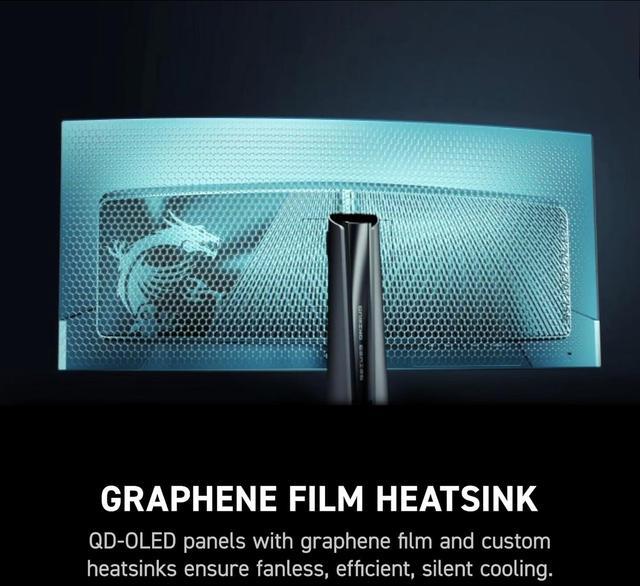
The monitor's design reflects the rugged durability and reliability of military-grade equipment, embodying the essence of the MSI ARSENAL GAMING (MAG) series. Its fanless design, featuring a graphene film and custom heatsink, ensures efficient heat dissipation, extending the panel's lifespan without the noise of active cooling. Additional features like Adaptive Sync technology synchronize the monitor's refresh rate with your GPU, eliminating screen tearing and stuttering for ultra-smooth visuals. The built-in blue light reduction and anti-reflection coating protect your eyes and reduce glare, allowing you to focus on the game without distractions.
The MAG 321UP QD-OLED also includes innovative gaming assistance tools such as Smart Crosshair and OPTIX Scope, enhancing your aiming precision and providing multi-stage zooming capabilities. AI Vision technology enhances details in dark areas, ensuring you never miss a moment of action. Connectivity is seamless with USB Type-C support, allowing for easy device charging and display via DisplayPort Alt mode. The user-centric design includes a 5-way Joystick Navigator for intuitive control, ensuring a comfortable and ergonomic user experience. In summary, the MSI MAG 321UP QD-OLED 31.5" Gaming Monitor is a powerhouse of performance and design, offering gamers the tools they need to dominate the virtual battlefield with precision and style.
The pixel-dimming technology allows for pure black scenes, enhancing the overall color performance and providing a more immersive viewing experience. The monitor's DCI-P3 99% color gamut coverage ensures vibrant and lifelike visuals, making every game world come alive with stunning accuracy. For console gamers, the MAG 321UP QD-OLED is equipped with HDMI 2.1 ports, offering 48Gbps bandwidth, 120Hz support, VRR, and ALLM, ensuring seamless integration with the latest gaming consoles. The MSI Console Mode further enhances the experience with VRR support and optimized 2160P resolution, eliminating screen tearing and providing smooth, uninterrupted gameplay.
The monitor's design reflects the rugged durability and reliability of military-grade equipment, embodying the essence of the MSI ARSENAL GAMING (MAG) series. Its fanless design, featuring a graphene film and custom heatsink, ensures efficient heat dissipation, extending the panel's lifespan without the noise of active cooling. Additional features like Adaptive Sync technology synchronize the monitor's refresh rate with your GPU, eliminating screen tearing and stuttering for ultra-smooth visuals. The built-in blue light reduction and anti-reflection coating protect your eyes and reduce glare, allowing you to focus on the game without distractions.
The MAG 321UP QD-OLED also includes innovative gaming assistance tools such as Smart Crosshair and OPTIX Scope, enhancing your aiming precision and providing multi-stage zooming capabilities. AI Vision technology enhances details in dark areas, ensuring you never miss a moment of action. Connectivity is seamless with USB Type-C support, allowing for easy device charging and display via DisplayPort Alt mode. The user-centric design includes a 5-way Joystick Navigator for intuitive control, ensuring a comfortable and ergonomic user experience. In summary, the MSI MAG 321UP QD-OLED 31.5" Gaming Monitor is a powerhouse of performance and design, offering gamers the tools they need to dominate the virtual battlefield with precision and style.
Warranty & Returns
Warranty, Returns, And Additional Information
Warranty
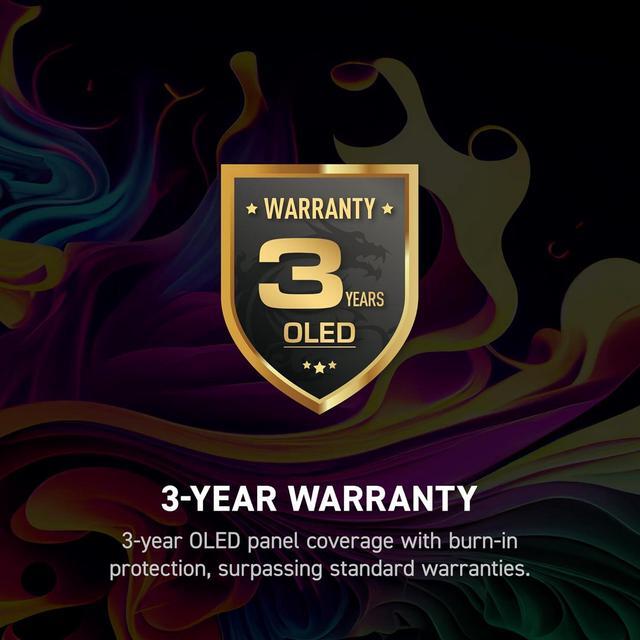
- Limited Warranty period (parts): 3 years
- Limited Warranty period (labor): 3 years
- Read full details
Return Policies
- Return for refund within: 15 days
- Return for replacement within: 15 days
- This item is covered by Newegg.ca's 15-Day Return Policy.
- Read full return policy for details.
Manufacturer Contact Info
- Manufacturer Product Page
- Manufacturer Website
- Support Phone: 1-626-913-0828
- Support Website
- View other products from MSI
LOADING...
LOADING...
The MSI MAG 321UP QD-OLED is a 31.5-inch 4K QD-OLED gaming monitor with a 165Hz refresh rate, 0.03ms response time, and AMD FreeSync Premium Pro, suited to PC gamers who want detailed visuals and fast, responsive gameplay.
Recommended For
- PC gamers who prioritize detailed 4K visuals, rich colors, deep blacks, and responsive motion in story-driven, racing, or action games over a 240Hz refresh rate.
- PS5 or Xbox Series X|S players who want a large 4K OLED display with HDMI 2.1, VRR, and support for console gaming up to 120Hz.
- Gamers upgrading to OLED who value image quality and smooth play but don’t need the 240Hz refresh rate offered by some higher-refresh 32-inch 4K OLED monitors.
- People who split their desk time between gaming and occasional photo, video, or other visual work, and want a 32-inch 4K screen with wide color coverage—provided they’re comfortable with OLED care and its static-image precautions.
Real-World Use Scenarios
- Playing visually rich PC games at a desk: dark scenes retain deep blacks and bright details, while fast motion looks smooth when the PC can deliver high frame rates.
- Using a PS5 or Xbox for 4K gaming: HDMI 2.1 supports console play with 4K at up to 120Hz and variable refresh rate, with OLED contrast helping cinematic game scenes stand out.
- Editing photos or video alongside everyday desk work: the 4K screen provides room for multiple windows, and its broad color range and clear text suit creative tasks, reading, and browsing.
- Watching HDR videos or movies in a dim or moderately lit room: OLED blacks and vivid color can make dark scenes and highlights more distinct; direct light on the screen may cause distracting reflections.
Spec Summary
| Attribute | Value |
|---|---|
| Best For | Gaming with 4K visuals, a 165Hz refresh rate, and FreeSync Premium Pro adaptive sync |
| Panel And Resolution | 32-inch flat OLED display with Quantum Dot picture enhancement, 3840 × 2160 UHD resolution, 16:9 aspect ratio, and a glossy finish |
| Image Quality | DisplayHDR True Black 400, 1,500,000:1 contrast ratio, 250–1000 cd/m² brightness, 178° horizontal and vertical viewing angles, and 1.07 billion colors |
| Refresh Rate And Response | 165Hz refresh rate, 0.03ms GTG response time, and FreeSync Premium Pro adaptive sync |
| Ports And Connectivity | 2 HDMI 2.1 ports, 1 DisplayPort 1.4a, and 1 USB-C port with DisplayPort Alternate Mode |
| Stand And Mounting | Height adjusts 0–110mm; tilt -5° to 15°, swivel -30° to 30°, and pivot -10° to 10°. Supports 100 × 100mm VESA mounting |
| Built-In Features | No built-in speakers or webcam |
| Dimensions And Weight | 28.27 × 16.46 × 2.72 inches without stand; 28.27 × 19.02 × 9.53 inches with stand. Net weight 9.1kg; gross weight 11.8kg |
| Power | 45W power consumption |
| Included Accessories | Power cord and HDMI cable |
| Model Identifiers | MSI MAG 321UP QD-OLED; part number 9S6-3DD39T-013 |
Reference Q&A
Q: MSI MAG 321UP QD-OLED or MPG 321URX: which should I buy?
A: Choose the MAG 321UP if 165Hz is sufficient and you want a 32-inch 4K QD-OLED with USB-C display input. Choose the MPG 321URX if you want up to 240Hz, a KVM switch, USB-A ports, or 90W USB-C power delivery; the MAG 321UP provides 15W USB-C power delivery. Both are flat 32-inch 4K QD-OLED monitors, so the decision mainly comes down to refresh rate and connectivity needs.
Q: Should I get the MSI MAG 321UP or the Alienware AW3225QF?
A: Choose the MAG 321UP if you prefer a flat screen and a 165Hz refresh rate. Choose the Alienware AW3225QF if you prefer a curved screen and want up to 240Hz. Both are 32-inch-class, 4K QD-OLED monitors; the higher refresh rate is most relevant if your PC can produce frame rates above 165 fps in the games you play.
Q: Is the MSI MAG 321UP worth choosing over a 4K 240Hz OLED monitor?
A: Choose the MAG 321UP if 165Hz meets your gaming needs and you want its 4K QD-OLED format without prioritizing a 240Hz refresh rate. Choose a 4K 240Hz alternative, such as the MSI MPG 321URX, if you play games where you can make practical use of refresh rates above 165Hz. The 240Hz option also offers more headroom for high-frame-rate PC gaming, while the MAG 321UP still supports 4K gaming up to 165Hz.
Q: Can I use this monitor with a laptop, and will USB-C charge it?
A: Yes. Its USB-C port supports DisplayPort Alt Mode for video and provides up to 15W of power delivery. That can provide a display connection and light charging, but is unlikely to replace a typical laptop charger. The stand also supports height, tilt, swivel, and pivot adjustments for desk use.
Q: Is this monitor suitable for PS5 or Xbox gaming?
A: Yes. The monitor has HDMI 2.1 and supports 4K, variable refresh rate, and Auto Low Latency Mode. It is suitable for current consoles; the console and game determine the frame rate, so the monitor’s 165Hz maximum may not be available in console play.
Q: Does OLED Care 2.0 eliminate the risk of burn-in?
A: No. OLED Care 2.0 is designed to reduce burn-in risk, not guarantee that it cannot occur. If you regularly leave static content on screen for long periods, such as fixed work windows or taskbars, use the panel-care features and vary or remove static elements when practical.
Q: Does it have built-in speakers?
A: No. This monitor has no built-in speakers, so plan to use headphones or a separate audio device for sound.
Q: Is the MAG 321UP worth choosing over a 240Hz 4K OLED?
A: Consider it if 4K at up to 165Hz suits your gaming needs and you would rather not pay extra for a higher refresh rate. Choose a 240Hz model if you expect to use the additional refresh headroom. The MAG 321UP is specified for 165Hz; Reddit users discussing this model describe that as enough for their use, while a YouTube review frames the decision around its savings versus 240Hz alternatives.
Q: Can the MAG 321UP work well for both gaming and office tasks?
A: It can suit mixed use: it combines 4K resolution and 165Hz with a 32-inch OLED panel, and owners in Reddit discussions report using it for work as well as gaming. Text clarity is subjective, however, and OLED users raise concerns about prolonged static content. Consider an LCD instead if your work consists mainly of fixed spreadsheets or other unchanging screen elements.
Q: Should I worry about burn-in if I use it regularly?
A: The monitor includes OLED Care 2.0, which is designed to reduce burn-in risk, but it does not make the panel immune to it. One MAG 321UP owner reported no visible burn-in after about a year while describing precautions they took; that is an individual experience, not a guarantee. If you often leave the same interface visible for long periods, use the panel-care features and avoid leaving the display on unnecessarily.