


- Free 15-day Returns
- $30.29 Shipping
$503.99
Sold by Newegg
Shipped by Newegg
Add to Wish List(Found on 2 wish lists)


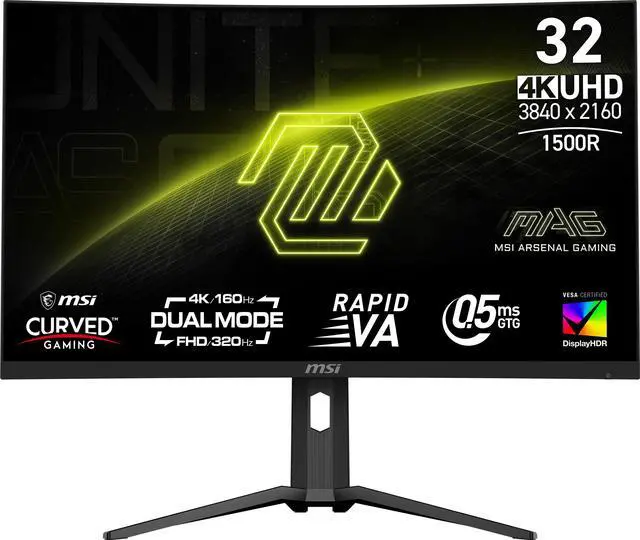
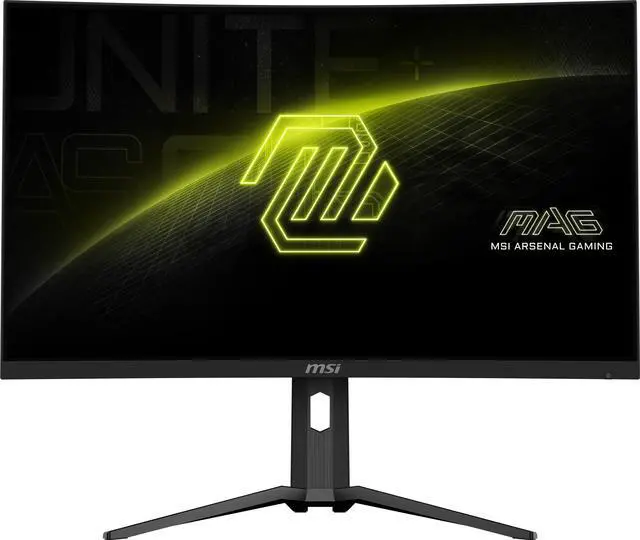
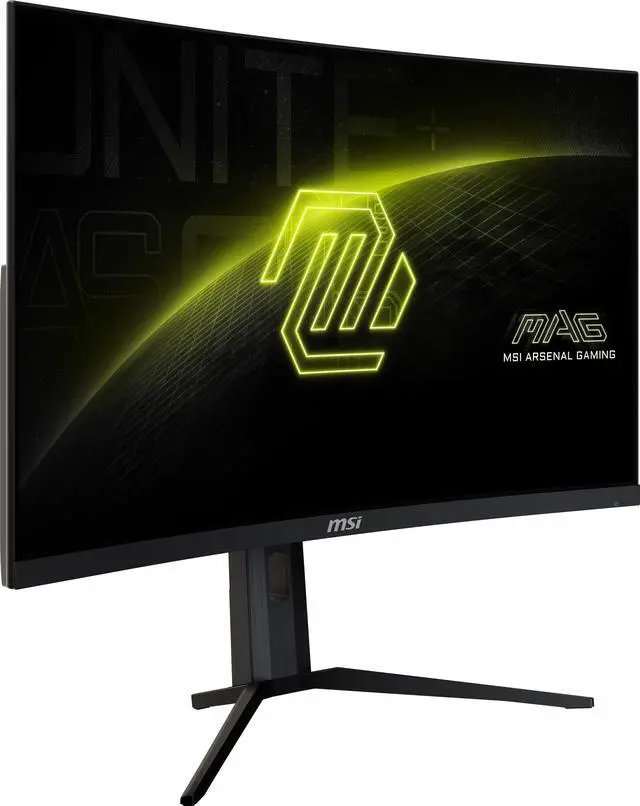
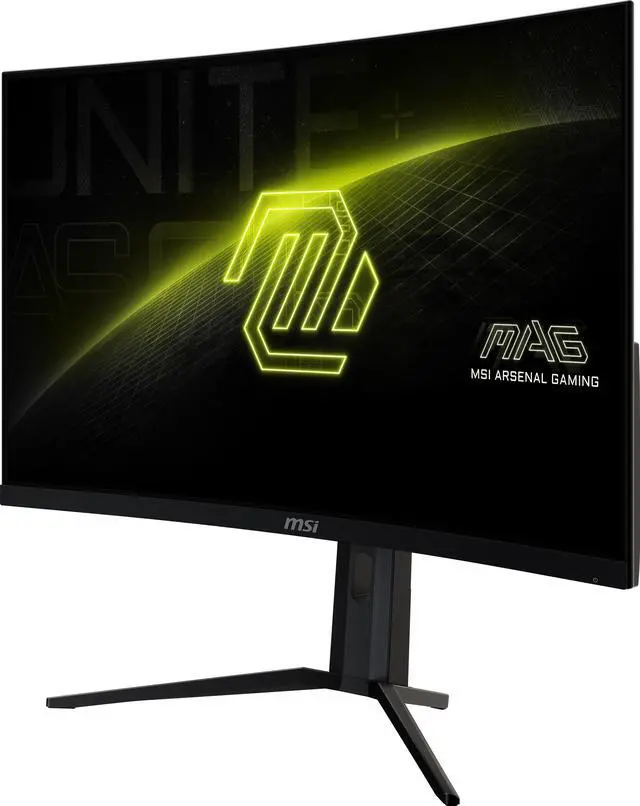
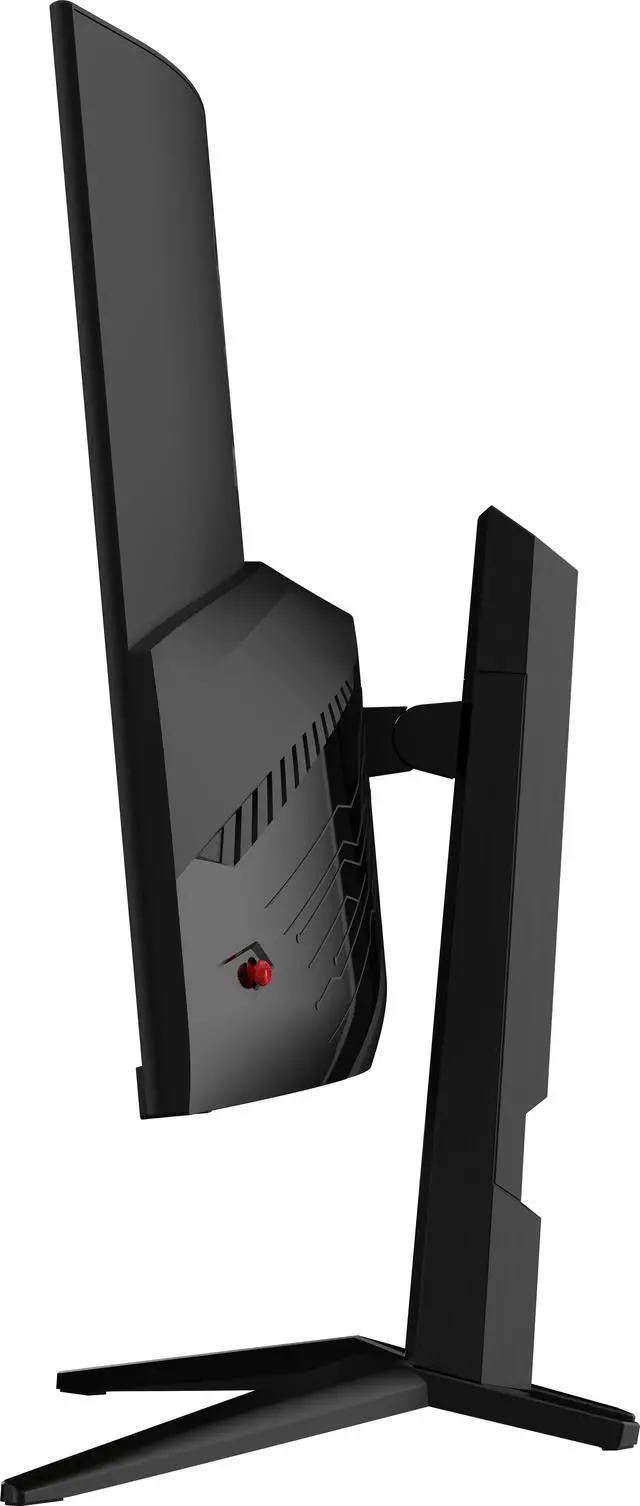
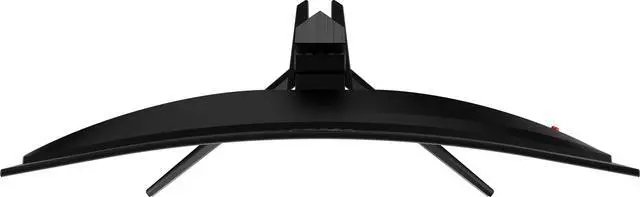
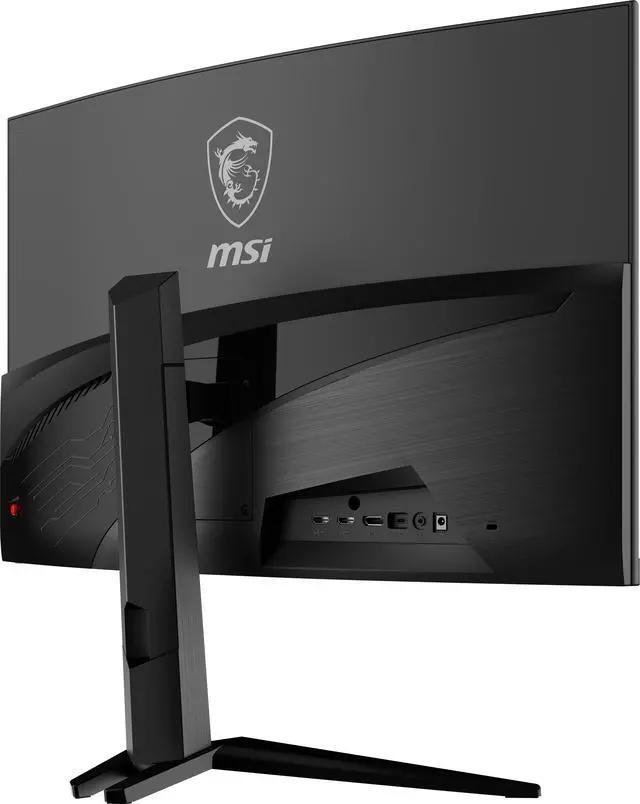
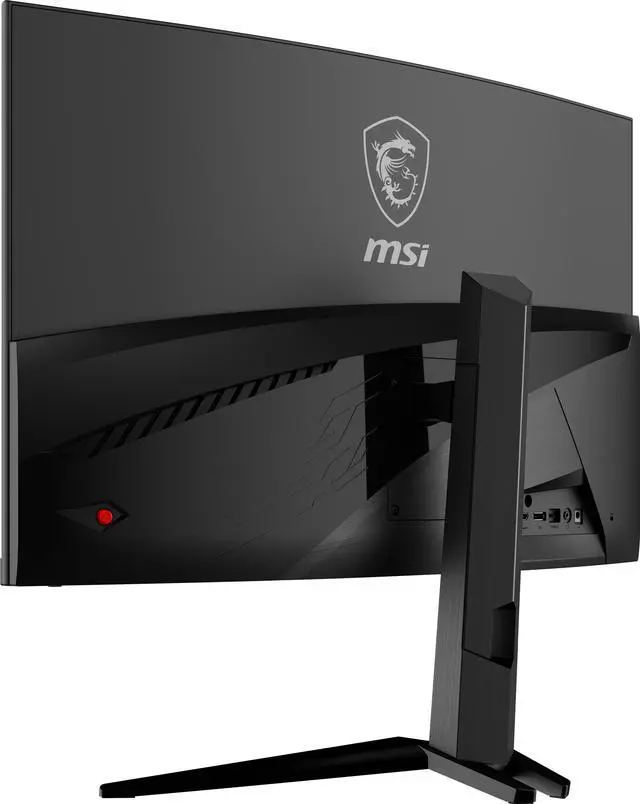


MSI 32 inch (31.5" viewable) DUAL MODE UHD 4K 160Hz Full HD 320Hz FreeSync Premium 0.5ms HDR400 DCI-P3 97% USB-C AI Vision Curved Gaming Computer Monitor with Height Adjustable & Tilt stand MAG 321CUPDF
- Dual-Mode Gaming Performance - Choose between ultra-sharp 4K UHD at 160Hz or lightning-fast Full HD 320Hz for competitive esports gaming
- Ultra-Responsive 0.5ms Rapid VA Panel - Delivers exceptional motion clarity with minimal blur, perfect for fast-paced shooters and high-speed gameplay
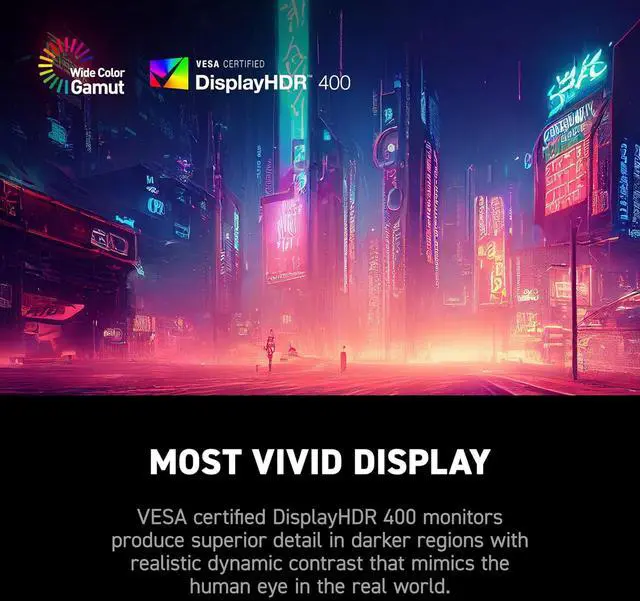
- Immersive 32" 1500R Curved Display - Vibrant colors with 93% Adobe RGB, 1.07 billion color depth, 3000:1 contrast, and VESA DisplayHDR 400 for deeper blacks and brighter highlights
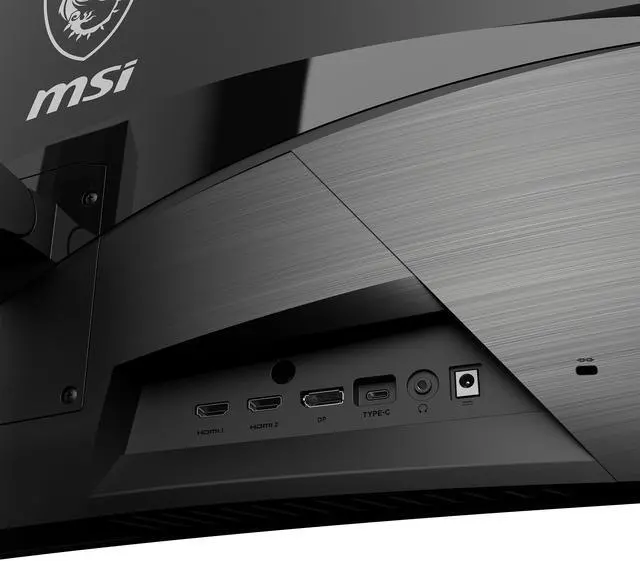
- Next-Gen Connectivity for Modern Setups - Equipped with HDMI 2.1, DisplayPort 1.4a, USB-C with DP Alt Mode and 15W power, plus PIP/PBP multi-source viewing
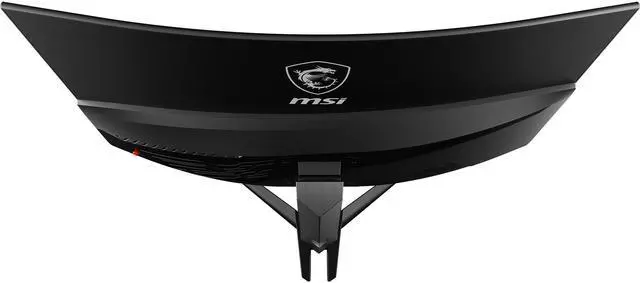
- Frameless Ergonomic Design - Anti-glare screen, tilt and height adjustment, 100 x 100 VESA mount compatibility, and a clean frameless look for seamless multi-monitor setups
+
+
Overview
Specs
Reviews (15)
The MSI MAG 321CUPDF Gaming Monitor, 32 inches of stunning Rapid VA, Dual mode with UHD 160Hz and FHD 320Hz. Equipped with 0.5 ms (GtG, Min. ) response time, Frameless Design, VESA DisplayHDR 400, AI Vision. Perfect for competitive gamers seeking immersion. Upgrade your setup-check out now and game on! The MSI ARSENAL GAMING (MAG) series is engineered to give gamers the edge they need to dominate on the virtual battlefield. Inspired by the rugged durability and unwavering reliability of military-grade equipment, the MAG series is built to provide an unwavering defense in every gaming scenario.
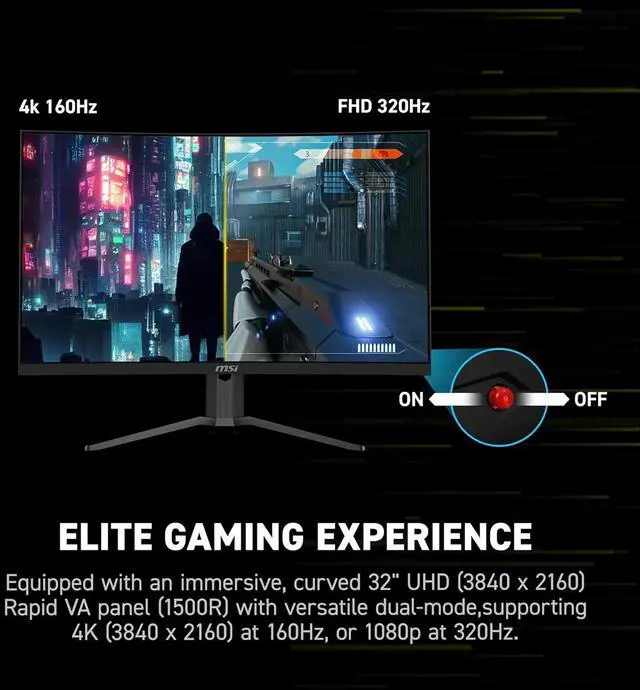
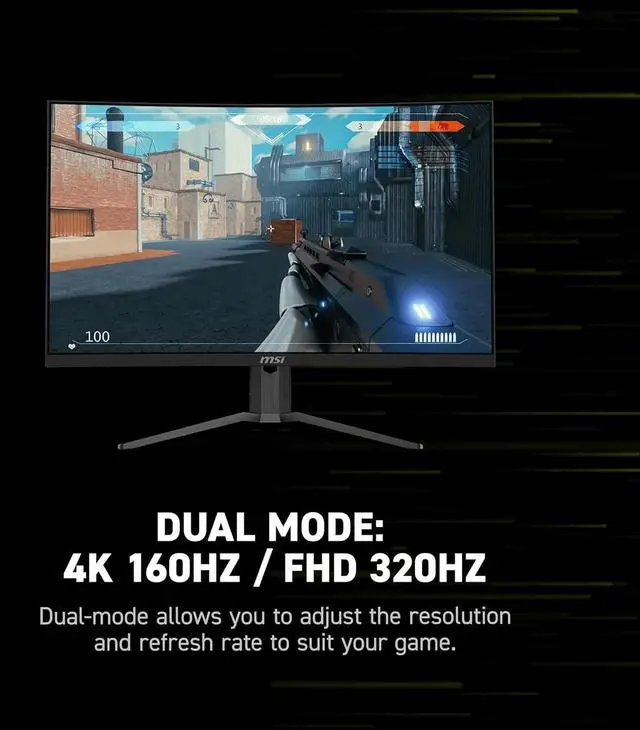
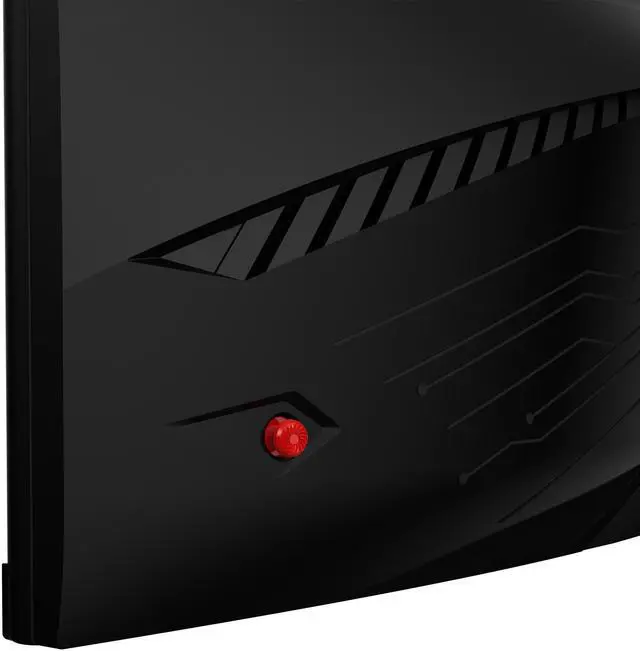
However, MAG isn't just about performance; it's a design language that conveys ruggedness and toughness, embodying the very essence of the MAG style. For gamers who are determined to dominate their digital battlegrounds, the MAG series is here to stand with you, establishing the ultimate defense. Dual ModeDual Mode allows you to select the resolution and refresh rate that best suit your game-choose a higher refresh rate with lower resolution for fast-paced FPS games or enjoy crisp 4K visuals with a lower refresh rate. Designed with a user-centric approach and ergonomic convenience, it features a 5-way Joystick Navigator on the right side of the screen and a one-click switch button, making it easy to toggle Dual Mode settings and providing a seamless, user-friendly experience.
4K 160Hz FHD 320HzMSI AI Dual ModeAI Dual Mode, exclusively developed by MSI, is an AI-powered feature that detects the current resolution and refresh rate, automatically adjusting to the optimal refresh rate when switching resolutions. No need to tweak Windows settings-players can enjoy seamless transitions with ease. Aspect Ratio OptionsSupports a variety of aspect ratios, allowing for selection between 24.5" and 27" imagery. Choose the size you want at your leisure, and elevate your gaming experience to the utmost.
PanelUHD: The Beauty Is in the DetailsMSI gaming monitor feature a UHD panel that supports resolution up to 3840x2160. This 16:9 panel allows gamers to examine bigger game scenes compared to other traditional FHD panels, and provide an immersive gaming experience.
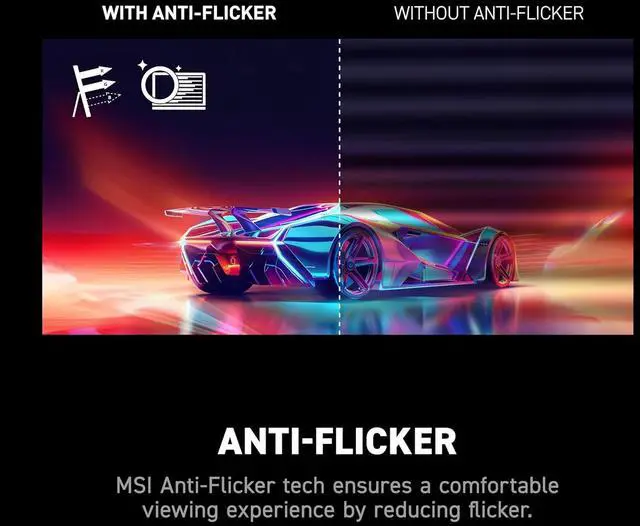
Eye Care: See Clearly, See Comfortably. Anti-Flicker and Less Blue Light technologies provide a very comfortable viewing experience by reducing the amount of flicker and displaying lower levels of blue light. You can game for longer periods without experiencing eye fatigue.
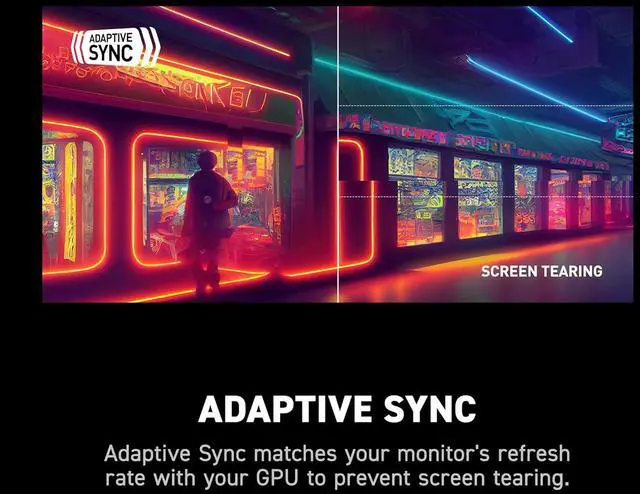
Amd Freesync Premium: Tear Free, Stutter Free Fluid GamingGaming shouldn't be a choice between choppy gameplay and broken frames. With the MSI gaming monitor, you'll experience fluid, artifact-free performance. Enjoy tear-free and stutter-free gameplay with added support for HDR.
Note: FreeSync technology requires both a monitor and an AMD Radeon graphics card with FreeSync supportGaming AssistanceSmart CrosshairThe aim dot automatically changes color, making it visible at any time. If the color of the aim dot overlaps with the background color, it will be problematic for aiming. Ai VisionThe new AI Vision technology can not only reveal details in dark areas but also enhance overall brightness and saturate colors, bringing brightness to your day. Optix ScopeThe built-in aim magnifier provides multi-stage zooming with shortcut keys to quickly switch the magnification. The screen can maintain the operation so that no matter what weapon is used. MSI Console ModeAfter the built-in HDMI CEC (Consumer Electronics Control) technology is connected to the PlayStation or Switch controllers, the controllers can be used to wake up the screen with different modes that can be adjusted for different devices. The monitor can also support VRR function through MSI Console mode. Feel free to enjoy the zero-tearing gaming experience without any image depression
However, MAG isn't just about performance; it's a design language that conveys ruggedness and toughness, embodying the very essence of the MAG style. For gamers who are determined to dominate their digital battlegrounds, the MAG series is here to stand with you, establishing the ultimate defense. Dual ModeDual Mode allows you to select the resolution and refresh rate that best suit your game-choose a higher refresh rate with lower resolution for fast-paced FPS games or enjoy crisp 4K visuals with a lower refresh rate. Designed with a user-centric approach and ergonomic convenience, it features a 5-way Joystick Navigator on the right side of the screen and a one-click switch button, making it easy to toggle Dual Mode settings and providing a seamless, user-friendly experience.
4K 160Hz FHD 320HzMSI AI Dual ModeAI Dual Mode, exclusively developed by MSI, is an AI-powered feature that detects the current resolution and refresh rate, automatically adjusting to the optimal refresh rate when switching resolutions. No need to tweak Windows settings-players can enjoy seamless transitions with ease. Aspect Ratio OptionsSupports a variety of aspect ratios, allowing for selection between 24.5" and 27" imagery. Choose the size you want at your leisure, and elevate your gaming experience to the utmost.
PanelUHD: The Beauty Is in the DetailsMSI gaming monitor feature a UHD panel that supports resolution up to 3840x2160. This 16:9 panel allows gamers to examine bigger game scenes compared to other traditional FHD panels, and provide an immersive gaming experience.
Eye Care: See Clearly, See Comfortably. Anti-Flicker and Less Blue Light technologies provide a very comfortable viewing experience by reducing the amount of flicker and displaying lower levels of blue light. You can game for longer periods without experiencing eye fatigue.
Amd Freesync Premium: Tear Free, Stutter Free Fluid GamingGaming shouldn't be a choice between choppy gameplay and broken frames. With the MSI gaming monitor, you'll experience fluid, artifact-free performance. Enjoy tear-free and stutter-free gameplay with added support for HDR.
Note: FreeSync technology requires both a monitor and an AMD Radeon graphics card with FreeSync supportGaming AssistanceSmart CrosshairThe aim dot automatically changes color, making it visible at any time. If the color of the aim dot overlaps with the background color, it will be problematic for aiming. Ai VisionThe new AI Vision technology can not only reveal details in dark areas but also enhance overall brightness and saturate colors, bringing brightness to your day. Optix ScopeThe built-in aim magnifier provides multi-stage zooming with shortcut keys to quickly switch the magnification. The screen can maintain the operation so that no matter what weapon is used. MSI Console ModeAfter the built-in HDMI CEC (Consumer Electronics Control) technology is connected to the PlayStation or Switch controllers, the controllers can be used to wake up the screen with different modes that can be adjusted for different devices. The monitor can also support VRR function through MSI Console mode. Feel free to enjoy the zero-tearing gaming experience without any image depression
Warranty & Returns
Warranty, Returns, And Additional Information
Warranty
- Limited Warranty period (parts): 3 years
- Limited Warranty period (labor): 3 years
- Read full details
Return Policies
- Return for refund within: 15 days
- Return for replacement within: 15 days
- This item is covered by Newegg.ca's 15-Day Return Policy.
- Read full return policy for details.
Manufacturer Contact Info
- Manufacturer Product Page
- Manufacturer Website
- Support Phone: 1-626-913-0828
- Support Website
- View other products from MSI
LOADING...
LOADING...
The MSI MAG 321CUPDF is a 31.5-inch curved dual-mode gaming monitor for players who want 4K UHD at 160Hz for detailed gaming or Full HD at 320Hz for competitive play. Its 1500R screen, FreeSync Premium and 0.5ms response time suit fast-paced games and immersive single-player titles.
Recommended For
- PC gamers who alternate between visually detailed single-player games and competitive shooters can use 4K at up to 160Hz for the former and switch to 1080p at up to 320Hz for the latter; the 320Hz mode trades away sharpness on a 32-inch screen.
- Players who want one large curved monitor for both immersive 4K gaming and occasional high-refresh esports can switch modes from the monitor controls rather than maintaining separate displays.
- Console and PC gaming setups that need a large 4K screen with HDMI 2.1 inputs can connect multiple sources; USB-C video is also available for a compatible laptop, but its 15W power delivery is limited to light charging.
- Gamers who prefer a high-contrast VA display and mostly sit centered in front of the screen may appreciate its 32-inch curved format for solo play and desktop gaming.
Real-World Use Scenarios
- For visually detailed RPGs, action-adventure games, or strategy titles, use 4K mode to keep environments and on-screen detail sharp while retaining a high refresh rate for smooth play.
- For competitive shooters or other fast-paced esports, switch to FHD mode to prioritize the monitor’s highest refresh rate; at 32 inches, expect a visibly softer image than in 4K.
- If you regularly alternate between competitive games and graphics-focused single-player games, use the on-screen dual-mode switch to change priorities without needing a separate monitor for each style.
- For a setup shared by a gaming PC and a console, connect devices to the monitor’s separate video inputs and switch sources as needed; use 4K mode when image detail matters more than maximum refresh rate.
Spec Summary
| Attribute | Value |
|---|---|
| Best For | Gaming setups that benefit from a curved 4K display and a dual-frequency design for 4K and Full HD gaming |
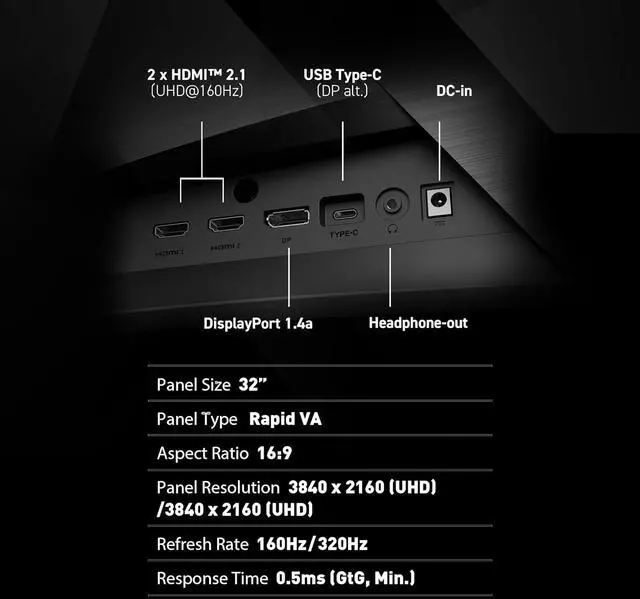
| Panel And Image Quality | 31.5-inch curved Rapid VA display with 3840 × 2160 resolution, 16:9 aspect ratio, 178° horizontal and vertical viewing angles, and a non-glare screen. Supports DisplayHDR 400, with 350 cd/m² brightness, 3000:1 contrast, 16.7 million colors, and a gamut of 93% Adobe RGB, 97% DCI-P3, and 136% sRGB |
| Refresh Rate And Response | 160Hz refresh rate, 0.5ms GTG response time, and FreeSync Premium adaptive sync; dual-frequency design supports 4K and Full HD gaming |
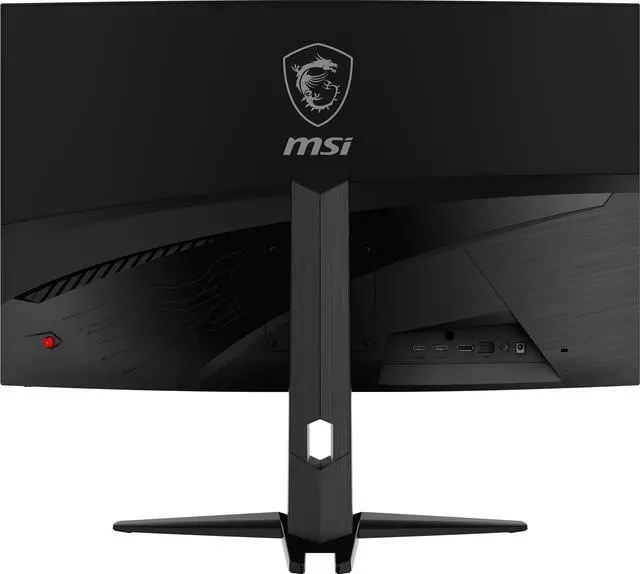
| Ports And Connectivity | 2 HDMI 2.1 ports, 1 DisplayPort 1.4a, and 1 USB-C port with DisplayPort Alternate Mode |
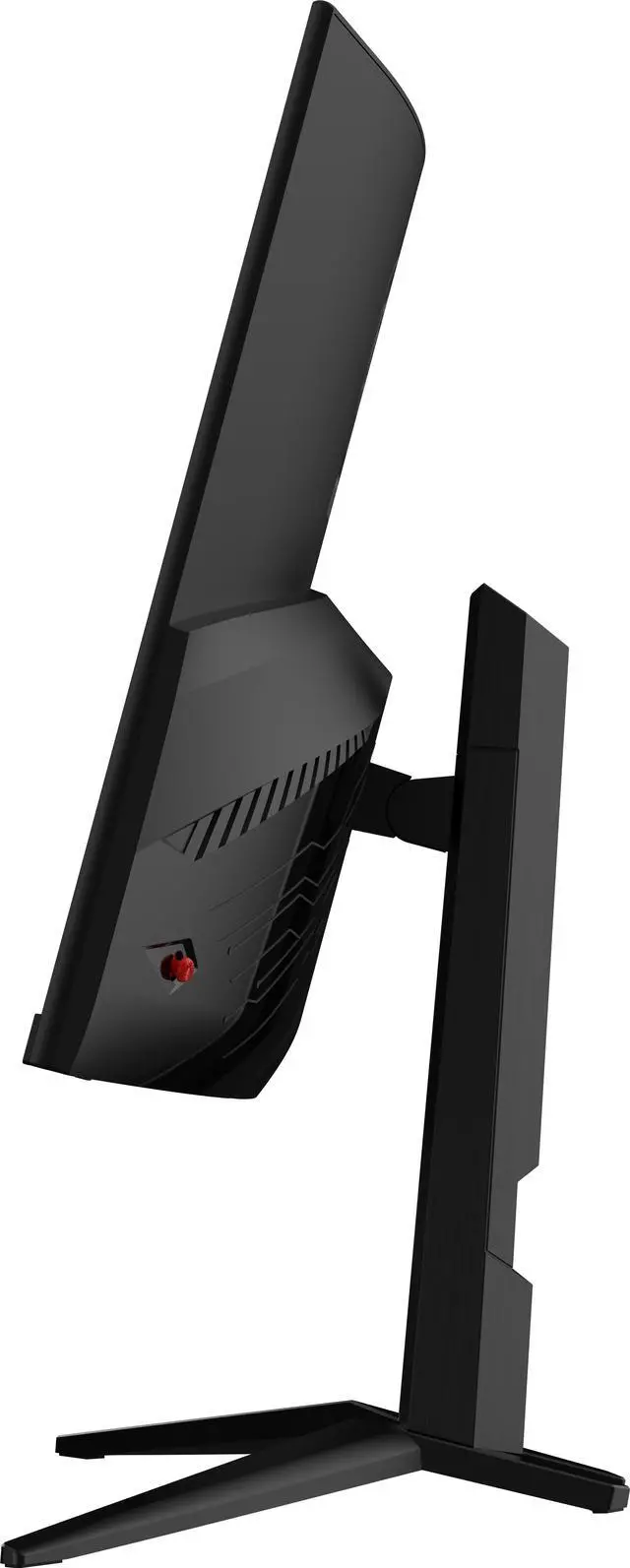
| Stand And Mounting | Tilt adjustment from -5° to 20°, 0–130mm height adjustment, and 100 × 100mm VESA mounting compatibility |
| Design And Dimensions | 1500R curved screen with a thin-frame bezel and metallic black cabinet; measures 28 × 25.3 × 10.5 inches with stand and 28 × 16.7 × 3.8 inches without stand |
| Power And Audio | External 100–240V, 50/60Hz power adapter; 90W operating consumption and less than 0.5W in power-saving or off mode. No built-in speakers |
| Model Identifiers | MSI MAG 321CUPDF; part number 9S6-3DC54A-026 |
Reference Q&A
Q: MSI MAG 321CUPDF or ASUS ROG Strix XG32UCG: which should I choose?
A: Choose the MSI MAG 321CUPDF if you want a curved 1500R screen and VA contrast rated at 3000:1. Choose the ASUS ROG Strix XG32UCG if you prefer a flat Fast IPS screen. Both offer 4K at up to 160Hz and Full HD at up to 320Hz, so the key difference is the panel and screen shape.
Q: Is the MAG 321CUPDF worth choosing over the MSI MAG 321CUP?
A: Choose the MAG 321CUPDF if you want a single monitor with both 4K 160Hz and Full HD 320Hz modes. The MAG 321CUP offers 4K up to 160Hz but does not list the 320Hz Full HD mode, making it a straightforward fit if 4K gaming is your priority and dual-mode switching is not needed.
Q: Should I get the MAG 321CUPDF or spend more for the LG 32GS95UE-B?
A: Choose the LG 32GS95UE-B if you want an OLED panel and higher refresh rates: 4K up to 240Hz or Full HD up to 480Hz. The MSI is a Rapid VA alternative with 4K up to 160Hz or Full HD up to 320Hz, plus a curved screen and 3000:1 rated contrast. Compare current prices and decide whether OLED and the higher refresh-rate ceiling are worth the added cost for your use.
Q: Is the MAG 321CUPDF's 1080p 320Hz mode a good fit for competitive games?
A: It can suit competitive play when you prioritize refresh rate over image sharpness. The mode runs at 1920 × 1080 on a 31.5-inch screen; a TweakTown review notes that this looks less sharp than the monitor’s native 4K mode. Choose the MAG 321CUPDF if switching between 4K 160Hz for detail-focused games and Full HD 320Hz for high-refresh play is useful to you.
Q: Is this monitor suitable for both 4K gaming and high-refresh competitive play?
A: Yes. It has two display modes: 4K UHD at up to 160Hz for sharper visuals, or Full HD at up to 320Hz for higher-refresh gameplay. The modes trade resolution for refresh rate, and the result also depends on whether your computer and game can output the selected mode.
Q: Can I connect a laptop through USB-C, and will the monitor charge it?
A: Yes, USB-C supports DisplayPort Alt Mode for video, and the monitor provides up to 15W of power. That can provide limited charging, but it is not a high-power laptop charging or docking solution; check your laptop’s power needs.
Q: Can I use this monitor with a PS5 or Xbox?
A: Yes. It has HDMI 2.1 inputs for connecting a console. The resolution and refresh rate you get depend on the console, game, and video settings; the monitor’s 160Hz and 320Hz maximum modes are not guaranteed console output rates.
Q: Does this monitor have built-in speakers or a webcam?
A: No. The listed specifications say it has neither built-in speakers nor a webcam, so plan to use separate audio equipment and a separate camera for meetings.
Q: Is the MSI MAG 321CUPDF worth considering for both 4K gaming and competitive FPS?
A: It is worth considering if you want one monitor that switches between 4K at 160Hz for detailed games and Full HD at 320Hz for competitive play. The trade-off is that the higher refresh rate uses the lower resolution; community discussions also raise questions about value and the VA panel’s motion performance, so those may matter to your decision.
Q: Can I use the MAG 321CUPDF with a PS5 at 4K?
A: The product supports HDMI 2.1, and a Reddit troubleshooting discussion reports that PS5 4K output can depend on the monitor being in 4K mode rather than its dual-mode Full HD setting. If the console only offers 1080p, check the monitor’s dual-mode setting and select 4K mode.
Q: Is the MAG 321CUPDF a good choice if I’m concerned about VA ghosting?
A: It uses a Rapid VA panel, but the listed 0.5ms response time alone does not establish how much ghosting you will see in practice. Reddit users specifically ask about ghosting, and a YouTube review includes a ghosting test; consider those discussions if motion clarity is a deciding factor.