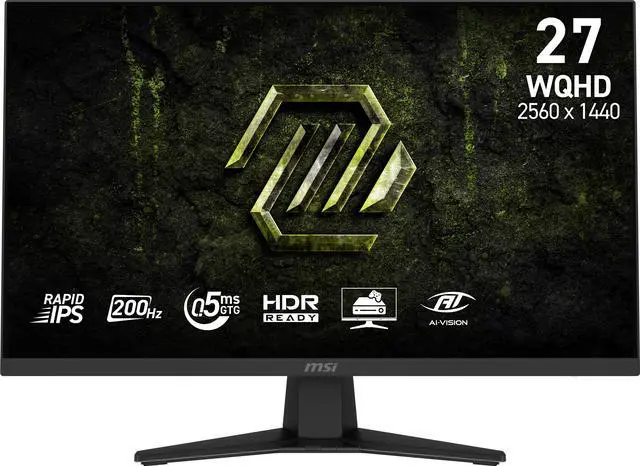
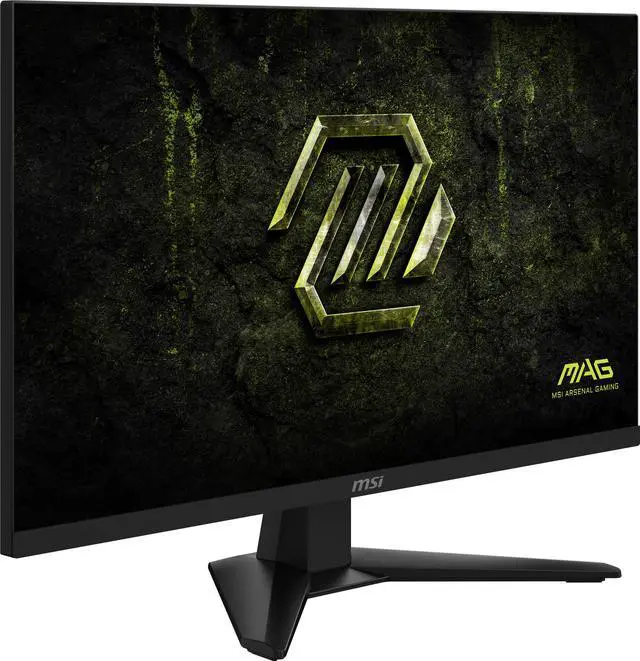
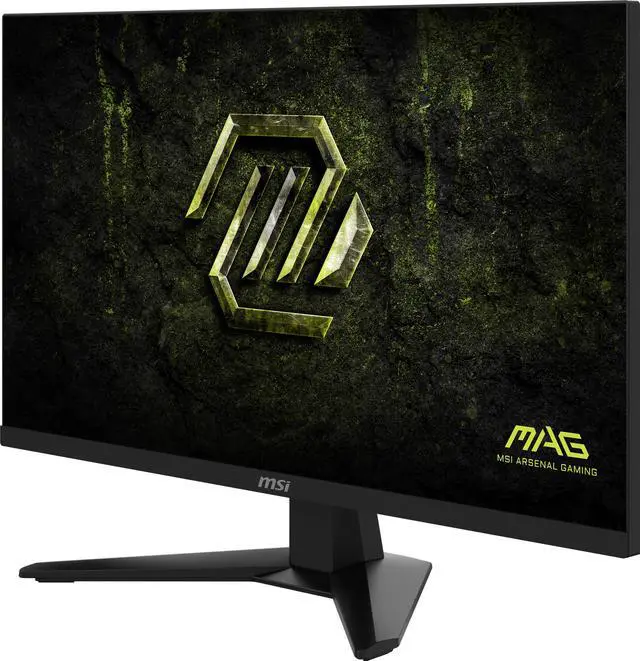
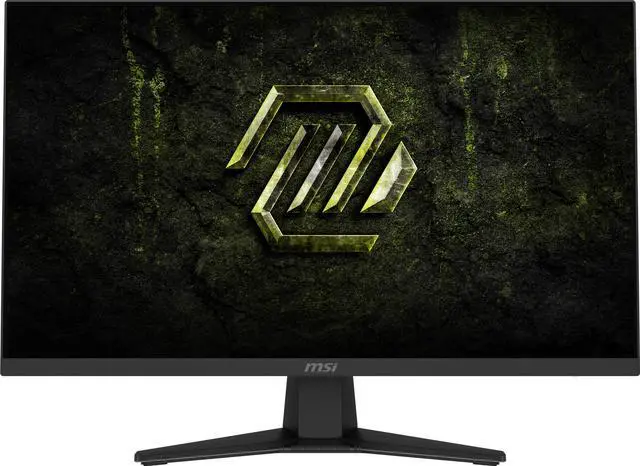
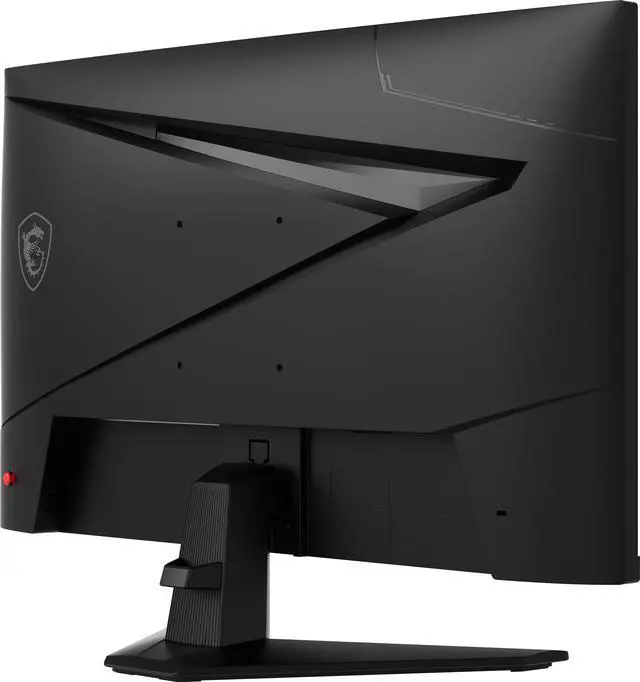
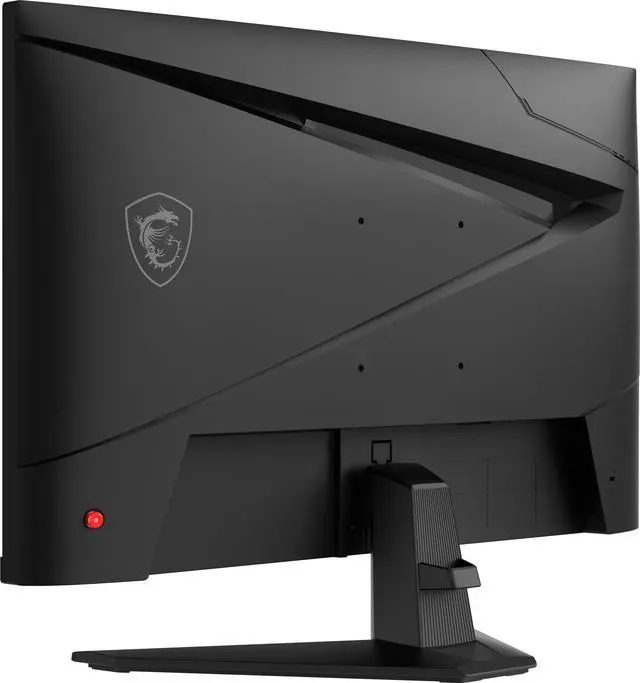
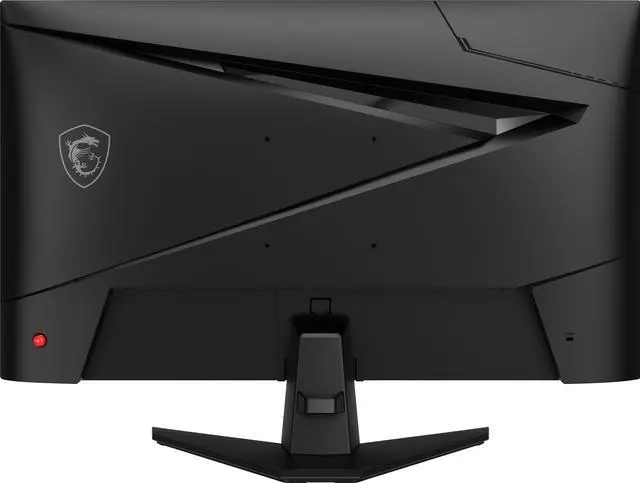
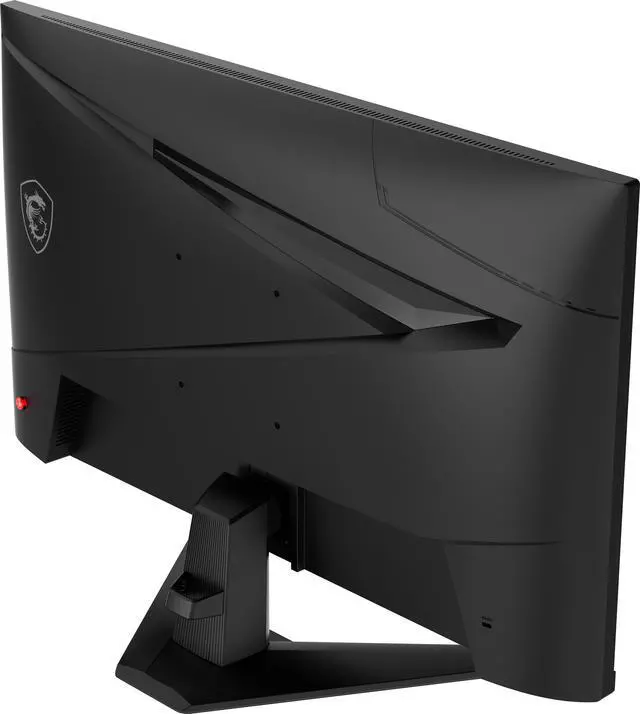
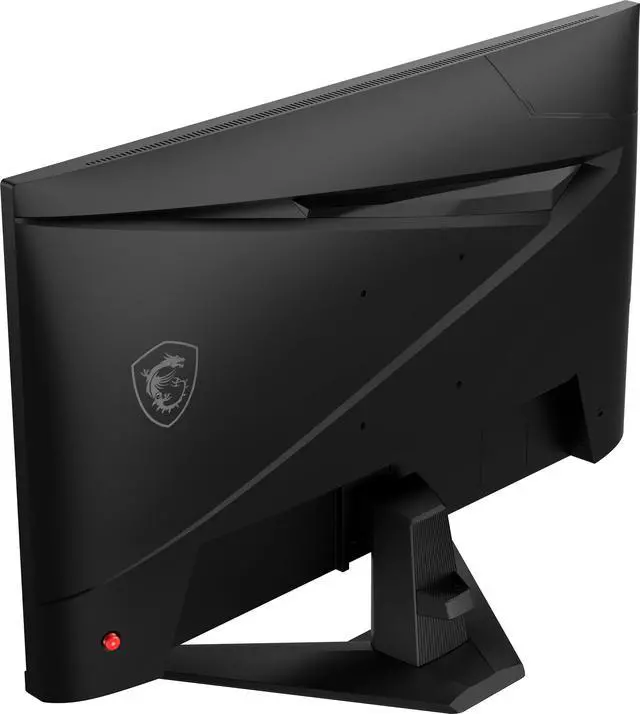
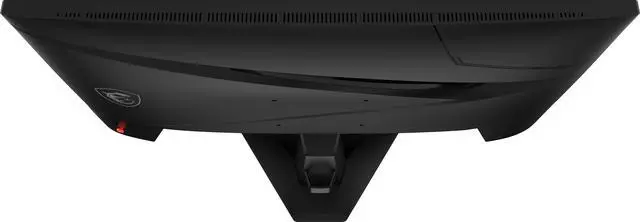
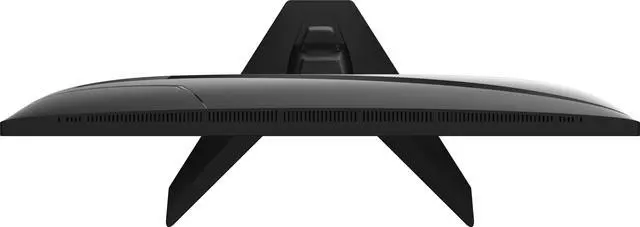
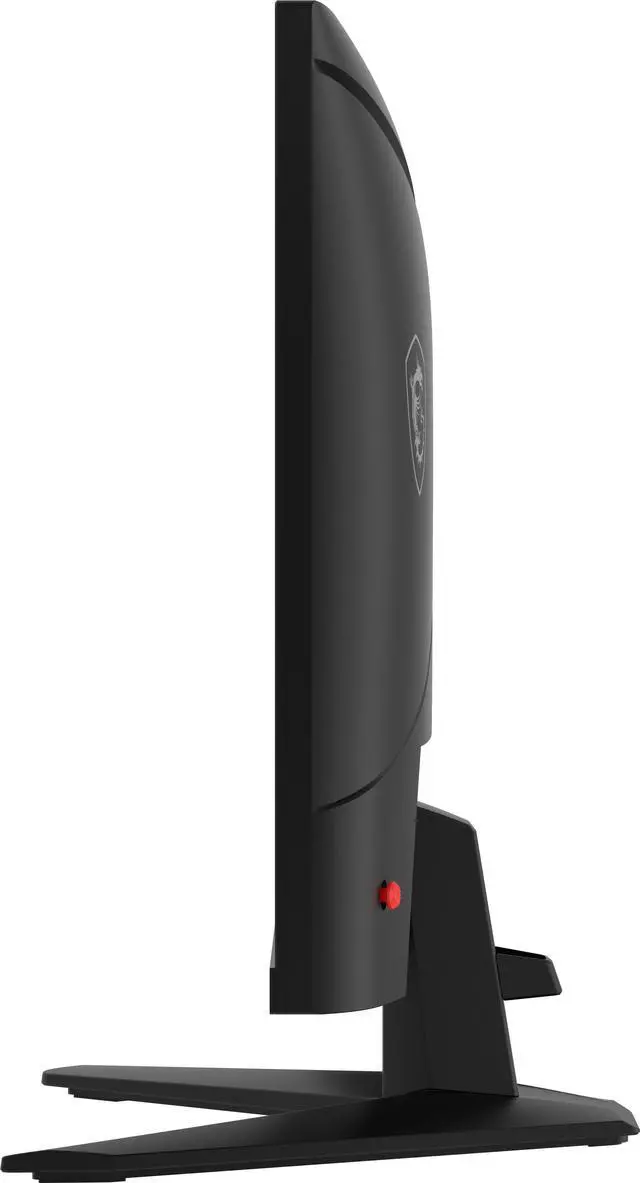
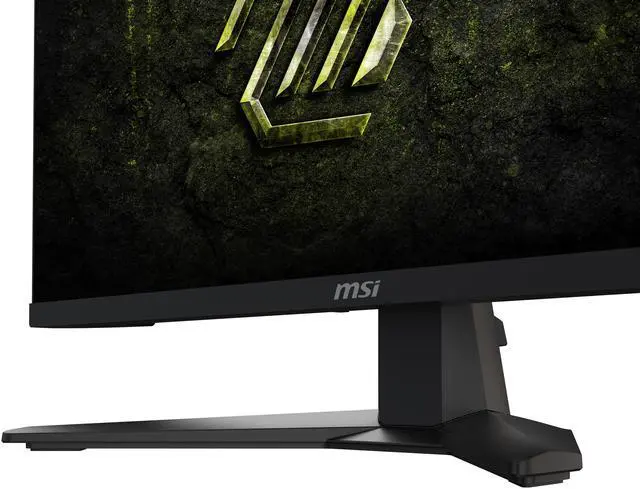
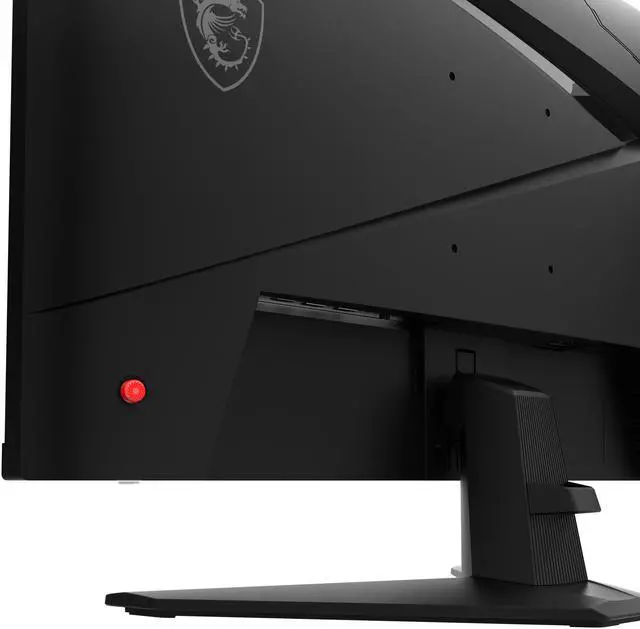
The MSI MAG 274QF E20 is a 27-inch 2560 × 1440 Rapid IPS gaming monitor with a 200 Hz refresh rate, suited to PC gamers who want sharp QHD detail and fluid motion for fast-paced games.
Recommended For
- PC gamers playing fast-paced FPS or other competitive games who want a 27-inch 1440p display with refresh rates up to 200Hz; MSI positions the model for competitive gaming, and 200Hz is supported over DisplayPort.
- People replacing a 1080p or 60Hz monitor who want sharper text and more desktop space for browsing, documents, or split-screen work, while keeping high-refresh gaming available; an owner describes using it for documents, web browsing, video, and occasional gaming.
- Gamers who want one monitor for PC play and everyday viewing, and value a flat 27-inch IPS screen with adaptive sync rather than a specialized esports-only or immersive ultrawide setup.
- PC players connecting by DisplayPort who want to take advantage of the monitor’s full 200Hz refresh rate; MSI specifies that the HDMI inputs support up to 144Hz at 1440p.
Real-World Use Scenarios
- In competitive FPS matches, players can track quick camera turns and moving targets with less visible tearing when the game’s frame rate varies and adaptive sync is enabled.
- In racing or flight simulators, players can follow fast movement across the screen while seeing detailed 1440p scenery; adaptive sync can help keep play smoother when frame rates fluctuate.
- In action games, fighting games, and sports titles, quick movement is presented more smoothly, making fast on-screen changes easier to follow.
- For RPGs and MMORPGs, players can explore detailed environments and keep more game interface visible at once than on a lower-resolution 1080p display.
- When connected to a compatible PlayStation or Xbox, players can use the monitor for console gaming; supported variable-refresh-rate modes can help reduce tearing.
Spec Summary
| Attribute | Value |
|---|
| Best For | PC gaming that benefits from a 27-inch WQHD display, 200 Hz refresh rate, and variable refresh rate support |
|---|
| Panel And Resolution | 27-inch flat Rapid IPS panel with a 2560 × 1440 WQHD resolution, 16:9 aspect ratio, and anti-glare finish |
|---|
| Refresh Rate And Response | 200 Hz refresh rate with a 0.5 ms minimum GtG response time |
|---|
| Image Quality And Color | 300 cd/m² brightness, 1,200:1 contrast, 178° horizontal and vertical viewing angles, and support for 1.07 billion colors; color gamut coverage is Adobe RGB 93%, DCI-P3 92%, and sRGB 121%, with DisplayHDR 400 certification |
|---|
| Adaptive Sync And Gaming Features | FreeSync Premium and G-Sync Compatible adaptive sync, with AI Vision, FPS, RPG and RTS modes, and a crosshair feature |
|---|
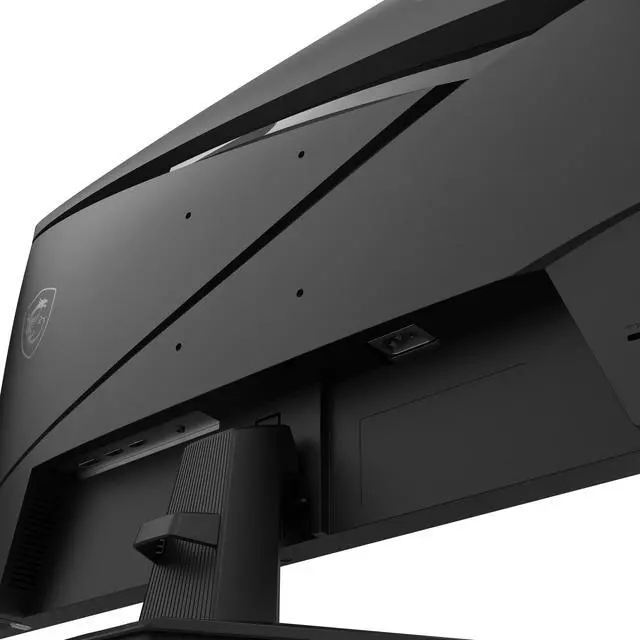
| Ports And Connectivity | 1 DisplayPort 1.4a, 2 HDMI 2.0b ports, and 1 headphone output |
|---|
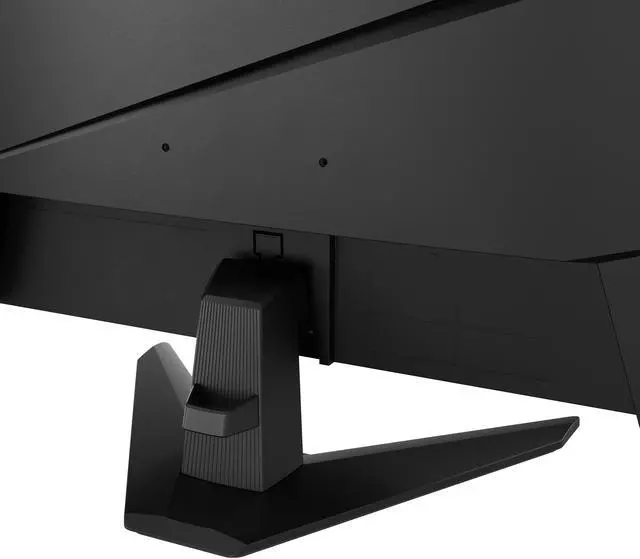
| Stand And Mounting | Tilt-adjustable stand; compatible with 100 × 100 mm VESA mounting |
|---|
| Design And Dimensions | Black cabinet with a three-sided thin-frame design; measures 24.1 × 17.2 × 9.8 inches with the stand and 24.1 × 14.2 × 2.4 inches without it; weight is 10.8 lb |
|---|
| Power | 32 W power consumption; internal power supply supports 100–240 VAC, 50/60 Hz |
|---|
| Built-In Features | No built-in speakers or webcam; includes flicker-free and low-blue-light eye-care features and a Kensington lock |
|---|
| Package Contents | DisplayPort 1.4a cable, C13 power cord, and quick guide |
|---|
| Model Identifiers | MSI MAG 274QF E20 |
|---|
Reference Q&A
Q: MSI MAG 274QF E20 or AOC Q27G4X for 1440p gaming?
A: Both are 27-inch 1440p IPS gaming monitors. Choose the MSI if you want its 200Hz maximum refresh rate; the AOC tops out at 180Hz but has a height-adjustable stand, while the MSI stand offers tilt adjustment only. For the MSI’s full 200Hz at 1440p, connect through DisplayPort; its HDMI inputs support up to 144Hz at that resolution.
Q: Should I get the MSI MAG 274QF E20 or Gigabyte GS27Q X for higher refresh-rate gaming?
A: Choose the MSI for 1440p gaming up to 200Hz. Choose the Gigabyte GS27Q X if you specifically want a higher maximum refresh rate: it supports 240Hz, with a 250Hz overclock option. The higher-refresh choice is most relevant if your PC can deliver frame rates that make use of it.
Q: Can the MSI MAG 274QF E20 run at 200Hz over HDMI?
A: No. At 2560 × 1440, the MSI MAG 274QF E20 supports up to 144Hz over HDMI 2.0b; its 200Hz maximum requires DisplayPort 1.4a. If your setup depends on HDMI, choose it expecting up to 144Hz at 1440p rather than 200Hz.
Q: Is this monitor suitable for fast-paced PC gaming?
A: Yes. Its 27-inch 2560 × 1440 Rapid IPS panel, 200Hz refresh rate, and FreeSync Premium and G-Sync Compatible support make it suitable for fast-paced gaming. Reaching 200Hz also depends on the connected computer and game producing enough frames.
Q: Can I mount it on a monitor arm?
A: Yes. The monitor supports a 100 × 100 mm VESA mount. Its included stand offers tilt adjustment only, so a compatible monitor arm can provide other positioning adjustments.
Q: Does it have built-in speakers?
A: No. It has no built-in speakers, but it does have a headphone-out port. Use headphones or separate speakers for audio.
Q: Can it run at 1440p and 200Hz over HDMI?
A: The product information lists a 200Hz refresh rate, two HDMI 2.0b ports, and one DisplayPort 1.4a port, but does not specify the maximum resolution and refresh rate for each input. Check your computer’s graphics output and the monitor’s input requirements; a DisplayPort cable is included.
Q: Is the MSI MAG 274QF E20 a good choice for 1440p gaming?
A: It suits buyers seeking a 27-inch, 1440p IPS display with a high refresh rate: the listed specs include 200Hz and FreeSync Premium/G-Sync Compatible support. Whether it is worth the price depends on current pricing and how much you value refresh rates above 200Hz. One Reddit post names it as a candidate in a broader monitor comparison but does not establish a consensus winner.
Q: Is it suitable for coding and everyday work as well as gaming?
A: It can serve both uses: its 27-inch 2560 × 1440 panel provides workspace for text and multiple windows, and its IPS panel is specified with wide viewing angles. The stand only adjusts for tilt, so check whether your desk setup needs height adjustment or use a compatible 100 × 100 mm VESA mount. A Reddit user considering it for coding also raised concerns about panel glow or backlight bleed; that post does not establish how common those issues are.
Q: Is this monitor a safe choice for PS5 gaming?
A: Its 1440p resolution and HDMI inputs make it a candidate for console use, but the provided specs list HDMI 2.0b rather than HDMI 2.1. One Reddit user reported noticeable blur during camera movement on a PS5; that is an individual report, not evidence of a widespread problem. If console motion performance is a priority, check the retailer’s return policy and test the display promptly.