




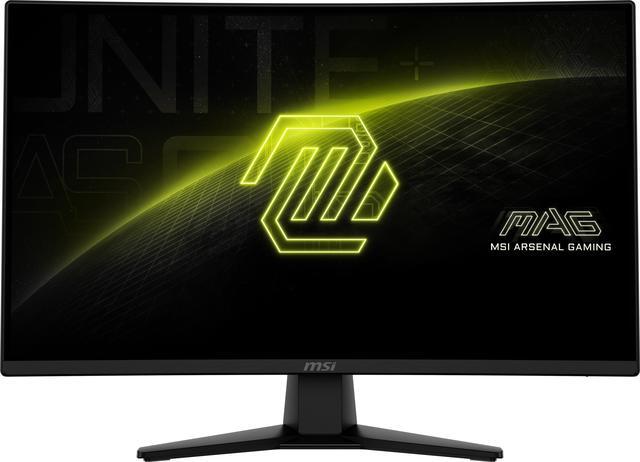


MSI 27" 180Hz Rapid VA QHD Gaming Monitor Adaptive Sync 89% Adobe RGB 93% DCI-P3 128% sRGB MAG 274CQF
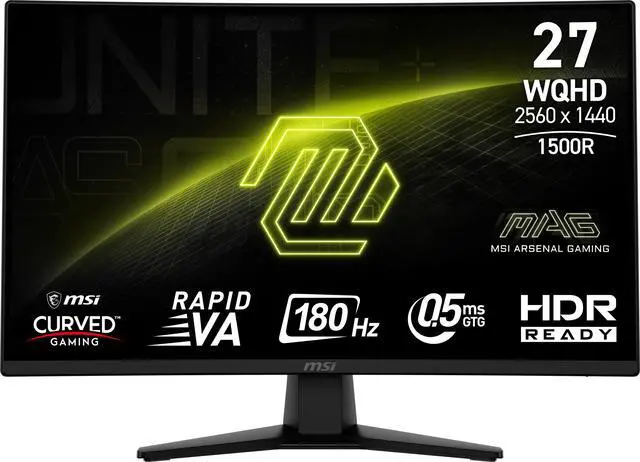
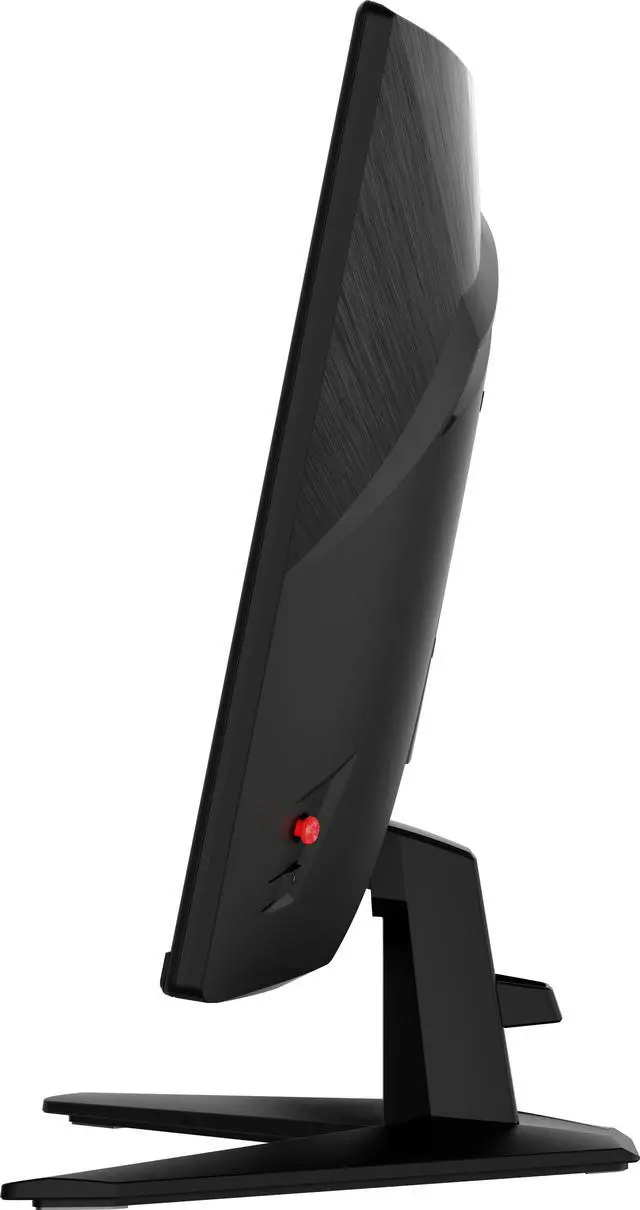
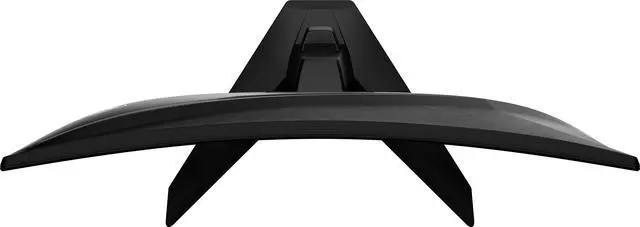
- 1500R: Enjoy the most immersive gameplay with 1500R curvature rate
- Rapid VA Panel: Make sure the intensity and purity of colors when gaming
- 180Hz High Refresh Rate: Experience smooth gaming with a blazing fast refresh rate, that gives you the upper hand in fast-moving games
- 0.5ms Fast Response Time: Eliminate screen tearing and choppy frame rates with 0.5ms response time
- HDR Ready: Enhance eye-catching details through adjustments in contrast and shadows
- Console Mode: Optimized for seamless compatibility with gaming consoles such as PS5 and Xbox Series X / S.
Overview
Specs
Reviews (7)
MSI MAG 274CQF 27 inch Curved 2K resolution Gaming Display monitor 180Hz - 27" Viewable - Rapid Vertical Alignment (VA) - LED Backlight - 2560 x 1440 - 16.7 Million Colors - Adaptive Sync - 300 Nit - 500? s - Speakers - HDMI - DisplayPort
Warranty & Returns
Warranty, Returns, And Additional Information
Warranty
- Limited Warranty period (parts): 3 years
- Limited Warranty period (labor): 3 years
- Read full details
Return Policies
- Return for refund within: 15 days
- Return for replacement within: 15 days
- This item is covered by Newegg.ca's 15-Day Return Policy.
- Read full return policy for details.
Manufacturer Contact Info
- Manufacturer Product Page
- Manufacturer Website
- Support Phone: 1-626-913-0828
- Support Website
- View other products from MSI
LOADING...
LOADING...
The MSI MAG 274CQF is a 27-inch curved QHD gaming monitor with a 180Hz refresh rate, 0.5ms minimum GtG response time, and Adaptive-Sync, suited to PC gamers who want smooth, responsive play at 1440p.
Recommended For
- PC gamers with a DisplayPort-equipped system who play fast-moving titles and want a 27-inch curved 1440p screen with refresh rates up to 180Hz and Adaptive-Sync.
- Players of single-player games and other visually rich titles who prefer a curved screen and the high contrast of a VA panel for dark scenes.
- Console players who want a curved QHD display for gaming and are comfortable with HDMI 2.0b’s listed 144Hz maximum at QHD rather than the monitor’s full 180Hz PC refresh rate.
- Gamers upgrading from a lower-resolution or lower-refresh display who prioritize sharper 1440p gameplay and smoother motion over extensive stand adjustments.
Real-World Use Scenarios
- When playing PC shooters, fighters, or sports games, the high-refresh display can make fast camera movement and target tracking look smoother; the benefit depends on the PC delivering a high frame rate.
- For a PS5 or Xbox gaming setup, connect over HDMI to play on the 27-inch QHD screen; MSI lists console mode and Adaptive-Sync support, while the HDMI inputs support QHD up to 144Hz.
- For single-player games, racing titles, and other visually immersive play, the curved screen and VA panel’s high stated contrast can make the image feel more enveloping, with darker scenes appearing more defined than on a lower-contrast display.
- For everyday PC use alongside gaming—such as browsing, documents, and streaming—the 27-inch QHD resolution provides a single-screen setup with room for several windows and detailed on-screen content.
- For casual photo or video editing between gaming sessions, the broad stated color-gamut coverage can make colors look vivid; use a calibrated display for color-critical work rather than relying on gamut coverage alone.
Spec Summary
| Attribute | Value |
|---|---|
| Best For | Gaming on a 27-inch QHD curved display with a high refresh rate and adaptive sync |
| Panel And Resolution | 27-inch Rapid VA LCD panel with 2560 × 1440 QHD resolution, 16:9 aspect ratio, 1500R curvature, non-glare finish, and 178° horizontal and vertical viewing angles; 300 cd/m² brightness, 5000:1 contrast ratio, 16.7 million colors, and 89% Adobe RGB, 93% DCI-P3, and 128% sRGB coverage; HDR Ready |
| Refresh Rate And Response | 180Hz refresh rate, 0.5 ms minimum GtG response time, and Adaptive Sync with FreeSync support |
| Ports And Connectivity | 1 DisplayPort 1.4a, 2 HDMI 2.0b ports, and an earphone output |
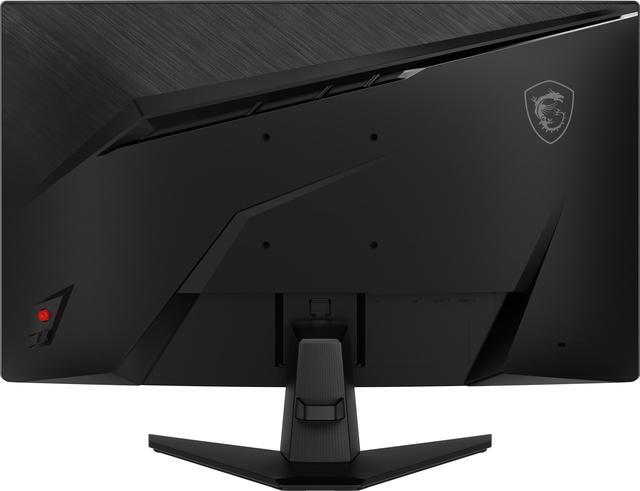
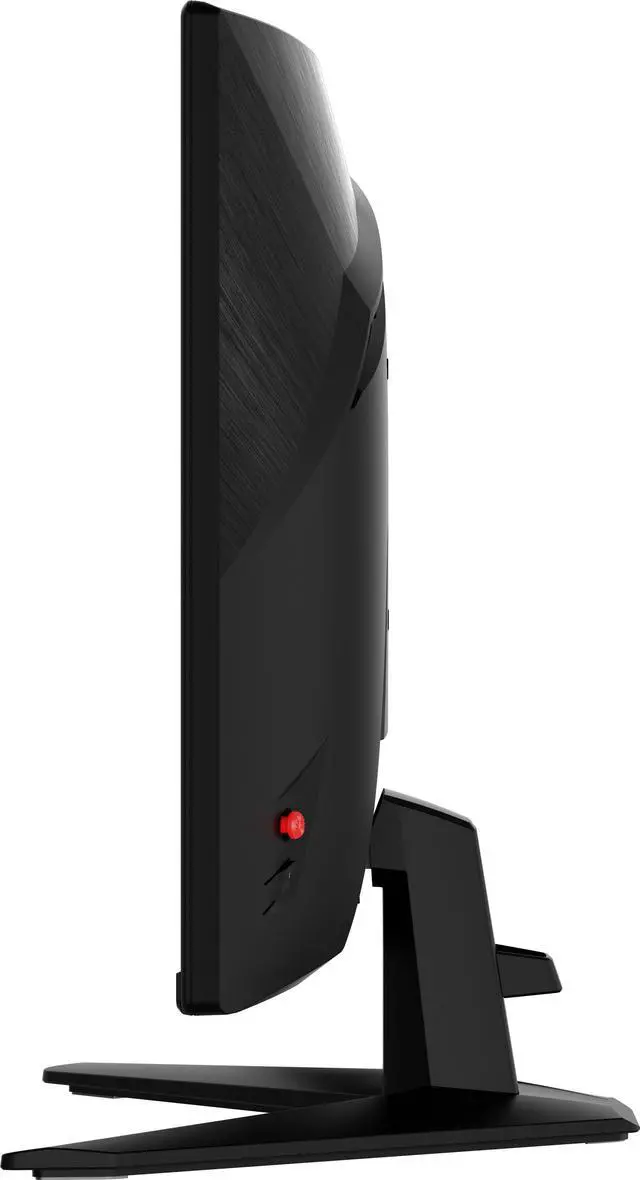
| Stand And Ergonomics | Tilt adjustment from -5° to 20° and 100 × 100 mm VESA mounting compatibility |
| Power And Consumption | External power adapter; 45W power consumption when on and less than 0.5W in power-saving or off mode |
| Dimensions And Weight | With stand: 17.25 × 24.17 × 9.85 inches; without stand: 14.33 × 24.17 × 3.04 inches; weight 7.50 lb |
| Design And Included Accessories | Metallic black cabinet with a three-sided thin-frame design; package includes a power cord and DisplayPort cable |
| Model Identifiers | MSI MAG 274CQF; part number 9S6-3CE31T-008 |
Reference Q&A
Q: MSI MAG 274CQF vs MAG 275QF: which should I choose?
A: Choose the MAG 274CQF if you prefer a curved screen and VA’s higher stated contrast ratio: it is a 1500R Rapid VA monitor rated at 5000:1. Choose the MAG 275QF if you want a flat Rapid IPS screen. Both are 27-inch QHD monitors with a 180Hz refresh rate; their panel type and curvature are the main distinctions. MSI’s published 0.5ms minimum response-time figures do not establish which is faster in independent testing.
Q: Should I get the MAG 274CQF or pay more for the MAG 274QRF QD E2?
A: Choose the MAG 274CQF if you want a curved 27-inch QHD 180Hz display and do not need USB-C charging or a height-adjustable stand. The flat MAG 274QRF QD E2 adds a Rapid IPS panel, 65W USB-C power delivery, a height-adjustable stand, and VESA DisplayHDR 400 certification. It is a better fit if those added features matter to your setup; compare local prices before deciding, since the specifications alone do not establish value.
Q: Is the MAG 274CQF a better fit than a flat IPS monitor for gaming?
A: The MAG 274CQF is a better fit if you want a curved screen and prioritize the higher stated contrast ratio of its VA panel. A flat IPS alternative such as the MSI MAG 275QF may suit you better if you prefer a flat display. Both models offer 27-inch QHD resolution and 180Hz refresh, so the choice mainly comes down to panel type, curvature, and your preference—not a difference in resolution or refresh rate.
Q: Can I use the MAG 274CQF with a PS5 or Xbox instead of a gaming PC?
A: Yes. MSI lists console compatibility, and the monitor has two HDMI 2.0b inputs. Note that MSI specifies QHD up to 144Hz over HDMI, while its 180Hz maximum is available over DisplayPort. Choose it for a curved QHD screen with console support; check your console’s output modes if matching a particular resolution and refresh rate is important.
Q: Can I use this monitor with a PS5 or Xbox?
A: Yes. The monitor has two HDMI 2.0b ports and a console mode described as optimized for PS5 and Xbox Series X|S. The resolution and refresh rate you get will depend on the console, game, and settings.
Q: Can I mount it on a monitor arm?
A: Yes. It supports VESA 100 × 100 mm mounting, so it can be attached to a compatible monitor arm or wall mount. Its included stand adjusts for tilt only.
Q: Is this monitor suitable for office work as well as gaming?
A: It can handle everyday desktop work and gaming. Its 27-inch QHD screen provides 2560 × 1440 resolution, while the 180Hz refresh rate and Adaptive Sync are gaming-focused features. The stand offers tilt adjustment, but not listed height or swivel adjustment.
Q: Does it have built-in speakers?
A: The provided specifications list an earphone output but do not list built-in speakers. Plan to use headphones or external speakers if you need audio from the monitor.
Q: Is the MSI MAG 274CQF worth buying for 1440p gaming?
A: It may suit buyers seeking a 27-inch QHD curved display with a 180Hz refresh rate at a budget price. Reddit discussions raise concerns about VA motion smearing and HDR performance, so those should factor into the decision; one owner also reported no problems after purchase and recommended adjusting the color settings.
Q: Is the MAG 274CQF a good choice for fast FPS or racing games?
A: Its 180Hz refresh rate targets high-refresh gaming, but it uses a Rapid VA panel. Reddit discussions specifically raise concerns about ghosting and smearing in fast-moving games, including FPS and racing titles. If motion clarity is a top priority, treat that as a trade-off rather than assuming the 0.5ms listed response time guarantees smear-free motion.
Q: Is the MAG 274CQF worth choosing for HDR gaming?
A: Probably not if strong HDR is a main buying requirement. The product is listed as HDR Ready with 300 cd/m² brightness, while Reddit owners report mixed experiences, including difficulty getting satisfying HDR results. It is safer to treat HDR as a secondary feature and prioritize its QHD resolution, refresh rate, and VA contrast instead.