




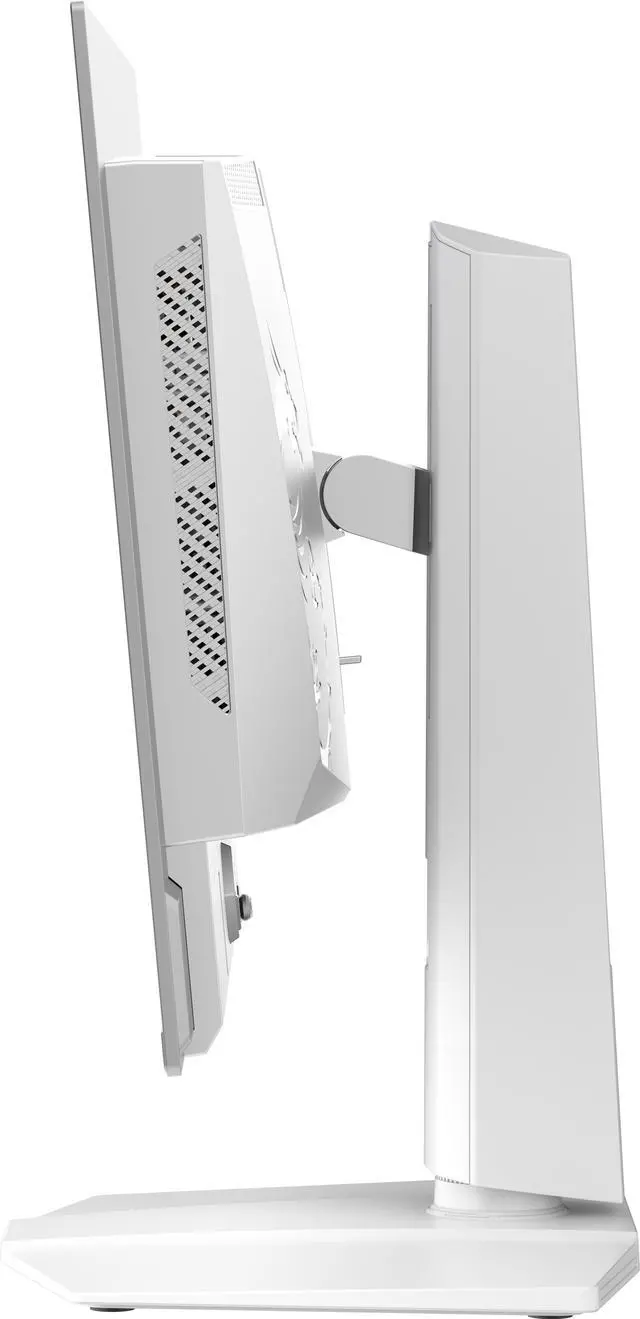
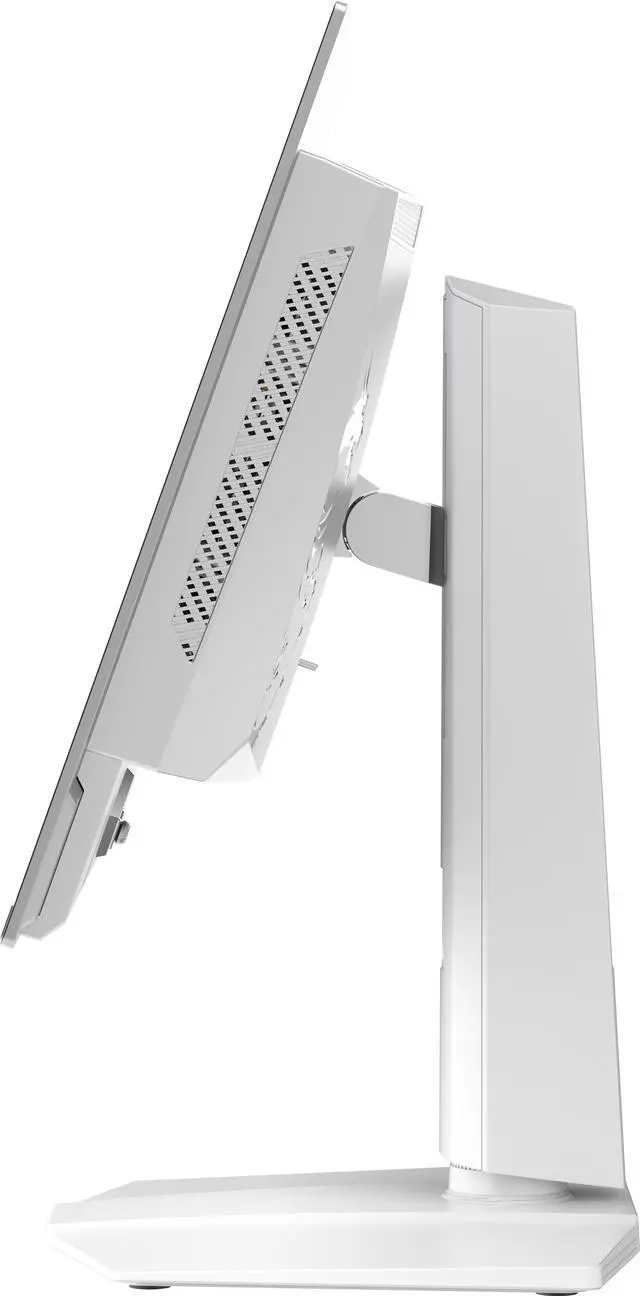
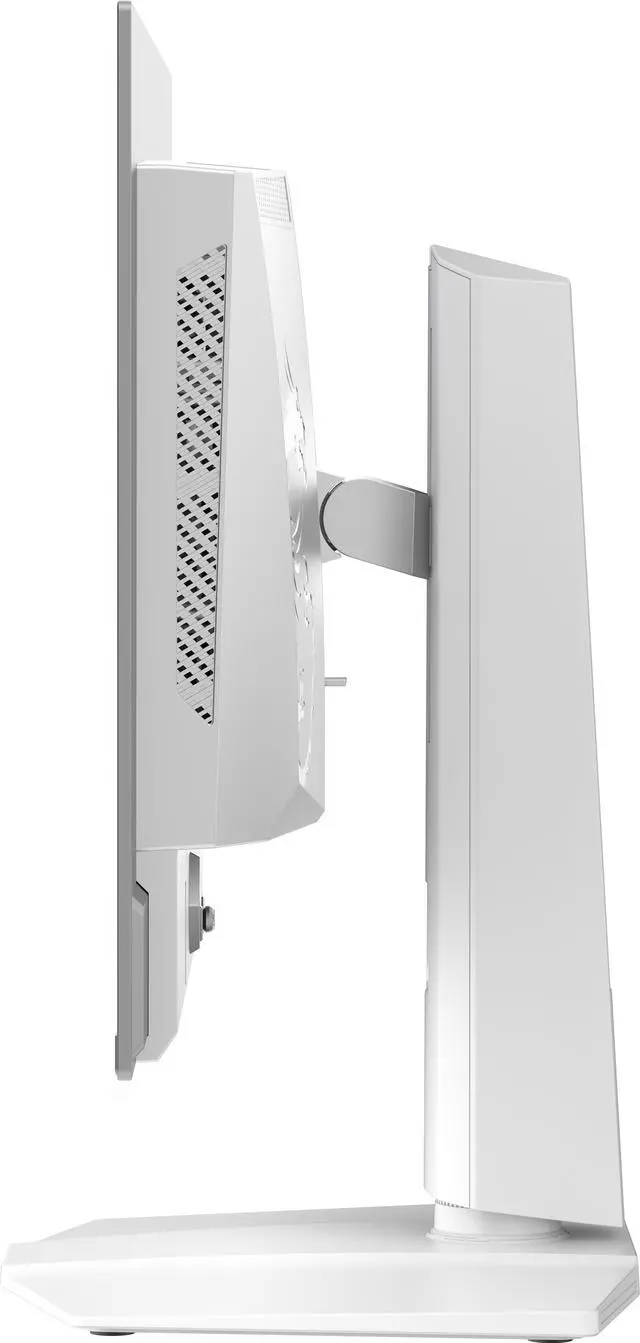

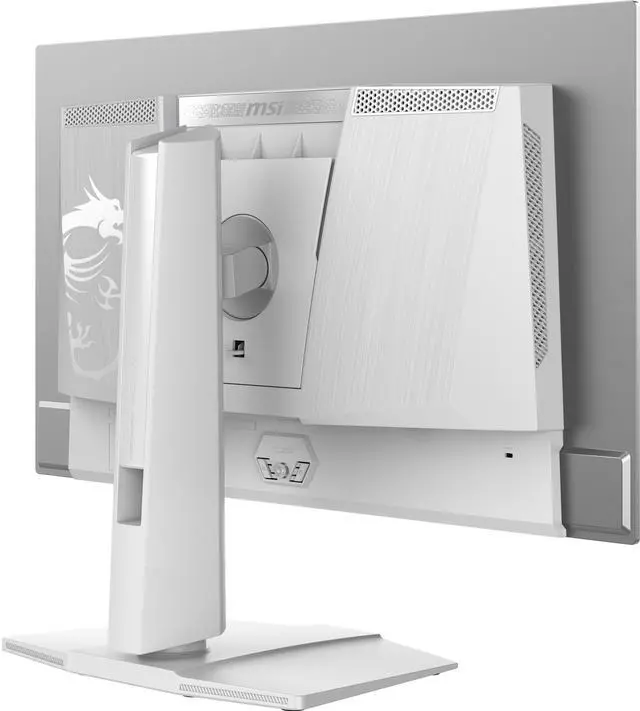
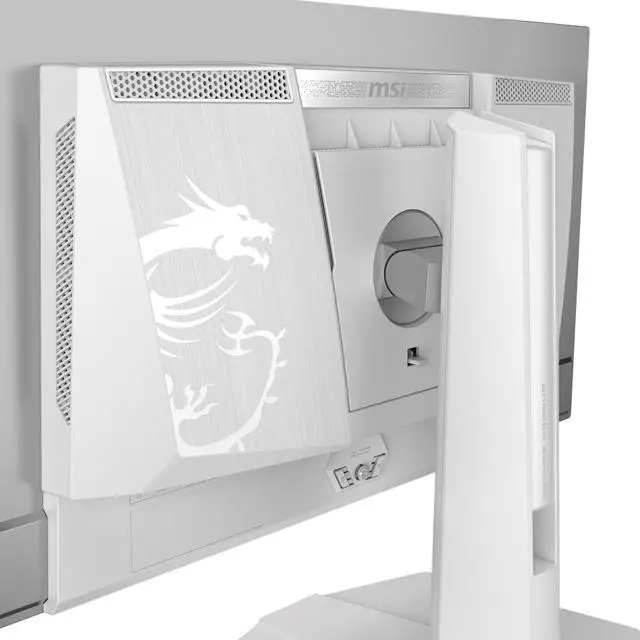


Monitor
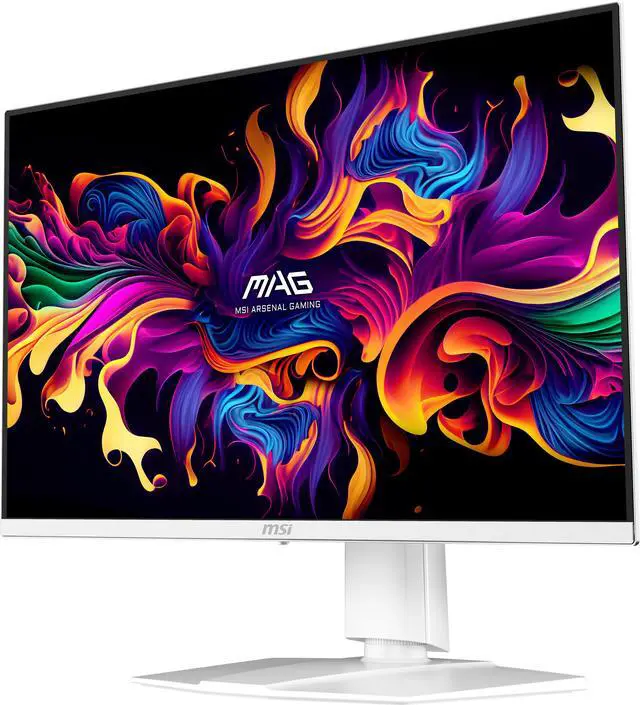
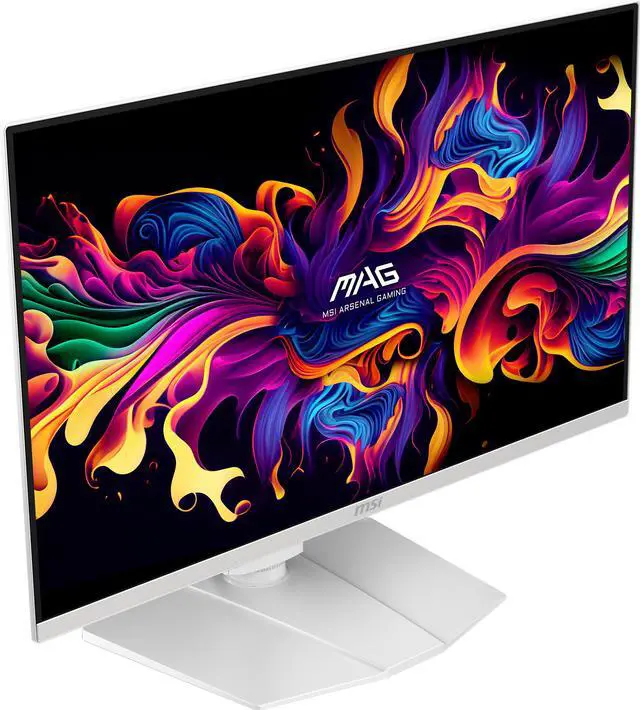
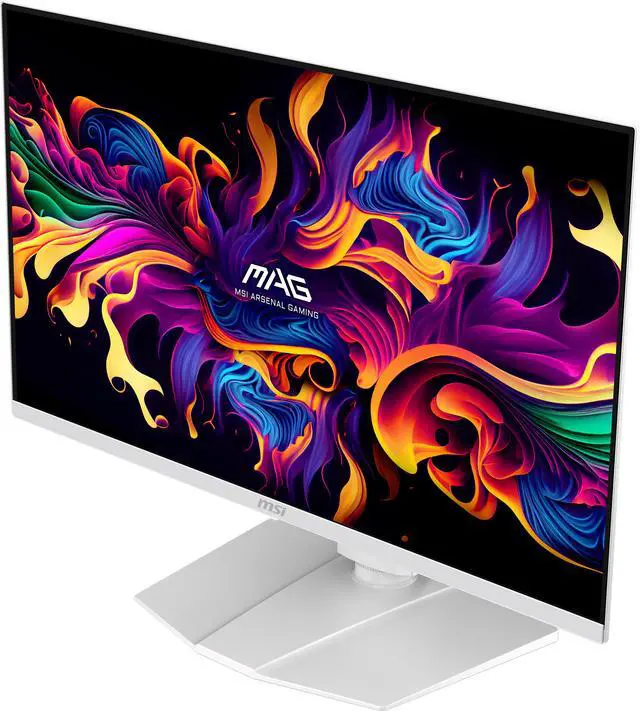
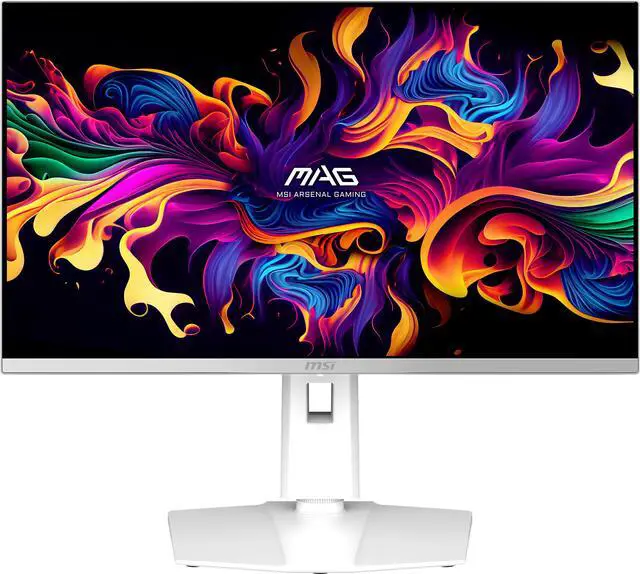
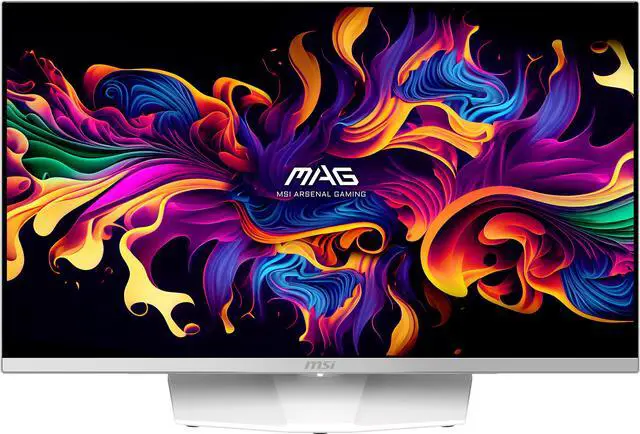
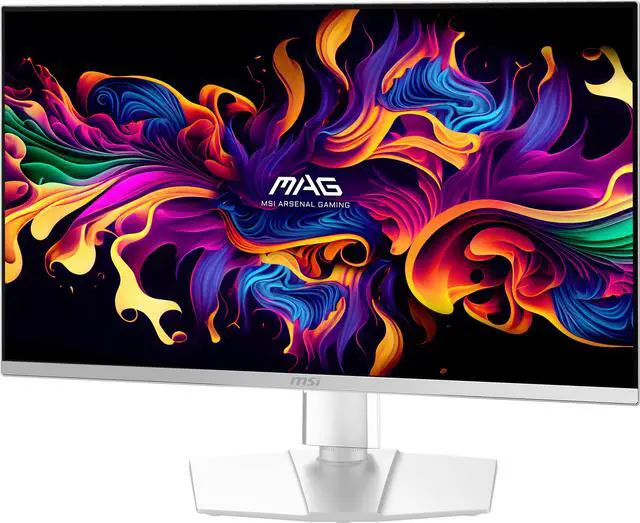
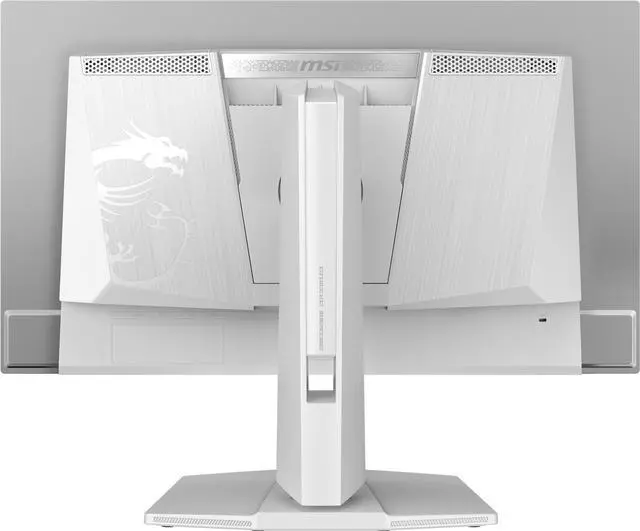
MAG 272QPW QD-OLED X28


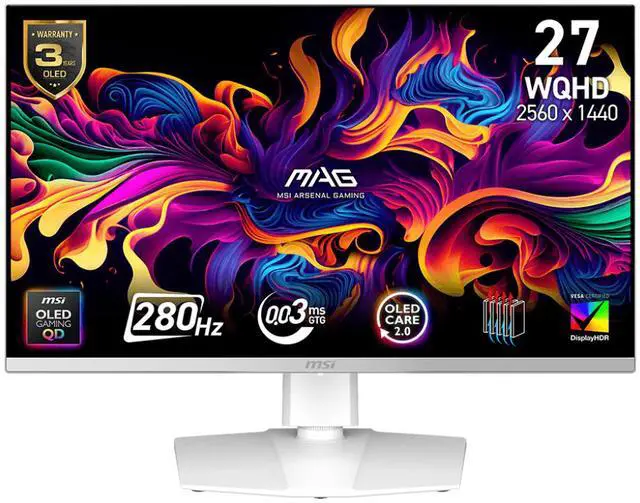
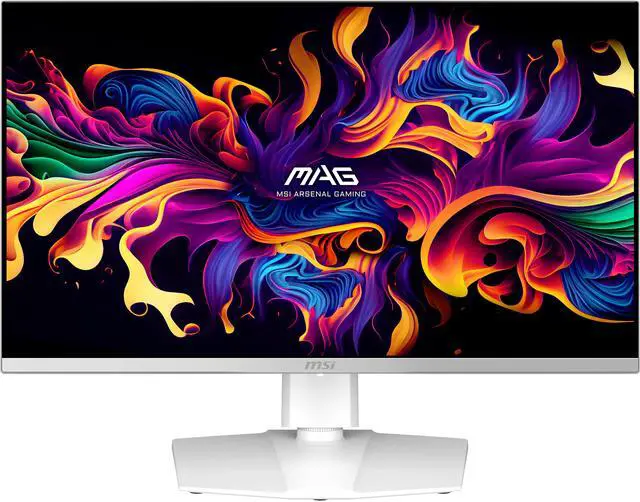
Visualize your victory with the MAG 272QPW QD-OLED X28 gaming monitor. It boasts a 2560x1440 (WQHD) QD-OLED panel, 280Hz refresh rate, and rapid 0.03ms (GtG) response time. VESA certification for ClearMR 15000 and DisplayHDR True Black 400 ensures exceptionally vivid images and mitigates motion blur. OLED Care 2.0 reduces OLED burn-in risks. For console gamers, the MAG 272QPW QD-OLED X28 provide HDMI™ 2.1 ports with 48Gbps bandwidth, 120Hz support, VRR, and ALLM.


3-YEAR OLED WARRANTY
MSI recognizes the significance of providing extensive support, allowing our users to enjoy their gaming experience worry-free. We offer a 3-year warranty for OLED panels, exceeding standard coverage by including safeguards against the OLED burn-in issue.
Intricately detailed visuals and clearly defined text

Traditional qd-oled

next-gen qd-oled
New QD-OLED series gaming monitor features the latest generation QD-OLED panels. The sub-pixel arrangement improves your viewing experience, providing sharper images, finer details, and clearer text.
ASPECT RATIO OPTIONS
Supports a variety of aspect ratios, allowing selection of 24.5” imagery. Choose the size you want at your leisure, and elevate your gaming experience to the utmost.
24.5"

PANEL

Faster than Ever
ClearMR 15000
VESA CERTIFIED HDR
AMD Freesync Premium Pro
Eye Protection - LESS BLUE LIGHT
Eye Protection - ANTI REFLECTION
G-Sync Compatible


280HZ REFRESH RATE + 0.03MS RESPONSE TIME
The MAG 272QPW QD-OLED X28 is equipped with a 280Hz refresh rate QD-OLED Panel that can reach a fast 0.03ms GtG response time. Which has the most benefit in fast-moving game genres such as first-person shooters, fighters, racing sims, real-time strategy, and sports. These types of games require very fast and precise movements. An ultra-high refresh rate and fast response time monitor will put you ahead of your competition.


CLEARMR 15000
VESA‘s ClearMR is a new standard for display motion performance. MAG 272QPW QD-OLED X28 passed strict tests and successfully got the ClearMR 15000 certified. The CMR range represents a range of blur performance based on the ratio of clear pixels versus blurry pixels as a percentage.


The True Black
Unlike conventional LCD displays, QD-OLED can achieve pixel-dimming level control and give you pure black scenes without any backlight bleeding that is common with LCD monitors.
MAG 272QPW QD-OLED X28 provides extremely high contrast and is certified VESA DisplayHDR True Black 400.
Thanks to the pixel level dimming, MAG 272QPW QD-OLED X28 can present better contrast with greater color performance. Accurate, Vivid, and Life-like.


TEAR FREE, STUTTER Free fluid gaming
Gaming shouldn’t be a choice between choppy gameplay and broken frames. With the MSI gaming monitor, you’ll experience fluid, artifact-free performance. Enjoy tear-free and stutter-free gameplay with added support for HDR.
*Note: FreeSync technology requires both a monitor and an AMD Radeon™ graphics card with FreeSync support. Visit https://www.amd.com/freesync for complete details. Confirm compatibility with your system manufacturer before purchase.

Blue Light Reduction
MAG 272QPW QD-OLED X28 feature the hardware solution, which can reduce HEV but still maintain the same picture quality without yellow tone screen display. This technology is built-in in the panel layer which means it is always on that users don’t need to turn it on/off manually.


NO MORE DISTRACTIONS
The unique panel surface coating design can effectively reduce the level of glare reflection. MAG 272QPW QD-OLED X28 helps you focus on the game without the discomfort of glare. With fewer annoying glares and less color lost, you will enjoy the atmosphere the game brings you even more.

G-Sync Compatible
G-SYNC Compatible support ensures smoother, tear-free gaming by syncing the monitor‘s refresh rate with the GPU. It reduces screen tearing, stuttering, and input lag for a more fluid experience, especially in fast-paced games. Additionally, it fully supports future hardware, allowing gamers to maximize the performance of cutting-edge GPUs. This ensures seamless compatibility and optimal visual quality, letting users take full advantage of new features like ray tracing and variable refresh rates.
Color Performance

Premium Color Mode
Delta E =2
DCI-P3 99%

THE WORLD, RIGHT IN FRONT OF YOU
Quantum Dot technology lets you experience mesmerizing images bursting with a dazzling range of over one billion colors, each upscale to incredible clarity thanks to our intelligent processor.

Play In Boundless Colors
Pre-calibrated in the factory, QD Premium Color series monitor guarantees an industry-leading color fidelity: delta-E (?E) = 2. With the precise color accuracy and the smooth color transitions brought by a 10-bit RGB panel, it makes you feel like you are right in the scene.


The most Vivid Display
MAG 272QPW QD-OLED X28 has more gamut coverage compared to general monitors. Gameplay colors and details will look more realistic and refined, to push immersion to its limits.It could create 99 percent coverage of DCI-P3 color space by utilizing a dynamically engineered layer of Quantum Dot technology.
OLED Care 2.0
MSI understands your concerns, which is why we offer MSI OLED Care. This solution provides a range of screen protection optimization mechanisms, it containes three parts (Pixel Shift, Panel Protect, Static Screen Detection). Now, MSI developed a more advanced version to provide several care services and significantly reduce the chances of OLED screen burn-in.

GRAPHENE film with custom Heatsink
Boundary Detection
Taskbar Detection
Multi-logo Detection

Graphene film with Custom Heatsink
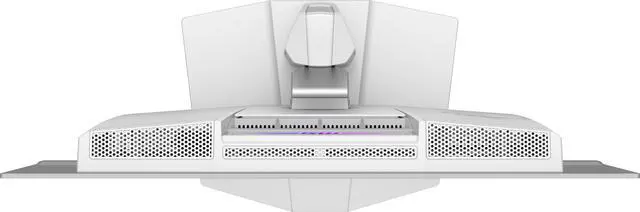
The new QD-OLED panels are all equipped with Graphene film, known for its exceptional thermal conductivity for heat dissipation. It also features customized heatsink designs, and the synergy between these two elements enables the entire monitor to operate without an active cooling fan, achieving a fanless design. This ensures efficient and silent heat dispersion, further extending the panel's lifespan.
Boundary Detection
After a certain number of seconds, the boundary protection adjusts the luminance of the boundary between two images or image and background.


Taskbar Detection
When the system detects the TaskBar displayed on the desktop, it automatically scans its shape and then automatically reduces luminance to prevent burn-in issues.

Multi-logo Detection
When the system detects serveral static and prominently contrasting logo displayed on the screen, it automatically scans their shape and color, and then proceeds to reduce luminance automatically to prevent burn-in issues.
GAMING ASSISTANCE

GAME ASSISTANCE - SMART CROSSHAIR
GAME ASSISTANCE - Optix Scope
GAME ASSISTANCE - AI Vision
CONSOLE MODE - VRR
CONSOLE MODE - ALLM
CONSOLE MODE - CEC
FW UPDATE

SMART CROSSHAIR
The aim dot automatically changes color, making it visible at any time. If the color of the aim dot overlaps with the background color, it will be problematic for aiming.

Optix Scope
Snipe and kill your opponents before they can react. The built-in aim magnifier provides multi-stage zooming with shortcut keys to quickly switch the magnification. The screen can maintain the operation so that no matter what weapon is used, it can become a sniper rifle and attack enemies from miles away.

AI Vision
The new AI Vision technology can not only reveal details in dark areas but also enhance overall brightness and saturate colors, bringing brightness to your day.
For console gamers, MAG 272QPW QD-OLED X28 provide HDMI™ 2.1 with a full 48 Gbps bandwidth. It supports 120Hz mode on the latest consoles and supports HDR simultaneously, providing you with the best gaming experiences.


MSI CONSOLE MODE - VRR Support
VRR can reduce or even eliminate the problems of delays, interruptions and screen tearing, making the gaming experience smoother and more detailed. Feel free to enjoy the zero-tearing gaming experience under WQHD resolution without any image depression.
For console gamers, MAG 272QPW QD-OLED X28 provide HDMI™ 2.1 with a full 48 Gbps bandwidth. It supports 120Hz mode on the latest consoles and supports HDR simultaneously, providing you with the best gaming experiences.

Auto low-latency mode automatically sets ideal latency for smooth, lag-free, and uninterrupted viewing and interaction experiences.
For console gamers, MAG 272QPW QD-OLED X28 provide HDMI™ 2.1 with a full 48 Gbps bandwidth. It supports 120Hz mode on the latest consoles and supports HDR simultaneously, providing you with the best gaming experiences.

The monitor utilizes the HDMI™ CEC (Consumer Electronics Control) function. After the built-in HDMI™ CEC technology is connected to the PlayStation or Switch controllers, the controllers can be used to wake up the screen with different modes that can be adjusted for different devices.

Firmware update
MAG 272QPW QD-OLED X28 can update the firmware, which is simple and easy to use. This allows users to update the firmware on their own at any time when the latest version is released by MSI. This ensures that the screen is always in the best-optimized state.

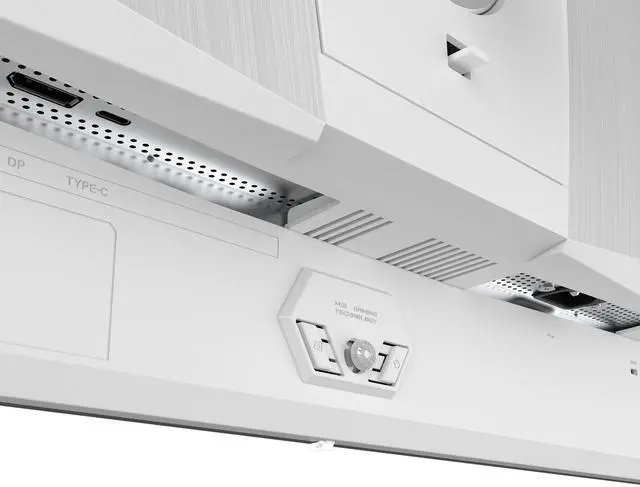
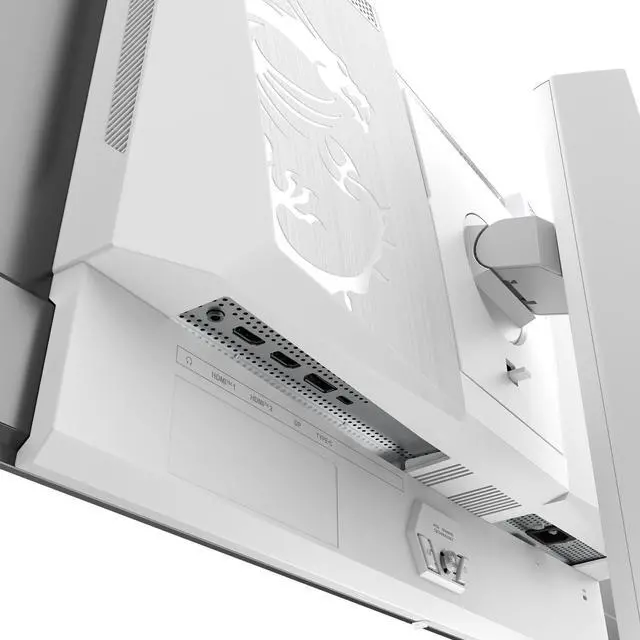
CONNECTIVITY

Type-C Display
HDMI™
I/O PORTS

Type-C Display
With USB Type-C cable connection, allowing you to power your devices (up to 15W) and effortlessly display by DisplayPort Alt mode.
* This image is for illustrative purposes only.


Panel Size: 26.5"
Panel Type: OQ-OLED
Aspect Ratio: 16:9
Panel Resolution: 2560 x 1440 (WQHD)
Refresh Rate: 280Hz
Response Time: 0.03ms GtG

MAG 272QPW QD-OLED X28
- 3rd Gen QD-OLED Panel – With stunning image quality and fast response time.
- Fastest 0.03ms GtG response time and 280Hz refresh rate.
- QD Premium Color – Ensures the color meets the market standard – Delta E=2.
- Incredible HDR visual – VESA DisplayHDR True Black 400..
- Crystal-Clear Motion – VESA ClearMR 15000 certified.
- MSI OLED Care 2.0 – Reduced the risk of OLED image sticking / burn-in.
- Console Mode – Optimized for seamless compatibility with gaming consoles like PS5 and Xbox Series X|S
- 3-Year Burn-In Warranty – Including coverage for OLED burn-in.