


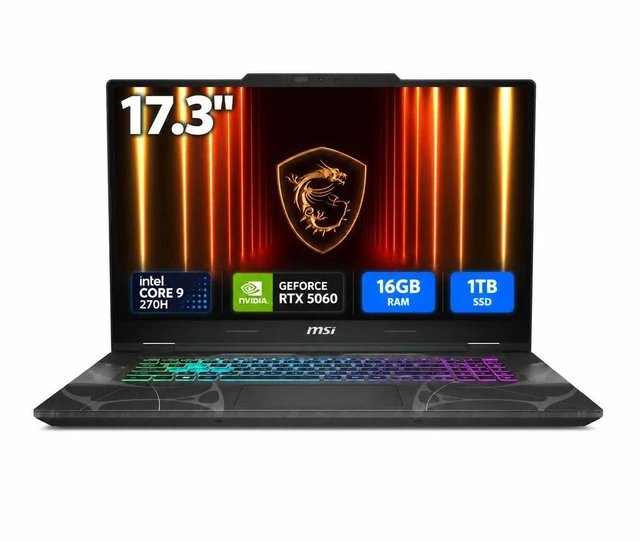
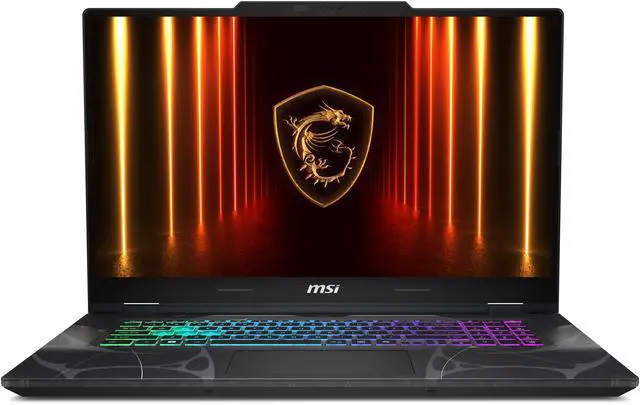
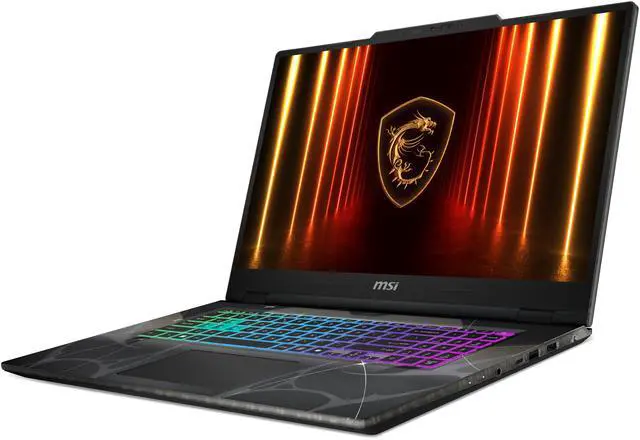
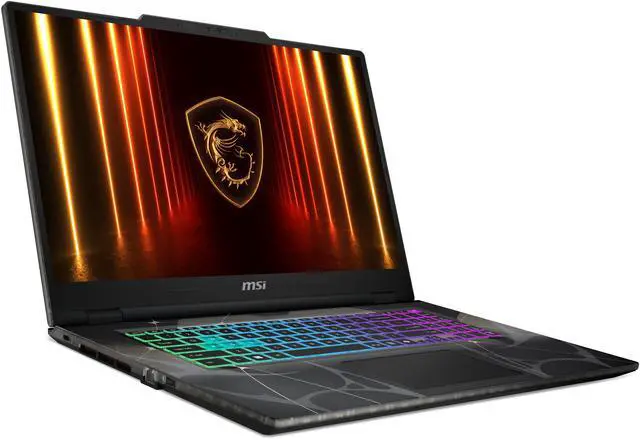
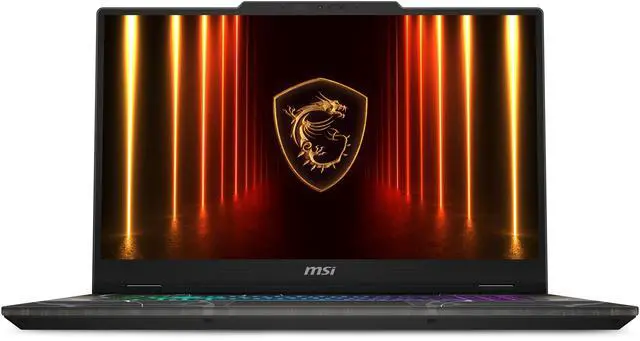
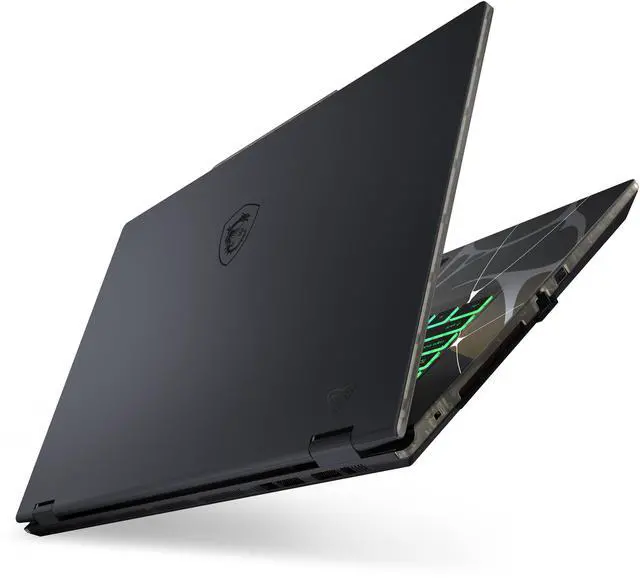
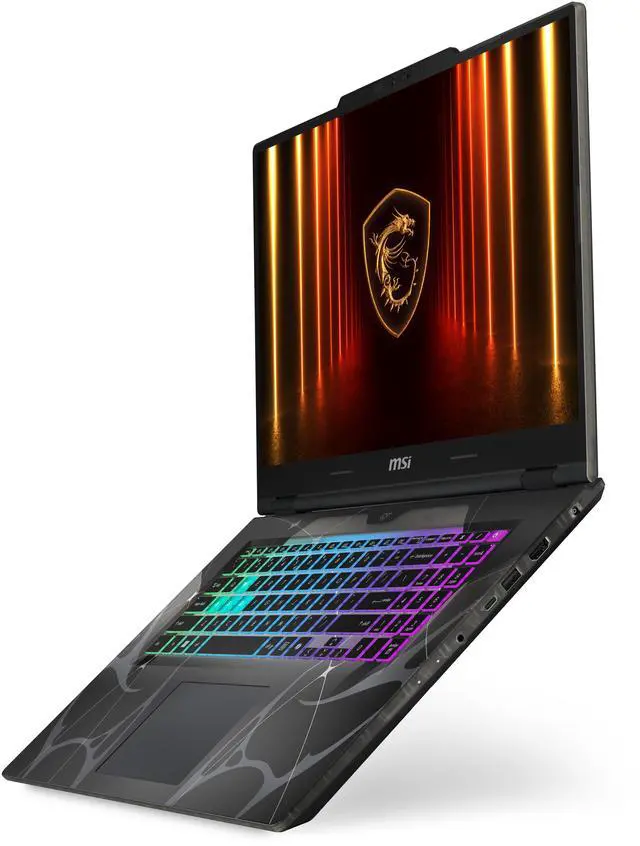
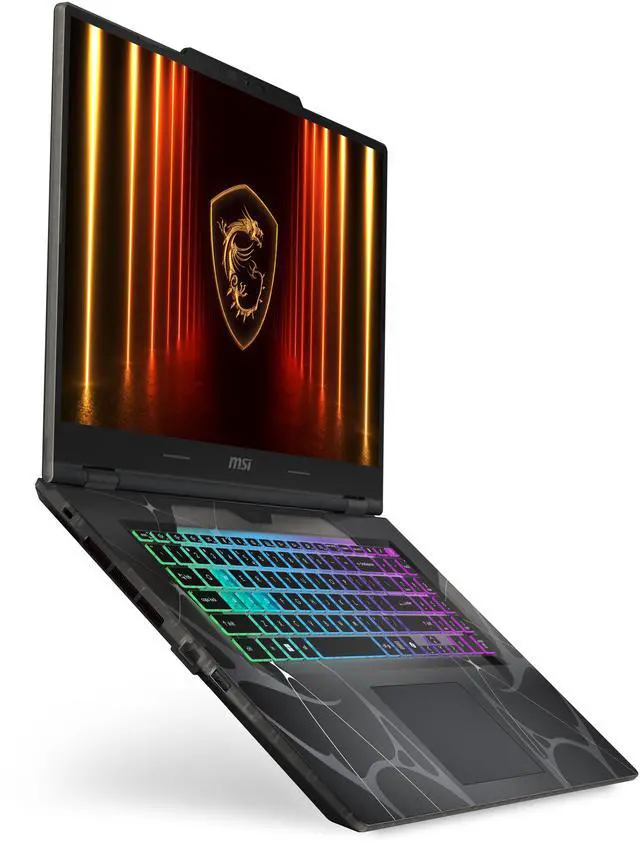
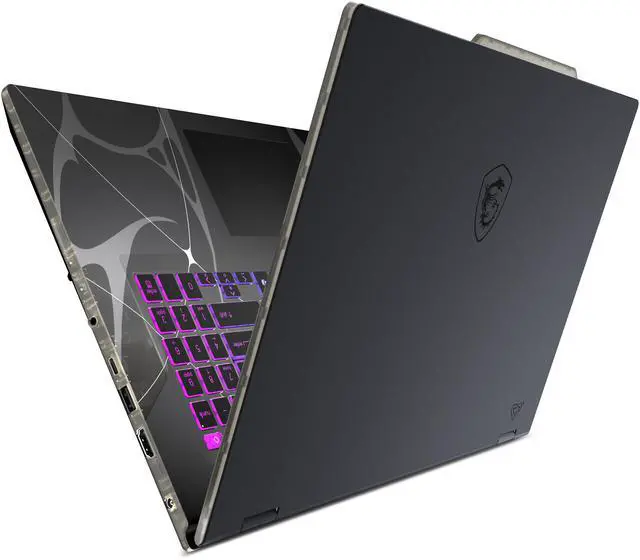
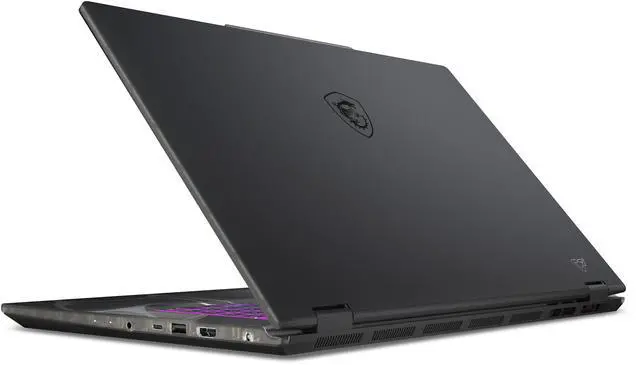
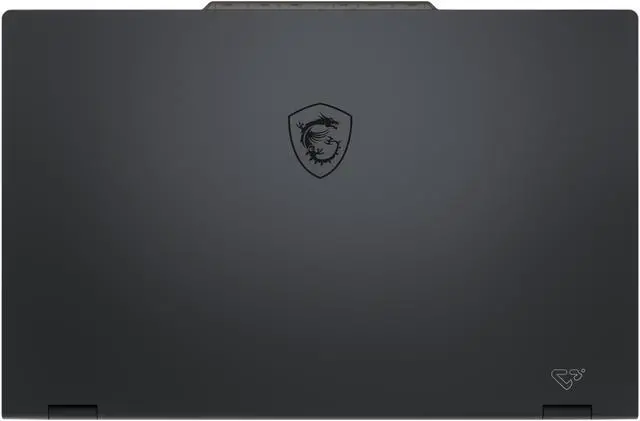
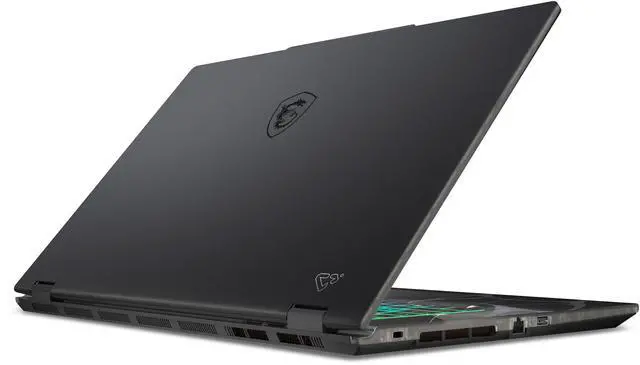


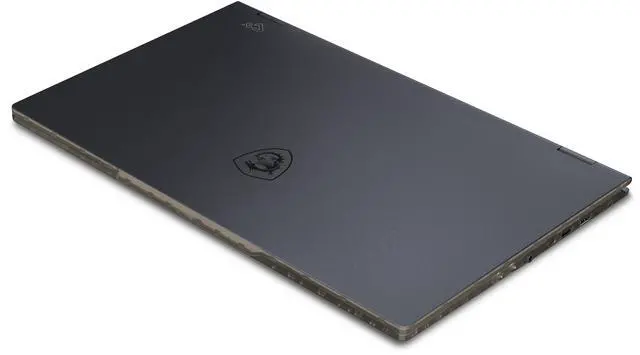


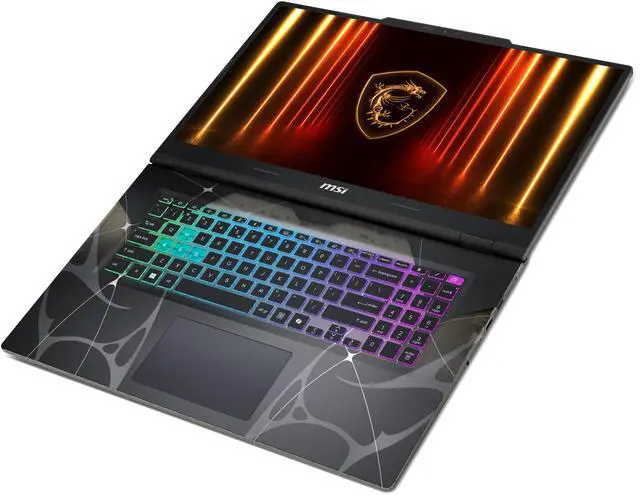
The MSI Cyborg 15 B2RWEKG-292US is a 15.6-inch gaming laptop with an Intel Core 7 240H, GeForce RTX 5050 Laptop GPU, 16GB DDR5 memory, and a 1TB NVMe SSD, making it a strong fit for students, gamers, and everyday creators who want smooth 1080p play, fast multitasking, and quick load times in a portable Windows 11 system.
Recommended For
- Budget-focused PC gamers who mainly play at 1080p and are comfortable using medium to high settings instead of chasing the fastest RTX 5050 results. Multiple reviews position the Cyborg 15 as a value-first gaming laptop, while community discussion repeatedly notes that its lower-power GPU setup is acceptable when expectations are set around mainstream gaming rather than maxed-out performance.
- Students or young professionals who want one laptop for classwork or office tasks by day and gaming at home by night, and who will usually use it plugged in. The 16GB RAM and 1TB SSD fit this mixed-use pattern, and reviews/community feedback suggest the machine works best as a practical daily driver with gaming as the main extra feature, not as an all-day unplugged laptop.
- Buyers who care about getting a 144Hz screen and gaming-laptop features without moving into thicker, pricier performance models. MSI markets this model squarely around competitive-style gaming, and review coverage consistently treats it as an entry-to-midrange option for people prioritizing refresh rate and price over premium chassis or stronger GPU tuning.
- Users who want a quieter-leaning budget gaming laptop and can accept capped GPU power as the tradeoff. Notebookcheck found the Cyborg 15's 45W RTX 5050 setup keeps noise more moderate than many rivals, which makes sense for people who care more about a less aggressive gaming experience than squeezing out every possible frame.
Real-World Use Scenarios
- Playing current games at the laptop’s native 1080p resolution is a realistic fit. In typical use, users should expect smooth gameplay with medium to high settings in many modern titles, while heavier games may need DLSS or reduced settings to stay comfortably fluid.
- For esports and lighter competitive games, this model makes more sense than for maxed-out AAA play. Users trying to get higher frame rates in titles like shooters, MOBAs, or racing games are likely to have an easier time taking advantage of the 144Hz screen, especially with tuned settings.
- It works well as a mixed-use gaming and school/work laptop. A user can keep many browser tabs open, handle Office apps, video calls, and game installs on the 1TB SSD without the system feeling cramped, though the 720p webcam is more basic than premium alternatives.
- Connecting to an external monitor is a practical use case for desk setup gaming or study. Users who want a larger screen at home can run a 1440p high-refresh monitor over HDMI or USB-C/DisplayPort, making the laptop more flexible as a simple dorm or bedroom setup.
- Basic photo editing, school creative work, and casual content creation are reasonable, but color-critical work is not the main use case. Users editing social posts, thumbnails, or short videos should be fine, while creators who need accurate color for print or professional grading will likely want a better display.
- It is better suited to plugged-in use than all-day unplugged use. Someone bringing it between class, work, and home can get through light tasks away from an outlet for several hours, but long gaming sessions or a full day of mixed use will usually mean carrying the charger.
Spec Summary
| Attribute | Value |
|---|
| Best For | 15.6" FHD 144 Hz laptop for gamers and power users who need a portable system for competitive gaming, streaming, and multitasking |
|---|
| Processor And Core Count | Intel Core 7 240H processor (Intel Core 7 family) |
|---|
| GPU And VRAM | NVIDIA GeForce RTX 5050 Laptop GPU with 8GB GDDR7 video memory |
|---|
| Display Spec | 15.6" IPS Full HD (1920 x 1080) display with 144 Hz refresh rate and 45% NTSC color gamut |
|---|
| Memory Configuration | 16GB DDR5 5600 memory |
|---|
| Storage And Expansion | 1TB NVMe Gen4x4 SSD |
|---|
| High Speed I O | 1 × USB 3.2 Gen 2 Type-C port |
|---|
| Battery And Power | 4-cell Lithium Polymer battery |
|---|
| Wired And Wireless Networking | Wi‑Fi 6E wireless and Bluetooth 5.3 |
|---|
| Webcam And Privacy | 720p HD webcam |
|---|
| Keyboard And Control | Multi-touch touchpad |
|---|
| Chassis And Color | Translucent Black finish on a 15.6" chassis |
|---|
| Operating System | Windows 11 Home |
|---|
| Model Identifiers | MSI Cyborg 15 series — Model Cyborg 15 B2RWEKG-292US (Part Number Cyborg 15 B2RWEKG-292US) |
|---|
Reference Q&A
Q: Should I buy the MSI Cyborg 15 RTX 5050 or an RTX 4050 gaming laptop?
A: Choose the MSI Cyborg 15 RTX 5050 if the price gap is moderate and you want a longer-lasting 1080p gaming setup. External coverage and community comparisons consistently point to the RTX 5050 laptop GPU offering the more meaningful upgrade over RTX 4050 because it adds 8GB of VRAM instead of 6GB and usually delivers higher gaming performance. That makes this MSI a better fit for newer games, higher texture settings, and users who want more headroom without moving into a higher price class. An RTX 4050 laptop still makes sense when the discount is large and your priority is the lowest entry price for esports or lighter AAA settings.
Q: Is the MSI Cyborg 15 RTX 5050 a better buy than an older MSI Cyborg 15 RTX 4060 model?
A: It depends on price and power limits. This RTX 5050 Cyborg 15 is the better choice when you want the newer GPU generation, 8GB GDDR7 memory, and a current platform with the Core 7 240H. An older Cyborg 15 with RTX 4060 can still be the smarter buy if it is heavily discounted, because real-world results on MSI's lower-power Cyborg designs can narrow the gap between these tiers. In short: pick the newer RTX 5050 model for a fresher configuration and better baseline feature set; pick the discounted RTX 4060 version if the savings are substantial and your goal is maximum frames per dollar.
Q: Should I choose this MSI Cyborg 15 or pay more for an RTX 5060 gaming laptop?
A: Choose the MSI Cyborg 15 RTX 5050 when you want to stay focused on mainstream 1080p gaming value and avoid paying for performance you may not use. Move up to an RTX 5060 laptop if you want more graphics headroom for higher settings, longer relevance in demanding AAA games, or a QHD-class upgrade path. The practical trade-off is simple: this Cyborg 15 is the more budget-conscious option, while RTX 5060 models are the better fit for buyers who are already stretching toward performance-first configurations.
Q: Is this MSI Cyborg 15 a good upgrade over an older RTX 3050 or RTX 3060 gaming laptop?
A: Yes, it is a practical upgrade if your current laptop has an RTX 3050, and it can also be a sensible move from some RTX 3060 systems if you want newer features and more VRAM efficiency for current games. External RTX 5050 coverage describes it as a clear step up from RTX 3050-class hardware, while community discussion often treats it as a more modern midrange option than older entry gaming laptops. The upgrade is most worthwhile if your current system is running out of VRAM, struggling in newer titles, or lacks current platform features such as DDR5 and Wi-Fi 6E.
Q: Should I get the MSI Cyborg 15 for portability or choose a thicker performance-first gaming laptop?
A: Choose the MSI Cyborg 15 if you want a lighter, more mainstream 15-inch gaming laptop that balances everyday portability with solid 1080p gaming. Choose a thicker performance-first model if your top priority is extracting more sustained GPU performance, better thermals, or a stronger display class. Reviews of the Cyborg line consistently position it as a price-conscious gaming laptop with trade-offs that favor accessibility and everyday use over maximum chassis and cooling capacity.
Q: Is the MSI Cyborg 15 a good fit for everyday work, meetings, and school use?
A: Yes, it is suitable for office work, classes, web apps, video calls, and multitasking. The Core 7 240H, 16GB DDR5 RAM, and 1TB SSD are more than enough for productivity. The trade-off is that this is still a gaming laptop, so it prioritizes performance and a 144Hz display over business-focused features like a higher-resolution webcam or premium color-accurate screen.
Q: Is this a good travel work laptop?
A: It can work as a travel laptop if you want one machine for both work and gaming, but it is not ideal if portability and charging flexibility are the priority. The Cyborg 15 is relatively light for a gaming laptop at about 4.3 lb, but competitor Q&A for similar Cyborg models repeatedly highlights that USB-C charging is not supported. That makes it less convenient for travel than laptops that can charge from a compact USB-C adapter or dock.
Q: Who is the MSI Cyborg 15 best suited for?
A: It is best suited for buyers who want a midrange 15.6-inch laptop for 1080p gaming, general productivity, and occasional creative apps without stepping up to a more expensive premium gaming model. It makes the most sense for students, casual-to-mainstream gamers, and buyers who value fast storage and a 144Hz screen. It is less suited to users who need a creator-grade display, business-class webcam quality, or the most portable travel setup.
Q: Can you upgrade the RAM or storage later?
A: Likely yes, and this is a common buyer question on retail Q&A pages for the Cyborg line. Comparable Cyborg 15 listings show repeated questions about RAM and SSD upgrades, and MSI Cyborg retail pages indicate upgrade interest is high. For this exact model, the provided specs confirm 16GB DDR5 memory and a 1TB NVMe SSD, but they do not clearly state the number of memory slots or spare M.2 slots, so buyers who plan a major upgrade should verify the internal configuration before purchase.
Q: Is it better than a similar mainstream alternative like the HP Victus 15?
A: It depends on your priority. The Cyborg 15 is the better pick if you want a lighter gaming-focused design, fast DDR5 memory, and a 144Hz display in a straightforward 1080p setup. A mainstream alternative like the HP Victus 15 may be the safer choice if you care more about practical everyday buying factors such as clearer upgrade information and a more conventional non-gaming design. In short: choose the Cyborg for gaming-first value, and choose a Victus-class alternative for a more general-purpose feel.
Q: Is the MSI Cyborg 15 RTX 5050 a good buy if gaming performance is my main priority?
A: It can be a reasonable buy if you want an entry-level to midrange gaming laptop with a 144Hz display, 16GB DDR5 RAM, and 1TB SSD, but it is not the best choice if you are chasing the strongest RTX 5050 performance. Reddit discussion repeatedly points to the Cyborg line using a lower-power GPU setup, so this model makes the most sense when price matters more than maximizing frame rates.
Q: Who is the MSI Cyborg 15 best suited for?
A: This laptop is best suited for buyers who want one machine for mainstream 1080p gaming, schoolwork, and everyday desktop tasks. Its spec balance—Core 7 240H, RTX 5050, 16GB memory, and 1TB SSD—fits users who need a gaming-capable laptop without stepping into heavier or more expensive performance tiers.
Q: What are the main trade-offs of choosing this MSI Cyborg 15 instead of a higher-tier gaming laptop?
A: The main trade-offs are GPU power limits, more budget-oriented thermals and build expectations, and a basic display color gamut. In return, you still get current-generation gaming hardware, a fast-refresh 1080p screen, 16GB DDR5, and 1TB storage. It is a value-first configuration, not a performance-maximized RTX 5050 laptop.
Q: Is the MSI Cyborg 15 a good choice for work, school, and general daily use as well as gaming?
A: Yes, for mixed use it is broadly suitable. The Core 7 240H, 16GB RAM, and 1TB NVMe SSD are enough for multitasking, office work, web use, and typical student workloads, while the RTX 5050 adds gaming and GPU-accelerated headroom. The main caution is that this is still a budget gaming laptop, so buyers focused more on portability, battery life, or premium build quality may prefer a non-gaming alternative.
Q: Should I buy this MSI Cyborg 15 or keep looking at other RTX 5050 laptops?
A: Buy it if it is meaningfully cheaper than other RTX 5050 laptops with similar memory and storage. Keep looking if the price gap is small, because community discussion around the Cyborg line repeatedly raises concerns about lower GPU power limits and budget-focused compromises. This model is easiest to justify as a price-led purchase, not as the strongest overall RTX 5050 option.