



  • $3,959.99
  • $4,299.99
  • Save: $340.00 (7%)
  • Free 15-day Returns
  • Ships from United States.
    Sold by Newegg

    Shipped by Newegg

    Price alert
    Add to Wish List(Found on 2 wish lists)
    Shop it at NeweggBusiness.

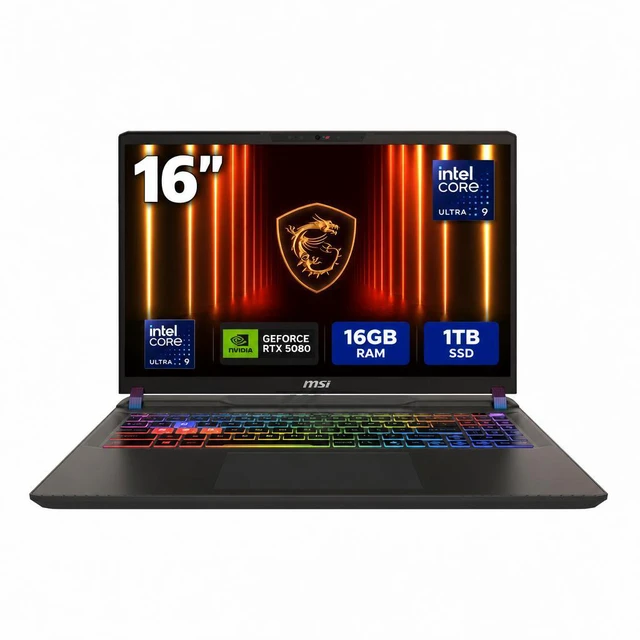
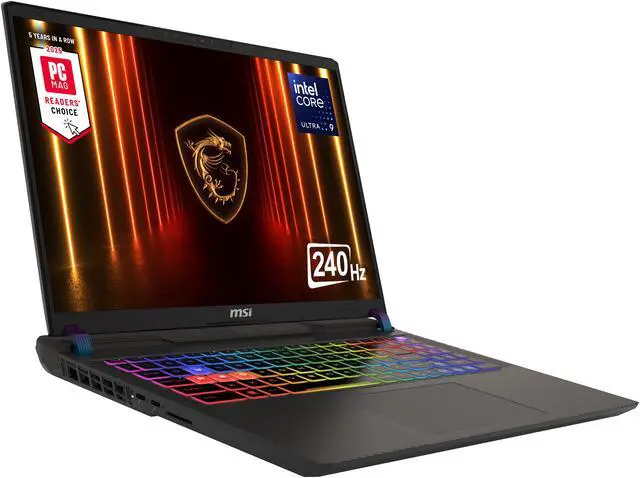
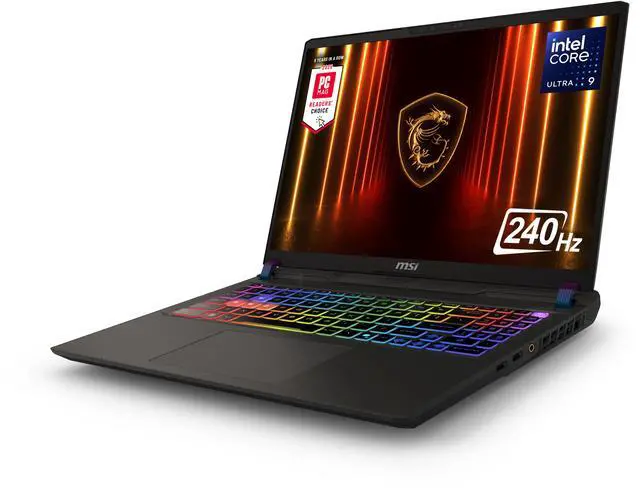
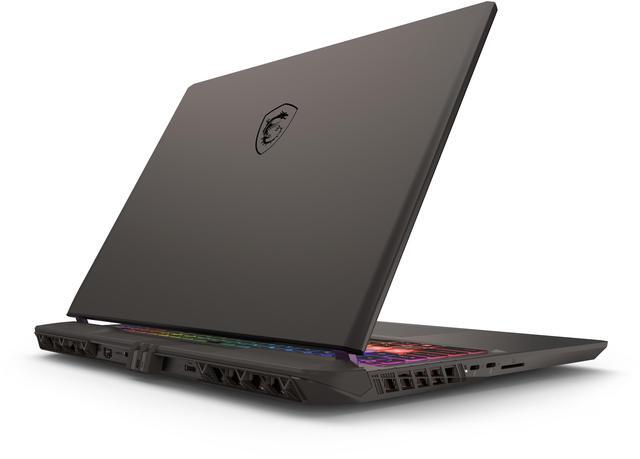
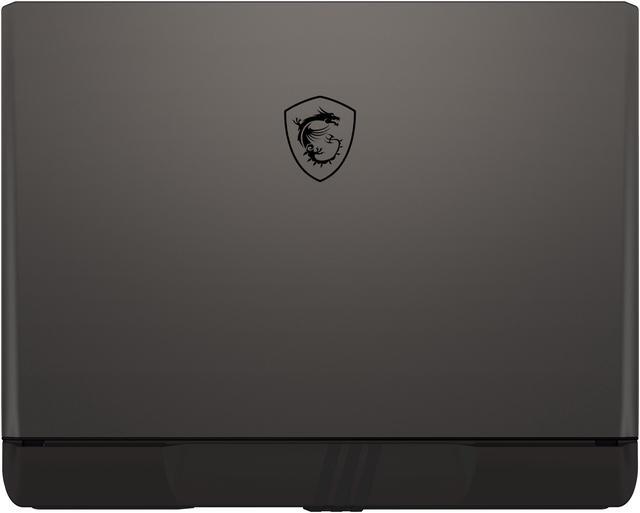
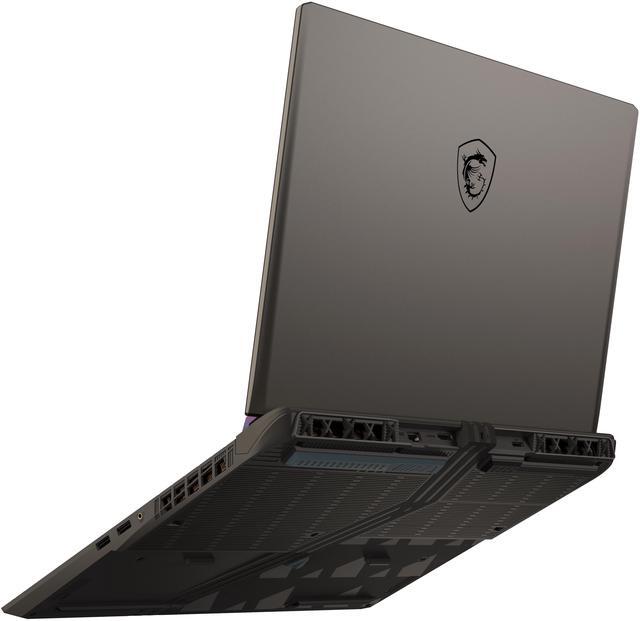
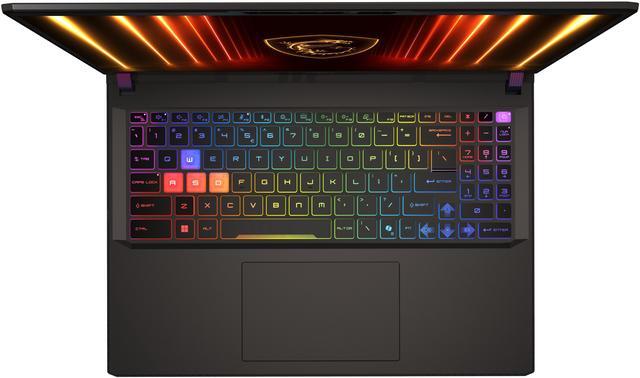
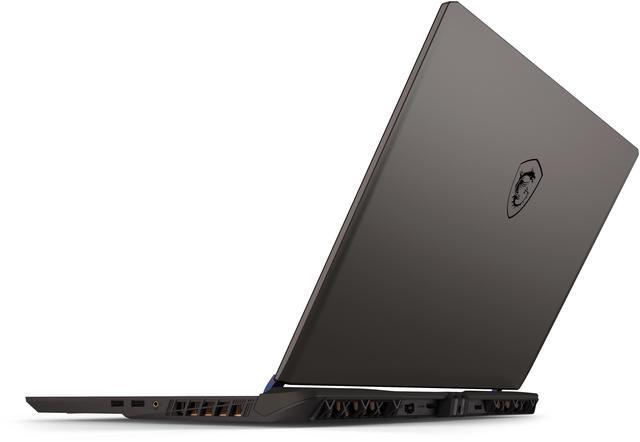
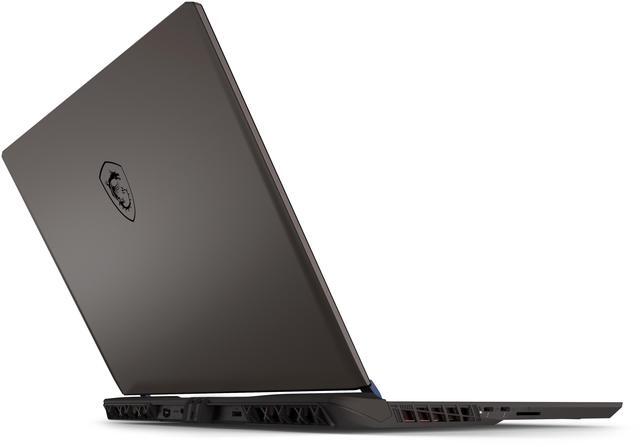
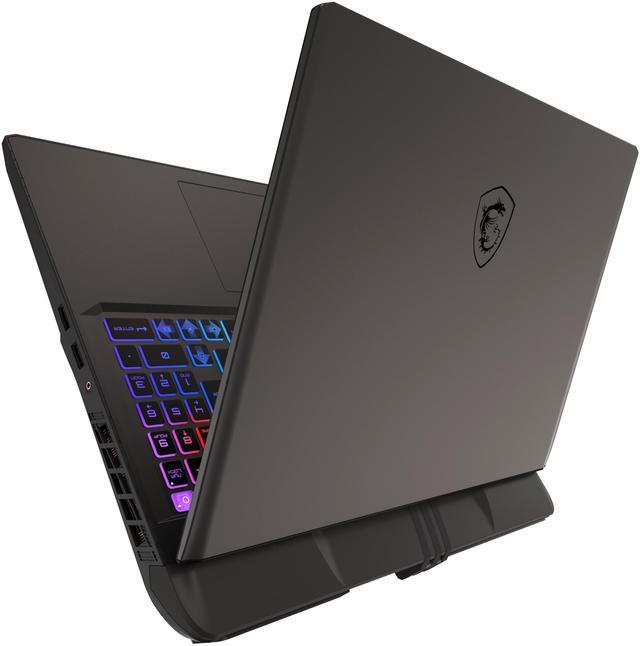
    MSI Vector - LCD 16" QHD+ GeForce RTX 5080 Laptop GPU - Intel Core Ultra 9 275HX - 16GB Memory - 1 TB SSD - Windows 11 Home - Gaming Laptop - 240 Hz (Vector 16 HX AI A2XWIG-050US )

    Free gifts w/ purchase, limited offer

    (105)(13) Write a Review
    • NVIDIA GeForce RTX 5080 Laptop GPU 16 GB GDDR7
    • Intel Core Ultra 9 275HX
    • 16GB Memory 1 TB SSD
    • 16" 2560 x 1600 QHD+
    • 14.05" x 11.18" x 1.12" 5.95 lbs.
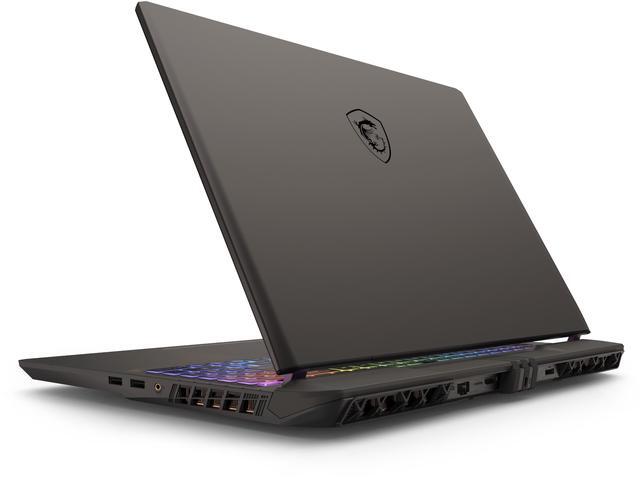
    • 1 x HDMI 2.1
    • 2 x Thunderbolt 5
    • 2 x USB 3.2 Gen 2 Type-A
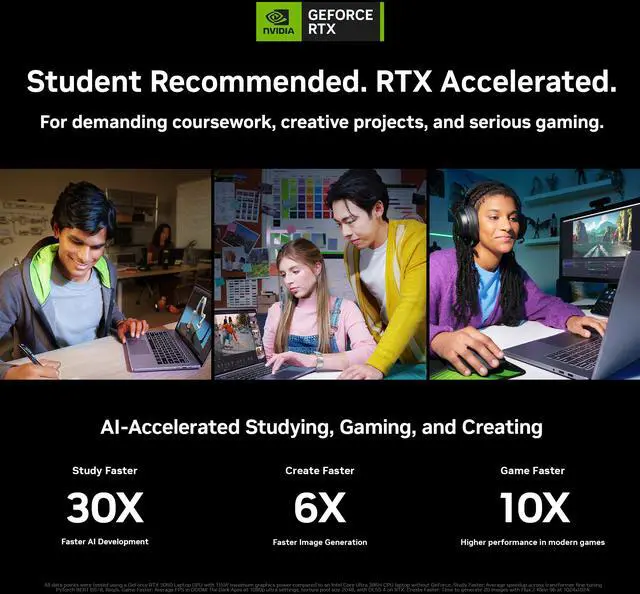
    • Usage: AI/Machine Learning, Art Creative, Gaming, Heavy Multitasking, Programing
    +
    +
    Overview
    Specs
    Reviews (105)
    MSI Vector 16 HX AI Gaming Laptop

    Powered by
    Intel® Core™ Ultra 9 processors
    (series 2)
    MSI Vector 16 HX AI Gaming Laptop
    MSI Vector 16 HX AI Gaming Laptop
    MSI Vector 16 HX AI Gaming Laptop

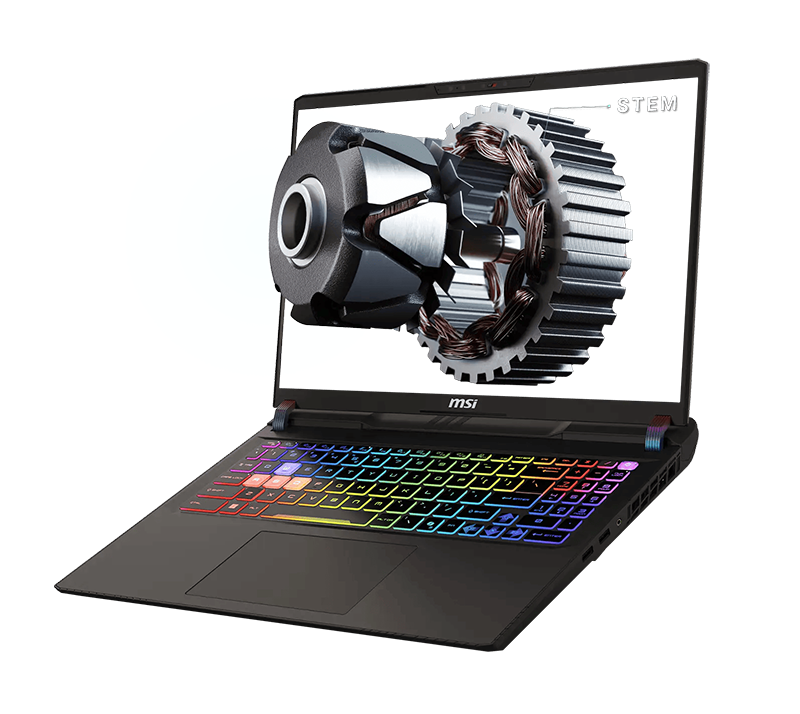
    Designed for STEM professionals, the Vector 16 HX AI delivers cutting-edge performance and rock-solid stability. It acts as a high-tech brain, seamlessly processing complex data with speed and precision. From software development to data analysis and simulations, the Vector 16 HX AI provides the performance and reliability engineers need to succeed.

    MSI Vector 16 HX AI Gaming Laptop

    Desktop Level Performance with Efficiency
    Up to Intel® Core™ Ultra 9 Processor 275HX

    Unlocking new level of performance with whole-new P-core & E-core architecture bringing improved performance per watt, the Intel® Core™ Ultra 9 processor 275HX is here to make portable gaming cooler, quieter with elite-level performance.

    * Performance and power compared to previous gen Intel® Core™ i9 processor 14900HX. Results may vary by scenario.

    20%+

    Performance Boost*

    24 Cores

    8 P-Cores + 16 E-Cores

    NPU

    Inside

    MSI Vector 16 HX AI Gaming Laptop
    MSI Vector 16 HX AI Gaming Laptop

    GEFORCE RTX 50 SERIES LAPTOPS
    GAME CHANGER

    Powered by NVIDIA Blackwell, GeForce RTX™ 50 Series Laptop GPUs bring game-changing capabilities to gamers and creators. Equipped with a massive level of AI horsepower, the RTX 50 Series enables new experiences and next-level graphics fidelity. Multiply performance with NVIDIA DLSS 4, generate images at unprecedented speed, and unleash your creativity with NVIDIA Studio. All in the thinnest and longest lasting RTX laptops, optimized by Max-Q.

    Game Changer

    GEFORCE RTX 50 SERIES LAPTOPS

    Powered by NVIDIA Blackwell and AI
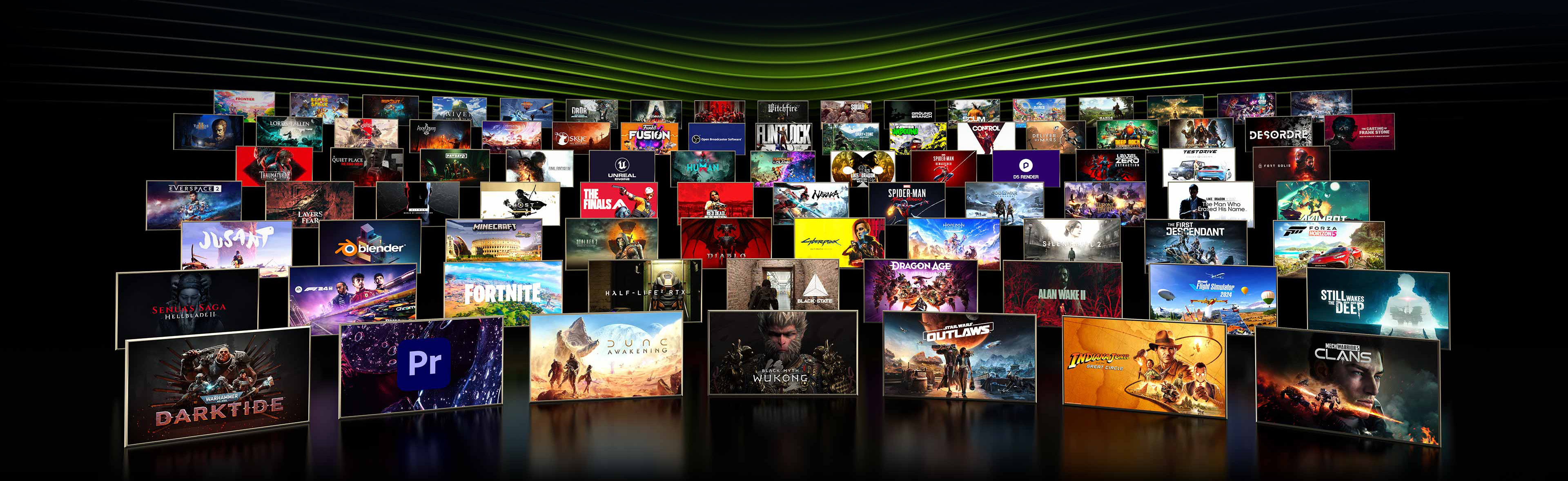
    MSI Vector 16 HX AI Gaming Laptop

    Supreme Speed. Superior Visuals.

    DLSS 4 massively increases performance and improves image quality for top games using the power of AI.

    Game-Winning Responsiveness

    NVIDIA Reflex 2 with Frame Warp gives you the ultimate responsiveness, enhancing target acquisition, reaction time, and aim precision.

    True-to-Life Graphics

    Experience cinematic quality visuals at unprecedented speed with full ray tracing and breakthrough neural rendering technologies.

    AI, Ready for You

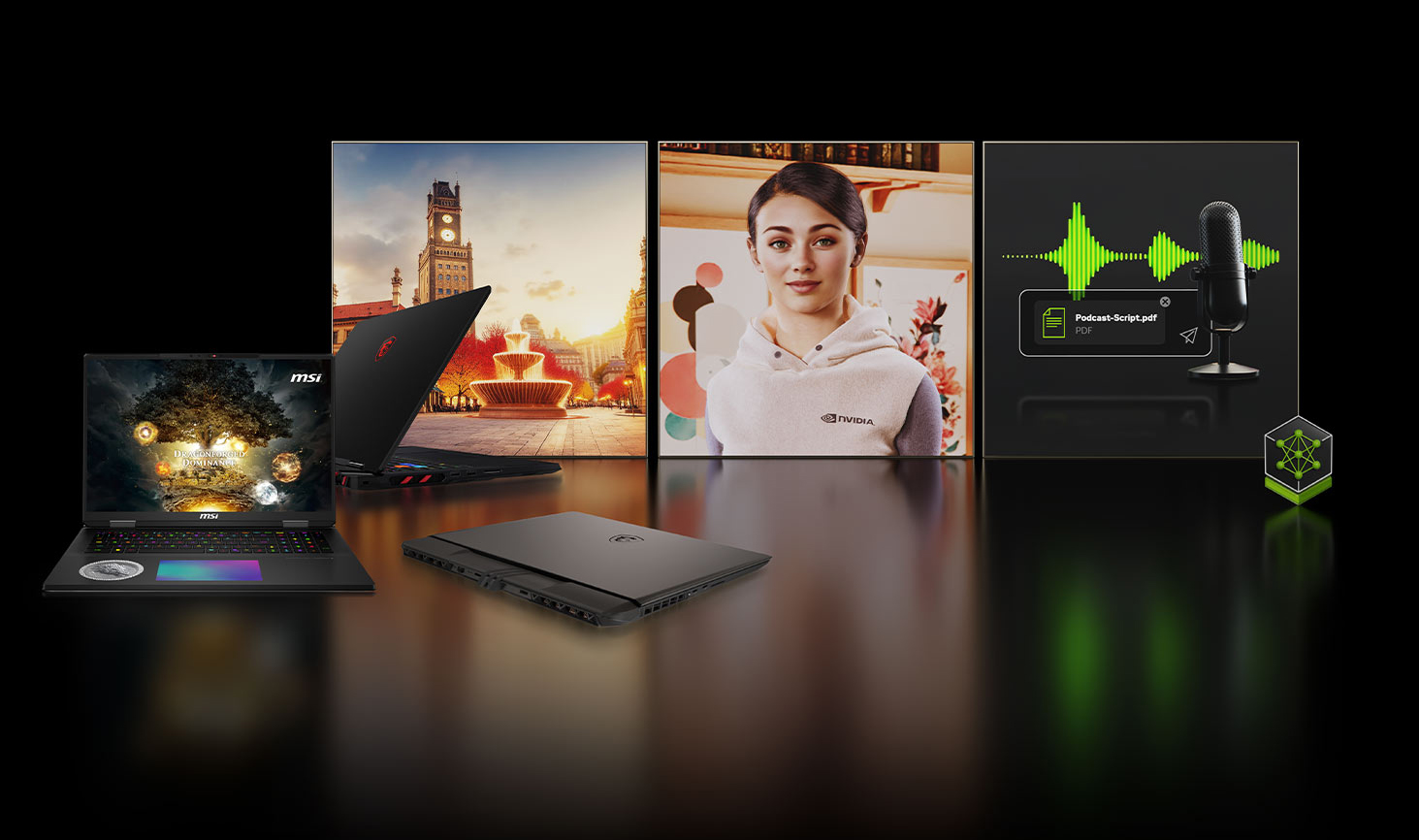
    MSI Gaming Laptops are NVIDIA NIM-ready and engineered to run NVIDIA NIM microservices—optimized AI models for language, speech, vision, content generation, and more. With these tools, enthusiasts and developers can build AI assistants, develop productivity plugins, or craft innovative content creation workflows locally on RTX AI PCs. Shape tomorrow’s AI today with the power of NVIDIA RTX™.
    MSI Vector 16 HX AI Gaming Laptop
    MSI Vector 16 HX AI Gaming Laptop

    NVIDIA DLSS 4

    Supreme Speed. Superior Visuals. Powered by AI.

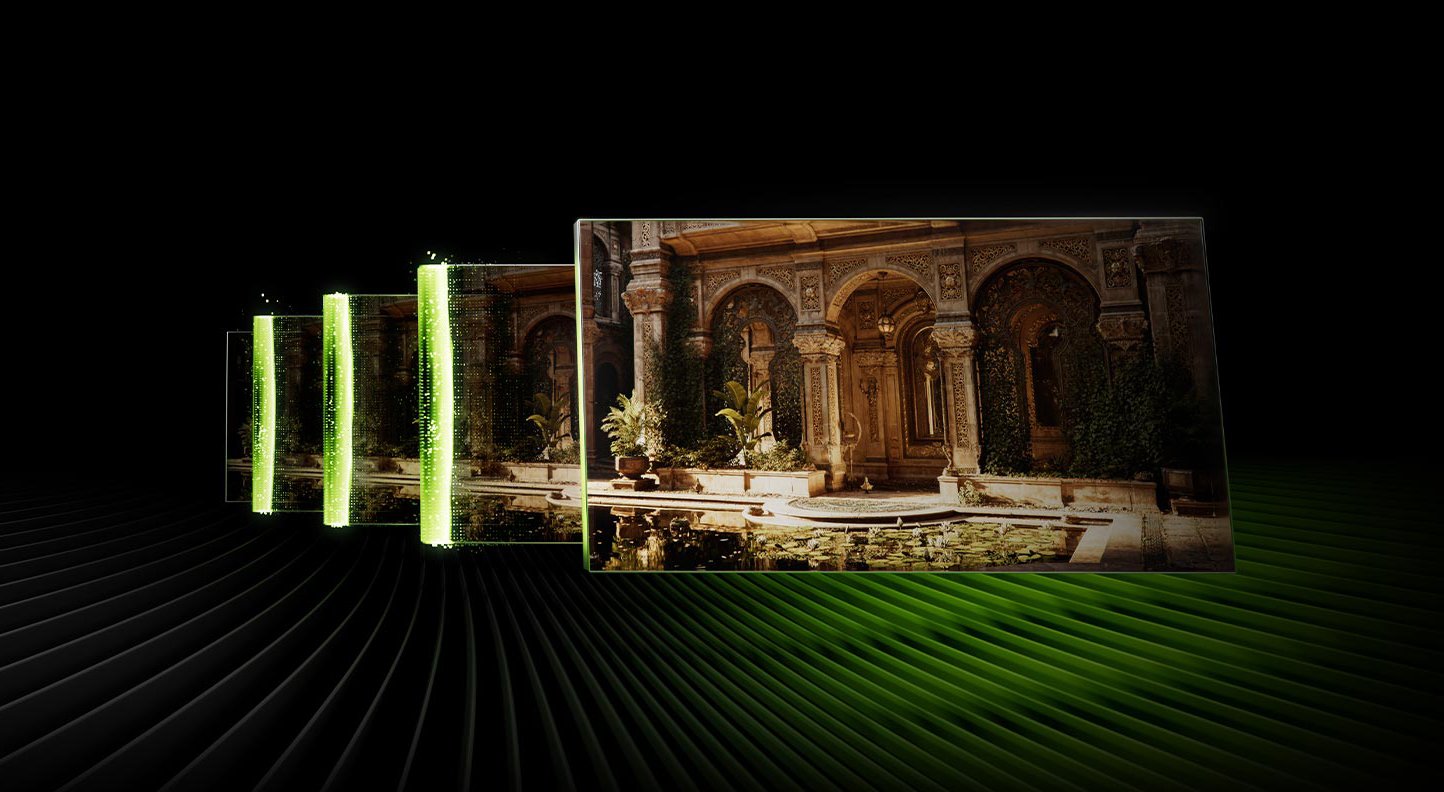
    DLSS is a revolutionary suite of neural rendering technologies that uses AI to boost FPS, reduce latency, and improve image quality. ?The latest breakthrough, DLSS 4, brings new Multi Frame Generation and enhanced Ray Reconstruction and Super Resolution, powered by GeForce RTX™ 50 Series GPUs and fifth-generation Tensor Cores. DLSS on GeForce RTX is the best way to play, backed by an NVIDIA AI supercomputer in the cloud constantly improving your PC’s gaming capabilities.

    Full Ray Tracing with Neural Rendering

    Game-Changing Realism

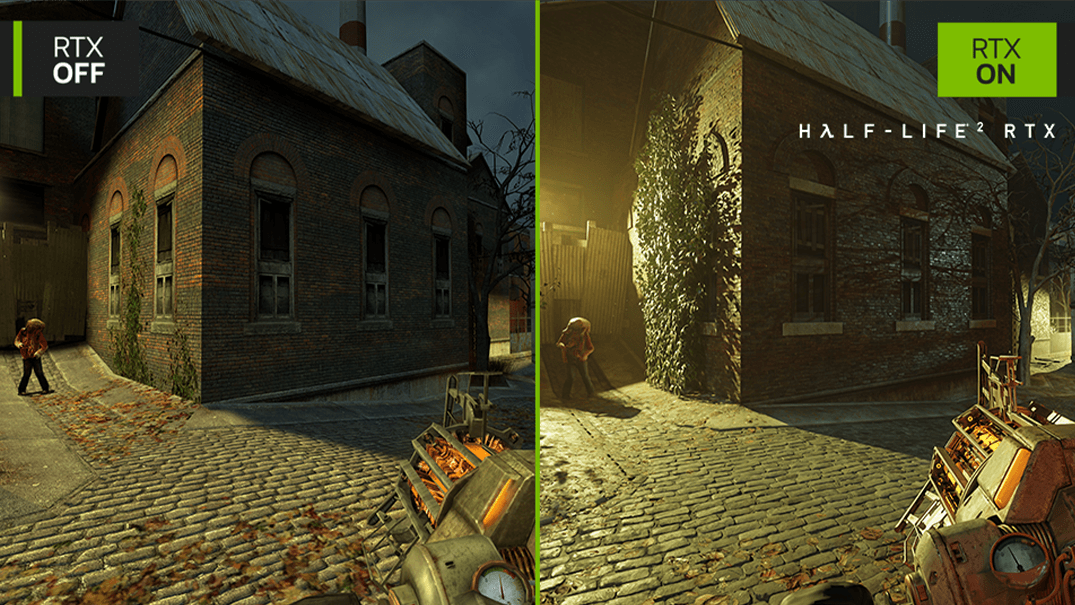
    The NVIDIA Blackwell architecture unlocks the game-changing realism of full ray tracing. Experience cinematic quality visuals at unprecedented speed powered by GeForce RTX 50 Series with fourth-gen RT Cores and breakthrough neural rendering technologies accelerated with fifth-gen Tensor Cores.
    MSI Vector 16 HX AI Gaming Laptop

    MSI Overboost Ultra Technology

    When extreme workloads demand full CPU and GPU resources, MSI OverBoost Ultra technology delivers peak combined performance with a total power output of 240W.

    MSI Vector 16 HX AI Gaming Laptop

    * 240W based on configuration of Intel® Core™ Ultra 9 processor 275HX with NVIDIA® GeForce RTX™ 5080 Laptop GPU and above.

    * Under Extreme Performance mode by MSI Center with AC power.

    * May vary by scenario.

    MSI Vector 16 HX AI Gaming Laptop

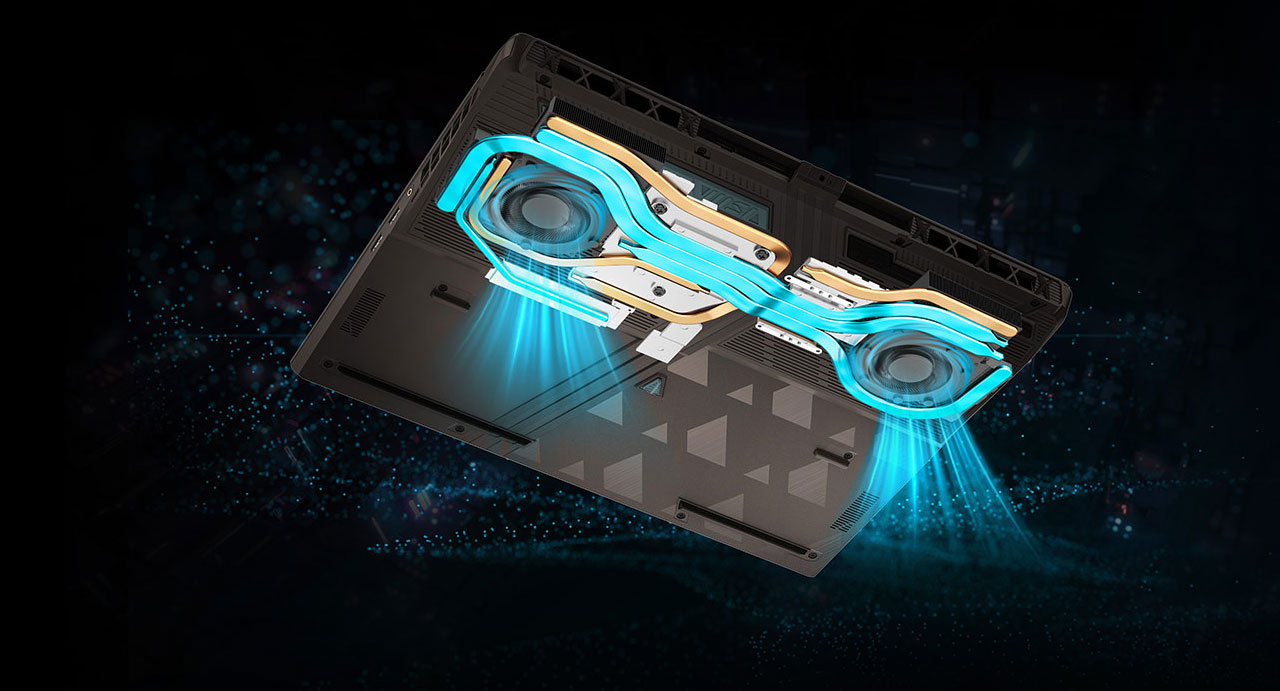
    Innovative Cooling Solution

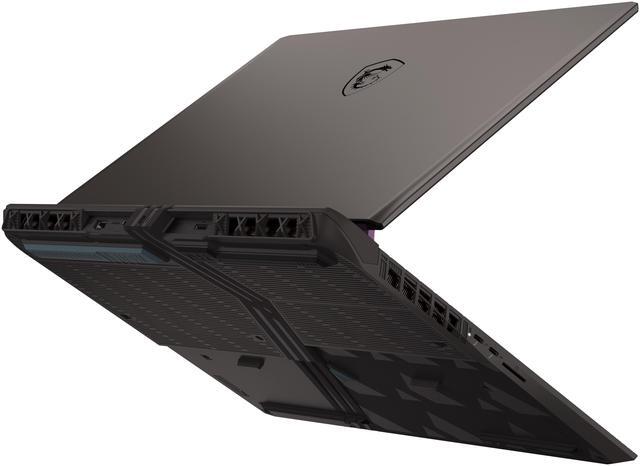
    Crafted for perfection, our latest Cooler Boost 5 design offers tailored thermal solutions for both the CPU and GPU. With larger fans and broader heat pipes, it ensures optimal performance even during the most intense gaming sessions.

    * Optional. Actual specification may vary by configurations.

    2 Fans

    up to 7 Pipes

    Gen 5 SSD Thermal Module*
    MSI Vector 16 HX AI Gaming Laptop
    MSI Vector 16 HX AI Gaming Laptop

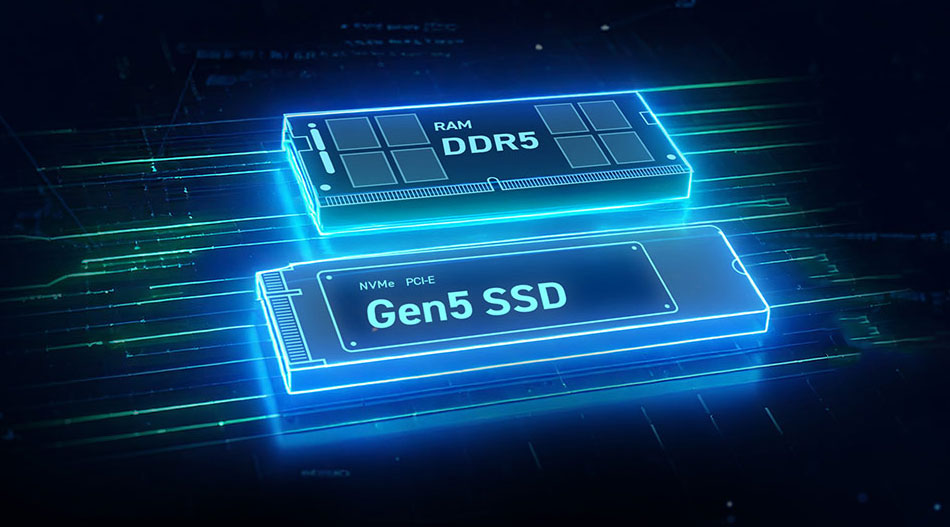
    High Speed Combo

    Vector Series comes with the ultimate combination of data transfer interface and the widest bandwidth to obtain the unrivaled experience.

    * Optional. Actual specification may vary by configurations.

    MSI Vector 16 HX AI Gaming Laptop

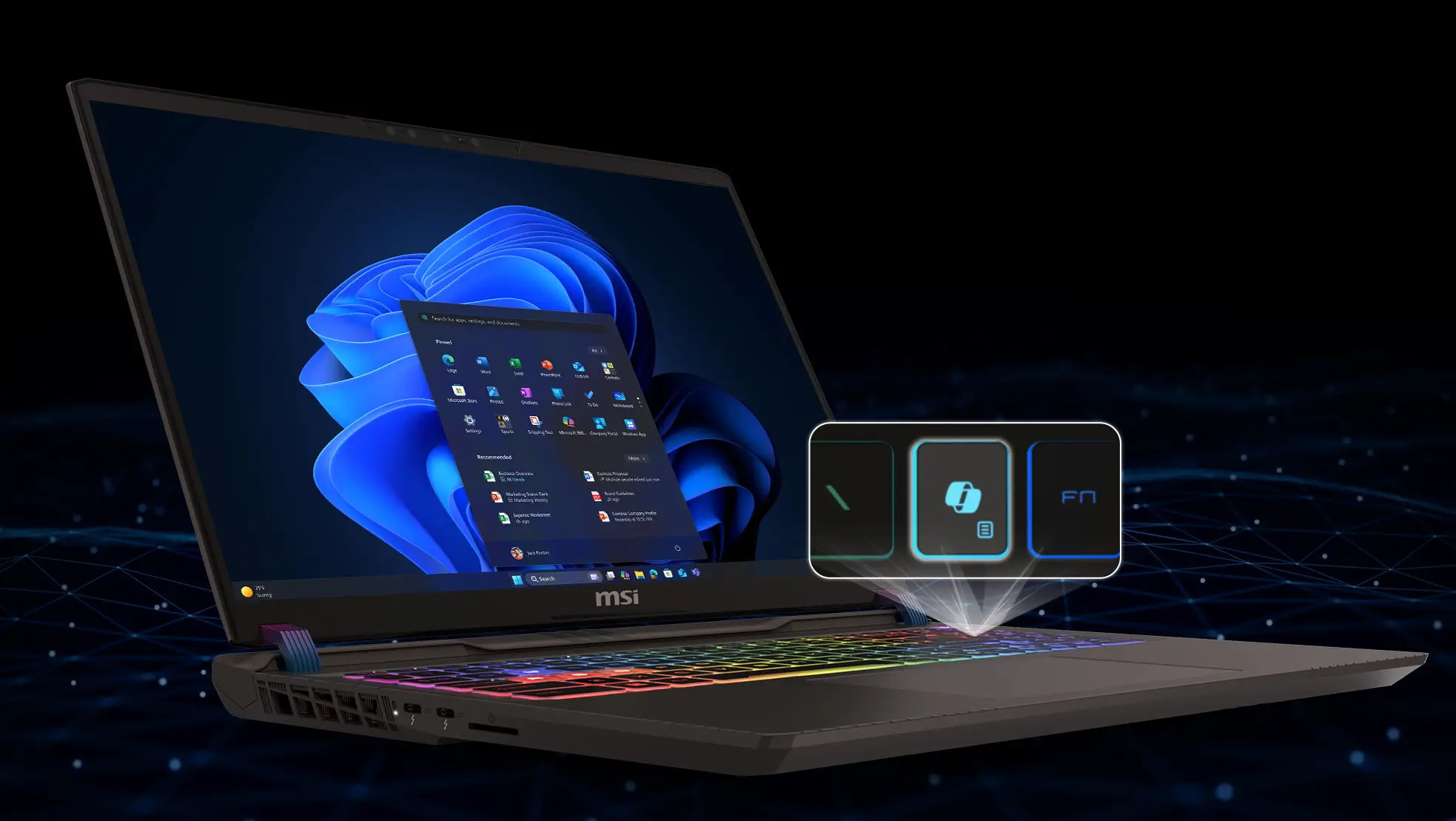
    Now Even Smarter

    Experience smarter productivity featuring Copilot and MSI AI Engine for seamless multitasking. These advanced AI tools adapt to your needs, optimizing performance and streamlining workflows effortlessly.

    MSI Vector 16 HX AI Gaming Laptop

    Copilot

    Unlock efficiency and innovation with Microsoft Copilot

    Uncover new opportunities, create compelling content, and solve problems faster anywhere with Microsoft Copilot on Windows, your AI assistant at work. To enhance data security, privacy, and compliance, Copilot provides enterprise data protection when employees are signed in through their Microsoft Entra ID account.

    * Copilot is available in select global markets and will be rolled out to additional markets over time.

    * Requires eligible Microsoft 365 license.
    MSI Vector 16 HX AI Gaming Laptop
    MSI Vector 16 HX AI Gaming Laptop

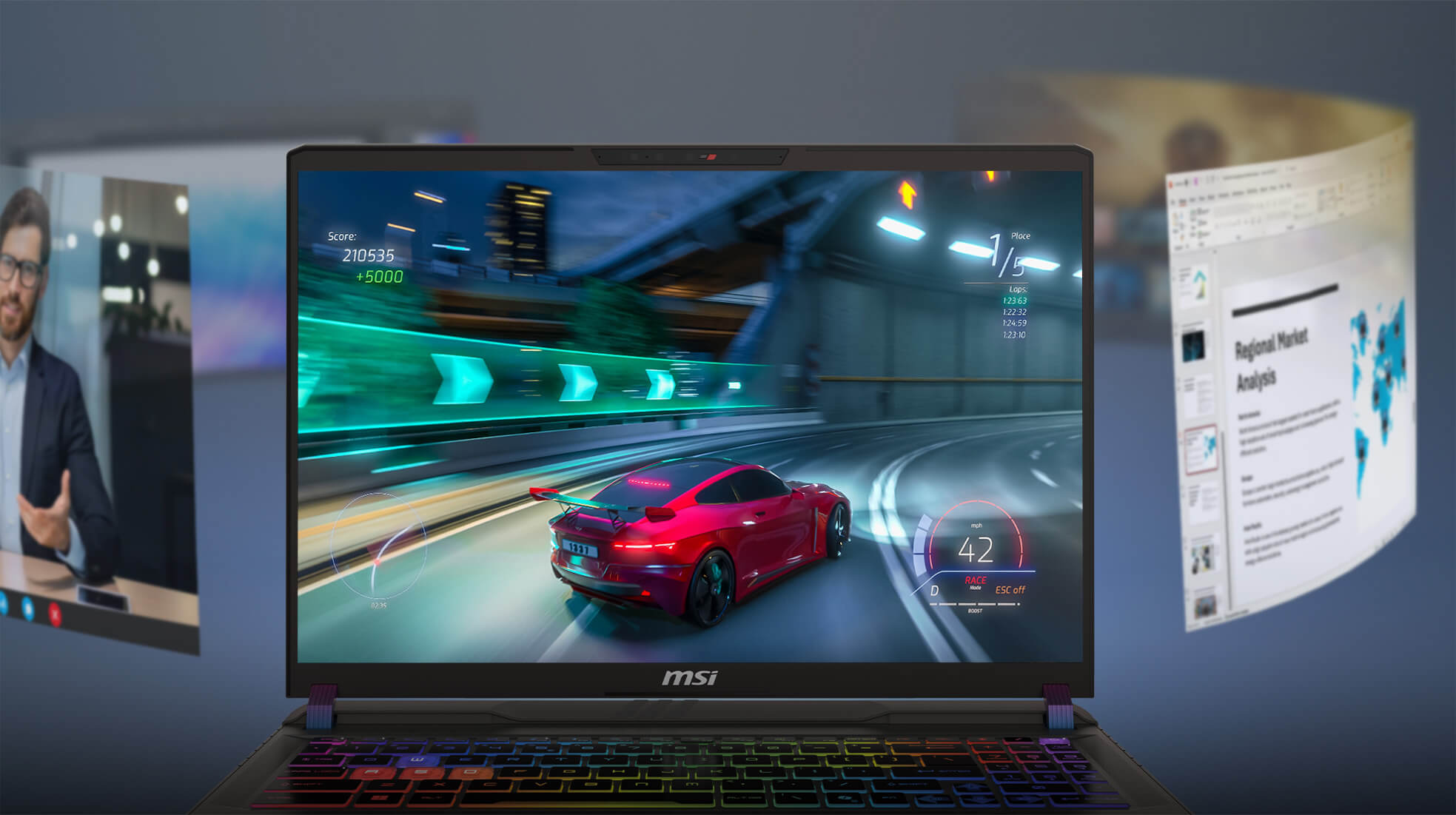
    AI Engine

    MSI's exclusive laptop control hub, and AI solutions, MSI laptops unlock the full potential of your productivity.

    MSI AI Engine is able to detect user scenarios and automatically adjust hardware settings to achieve the best performance. With simple AI tuned modes and resources, you can focus on the important things like creating, work and entertainment.
    MSI Vector 16 HX AI Gaming Laptop

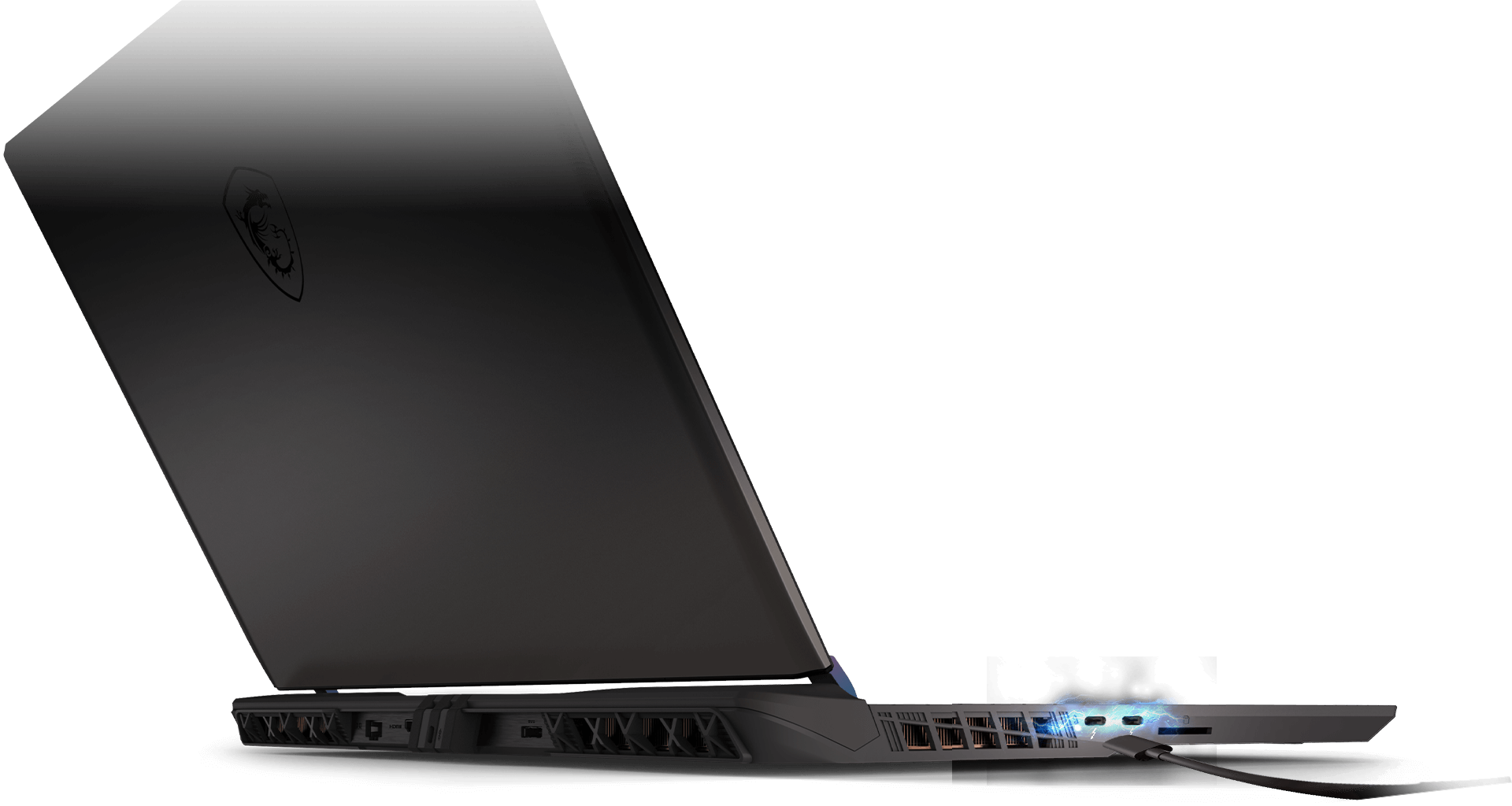
    Thunderbolt™ 5 Technology

    The forefront of data transfer and connectivity solution is now available. Enjoy up to 120 Gbps of transmit bandwidth with Thunderbolt™ Bandwidth Boost, while enabling connection to more monitors at higher resolution and refresh rates than ever.

    Up to

    120 Gbps

    3X Faster

    than Thunderbolt™ 4

    12X Faster

    than USB 3.2 Gen2

    Support

    DisplayPort 2.1
    MSI Vector 16 HX AI Gaming Laptop

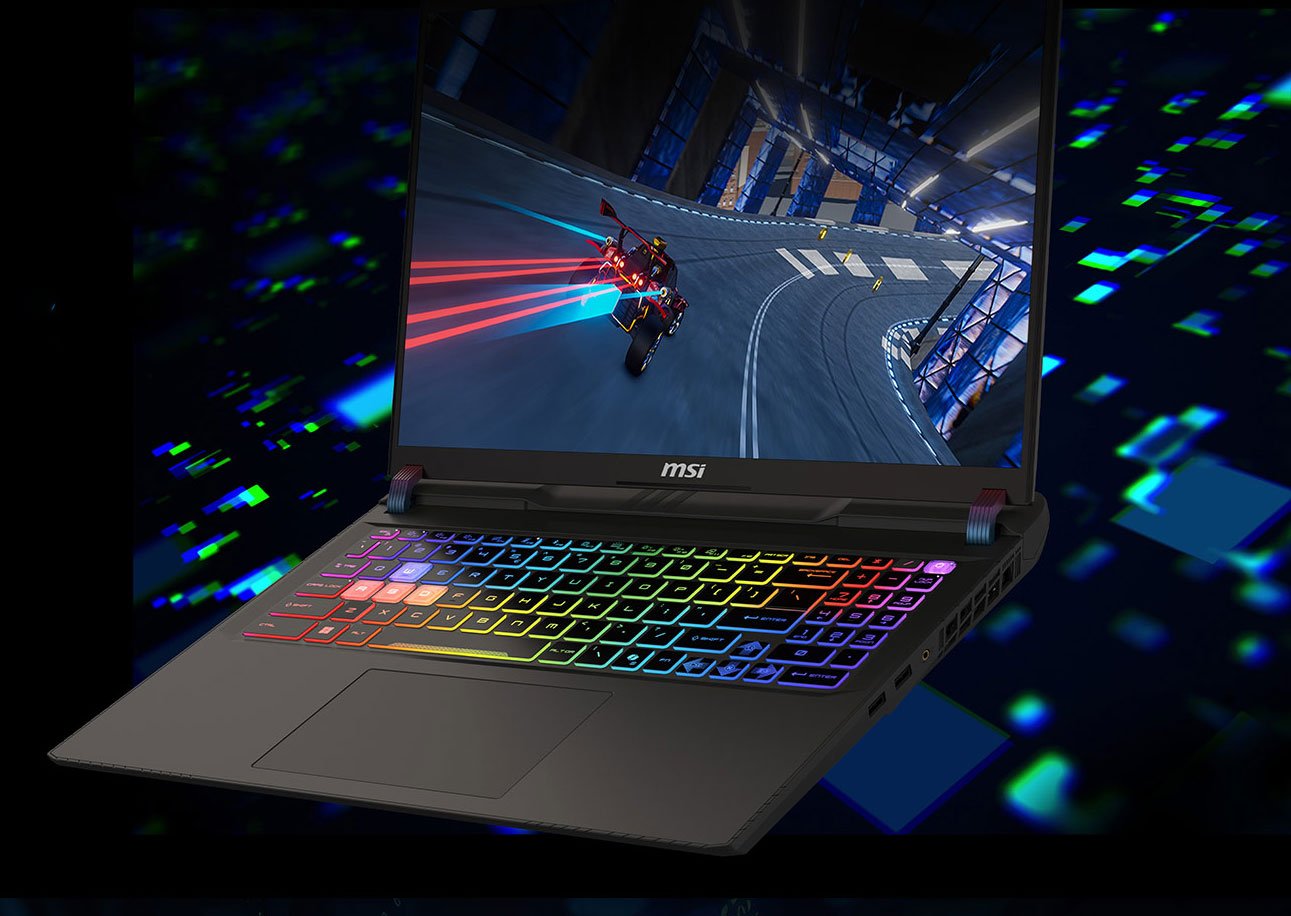
    Immerse Yourself in Gaming Ambiance

    Experience the radiating vibrant lights of 24-Zone RGB Keyboard featuring illuminated WASD keys and uniquely designed keycaps for an immersive gaming journey infused with style!

    * Lighting effects are only for illustration. Actual effect may vary by software version.

    MSI Vector 16 HX AI Gaming Laptop
    MSI Vector 16 HX AI Gaming Laptop

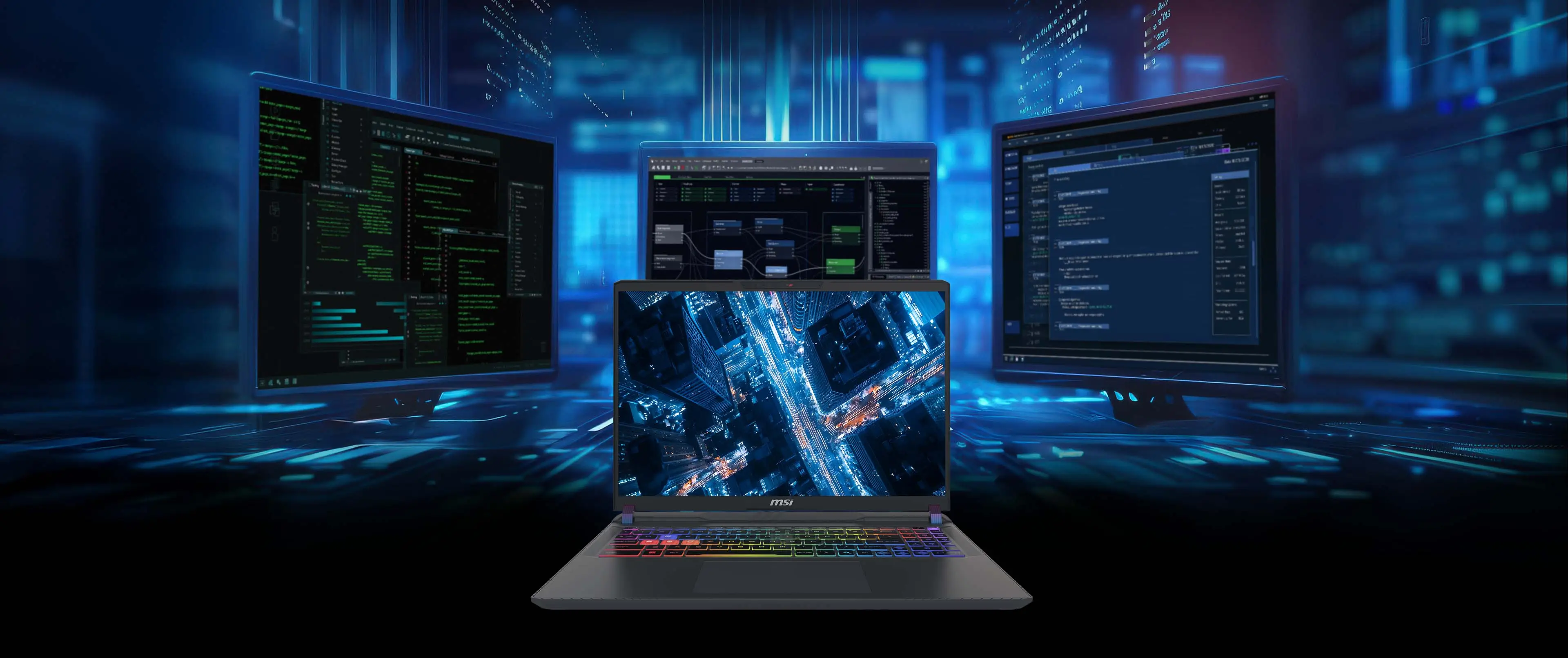
    Unmatched Visuals

    MSI gaming laptops are tailored for gamer with high resolution and refresh rate. Make your gaming world more lifelike and smooth than ever before.

    * Optional. Actual specification may vary by configurations.

    16"

    Immersive Display

    16:10

    Golden Ratio display

    QHD+

    Resolution

    240Hz

    Refresh rate
    MSI Vector 16 HX AI Gaming Laptop
    MSI Vector 16 HX AI Gaming Laptop

    Expand your vision across multiple display with HDMI™ and Thunderbolt™ 5.

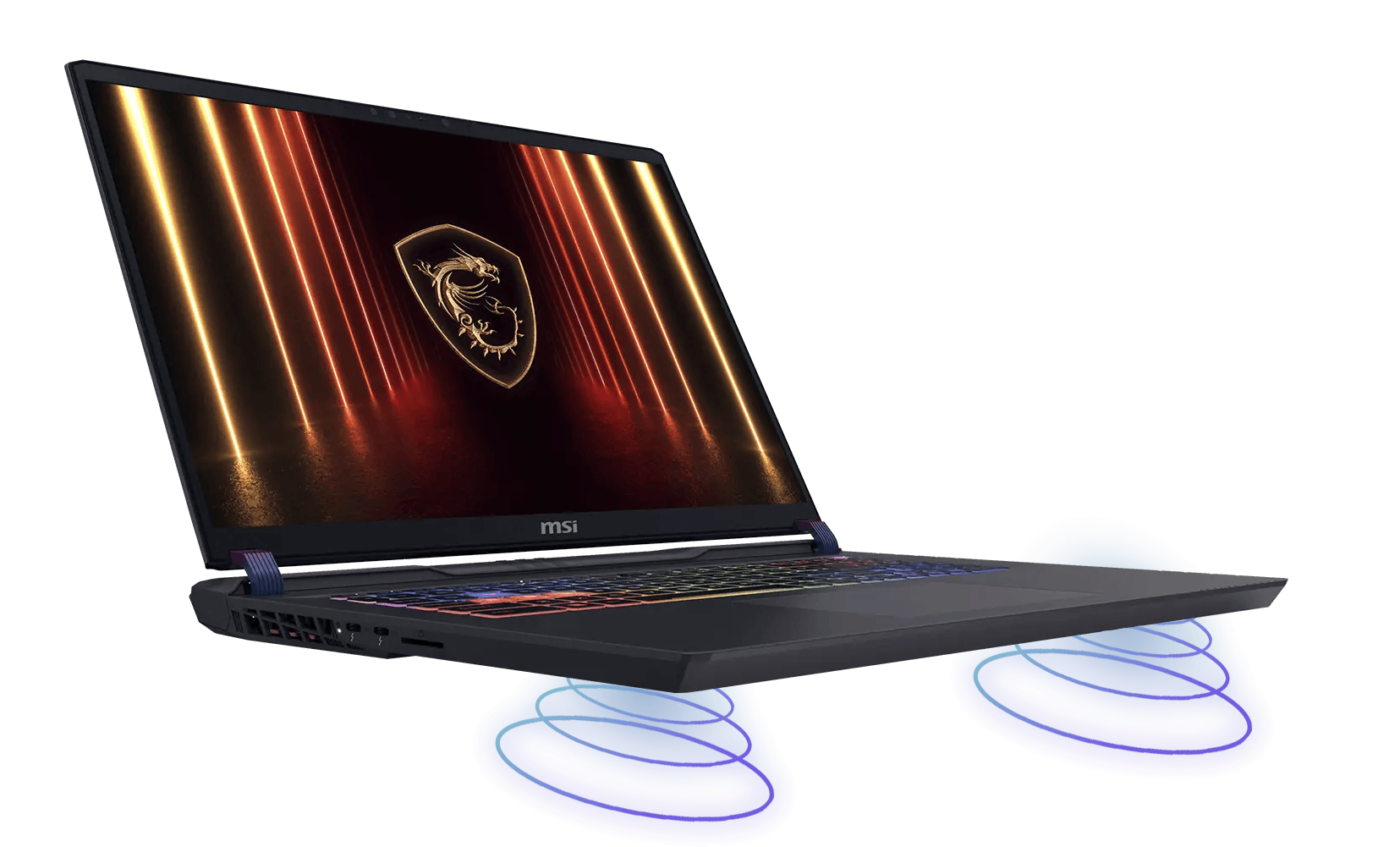
    The Way Music Should Be

    Immerse yourself in lossless music and enjoy the premium sound quality with Hi-Resolution Audio.
    MSI Vector 16 HX AI Gaming Laptop
    MSI Vector 16 HX AI Gaming Laptop
    MSI Vector 16 HX AI Gaming Laptop

    Faster Wireless

    WiFi 6E extends the capabilities of WiFi 6 to the 6GHz frequency band for faster, more reliable connections. With increased bandwidth, it delivers an enhanced wireless experience, ideal for high-performance applications and crowded network environments.

    MSI Vector 16 HX AI Gaming Laptop
    MSI Vector 16 HX AI Gaming Laptop

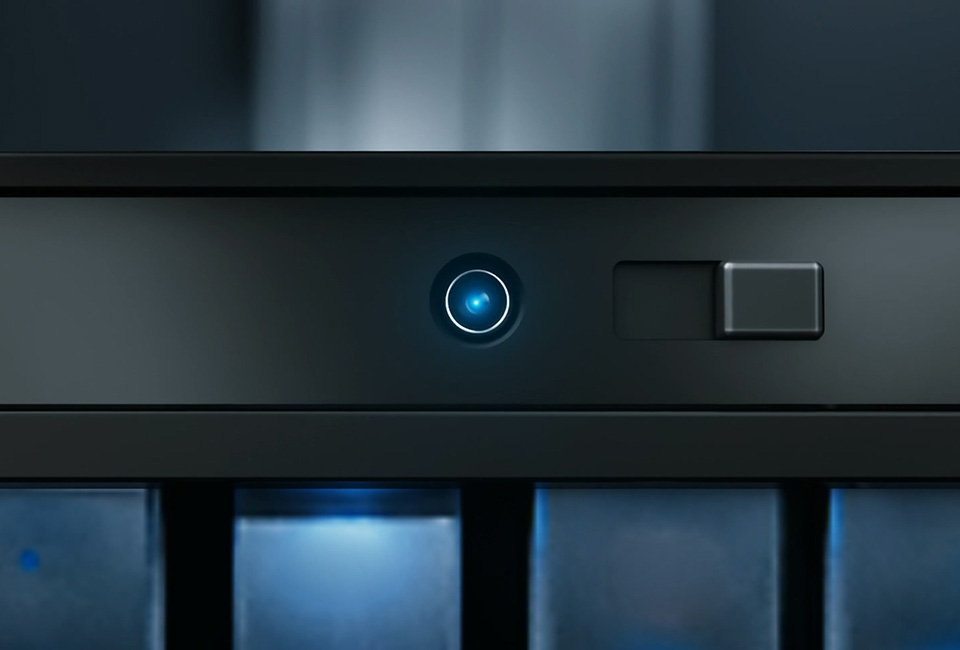
    Fortifying Security

    Enhance privacy and security with Webcam Shutter, allowing users to disable the laptop's camera and enjoy a protected user experience.

    MSI Vector 16 HX AI Gaming Laptop
    MSI Vector 16 HX AI Gaming Laptop

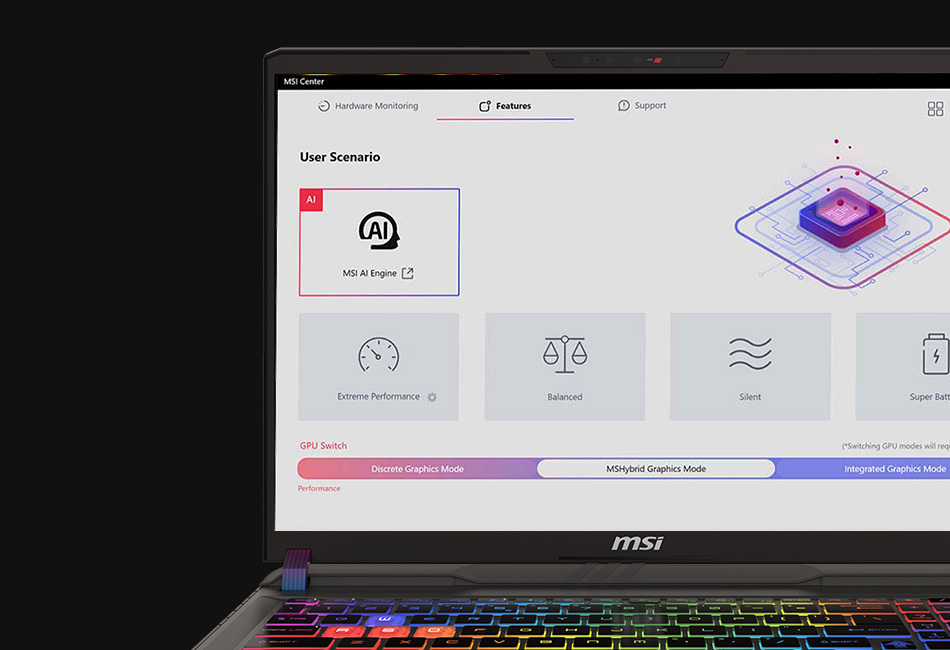
    Get All The Buffs

    The exclusive MSI Center helps you control and customize your MSI laptop the way you want.

    Full Support For All Possibility

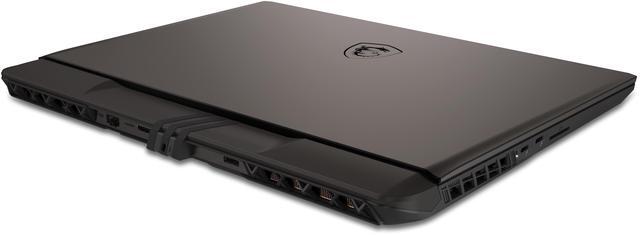
    The Vector 16 HX AI comes with the most complete I/O ports to support all kinds of data transmission or display output. Giving gamers the maximized flexibility in using the laptop.
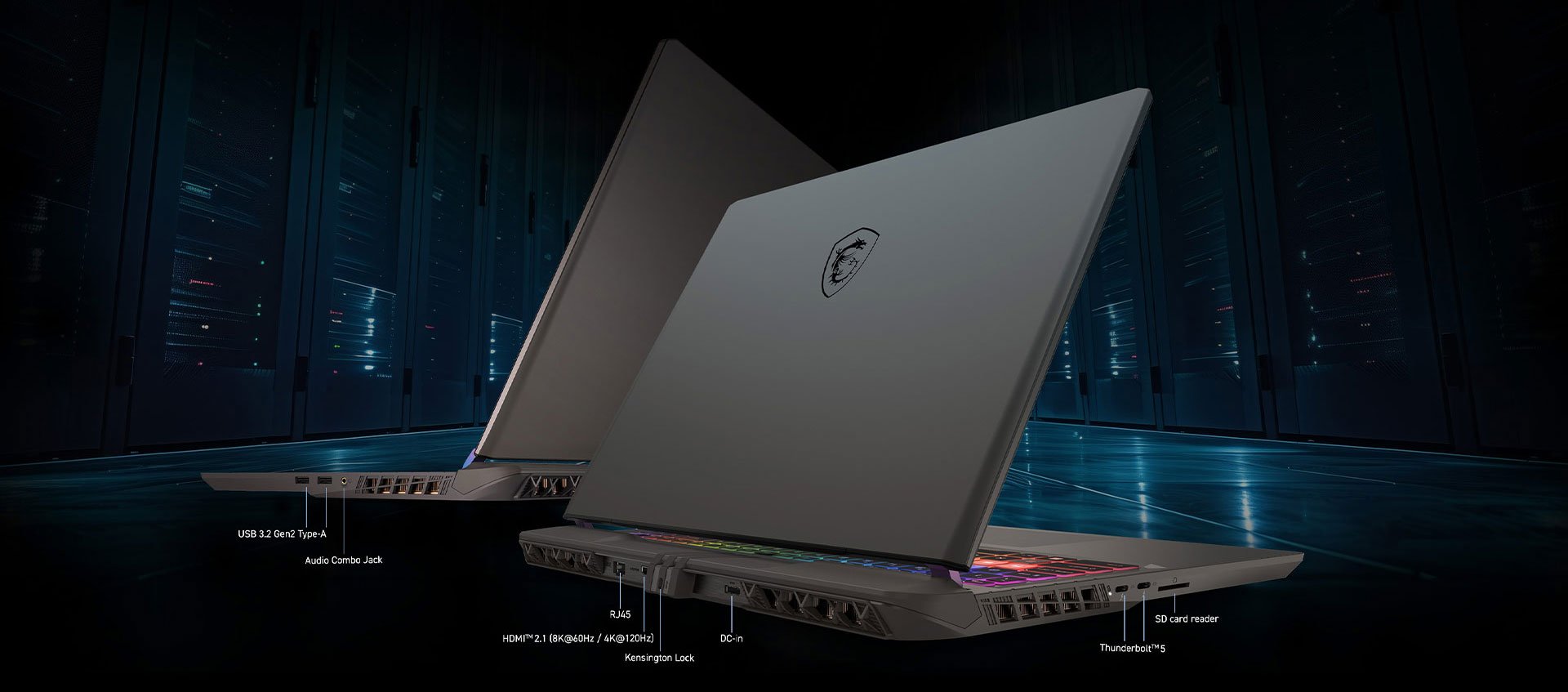
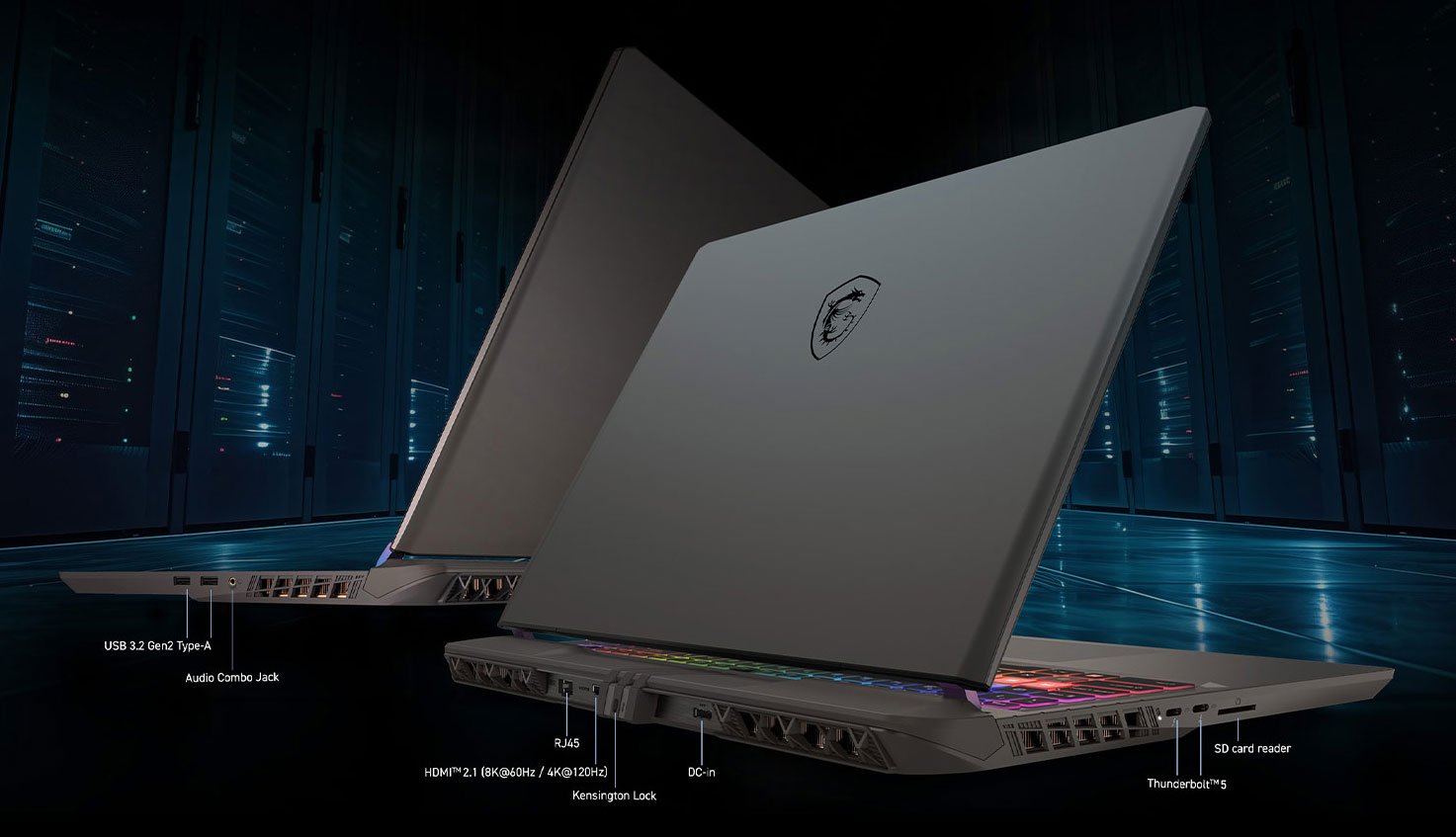
    MSI Vector 16 HX AI Gaming Laptop
    MSI Vector 16 HX AI Gaming Laptop

    * PD Charging supports 65W ([email protected]) and up to (28V@5A) 140W PD Charging at System running (S0 Power State) and Sleep mode (Modern Standby Low-Power Idle State), 15W(5V@3A) and up to 140W(28V@5A) at Hibernate (S4 Power State), Off (S5 Power State). The overall system performance may be affected in order to adapt the charging current. The charging rate will vary depending on the system and battery status. MSI PD Charger is recommended.

    MSI Vector 16 HX AI A2XWIG-050US delivers professional-grade performance with Intel Core Ultra 9 275HX and NVIDIA RTX 50 Series GPU. Built for STEM professionals, this powerhouse laptop combines Blackwell architecture and DLSS 4 technology for exceptional processing power and AI capabilities. Perfect for complex computations, software development, and data analysis, with Max-Q optimization for efficient performance and extended battery life. Born for performanceDesigned for STEM professionals, the Vector 16 HX AI delivers cutting-edge performance and rock-solid stability. It acts as a high-tech brain, seamlessly processing complex data with speed and precision.

    From software development to data analysis and simulations, the Vector 16 HX AI provides the performance and reliability engineers need to succeedDesktop-Level Performance with Efficiency. Up to Intel Core Ultra 9 Processor 275HXUnlocking new level of performance with whole-new P-core & E-core architecture bringing improved performance per watt, the Intel Core Ultra 9 processor 275HX is here to make portable gaming cooler, quieter with elite-level performance. Performance and power compared to previous gen Intel Core i9 processor 14900HX. Results may vary by scenario. Up to 20%+ Performance Boost 24 Cores (8 P-Cores + 16 E-Cores) NPU InsideGeForce RTX 50 Series Laptop GPUs.

    Game ChangerPowered by NVIDIA Blackwell, GeForce RTX 50 Series Laptop GPUs bring game-changing capabilities to gamers and creators. Equipped with a massive level of AI horsepower, the RTX 50 Series enables new experiences and next-level graphics fidelity. Multiply performance with NVIDIA DLSS 4, generate images at unprecedented speed, and unleash your creativity with NVIDIA Studio. All in the thinnest and longest lasting RTX laptops, optimized by Max-Q. Supreme Speed. Superior Visuals. Powered byNVIDIA DLSS is a revolutionary suite of neural rendering technologies that uses AI to boost FPS, reduce latency, and improve image quality.

    DLSS 4 brings new Multi Frame Generation and enhanced Ray Reconstruction and Super Resolution, powered by GeForce RTX 50 Series GPUs and fifth-gen Tensor Cores. MSI Over Boost Ultra TechnologyWhen extreme workloads demand full CPU and GPU resources, MSI Over Boost Ultra technology delivers peak combined performance with a total power output of 240W. Innovative Cooling SolutionCrafted for perfection, our latest Cooler Boost 5 design offers tailored thermal solutions for both the CPU and GPU. With larger fans and broader heat pipes, it ensures optimal performance even during the most intense gaming sessions.

    High Speed ComboVector Series comes with the ultimate combination of data transfer interface and the widest bandwidth to obtain the unrivaled experience. Unmatched VisualsVector Series comes with the ultimate combination of data transfer interface and the widest bandwidth to obtain the unrivaled experience

    Warranty & Returns

    Warranty, Returns, And Additional Information

    Warranty

    • Limited Warranty period (parts): 1 year
    • Limited Warranty period (labor): 1 year
    • Read full details

    Return Policies

    LOADING...
    LOADING...

    Learn about this product

    The MSI Vector 16 HX AI A2XWIG-050US is a 16-inch QHD+ gaming laptop built for high-end gaming, AI and machine-learning workloads, and demanding creative or coding tasks, with an Intel Core Ultra 9 275HX, GeForce RTX 5080 Laptop GPU, 240Hz IPS display, and desktop-style connectivity including Thunderbolt 5 and 2.5GbE.

    Recommended For

    • Desktop-replacement gamers who mostly play at a desk and want a 16-inch QHD+ 240 Hz laptop with wired Ethernet, HDMI 2.1, and multiple high-speed ports for an external monitor and peripherals.
    • Engineering, programming, and technical users who need laptop-class mobility but spend most of their time on CPU-heavy workloads, local builds, simulation tools, or GPU-assisted workflows; MSI explicitly positions the Vector line toward STEM and productivity use alongside gaming.
    • Buyers who plan to upgrade memory or storage soon after purchase and want a higher GPU/CPU tier first; the chassis supports higher memory ceilings and multiple SSD use, which aligns with community comments treating 16 GB RAM and 1 TB storage as starter configurations rather than final ones.
    • Creators and technical users working with GPU-accelerated apps, 3D work, or AI experimentation who need a Windows laptop with a high-end NVIDIA GPU, SD card reader, Thunderbolt 5, and room for monitor-based setups rather than an ultraportable creator machine.

    Real-World Use Scenarios

    • Playing recent AAA games at the laptop’s native 1600p resolution with high or ultra settings is a realistic fit. In practice, buyers should expect smooth gameplay, with demanding titles often benefiting from DLSS or tuned settings to stay closer to the 240 Hz panel’s strengths rather than maxing every option.
    • Using the laptop for game streaming, Discord, browser tabs, and background apps at the same time is a common real-world scenario. The machine is positioned for this kind of mixed workload, but the included 16GB of RAM is the main limit, so heavier multitaskers may want a memory upgrade for smoother long sessions.
    • Running local AI workloads, GPU-assisted coding tools, or creator apps is a practical use case for this model. The likely experience is fast local acceleration for models, renders, and exports that fit within laptop thermals, while the 16GB VRAM is more useful here than on lower-tier gaming laptops.
    • Using it as a desktop replacement for engineering, programming, or other CPU-heavy school and work projects is a realistic scenario. The likely outcome is strong compile, simulation, and multitasking performance, but this is still a nearly 6-pound laptop that is better suited to moving between desks than carrying all day.
    • Editing large photo libraries, handling 4K video timelines, or moving footage from cameras is a practical fit, especially with the SD card reader and high-end CPU/GPU combination. Users should expect quick scrubbing and export performance for mainstream creator workflows, though the IPS panel is more about speed than premium creator-grade display quality.
    • Long gaming or rendering sessions at full performance are realistic, but buyers should expect noticeable fan noise under load. Community reports suggest it works well when pushed, yet it is not the best fit for quiet rooms, shared spaces, or anyone sensitive to cooling noise.

    Spec Summary

    AttributeValue
    Best ForGaming and creative workflows (AI/ML, art/creative tasks), heavy multitasking and programming; pairs with external displays and peripherals via HDMI, Thunderbolt, USB, Wi‑Fi or Bluetooth
    Processor And Core CountIntel Core Ultra 9 275HX (Processor Series: Intel Core Ultra 9) — 24‑core (8P + 16E); listed base 2.1 GHz and max 5.4 GHz
    Cache And TDP36 MB L3 cache
    GPU And VRAMNVIDIA GeForce RTX 5080 Laptop GPU with 16 GB GDDR7 video memory; DLSS 4 listed as a supported technology
    Display Spec16.0-inch QHD+ (2560 x 1600) IPS display, non‑touch, 240 Hz refresh rate, thin‑bezel design
    Memory Configuration16 GB DDR5‑5600 (2 SODIMM slots, upgradable to 64 GB maximum)
    Storage And Expansion1 TB PCIe NVMe M.2 SSD (Gen 4x4)
    High Speed I O2x Thunderbolt 5, 2x USB 3.2 Gen 2 Type‑A, 1x HDMI 2.1, 1x RJ‑45 (2.5 Gbps) Ethernet, 1x headphone/microphone combo jack, SD7.0 card reader (total ports listed as 7)
    Wired And Wireless NetworkingIntel Wi‑Fi 6E (AX211, 2x2) and Bluetooth 5.3 for wireless; wired 2.5 Gbps Ethernet
    Battery And Power4‑cell 90 Whr Li‑Ion battery with 330 W AC adapter
    Webcam And PrivacyIR FHD webcam with physical shutter
    Keyboard And ControlSteelSeries 99‑key gaming keyboard with 24‑zone RGB and anti‑ghosting, backlit; QWERTY layout; multi‑touch touchpad
    Audio SetupSound by Dynaudio with two 2W speakers
    Cooling And Special FeaturesListed AI capabilities including Copilot+ PC and an advanced cooling system; DLSS 4 also noted as a supported GPU technology
    Portability14.05 x 11.18 x 1.12 inches; weight 5.95 lbs
    External Display And Docking Fit1x HDMI 2.1 and 2x Thunderbolt 5 provide options for external displays and docking
    Model IdentifiersMSI Vector series — Model Vector 16 HX AI A2XWIG-050US (also listed as VECTOR16HXA2050 / Edition A2XW); Release Year 2025; Color Cosmo Gray; Windows 11 Home

    Reference Q&A

    Q: Should I buy the MSI Vector 16 HX AI RTX 5080 or move up to an RTX 5090 gaming laptop?

    A: Choose the MSI Vector 16 HX AI RTX 5080 if you want high-end 16-inch gaming performance without paying for the top GPU tier. Across early RTX 50-series laptop testing, RTX 5090 laptops are usually only modestly faster than comparable RTX 5080 laptops, while the price step-up is often much larger. Move to an RTX 5090 model if you specifically want the fastest possible mobile GPU for heavy 4K gaming, larger VRAM headroom, or longer performance runway for GPU-heavy creator and AI workloads.

    Q: Is the MSI Vector 16 HX AI RTX 5080 worth buying over an RTX 5070 Ti gaming laptop?

    A: Buy the MSI Vector 16 HX AI RTX 5080 when you want a clearer step up for QHD+ high-refresh gaming, more 16GB VRAM, and better margin for demanding ray tracing or creator workloads. An RTX 5070 Ti laptop is the better fit if budget matters more and you are mainly targeting strong 1440p gaming without needing the extra VRAM. This is a practical upgrade path rather than a must-have jump for every buyer.

    Q: How does the MSI Vector 16 HX AI RTX 5080 compare with the previous-generation MSI Vector 16 HX RTX 4080/4090 class laptops?

    A: The MSI Vector 16 HX AI RTX 5080 is the better choice if you want the newer platform with Intel Core Ultra HX silicon, Thunderbolt 5, and next-generation Blackwell mobile graphics. Real-world coverage around early RTX 5080 laptops shows performance landing around or above prior RTX 4090 laptop territory in some workloads, so it is a meaningful generational move for buyers coming from RTX 4080-class systems. Keep the older generation only if you already own a well-tuned RTX 4080 or 4090 laptop and do not need the newer connectivity or feature set.

    Q: Is the MSI Vector 16 HX AI a better pick than a thinner portability-focused 16-inch gaming laptop?

    A: Choose the MSI Vector 16 HX AI if performance is the priority. Its 16-inch chassis, 330W adapter, 5.95 lb weight, and full-power gaming-laptop design are better aligned with sustained GPU loads, high-refresh QHD+ gaming, and heavier engineering or AI work. A thinner 16-inch model is the better fit if you travel often, care more about lower carry weight and quieter everyday use, and can accept some reduction in sustained gaming performance.

    Q: Should I choose this MSI Vector 16 HX AI RTX 5080 model or wait for a higher-memory configuration?

    A: Buy this configuration if your main use is gaming and you are comfortable upgrading memory later, because the platform supports two RAM slots and up to 64GB. Wait for or choose a higher-memory configuration if you plan to run large local AI models, heavy virtual machines, advanced content creation workflows, or complex engineering workloads from day one. The key trade-off is not GPU capability here; it is whether 16GB system memory is enough for your workload today.

    Q: Is this a good fit if I want one laptop for gaming, programming, and heavy multitasking?

    A: Yes, it is a strong fit for users who want desktop-class performance in a laptop. The Core Ultra 9 275HX, RTX 5080 Laptop GPU, QHD+ 240 Hz display, 1 TB SSD, and 2.5GbE plus Thunderbolt 5 make it well suited for gaming, coding, creative workloads, and AI-related local work. The main limitation is the base 16 GB RAM, which is workable for gaming but light for higher-end multitasking or larger creative and ML workflows, so many buyers should plan for a memory upgrade.

    Q: Can the RAM and storage be upgraded, or should I buy a higher-memory model instead?

    A: Upgradeability is one of the clearer reasons to choose this model. The provided specs list 2 memory slots and support for up to 64 GB RAM, and comparable Vector-series retail Q&A pages repeatedly ask about RAM and SSD expansion. If you want long-term value, this model makes more sense for buyers comfortable upgrading RAM later. If you want a ready-to-use system for large projects on day one, a 32 GB configuration is the simpler choice.

    Q: Is it worth buying as a travel work device?

    A: Only if performance matters more than portability. At 5.95 lbs with a 330 W charger and a high-power HX CPU plus RTX 5080 graphics, this is closer to a portable desktop replacement than a light travel laptop. It can absolutely be carried between home, office, class, or events, but it is not the ideal pick for frequent flyers or anyone prioritizing low carry weight and long unplugged use.

    Q: Is it good for note-taking, meetings, and office work, or is it overkill?

    A: It will handle office work easily, but it is overbuilt for that role. For meetings, documents, browser-heavy work, and general productivity, the hardware is far beyond what most users need. The trade-off is size, weight, fan/power behavior under load, and a non-touch display. It makes sense if office work is only part of a broader workload that also includes gaming, creative apps, compiling code, or GPU-heavy tasks.

    Q: What is the main trade-off versus a thinner productivity laptop or a cheaper gaming alternative?

    A: The trade-off is simple: this model prioritizes maximum performance and expansion over portability and out-of-box value. Compared with thinner productivity laptops, it gives you much stronger GPU performance, more gaming capability, wired 2.5GbE, and better upgrade headroom, but it is heavier and less travel-friendly. Compared with cheaper gaming laptops, it offers a higher-tier GPU and faster display, but the 16 GB starting memory means some buyers may still need to spend more after purchase to reach the configuration they actually want.

    Q: Is the MSI Vector 16 HX AI a good buy if I want a desktop-replacement gaming laptop?

    A: Yes, if your priority is high performance over portability. Based on repeated Reddit discussion, buyers consider the Vector 16 HX AI a strong desktop-replacement option because it pairs a Core Ultra 9 275HX with an RTX 5080 Laptop GPU, a 16-inch 2560x1600 240Hz display, and full-size connectivity including HDMI 2.1, 2.5Gb Ethernet, and two Thunderbolt 5 ports. The main trade-offs are its 5.95 lb weight, thicker chassis, and gaming-laptop fan noise under load.

    Q: Is this laptop suitable for 3D work, video editing, and programming as well as gaming?

    A: Yes, it is suitable for mixed heavy workloads, especially if you need strong CPU and GPU performance in one machine. Reddit discussions around this model frequently frame it as a fit for Blender, 3D design, Adobe work, and gaming. The hardware supports that use case well: 24-core Core Ultra 9 275HX processor, RTX 5080 Laptop GPU with 16GB VRAM, and a QHD+ 240Hz display. The main limitation in this exact configuration is memory: 16GB RAM is usable, but many creative and technical users would likely want an upgrade to 32GB or more.

    Q: What are the main trade-offs of the MSI Vector 16 HX AI?

    A: The main trade-offs are noise, size, and out-of-box memory capacity. Community discussion repeatedly points to fan noise and gaming-laptop thermals as expected compromises. From the product specs, this is also a relatively heavy 16-inch system at 5.95 lbs with a 330W charger, so it is less convenient for frequent travel than thinner performance laptops. In this specific model, 16GB RAM is the weakest part of an otherwise high-end configuration, although it has two memory slots and supports up to 64GB.

    Q: Is the 16GB RAM version enough, or should I plan to upgrade it?

    A: For gaming, 16GB can be acceptable today, but for a laptop with an RTX 5080 and Core Ultra 9, many buyers will be better served by upgrading to 32GB. Reddit discussions around this model often involve 32GB configurations for gaming and creative work, and this product is positioned for AI, content creation, and heavy multitasking. Since the laptop has two memory slots and supports up to 64GB, RAM upgradeability is a practical advantage of this model.

    Q: Who is this laptop not ideal for?

    A: It is not ideal for buyers who want a thin, quiet, highly portable laptop for everyday carry. The Vector 16 HX AI is better matched to users who mainly need high sustained performance at a desk, in class, or between fixed locations. If portability, low fan noise, or long unplugged use matters more than GPU and CPU headroom, this model is a less natural fit.