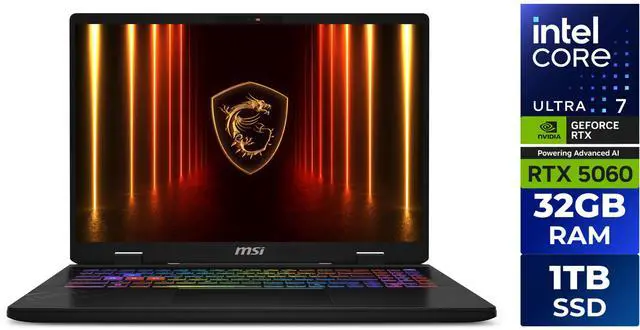
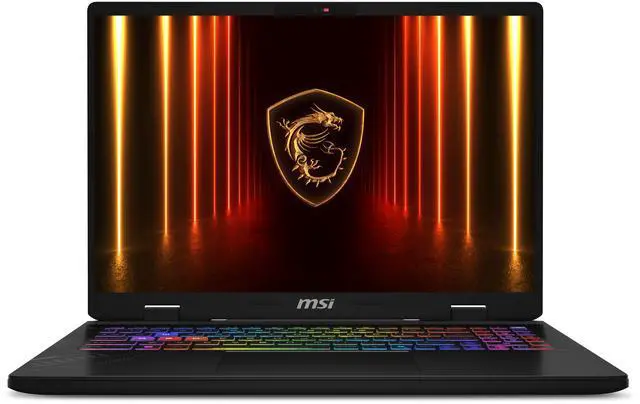
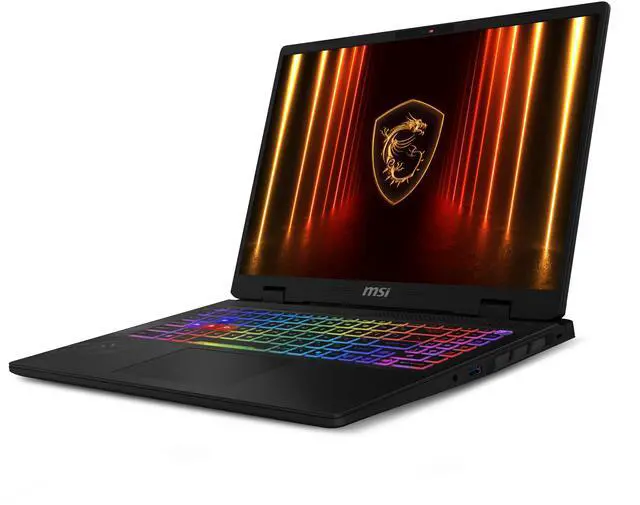
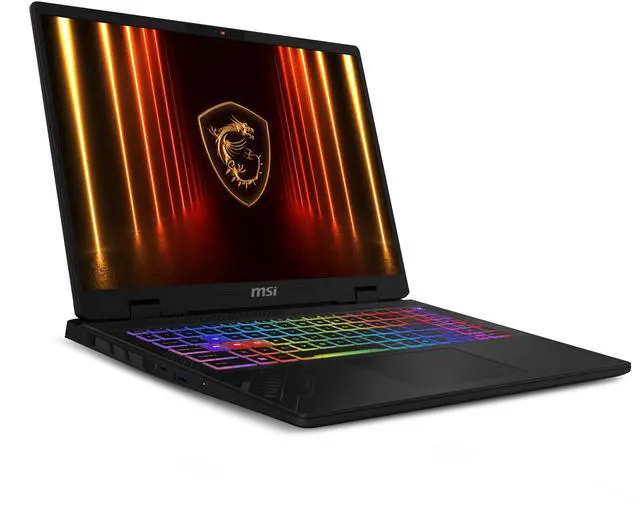
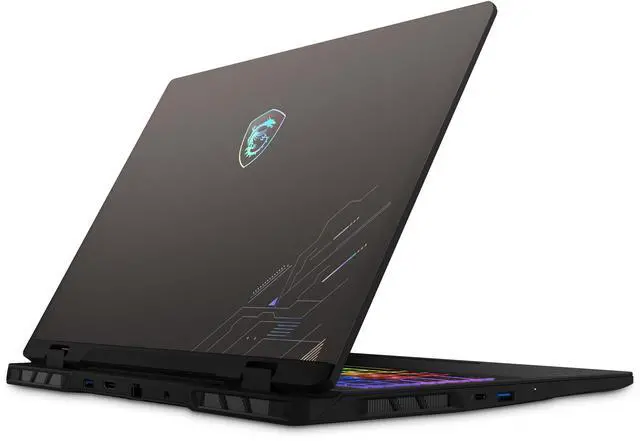
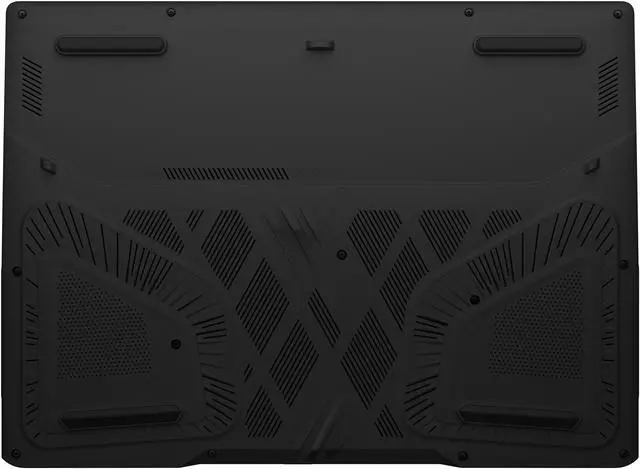
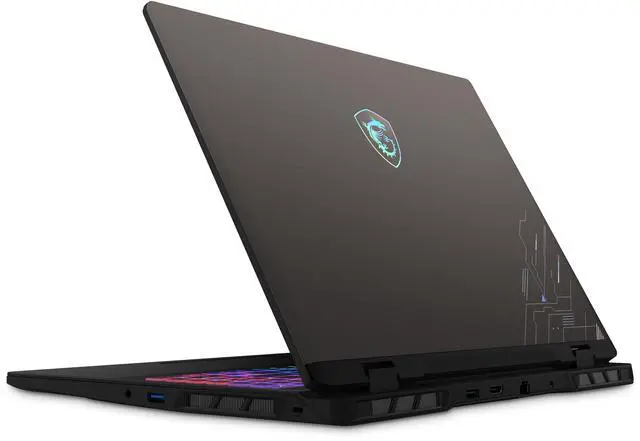
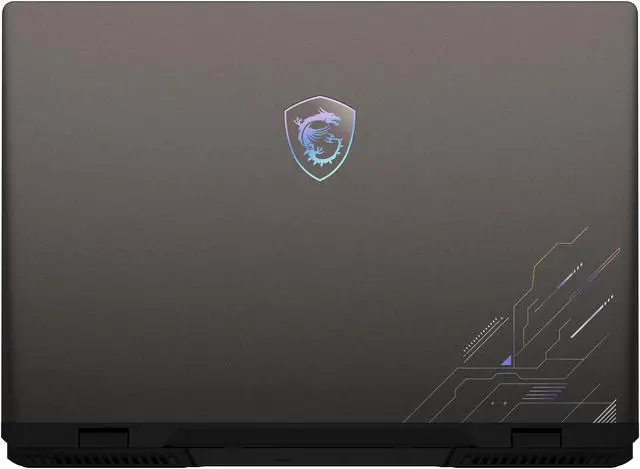
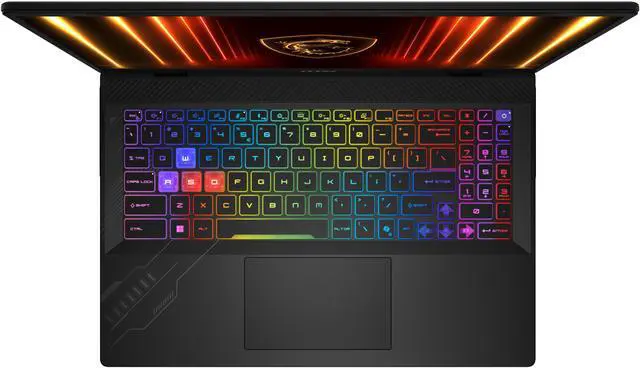
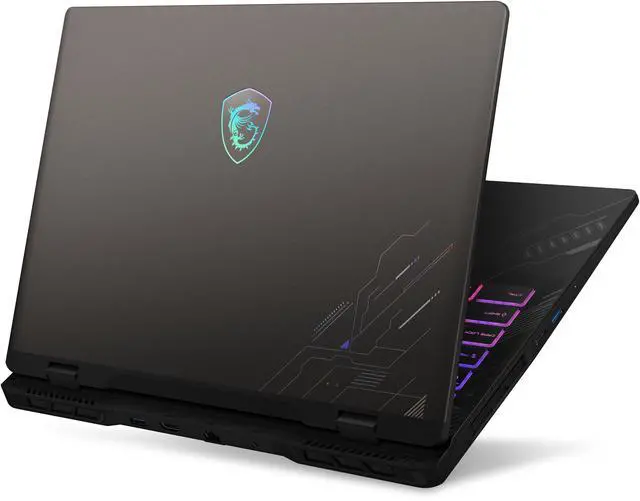
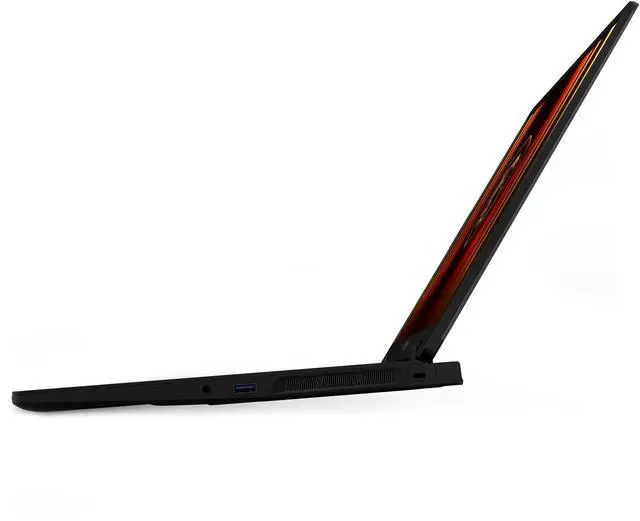
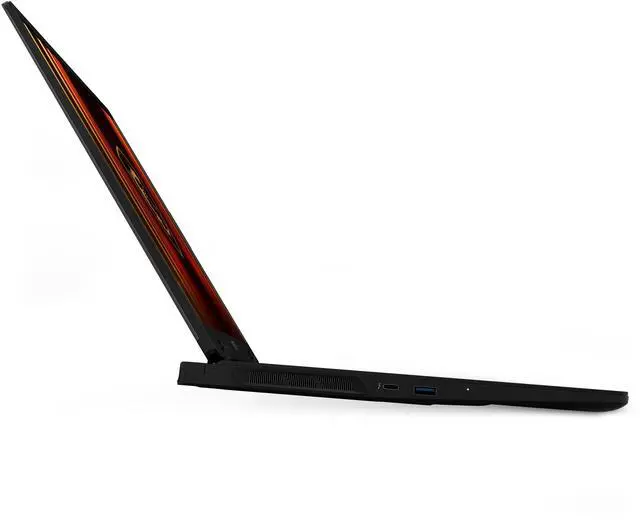
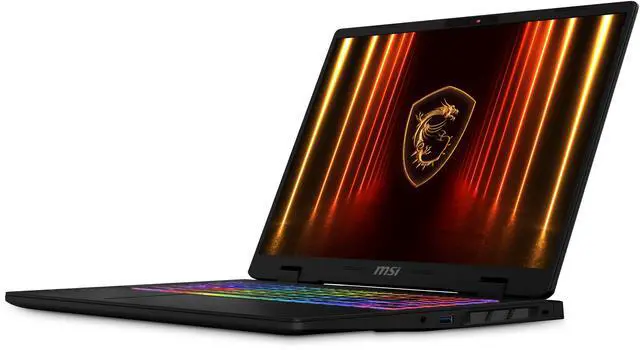
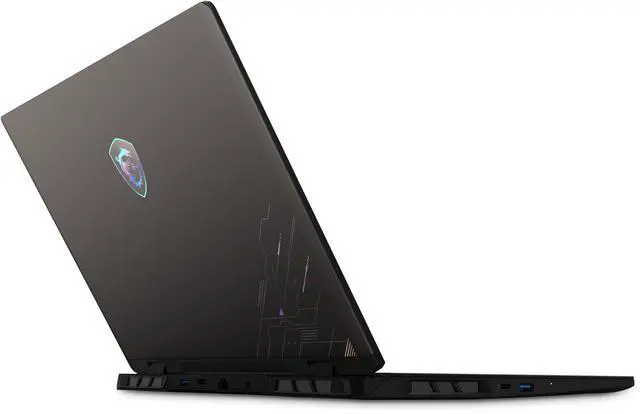
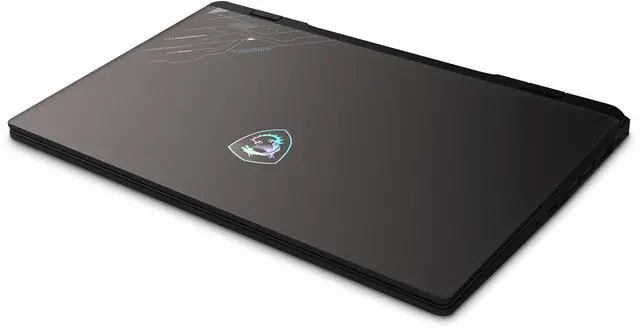
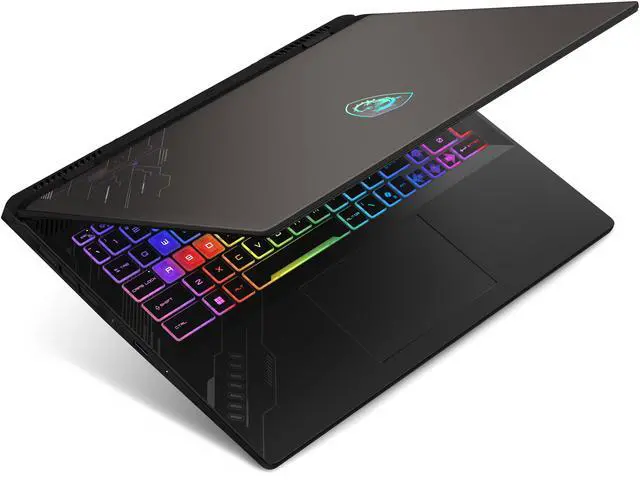
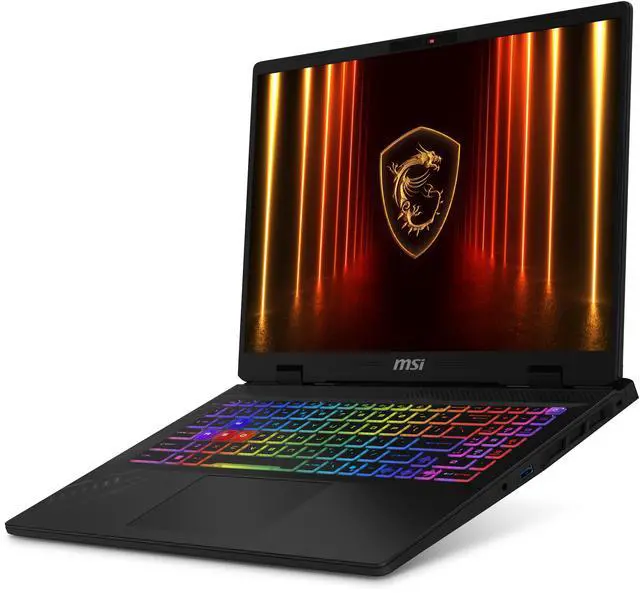
The MSI Crosshair 16 HX AI D2XWFKG-076US is a 16-inch gaming laptop with an Intel Core Ultra 7 255HX, GeForce RTX 5060 Laptop GPU, 32GB DDR5 RAM, and 1TB Gen4 SSD, making it a strong fit for gamers and power users who want high-refresh 1440p-class play, fast multitasking, and desktop-style connectivity in a portable system.
Recommended For
- PC gamers who mostly play at a desk and want a 16-inch 1600p high-refresh setup for fast shooters, MOBAs, and mixed AAA gaming, while still getting RTX 5060-class graphics and a 240Hz panel.
- Students or hybrid users who need one laptop for gaming after class and heavier school or project work, especially if they value 32GB RAM, 1TB storage, Ethernet, and Thunderbolt 4 more than ultra-light portability.
- Buyers who run CPU-heavy tasks like compiling, rendering, multitasking, or local AI/image-generation workflows alongside gaming, and want a machine positioned for both gaming and creator-style workloads.
- Users who care about screen quality for both play and media creation, such as gamers who also edit photos, video, or stream assets, and specifically want a QHD+ 240Hz display with wide color coverage.
Real-World Use Scenarios
- Playing current AAA games at 1600p with DLSS or tuned settings is a realistic fit. In practice, users can expect smooth gameplay, but hitting the full 240Hz panel refresh is more likely in esports titles than in heavier single-player games.
- Competitive multiplayer gaming is one of the clearest use cases. For games such as shooters or MOBAs, the 240Hz QHD+ display is most useful when settings are lowered enough to push very high frame rates, giving a visibly smoother experience than typical 144Hz laptops.
- Streaming gameplay, running Discord, and keeping multiple apps open at once should feel straightforward for most users. The 32GB RAM and HX-class CPU make this a practical choice for gaming while recording, multitasking, or running background tools without the system feeling constrained.
- Video editing, coding, and school or work projects are realistic secondary uses, especially when a user wants one machine for both gaming and heavier desktop-style tasks. The likely experience is fast project loading and responsive multitasking, though battery-first ultraportable behavior is not the main focus.
- Using it as a desk-based main PC with an external monitor, wired internet, and peripherals is a strong real-world scenario. The likely outcome is a setup that works well for gaming at home, but with the tradeoff of noticeable fan noise and heat under sustained load.
- Casual couch or battery-only use is possible for browsing and video, but this is not the scenario the laptop is best suited for. Community feedback suggests the experience is better plugged in, with quieter low-power use available but much lower performance away from the charger.
Spec Summary
| Attribute | Value |
|---|
| Best For | High-refresh QHD+ gaming, multitasking and AI-enabled applications for mainstream/home users; VR-capable with discrete NVIDIA graphics and ample memory and storage |
|---|
| Processor And Core Count | Intel Core Ultra 7 255HX (Series 2) with a 20-core design (8 performance + 12 efficiency cores) and on-chip caches of 36MB L2 and 30MB L3 |
|---|
| GPU And VRAM | NVIDIA GeForce RTX 5060 Laptop GPU with 8GB GDDR7 dedicated video memory, suitable for modern gaming and VR |
|---|
| Display Spec | 16.0-inch 2560 x 1600 (QHD+) non-touch display, 240 Hz refresh rate and 100% DCI-P3 color gamut |
|---|
| Memory Configuration | 32GB DDR5-5600 configured as 16GB x 2 (two slots total, 0 available), upgradable to 96GB |
|---|
| Storage And Expansion | 1TB NVMe SSD (Gen4x4) internal storage; no optical drive |
|---|
| High Speed I O | 3 x USB 3.2 Gen 1 Type-A and a headphone/microphone combo jack for standard peripherals and audio |
|---|
| External Display And Docking Fit | Thunderbolt 4 (with DisplayPort and PD 3.0) plus HDMI 2.1 for external displays and docking/power delivery |
|---|
| Battery And Power | 4-cell 90Whr Li-Ion battery paired with a 240-watt AC adapter |
|---|
| Wired And Wireless Networking | Gigabit wired LAN (10/100/1000 Mbps, RJ-45 1Gbps) plus 802.11ax Wi‑Fi 6E and Bluetooth 5.3 for wireless connectivity |
|---|
| Webcam And Privacy | 720p HD webcam with physical shutter for privacy |
|---|
| Keyboard And Control | SteelSeries 24‑Zone RGB keyboard (99 key) with anti-ghosting and a multi-touch touchpad |
|---|
| Audio Setup | Dual 2W speakers and a headset/headphone combo jack for audio output and input |
|---|
| Portability | 14.13 x 10.49 x 1.1 inches and 5.51 lbs in a thin-and-light style |
|---|
| Model Identifiers | MSI Crosshair 16 HX AI D2XWFKG-076US (Part Number Crosshair 16 HX AI D2XWFKG-076US), Cosmo Gray, Windows 11 Home |
|---|
Reference Q&A
Q: Should I buy the MSI Crosshair 16 HX AI with RTX 5060 or step up to an RTX 5070 laptop?
A: Choose this Crosshair 16 HX AI with RTX 5060 when you want a 16-inch QHD+ 240Hz gaming laptop and you want to keep the price closer to the midrange. Official MSI positioning and third-party testing show that the same Crosshair family is also offered with RTX 5070, but real-world RTX 5070 laptop gains are often modest rather than dramatic, especially when both GPUs run at similar power limits. The RTX 5070 option makes more sense if you plan to play newer games at higher settings for longer or want more headroom for the 2560 x 1600 display. The RTX 5060 version is the more practical choice when value matters more than chasing the next performance tier.
Q: Is this MSI Crosshair 16 HX AI a better buy than an older RTX 4060 gaming laptop?
A: This MSI model is the better fit if you want a newer platform, a faster class of laptop GPU, and a higher-end display out of the box. Compared with many RTX 4060 laptops, this configuration adds a newer Intel Core Ultra 7 255HX processor, 32GB DDR5, a 1TB Gen4 SSD, and a 16-inch 2560 x 1600 240Hz panel with 100% DCI-P3 coverage. Performance comparisons suggest RTX 5060 laptops are usually an incremental but meaningful step above RTX 4060 laptops, so the upgrade is easiest to justify if you are buying new and want a system that should stay current longer. An RTX 4060 laptop still makes sense when it is available at a clearly lower price and your target is mainstream 1080p gaming.
Q: Is the MSI Crosshair 16 HX AI a better choice than a thinner 16-inch laptop like the MSI Stealth 16 AI?
A: Buy the Crosshair 16 HX AI if gaming performance and upgrade headroom matter more than portability. MSI positions the Crosshair as a performance-focused gaming model with up to 170W combined CPU and GPU power, while the Stealth 16 AI is designed around a thinner and lighter chassis. This Crosshair also weighs more, so it is better suited to desk-first use, frequent gaming sessions, and buyers who want the stronger cooling profile that usually comes with a thicker gaming laptop. A Stealth-class model is the better fit if you travel often, carry the laptop daily, or care more about a slimmer design than maximum sustained gaming performance.
Q: Should I choose this Crosshair 16 HX AI or pay more for an MSI Vector 16 HX AI?
A: Choose the Crosshair 16 HX AI when you want strong gaming specs in a more accessible tier. Choose the Vector 16 HX AI when you are specifically shopping for a higher-positioned MSI gaming line and are open to paying more for configurations that typically scale further in GPU options and overall performance focus. Both lines can offer similar 16-inch QHD+ 240Hz display specifications, but MSI positions Vector above Crosshair in its gaming stack. In practical terms, Crosshair is the better choice for balanced performance and value, while Vector is the better choice if you are intentionally shopping for more premium performance configurations.
Q: Is this a good laptop for both gaming and everyday work or school?
A: Yes, if you want one laptop for high-end gaming plus multitasking, office apps, web work, and meetings. The MSI Crosshair A16 has a 20-core Intel Core Ultra 7 255HX, 32GB DDR5 RAM, and a 1TB SSD, so it is more than sufficient for productivity, schoolwork, and heavy multitasking. The trade-off is that it is still a gaming laptop, so it is larger and heavier than a typical work-first notebook and is less efficient for basic office use than a thinner non-gaming model.
Q: Is it worth buying as a travel work device?
A: Usually only if gaming performance matters on the trip. For travel-focused work, this MSI is workable but not ideal: it weighs 5.51 lbs. and uses a 240W charger, so the total carry weight is significant. Its 90Wh battery is large for a gaming laptop, but systems in this class are commonly better when plugged in and are not the best choice if your top priorities are light weight, long unplugged battery life, and compact charging.
Q: Is it good for meetings, note-taking, and office work?
A: Yes for performance, but only average for conferencing convenience. The MSI has enough CPU power, memory, and screen space for meetings, documents, spreadsheets, browser-heavy work, and note-taking. However, its webcam is only 720p, the speakers are basic 2 x 2W units, and the display is non-touch, so it is less optimized for video-call quality and pen-style note-taking than a work-first or 2-in-1 laptop.
Q: Who is this MSI Crosshair A16 best suited for?
A: It is best suited for buyers who want a gaming-first laptop that can also handle demanding productivity tasks. Good fits include gamers, engineering or creative users who need a strong CPU and dedicated GPU, and people who keep many apps and tabs open at once. It is a weaker fit for buyers who mainly want a quiet, light, battery-efficient laptop for basic office, school, or travel use.
Q: What are the main trade-offs versus a thinner productivity laptop?
A: The MSI Crosshair A16 gives you much stronger gaming and GPU-accelerated performance, a 240Hz QHD+ display, and more thermal headroom than most thin productivity laptops. In exchange, you give up portability and some everyday convenience: it is heavier, uses a large 240W charger, has a non-touch screen, and includes a basic 720p webcam rather than premium work-focused features. Choose it if performance matters more than mobility; choose a thin productivity model if battery life, portability, and meeting experience matter more.
Q: Is the MSI Crosshair 16 HX AI a good buy for gaming and general use?
A: It makes the most sense for buyers who want a strong CPU, a fast 16-inch 2560x1600 240Hz display, 32GB RAM, and RTX 5060 graphics in one system. It is better suited to gaming, content consumption, and heavier everyday workloads than to buyers who prioritize portability, quiet operation, or premium build feel.
Q: Who is this laptop best suited for?
A: It is best suited for users who want a large-screen gaming laptop that can also handle school, office, and multitasking work without needing immediate upgrades. The included 32GB DDR5 RAM and 1TB SSD make it a practical fit for users who run many apps, keep large game libraries, or want a desktop replacement more than an ultra-portable machine.
Q: What are the main trade-offs of choosing this model?
A: The main trade-offs are typical of a performance-focused gaming laptop: it is relatively heavy at 5.51 lbs, the chassis is not positioned as a premium thin-and-light design, and user discussion repeatedly points to loud fans under gaming load. It is a better fit for desk use and plugged-in performance than for quiet shared spaces or frequent travel.
Q: Is this a good choice if I plan to use an external high-refresh monitor?
A: Yes, it is a reasonable choice for external monitor use because it includes HDMI 2.1 and Thunderbolt 4 with DisplayPort support. That said, buyer discussion shows that monitor and cable compatibility is a real setup consideration, so it is a safer pick for users comfortable checking cable standards and port limits before buying.
Q: Are there any reliability or quality concerns to consider before buying?
A: There are some user-reported reliability concerns in community discussion, including display and stability issues, but the available Reddit posts do not establish how widespread those problems are. For a buyer, that means this model is easier to recommend when purchased from a retailer with a clear return window and support process.