


Shipped by Newegg



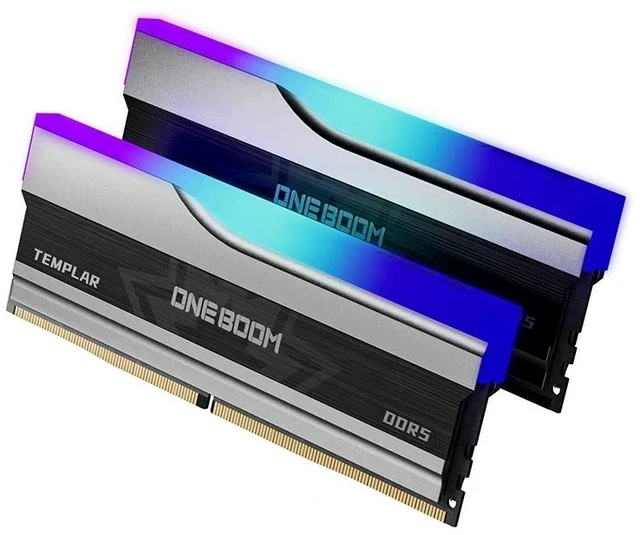
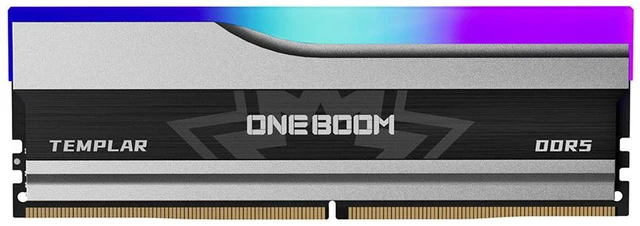
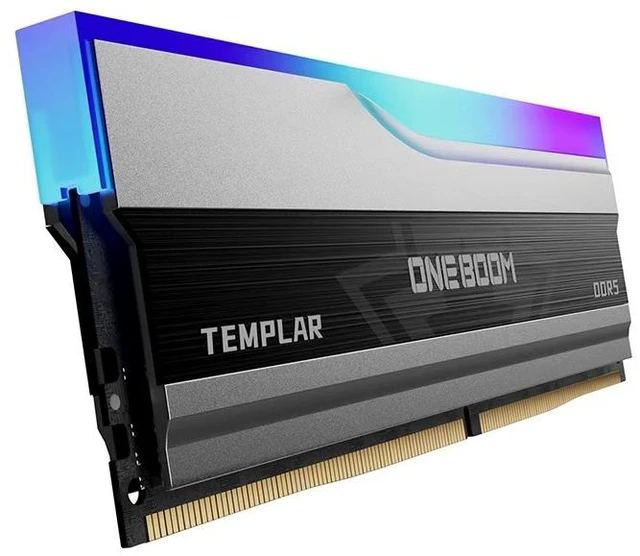
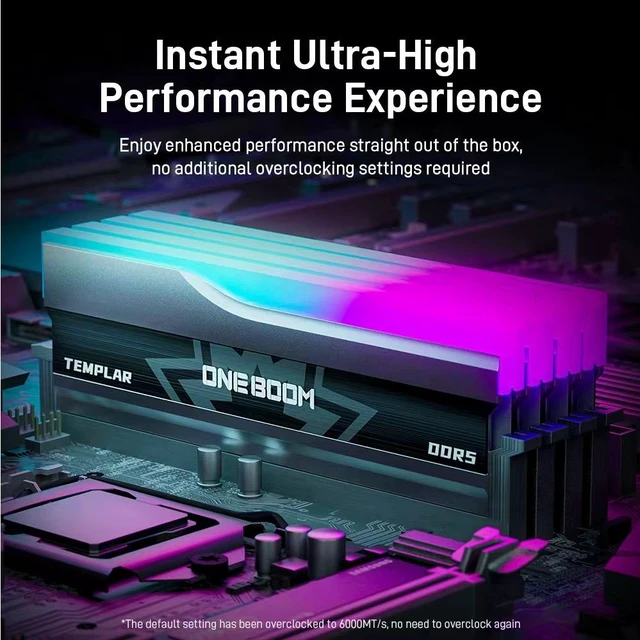
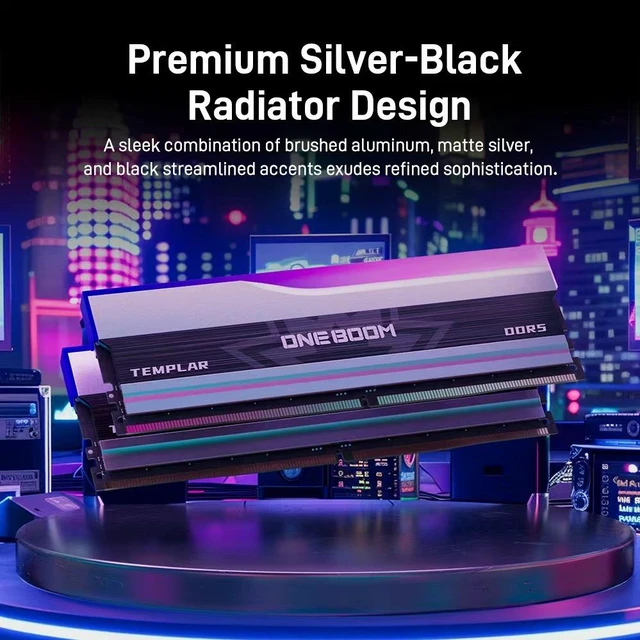


Unleash the Power of the Paladin: KingSpec OneBoom Templar DDR5 RGB Gaming Memory
Elevate your gaming rig to legendary status with the KingSpec OneBoom Templar DDR5 RGB Desktop Memory. Inspired by the unbreakable shield and glowing sword of a holy knight, the Templar series combines breathtaking next-gen speed with a stunning, personalized visual experience. Engineered for hardcore gamers, overclockers, and PC enthusiasts, this DDR5 memory kit delivers the ultra-low latency and massive bandwidth required to dominate modern AAA titles and intensive multitasking.
Key Features:
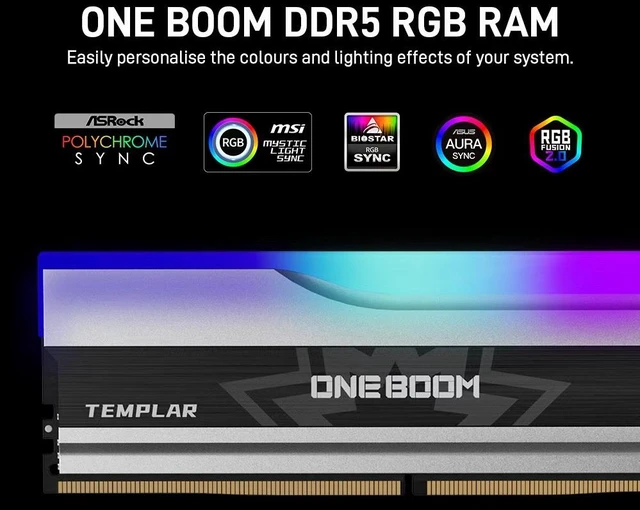
- Vibrant & Synchronized Dynamic RGB: Features a high-transmittance, wide-angle full-color RGB light bar that provides smooth, fluid lighting gradients. It seamlessly syncs with major motherboard software (ASUS Aura Sync, MSI Mystic Light, Gigabyte RGB Fusion, ASRock Polychrome), letting you customize your setup's look with one click.
- 5600MHz High-Speed Performance: Boasting a 5600MHz frequency, this memory kit provides a massive boost in bandwidth and data transfer rates compared to standard memory. Say goodbye to frame drops, loading lag, and processing bottlenecks.
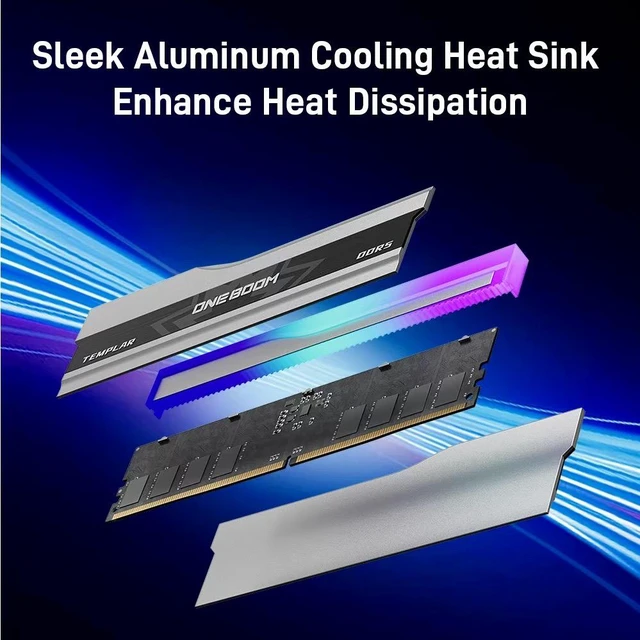
- Premium "Templar Armor" Heat Spreader: Wrapped in a custom-designed, high-density aluminum heatsink. The aggressive knight-armor design not only looks fierce but also maximizes thermal dissipation, keeping your memory cool and stable.
- Effortless One-Click Overclocking: Fully compatible with Intel XMP 3.0 and AMD EXPO. Unleash the rated 5600MHz speed instantly right out of the BIOS without manual adjustments.
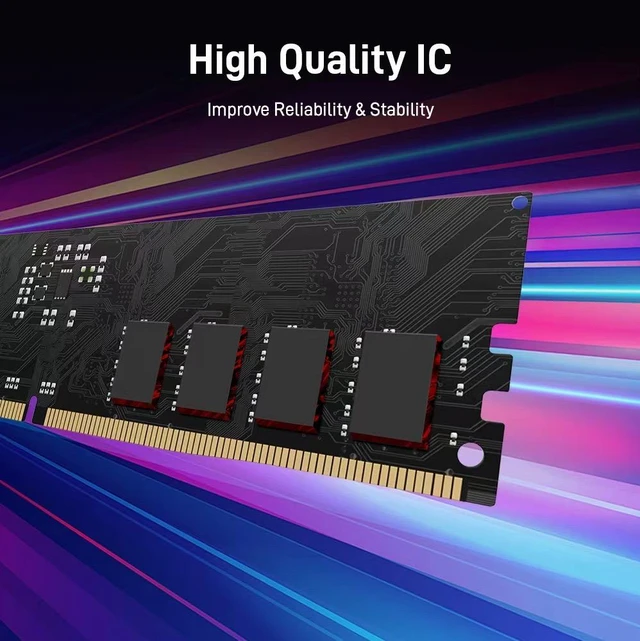
- Next-Gen Reliability: Equipped with an integrated Power Management IC (PMIC) for precise power distribution and rock-solid power stability at 1.35V under heavy workloads.
The KingSpec ONEBOOM Templar DDR5 RGB 32GB kit is a dual-channel desktop memory set with 2x16GB DDR5-5600 speed, RGB lighting sync, and Intel XMP 3.0/AMD EXPO support, making it a strong fit for mainstream gaming PCs and performance-focused desktop builds that want both speed and lighting customization.
| Attribute | Value |
|---|---|
| Best For | Desktop gaming and enthusiast builds needing a 32GB (2 x 16GB) dual-channel DDR5 kit at DDR5-5600 with RGB lighting and Intel XMP 3.0 / AMD EXPO BIOS profiles for performance tuning |
| Memory Configuration | 32GB (2 x 16GB) dual-channel kit, unbuffered, non-ECC |
| Speed And Performance | DDR5-5600 (PC5-44800) rated |
| Timings And Latency | CAS Latency CL40 with 40-40-40 timings |
| Power And Voltage | Rated 1.25V operating voltage |
| Form Factor And Physical | 288-pin DIMM desktop module in black / gray |
| Cooling And Build | High-density aluminum armor heat spreader for thermal dissipation |
| Compatibility And Profiles | Supports Intel XMP 3.0 and AMD EXPO BIOS/performance profiles; compatible with ASUS Aura, MSI Mystic, Gigabyte RGB Fusion, and ASRock Polychrome Sync for system integration |
| Lighting | RGB LED lighting compatible with motherboard RGB sync software |
| Model Identifiers | KingSpec ONEBOOM OB5600D5R13516G |
Q: Should I buy this 32GB DDR5-5600 kit or a 32GB DDR5-6000 CL30 kit?
A: Choose the KingSpec 32GB DDR5-5600 kit if you want a straightforward 32GB dual-channel upgrade with RGB and broad XMP 3.0 / EXPO compatibility, and you are not chasing the tighter-latency sweet spot many reviewers use for enthusiast AM5 builds. Choose a 32GB DDR5-6000 CL30 kit if pricing is close and your goal is to optimize memory-sensitive gaming or tune an AMD Ryzen system around the commonly recommended DDR5-6000 range. In most real-world gaming, the difference is usually modest rather than dramatic, so this KingSpec kit makes more sense when value, availability, or aesthetics matter more than extracting the last few percent of memory performance. ([techspot.com](https://www.techspot.com/review/2972-ddr5-8000-worth-it/?utm_source=openai))
Q: Is 32GB DDR5-5600 a better buy than 16GB DDR5-6000 for gaming?
A: For a new gaming PC in 2026, 32GB is usually the safer long-term choice if you multitask, keep many apps open, or play newer games that can push memory usage higher. A 16GB DDR5-6000 kit may benchmark a little better in some memory-limited scenarios, but 32GB typically provides more headroom for modern game launches, background apps, and upgrade longevity. This KingSpec kit is the better fit when capacity matters more than small speed gains. ([techspot.com](https://www.techspot.com/review/3076-how-much-ram-2026/?utm_source=openai))
Q: Is this DDR5-5600 kit a worthwhile upgrade from a 16GB DDR5 kit?
A: Yes, this is a sensible upgrade if your current 16GB setup is starting to feel tight in newer games, modded titles, streaming, or heavy multitasking. The main benefit is added capacity, not a dramatic FPS jump from frequency alone. If your existing 16GB kit is already fast, moving to this 32GB DDR5-5600 kit is mainly about smoother overall system behavior, fewer memory limits, and better headroom for future games. ([techspot.com](https://www.techspot.com/review/3076-how-much-ram-2026/?utm_source=openai))
Q: Should I choose this DDR5-5600 kit over older DDR4 memory for a new desktop build?
A: Choose this DDR5 kit if you are building on a DDR5 platform and want current-platform compatibility, 32GB capacity, and support for modern XMP 3.0 or EXPO profiles. DDR4 can still be a budget-conscious option on older platforms, but recent testing shows DDR5 can deliver meaningful gains in some newer gaming workloads. This KingSpec kit is the better choice for a fresh DDR5 build; DDR4 only makes more sense when you are intentionally staying on an older motherboard and CPU platform to control total build cost. ([tomshardware.com](https://www.tomshardware.com/pc-components/ddr5/re-examining-the-ddr4-gaming-gap-with-intels-lga-1700-cpus-in-mid-2026-performance-drops-of-14-percent-on-average-and-up-to-25-percent-in-some-games?utm_source=openai))
Q: Is this RGB 32GB desktop kit better than a low-profile or laptop memory option?
A: Choose this KingSpec kit for a desktop gaming PC where dual-channel capacity, visible RGB lighting, and motherboard RGB sync are part of the build goal. Choose low-profile DIMMs if cooler clearance is a priority, and choose laptop memory only for systems that use SO-DIMM slots. This product is a standard 288-pin desktop DDR5 kit, so it is the right fit for desktop-focused performance and appearance, not portability-focused systems. ([kingspec.com](https://www.kingspec.com/products-category/ddr5-rgb.html?utm_source=openai))
Q: Will this RAM work in my desktop?
A: It is suitable only for desktops that use DDR5 UDIMM memory and support 288-pin unbuffered, non-ECC modules. It is not a universal upgrade: your motherboard must support DDR5, and you should verify the board or system QVL before buying. This matters especially for prebuilt systems such as Alienware, Legion, or Omen, where RAM compatibility can be more restrictive.
Q: Is this a good fit for both Intel and AMD builds?
A: Yes, it is a reasonable fit for either platform because the product data lists both Intel XMP 3.0 and AMD EXPO support. That makes it more flexible than DDR5 kits that are tuned mainly for one platform. The main requirement is still motherboard and BIOS support for DDR5 and the memory profile you want to use.
Q: Is 32GB DDR5-5600 a good choice for gaming and everyday multitasking?
A: Yes. A 32GB (2x16GB) DDR5-5600 kit is a practical mainstream choice for modern gaming, streaming, and heavy everyday multitasking. This KingSpec kit should suit buyers who want enough capacity for current games and background apps without stepping up to a more expensive 64GB kit. The trade-off is that its CL40 timing is serviceable rather than especially low-latency, so it is better positioned as a balanced value option than a top-tier tuning kit.
Q: Can I mix this kit with another RAM kit later?
A: Usually not recommended. Even if another kit has the same speed and capacity, mixed kits are often not validated together and may run below rated settings or require manual tuning. If you think you may upgrade later, the safer path is to buy the full capacity you want in one matched kit.
Q: What is the main trade-off versus a similar competitor kit?
A: The main trade-off is that this KingSpec kit appears aimed at balanced value and visual appeal rather than maximum tuned performance. Its 5600 MT/s speed and RGB features are in line with comparable retail kits, but buyers comparing against premium alternatives may find lower-latency options such as CL36 or faster 6000+ kits. In return, this type of 5600 CL40 kit is usually easier to position as a straightforward upgrade for mainstream gaming builds.
Q: Is this RAM a sensible buy for a budget or mid-range gaming PC?
A: Yes, if your goal is an affordable 32GB DDR5 kit with RGB and standard 5600 MT/s performance. Based on the product data, it offers a common capacity for modern gaming, dual-channel 2x16GB layout, and XMP/EXPO support. The trade-off is that CL40 timing is relatively loose, so it is more of a value-oriented kit than a performance-tuned one.
Q: Who is this kit best suited for?
A: This kit is best suited for mainstream desktop builders who want 32GB, RGB lighting, and simple BIOS setup on either Intel or AMD platforms. It fits buyers who value appearance, easy profile-based setup, and adequate DDR5 speed more than chasing low-latency or enthusiast-grade overclocking results.
Q: What are the main trade-offs of choosing this kit instead of a faster DDR5-6000 or lower-latency kit?
A: The main trade-off is performance tuning. This kit's 5600 MT/s speed and CL40 timing are usable for general gaming and everyday desktop use, but lower-latency or 6000 MT/s kits are usually a better fit for buyers optimizing memory-sensitive gaming performance, especially on newer enthusiast builds. In return, this kit may make more sense when price and RGB styling matter more than squeezing out extra memory performance.
Q: Is this a good choice if I want easy setup on either Intel or AMD?
A: Yes, it is a practical choice for easy setup because the product data lists both Intel XMP 3.0 and AMD EXPO support. That makes it more convenient for builders who want to enable a pre-set memory profile in BIOS rather than manually tuning memory settings. It is still important to confirm motherboard support for 2x16GB DDR5-5600.