
Your Browsing History
Best Sellers
- $3,549.77
- + FREE SHIPPING


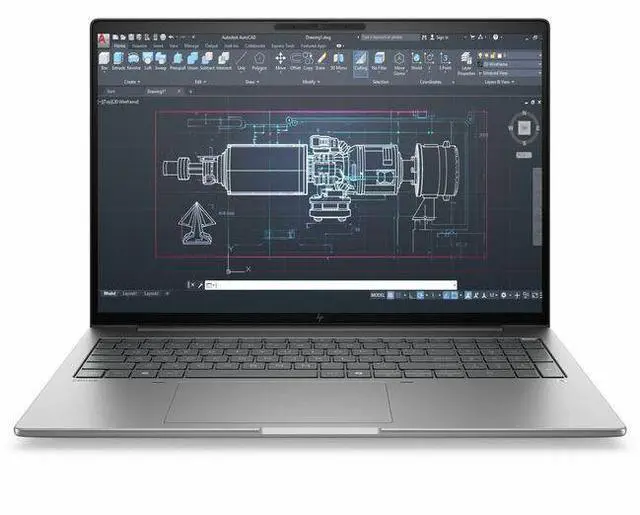
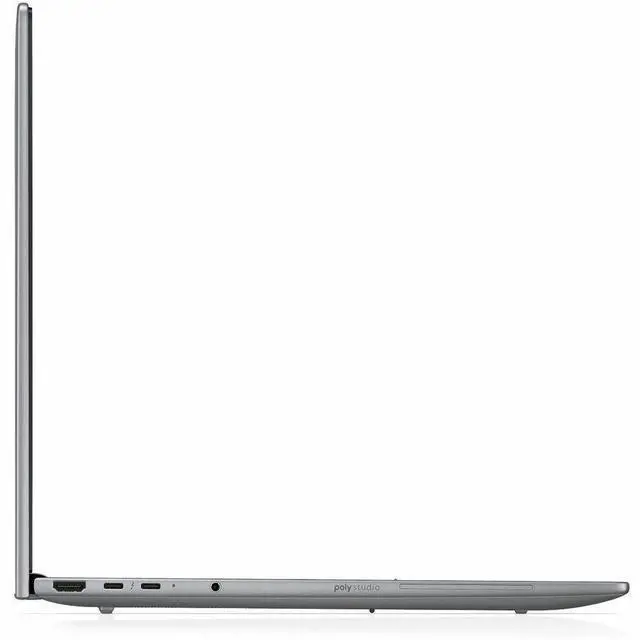
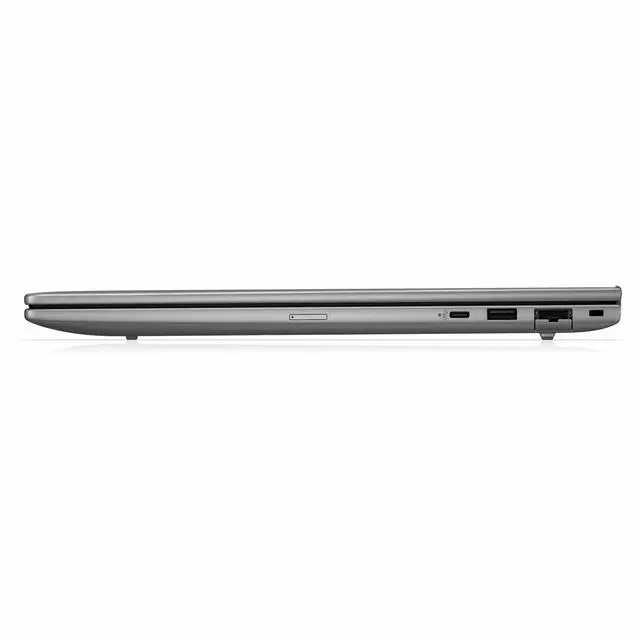

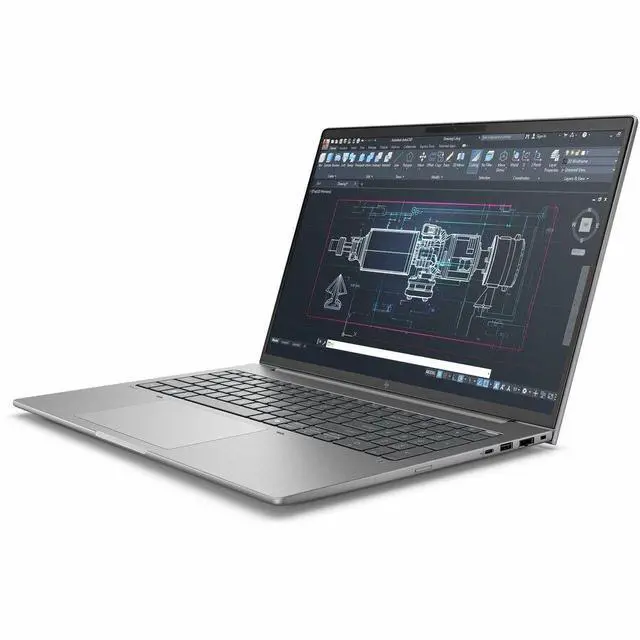
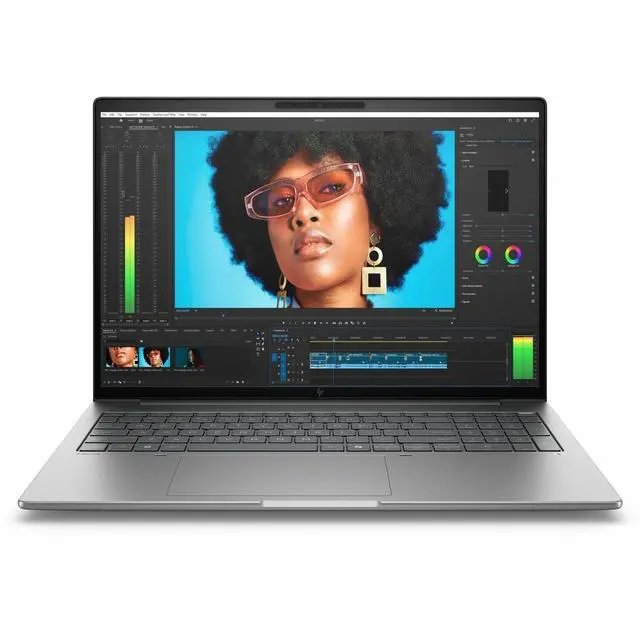
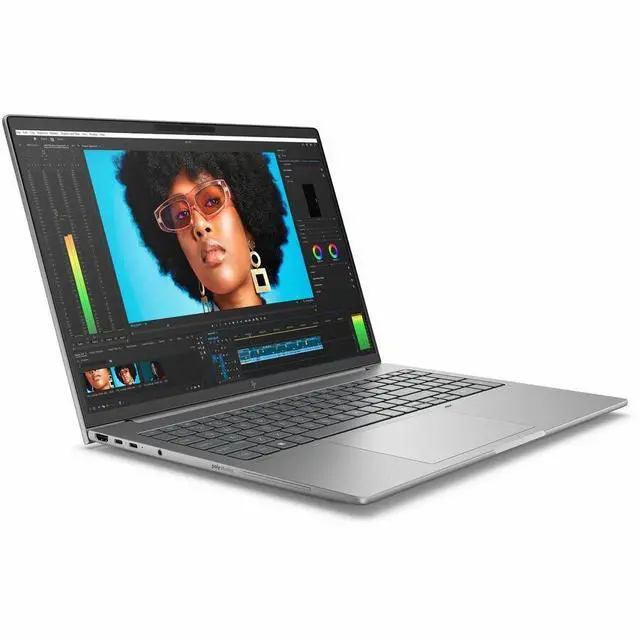
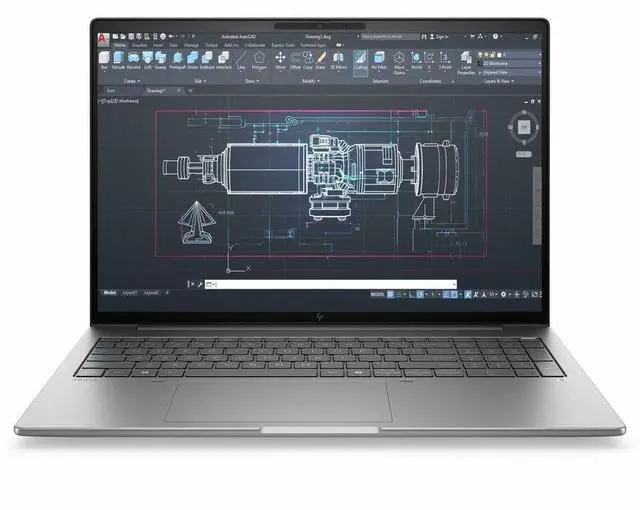
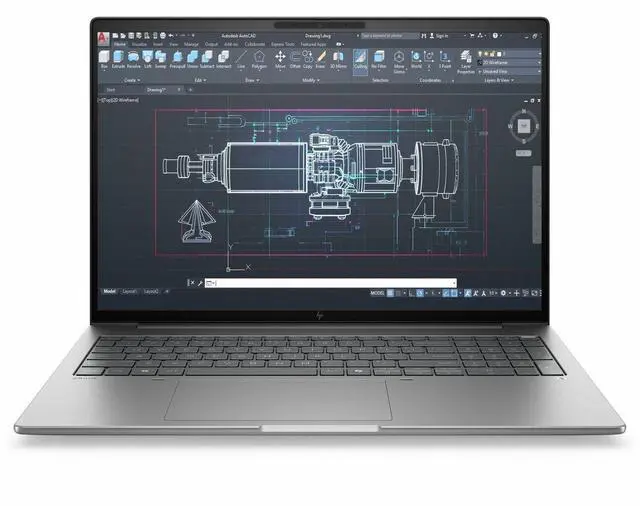
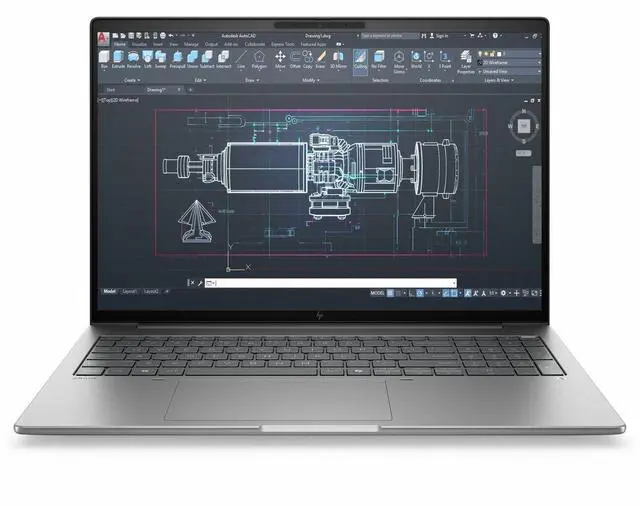
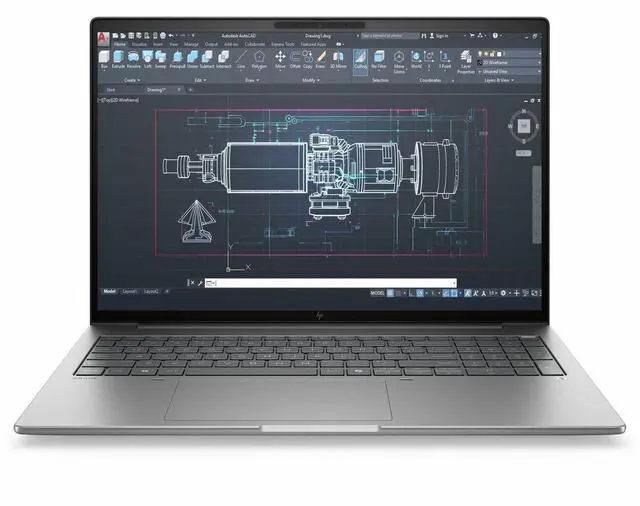
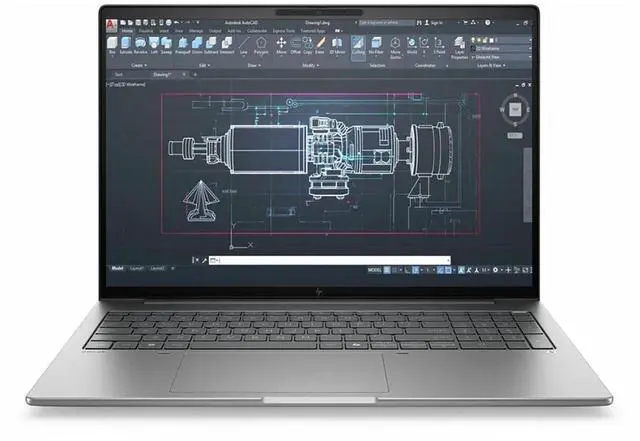
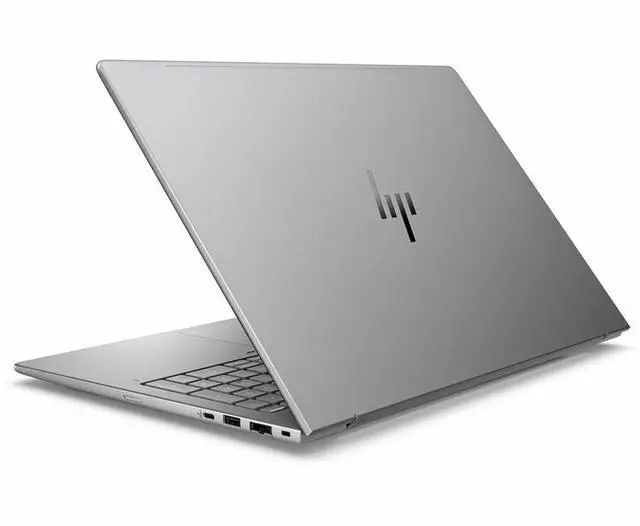
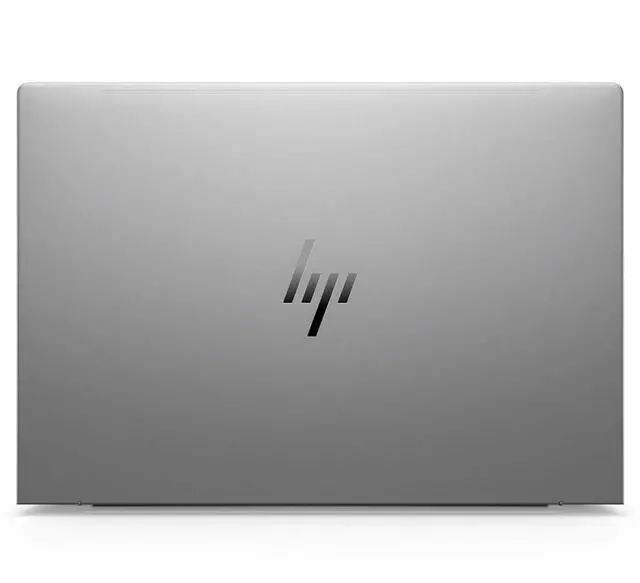


HP ZBook 8 G1i 16" Mobile Workstation - Intel Core Ultra 7 255H - 32 GB - 1 TB SSD - NVIDIA RTX 500 Ada 4GB - Windows 11 Pro - Webcam - Wi-Fi 7 D06HPAT#ABA
Free Intel AI Software w/ purchase, limited offer
- Intel Core Ultra 7 255H
- 32 GB
- 1 TB SSD
- English Keyboard
- Intel Chip
- Front Camera/Webcam
+
+
Overview
Specs
Reviews
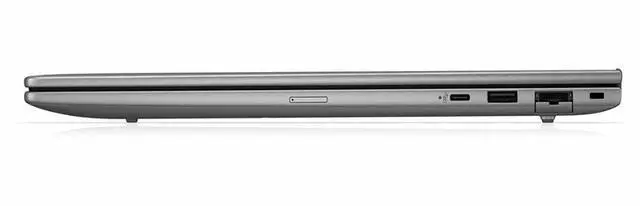
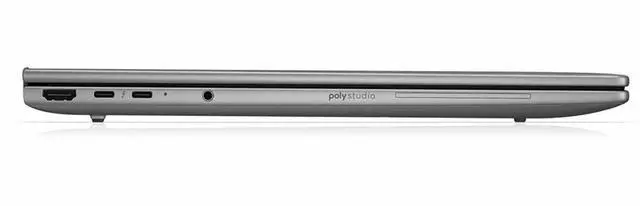
Connect to wired accessories via two Thunderbolt 4 ports that also support DisplayPort 2.1 and Power Delivery, one 10 Gb/s USB-C 3.2 Gen 2 port that supports DisplayPort 1.4 and Power Delivery, one powered USB-A 3.2 Gen 1 port, or an HDMI 2.1 port for extending or mirroring screen space to an external display. Or pair to wireless accessories via Bluetooth 5.4 and hop online with Wi-Fi 7 ( 802.11 be) or an RJ45 port for wired Gigabit Ethernet connections. The installed operating system is Windows 11 Pro (64-bit).
Warranty & Returns
Warranty, Returns, And Additional Information
Warranty
- Limited Warranty period (parts): 1 year
- Limited Warranty period (labor): 1 year
- Read full details
Return Policies
- Return for refund within: 30 days
- Return for replacement within: 30 days
- This item is covered by Newegg.ca's Standard Return Policy.
- Read full return policy for details.
Manufacturer Contact Info
- Manufacturer Website
- Support Phone: 1-800-474-6836
- Support Website
- View other products from HP
LOADING...
LOADING...
Learn about this product
The HP ZBook 8 G1i is a 16-inch mobile workstation built for professionals who need dependable Windows 11 Pro performance for CAD, content creation, engineering apps, and multitasking, with an Intel Core Ultra 7 255H, 64GB DDR5 memory, 1TB SSD, and modern connectivity including Wi‑Fi 7.
Recommended For
- Mobile CAD, BIM, and engineering users who need a 16-inch workstation for certified pro-app workflows, but do not need high-end RTX 2000/3000-class graphics. HP positions the ZBook 8 G1i as an entry mobile workstation, and the RTX 500 Ada tier fits lighter 3D, drafting, and viewport work better than heavy GPU rendering.
- Architects, designers, and technical professionals who split time between office, home, and client sites and want workstation features in a thinner 16-inch laptop. Community discussion around the ZBook line consistently treats the ZBook 8/X family as a practical mobile-workstation choice for long-term daily work rather than a desk-bound replacement.
- Business users who need ISV-oriented workstation branding, Windows 11 Pro, and enterprise manageability for Adobe, light 3D, GIS, simulation review, or technical content work, but whose day-to-day tasks are still mixed with meetings, documents, and browser-heavy multitasking.
- Users upgrading from older thin-and-light workstations such as the ZBook Firefly class who want a newer platform, larger 16-inch workspace, and optional pro GPU without moving up to bulkier Fury-class hardware.
Real-World Use Scenarios
- Working in AutoCAD, Revit, SOLIDWORKS, or similar pro apps while traveling or moving between offices: the ZBook 8 G1i is positioned for light 3D modeling, design reviews, and architectural layouts, so users should expect stable day-to-day CAD work and certified-driver compatibility rather than heavy simulation or top-end GPU rendering.
- Opening large spreadsheets, browser tabs, Office apps, PDF sets, and professional software at the same time: this is a realistic fit for the ZBook 8 G1i, and users should get smooth multitasking for project management, engineering documentation, and business workflows without needing a desk-bound workstation.
- Reviewing 3D models with clients, marking up drawings, or presenting layouts on site: the 16-inch 16:10 format and workstation focus make it practical for seeing more vertical content and discussing design changes in meetings, with a better experience than a smaller business laptop for plan review and visual checking.
- Running lightweight GPU-assisted creative or technical tasks such as photo work, short video edits, viewport acceleration, or entry-level AI inference: the RTX 500 Ada can help with certified pro-app workflows and light acceleration, but users should expect limits in heavier 4K editing, larger AI models, or complex GPU renders because this is an entry-level workstation GPU with 4GB VRAM.
- Joining video calls, sharing screens, and collaborating remotely from job sites, client offices, or home: the built-in webcam, business connectivity, and workstation design make it suitable for hybrid professional use, so users can handle meetings and follow-up production work on the same machine instead of switching devices.
- Using it as a mobile workstation instead of an ultraportable for daily commuting: community feedback suggests buyers should expect a more work-first experience with reasonable portability, but not the thin-and-light feel of a mainstream premium laptop, making it a better fit for users who prioritize professional workflows over minimum size and weight.
Spec Summary
| Attribute | Value |
|---|---|
| Best For | Mobile workstation for business use in a portable 16" workstation form factor |
| Processor And Core Count | Intel Core Ultra 7 255H (2nd Gen) mobile processor — base ~2.0 GHz, max turbo 5.1 GHz, 24 MB L3 cache, single-socket configuration |
| Memory Configuration | 64 GB DDR5 installed; DDR5 SDRAM platform with 2 memory slots and up to 64 GB supported |
| Storage And Expansion | 1 TB solid-state drive (m.2 form factor/interface) |
| Display Spec | 16.0" LCD with native resolution 1920 x 1200 (1920x1200) |
| GPU And VRAM | Integrated graphics (internal spec lists integrated card; no discrete GPU specified in internal catalog) |
| High Speed I O | 2 total USB ports including 1 USB Type-C (10 Gbps, USB Power Delivery, DisplayPort 1.4); 2 Thunderbolt ports; 1 HDMI port; video output via HDMI, DisplayPort and Thunderbolt |
| Wired And Wireless Networking | Wireless networking and Bluetooth supported (WLAN: yes; Bluetooth: yes) |
| Webcam And Privacy | Built-in webcam present |
| Audio Setup | Stereo audio |
| Keyboard And Control | Built-in keyboard input |
| Battery And Power | AC adapter included; no batteries included or required per package info |
| Model Identifiers | HP ZBook 8 G1i — Part Number D06HPAT#ABA (manufacturer: Hewlett Packard; brand: HP; series: ZBook) |
| Operating System | Windows 11 Pro |
| Physical Characteristics | Color Meteor Silver; item/package dimensions ~12 x 2.5 x 20 inches; package weight 7.35 pounds; package quantity 1 |
Reference Q&A
Q: Should I buy the HP ZBook 8 G1i 16 or a business laptop with only integrated graphics?
A: Choose the HP ZBook 8 G1i 16 if you use CAD, DCC, or other workstation apps that benefit from ISV-certified NVIDIA graphics. HP positions the ZBook 8 as a mobile workstation with up to an RTX 500 Ada Laptop GPU and up to 64GB RAM, while HP positions business laptops separately from workstations for lighter office-focused use. A business laptop with integrated graphics can be the better fit for web, documents, meetings, and lighter creative work, but the ZBook 8 G1i 16 is the more appropriate choice when software certification, dedicated GPU acceleration, and heavier multitasking matter.
Q: Is the HP ZBook 8 G1i 16 enough, or should I step up to a higher-tier workstation like a ZBook Power or Fury?
A: The HP ZBook 8 G1i 16 is the better choice if you want a mainstream mobile workstation for professional apps, moderate 3D work, and portability-conscious daily use. Step up to a higher-tier workstation when your workload depends on much stronger GPU performance, larger thermal headroom, or heavier engineering and rendering jobs. HP places the ZBook 8 with RTX 500 Ada options, while HP positions the ZBook Power and Fury lines with substantially stronger graphics options for more performance-focused workstation use.
Q: HP ZBook 8 G1i 16 vs Dell Precision 3591: which is the better workstation buy?
A: Choose the HP ZBook 8 G1i 16 if you want HP's current ZBook 8 platform with up to 64GB memory and an RTX 500 Ada configuration aimed at entry mobile-workstation tasks. Choose the Dell Precision 3591 if you find a configuration with a higher-tier GPU such as RTX 1000 Ada and your workflow is more GPU-dependent. In practical buying terms, these systems sit in a similar workstation class, so the better choice usually comes down to the exact GPU, display, and price rather than brand alone.
Q: Is the HP ZBook 8 G1i 16 a real upgrade over the older ZBook Firefly generation?
A: Yes, if you are comparing it with older Firefly models and want HP's newer replacement platform. HP's own materials present the ZBook 8 G1i as the successor path to the Firefly family, and current ZBook 8 configurations add newer Core Ultra H-series processors with optional RTX 500 Ada graphics. The upgrade is most meaningful for users moving from older integrated-graphics or lower-power workstation setups; if your current Firefly already has enough CPU, RAM, and certified graphics for your apps, the benefit will depend on whether you specifically need the newer platform and configuration options.
Q: Should I get the HP ZBook 8 G1i 16 with RTX 500 Ada, or save money with a lower-spec configuration?
A: Get the RTX 500 Ada version if you run professional software that benefits from certified discrete graphics, GPU acceleration, or more stable viewport performance in 3D workflows. Save money with a lower-spec or integrated-graphics configuration if your work is mostly office productivity, browser-based tools, coding, and light content creation. The main trade-off is simple: the RTX 500 Ada model is the more suitable choice for workstation-oriented graphics workloads, while the lower-tier setup is more sensible when your tasks do not justify a dedicated professional GPU.
Q: Is this a good fit for travel work, meetings, and office use?
A: Yes, if you want a business laptop that also has workstation headroom. The HP ZBook 8 G1i has a 16-inch display, webcam, Wi-Fi 7, Windows 11 Pro, and a Core Ultra 7 processor, so it fits meetings, multitasking, and office work well. The trade-off is that it is a mobile workstation, not an ultralight laptop, so buyers who mainly want the lightest travel machine may prefer a thinner mainstream business model instead.
Q: Who is this laptop actually suitable for?
A: This model is best suited to users who need a real workstation in laptop form: engineers, CAD users, creators, analysts, and other professionals who run heavier software than a normal office laptop is built for. It is likely overkill for basic web, email, note-taking, and document work unless you specifically want workstation reliability, expansion potential, or professional GPU support.
Q: Is the RTX 500 Ada GPU enough, or should I buy a higher-end workstation instead?
A: The RTX 500 Ada 4GB is suitable for entry-level professional graphics acceleration, lighter 3D work, and apps that benefit from a certified-style workstation GPU. It is a sensible choice if you want better professional graphics support than integrated graphics without paying for a much larger workstation. If your work includes large assemblies, heavier rendering, advanced simulation, or bigger AI and visualization workloads, a higher-tier workstation GPU is the safer choice.
Q: Is this better than a regular business laptop for everyday productivity?
A: For basic productivity alone, not necessarily. A regular business laptop can handle email, documents, video calls, and browser work at lower cost and often with less weight. The ZBook 8 G1i becomes the better choice when your daily workload mixes office tasks with professional apps, larger files, heavier multitasking, or the need for workstation-class platform features such as pro GPU options and software compatibility focus.
Q: Can this replace a desk setup with monitors and peripherals?
A: Probably yes for many users, but check your exact dock and display needs. Based on the provided specs, this model includes USB-C, HDMI, Bluetooth, and Wi-Fi, which is enough for a basic external-monitor and peripheral setup. It is a practical choice if you want one machine for both desk work and mobile work. The main caution is port count: with only two listed USB ports and one listed USB-C port in the provided data, some buyers will want a dock for a cleaner desktop setup.
Q: Who is the HP ZBook 8 G1i 16 best suited for?
A: This model fits users who need a professional 16-inch Windows workstation for CAD, content creation, engineering software, and other work tasks that benefit from higher memory, workstation branding, and dedicated graphics. It is a better fit for office and professional workloads than for gaming-focused buyers.
Q: Is the HP ZBook 8 G1i 16 worth buying if I need a slim mobile workstation?
A: It can be worth buying if your priority is a thinner workstation-style laptop with a 16-inch display, modern Intel platform features, and enough GPU capability for light-to-moderate professional graphics work. The main trade-off is that this configuration uses an entry workstation GPU tier, so it is not the best choice for buyers expecting high-end rendering or simulation performance.
Q: Is the RTX 500 Ada version a good choice for heavy 3D or rendering work?
A: Not usually. The RTX 500 Ada is better viewed as a lower-tier professional GPU for acceleration in workstation apps, external display support, and lighter 3D work. If your workload includes frequent rendering, large assemblies, complex simulations, or heavier GPU compute, a higher GPU tier is the safer choice.
Q: Is the HP ZBook 8 G1i 16 a good travel or carry-around workstation?
A: Yes, if you want a 16-inch workstation that is easier to carry than larger, thicker workstation models. It is more practical for mixed office, campus, and on-site use than a bulkier desktop-replacement workstation. The trade-off is that portability comes with less GPU headroom than bigger workstation lines.
Q: What are the main trade-offs of buying the HP ZBook 8 G1i 16?
A: The main trade-offs are GPU tier, possible battery-life variability by configuration, and some ambiguity in seller listings. This product page mixes signals such as 32 GB vs. 64 GB memory and integrated graphics vs. RTX 500 Ada, so buyers should verify the exact configuration before purchase. In practical terms, the ZBook 8 G1i makes the most sense when you value workstation features and portability more than maximum graphics performance.