




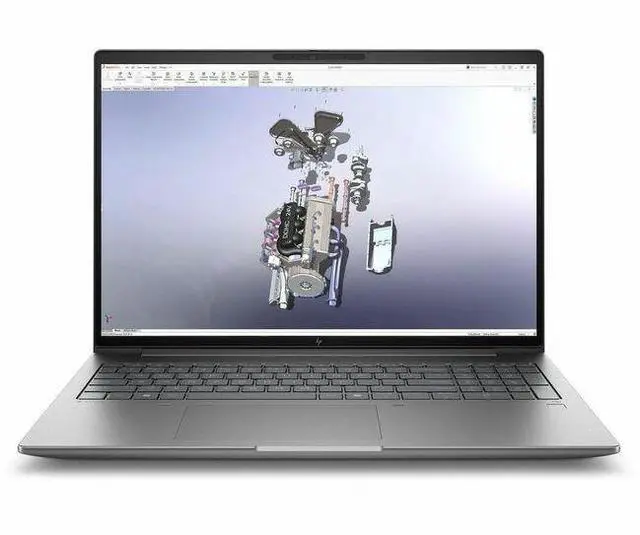
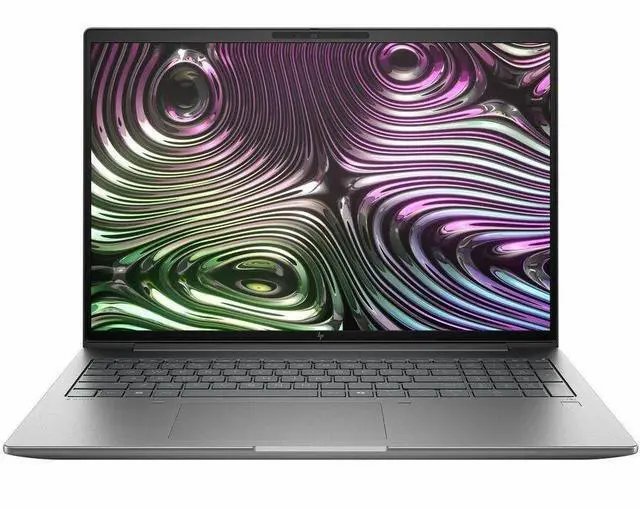
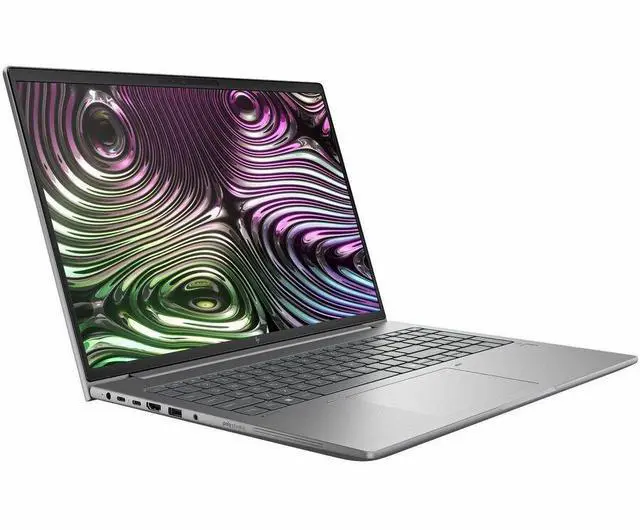
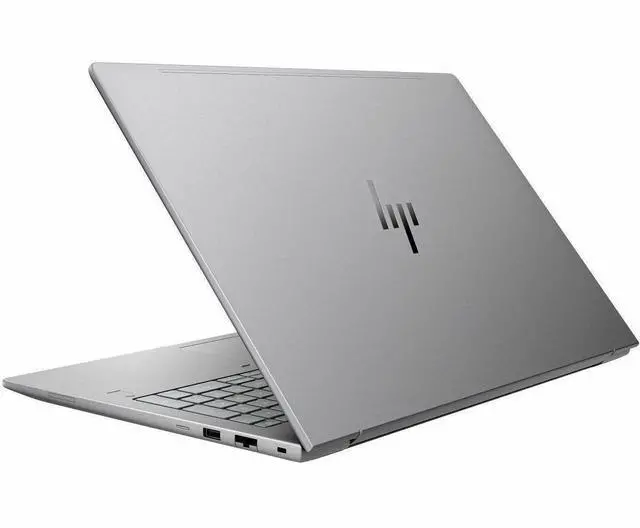
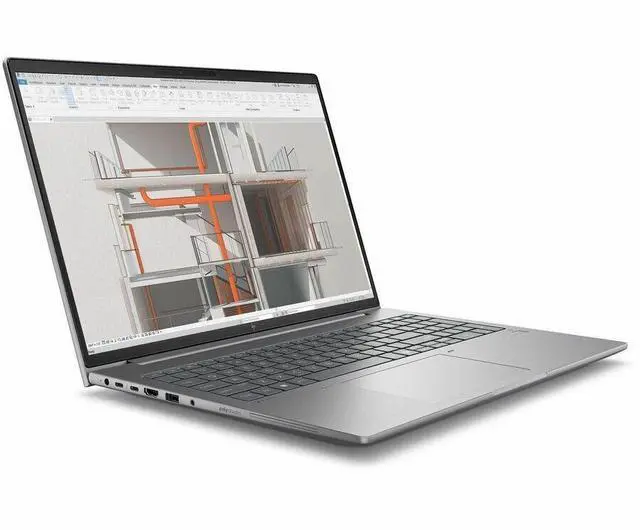
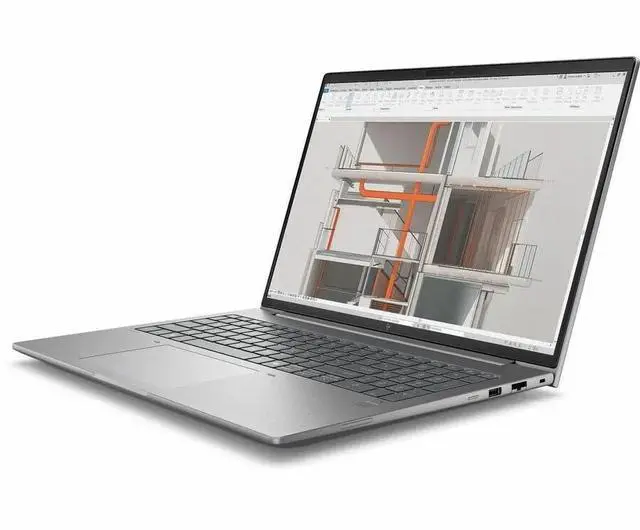
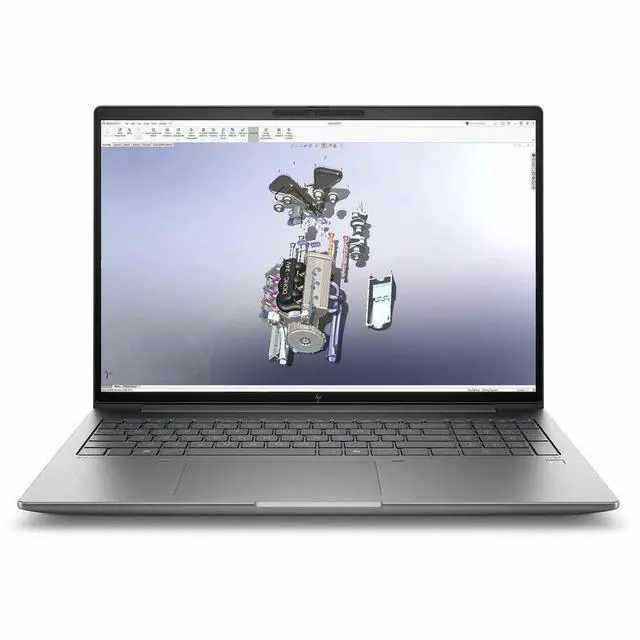
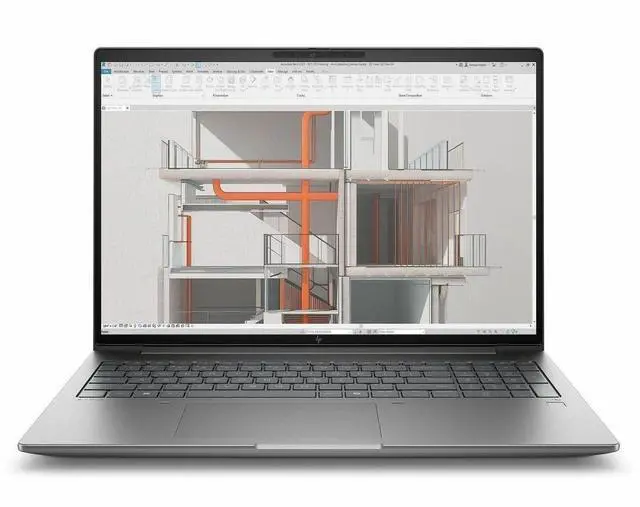
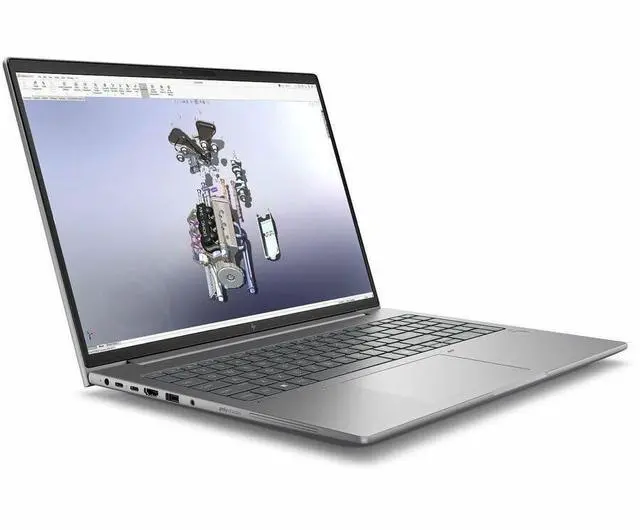
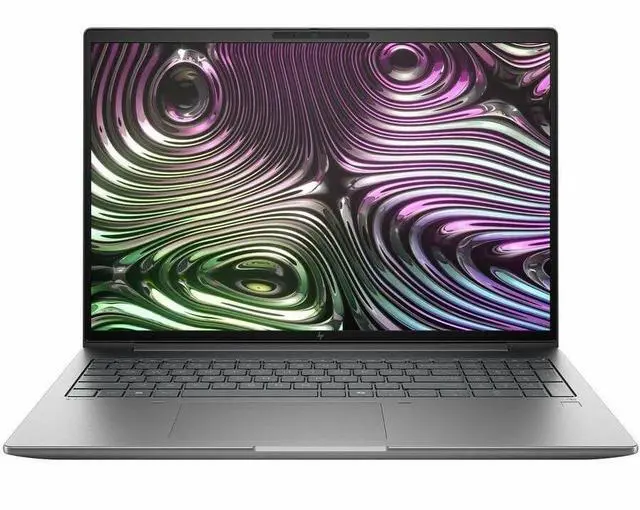
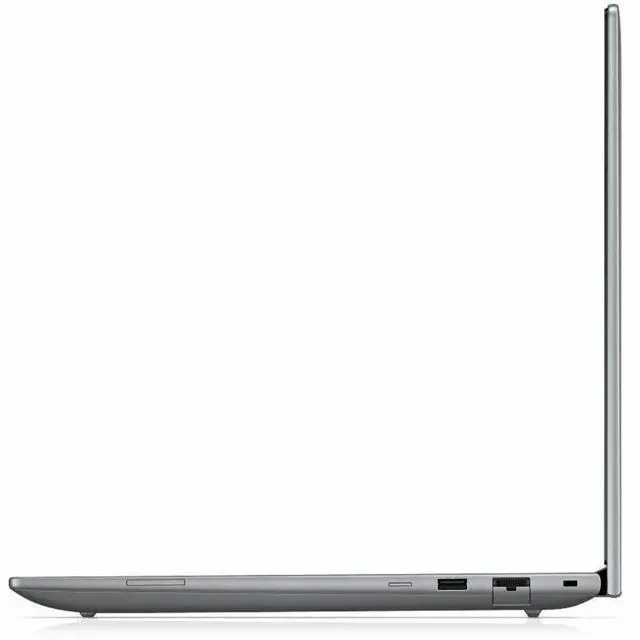
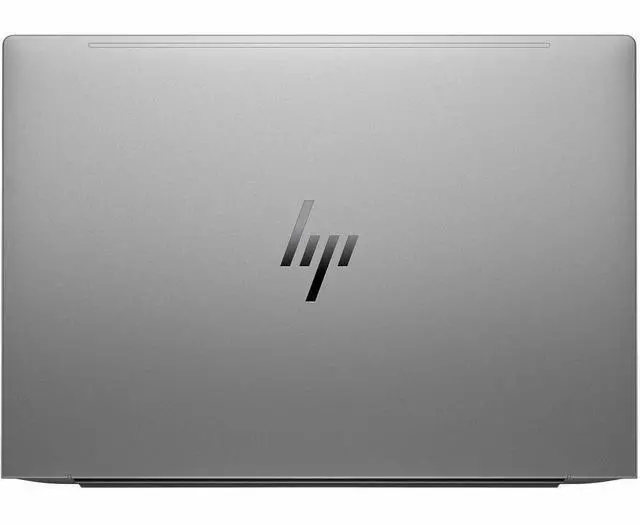



HP ZBook X G1i 16" Mobile Workstation - Intel Core Ultra 9 285H - 32 GB - 1 TB SSD - Windows 11 Pro - NVIDIA RTX Pro 2000 Blackwell GPU - Webcam - Wi-Fi 7 (C5NB7UT#ABA)
- Intel Core Ultra 9 285H
- 32GB Memory / 1TB SSD
- NVIDIA RTX PRO 2000 Blackwell
- Non-Touch Screen
- 1920 x 1200
- Windows 11 Pro
+
+
Overview
Specs
Reviews
SBUY HP ZBXG1I16 U9 285H 16 32GB/1T NVIDIA PRO RTX PRO 2000 (8GB) W11 PRO 3/3/0
Warranty & Returns
Warranty, Returns, And Additional Information
Warranty
- Limited Warranty period (parts): 1 year
- Limited Warranty period (labor): 1 year
- Read full details
Return Policies
- Return for refund until: January 31, 2027
- Return for replacement until: January 31, 2027
- This item is covered by Newegg.ca's Extended Holiday Return Policy.
- Read full return policy for details.
We want to ensure your holiday shopping this year is hassle-free. That’s why we’re automatically extending our return policies on almost every product! For purchases placed between November 1st, 2026 and December 31, 2026 you will have until January 31, 2027 to return your product.
Manufacturer Contact Info
- Manufacturer Website
- Support Phone: 1-800-474-6836
- Support Website
- View other products from HP
LOADING...
The HP ZBook X G1i is a 16-inch mobile workstation for engineers, creators, and business users who need workstation-class performance in a travel-friendly laptop, with an Intel Core Ultra 9 285H, 32GB RAM, 1TB SSD, and NVIDIA RTX Pro 2000 Blackwell graphics for CAD, 3D, and AI-assisted workflows.
Recommended For
- Mobile CAD, BIM, and 3D design professionals who need ISV-focused workstation features in a 16-inch laptop they can carry between office, site visits, and client meetings.
- Hybrid technical professionals such as solution architects, consultants, and project leads who need a business-ready workstation for presentations, multitasking, occasional GPU-accelerated work, and frequent travel between desks and meeting rooms.
- Engineers, creators, or technical users who want workstation-class GPU support for concept rendering, generative-AI-assisted visual work, and pro apps without stepping up to a thicker, heavier desktop-replacement model.
- Corporate buyers standardizing on secure Windows workstations for staff who need vPro, business security features, Ethernet, and a more portable workstation than bulkier high-end models.
- Users who spend part of the day unplugged doing office, communication, and mixed professional workloads, and want a mobile workstation that can reasonably last through meetings and off-desk work.
Real-World Use Scenarios
- Using SolidWorks, Revit, or similar pro apps on-site or between meetings: users can work with medium-to-large assemblies and 3D models more smoothly than on a mainstream office laptop, with the main tradeoff being workstation-class weight and fan noise under sustained loads.
- Editing large RAW photo sets or short-form 4K video in apps like Photoshop, Lightroom, Premiere Pro, or DaVinci Resolve: the system should handle layered work, previews, exports, and GPU-assisted effects comfortably for professional day-to-day projects, though this WUXGA 60 Hz panel is better suited to general production than high-end color-critical finishing.
- Running local AI-assisted workflows such as image generation tests, model-assisted creative tools, or GPU-accelerated analysis: users can experiment and work locally without relying entirely on the cloud, but this class of mobile workstation is better for moderate-size models and practical development tasks than for training large models.
- Using the laptop as a single mobile workstation for engineering, coding, and office work: it fits users who move between desk setups, client sites, and travel, offering more app compatibility and I/O for professional workflows than thin consumer laptops, while still being more portable than bulkier desktop-replacement workstations.
- Connecting to wired networks, external displays, and standard workplace peripherals in corporate environments: the laptop is well suited to IT-managed deployment and desk-to-room mobility, so users can dock in the office, present over HDMI, and still carry one machine for field and remote work.
Spec Summary
| Attribute | Value |
|---|---|
| Best For | Mobile professional and business workstation use: 16-inch ZBook for business workflows and on-the-go productivity, intended to pair with external displays and peripherals via HDMI, Thunderbolt, USB, and Bluetooth |
| Processor And Core Count | Intel Core Ultra 9 285H (Series 2) mobile processor, single-processor configuration, up to 5.40 GHz turbo with 24 MB L3 cache |
| GPU And VRAM | Discrete NVIDIA RTX Pro 2000 Blackwell plus Intel Arc 140T graphics; 8 GB of video memory reported (GDDR7 indicated by external attributes) |
| Display Spec | 16.0-inch WUXGA (1920 x 1200) IPS non-touch display, 60 Hz refresh, Eyesafe and anti-glare coating, maximum brightness 300 nits, sRGB color gamut ~62% |
| Memory Configuration | 32 GB DDR5 installed (2 memory slots) with up to 64 GB supported |
| Storage And Expansion | 1 TB solid-state storage (M.2 SSD) |
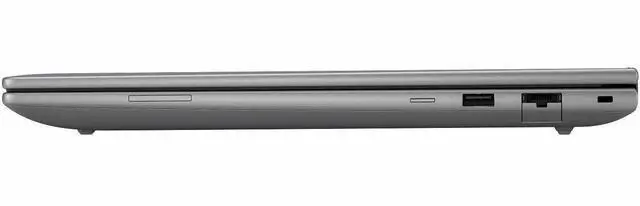
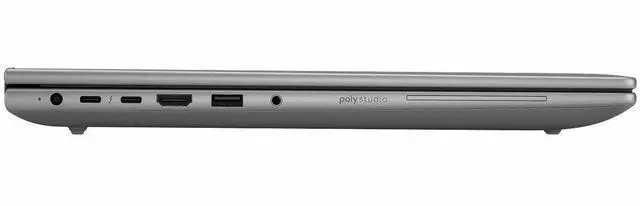
| High Speed I O | Includes 2 total USB ports, 2 Thunderbolt ports, and 1 HDMI output; hardware interfaces list USB, HDMI, Ethernet, Bluetooth |
| Battery And Power | 6-cell internal battery with reported 4000 mAh capacity and estimated battery life ~12.2 hours (battery cells/chemistry listed in external attributes) |
| Wired And Wireless Networking | Wi‑Fi 7 (802.11be) wireless, Bluetooth support, and Gigabit Ethernet LAN |
| Webcam And Privacy | Front 5-megapixel webcam (webcam capability present) |
| Keyboard And Control | Spill-resistant keyboard with touchpad and a fingerprint reader for biometric sign-in; AI Boost feature included |
| Audio Setup | Stereo audio setup |
| Portability | Chassis dimensions 14.2" x 9.9" x 0.90" and item weight 4.5 lb; package dimensions 19.9 x 12 x 2.4 in and package weight ~6.55 lb |
| External Display And Docking Fit | Supports external displays via HDMI and Thunderbolt ports; includes Miracast for wireless display |
| Model Identifiers | HP ZBook X G1i (part/model C5NB7UT#ABA), Silver color, Wolf Pro Security Edition, Hewlett Packard manufacturer, 2025 model/edition |
Reference Q&A
Q: Should I choose the HP ZBook X G1i 16 or a thicker workstation like the HP ZBook Fury 16 G1i?
A: Choose the HP ZBook X G1i 16 if you want a slimmer 16-inch mobile workstation that still reaches up to an Intel Core Ultra 9 285H and NVIDIA RTX Pro 2000 Blackwell graphics. Choose a thicker class like the ZBook Fury 16 G1i if your work scales with higher GPU and CPU ceilings, because HP positions the Fury line above the ZBook X with faster Arrow Lake-HX processors and graphics options up to RTX Pro 5000. The practical trade-off is portability and everyday carry versus maximum sustained workstation performance.
Q: Is the HP ZBook X G1i 16 worth choosing over a lower GPU configuration like RTX Pro 1000 Blackwell?
A: Choose this RTX Pro 2000 Blackwell configuration if your work includes heavier CAD viewports, GPU-assisted rendering, or more demanding visualization tasks. HP offers both RTX Pro 1000 and RTX Pro 2000 options in the ZBook X family, but the RTX Pro 2000 sits higher in the lineup, and NVIDIA's published specs show more CUDA cores and higher peak compute throughput than the RTX Pro 1000 while keeping the same 8 GB memory capacity. The lower-tier option makes more sense when certified workstation graphics matter but your workloads are lighter and budget matters more than extra GPU headroom.
Q: How does the HP ZBook X G1i 16 compare with the Dell Precision 5690?
A: Choose the HP ZBook X G1i 16 if you want a current-generation slim workstation built around Intel Core Ultra 200-series CPUs and NVIDIA RTX Pro Blackwell graphics, with the option to stay in a lighter performance class. Choose the Dell Precision 5690 if you want a more established premium thin-workstation alternative with a wider Ada GPU range that scales much higher, up to RTX 5000 Ada in some configurations. The buying decision usually comes down to midrange modern workstation performance and HP's newer platform versus Dell's broader high-end configuration ladder.
Q: How does the HP ZBook X G1i 16 compare with the Lenovo ThinkPad P1 Gen 7?
A: The HP ZBook X G1i 16 is the better fit when you specifically want a newer Blackwell-based mobile workstation configuration with RTX Pro 2000-class graphics in a slim 16-inch design. The ThinkPad P1 Gen 7 is the closer alternative if you want another premium thin workstation and may also value broader crossover use for content creation or light gaming, since review coverage often highlights Lenovo's stronger consumer-graphics flexibility in some configurations. If your priority is certified workstation positioning first, the HP configuration is the more direct fit; if you want a premium thin workstation that can stretch into mixed creator use, the Lenovo is the more flexible comparison point.
Q: Is the HP ZBook X G1i 16 a better choice for portability-focused work or performance-first workstation use?
A: The HP ZBook X G1i 16 is the better choice when you want to balance workstation-class graphics, a 16-inch display, and easier portability. Its 4.5 lb class weight and slimmer chassis make it more practical for users who carry their workstation between office, client, and home setups. A larger or thicker workstation is the better choice when your priority is sustained rendering, simulation, or heavier GPU workloads, because those systems usually allow higher-power CPUs and GPUs with more thermal headroom.
Q: Is this a good fit for engineering, CAD, and other professional workstation workloads?
A: Yes. This configuration is better suited to engineering, CAD, 3D design, simulation, and other professional Windows workloads than a typical office laptop because it pairs a high-end Intel Core Ultra 9 285H with 32GB RAM and an NVIDIA RTX Pro 2000 Blackwell 8GB GPU. It is a stronger fit for users who need certified-class workstation graphics or heavier multitasking. The trade-off is that a workstation-class 16-inch laptop is usually heavier, louder under load, and less battery-focused than mainstream ultrabooks.
Q: Is it worth buying as a travel work device?
A: It can work as a travel workstation, but it is not an ideal light-travel laptop. At 4.5 lb and 0.90 inches thick, the HP ZBook X G1i is portable enough for commuting, client visits, and hybrid work, but it is still a 16-inch workstation. The main benefit is getting desktop-leaning performance on the go. The trade-offs are more bag weight and likely shorter unplugged runtime under heavy GPU or CAD workloads than a thinner business laptop.
Q: Is it good for meetings, office work, coding, and general business use?
A: Yes, but it is more machine than most office users need. For meetings, spreadsheets, multitasking, coding, and everyday business apps, the 32GB RAM, 1TB SSD, Windows 11 Pro, webcam, Ethernet, and Wi-Fi 7 are more than enough. The main question is value: if your workload is mostly browser, Office, video calls, and light coding, a lighter business laptop will usually be more practical. This ZBook makes more sense if office work is only part of a heavier professional workflow.
Q: Who is this laptop most suitable for?
A: This laptop is best for users who need a Windows mobile workstation: engineers, CAD users, 3D designers, technical creators, developers with heavy local workloads, and business users who need workstation graphics plus professional features like Windows 11 Pro and wired networking. It is less suitable for buyers who mainly want long battery life, a touch display for note-taking, or the lightest possible carry.
Q: What are the main trade-offs versus a lighter 16-inch business laptop or creator laptop?
A: The ZBook X G1i trades portability and consumer-friendly extras for workstation-oriented hardware. Compared with a lighter 16-inch business laptop, it offers stronger professional graphics and better fit for demanding design or engineering software. Compared with many creator laptops, it is more business- and workstation-focused, but this specific configuration also gives up some convenience features common elsewhere, such as touch input, higher refresh display options, or a higher-resolution panel. In short: choose it for professional GPU work and enterprise-style use, not for maximum battery life, tablet-like input, or media-first display features.
Q: Is the HP ZBook X G1i 16 a good fit for CAD, 3D modeling, and creative work?
A: Yes, it is a reasonable fit for professional creation and engineering workflows that need a workstation-class GPU, 32GB RAM, and a 16-inch display. This configuration is better suited to CAD, Adobe apps, and moderate 3D work than a standard office laptop. The main limit is the 1920 x 1200 non-touch 60Hz screen, which is practical but not a premium display choice for color-critical or high-refresh work.
Q: Who should buy the ZBook X G1i 16, and who should skip it?
A: It makes the most sense for users who need a mobile workstation for engineering, design, content creation, or other professional apps and who value business features like Windows 11 Pro, vPro, Ethernet, and Wi-Fi 7. It is a weaker fit for buyers who mainly want a general college laptop, long unplugged battery life, or the best gaming value for the price.
Q: Is the ZBook X G1i 16 worth buying if portability matters?
A: Only if you want workstation hardware first and portability second. At 4.5 lb with a 16-inch chassis, it is portable for a workstation, but it is still larger and heavier than many mainstream productivity laptops. It is better as a carryable work machine than as a light everyday campus or travel laptop.
Q: What are the main trade-offs of this specific ZBook X G1i configuration?
A: The main trade-offs are display and mobility versus workstation capability. This unit gives you a strong CPU, 32GB RAM, 1TB SSD, and RTX Pro 2000 graphics, but the listed screen is a non-touch 1920 x 1200 IPS panel at 60Hz. If you need higher resolution, better color options, touch input, or a lighter machine, you may want a different configuration or a different laptop class.
Q: Should I buy the ZBook X G1i 16 if I plan to use it docked with multiple monitors?
A: It can make sense, but docking should not be assumed to be trouble-free without testing your exact setup. Community discussion includes concern about lag after reset when using a dock with two monitors. If your workflow depends on docked multi-display use, confirm dock compatibility, display routing, and driver stability before choosing this model.