
Your Browsing History
Best Sellers
 Hot Seller
- $1,781.55
- + $21.77 Shipping


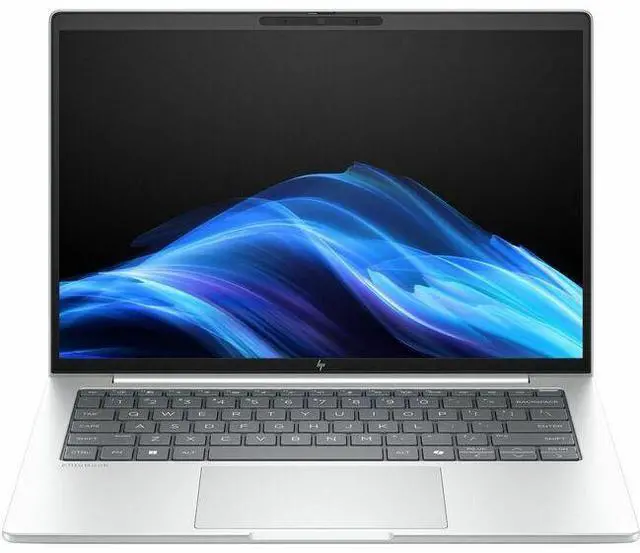
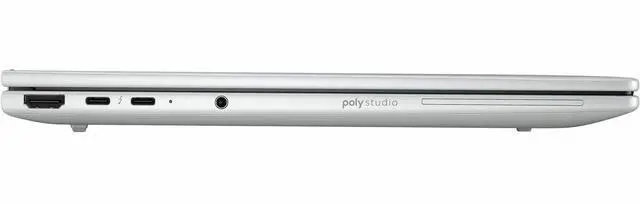
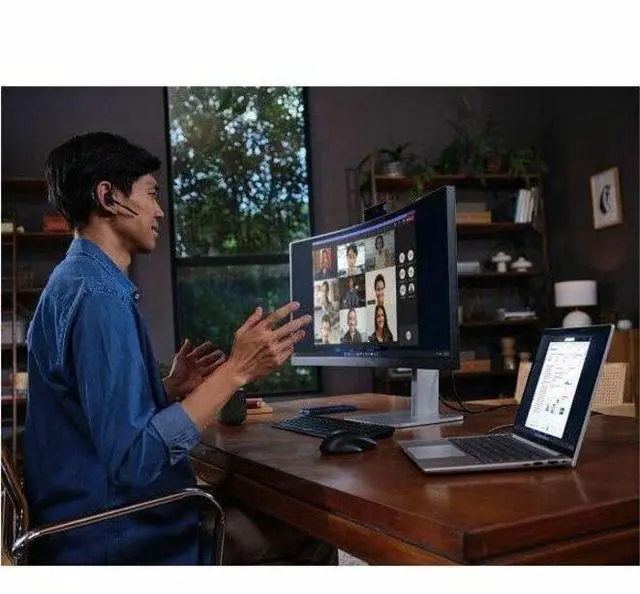
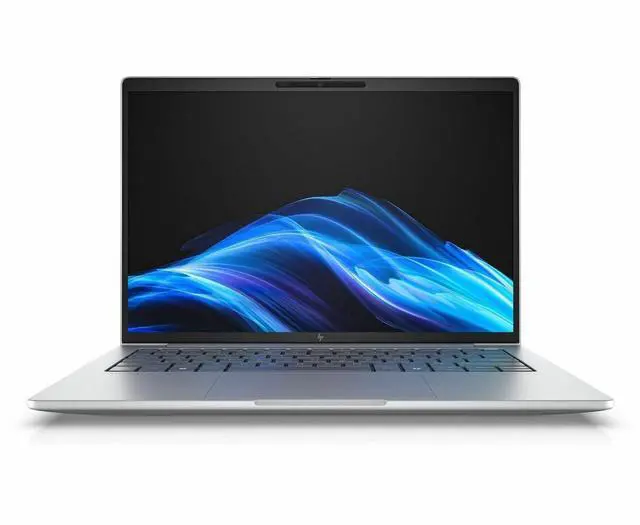

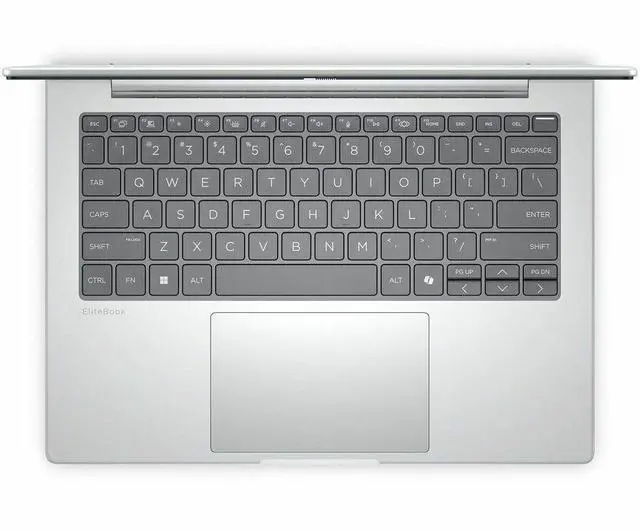
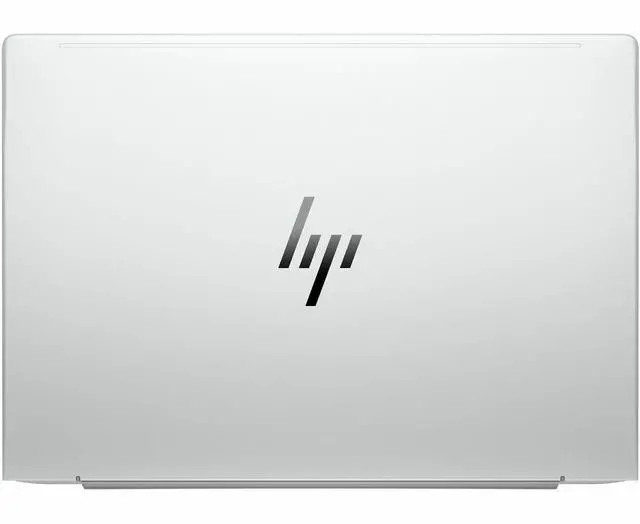
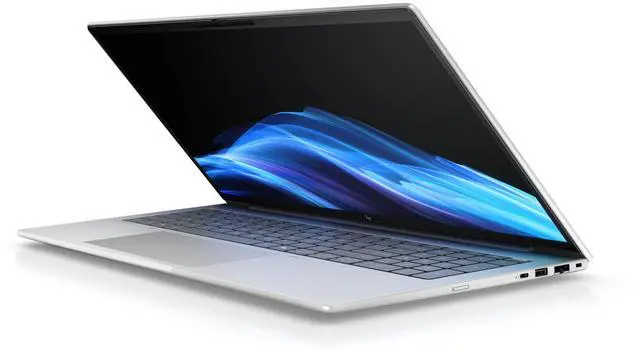
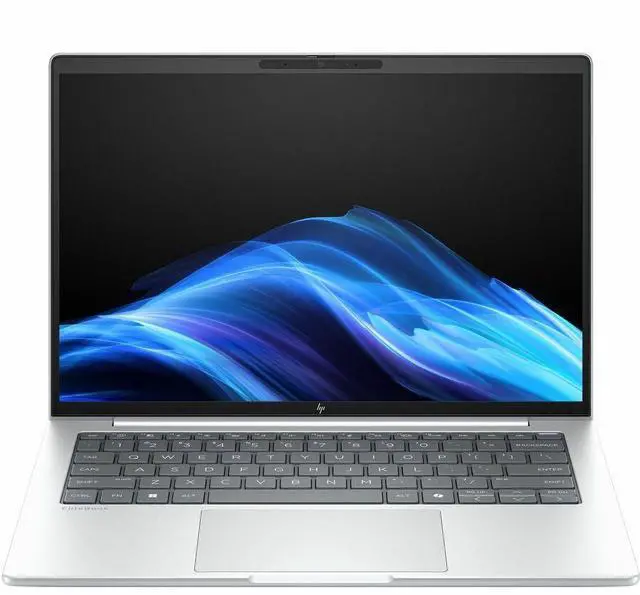
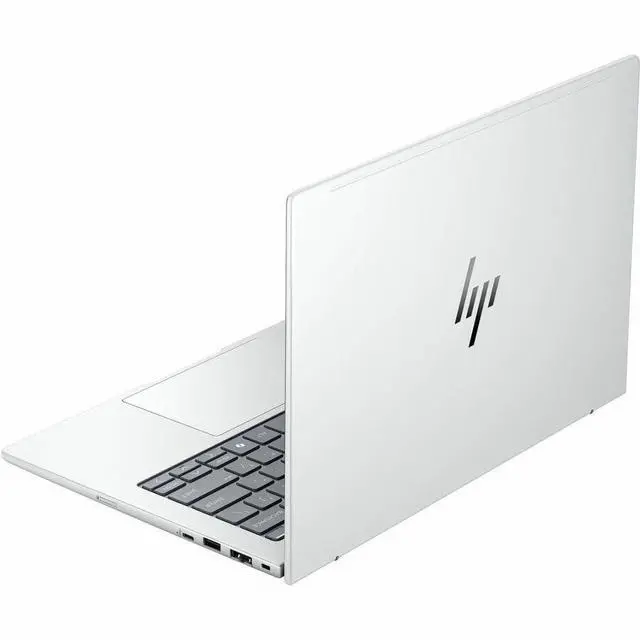
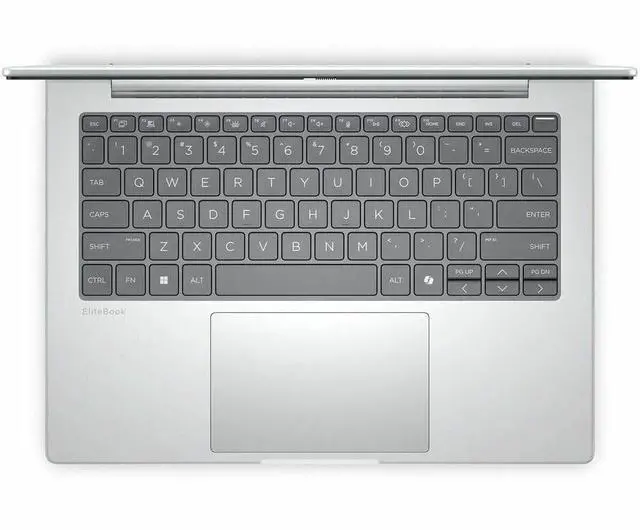


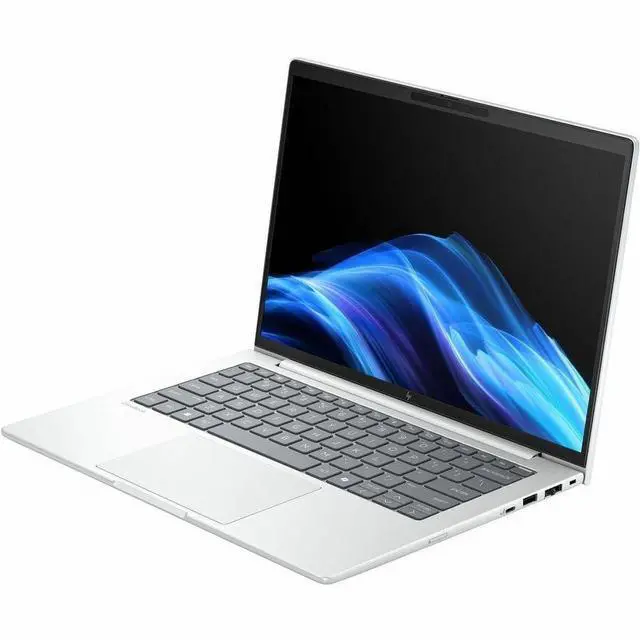
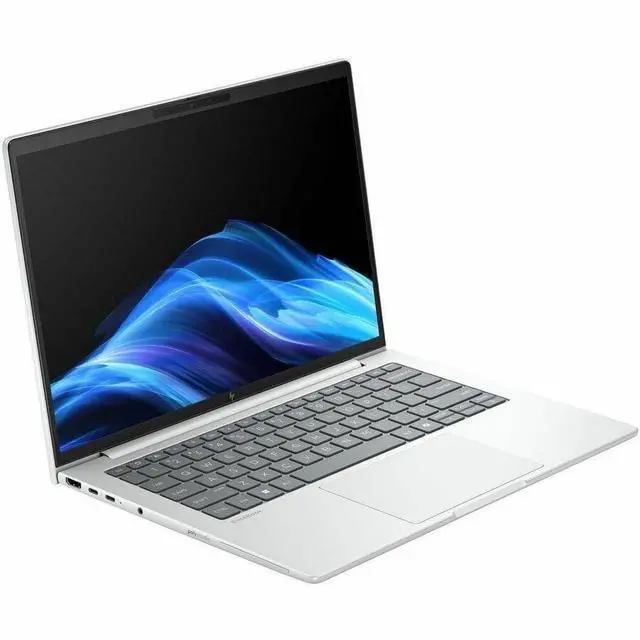


HP EliteBook 8 G1a 16" Copilot+ PC Notebook - AMD Ryzen 7 PRO 250 - 16 GB - 512 GB SSD - Windows 11 Pro - AMD Radeon 780M Graphics - 5MP Webcam - Wi-Fi 7 - C04M8UT#ABA
- WUXGA
- 60 Hz
- AMD Ryzen 7 PRO 250
- 16 GB
- 512 GB SSD
- English Keyboard
- Glacier Silver
- AMD Chip
- 1920 x 1200
- Windows 11 Pro
- AMD Radeon 780M Graphics
- In-plane Switching (IPS) Technology
- Front Came
+
+
Overview
Specs
Reviews
SMART BUY ELITEBOOK 8 G1A 16 R7P-250 16 16GB/512 PC
Warranty & Returns
Warranty, Returns, And Additional Information
Warranty
- Limited Warranty period (parts): 1 year
- Limited Warranty period (labor): 1 year
- Read full details
Return Policies
- Return for refund within: 15 days
- Return for replacement within: 15 days
- This item is covered by Newegg.ca's 15-Day Return Policy.
- Read full return policy for details.
Manufacturer Contact Info
- Manufacturer Website
- Support Phone: 1-800-474-6836
- Support Website
- View other products from HP
LOADING...
LOADING...
Learn about this product
The HP EliteBook 8 G1a is a 16-inch business laptop with an AMD Ryzen 7 PRO 250, 16GB RAM, 512GB SSD, Windows 11 Pro, and Wi‑Fi 7, making it a strong fit for professionals, hybrid workers, and students who want a large screen, modern connectivity, and AI-ready productivity for everyday office, web, and multitasking workloads.
Recommended For
- Hybrid office professionals who spend most of the day in Outlook, Teams, browser tabs, documents, and video meetings, and want a 16-inch screen, quiet keyboard, solid port selection, and battery life that can cover a workday.
- Small-business owners, consultants, and IT-managed users who specifically want Windows Pro, HP Wolf security, enterprise management features, and a business-laptop design that fits standardized corporate deployments.
- Users replacing a desktop-style work setup with one machine for spreadsheets, finance, operations, CRM work, and long typing sessions, where the full-size keyboard with number pad and 16-inch 16:10 display matter more than ultra-light travel weight.
- Mobile professionals who dock and undock often and need business-friendly connectivity such as Thunderbolt 4, HDMI, USB-A, and USB-C charging from either side, rather than carrying adapters for conference rooms and desk setups.
- Buyers who prefer business-class laptops for durability, serviceability, and predictable work performance over consumer-style extras, a pattern also reflected in community discussions around EliteBook ownership.
Real-World Use Scenarios
- For office-heavy workdays with lots of browser tabs, Excel, Teams, and document editing, this model should feel responsive and stay comfortable for standard business workloads; the tradeoff is that the 16 GB / 512 GB configuration is better suited to mainstream productivity than large local datasets or heavy virtual-machine use.
- For hybrid work and frequent video calls, the 5 MP webcam, business-focused EliteBook positioning, and review coverage suggest a solid day-to-day meeting experience for Zoom or Teams, including clearer framing than typical basic 1080p business webcams.
- For working between a desk and meetings, the port layout is useful in practice: you can connect docks, external displays, and chargers without relying on adapters for every setup, which fits common office hot-desk and home-office use.
- For light creative work, dashboards, and casual photo editing, the integrated Radeon 780M should handle everyday visual workloads smoothly, but this configuration is not the right fit for sustained 3D rendering, high-end video production, or modern AAA gaming at demanding settings.
- For users expecting Copilot+ AI features, this specific Ryzen 7 PRO 250 version is better treated as a standard business laptop with some on-device AI capability rather than a full Copilot+ experience, because HP notes that Ryzen 7 250 models are not Copilot+ capable.
Spec Summary
| Attribute | Value |
|---|---|
| Best For | Business and student users seeking a 16-inch Windows laptop for productivity and mobile workflows, combining a Ryzen 7 PRO CPU, integrated Radeon 780M graphics, 16 GB RAM, 512 GB SSD and Wi‑Fi 7 for responsive multitasking and connectivity |
| Processor And Core Count | AMD Ryzen 7 PRO 250 (Processor Series: Ryzen 7, Processor Brand: AMD) with neural processing unit 'yzen AI', turbo up to 5.10 GHz and 16 MB L3 cache |
| GPU And VRAM | Integrated AMD Radeon 780M graphics with graphics memory type listed as DDR5 SDRAM |
| Display Spec | 16.0-inch WUXGA (1920 x 1200) IPS non-touch display, 60 Hz refresh, up to 300 nits maximum brightness and sRGB 62 color gamut |
| Memory Configuration | 16 GB DDR5 installed memory with 2 memory slots available |
| Storage And Expansion | 512 GB solid-state drive (SSD) internal storage |
| High Speed I O | 2x Thunderbolt 4 (USB-C), 2 total USB ports and 1 HDMI port; supports USB Type-C connectivity |
| Wired And Wireless Networking | Wi‑Fi 7 (802.11be) wireless LAN and Bluetooth for local and wireless connectivity |
| Battery And Power | 3-cell lithium‑polymer (Li‑Polymer) battery; power adapter included in the package |
| Webcam And Privacy | 5 megapixel front webcam |
| Portability | Chassis dimensions approximately 14.1 x 9.8 x 0.61 inches and weight 3.73 lb |
| Model Identifiers | HP EliteBook 8 G1a, model/part C04M8UT#ABA (notebook form factor) |
| Edition And Package Content | Wolf Pro Security Edition included; package content lists the EliteBook 8 G1a notebook and a power adapter |
Reference Q&A
Q: Should I buy the HP EliteBook 8 G1a 16 with Ryzen 7 PRO 250 or move up to a Ryzen AI 7 PRO 350 configuration?
A: Choose the Ryzen 7 PRO 250 version if your workload is mainly Office, web apps, video meetings, multitasking, and standard business productivity. HP positions the EliteBook 8 G1a line with both Ryzen PRO 200 and higher Ryzen AI PRO options, and review coverage shows the higher-tier chips mainly matter when you want more headroom for heavier CPU, NPU, and integrated graphics workloads. For everyday commercial use, this Ryzen 7 PRO 250 configuration keeps the same EliteBook platform, business features, 16-inch form factor, Thunderbolt 4 connectivity, and Wi-Fi 7 while avoiding the cost of a higher-tier build.
Q: Is the HP EliteBook 8 G1a 16 better than a lower-tier Ryzen 5 PRO EliteBook configuration?
A: Yes, this Ryzen 7 PRO 250 configuration is the better fit if you expect heavier multitasking, larger spreadsheets, more browser tabs, or longer useful life before an upgrade. HP offers the EliteBook 8 G1a family with both Ryzen 5 PRO 230 and Ryzen 7 PRO 250 options, and the Ryzen 7 model adds an 8-core, 16-thread processor with Radeon 780M graphics. The lower-tier Ryzen 5 option makes more sense when budget is the priority and your workload is limited to lighter office tasks.
Q: Should I choose the HP EliteBook 8 G1a 16 or the older HP EliteBook 860 G11?
A: Choose the EliteBook 8 G1a 16 if you want HP's newer platform with AMD-based Copilot+ positioning, Wi-Fi 7 availability, and the refreshed EliteBook 8-series design. Choose the EliteBook 860 G11 if you find it at a materially lower price and only need a proven 16-inch office laptop without prioritizing the newer AI-focused platform. Across HP materials and Notebookcheck coverage, the EliteBook 8 G1a is the successor direction for this class, while the 860 G11 remains a practical value option when discounted.
Q: Is this HP EliteBook 8 G1a 16 a better choice than a smaller 13-inch or 14-inch EliteBook for portability?
A: Choose this 16-inch EliteBook if you value a larger workspace for spreadsheets, side-by-side documents, and frequent desk-based productivity. Choose the 13-inch or 14-inch EliteBook 8 G1a if carrying comfort matters more. HP's own specifications show the 16-inch model at about 3.73 lb, while the same family is also sold in smaller 13-inch and 14-inch sizes. The trade-off is simple: this model favors screen space and full-size work comfort, while the smaller models favor mobility.
Q: Is this a good laptop for meetings, Office apps, web work, and everyday business use?
A: Yes. This configuration is well suited to office productivity, video meetings, browser-heavy work, and multitasking. The 16GB RAM, 512GB SSD, Windows 11 Pro, Ryzen 7 PRO processor, integrated Radeon 780M graphics, and 5MP webcam fit the same usage pattern commonly discussed in retail Q&A for business and mainstream 16-inch laptops. It is a better fit for work, collaboration, and general productivity than for GPU-heavy creative work or modern gaming.
Q: Is it worth buying as a travel work laptop?
A: It can work well for travel if you want a larger screen for spreadsheets, documents, and side-by-side windows, but the trade-off is portability. At 3.73 lb with a 16-inch chassis, it is more mobile-office friendly than ultra-light travel-first. Buyers who travel occasionally and want screen space may like it; buyers who fly often or prioritize the lightest carry weight may prefer a smaller 13- or 14-inch business laptop.
Q: Can it handle light creative work, or should I buy something with dedicated graphics?
A: It can handle light photo editing, presentations, media work, and general content tasks, but it is not the best choice for heavy 3D, advanced video editing, or demanding graphics workflows. The Radeon 780M integrated graphics are stronger than basic entry-level integrated graphics for everyday acceleration, but a laptop with dedicated GPU is the safer choice if creative software performance is a top buying factor.
Q: Can it run multiple external monitors and a dock setup?
A: It is a better-than-average fit for desk docking because it includes 2 Thunderbolt 4 ports plus HDMI. That port mix is more flexible than many consumer 16-inch laptops that rely mainly on HDMI or limited USB-C output. For users who plan to connect monitors, chargers, and accessories at a desk, this is a meaningful advantage over simpler mainstream models.
Q: Is this suitable for note-taking with a pen or tablet-style use?
A: No. This model is a non-touch clamshell laptop, so it is not the right choice if pen input, handwritten note-taking on screen, or tablet mode is important. It is better for keyboard-first work such as email, documents, meetings, browser tasks, and standard office apps.
Q: Is the HP EliteBook 8 G1a 16 a good fit for office work and everyday productivity?
A: Yes, it fits office and general productivity use well. This configuration has a Ryzen 7 PRO processor, 16 GB RAM, a 512 GB SSD, a 16-inch 1920x1200 IPS display, Wi-Fi 7, and Windows 11 Pro, which matches the kind of business and daily-use setup people discussing this model are typically considering. The main trade-off is the display: community discussions around this model repeatedly call out the base 16-inch screen as a weaker point for buyers who care about brightness or color quality.
Q: Who is this laptop best suited for?
A: It is best suited for buyers who want a 16-inch business laptop for work, browsing, documents, meetings, and light creative or technical tasks, but do not need dedicated graphics or a premium display. Its feature set points to business use first: Windows 11 Pro, Ryzen PRO, integrated Radeon 780M graphics, a 5 MP webcam, and Thunderbolt 4. It is a weaker fit for buyers who prioritize high-end color accuracy, touchscreen input, or gaming-class graphics.
Q: Is it a good choice for programming or light technical work?
A: For programming and general technical work, yes, if your workload is moderate and 16 GB RAM is enough. Reddit discussions around the 16-inch EliteBook 8 G1a focus on coding, quiet operation, battery life, keyboard quality, and upgrade limits, which suggests it is being seriously considered for developer use. The main caution is configuration headroom: this specific unit has 16 GB RAM and 512 GB storage, so buyers running heavier local development stacks, multiple VMs, or larger datasets may want more memory and storage.
Q: What are the main trade-offs of buying this model?
A: The main trade-offs are display quality, graphics limits, and base-spec headroom. The 16-inch WUXGA 60 Hz IPS panel is practical for work, but community discussion repeatedly flags the base screen as less appealing for buyers who want stronger brightness or color coverage. The Radeon 780M integrated GPU is fine for everyday graphics and light GPU use, but this is not the right choice for demanding gaming or workstation-class 3D workloads. The included 16 GB RAM and 512 GB SSD are also adequate rather than generous for a 2026 16-inch productivity laptop.