


Best Sellers
 Hot Seller
- $1,250.22
- + $10.99 Shipping


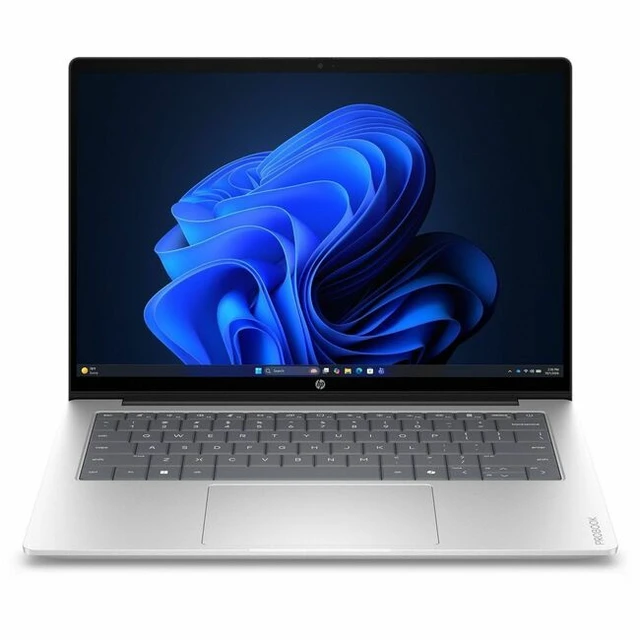
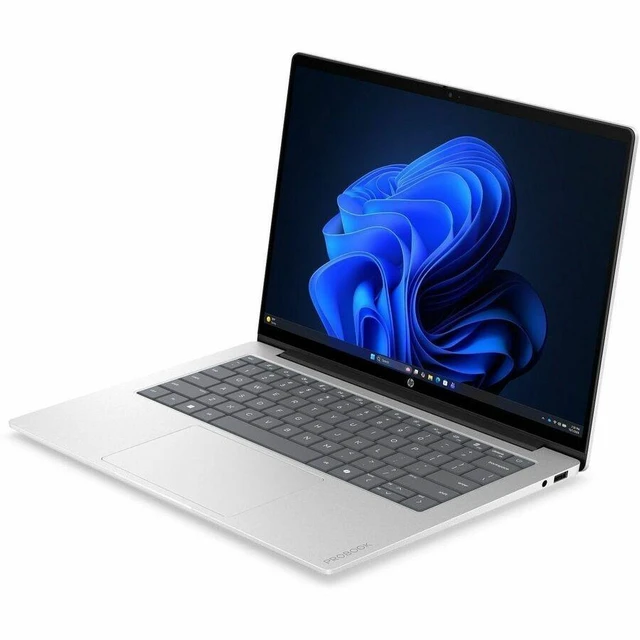
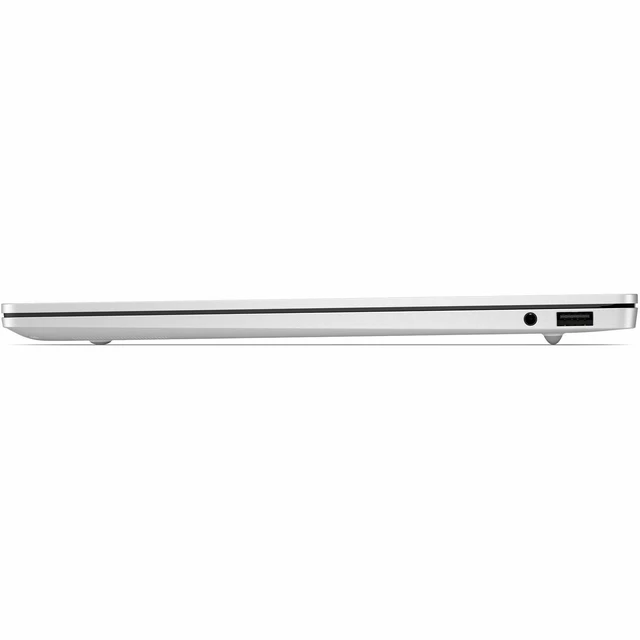
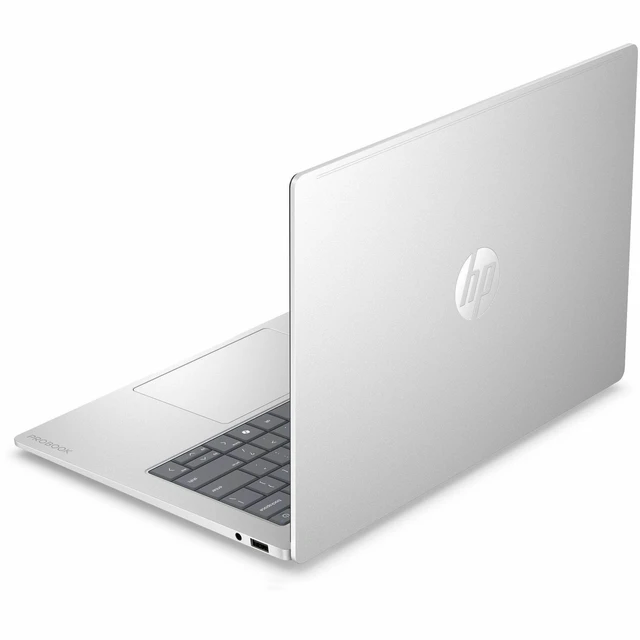
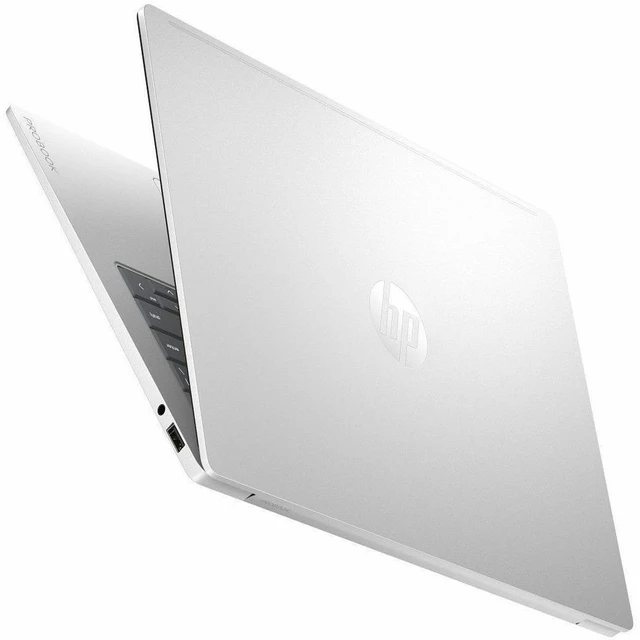
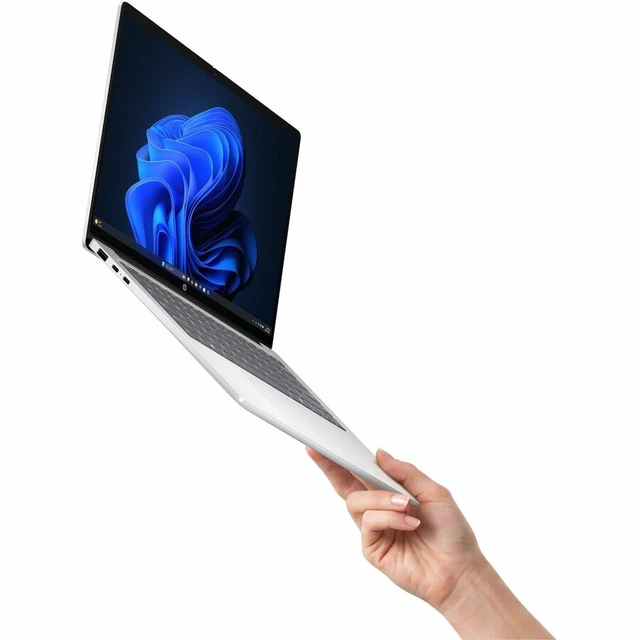

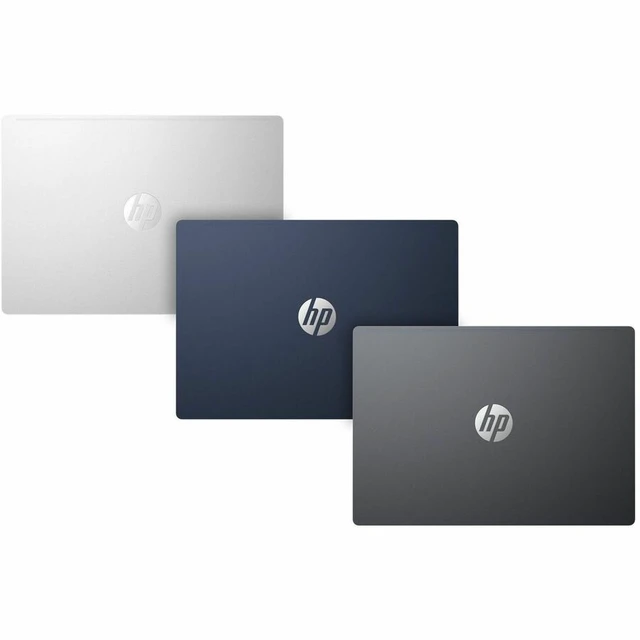


HP ProBook 4 G2iS 14" Notebook - 3K - 120 Hz - Intel Core 5 Series 3 315 - 16 GB - 256 GB SSD - Mist Silver Aluminum - Windows 11 Pro - BrightView - Front Camera/Webcam - Wi-Fi 6E - E8SB9AT#ABA
- Intel Core 5 315
- 16GB Memory / 256GB NVMe SSD
- Intel Graphics
- Non-Touch Screen
- 2880 x 1800
- Windows 11 Pro
+
+
Overview
Specs
Reviews
14 PB4G2iS14 5315 16G 256GB
Warranty & Returns
Warranty, Returns, And Additional Information
Warranty
- Limited Warranty period (parts): 1 year
- Limited Warranty period (labor): 1 year
- Read full details
Return Policies
- Return for refund until: January 31, 2027
- Return for replacement until: January 31, 2027
- This item is covered by Newegg.ca's Extended Holiday Return Policy.
- Read full return policy for details.
We want to ensure your holiday shopping this year is hassle-free. That’s why we’re automatically extending our return policies on almost every product! For purchases placed between November 1st, 2026 and December 31, 2026 you will have until January 31, 2027 to return your product.
Manufacturer Contact Info
- Manufacturer Product Page
- Manufacturer Website
- Support Phone: 1-800-474-6836
- Support Website
- View other products from HP
LOADING...
LOADING...
The HP ProBook 4 G2iS is a 14-inch business notebook with an Intel Core 5 315 processor, 16GB memory, and Windows 11 Pro, suited to professionals who need a portable laptop for work and everyday productivity.
Recommended For
- Mobile office professionals who carry a laptop between meetings or workspaces and handle documents, browser-based work, and video calls; the 2.6 lb design, Windows 11 Pro, and 1080p IR camera fit that routine.
- Hybrid workers who want a sharp, color-rich screen for presentations, reading, and everyday media between office and home; the 14-inch 3K OLED panel is rated for 100% DCI-P3 coverage and 120 Hz.
- Business users who need a compact Windows Pro laptop for desk-to-desk work and external displays; its USB-C ports support DisplayPort 1.4, alongside two USB-A ports.
- People who value a slim, lightweight work laptop with a spill-resistant keyboard for commuting or flexible work locations; HP lists a starting weight of 2.6 lb and a 70 Wh battery.
Real-World Use Scenarios
- During a typical office day, work across documents, spreadsheets, email, and browser tabs; the Core 5 processor and 16 GB of memory are suited to this kind of everyday business multitasking.
- For remote meetings, join video calls and keep notes or shared documents open alongside them; the built-in IR camera and microphones with AI noise reduction support a self-contained meeting setup.
- When moving between home, office, and meeting rooms, carry the laptop for email, document edits, and presentations; its 14-inch format and 2.6 lb starting weight make it practical to take along.
- At a desk, connect an external monitor through USB-C for a larger workspace; the laptop can also serve as the portable screen and keyboard when away from the desk.
- For reviewing photos, presentations, and streamed video, the OLED display provides a detailed, vivid view; integrated graphics make this better suited to viewing and light edits than demanding 3D or video-rendering work.
Spec Summary
| Attribute | Value |
|---|---|
| Best For | Business and mainstream work on the go, with a lightweight 14-inch design, Windows 11 Pro, and an FHD IR webcam |
| Processor And Core Count | Intel Core 5 315 (Series 3) with 8 cores (4P+4LPE) and 6 MB L3 cache |
| GPU And VRAM | Integrated Intel Graphics using shared system memory |
| Display Spec | 14.0-inch OLED, 2880 x 1800 resolution, 120 Hz, widescreen, non-touch |
| Memory Configuration | 16 GB onboard LPDDR5X-6400 memory; no available memory slots |
| Storage And Expansion | 256 GB NVMe SSD; no optical drive |
| High Speed I/O | 2 USB Type-A ports at 5 Gbps, including powered ports, and 2 USB Type-C ports at 10 Gbps with USB Power Delivery and DisplayPort 1.4 |
| Battery And Power | 70 Wh 4-cell Li-ion polymer battery and 65 W USB-C GaN power adapter |
| Wired And Wireless Networking | Wi-Fi 6E (802.11ax) and Bluetooth 5.3 |
| Webcam And Privacy | 1080p FHD IR camera |
| Keyboard And Control | Backlit, spill-resistant soft gray keyboard and multi-touch clickpad |
| Audio Setup | Poly Studio audio with dual stereo speakers, AI noise-reduction dual microphones, and a headphone/microphone combo jack |
| External Display And Docking Fit | Supports two DisplayPort 1.4 outputs via USB Type-C |
| Portability | Thin-and-light design in Mist Silver; 2.60 lb, with dimensions of 12.34 x 8.72 x 0.33–0.47 inches |
| Model Identifiers | HP ProBook 4 G2iS, part number E8SB9AT#ABA |
Reference Q&A
Q: HP ProBook 4 G2iS Core 5 315 vs Core 7 350: which configuration should I choose?
A: Choose the Core 5 315 configuration for everyday business and productivity work. Choose a ProBook 4 G2iS configuration with the Core 7 350 if you want the higher listed processor tier: HP specifies up to 4.8 GHz turbo and 17 NPU TOPS for the Core 7 350, compared with up to 4.4 GHz and 15 NPU TOPS for the Core 5 315.
Q: Should I get the HP ProBook 4 G2iS with 16GB or 32GB of memory?
A: The 16GB configuration suits typical office work, web browsing, and video meetings. Choose 32GB if you regularly keep more demanding applications and many tasks open at once. HP lists both memory capacities for this model family; its memory is onboard and not upgradeable, so choose the capacity that fits your expected workload.
Q: HP ProBook 4 G2iS 256GB vs 512GB SSD: which size makes more sense?
A: Choose the 256GB configuration for a work setup centered on applications and documents stored locally or in the cloud. Choose 512GB for more room for locally stored files, projects, and media. HP lists 256GB, 512GB, and 1TB SSD options for the ProBook 4 G2iS family.
Q: HP ProBook 4 G2iS vs ProBook 4 G1i: which is the better fit?
A: Choose the ProBook 4 G2iS configuration when a 14-inch 3K OLED display with a 120 Hz refresh rate is your priority. The ProBook 4 G1i offers a different configuration approach, including two accessible, upgradeable memory slots and optional NVIDIA RTX 3050 graphics. Compare the specific configurations to match display and graphics preferences against memory-upgrade flexibility.