




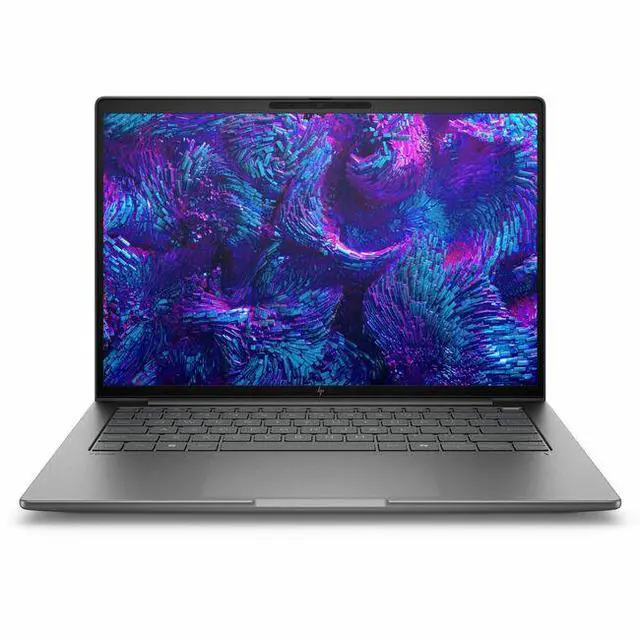
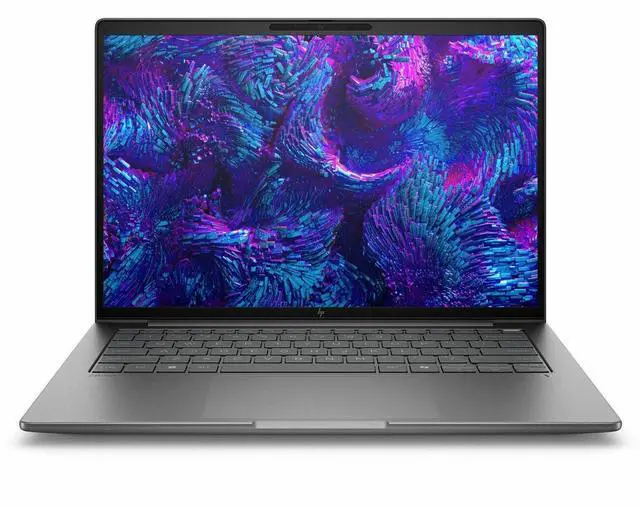
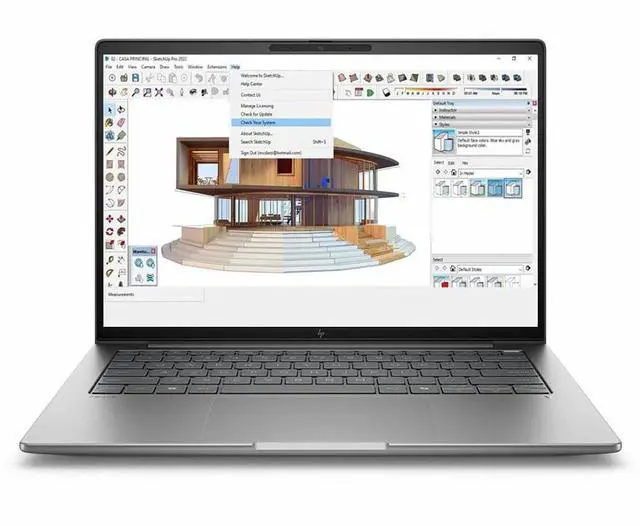
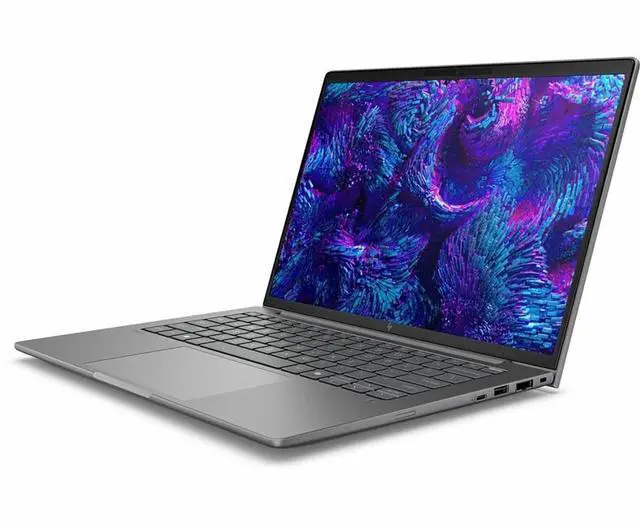
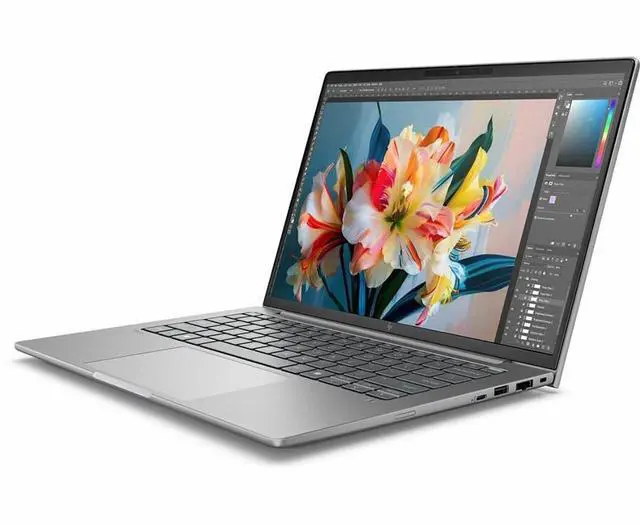
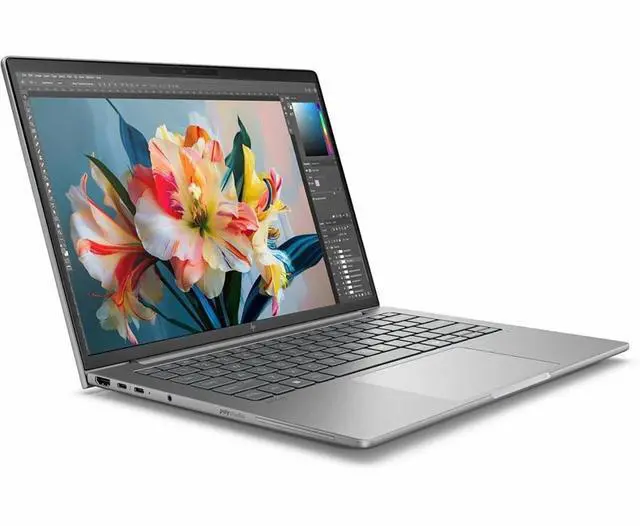


HP ZBook 8 G1i 14" Mobile Workstation - Intel Core Ultra 7 255H - 32 GB - 1 TB SSD - NVIDIA RTX 500 Ada - Windows 11 Pro - Webcam - Wi-Fi - BT D06J4AT#ABA
- Intel Core Ultra 7 255H
- 32GB DDR5 Memory / 1TB SSD
- NVIDIA RTX 500 Ada Generation
- Windows 11 Pro
Overview
Specs
Reviews
SBUY HP ZB8G1I14 U7 255H 14 32GB/1T PC INTEL U7 255H, 14 WUXGA AG LED UWVA, DSC,
Warranty & Returns
Warranty, Returns, And Additional Information
Warranty
- Limited Warranty period (parts): 1 year
- Limited Warranty period (labor): 1 year
- Read full details
Return Policies
- Return for refund within: 15 days
- Return for replacement within: 15 days
- This item is covered by Newegg.ca's 15-Day Return Policy.
- Read full return policy for details.
Manufacturer Contact Info
- Manufacturer Website
- Support Phone: 1-800-474-6836
- Support Website
- View other products from HP
LOADING...
The HP ZBook 8 G1i is a 14-inch mobile workstation with an Intel Core Ultra 7 255H, 64GB DDR5 memory, and a 1TB SSD, making it a strong fit for professionals who need a compact Windows 11 Pro laptop for multitasking, business workflows, and AI-assisted productivity on the go.
Recommended For
- Mobile CAD, BIM, and engineering users who need a 14-inch workstation for client sites, field work, or hybrid office travel. HP positions the ZBook 8 G1i as a mobile workstation, and reviews consistently describe it as a portable professional machine rather than a desk-bound replacement.
- Professionals using certified workstation apps such as AutoCAD or SolidWorks who care more about driver stability and app compatibility than gaming-class graphics. Review coverage highlights that the value of the ZBook line is workstation GPU certification and professional app behavior, not entertainment performance.
- Analysts, developers, and technical users who run heavier multitasking loads, local data work, VMs, or large office workflows and want workstation memory capacity in a compact chassis. Reviews on Core Ultra 255H and 265H configurations show strong sustained CPU results for this size class.
- Creative professionals who need a travel-friendly workstation with a better display option for color-aware photo, design, or content review work. Third-party testing found high color-gamut coverage on upper display configurations, making the machine more suitable for creator workflows than basic office panels.
- Users who need a workstation that can still get through meetings and travel days unplugged, then dock back at a desk for full performance. Reviews describe battery life as solid for workstation hardware, which fits mixed mobile-and-desk work better than constant heavy off-charger use.
Real-World Use Scenarios
- Using large Excel models, multiple browser tabs, Teams, and line-of-business apps at the same time: the ZBook 8 G1i should feel comfortable as a business workstation, with enough headroom for heavy multitasking and fewer slowdowns than mainstream 14-inch office laptops.
- Doing software development while away from a desk, such as coding, documentation, browser-based research, and light local testing: this configuration is a practical fit, and reports from review and community sources suggest it stays quiet in light use and can handle unplugged work sessions better than many higher-power mobile workstations.
- Working on color-sensitive photo, design, or content-review tasks while traveling: higher-end display configurations of the ZBook 8 G1i make sense for this, giving creators a compact system for editing and review, though buyers should confirm the exact panel because screen quality varies by configuration.
- Running 2D CAD, GIS, technical documentation, and moderate professional workflows on-site or in the office: this 14-inch ZBook is a realistic choice for users who need workstation features in a smaller chassis, but the integrated-graphics version is better suited to lighter visual workloads than demanding 3D modeling or GPU-heavy rendering.
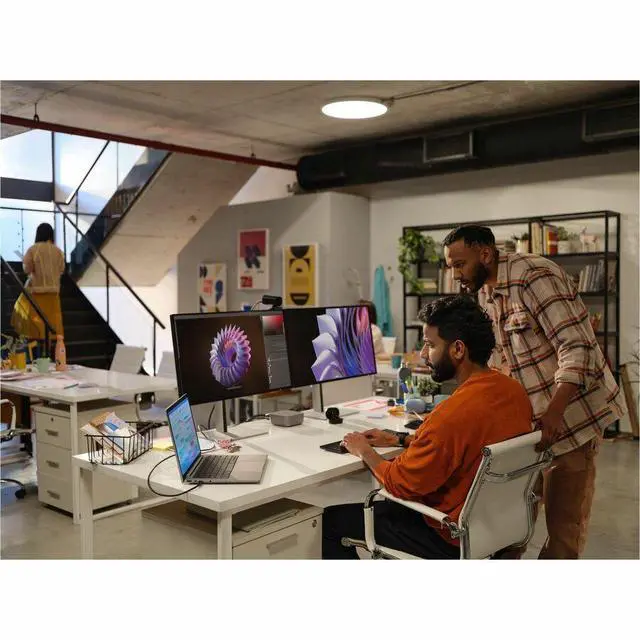
- Using it as a travel-friendly office workstation connected to external monitors, docks, and fast storage: the port mix and upgradeable workstation design make it a sensible laptop for hybrid workers who spend part of the week docked and part of the week mobile.
Spec Summary
| Attribute | Value |
|---|---|
| Best For | Mobile workstation users who need a compact 14.0" Windows 11 Pro laptop with an Intel Core Ultra 7 255H, on-device AI acceleration and a 1 TB NVMe SSD; suited for professional content and compute workflows where a 14-inch workstation with up to 64 GB RAM is preferred |
| Processor And Core Count | Intel Core Ultra 7 255H (2nd Gen) — 2.0 GHz base, up to 5.1 GHz turbo, 24 MB L3 cache; single-processor design |
| GPU And VRAM | Integrated graphics (Intel) |
| Display Spec | 14.0" LCD (LED backlight) with 1920 x 1200 native resolution and anti-glare coating |
| Memory Configuration | 64 GB DDR5 installed; 2 memory slots, upgradable to 64 GB |
| Storage And Expansion | 1 TB solid-state drive (M.2 NVMe form factor) |
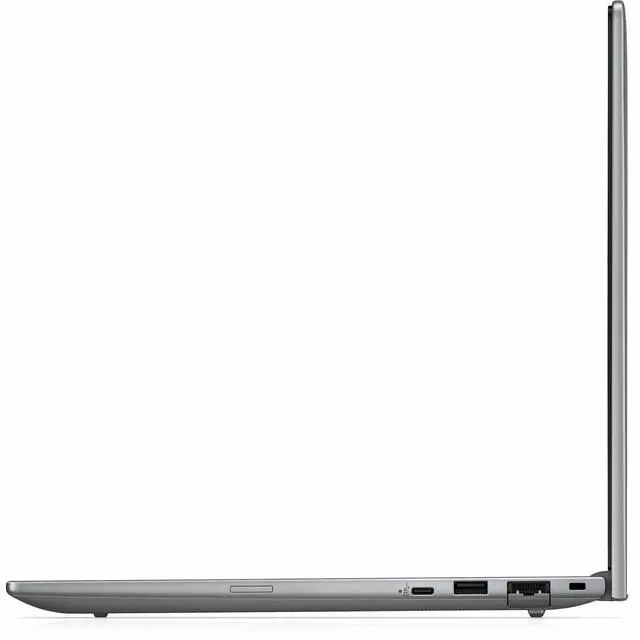
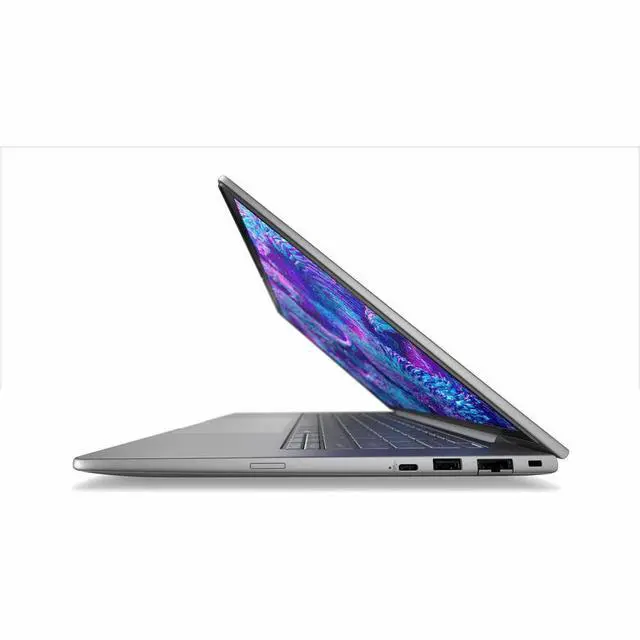
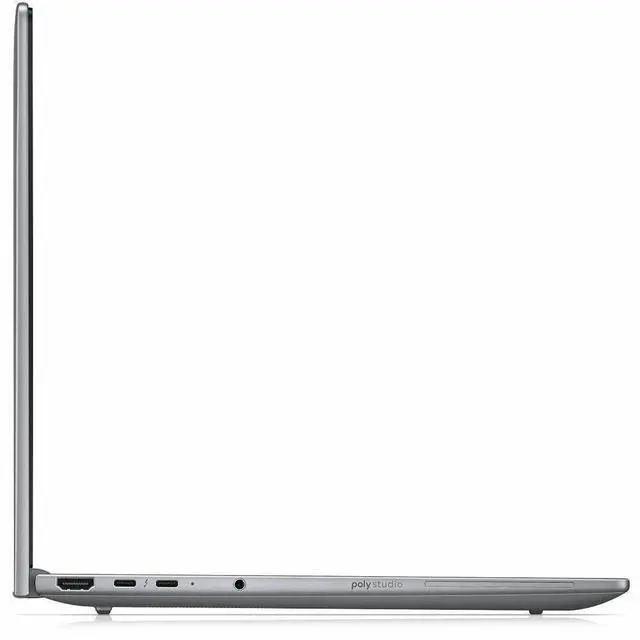
| High Speed I O | 2x Thunderbolt 4 ports; 1x USB Type-C (10 Gbps signaling, USB Power Delivery, DisplayPort 1.4); 1x HDMI output |
| Battery And Power | Lithium polymer battery (installed), 4000 mAh rating, 3 cells, 1 battery included; batteries packed with equipment |
| Wired And Wireless Networking | Wi‑Fi and Bluetooth wireless connectivity (wireless compatibility listed as 802.11ac); onboard WLAN and Bluetooth |
| Webcam And Privacy | Front-facing webcam |
| Keyboard And Control | Full-size keyboard with numeric keypad (English); touch pad for cursor control |
| Audio Setup | Stereo audio |
| Portability | Unit weight listed as 3.2 lb and package weight 4.95 lb; device and package dimensions reported (device size approx 0.74" x 12.3" x 8.7"; package dimensions 18.7 x 10.8 x 2.5 inches) |
| External Display And Docking Fit | Supports external displays via Thunderbolt 4 (DisplayPort 1.4 over USB-C), HDMI output and Miracast for wireless display |
| Model Identifiers | HP ZBook 8 G1i, Part Number D06J4AT#ABA (Model/Edition listed as ZBook 8 G1i), Series ZBook; manufacturer Hewlett Packard; model year 2026 |
| AI Features | On-device AI acceleration via AI Boost (Neural Processing Unit) |
| Form Factor | Mobile Workstation / Workstation form factor |
| Operating System | Windows 11 Pro (Windows family) |
| Color | Meteor Silver |
Reference Q&A
Q: Should I choose the HP ZBook 8 G1i 14 or the HP ZBook Firefly 14 G11?
A: Choose the HP ZBook 8 G1i 14 if you want the newer platform and stronger integrated-graphics performance in a 14-inch workstation. HP positions the ZBook 8 as the successor to the Firefly line, and professional testing shows the Core Ultra 7 255H / Arc 140T configuration delivering noticeably higher CPU and GPU results than Firefly 14 G11 systems with older Core Ultra chips. Choose the Firefly 14 G11 instead if you specifically want an older Firefly configuration or find a better value on sale, especially for lighter office, CAD review, and general business workloads.
Q: Is the HP ZBook 8 G1i 14 a better fit than the Dell Precision 5490?
A: The HP ZBook 8 G1i 14 is the better fit if you want a newer 14-inch workstation with updated Intel Core Ultra Series 2 options and strong integrated-graphics capability without stepping up to discrete GPU pricing. The Dell Precision 5490 is the better fit if your comparison target includes higher-end discrete graphics configurations for heavier certified workstation workloads. Review data shows the ZBook 8 G1i's Core Ultra 7 255H configuration keeping up well in CPU work while benefiting from a newer platform generation than the Precision 5490 configurations commonly reviewed.
Q: Should I buy this integrated-graphics ZBook 8 G1i 14 or a higher-tier ZBook 8 configuration with RTX graphics?
A: Buy this integrated-graphics configuration if your work is centered on office productivity, development, light photo work, remote workflows, and moderate creator tasks where portability, lower heat, and battery efficiency matter more than GPU acceleration. Move to an RTX-equipped ZBook 8 configuration if your workflow regularly depends on GPU-heavy rendering, complex 3D scenes, AI tools that scale with dedicated graphics, or professional apps that benefit from certified NVIDIA workstation drivers. Reviews of both ZBook 8 variants show that the RTX model is the clearer choice for sustained graphics workloads, while the Arc 140T model remains the more balanced choice for mainstream mobile workstation use.
Q: Is the Core Ultra 7 255H configuration worth it over a lower-tier Core Ultra 5 or U-series ZBook 8 setup?
A: Choose the Core Ultra 7 255H configuration if you expect heavier multitasking, code builds, larger spreadsheets, local content creation, or better integrated-graphics performance from the Arc 140T GPU. A lower-tier Core Ultra 5 or U-series version is the better fit when battery life, lower cost, and lighter day-to-day productivity matter more than peak performance. HP's own datasheet shows the ZBook 8 line spans both U-series and H-series processors, so the 255H version is the practical step-up for buyers who want the chassis to feel more like a true mobile workstation than a business laptop with workstation branding.
Q: Is the HP ZBook 8 G1i 14 better for portability-focused work or performance-first work?
A: This configuration is better aligned with portability-focused work that still needs workstation-class build, memory capacity, business security, and professional software compatibility. Its 14-inch size, integrated graphics, and Core Ultra 7 255H make sense for engineers, analysts, developers, and creators who travel and do not need a dedicated GPU full time. For performance-first work, especially rendering, simulation, or heavier 3D pipelines, a larger or RTX-equipped workstation is the better choice because those workloads benefit more from sustained GPU throughput than this integrated-graphics setup is designed to provide.
Q: Is this a good travel work laptop for business trips and hybrid work?
A: Yes, if you want a compact 14-inch Windows workstation for travel, meetings, and desk-to-desk use. Its 14-inch size, 32GB RAM, 1TB SSD, webcam, Wi-Fi, Bluetooth, HDMI, and two Thunderbolt 4 ports fit common business-travel needs well. The main trade-off is graphics: this configuration lists integrated graphics, so it is better for office productivity and light professional workloads than for heavier GPU-dependent workstation tasks.
Q: Is it good for note-taking, meetings, Office apps, and lots of browser tabs?
A: Yes. For business productivity, this configuration is comfortably above the usual baseline. A Core Ultra 7 processor, 32GB RAM, 1TB SSD, webcam, Wi-Fi, and Windows 11 Pro make it well suited for video calls, Office work, multitasking, documents, spreadsheets, and many browser tabs. It is a stronger fit for professional office use than for buyers who specifically need gaming-class or CAD-focused discrete graphics.
Q: Who is this laptop best suited for?
A: This model is best for business users who want a smaller mobile workstation with enterprise features rather than a mainstream consumer laptop. It fits consultants, analysts, managers, developers, finance users, and professionals who need Windows 11 Pro, ample memory, fast storage, webcam support, and modern docking/display connectivity. It is less ideal for buyers whose main priority is dedicated-GPU performance for heavier 3D, rendering, or specialized engineering workloads.
Q: How does it compare with a Dell Precision 14-inch alternative?
A: Choose this HP ZBook 8 G1i if you want a 14-inch workstation focused on portability, business multitasking, and modern I/O in a compact format. Choose a Dell Precision 14-inch alternative if you specifically want a configuration with discrete RTX graphics for more demanding visual or CAD workloads. The practical trade-off is mobility and office-first balance on the HP versus stronger graphics options on some Precision models.
Q: Is this a good choice for CAD, 3D work, or other heavier workstation tasks?
A: It depends on the software. For CPU-heavy multitasking and general professional work, yes. For heavier 3D modeling, rendering, simulation, or workflows that benefit from certified discrete workstation graphics, this specific configuration is a weaker fit because the provided specs list integrated graphics. Buyers with those needs should compare it against mobile workstations with RTX-class discrete GPUs.
Q: Who is the HP ZBook 8 G1i 14 best for?
A: It is best for users who want a compact 14-inch Windows workstation for office work, coding, multitasking, and light professional graphics work. Based on the listed configuration, the Core Ultra 7 255H, 64GB DDR5, and 1TB SSD fit productivity and workstation use well, but the integrated graphics make it a weaker choice for buyers who need strong GPU performance for heavier 3D, rendering, or CAD workloads.
Q: Is the HP ZBook 8 G1i 14 worth buying over a regular business laptop?
A: It is worth considering if you specifically want workstation-class positioning, 64GB memory, Windows 11 Pro, and good port coverage in a 14-inch system. It is less compelling if your workload is mostly general office use, because this configuration uses integrated graphics and may not deliver a clear advantage over a lighter mainstream business laptop for basic tasks.
Q: Is the HP ZBook 8 G1i 14 good for travel and everyday work?
A: Yes, if you want a small-screen workstation that can handle daily work and travel better than a larger 15-inch or 16-inch model. The trade-off is that community discussion repeatedly raises concerns about thickness, weight, and portability versus slimmer premium laptops, so it is more portable than a full-size workstation but not especially light for a 14-inch machine.
Q: What are the main trade-offs of the HP ZBook 8 G1i 14?
A: The main trade-offs are portability versus workstation features, and CPU strength versus graphics capability. Community discussion around the ZBook 8 line points to decent CPU performance, good screens, and usable battery life for lighter work, but also to fan activity under load and weaker graphics on non-dedicated-GPU configurations. For this specific Newegg configuration, integrated graphics are the clearest limitation.