

• $53.99
  • Free 15-day Returns
Ships from China.
Price alert
Sold by PENGRAN
Top Rated
4.1 (9 seller ratings)

Shipped by PENGRAN

Shop it at NeweggBusiness.

Meet Your Seller

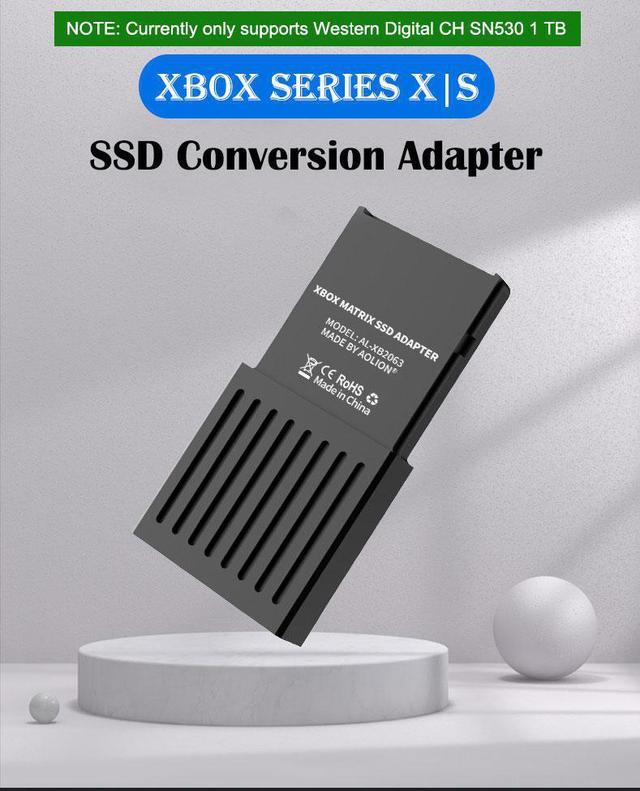
Hard Drive Conversion Box External Storage SSD Adapter for Xbox Series X|S Heat Dissipation M2 NVME 2230 PCIE4.0

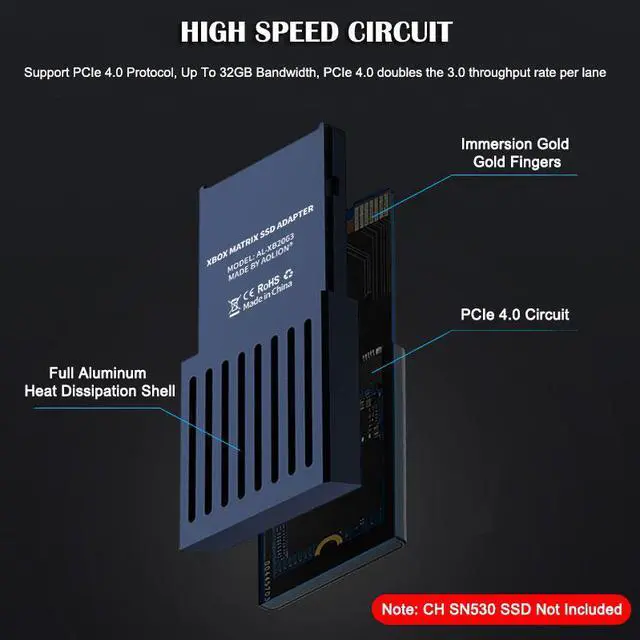
  • Hign Speed Circuit: Support PCIe 4.0 Protocol, Up To 32GB Bandwidth, PCIe 4.0 doubles the 3.0 throughput rate per lane. Insert the Western Digital CH SN530 SSD Conversion Adapter into the Xbox Series X|S, get back to your game instantly with Quick Resume.
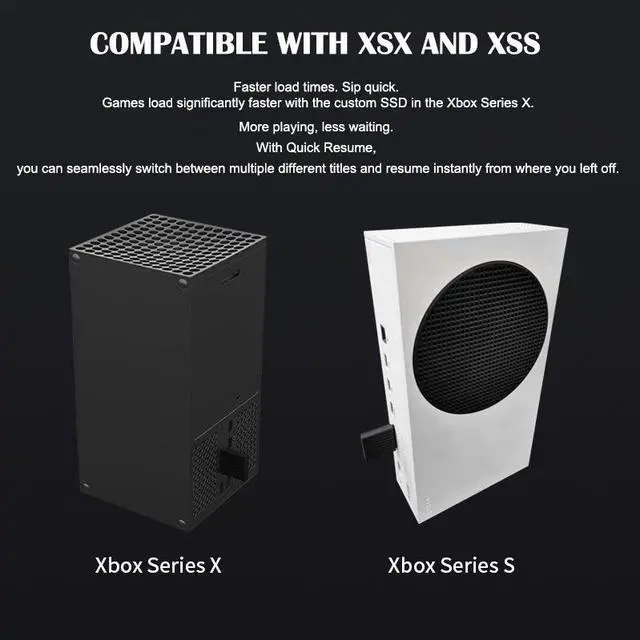
  • Compatible XSX and XSS: Faster load times. Sip quick. Games load significantly faster with the custom SSD in the Xbox Series X. More playing, less waiting. With Quick Resume, you can seamlessly switch between multiple different titles and resume instantly from where you left off.
  • Full Aluminum Alloy Body: The all-aluminum alloy shell maximizes the heat dissipation effect, quickly drives away the heat generated by the high-speed memory, and prolongs the service life of the hard disk.
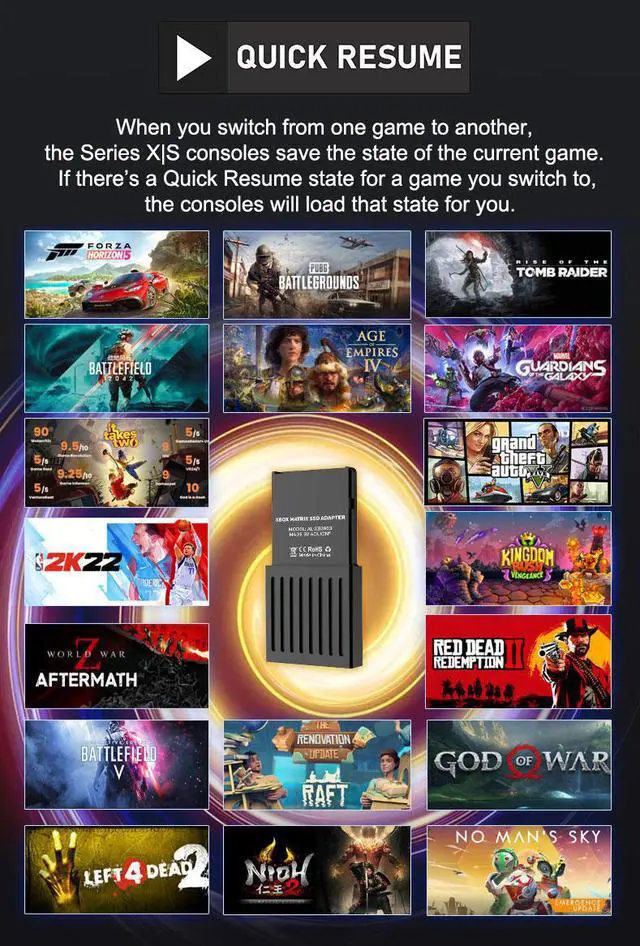
  • Quick Resume: When you switch from one game to another, the Series X|S consoles save the state of the current game. If theres a Quick Resume state for a game you switch to, the consoles will load that state for you.
+
+
Overview
Specs
Reviews
image for this item
High Speed Circuit

Support PCIe 4.0 Protocol, Up To 32GB Bandwidth, PCIe 4.0 doubles the 3.0 throughput rate per lane

  1. Full Aluminum Heat Dissipation Shell
  2. Immersion Gold Gold Fingers
  3. PCIe 4.0 Circuit
  4. Note: CH SN530 SSD Not Included
image for this item
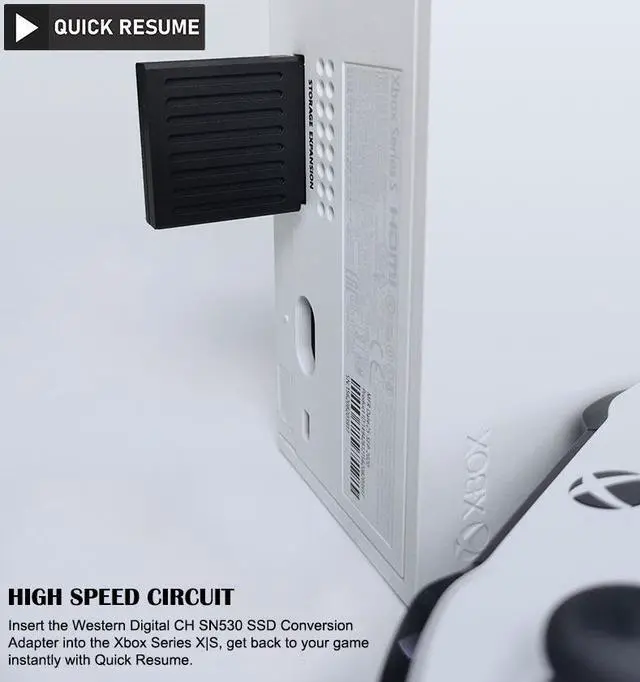
High Speed Circuit

Insert the Western Digital CH SN530 SSD Conversion Adapter into the Xbox Series X|S, get back to your game instantly with Quick Resume

image for this item
COMPATIBLE WITH XSX AND XSS
  • Faster load times. Sip quick. Games load significantly faster with the custom SSD in the Xbox Series X.
  • More playing, less waiting. With Quick Resume, you can seamlessly switch between multiple different titles and resume instantly from where you left off.
image for this item
Quick Resume

When you switch from one game to another, the Series X|S consoles save the state of the current game. If there's a Quick Resume state for a game you switch to, the consoles will load that state for you.

image for this item
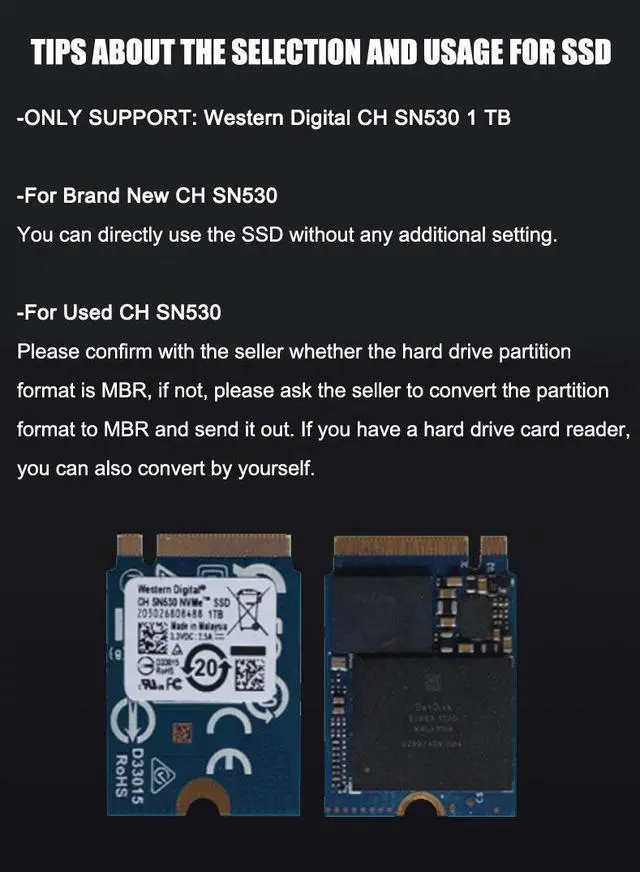
TIPS ABOUT THE SELECTION AND USAGE FOR SSD
  • ONLY SUPPORT: Western Digital CH SN530 1 TB/512 GB
  • For Brand New CH SN530

You can directly use the SSD without any additional setting.

  • For Used CH SN530

Please confirm with the seller whether the hard drive partition format is MBR, if not, please ask the seller to convert the partition format to MBR and send it out. If you have a hard drive card reader, you can also convert by yourself.

image for this item
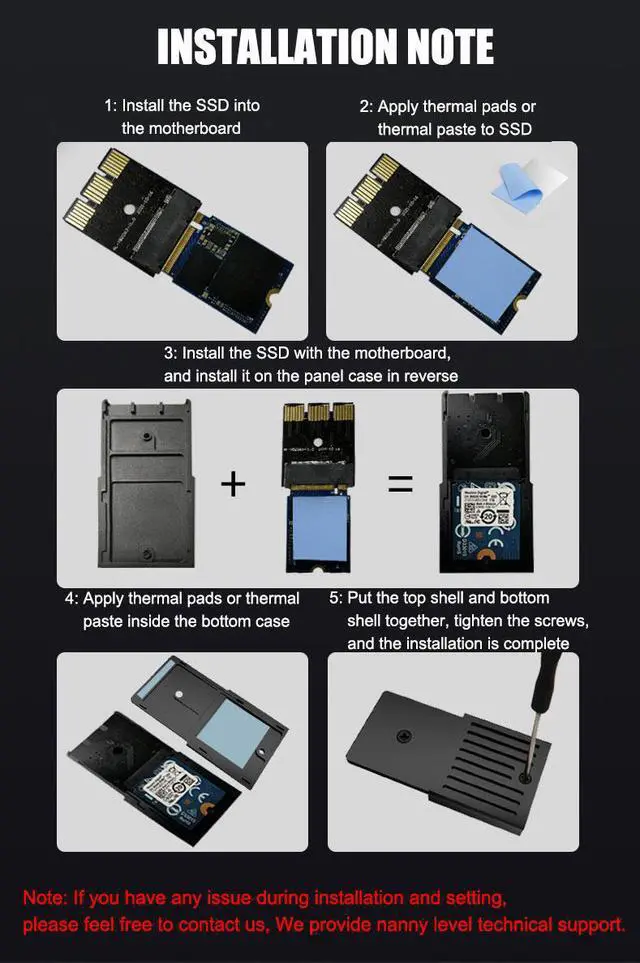
  1. Install the SSD into the motherboard
  2. Apply thermal pads or thermal paste to SSD
  3. Install the SSD with the motherboard, and install it on the panel case in reverse
  4. Apply thermal pads or thermal paste inside the bottom case
  5. Put the top shell and bottom shell together, tighten the screws, and the installation is complete

Note: If you have any issue during installation and setting, please feel free to contact us, We provide nanny level technical support.

Note: During Standby, if you do not want to remove the expansion card, please go to Profile & system > Settings > General > Power mode & start-up. Select from the Power mode drop-down menu to change the setting. Prevent in Standby state The lower expansion card is still running, improving the service life of the hard disk.

image for this item
Full Aluminum Alloy Body

The Full-aluminum alloy shell maximizes the heat dissipation effect, quickly drives away the heat generated by the high-speed memory, and prolongs the service life of the hard disk.

TIPS ABOUT THE SELECTION AND USAGE FOR SSD


  • ONLY SUPPORT: Western Digital CHSN530 1 TB

  • For Brand New CH SN530


You can directly use the SSD without any additional setting.


  • For Used CH SN530


Please confirm with the seller whether the harddrive partition format is MBR, if not, please ask the seller to convert thepartition format to MBR and send it out. If you have a hard drive card reader,you can also convert by yourself.

Warranty & Returns

Warranty, Returns, And Additional Information

Warranty

  • Please contact the Seller directly for warranty information. Warranty information may also be found on the Manufacturer's website.
  • CONTACT

Return Policies

  • Return for refund within: 15 days
  • Return for replacement within: 30 days
  • This item is covered by PENGRAN Return Policy

Manufacturer Contact Info

LOADING...