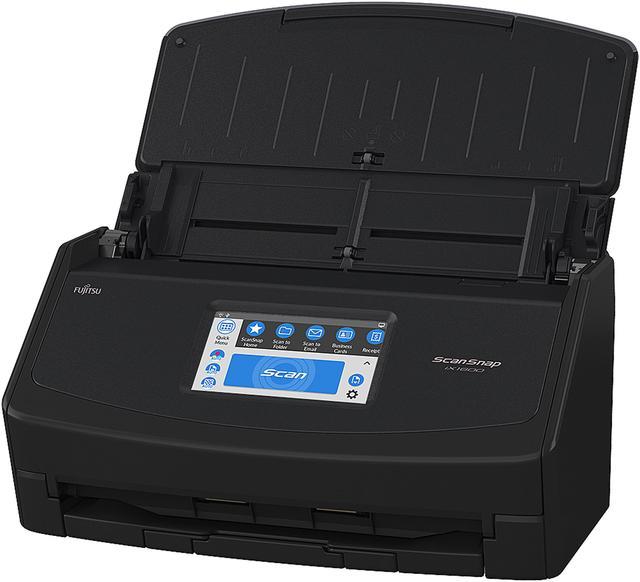
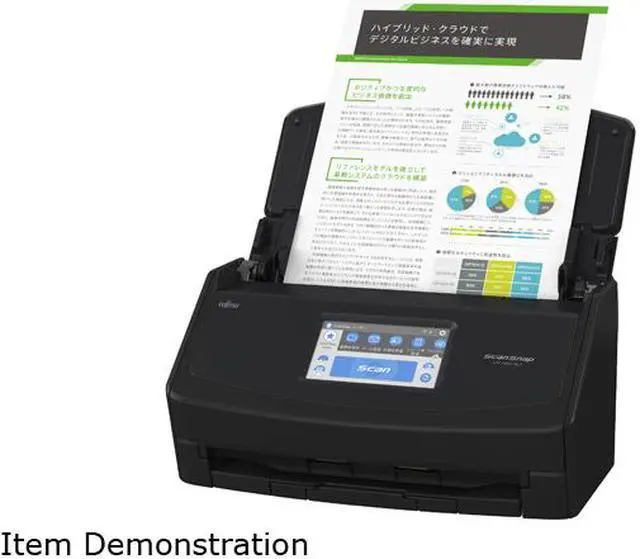
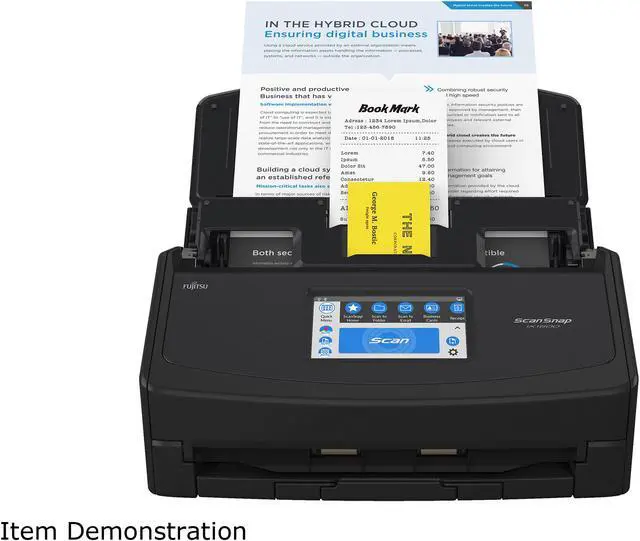
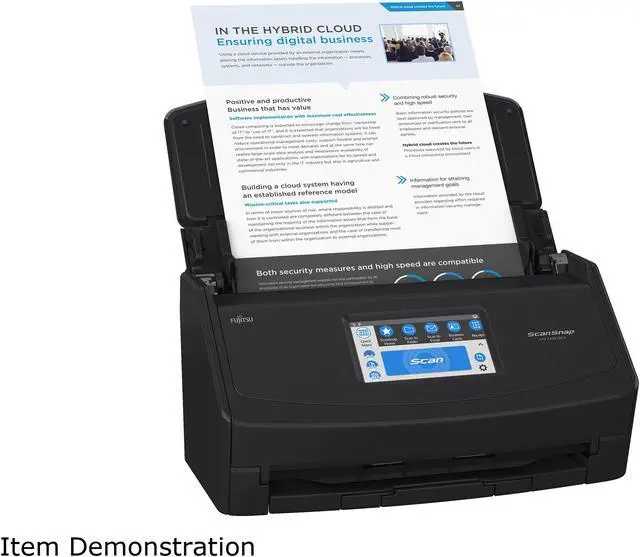
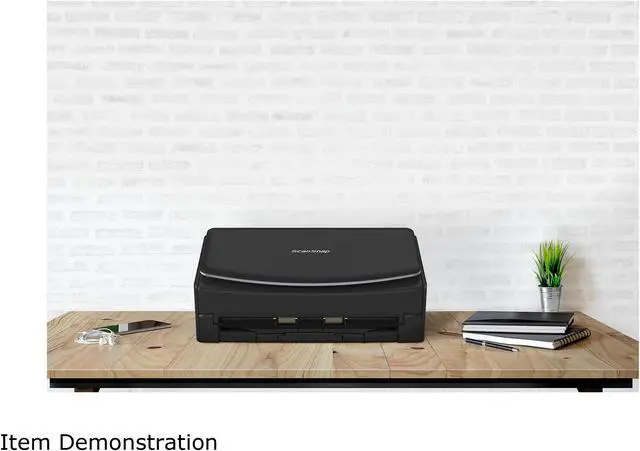
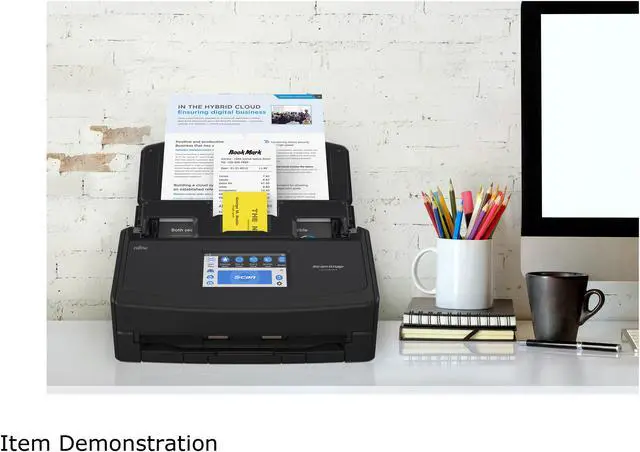
1. Scan a range of document types such as standard paper, receipts, ID cards, business cards and photos
2. Scan to PDF, Searchable PDF & JPEG. You can even convert them automatically to fully editable Word, Excel or PowerPoint files
3. For mobile device users, operators can use the free ScanSnap Connect app with their compatible iOS, Android, or Chrome OS device
4. ScanSnap Cloud is optional and free, providing operators a quick and seamless way to send scans directly to popular cloud services without even powering on a computer
5. Large 4.3" Color LCD touch screen
6. Fast scanning of up to 40 double-sided pages per minute to help you stay productive!
Q Is ScanSnap iX1600 duplex?
A Yes; the automatic document feeder will scan both sides of each document simultaneously.
Q What is the benefit of a touch panel?
A ScanSnap iX1600 lets users tell ScanSnap what to do and how to do it directly from the scanner. This allows one user to easily choose different tasks, or multiple users to select their own unique profile.
Q Do I have to use ScanSnap Cloud to use ScanSnap iX1600?
A No, ScanSnap Cloud is optional and free. ScanSnap Cloud allows users the choice to operate ScanSnap without a computer or mobile device and send their scans wirelessly through their router to ScanSnap Cloud.
Q Can ScanSnap iX1600 scan to applications not included with ScanSnap?
A ScanSnap iX1600 does not come with a TWAIN driver but can be configured to scan into many 3rd party applications that support the viewing of PDF and JPEG files natively such as Adobe Acrobat and others.
Q Can ScanSnap iX1600 scan photographs?
A Yes. Photographs may be stacked in the automatic document feeder and will be scanned in color at 600 dpi.
|
|
|
|
|
|
|
| Scan Speed |
40ppm / 80ipm |
40ppm / 80ipm |
40ppm / 80ipm |
40ppm / 80ipm |
30ppm / 60ipm |
30ppm / 60ipm |
| Wi-Fi Connectivity |
✓ |
✓ |
✓ |
✘ |
✓ |
✘ |
| USB Connectivity |
✓ |
✓ |
✓ |
✓ |
✓ |
USB/Ethernet |
| Scan to/from Mobile Devices |
✓ |
✓ |
✓ |
✘ |
✓ |
✘ |
| Color Touch Panel |
4.3" Panel |
4.3" Panel |
4.3" Panel |
✘ |
✘ |
✘ |
| Auto Feeder Capacity |
50 sheets |
50 sheets |
50 sheets |
50 sheets |
20 sheets |
50 sheets |
| U-turn & Return Paper Feeding |
✘ |
✘ |
✘ |
✘ |
✓ |
✘ |
| Two-Sided Scanning |
✓ |
✓ |
✓ |
✓ |
✓ |
✓ |
| Windows & Mac Compatible |
✓ |
✓ |
✓ |
✓ |
✓ |
Windows |
| Adobe Acrobat Pro DC |
✘ |
✘ |
1-year subscription |
✘ |
✘ |
✘ |
| TWAIN Driver |
✘ |
✘ |
✘ |
✘ |
✘ |
✓ |
| Depot Protection Plan |
✘ |
4-Year |
✘ |
✘ |
✘ |
✘ |
Intuitive scanning at your fingertips
ScanSnap iX1600 is the evolved flagship model of the ScanSnap series, enabling scanning at higher speeds of 40 ppm/80 ipm (A4-size documents, color, 300dpi). It comes with the all-familiar 4.3-inch touch screen to bridge the gap where the physical and digital meets. The device comes with Wi-Fi connectivity, making it the perfect model for team sharing and combined use with cloud services.
Optimized user experience
ScanSnap iX1600 comes with a 4.3-inch touch screen and provides ease-of-use so that users can complete scanning to data utilization, with just "one touch".
Customize to your preference
The device comes with around 30 profiles by default and enables up to 30 customizations. Customize the profile icons on the touch screen according to your scanning needs from data organization to utilization.
Scan anywhere you want whenever you want
Wi-Fi (2.4/5GHz) compatibility allows you to directly connect to your smart devices or cloud services without PC. While the device uses existing Wi-Fi environments in Access Point Connect Mode, connection is also possible in environments without Wi-Fi using Direct Connect Mode, as the scanner itself functions as an access point.
Ideal for team sharing
A single unit with company colleagues and family members. Filter through the set profiles to display personal icons for easy operation.
Stress-free usability for any users
The iX1600 comes with an intuitive interface that is easy to use and provides you with a peace of mind while you carry out your tasks.
Steady and versatile paper feeding
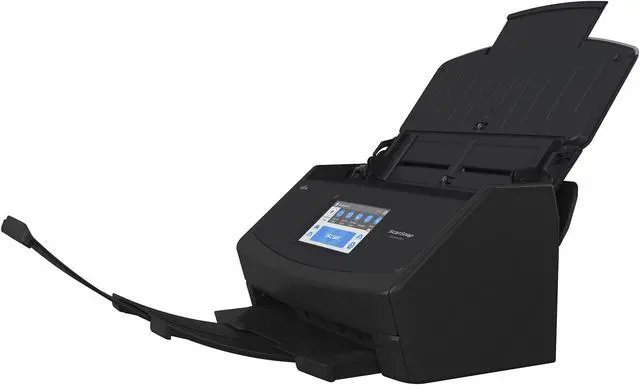
Inheriting the Ultrasonic Sensor and the Brake Roller from our business scanners, the iX1600 continues to provide superior reliability for various paper types. Each paper is fed individually to prevent feeding errors.
Have images clean all the time
Receive notifications on the touch screen whenever Dust Detection spots dust that may result in streaked images. Maintenance notification beforehand enables you to reduce the hassle of time-consuming rescans. Even if streaks do appear on scanned images, the Streak Reduction function removes them, reducing the hassle of time-consuming rescans.
Scan receipts and much more
Scan larger-sized documents, like A3 documents that need to be bi-folded, envelopes, and much more, with Manual Scan Mode. Documents that are typically difficult to scan in Normal Scan Mode can now be captured without any issues.
Effortlessly scan small documents with the Receipt Guide. No need to be concerned about fixing receipts and business cards that tend to curl or skew. Designed to be a comfortable fit even when the cover is closed, it reduces handling of documents before hitting the scan button.
Best experience with ScanSnap Home
ScanSnap Home provides better scanning experience both on a PC and a mobile device. ScanSnap Home (for PC) combines all your favorite functions into one and is the ultimate platform to utilize scanned data in various ways. Easily manage, edit and utilize data from documents, business cards, receipts and photos with the software. You can scan large volumes of various types of documents from color photos to double-sided landscape documents with a host of intelligent automatic image processing functions.
ScanSnap Home (for mobile) offers a primary scanning function. Scanning and sharing the scanned data is a no-fuss without connecting to a PC

 We‘re shipping as usual! The Canada Post strike only affects certain remote deliveries and PO Boxes.
  Holiday Shipping Details & Extended Holiday Returns