








How to connect these speakers to a computer?
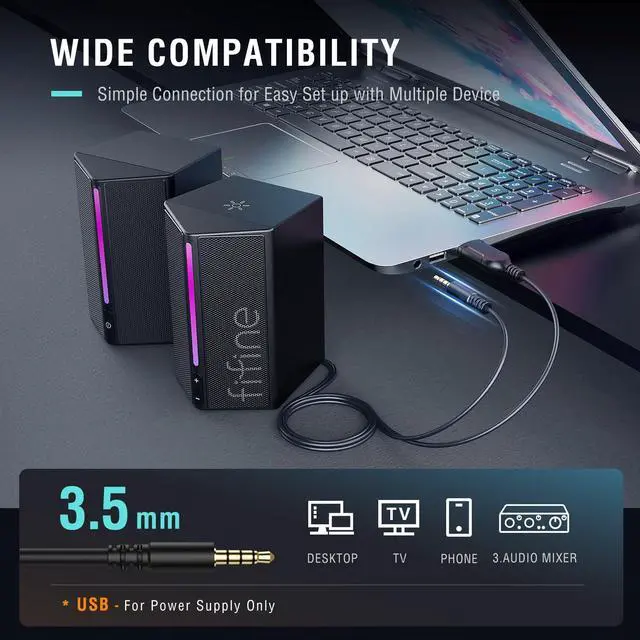
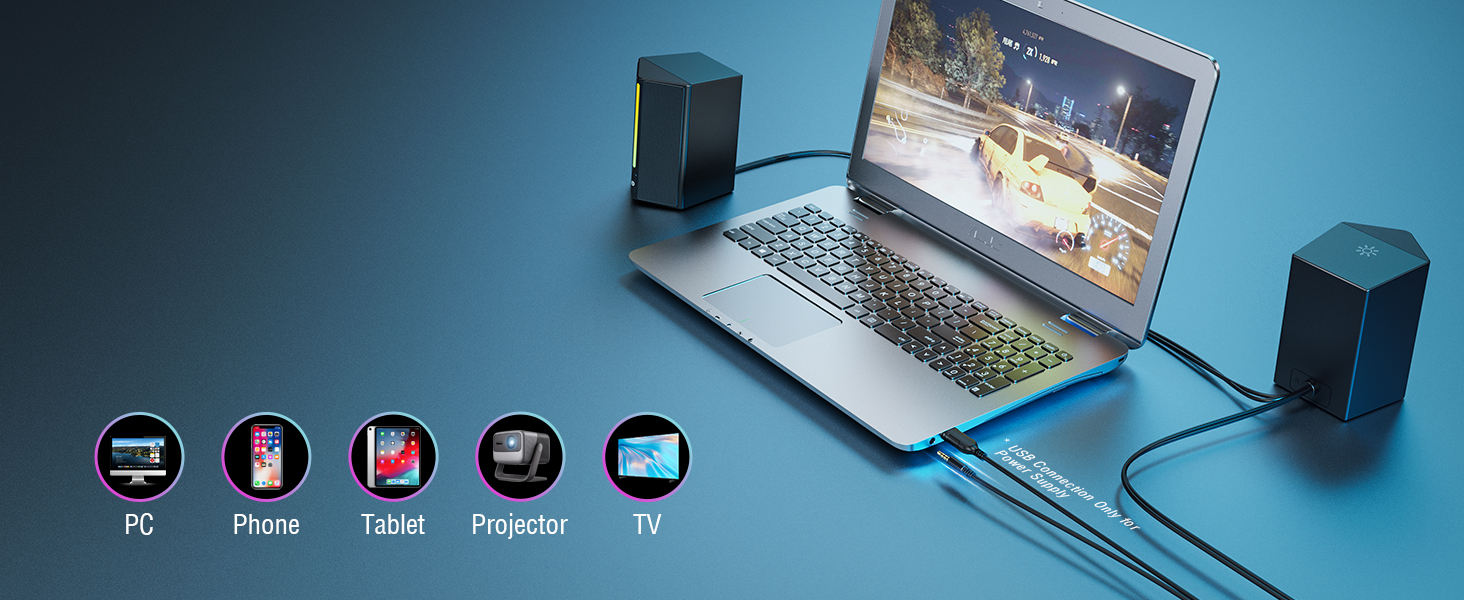
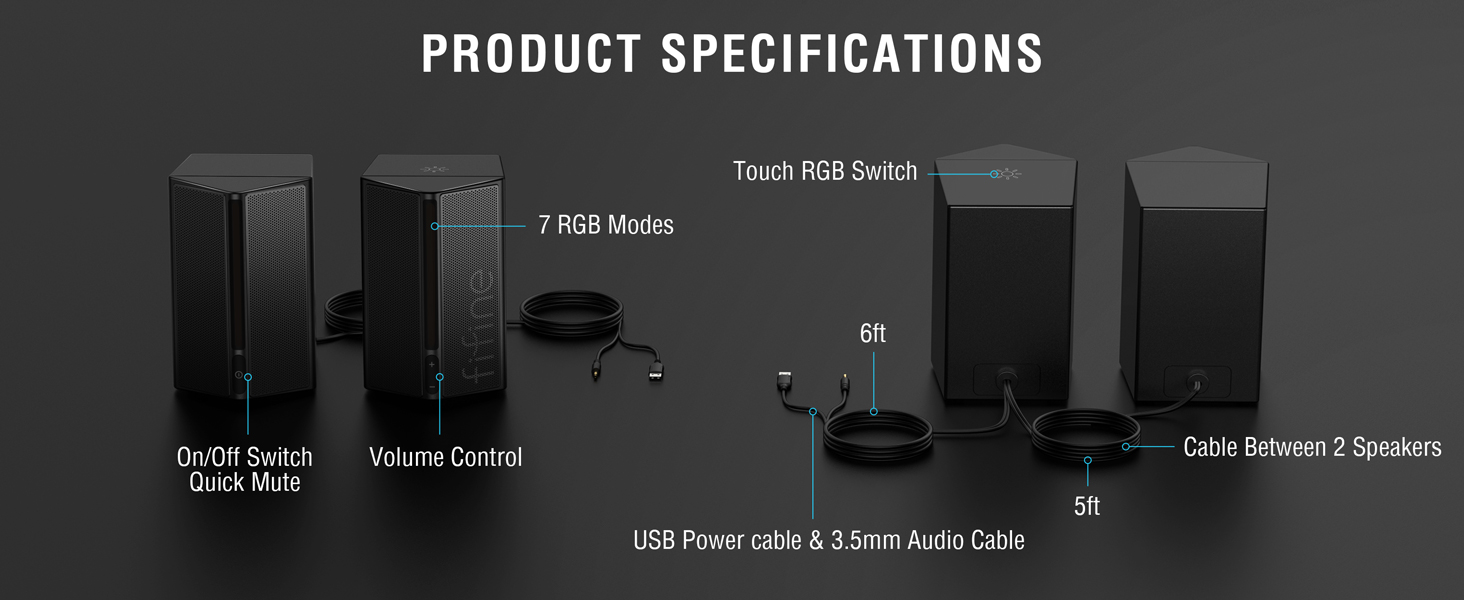
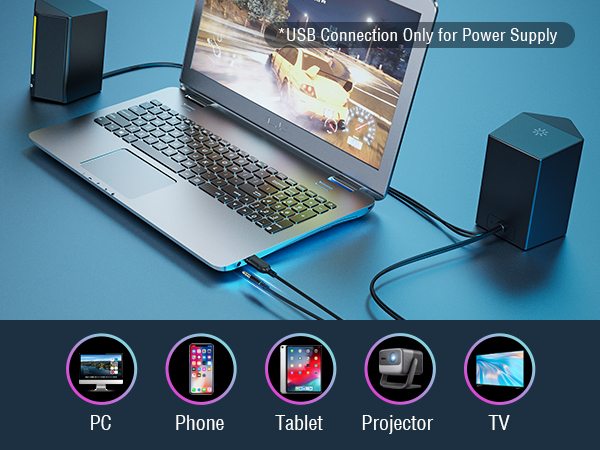
These speakers can plug and play on a computer. Please plug the USB connector into the computer for power supply, and plug the 3.5mm audio jack for music playback at the same time. Then select the speaker as default output device on the computer.
How long is the cable between the two speakers and between the speakers and devices?
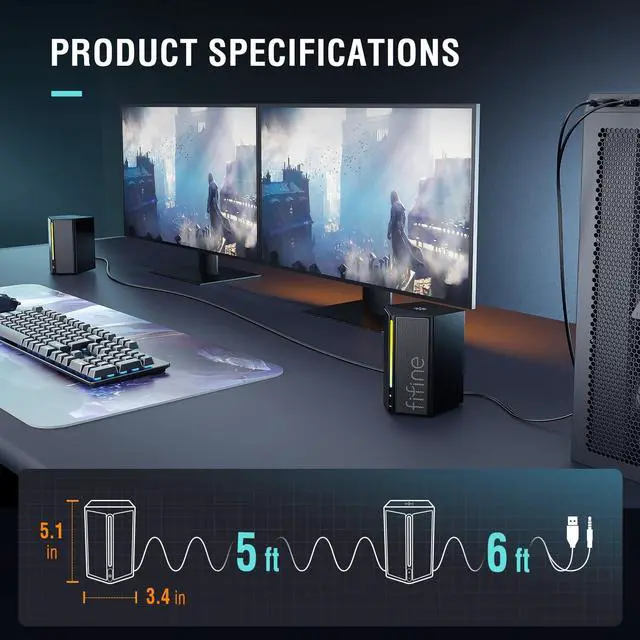
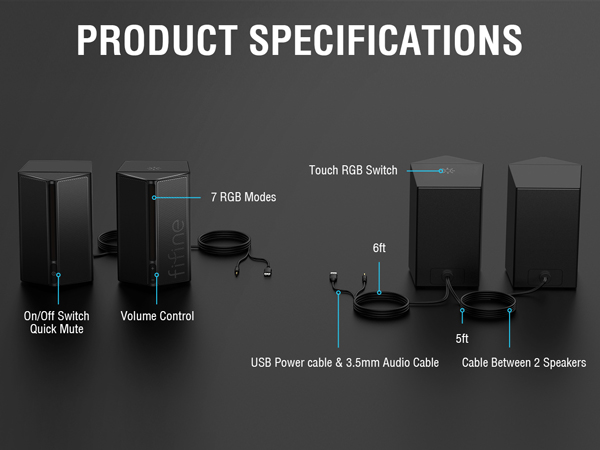
The cable between the two speakers is 4.9 ft (1.5m) long and the length of 6ft (1.8m) cable between the speakers and devices.
How can I place these speakers to get the best sound?
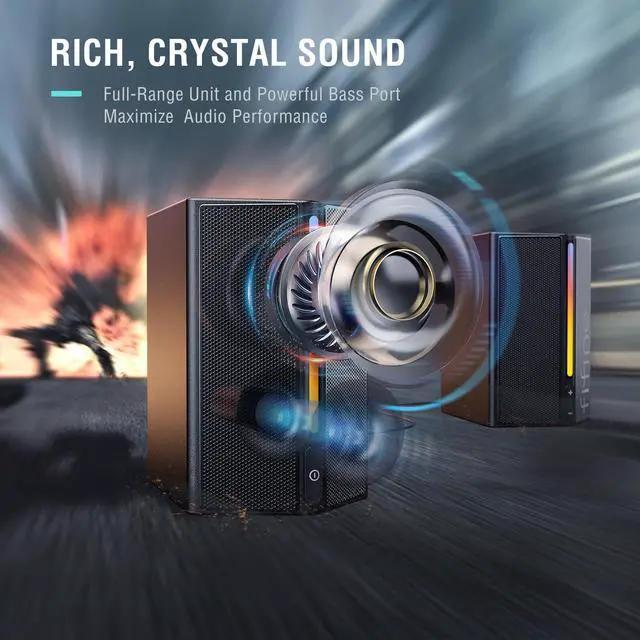
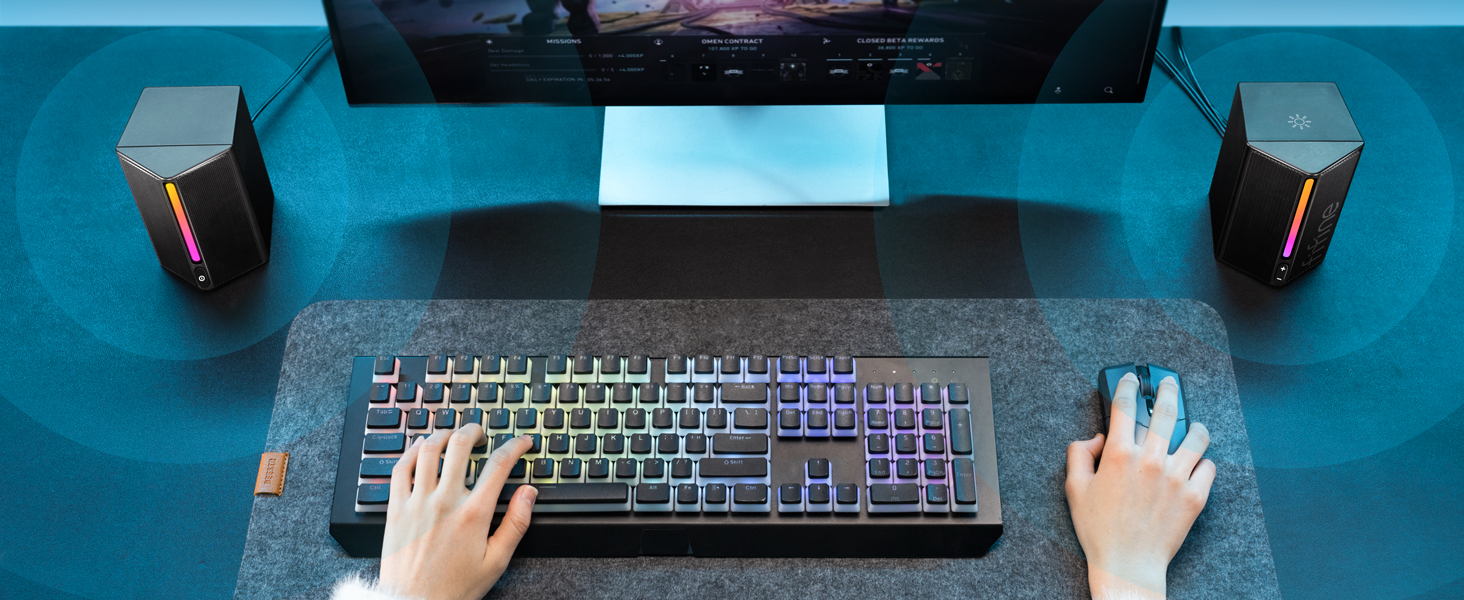
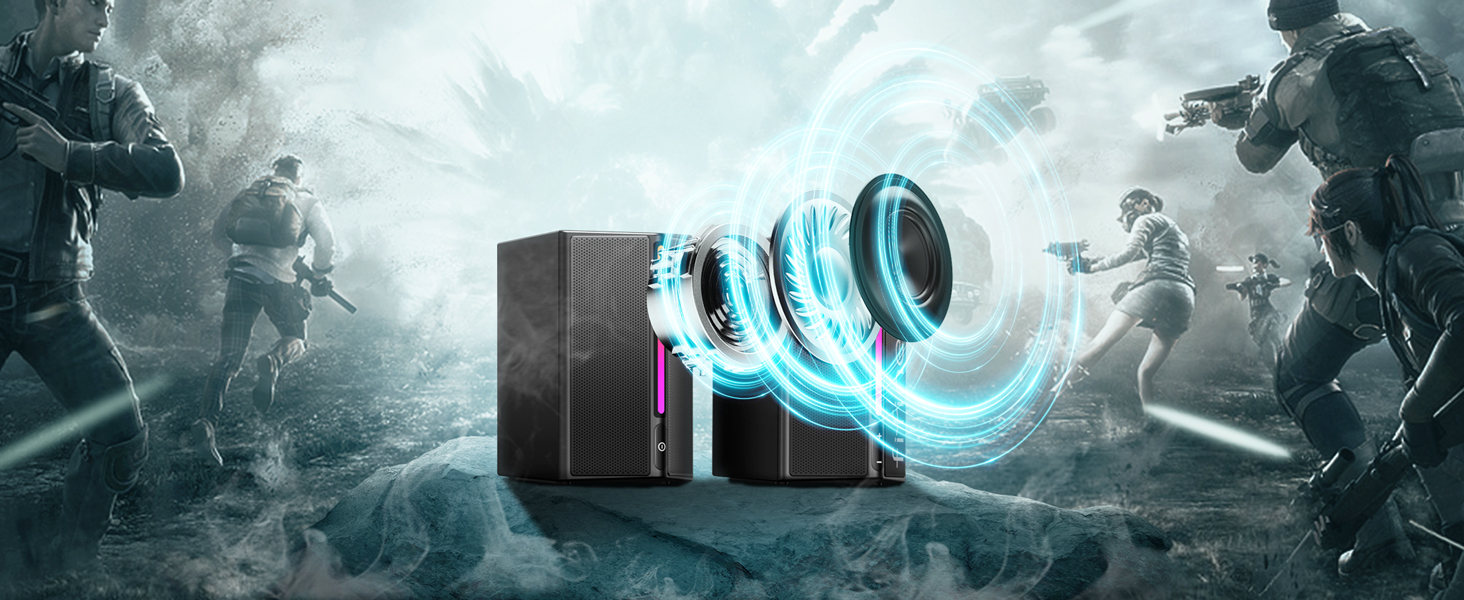
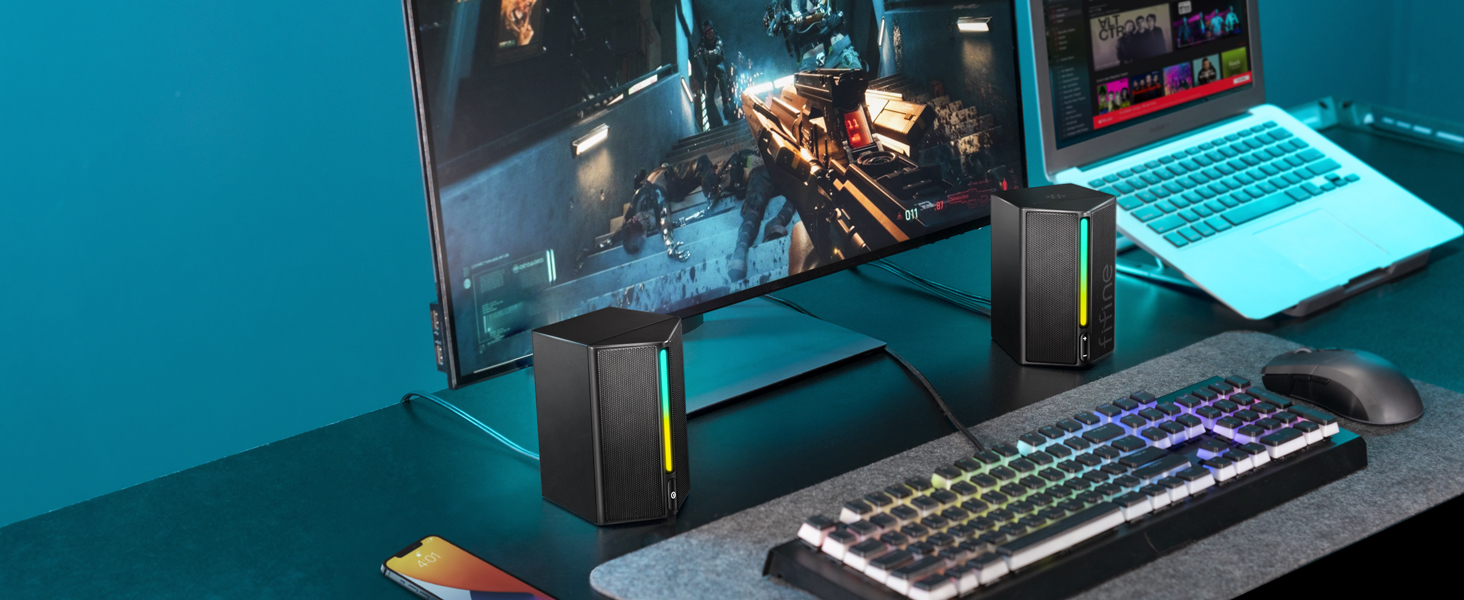
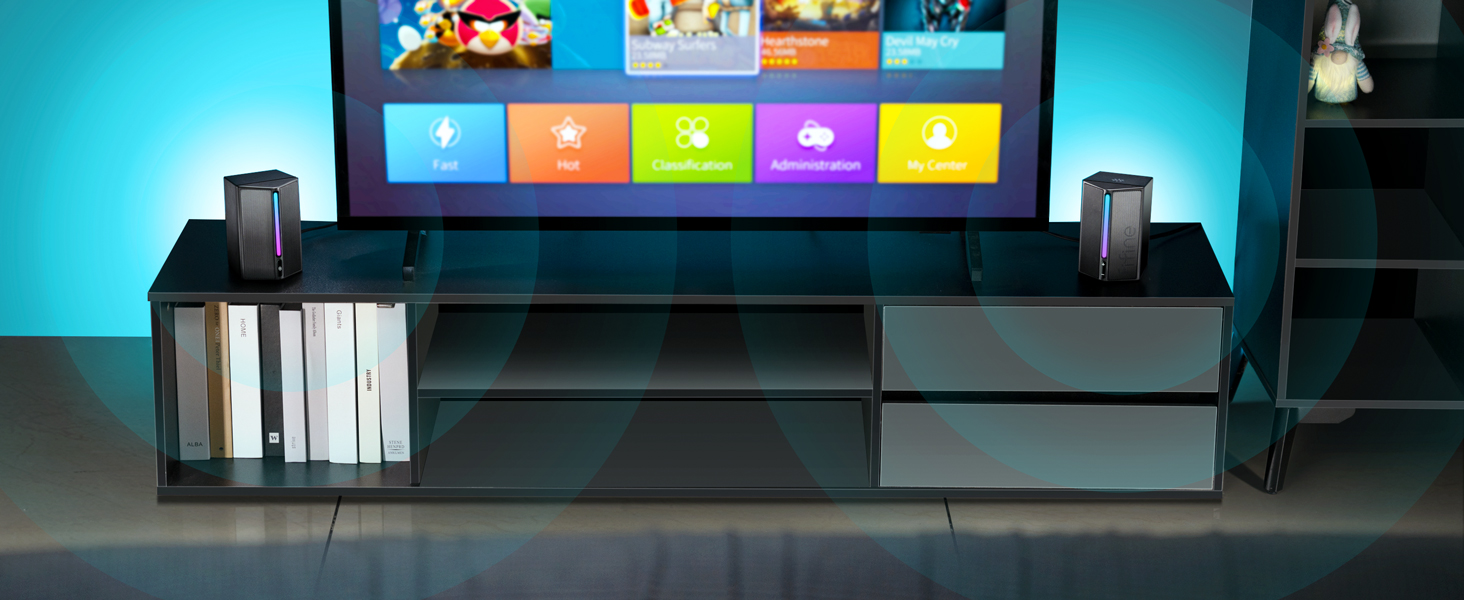
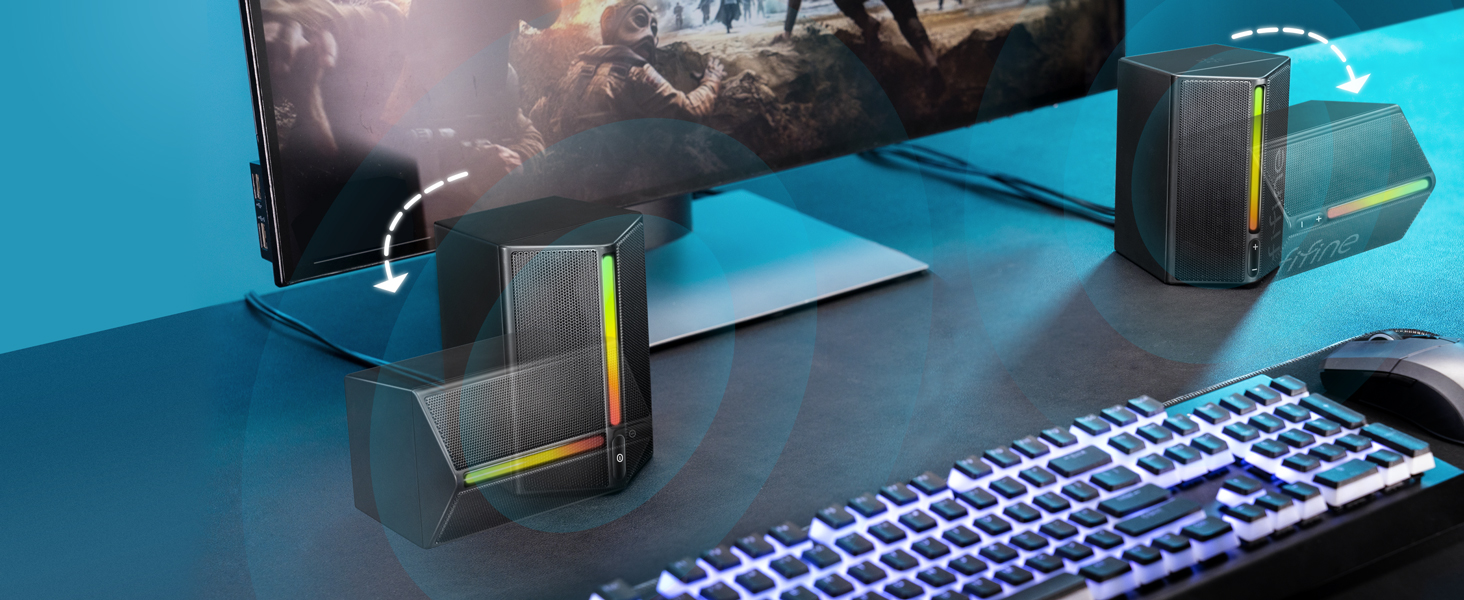
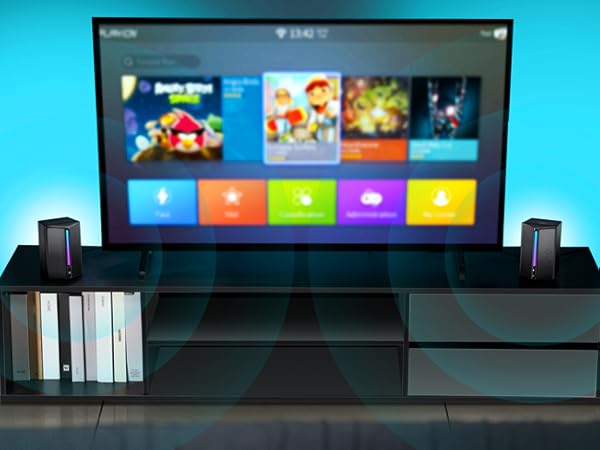
You could put these speakers on either side of your device, like computer. Then adjust the volume to the appropriate level by the volume button. These speakers boast drivers that deliver rich, crystal sound and maxmize the audio performance.
Is the RGB light controllable?
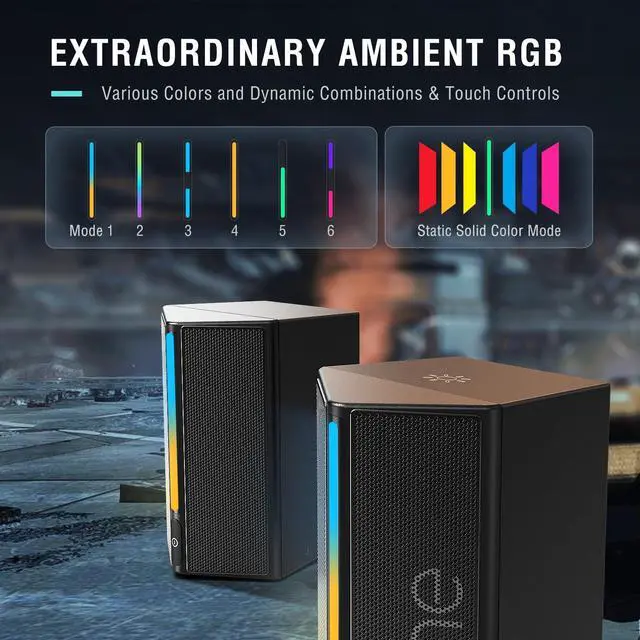
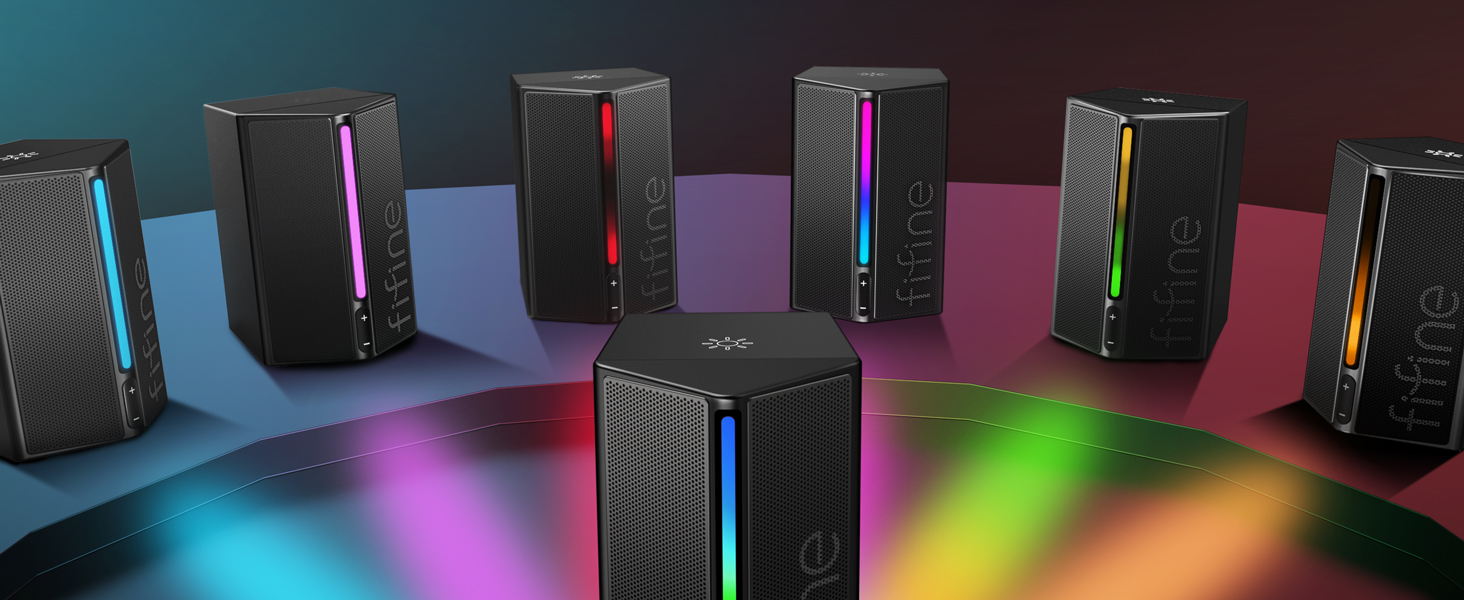
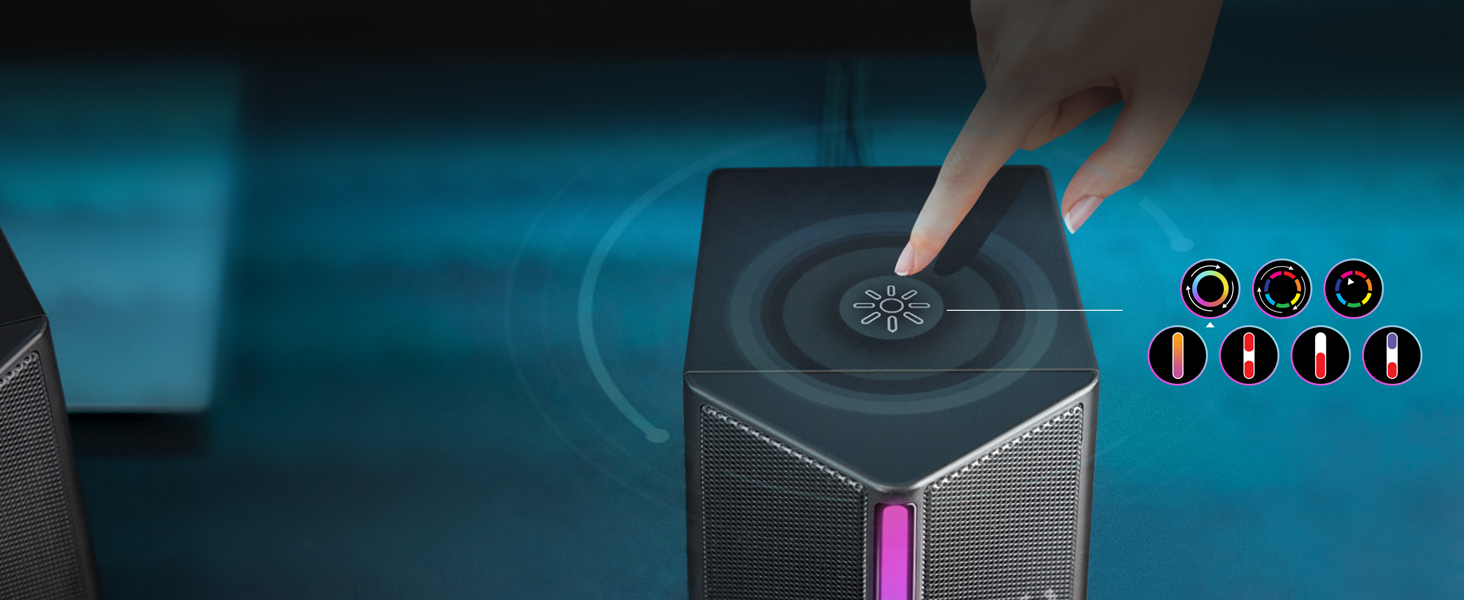
Yes, you can control the RGB modes by pressing the RGB tap button on top of the speaker, which has RGB memory function. Also, you could turn on or off the RGB light without affecting the speakers to playback music.
How can I adjust the volume of these speakers?
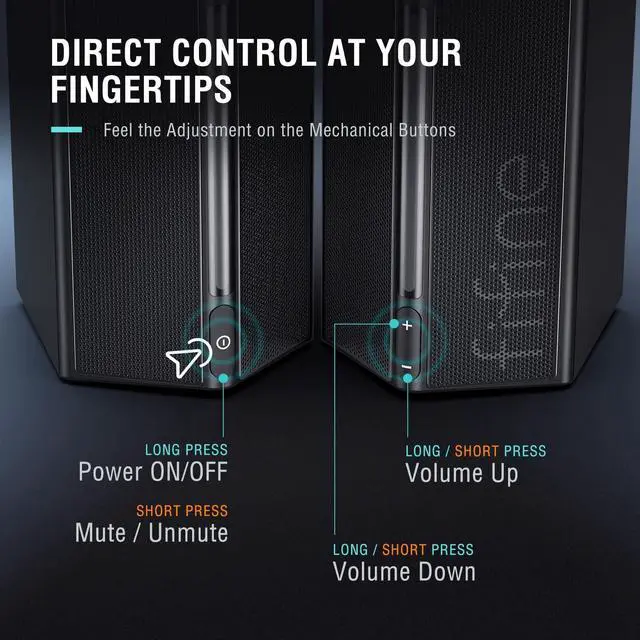
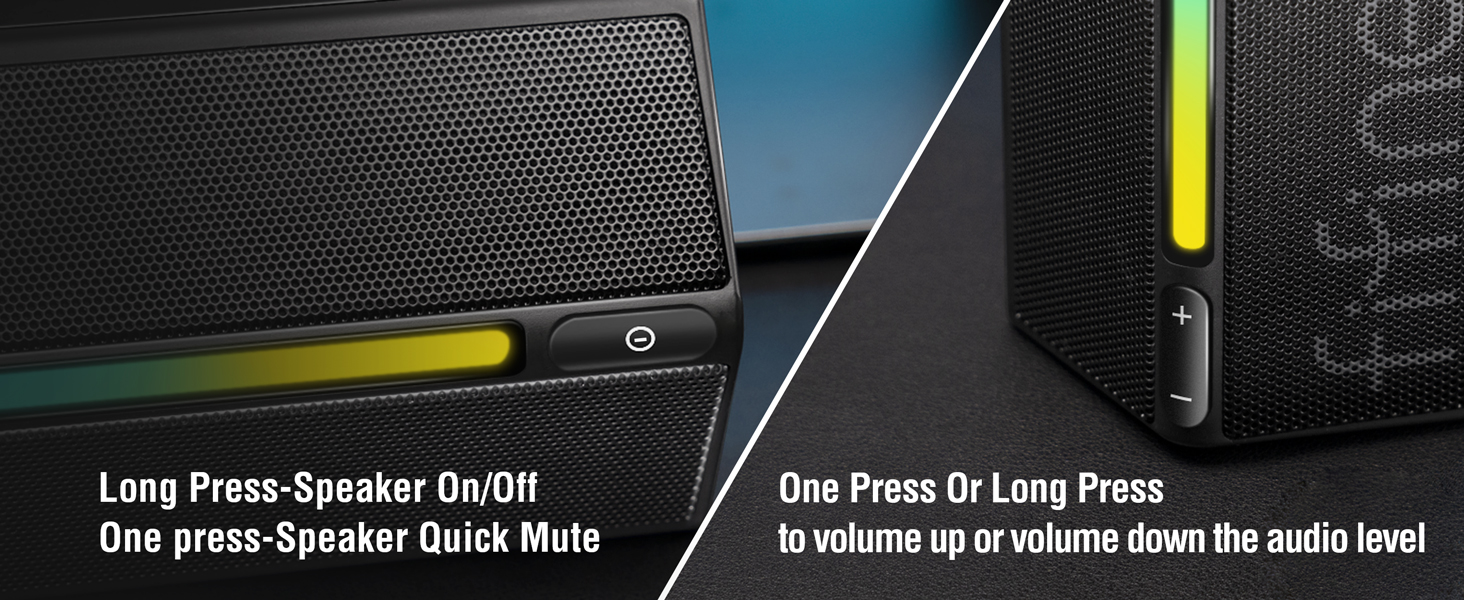
You could adjust the volume by the volume button on the speaker easily. And you could also adjust the volume on your devices, like computer.
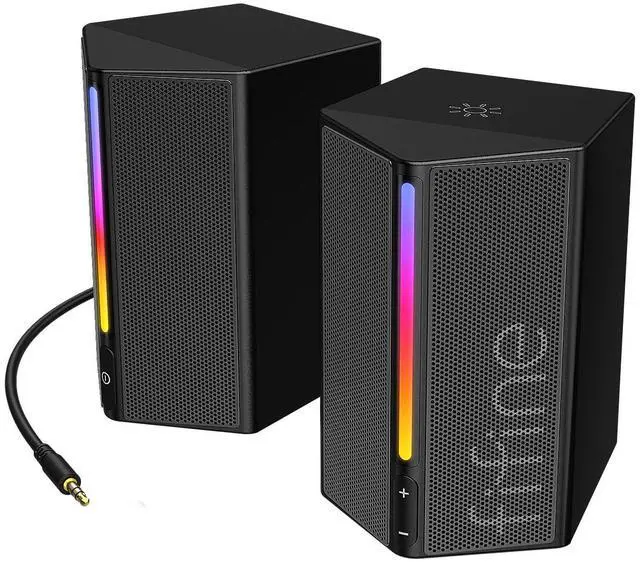
Gaming Computer Speakers for Desktop
 Computer Speakers-A20 |  Game PC Speakers Set-A22 | 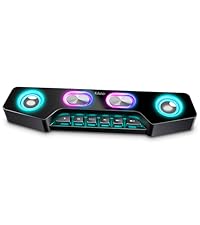 Wireless Speaker-A16 | 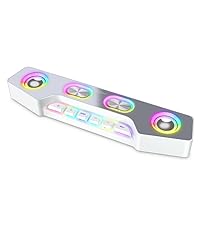 PC Desktop Speaker-A16W | |
|---|---|---|---|---|
Customer Reviews | — | — | — | — |
Price | — | — | — | — |
Dimension | 3.4"D x 3.8"W x 5.1"H | 3.8"D x 3.14"W x 4.72"H | 3.3"D x 15"W x 2.4"H | 3.3"D x 15"W x 2.4"H |
Power Source | USB | AC Powered | Battery Powered | Battery Powered |
USB Cnnection | Only for Power Supply | For Audio Data Transmission | For Audio Data Transmission | For Audio Data Transmission |
3.5mm Aux Connection | ? | ? | ? | ? |
Optical Connection | ? | ? | ? | ? |
Bluetooth Mode | ? | ? | ? | ? |
RGB Lighting | On/Off/Changeable | On/Off/Change/Beat with music | On/Off/Change | On/Off/Change |
Cable Included | USB&3.5mm Aux Cable (Built-in) | Power Adapter/3.5mm Aux Cable | ? | ? |
Function Keys | Volume Control/RGB Button | Volume Control/RGB/EQ Switch | Volume Control/RGB/EQ Switch | Volume Control/RGB/EQ Switch |
Function Keys Else | Power/Mute | Power/Mute/Mode Switch | Power/Pause/Last (Next) Song | Power/Pause/Last (Next) Song |
Compatible Devices | Computer/Phone/Tablet | Computer/Phone/Tablet | Computer/Phone/Tablet | Computer/Phone/Tablet |
Compatible Devices Else | Monitor/TV/Mixer | Monitor/TV | U Disk/Mic/TF Card | U Disk/Mic/TF Card |
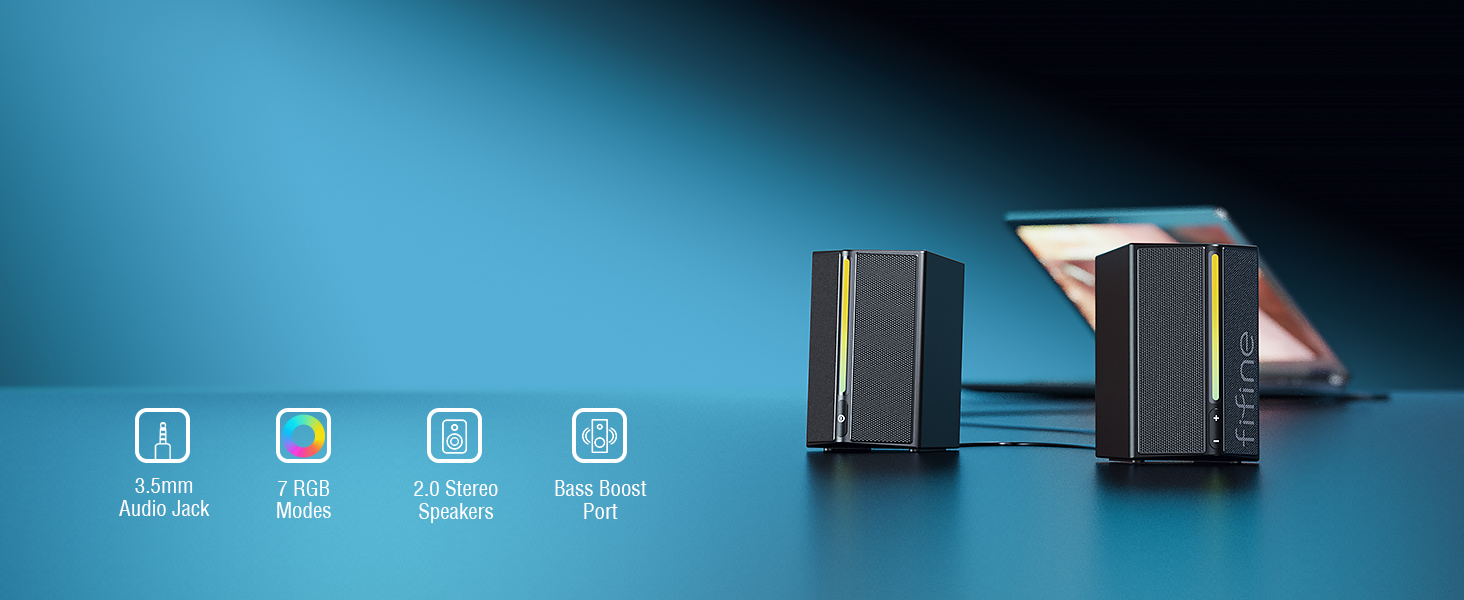
RGB Computer Gaming Speakers
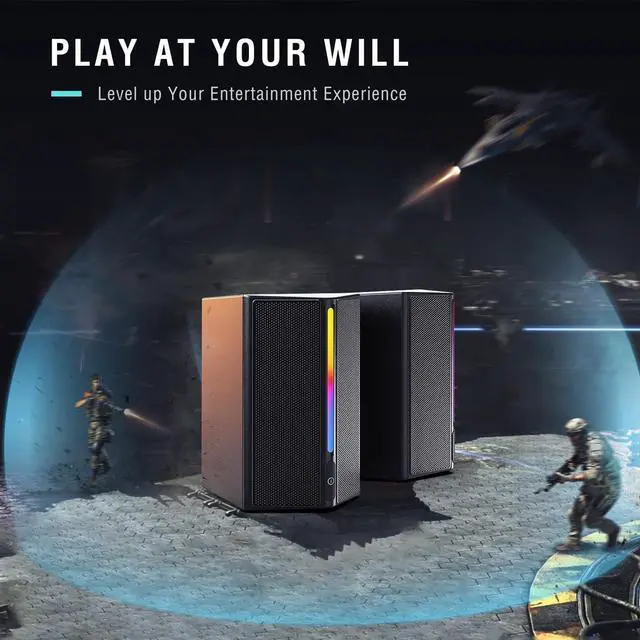
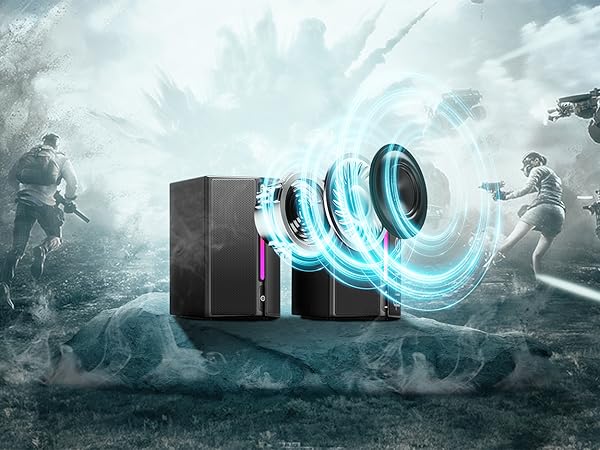
Offers surprising stereo gaming audio performance.
Achieves impressive and powerful sound quality.
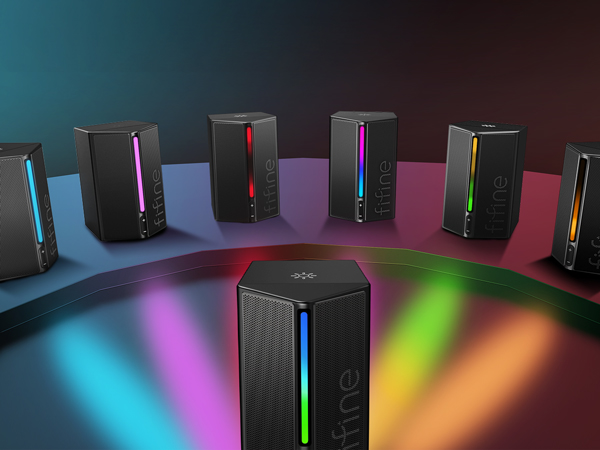
Make your game space full of colorful stylish tint.
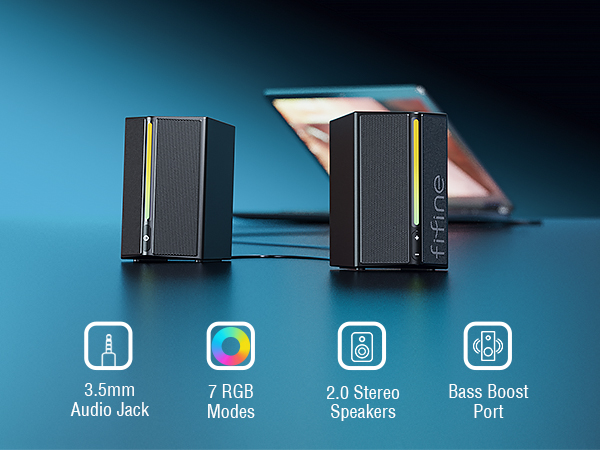
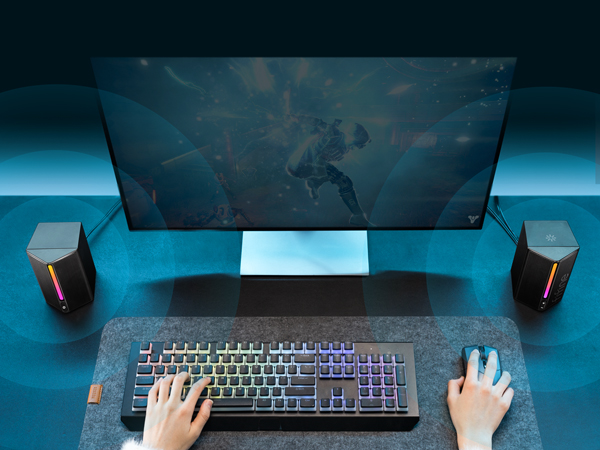
Start speakers smoothly for plug and play.
Ensure simple compatibility and hassle-free setup in E-sport.
Immerse yourself in remarkable audio world even in daily life.
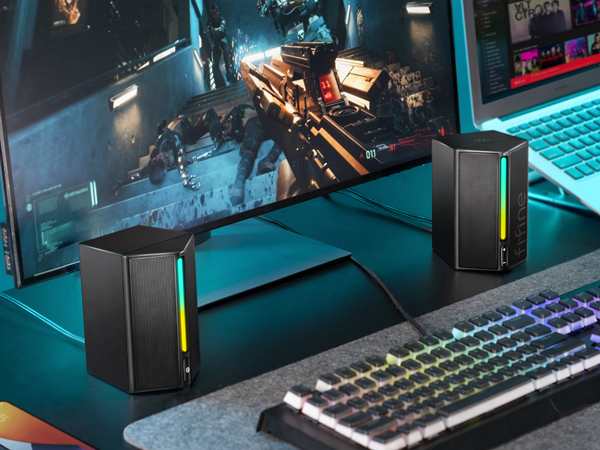
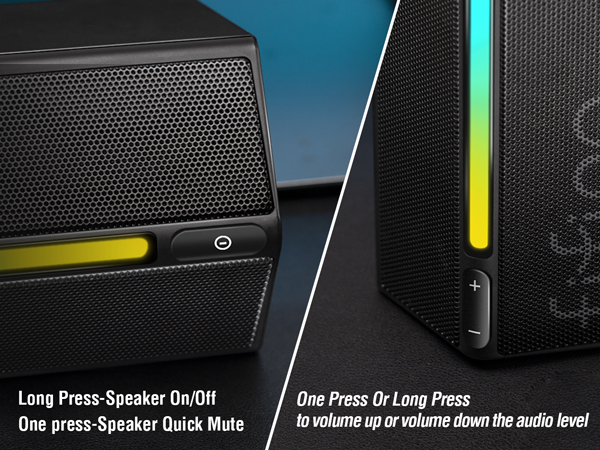
Access to adjust volume up/down, mute/unmute up to your need.
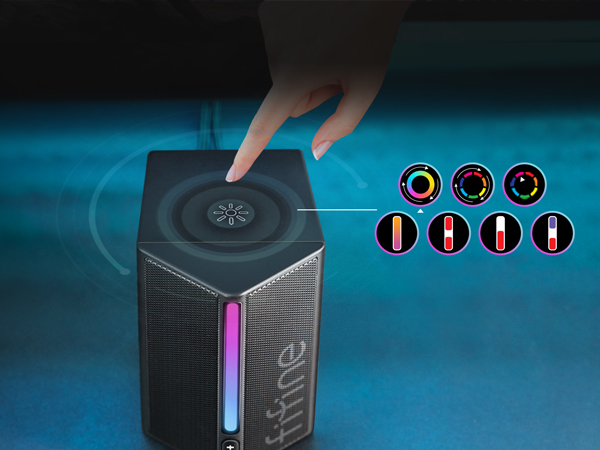
Create gaming aura by switching color and modes.
Elevate your entertainment to new heights with more game details.
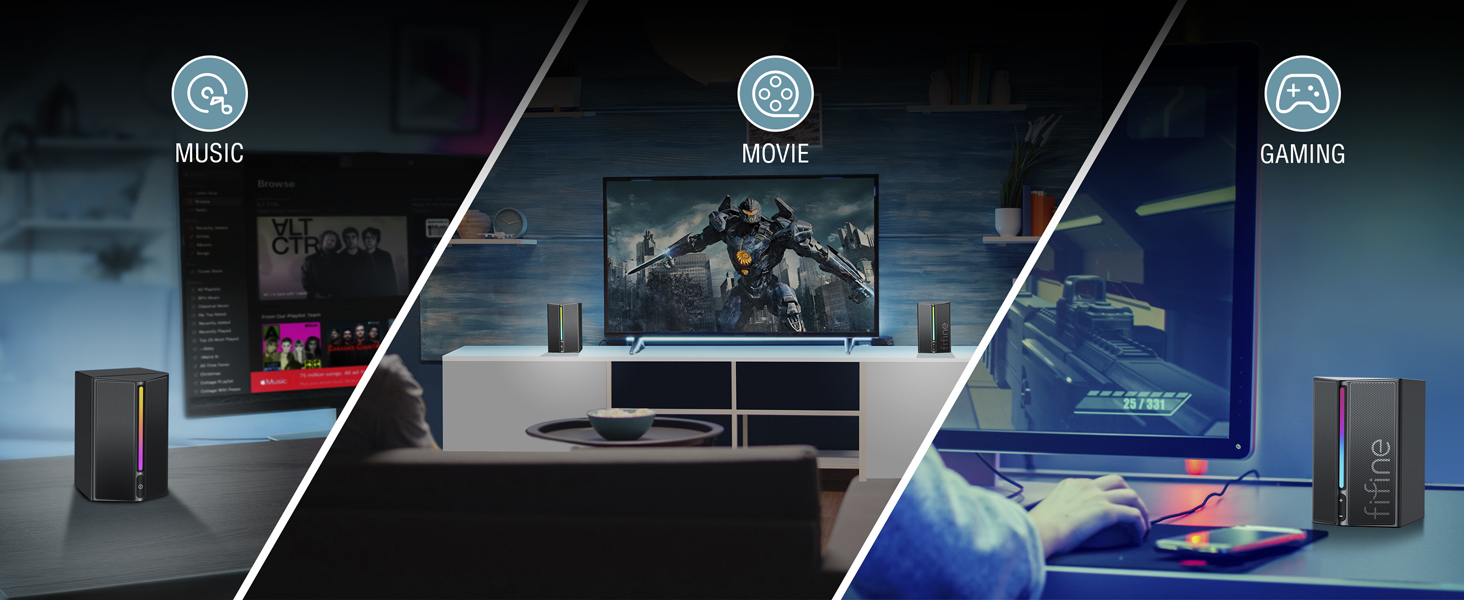
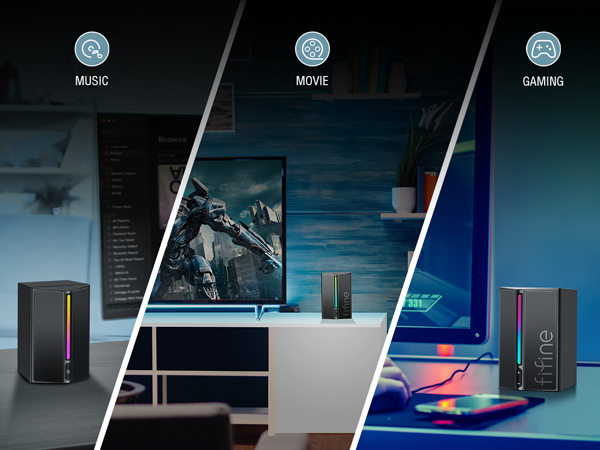
Feel the strong impact of multimedia like music, movie and gaming.
How to connect these speakers to a computer?
These speakers can plug and play on a computer. Please plug the USB connector into the computer for power supply, and plug the 3.5mm audio jack for music playback at the same time. Then select the speaker as default output device on the computer.
How long is the cable between the two speakers and between the speakers and devices?
The cable between the two speakers is 4.9 ft (1.5m) long and the length of 6ft (1.8m) cable between the speakers and devices.
How can I place these speakers to get the best sound?
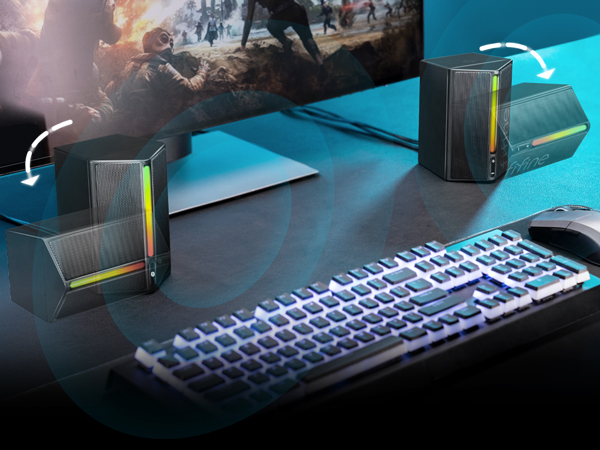
You could put these speakers on either side of your device, like computer. Then adjust the volume to the appropriate level by the volume button. These speakers boast drivers that deliver rich, crystal sound and maxmize the audio performance.
Is the RGB light controllable?
Yes, you can control the RGB modes by pressing the RGB tap button on top of the speaker, which has RGB memory function. Also, you could turn on or off the RGB light without affecting the speakers to playback music.
How can I adjust the volume of these speakers?
You could adjust the volume by the volume button on the speaker easily. And you could also adjust the volume on your devices, like computer.
Gaming Computer Speakers for Desktop
Computer Speakers-A20 | Game PC Speakers Set-A22 | Wireless Speaker-A16 | PC Desktop Speaker-A16W |
|---|---|---|---|
| Customer Reviews | |||
| — | — | — | — |
| Price | |||
| — | — | — | — |
| Dimension | |||
| 3.4"D x 3.8"W x 5.1"H | 3.8"D x 3.14"W x 4.72"H | 3.3"D x 15"W x 2.4"H | 3.3"D x 15"W x 2.4"H |
| Power Source | |||
| USB | AC Powered | Battery Powered | Battery Powered |
| USB Cnnection | |||
| Only for Power Supply | For Audio Data Transmission | For Audio Data Transmission | For Audio Data Transmission |
| 3.5mm Aux Connection | |||
| ? | ? | ? | ? |
| Optical Connection | |||
| ? | ? | ? | ? |
| Bluetooth Mode | |||
| ? | ? | ? | ? |
| RGB Lighting | |||
| On/Off/Changeable | On/Off/Change/Beat with music | On/Off/Change | On/Off/Change |
| Cable Included | |||
| USB&3.5mm Aux Cable (Built-in) | Power Adapter/3.5mm Aux Cable | ? | ? |
| Function Keys | |||
| Volume Control/RGB Button | Volume Control/RGB/EQ Switch | Volume Control/RGB/EQ Switch | Volume Control/RGB/EQ Switch |
| Function Keys Else | |||
| Power/Mute | Power/Mute/Mode Switch | Power/Pause/Last (Next) Song | Power/Pause/Last (Next) Song |
| Compatible Devices | |||
| Computer/Phone/Tablet | Computer/Phone/Tablet | Computer/Phone/Tablet | Computer/Phone/Tablet |
| Compatible Devices Else | |||
| Monitor/TV/Mixer | Monitor/TV | U Disk/Mic/TF Card | U Disk/Mic/TF Card |
FIFINE AmpliGame Series
Keep Leveling Up for Your Game Victory
FIFINE Gaming Products
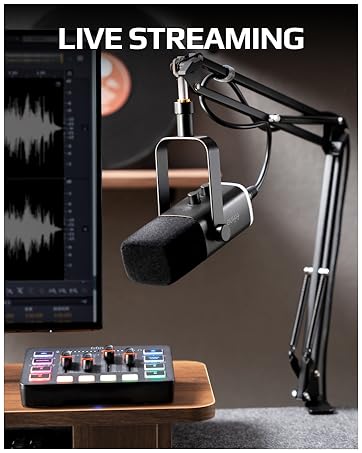
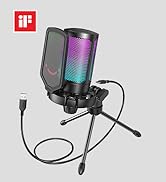
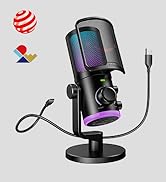
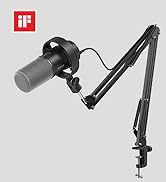
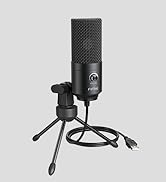
FIFINE Streaming Microphone
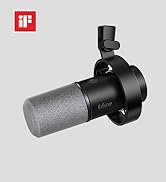
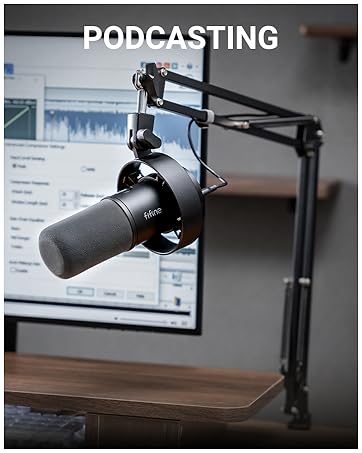
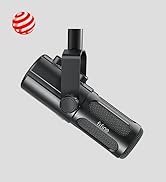
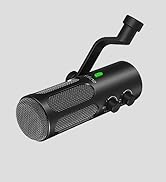
FIFINE Podcasting Microphone
