






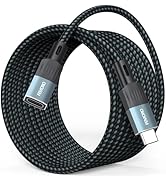
Usage Notes for 20ft USB C Extension Cable
1. Charging Power Compatibility
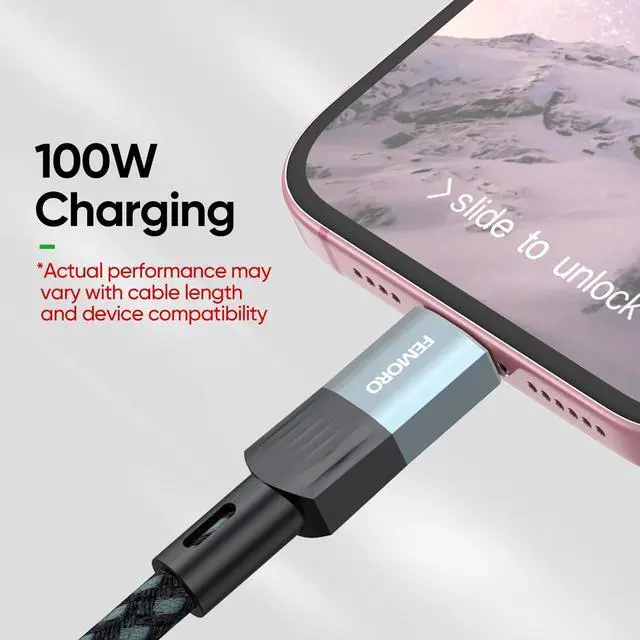
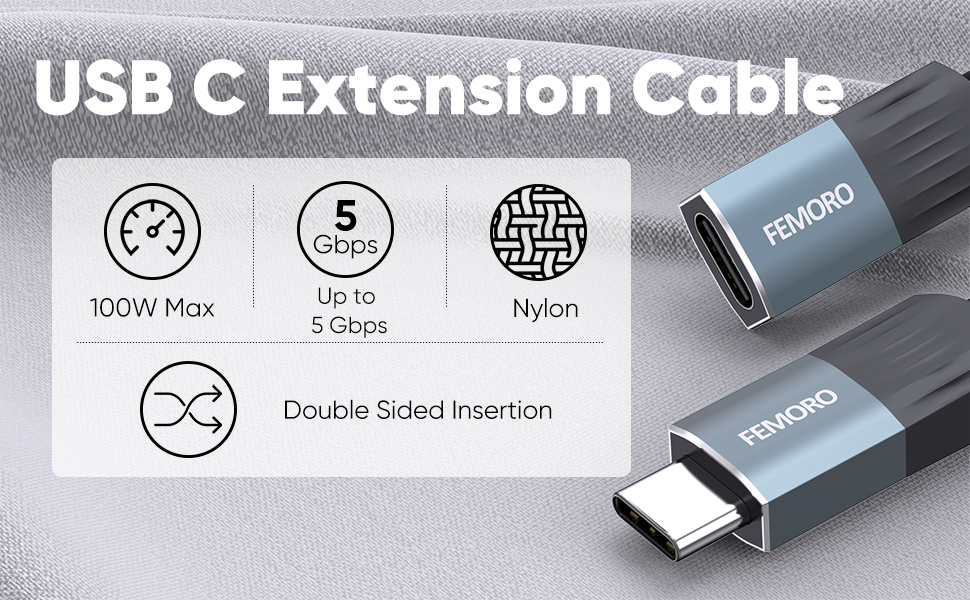
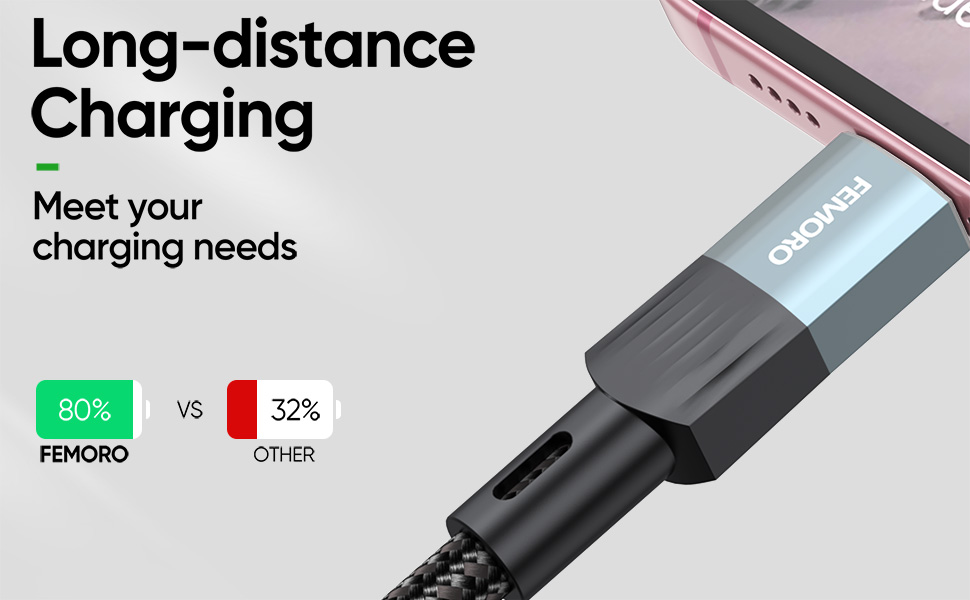
· This cable supports up to 100W PD fast charging, but actual power depends on the device’s supported protocol (e.g., PD protocol for phones/laptops). Check your device specifications to avoid slower charging speeds due to protocol mismatch
· When using docking stations, provide external power to the dock and avoid high-power peripherals to prevent disconnections.
2. 4K@60Hz Video Output Requirements
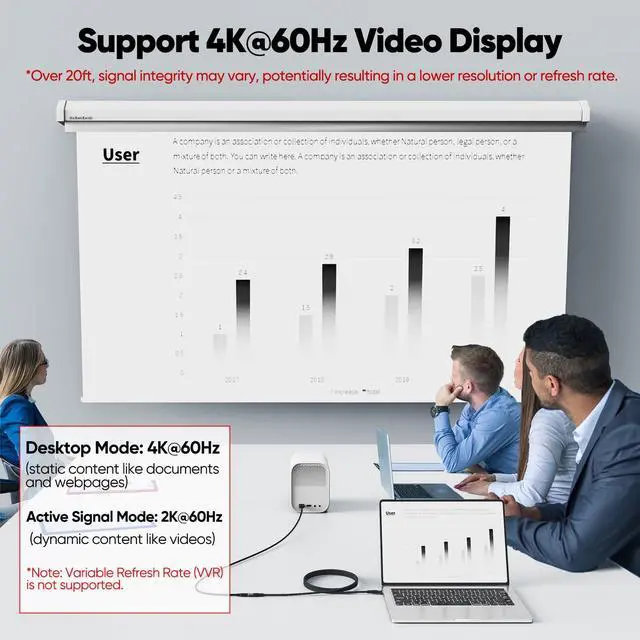
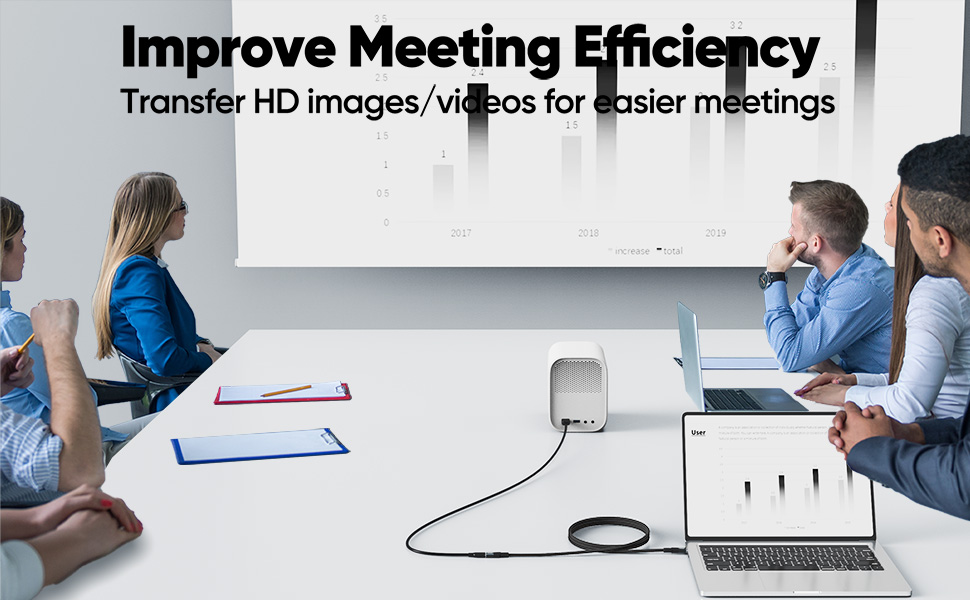
· For 4K@60Hz output, ensure devices (e.g., PC/TV) support DisplayPort Alt Mode or HDMI 2.0+. Some TV USB-C ports only support charging, not video input.
· Test devices with a short cable first to confirm functionality before adding the extension.
3. Data Transfer Speed Limits
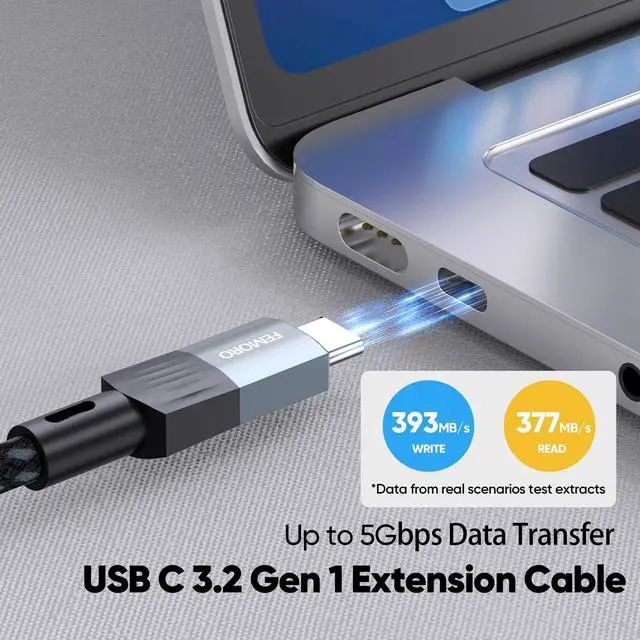
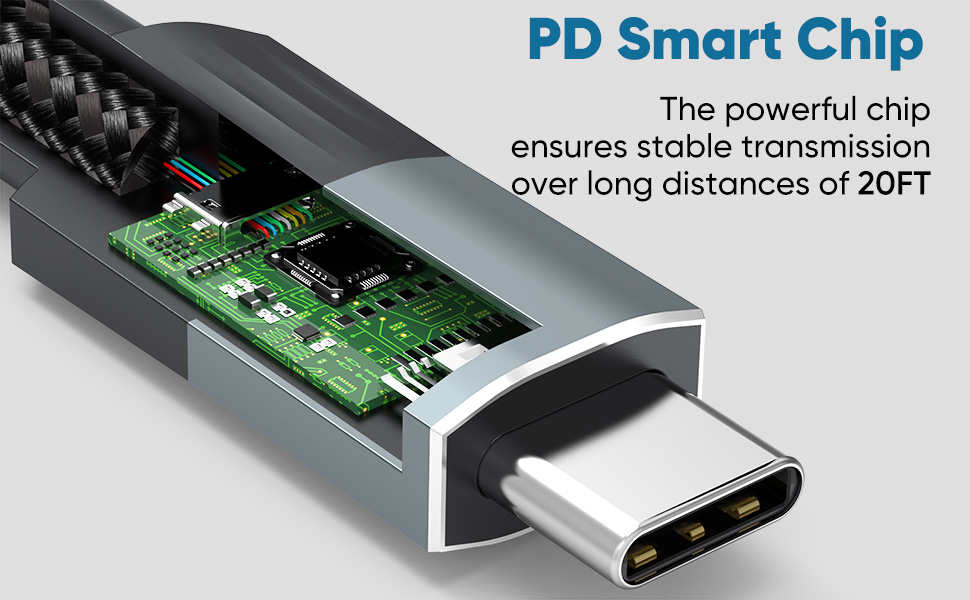
· 5Gbps speed requires USB 3.2 Gen1 support. Signal attenuation over long distances may occur; consider shorter cables or repeaters for large files.
· Requires USB 3.2 Gen1 (5Gbps) support on both devices. Some peripherals (e.g., cameras) may require dedicated protocols or active cables.
4. Avoid Bending or Pulling
Excessive bending or pulling may damage internal wires. Always grip the connector, not the cable, when plugging/unplugging.
5. Heat Dissipation & Environment
The cable may heat up during high-power charging. Avoid covering, coiling, or exposing it to high temperatures.
6. Compatibility Verification
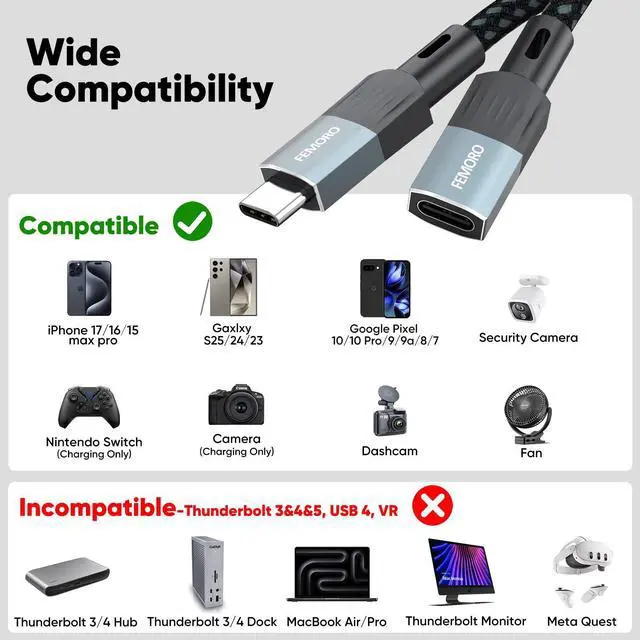
Thunderbolt 3/4 devices, high-frame-rate cameras, or audio interfaces may require certified cables. Use original/manufacturer-recommended cables
7. Length & Signal Loss
20ft is the maximum recommended length. Chaining multiple extensions may degrade performance (e.g., slower charging, screen flickering)
8. Troubleshooting & Support
If issues occur: 1) Switch ports/restart devices; 2) Test with a short cable; 3) Check for cable damage. Contact support with device details if unresolved.


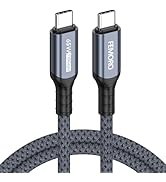
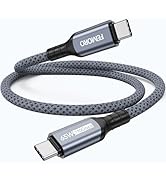
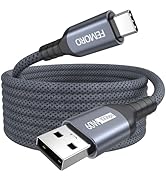

![USB C Extension Cable 1.5ft/0.5M, USBC Extender [20Gbps/8K@30Hz/240W], Short Type C Male to Femal...](http://c1.neweggimages.com/sellingpilot/modules/product/a-plus/02c6bc18c3319dd226f4bdc4e5574491b204823bb09052194adaf65ea8b33dea.jpg)
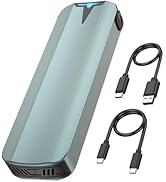
![USB C Extension Cable 3ft, [8K@30Hz/20Gbps/240W] USBC Extender, 4K Dual Video Display Type-C Male...](http://c1.neweggimages.com/sellingpilot/modules/product/a-plus/f1e66361e806b3282b5ca99fd91939c6debaa76ce867aa6c4777bbc07c3d944e.jpg)
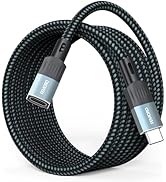
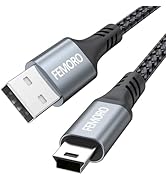
![FEMORO External CD/DVD Drive for Laptop, [Updated with Power Cord] USB 3.0/USBC CD Burner DVD Pla...](http://c1.neweggimages.com/sellingpilot/modules/product/a-plus/42b31f097c84bdfccc6fd7675008dbd09942ed9545e8664f5b513fbb743a8f34.jpg)
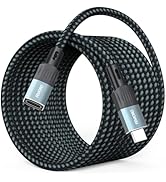
Usage Notes for 20ft USB C Extension Cable
1. Charging Power Compatibility
· This cable supports up to 100W PD fast charging, but actual power depends on the device’s supported protocol (e.g., PD protocol for phones/laptops). Check your device specifications to avoid slower charging speeds due to protocol mismatch
· When using docking stations, provide external power to the dock and avoid high-power peripherals to prevent disconnections.
2. 4K@60Hz Video Output Requirements
· For 4K@60Hz output, ensure devices (e.g., PC/TV) support DisplayPort Alt Mode or HDMI 2.0+. Some TV USB-C ports only support charging, not video input.
· Test devices with a short cable first to confirm functionality before adding the extension.
3. Data Transfer Speed Limits
· 5Gbps speed requires USB 3.2 Gen1 support. Signal attenuation over long distances may occur; consider shorter cables or repeaters for large files.
· Requires USB 3.2 Gen1 (5Gbps) support on both devices. Some peripherals (e.g., cameras) may require dedicated protocols or active cables.
4. Avoid Bending or Pulling
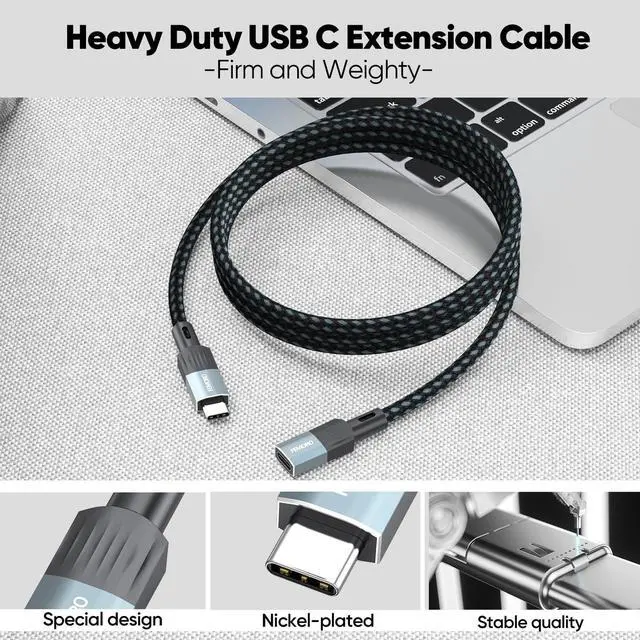
Excessive bending or pulling may damage internal wires. Always grip the connector, not the cable, when plugging/unplugging.
5. Heat Dissipation & Environment
The cable may heat up during high-power charging. Avoid covering, coiling, or exposing it to high temperatures.
6. Compatibility Verification
Thunderbolt 3/4 devices, high-frame-rate cameras, or audio interfaces may require certified cables. Use original/manufacturer-recommended cables
7. Length & Signal Loss
20ft is the maximum recommended length. Chaining multiple extensions may degrade performance (e.g., slower charging, screen flickering)
8. Troubleshooting & Support
If issues occur: 1) Switch ports/restart devices; 2) Test with a short cable; 3) Check for cable damage. Contact support with device details if unresolved.

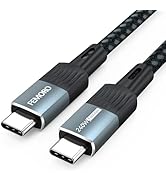
USB C Data Cable [10GBPS]
![USB C Extension Cable 1.5ft/0.5M, USBC Extender [20Gbps/8K@30Hz/240W], Short Type C Male to Femal...](//c1.neweggimages.com/sellingpilot/modules/product/a-plus/02c6bc18c3319dd226f4bdc4e5574491b204823bb09052194adaf65ea8b33dea.jpg)
![USB C Extension Cable 3ft, [8K@30Hz/20Gbps/240W] USBC Extender, 4K Dual Video Display Type-C Male...](//c1.neweggimages.com/sellingpilot/modules/product/a-plus/f1e66361e806b3282b5ca99fd91939c6debaa76ce867aa6c4777bbc07c3d944e.jpg)
USB C Extension Cable
![FEMORO External CD/DVD Drive for Laptop, [Updated with Power Cord] USB 3.0/USBC CD Burner DVD Pla...](//c1.neweggimages.com/sellingpilot/modules/product/a-plus/42b31f097c84bdfccc6fd7675008dbd09942ed9545e8664f5b513fbb743a8f34.jpg)
Other Products 1
Other Products 2