
Your Browsing History
- Free 15-day Returns
$129.89
Ships from Hong Kong.
Best Sellers
- $171.00
- + FREE SHIPPING

Meet Your Seller

100%






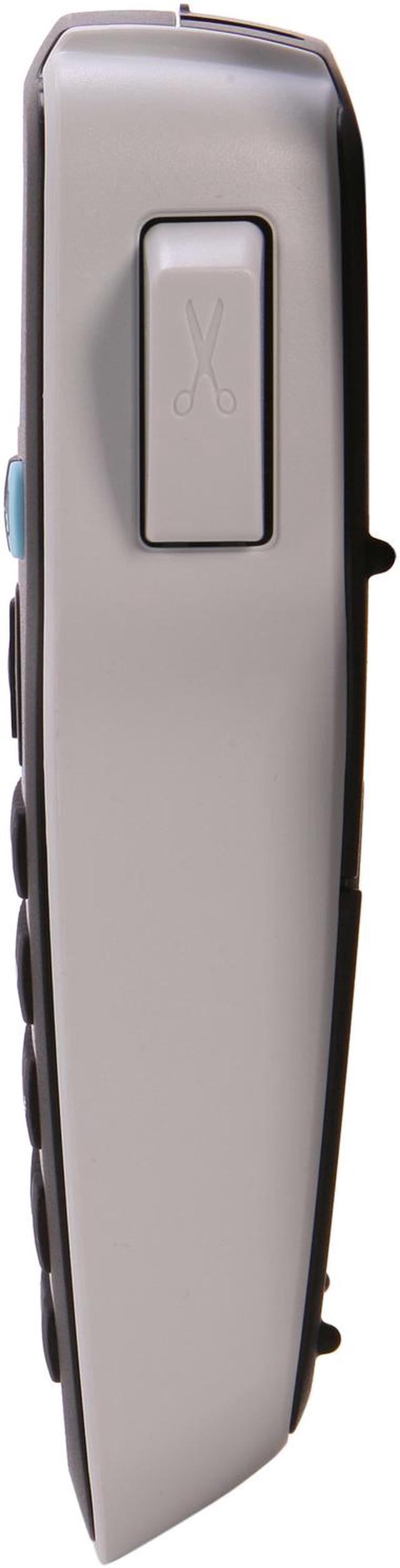
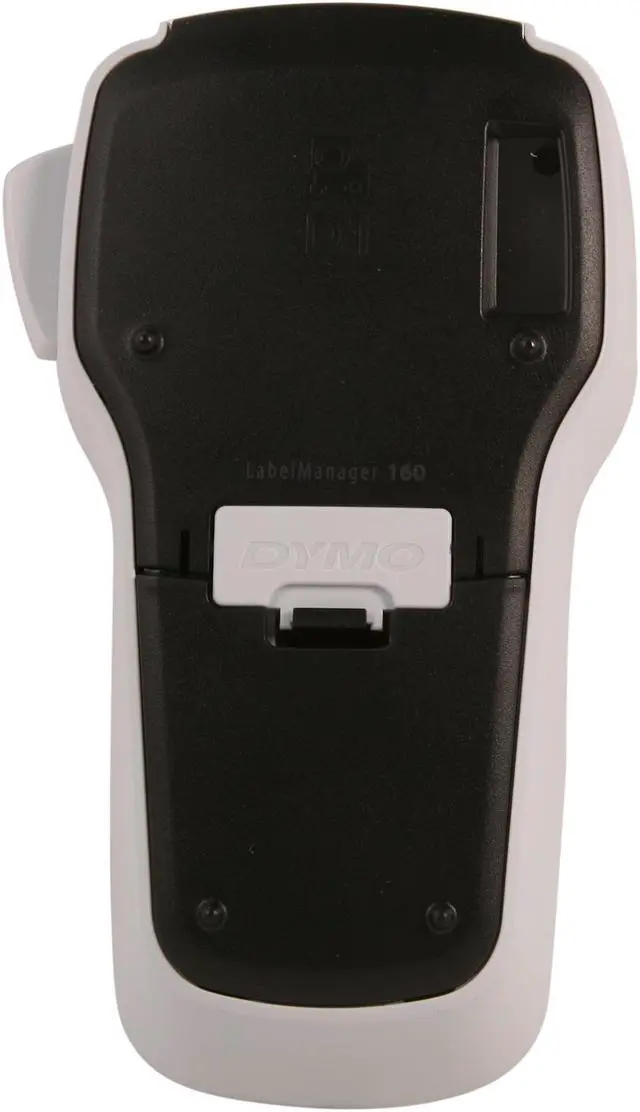
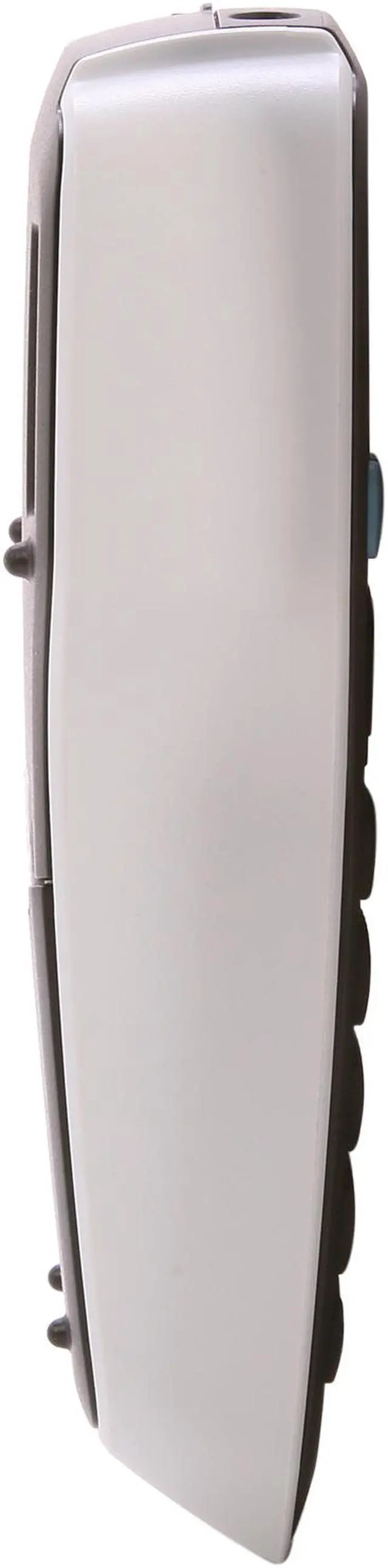
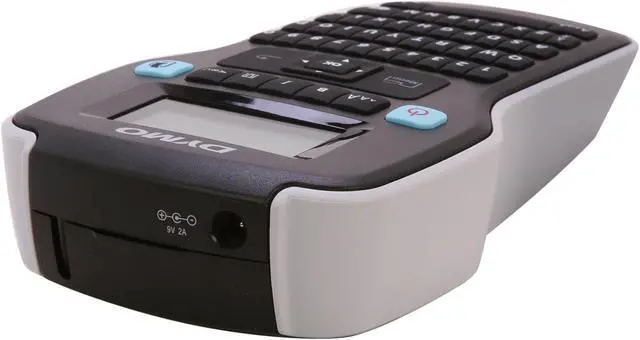
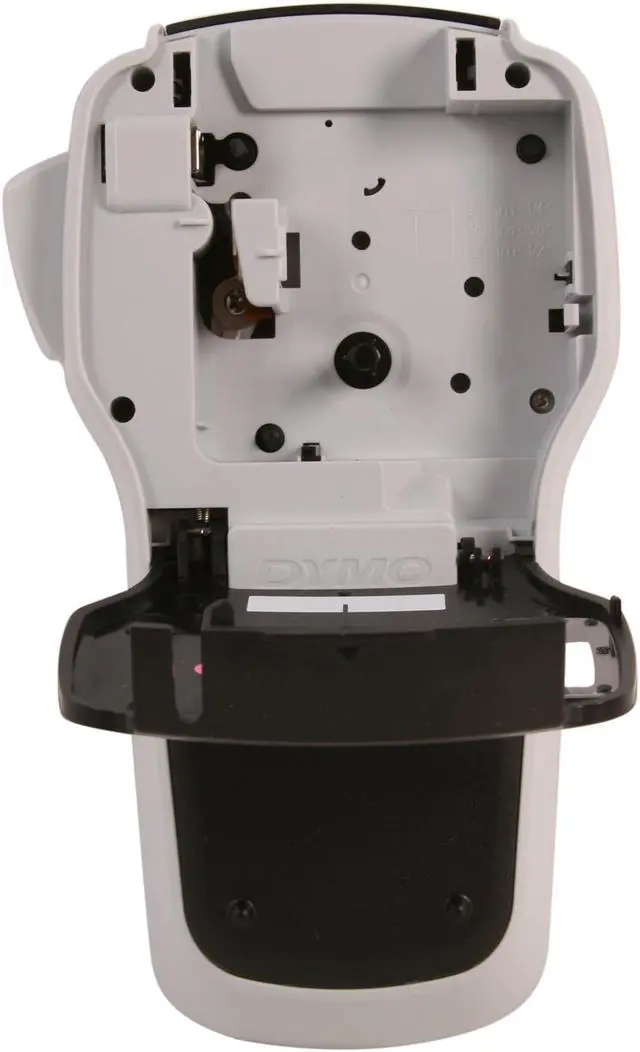
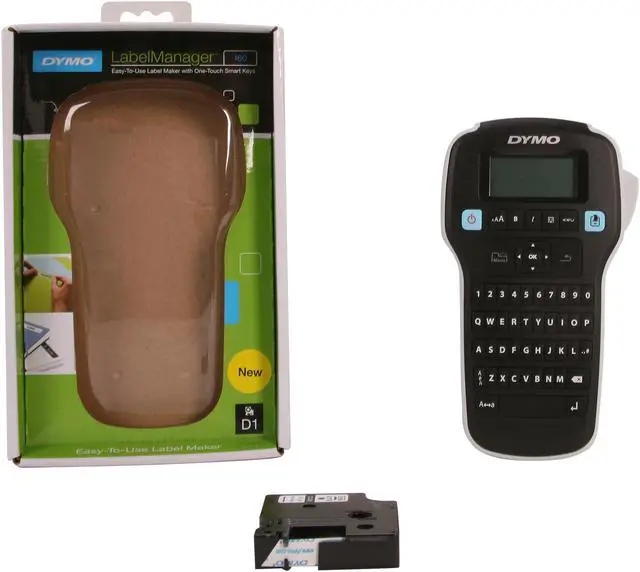

360°


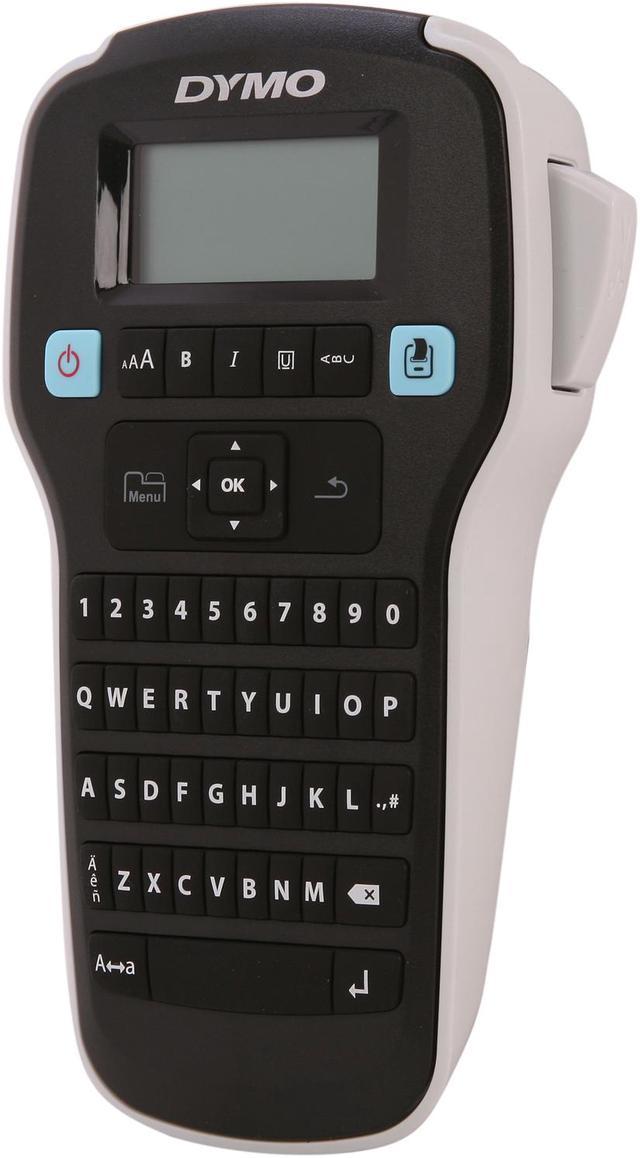
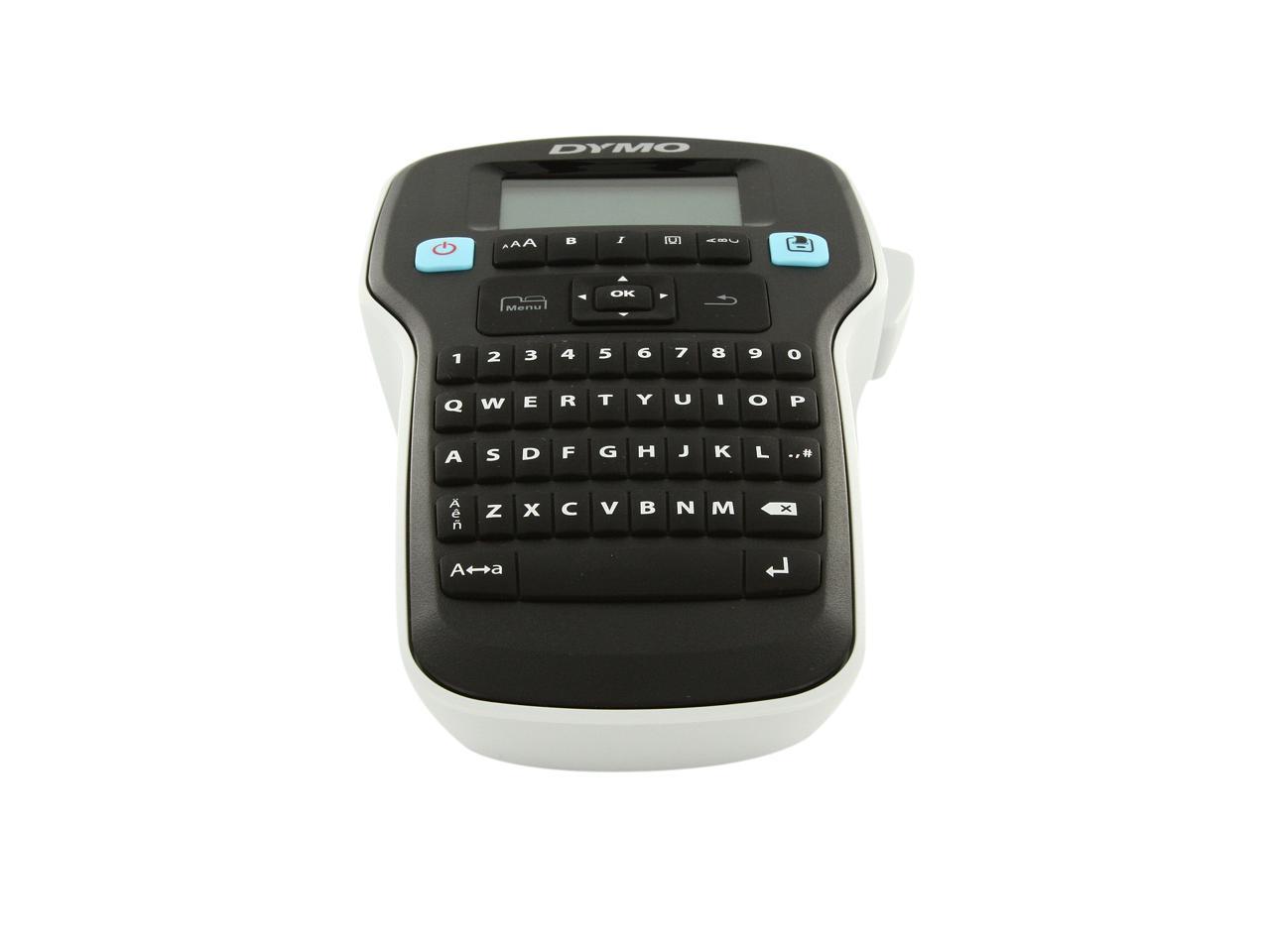
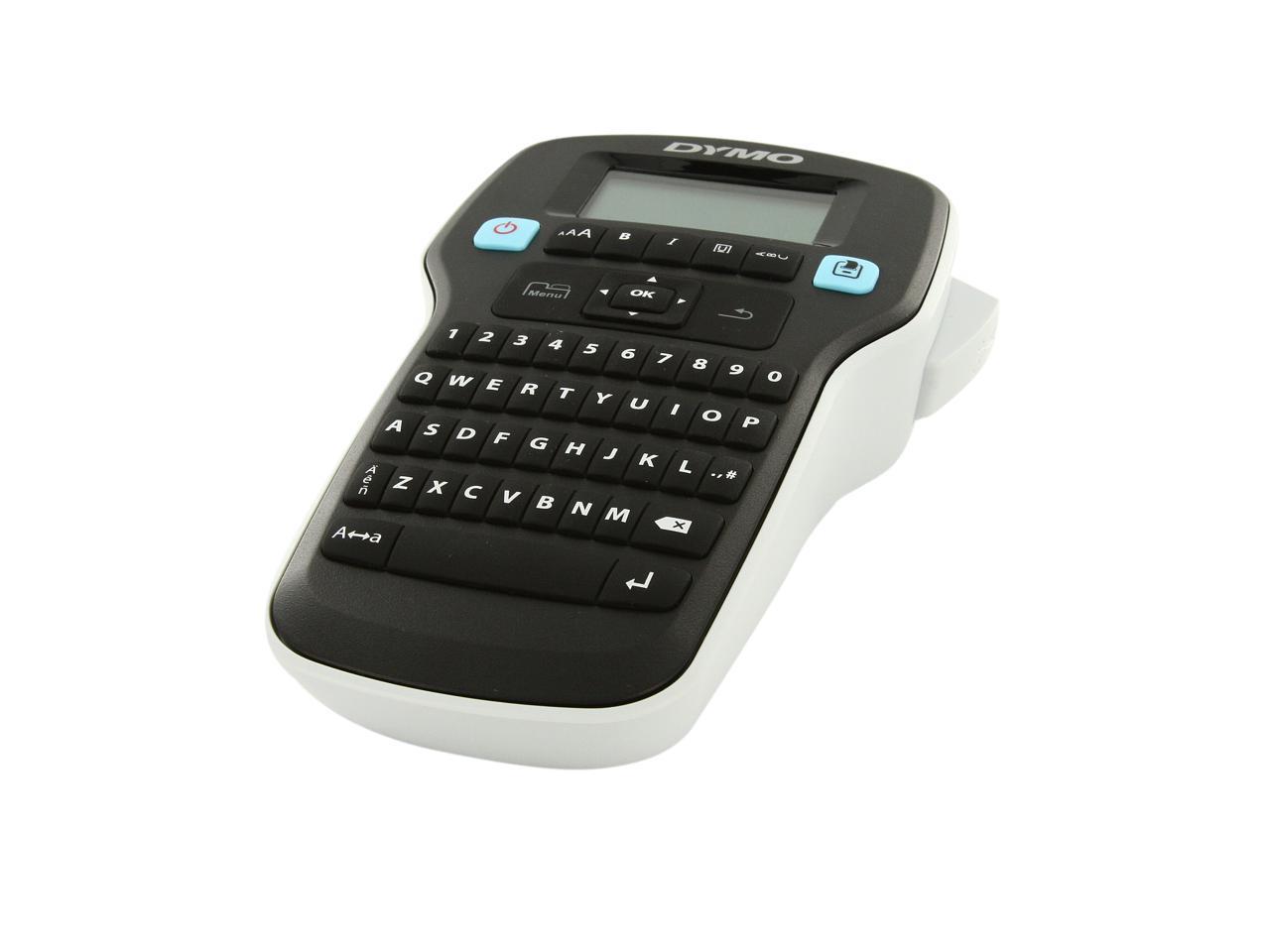
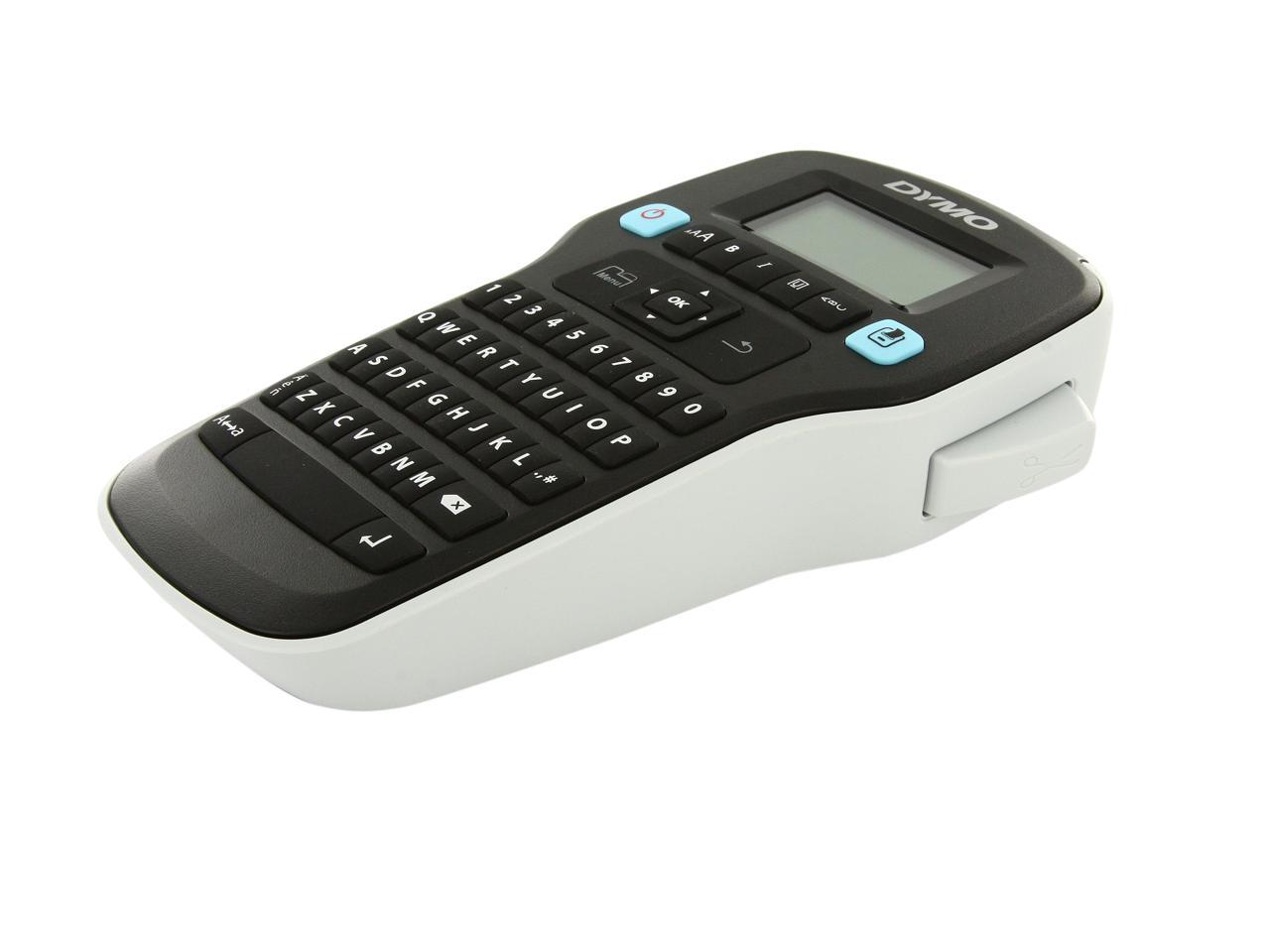
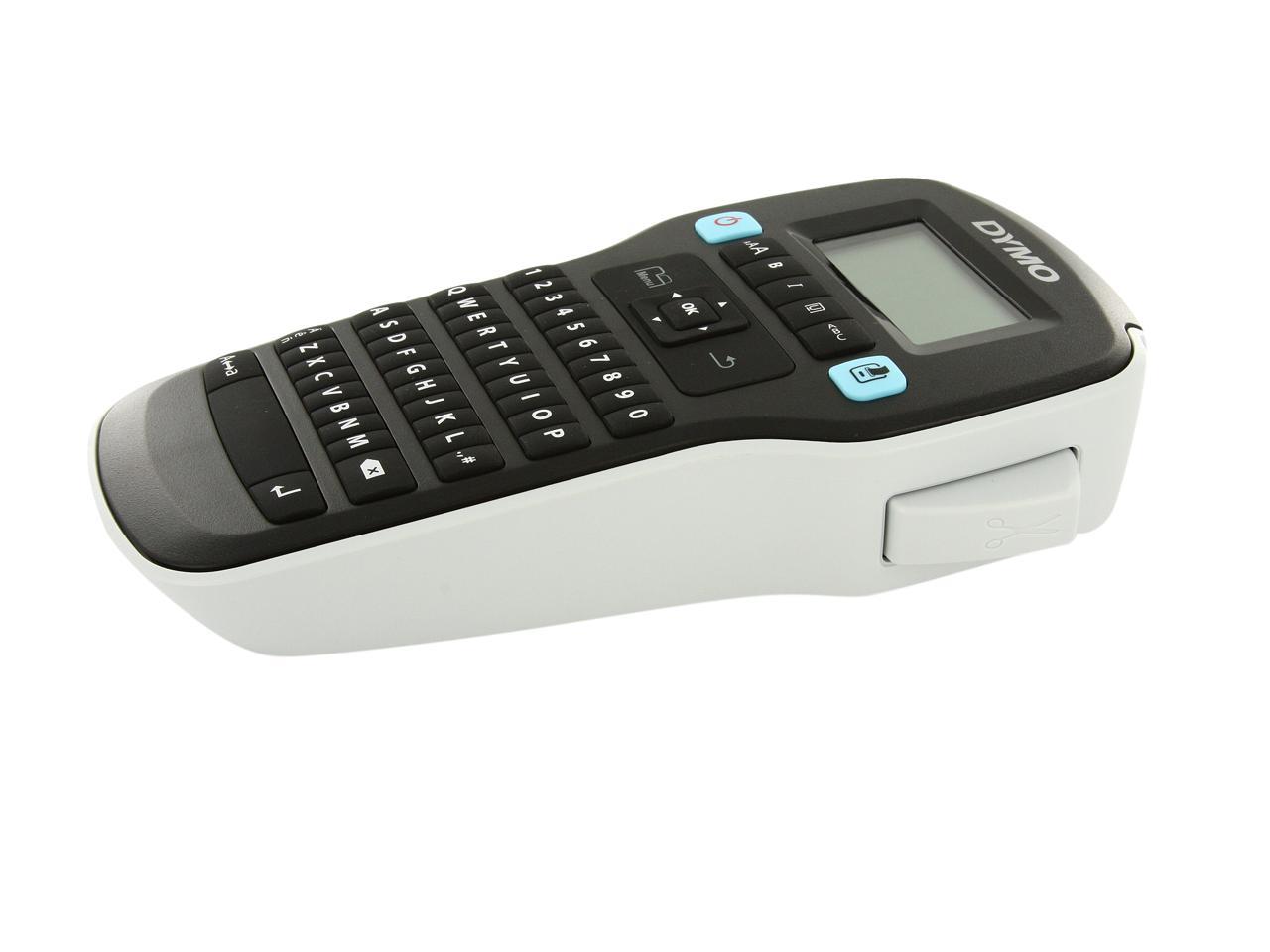
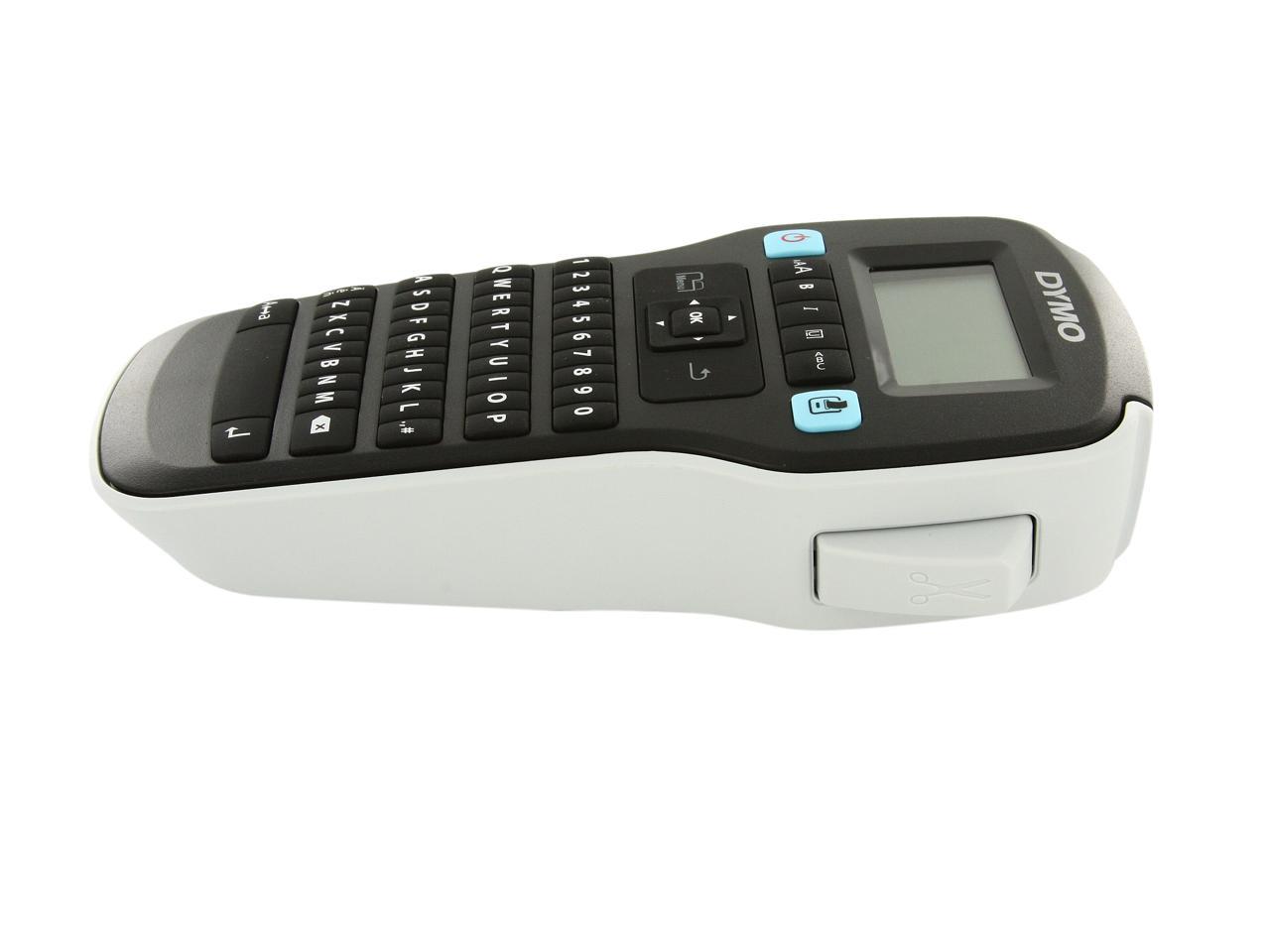
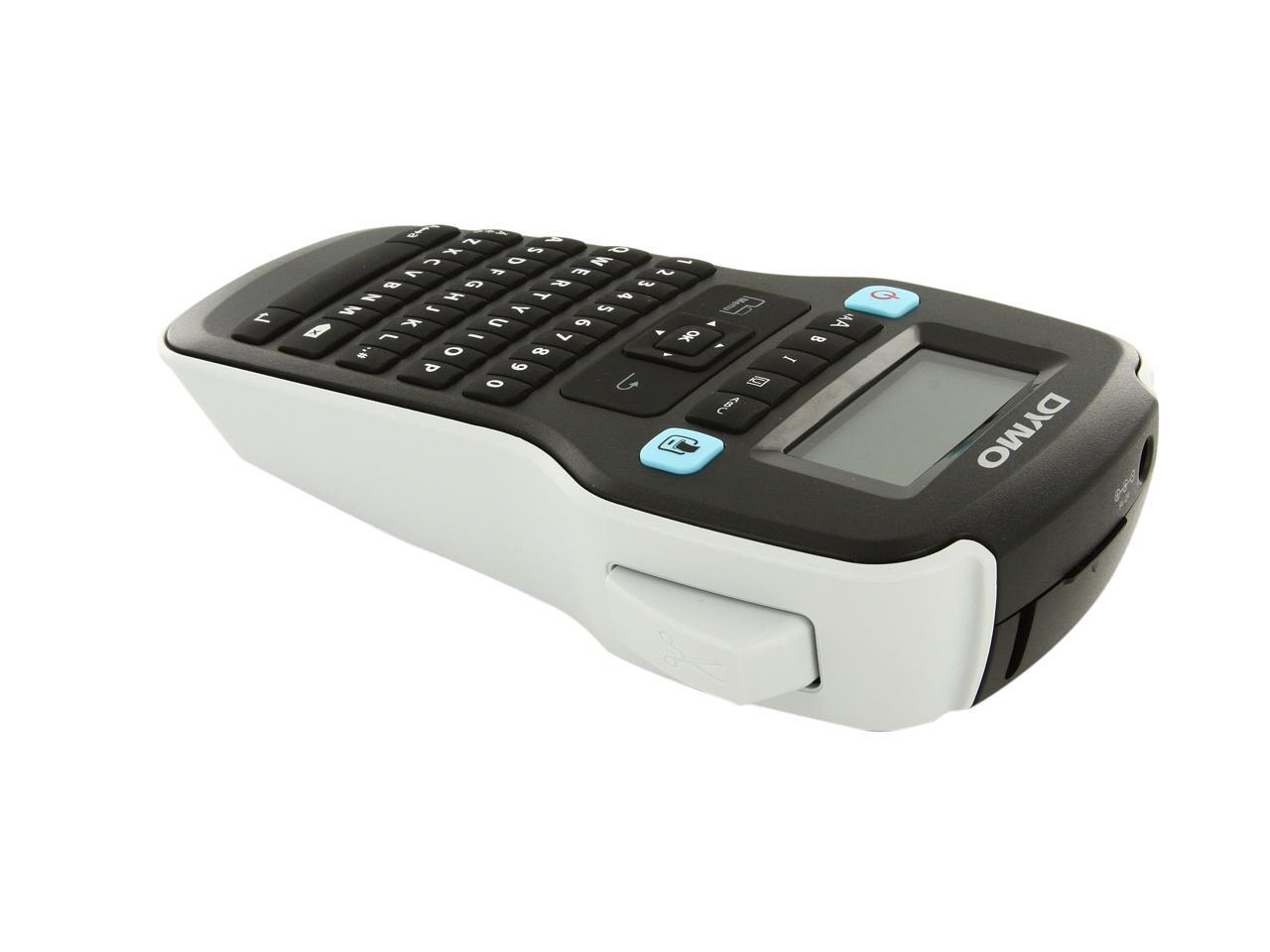
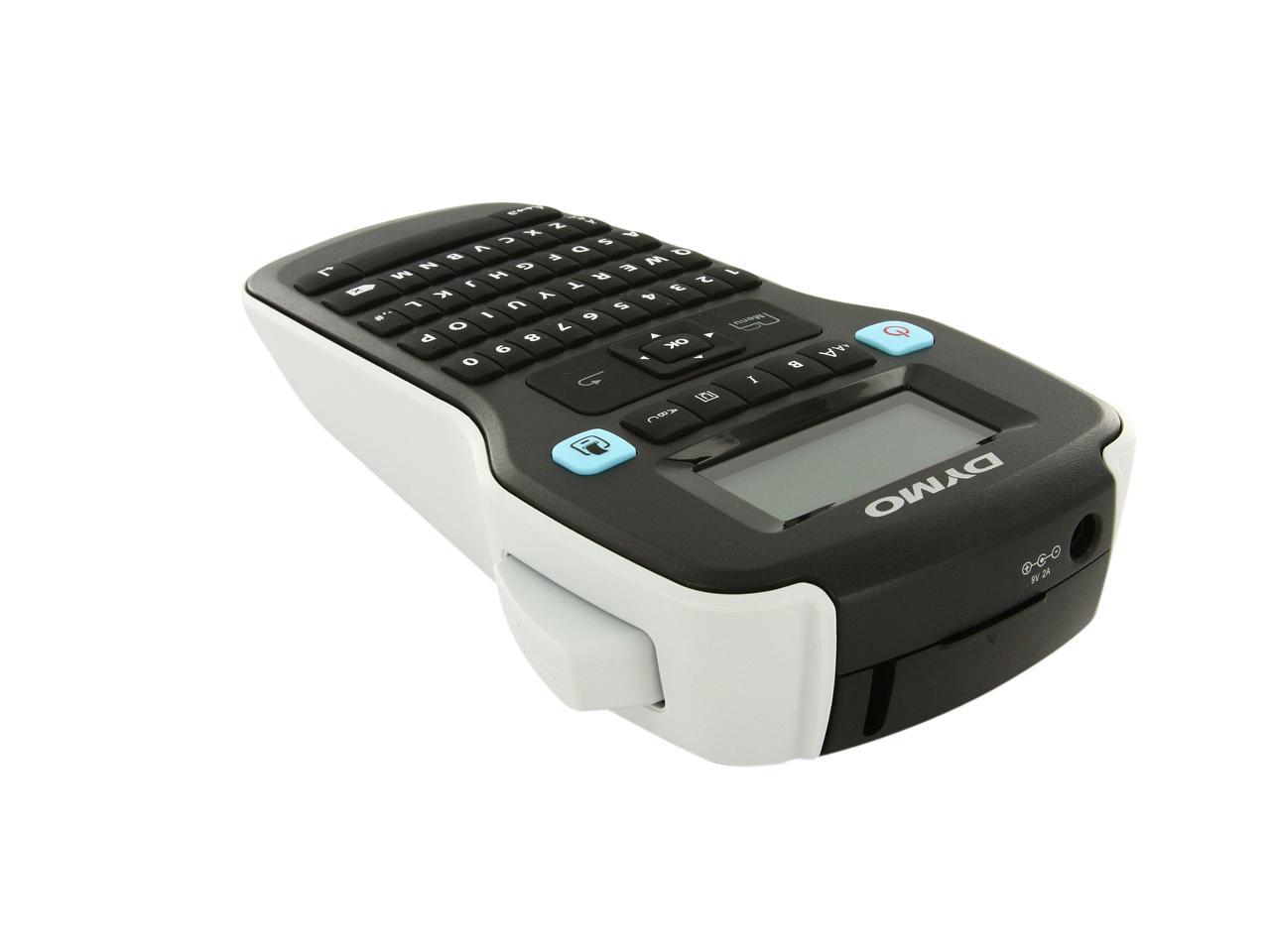
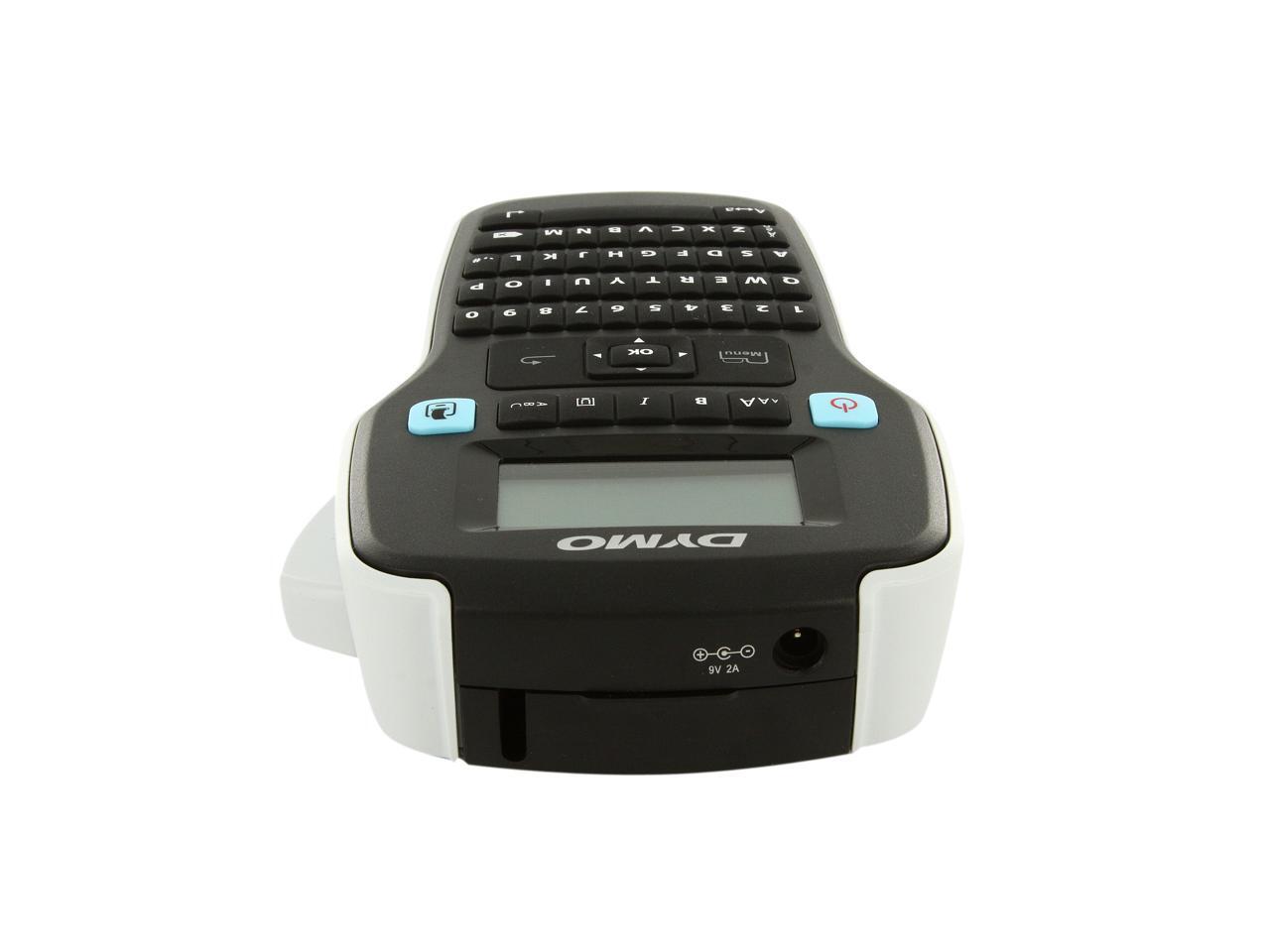
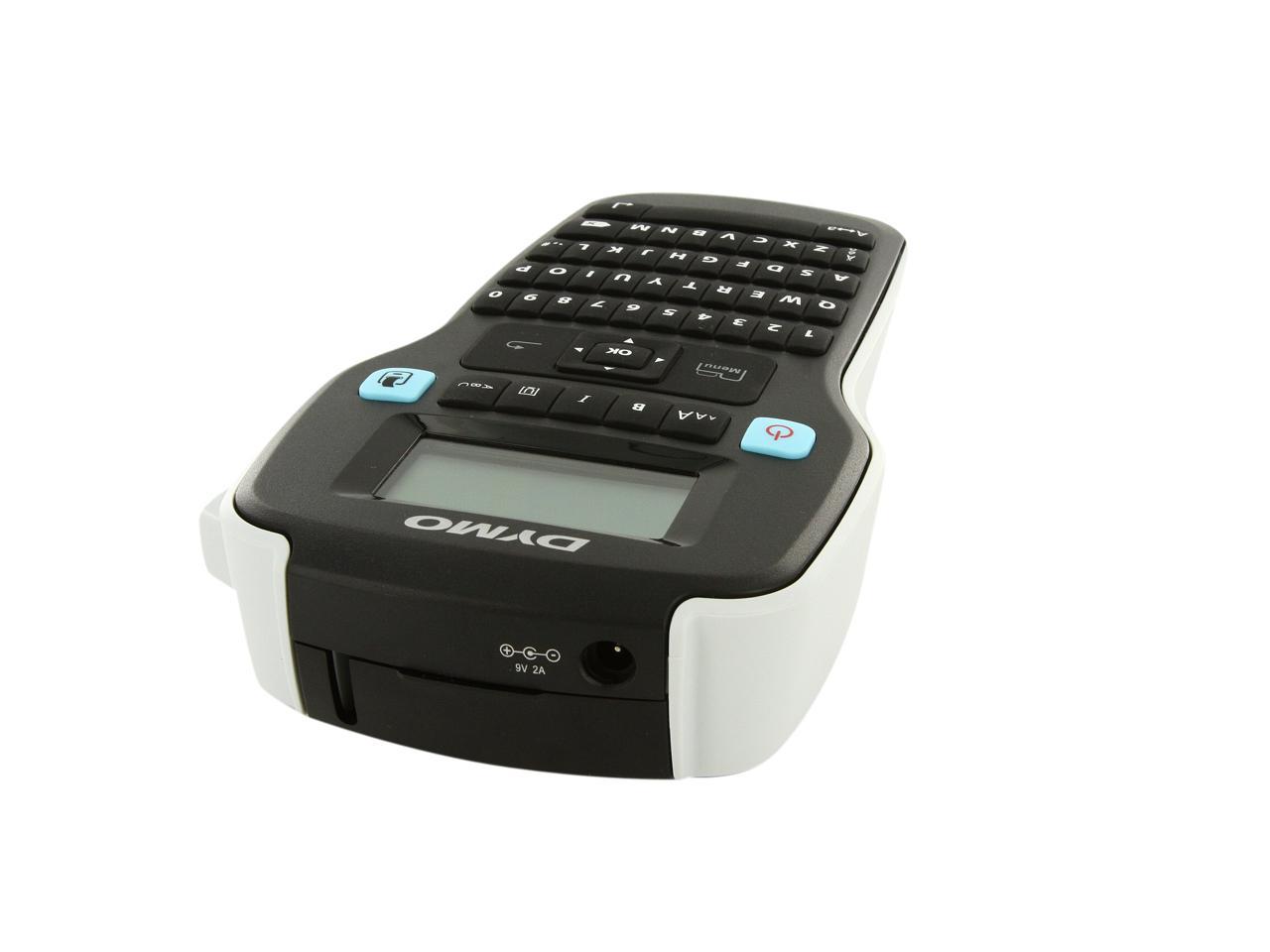
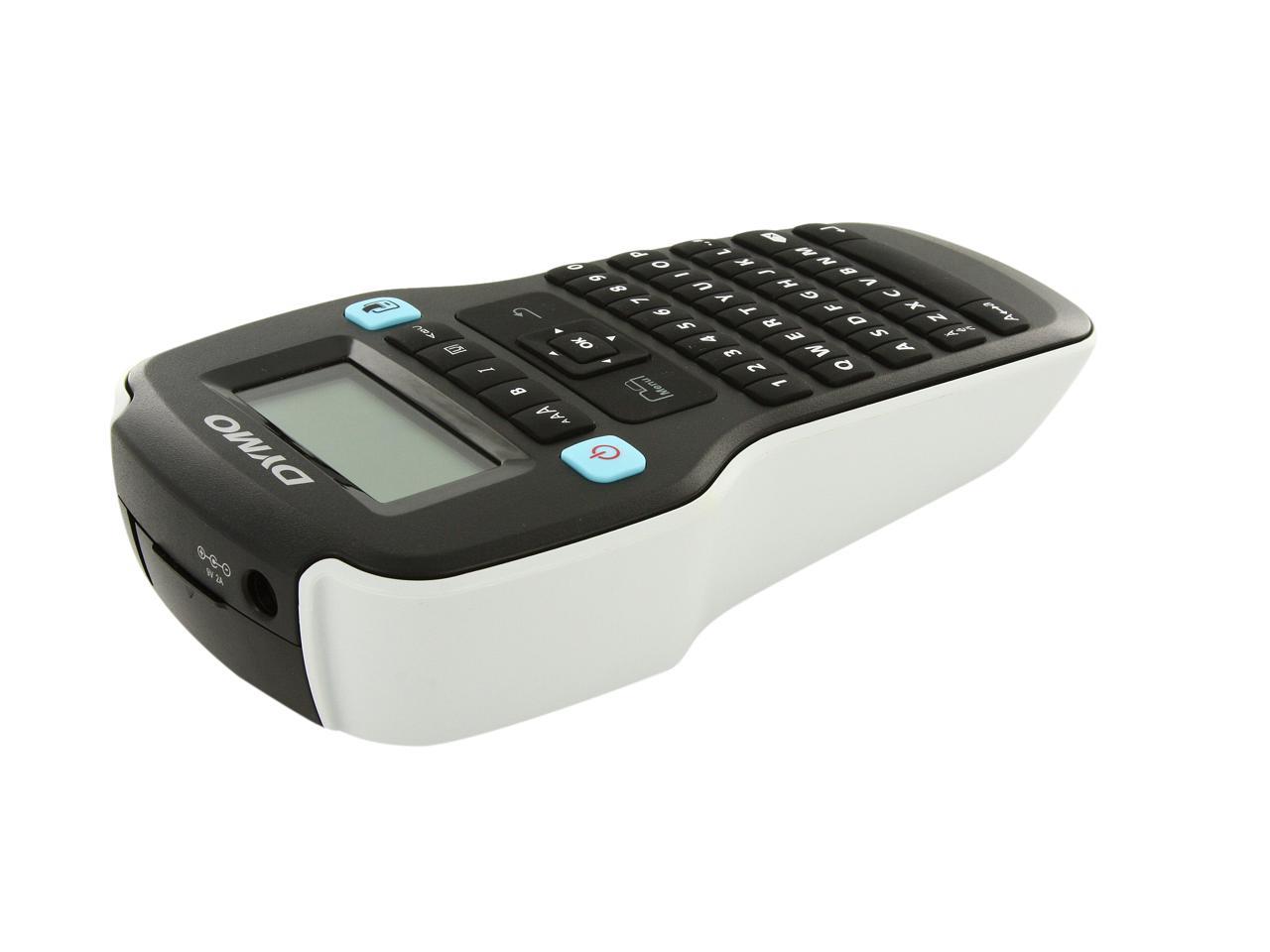
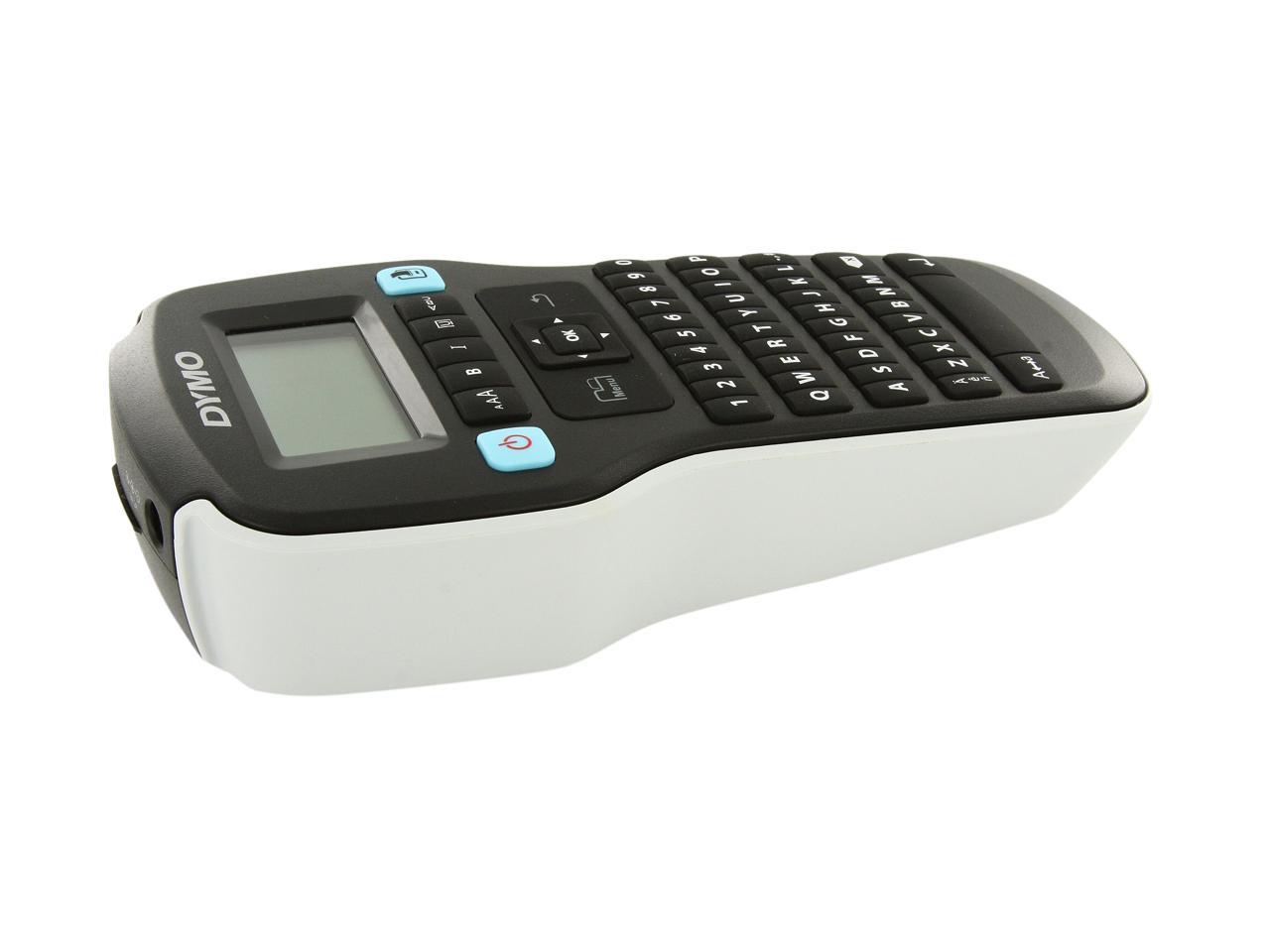
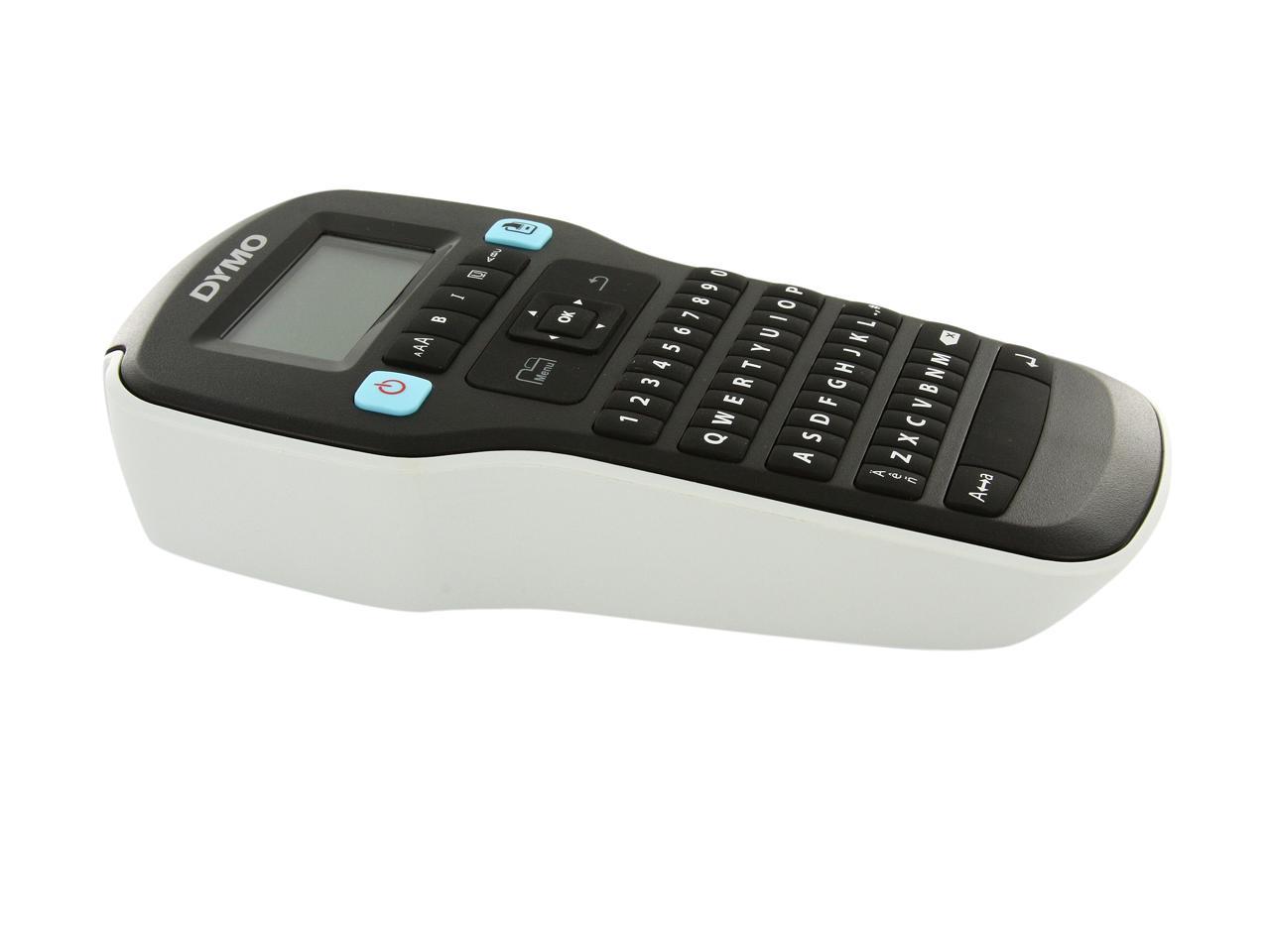
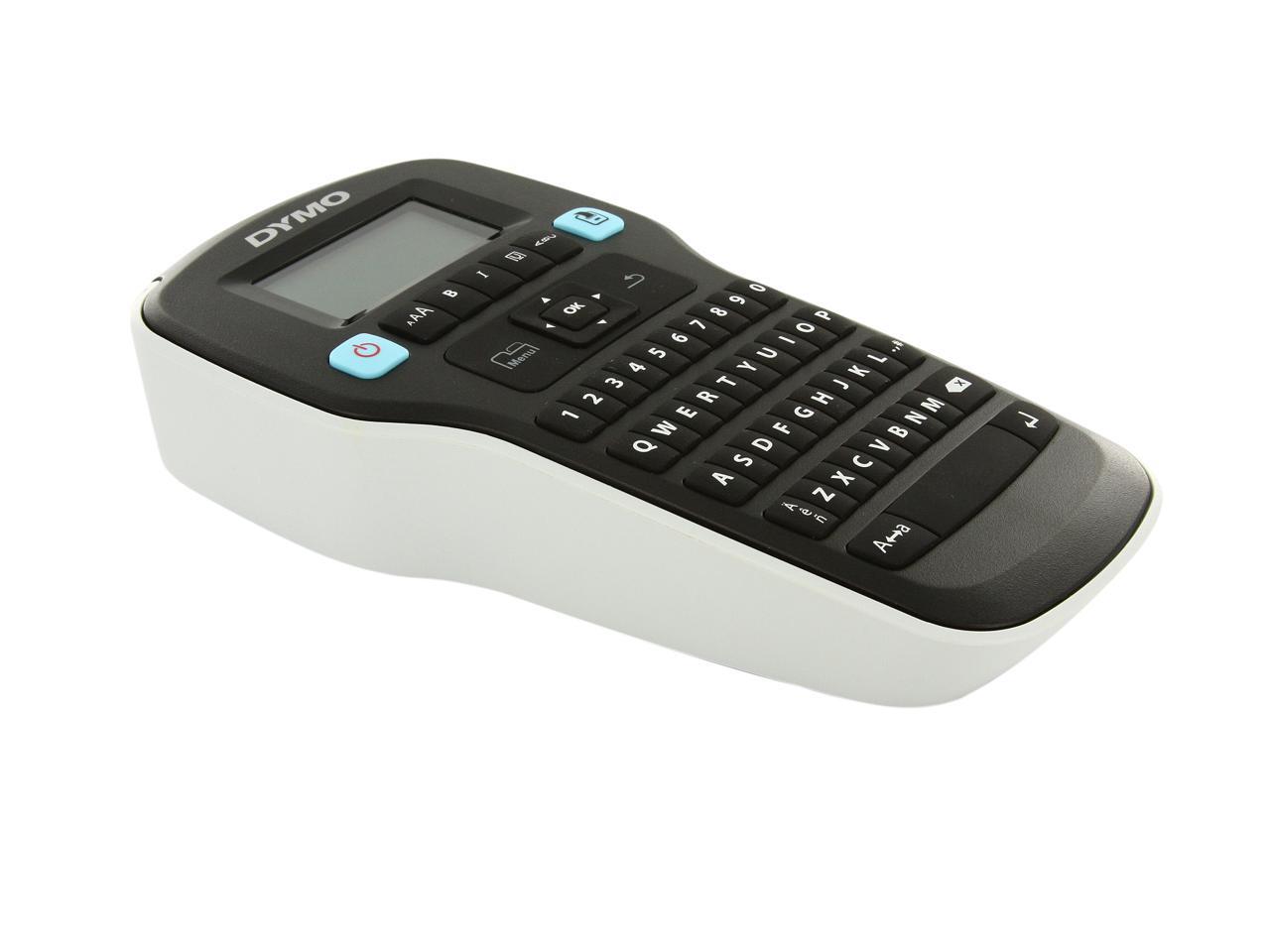
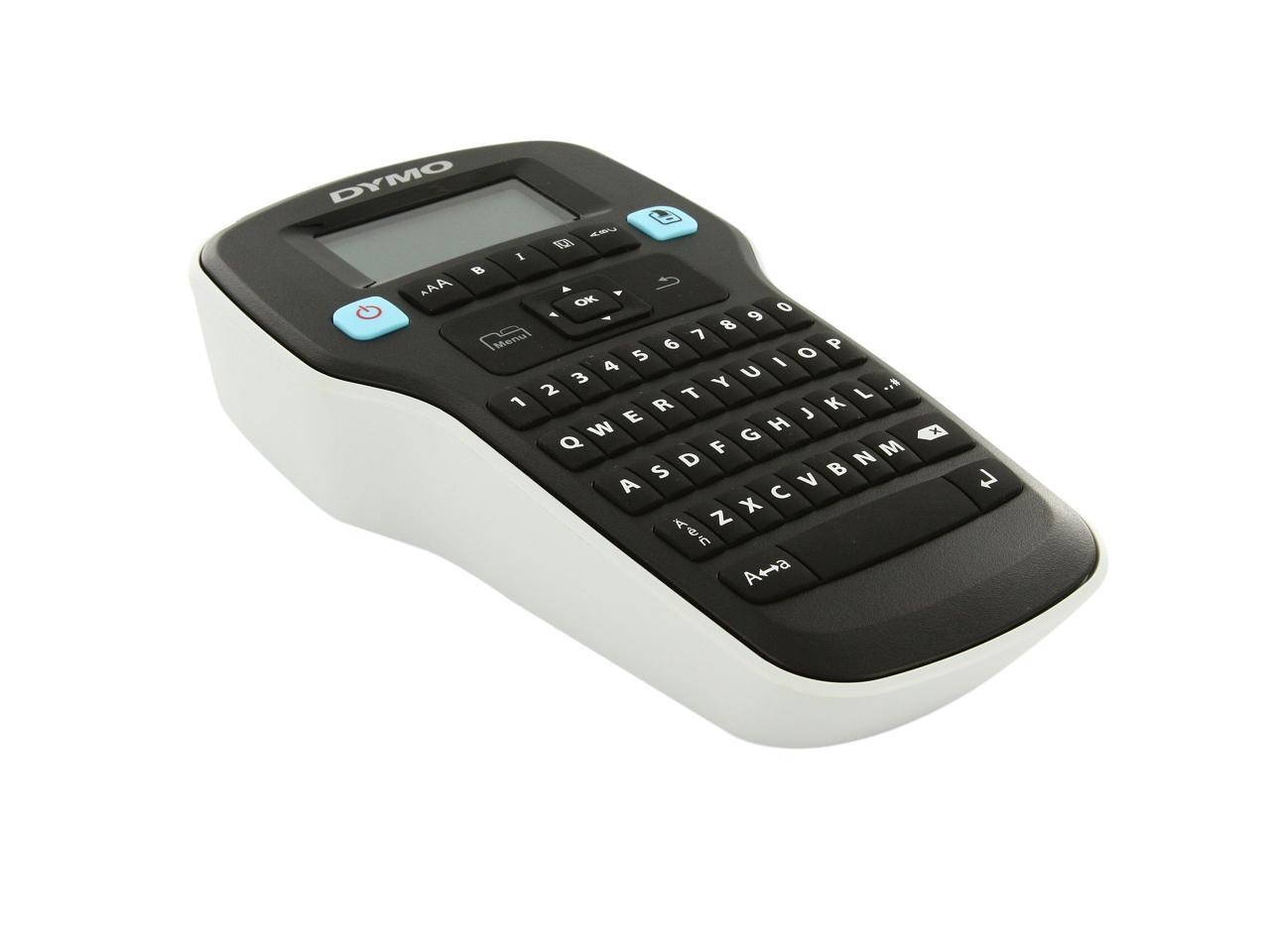
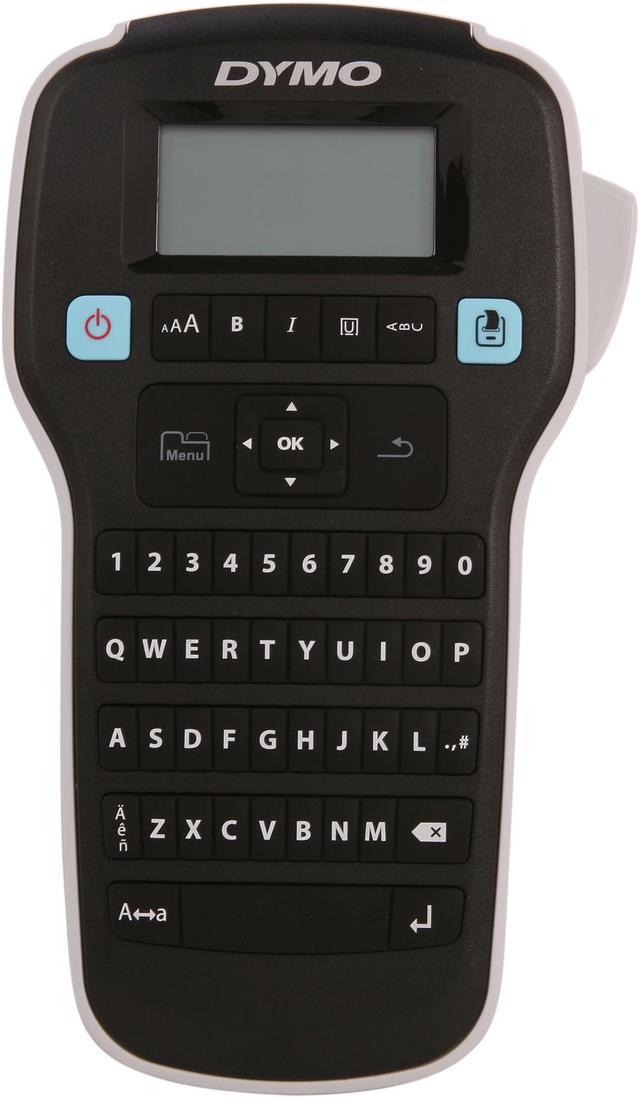
DYMO LabelManager 160 (1790415) Thermal Transfer Printer Hand-Held Label Maker
- Designed For D1 Labels (1/4, 3/8 & 1/2")
- Uses Easily Replaceable AAA Batteries
- QWERTY Layout
- Quick Access To Symbols/Punctuation
- Remembers Last Label Printed
- Customize With Fonts, Sizes, Styles
+
+
Overview
Specs
Reviews (6)
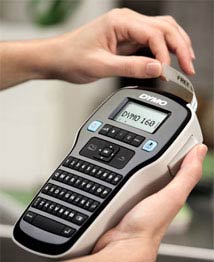
Easy-to-use label maker with one-touch fast-formatting keys. |
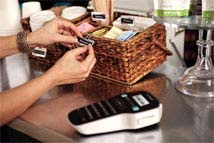
Lightweight and portable for on-the-go labeling. |
DYMO LabelManager 160 Label Maker
Ready to make your mark on the world? The DYMO LabelManager 160 label maker is the easy, affordable way to start. Just type your text on the familiar, computer-style keyboard--a feature you won't find on comparably priced label makers.
Quickly Format with One-Touch Fast-Formatting Keys
Use the label maker's one-touch fast-formatting keys to quickly format text with bold, italics, underlining and more. Preview your label on the large display--see all text and formatting as it will appear on the label, before you print. Then press the "print" button--that's all it takes to create great-looking labels the first time and every time.
Customizable
You can also customize your labels with six font sizes, eight text styles, four boxes and a built-in library of 228 symbols and clip-art images. Plus, get fast, single-key access to punctuation. The label maker prints DYMO D1 labels up to 1/2-inch wide in a variety of text and label colors.
The DYMO LabelManager 160 label maker is compact and lightweight for portability and easy labeling of just about anything. It runs on six AAA batteries (not included) or an optional AC adapter (sold separately). To extend the battery life, the unit's auto power-off function turns the label maker off when not in use.
Highlights
+ Computer-style keyboard for easy typing+ Edit text easily with one-touch fast-formatting keys
+ Preview before printing with large LCD display
+ 6 font sizes, 8 text styles, 4 boxes, plus underline
+ 228 symbols and clip-art images
+ Last-label memory--reprint, without retyping
What's in the Box
DYMO LabelManager 160 label maker, DYMO D1 1/2-inch black-on-white starter label cassette, quick start guide, one-year limited warranty card
Convenient Multi-Purpose Labeling

File labels |

CD labels |

Pantry labels |
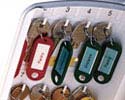
Key labeling |
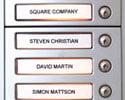
Button labels |
Choose the LabelManager That's Right For You
| DYMO Label Makers |
 Label
LabelManager 500TS |
 Label
LabelManager 450D |
 Label
LabelManager 420P |
 Label
LabelManager 360D |
 Label
LabelManager PnP |
 Label
LabelManager 260P |
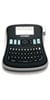 Label
LabelManager 210D |
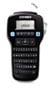 Label
LabelManager 160 |
| Reasons for Use (Files, binders, office supplies, etc.) | • | • | • | • | • | • | • | • |
| Label Widths | 1/4-inch; 3/8-inch; 1/2-inch; 3/4-inch; 1-inch | 1/4-inch; 3/8-inch; 1/2-inch; 3/4-inch; 1-inch | 1/4-inch; 3/8-inch; 1/2-inch; 3/4-inch | 1/4-inch; 3/8-inch; 1/2-inch; 3/4-inch | 1/4-inch; 3/8-inch; 1/2-inch | 1/4-inch; 3/8-inch; 1/2-inch | 1/4-inch; 3/8-inch; 1/2-inch | 1/4-inch; 3/8-inch; 1/2-inch |
| Keyboard Style | QWERTY | QWERTY | ABC | QWERTY | N/A | ABC | QWERTY | QWERTY |
| Machine Style | Desktop | Desktop | Handheld | Desktop | Desktop | Handheld | Desktop | Handheld |
| PC or Mac Connectivity* | • | • | • | • | ||||
| Uses D1 Label Cassettes (a variety of colors available) | • | • | • | • | • | • | • | • |
| Prints Water-Resistant Labels | • | • | • | • | • | • | • | • |
| Prints Easy-Peel Labels | • | • | • | • | • | • | • | • |
| Barcode Printing (Asset Tagging) | • | • | • | • |
*Compatible with Microsoft Windows XP, Windows Vista, Windows 7 or Mac OS v10.5 or later
LabelManager 160 Hand held label maker... Pick up a portable, affordable DYMO LabelManager 160 label maker - and start making your mark on the world! Just type your text, edit easily with one-touch fast-formatting keys and print - it's that easy to create professional-looking labels in and around the office.
 Computer-style (QWERTY) keyboardThe LabelManager 160 has a computer-style QWERT keyboard for easy text typing.
 Format fastFormat fast with one-touch Smart Keys for text size, bold, italic, underline/box and vertical text.
 Large LCD displaySee what your label will look like before you print – preview in the large LCD display.
 CustomizationCustomize your labels with 6 font sizes, 8 text styles, 4 boxes plus underline. You can even add professional impact and clarity to your labels with 228 symbols and clip-art images; use quick-access key to enter punctuation.
 Last-label memoryUsing last-label memory feature, you can reprint last label without retyping.
 Dual PowerThe LabelManager 160 can be powered by 6 AAA batteries (not included) or optional AC-adapter (sold separately). You can maximize battery life with auto power-off feature that turns off label maker when not in use.
 Computer-style (QWERTY) keyboardThe LabelManager 160 has a computer-style QWERT keyboard for easy text typing.
 Format fastFormat fast with one-touch Smart Keys for text size, bold, italic, underline/box and vertical text.
 Large LCD displaySee what your label will look like before you print – preview in the large LCD display.
 CustomizationCustomize your labels with 6 font sizes, 8 text styles, 4 boxes plus underline. You can even add professional impact and clarity to your labels with 228 symbols and clip-art images; use quick-access key to enter punctuation.
 Last-label memoryUsing last-label memory feature, you can reprint last label without retyping.
 Dual PowerThe LabelManager 160 can be powered by 6 AAA batteries (not included) or optional AC-adapter (sold separately). You can maximize battery life with auto power-off feature that turns off label maker when not in use.
Warranty & Returns
Warranty, Returns, And Additional Information
Warranty
- Please contact the Seller directly for warranty information. Warranty information may also be found on the Manufacturer's website.
- Read full details
- CONTACT
Return Policies
- Return for refund within: 15 days
- Return for replacement within: 30 days
- This item is covered by LiAnMengYuShangDian Return Policy
Manufacturer Contact Info
- For a directory of all our manufacturers, please click below.
- Manufacturers Directory
LOADING...
LOADING...