


Best Sellers
 Hot Seller
- $1,569.22
- + $88.49 Shipping

Get Educated
Make informed decisions with expert advice. Learn More

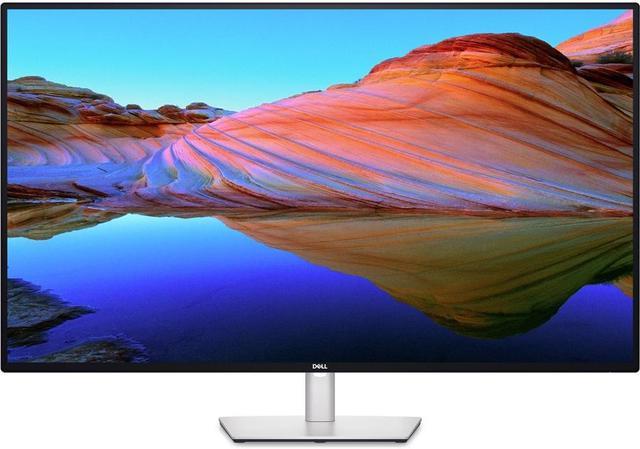
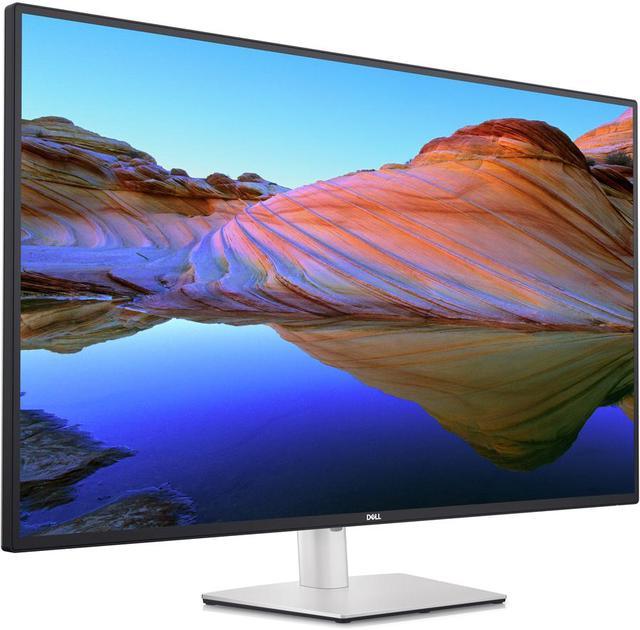
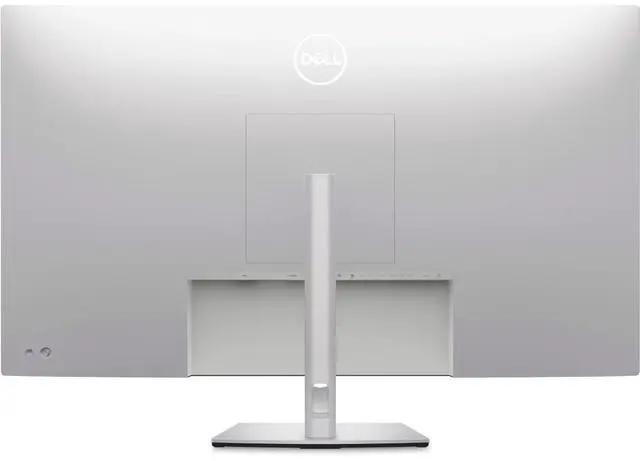
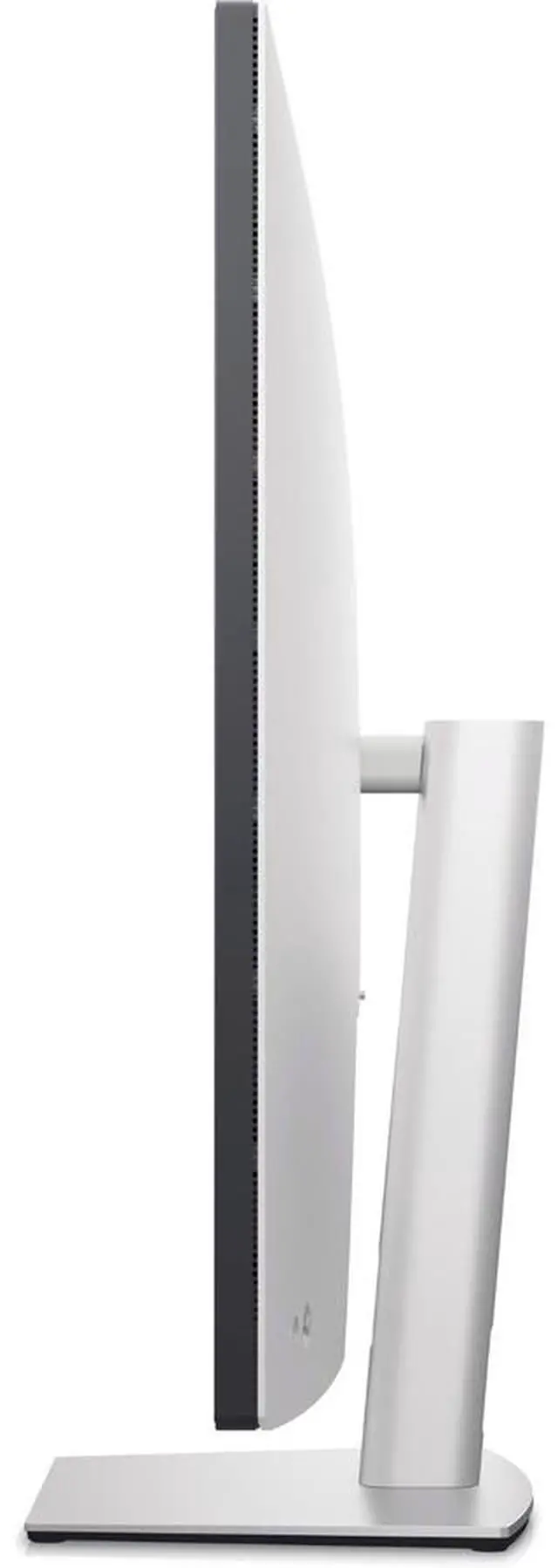
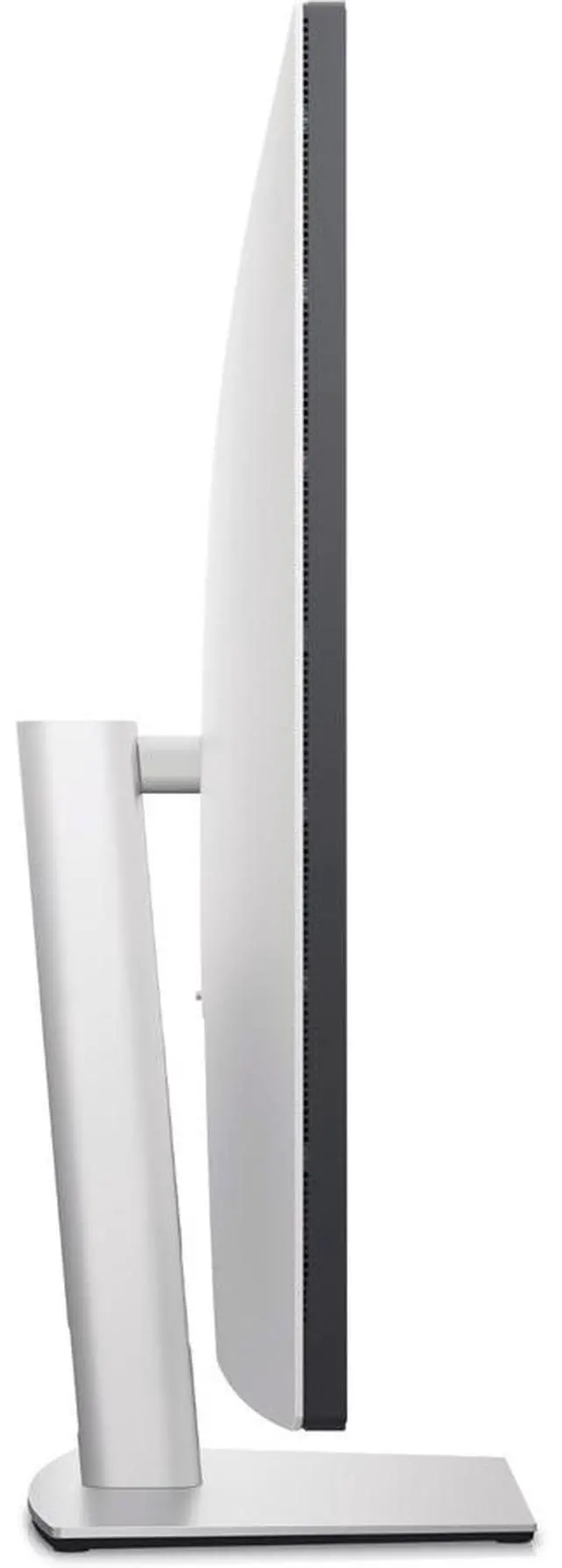
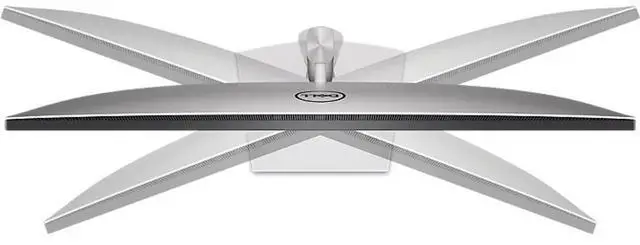
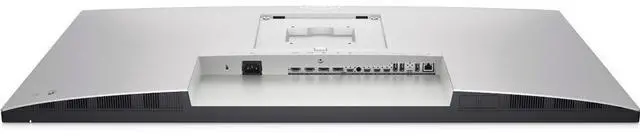
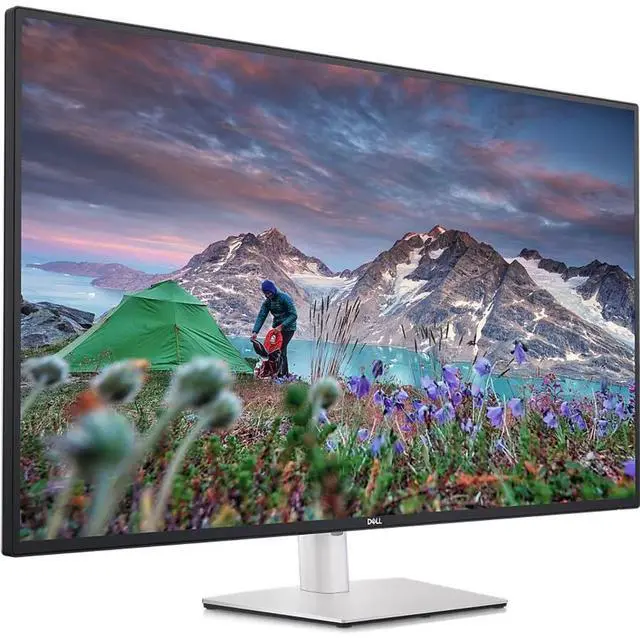

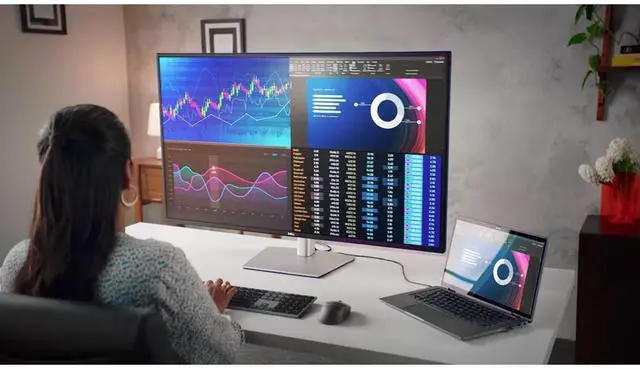


Dell UltraSharp 43 4K USB-C Hub Monitor - U4323QE
- Shop the Dell UltraSharp 43 Inch 4K USB-C Hub Monitor (U4323QE), connect up to 4 PCs on a quad screen with 4K resolution, or view all computer monitors at Dell.com.
+
+
Overview
Specs
Reviews (2)
Multiply your productivity with this 42.5 '' monitor featuring multi-PC connectivity, 4 unique FHD partitions via iMST, ComfortView Plus and wired Ethernet.
Warranty & Returns
Warranty, Returns, And Additional Information
Warranty
- Limited Warranty period (parts): 1 year
- Limited Warranty period (labor): 1 year
- Read full details
Return Policies
- Return for refund until: January 31, 2027
- Return for replacement until: January 31, 2027
- This item is covered by Newegg.ca's Extended Holiday Return Policy.
- Read full return policy for details.
We want to ensure your holiday shopping this year is hassle-free. That’s why we’re automatically extending our return policies on almost every product! For purchases placed between November 1st, 2026 and December 31, 2026 you will have until January 31, 2027 to return your product.
Manufacturer Contact Info
- Manufacturer Product Page
- Manufacturer Website
- Support Phone: 1-800-WWW-DELL
- Support Website
- View other products from DELL
LOADING...
LOADING...
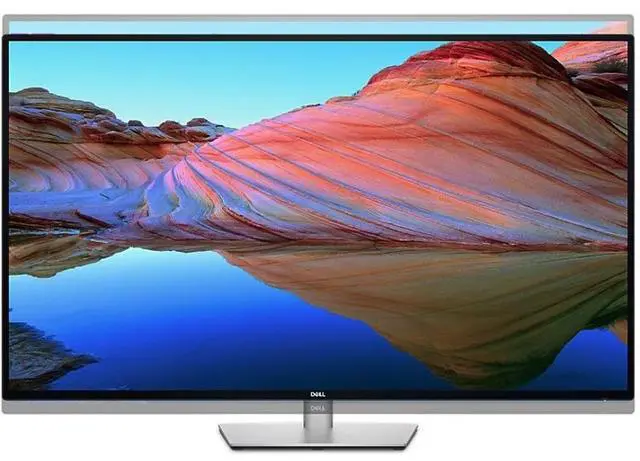
The Dell UltraSharp U4323QE is a 43-inch 4K USB-C hub monitor designed for people who want to connect up to four PCs and view them together in a quad-screen layout, making it suitable for multitasking across multiple computers.
Recommended For
- People who work across many windows—such as spreadsheets, documents, dashboards, and browser tabs—and want one large 4K desktop instead of a multi-monitor setup.
- People who regularly switch between multiple computers and want to share one keyboard, mouse, and monitor; its KVM and screen-partition features support workflows with several connected PCs.
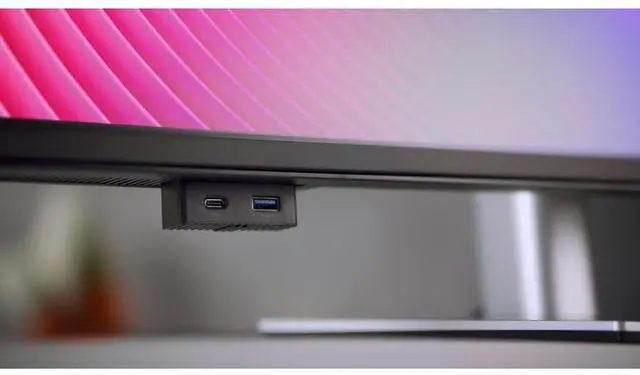
- Laptop-based home-office workers who want a single USB-C connection for display, data, and up to 90W laptop charging, with Ethernet and peripheral ports built into the monitor.
- Teams or power users who need to view several computer sources at once, such as comparing information across systems or presenting multiple desktops in a shared workspace.
Real-World Use Scenarios
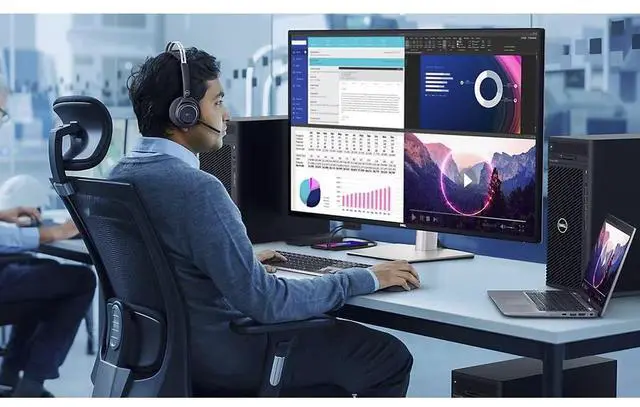
- When work involves documents, spreadsheets, email, and browser research at the same time, the large 4K screen can keep several windows visible together, reducing the need to switch between them.
- For someone switching between a work laptop and a desktop, connecting both to the monitor lets them share its keyboard and mouse; the built-in KVM can make it easier to move between computers without changing desk peripherals.
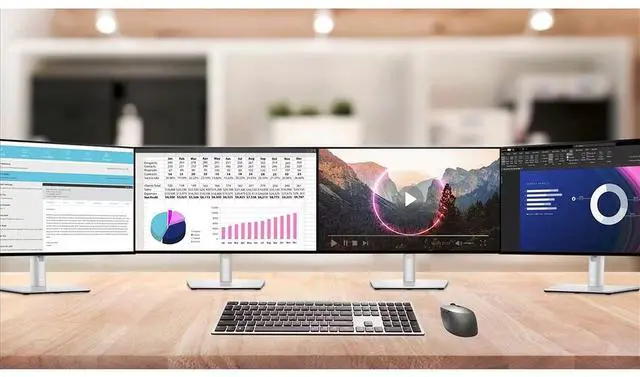
- When one computer needs several work areas, iMST can divide the display into as many as four FHD partitions, giving users separate screen regions for apps such as dashboards, documents, and chat.
- For a laptop-based home-office setup, a USB-C connection can carry display, data, and audio while providing up to 90W of laptop power; the monitor’s USB hub and Ethernet port can help centralize desk connections.
- In a team review or analytics discussion, Picture-by-Picture can show content from multiple connected sources at once, making it easier to compare data or discuss what is on different computers.
Spec Summary
| Attribute | Value |
|---|---|
| Best For | Business and multimedia use, with a large 4K workspace that can display up to four connected PCs |
| Panel And Resolution | 43-inch IPS LCD with 3840 × 2160 4K UHD resolution, 16:9 aspect ratio, matte finish, 100% sRGB color gamut, 1,000:1 contrast ratio, and 178° viewing angle |
| Refresh Rate And Response | 60 Hz refresh rate with a 5 ms response time |
| Ports And Connectivity | 2 HDMI ports, 9 USB ports including 1 USB 3.0 port, plus DisplayPort and Ethernet connectivity; no Thunderbolt ports |
| Stand And Ergonomics | Height, swivel, and tilt adjustment; built-in speakers |
| Dimensions And Weight | 38.1 × 22.1 × 2.5 inches; item weight 54.5 pounds |
| Model Identifiers | Dell UltraSharp U4323QE |
Reference Q&A
Q: Dell U4323QE or U4025QW: which is better for a multi-PC desk?
A: Choose the U4323QE for a 42.5-inch 16:9 4K screen with iMST support for four Full HD partitions and multi-PC connectivity. Choose the U4025QW for a 39.7-inch curved 5K2K ultrawide with a 120Hz refresh rate and Thunderbolt 4 connectivity.
Q: Should I choose the Dell U4323QE or the curved U3824DW for work?
A: Choose the U4323QE for a larger 42.5-inch 16:9 4K canvas and iMST partitioning for multi-PC workflows. Choose the U3824DW for a 37.5-inch curved 21:9 screen at 3840 × 1600, with IPS Black technology and a wide color gamut.
Q: What does the Dell U4323QE add over the older U4320Q?
A: Both are 42.5-inch 4K USB-C monitors. Choose the U4323QE if you want multi-PC features including three additional USB-C KVM upstream ports and iMST support for four Full HD partitions; choose the U4320Q for the earlier-generation 43-inch 4K USB-C setup.
Q: Can I connect multiple computers and control them with one keyboard and mouse?
A: Yes. The U4323QE supports up to four PC sources and has a built-in KVM switch for sharing one keyboard and mouse among them. Its picture-by-picture and picture-in-picture modes can show multiple sources at once.
Q: Can one computer use the whole screen, or can the display be split into separate sections?
A: Both are supported. With one PC, the monitor can show a single 4K desktop or use iMST to create up to four FHD partitions. It can also display multiple connected PC sources using picture-by-picture or picture-in-picture.
Q: Is this monitor suitable for a laptop-based office setup?
A: It is suited to desk-based work that benefits from a large 4K workspace, such as viewing documents and spreadsheets side by side. Its USB-C connection supports video, data, and up to 90W of laptop power delivery; confirm that the laptop supports video over USB-C and that 90W meets its charging needs.
Q: Does the monitor have a built-in webcam for meetings?
A: No. The U4323QE does not include a webcam, so video meetings require a separate camera or one built into the connected computer.
Q: Is the Dell U4323QE a good choice for productivity?
A: It may suit people who want a large 4K workspace for coding, browsing, documents, or several open windows. Owners describe using it for work and multitasking; its 43-inch size may be less suitable if you prefer a smaller display or sit close to your desk.
Q: Can the U4323QE replace several monitors?
A: It can display multiple computer inputs and divide the screen into sections, which may reduce the need for separate displays. A Reddit owner reports using four screen quadrants for work, but also notes that KVM switching did not always work smoothly in their setup.
Q: Is the U4323QE practical on a desk where you sit about 70–80 cm away?
A: It may feel very large at that distance. In a Reddit discussion, an owner sitting about 80–90 cm away said they sometimes had to look up to see the top of the screen. That experience is individual, so desk space and viewing comfort should factor into the decision.
Q: Is the U4323QE a good gaming monitor?
A: It may work for occasional gaming, but community discussion identifies its 60 Hz refresh rate as a drawback for gaming-focused use. Consider it primarily if the large 4K workspace matters more than a high refresh rate.