


Best Sellers
 Hot Seller
- $865.22
- + $44.01 Shipping
- $950.59
- + FREE SHIPPING




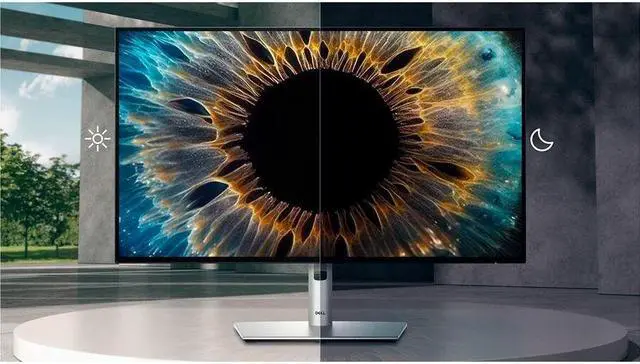
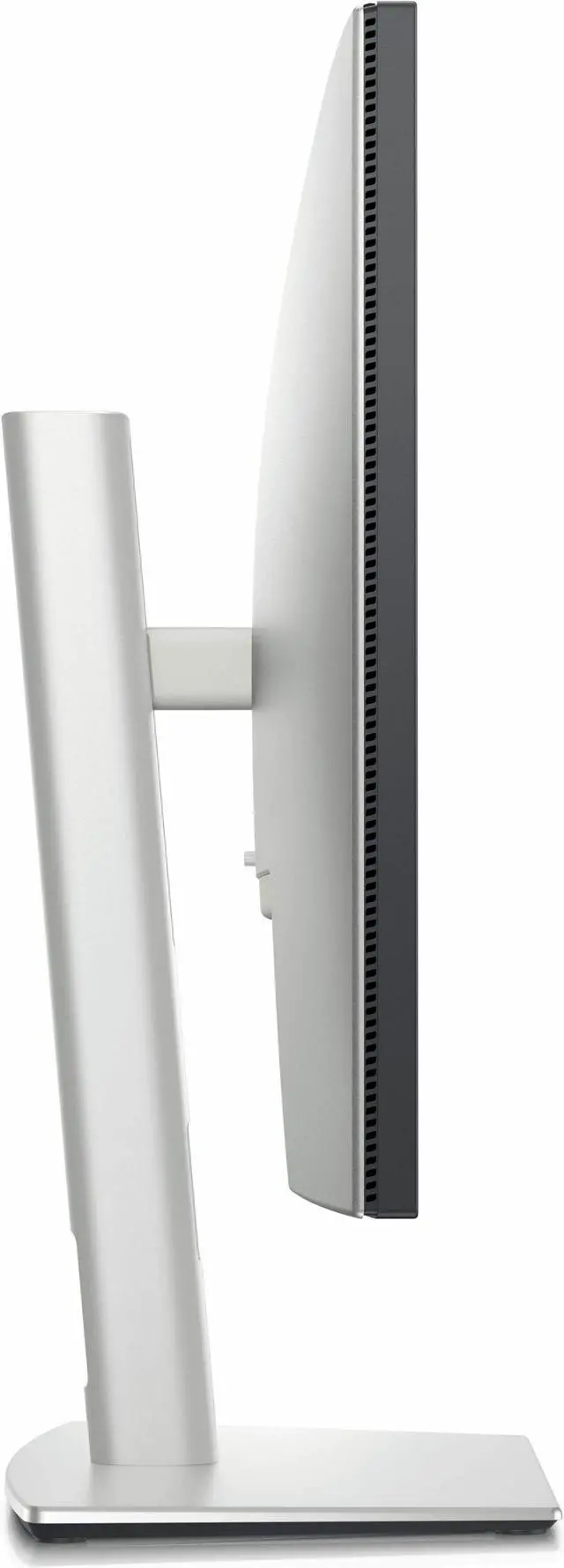
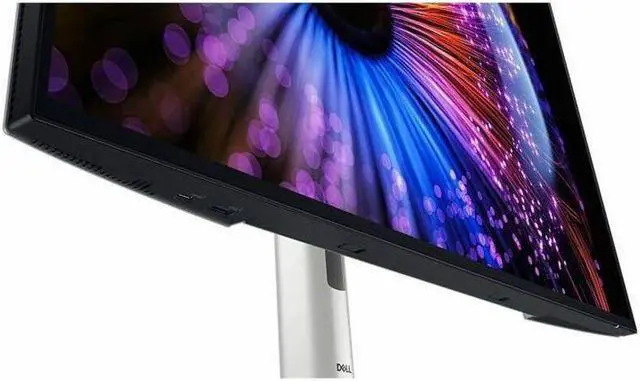
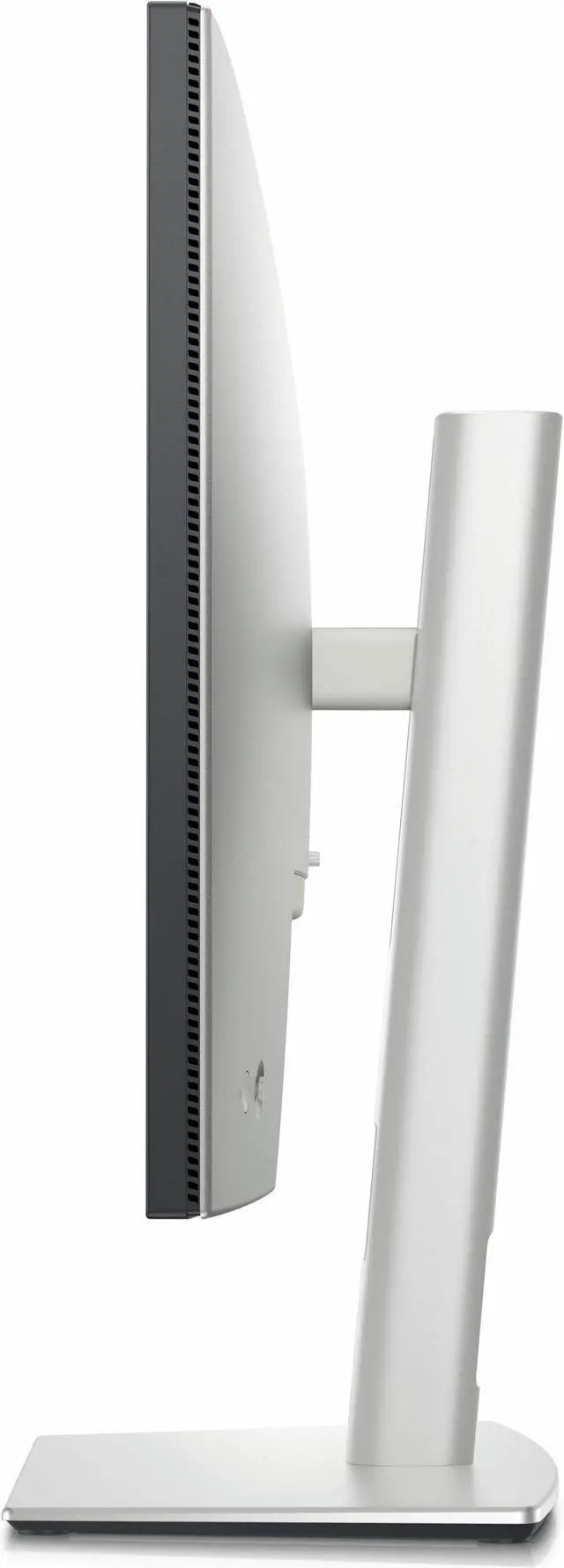

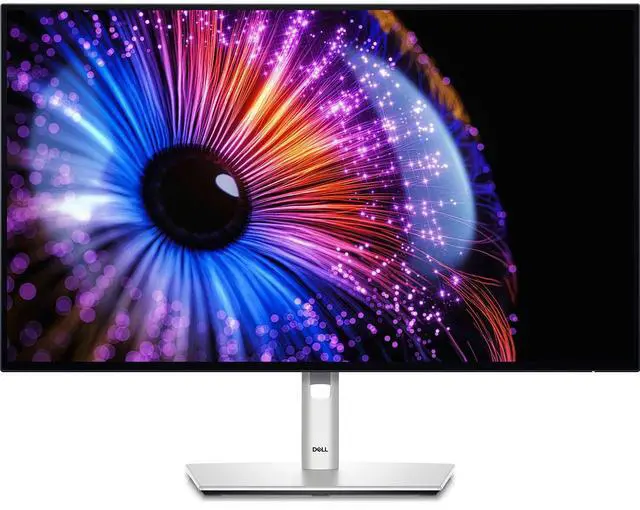

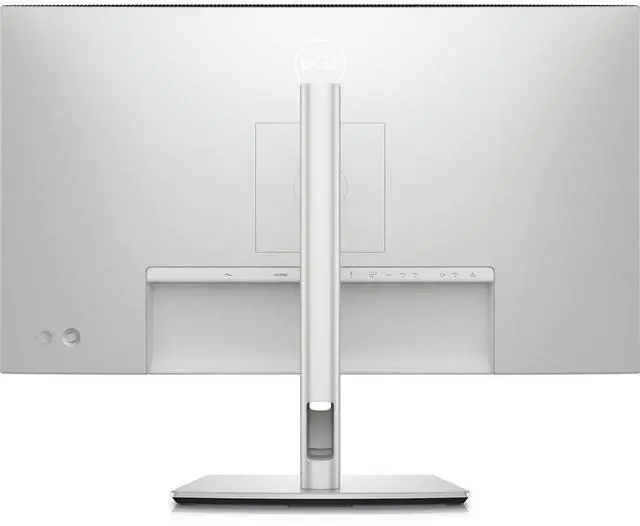
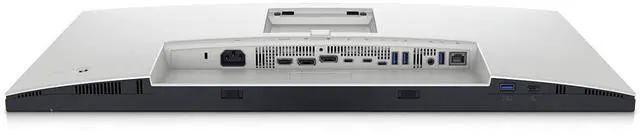
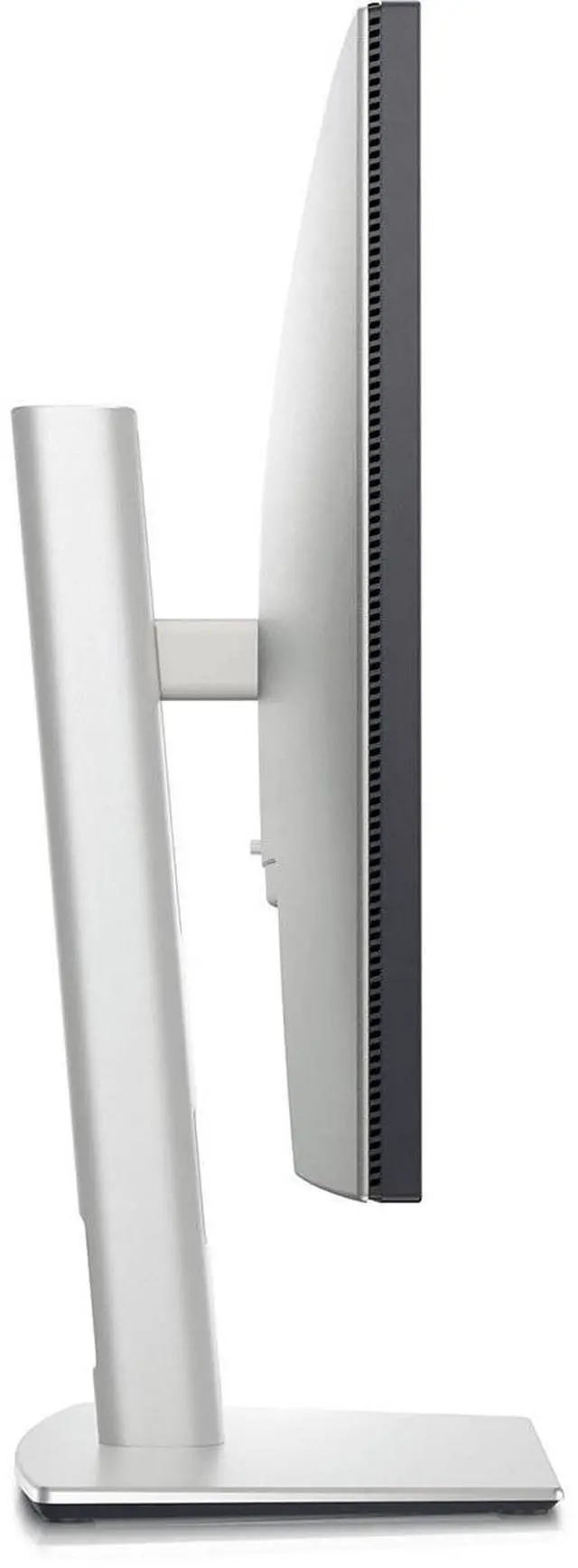
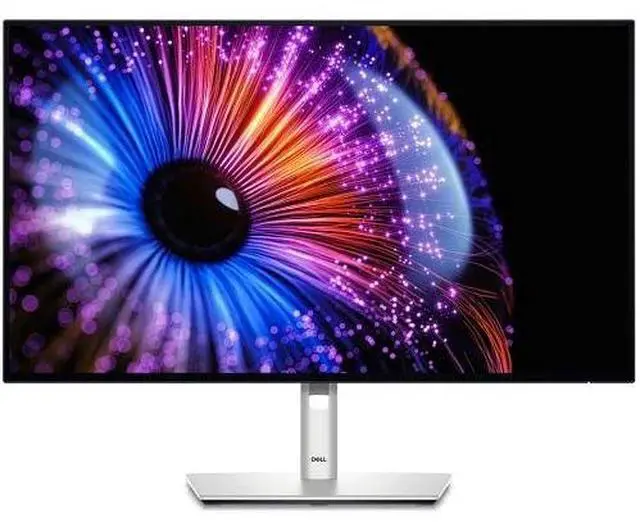


Dell UltraSharp 27 Thunderbolt Hub Monitor - U2724DE, QHD, 120Hz Display, IPS Black Technology, Anti-Glare
- FLUID GAMEPLAY - 120Hz QHD refresh rate provides smooth motion and low latency for fastpaced gaming.
- CRISP VISUALS - IPS Black Technology panel delivers 1.07billion colors, 350cd/m² brightness and 2000:1 contrast for vibrant, accurate images.
- WIDE VIEWING - 178° vertical/horizontal viewing angles ensure consistent colors from any seat position.
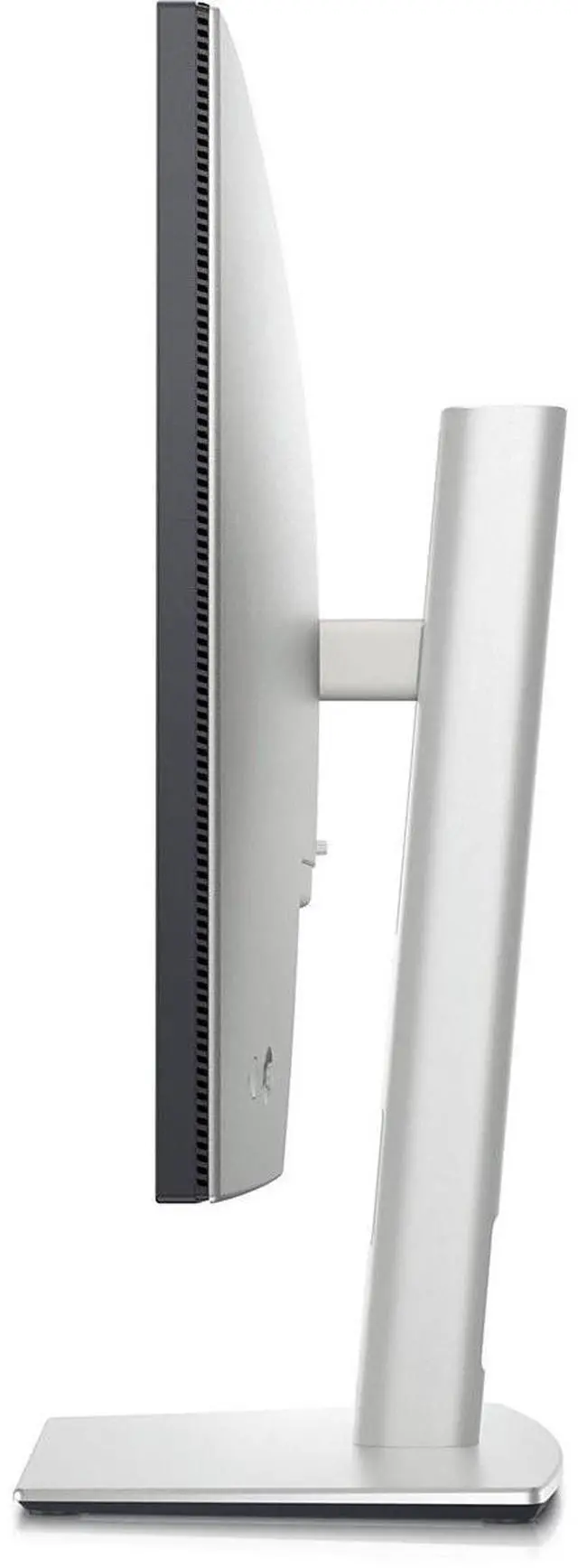
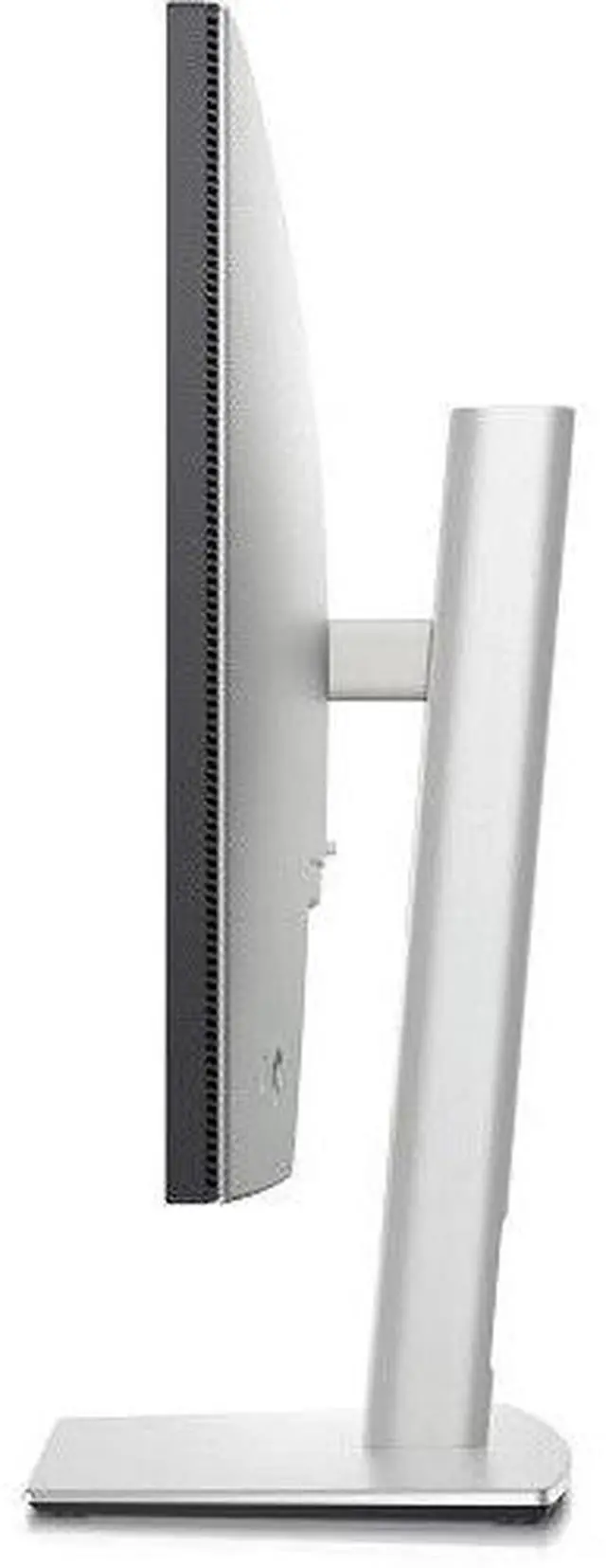
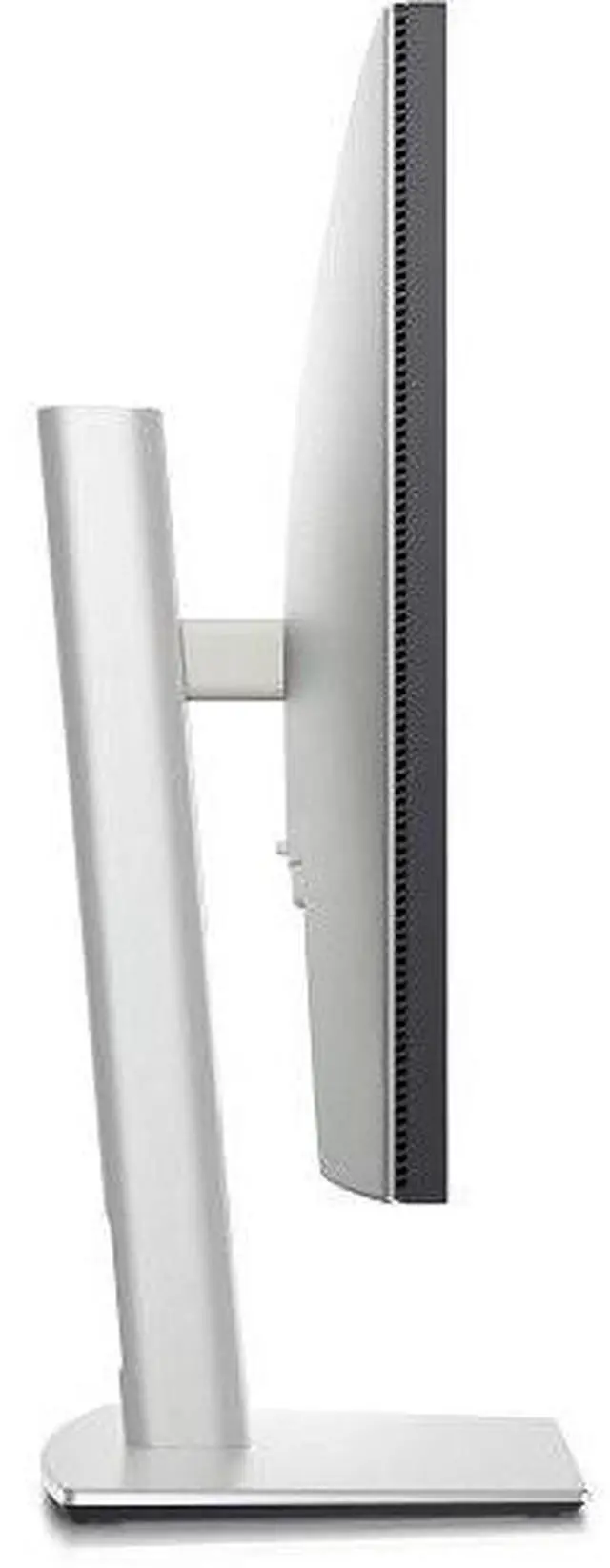
- ERGONOMIC COMFORT - Height, tilt, swivel and pivot adjustments let you find the perfect gaming posture.
- RAPID RESPONSE - 5ms fast response time reduces ghosting during intense action scenes.
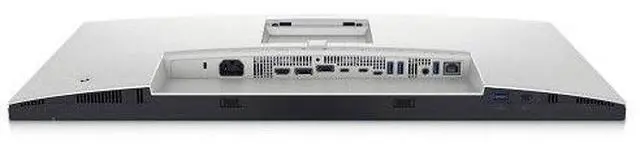
- VERSATILE CONNECTIVITY - HDMI and DisplayPort inputs with included DP1.4, USBC to TypeA, and Thunderbolt4 cables simplify setup.
+
+
Overview
Specs
Reviews
The Dell UltraSharp 27inch Thunderbolt Hub monitor (U2724DE) is engineered for gamers who demand sharp detail and fluid motion. Featuring a QHD 2560×1440 resolution at a 120Hz refresh rate, the IPS Black Technology panel renders 1.07 billion colors with 350cd/m² brightness and a 2000:1 contrast ratio, delivering vivid, truetolife visuals. A rapid 5ms fast response time and 178° viewing angles keep action clear from any angle, while the fully adjustable stand (height, tilt, swivel, pivot) provides ergonomic comfort for long sessions. Connectivity includes HDMI, DisplayPort, USBC, and Thunderbolt4 cables, enabling a clean, versatile gaming setup.
Warranty & Returns
Warranty, Returns, And Additional Information
Warranty
- Limited Warranty period (parts): 1 year
- Limited Warranty period (labor): 1 year
- Read full details
Return Policies
- Return for refund until: January 31, 2027
- Return for replacement until: January 31, 2027
- This item is covered by Newegg.ca's Extended Holiday Return Policy.
- Read full return policy for details.
We want to ensure your holiday shopping this year is hassle-free. That’s why we’re automatically extending our return policies on almost every product! For purchases placed between November 1st, 2026 and December 31, 2026 you will have until January 31, 2027 to return your product.
Manufacturer Contact Info
- Manufacturer Website
- Support Phone: 1-800-WWW-DELL
- Support Website
- View other products from DELL
LOADING...
LOADING...
The Dell UltraSharp U2724DE is a 27-inch QHD 120Hz monitor with IPS Black technology and Thunderbolt hub connectivity, suited to professionals who want a sharp, smooth display and a streamlined desk setup.
Recommended For
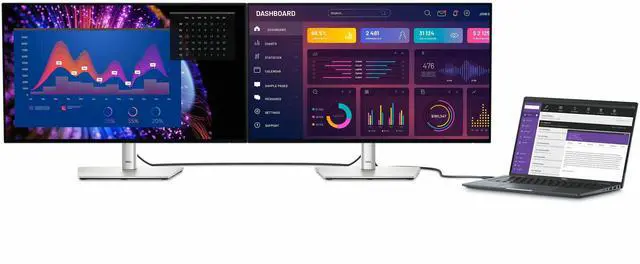
- Laptop-first professionals who want a one-cable desk setup: Thunderbolt 4 connects a laptop to the display and hub, with up to 90W power delivery, Ethernet, and USB ports for peripherals.
- People who switch between two computers at one desk and want to share a monitor-connected keyboard and mouse, using its built-in KVM and hub features.
- Home-office and productivity users who want a 27-inch QHD screen for documents, browsers, and multitasking, with higher contrast and smoother scrolling than a typical 60Hz office display.
- Photo and design workers who need a well-calibrated everyday work display for sRGB or Display P3 tasks, rather than a specialized reference monitor; reviewers measured good accuracy in those modes.
- People who mix office work with casual gaming and prefer QHD resolution and 120Hz motion, without prioritizing esports-level response or refresh rates.
Real-World Use Scenarios
- For a laptop-based home office, connect a compatible laptop by Thunderbolt 4 to send video and data, charge it, and use peripherals plugged into the monitor—reducing the need for a separate dock.
- For a desk shared by a work computer and a personal computer, use the monitor’s KVM and picture-by-picture or picture-in-picture features to share the display and connected peripherals between devices.
- For everyday office work such as reading documents, browsing, and switching between windows, the QHD screen provides room for multiple tasks, while 120Hz makes scrolling and desktop movement look smoother than on a typical 60Hz display.
- For photo or video editing, use the monitor’s wide color coverage and contrast for general creative work; it is less suited to workflows that require 4K detail or HDR preview.
- For casual PC or console gaming alongside work, QHD at up to 120Hz makes motion look smoother than on a 60Hz office monitor; its response behavior is not as crisp as a dedicated competitive-gaming display.
Spec Summary
| Attribute | Value |
|---|---|
| Best For | Desktop use with QHD visuals and 120Hz refresh, plus adjustable positioning and a built-in USB hub |
| Panel And Resolution | 27-inch LED IPS display with 2560 × 1440 QHD resolution, 16:9 aspect ratio, 2,000:1 contrast, 178° viewing angle, and 100% sRGB gamut; brightness is listed as 1199.1, with no unit specified |
| Refresh Rate And Response | 120Hz refresh rate, 5ms response time, and FreeSync adaptive sync |
| Ports And Connectivity | Connectivity listings include HDMI, DisplayPort, USB, USB-C, Ethernet, and Thunderbolt; 1 HDMI port and 6 USB ports are specified, while the Thunderbolt port count is listed as 0 |
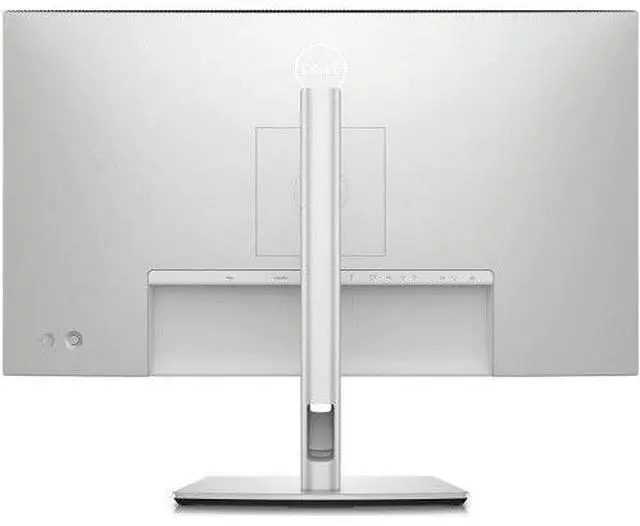
| Stand And Ergonomics | Stand supports height, tilt, and swivel adjustment; includes a stand riser and base |
| Mounting And Dimensions | Supports a 100 × 100 mm VESA mount; listed dimensions are 13.9 × 24.1 × 2 inches, with a 1.97-inch depth without the stand |
| Power | Power consumption is listed as 225W |
| Model Identifiers | Dell UltraSharp U2724DE |
Reference Q&A
Q: Dell U2724DE vs U2724D: what’s the difference?
A: Both are 27-inch QHD IPS Black monitors with a 120Hz refresh rate. Choose the U2724DE if you want a Thunderbolt 4 hub with up to 90W laptop charging, Ethernet, and daisy-chaining; choose the U2724D for the same core display specifications with a more display-focused connection setup.
Q: Dell U2724DE vs U2725QE: is the newer model worth the step up?
A: Choose the U2725QE if you want 4K resolution at 120Hz, a 3000:1 contrast rating, and up to 140W Thunderbolt 4 power delivery. The U2724DE offers QHD at 120Hz and up to 90W power delivery, making it a fit for buyers prioritizing its QHD display and hub features.
Q: Dell U2724DE vs U2723QE: which is better for a work monitor?
A: Choose the U2724DE for a 120Hz refresh rate and Thunderbolt 4 connectivity with up to 90W laptop charging. Choose the U2723QE if 4K resolution is the priority; it pairs a 4K display with USB-C hub connectivity and up to 90W power delivery.
Q: Is this monitor suitable for everyday office work?
A: Yes. Its 27-inch QHD display, 120Hz refresh rate, wide viewing angles, and adjustable stand suit general office work, browsing, and multitasking. The Best Buy Q&A also addresses connecting multiple computers to the monitor.
Q: Can I connect more than one computer to it?
A: Yes. Best Buy’s product Q&A says two PCs can be connected. The monitor’s Thunderbolt hub features are intended to support a multi-device desk setup.
Q: Is it good for gaming?
A: It can suit casual and some fast-paced gaming: the display offers QHD resolution, a 120Hz refresh rate, and a stated 5ms response time. Buyers seeking a monitor primarily for competitive gaming should check whether those specifications meet their needs.
Q: Can it be mounted on a wall or monitor arm?
A: Yes. Best Buy’s Q&A confirms that the monitor is wall-mountable and that its stand can be detached for VESA mounting.
Q: Can the U2724DE simplify a laptop desk to one cable?
A: It can suit a one-cable setup when the laptop supports Thunderbolt and you want the monitor to handle display and peripheral connections. Reddit users describe using the monitor in Thunderbolt laptop setups, including daisy-chained displays; compatibility and supported display modes depend on the laptop and setup.
Q: Is the U2724DE worth choosing over the U2724D?
A: Consider the U2724DE if you will use its Thunderbolt hub features; a Reddit buyer specifically compared it with the U2724D, which lacks the hub. If you mainly need a 27-inch QHD display, the discussion does not establish that the hub version is worth any particular price premium.
Q: Can it run two high-refresh displays through a Thunderbolt setup?
A: The U2724DE supports QHD at up to 120Hz, but running it alongside another high-refresh display may involve bandwidth or display-mode trade-offs. A Reddit user reported limits in a particular daisy-chain setup, so confirm the capabilities of your laptop, graphics hardware, and connection before relying on specific refresh rates for both screens.