


Best Sellers
 Hot Seller
- $566.11
- + $41.23 Shipping





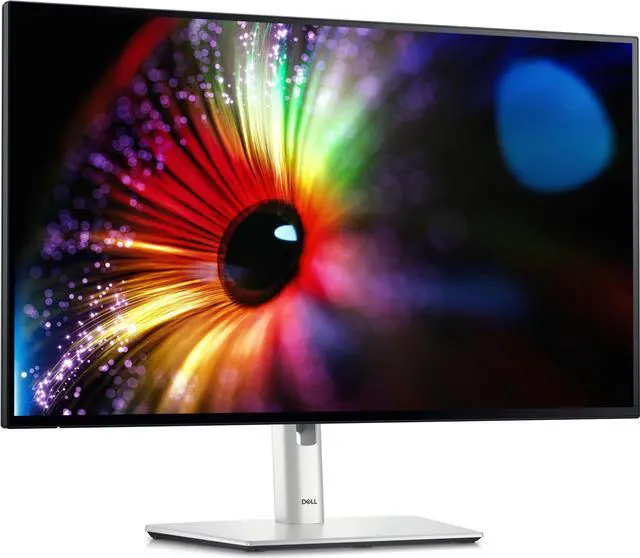
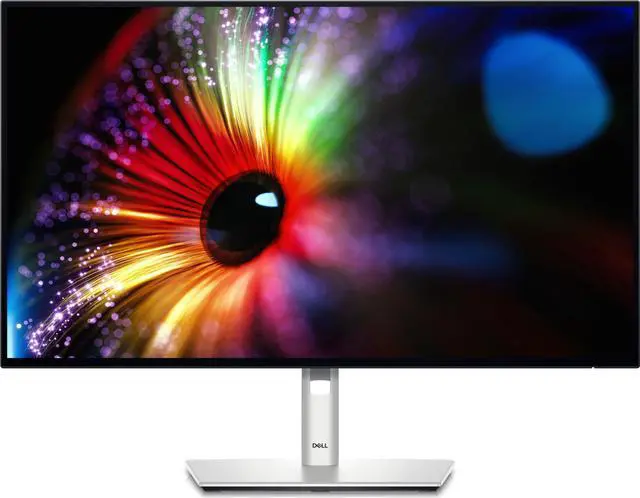
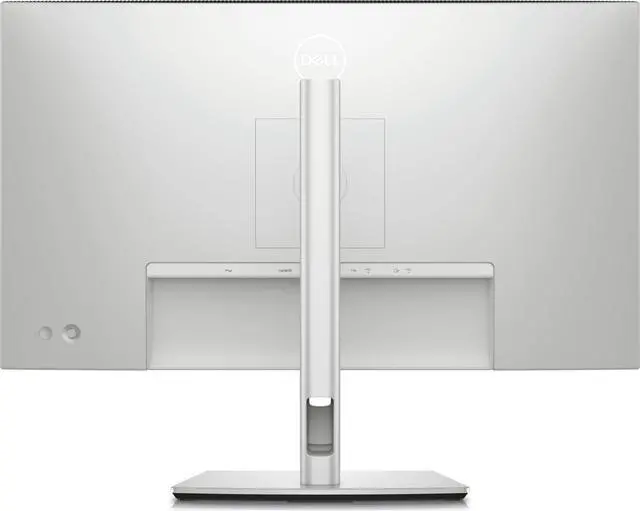
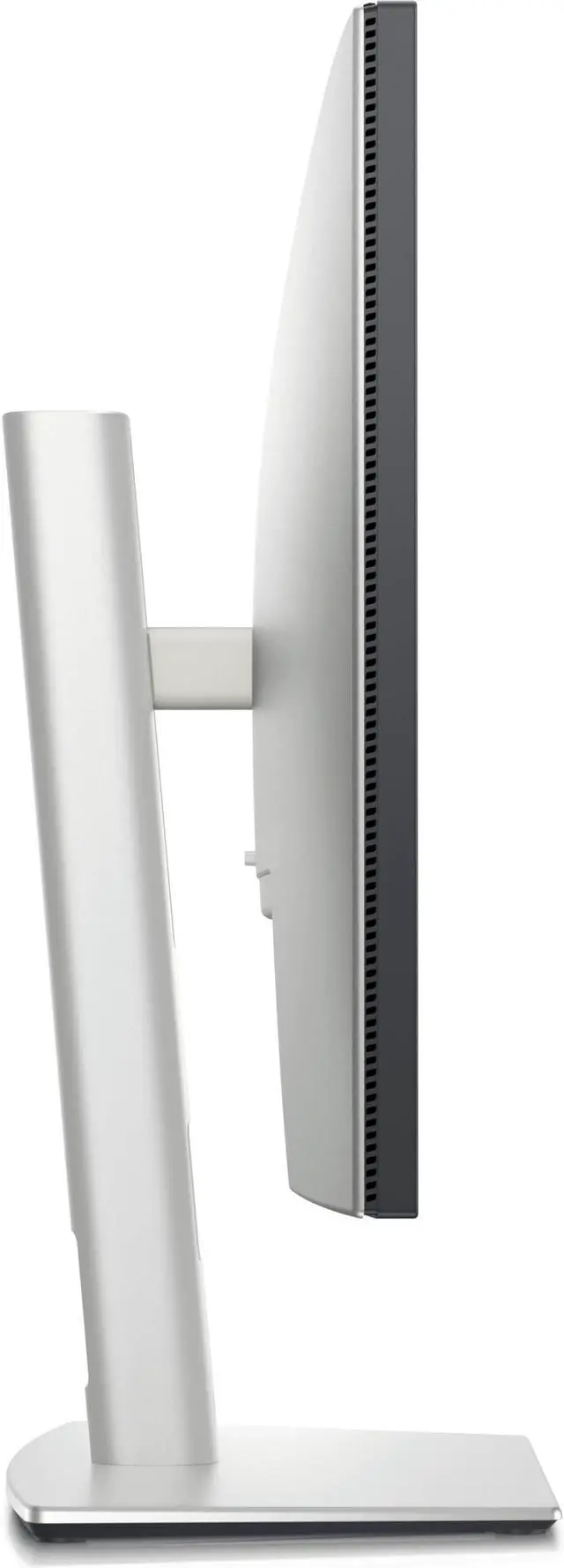
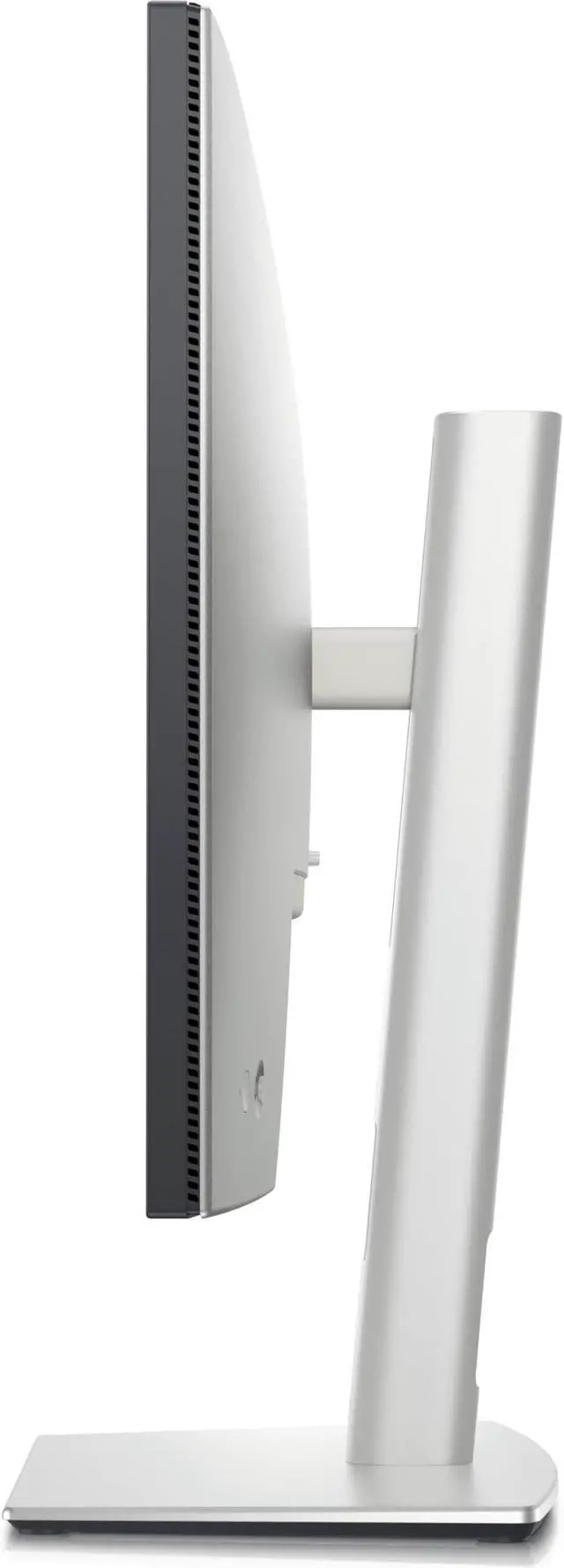

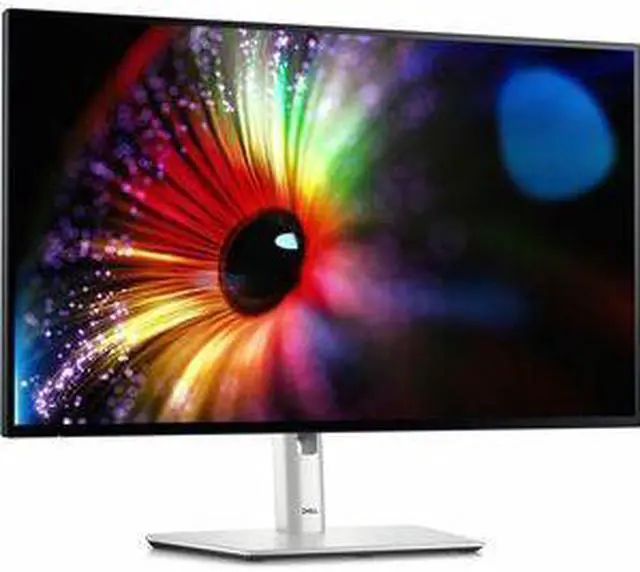
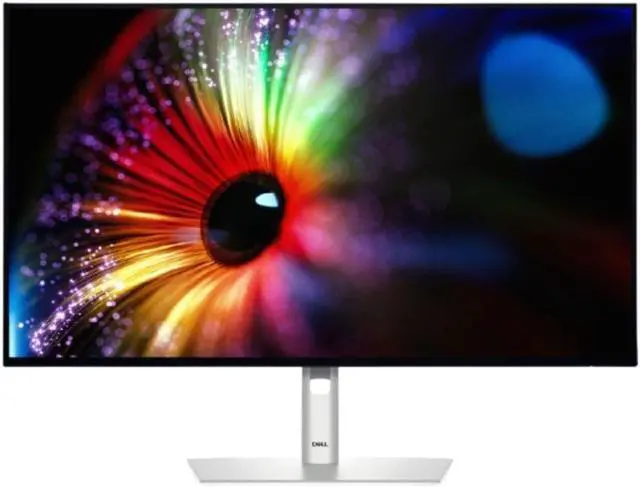
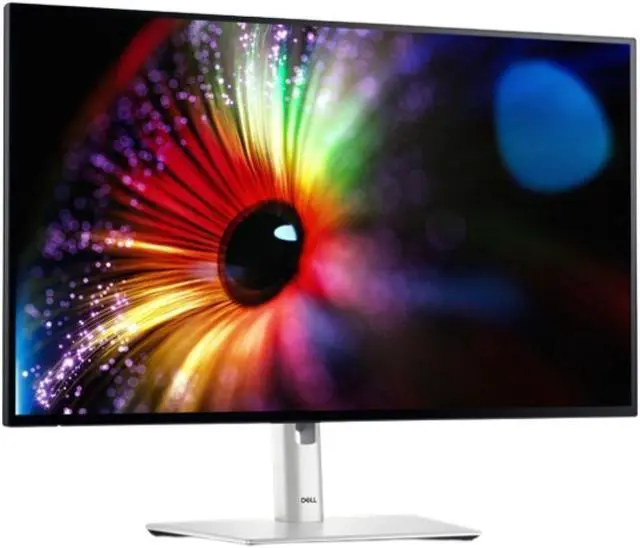
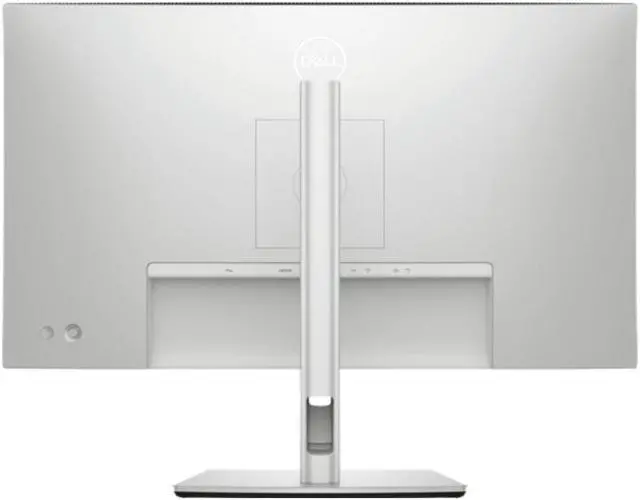
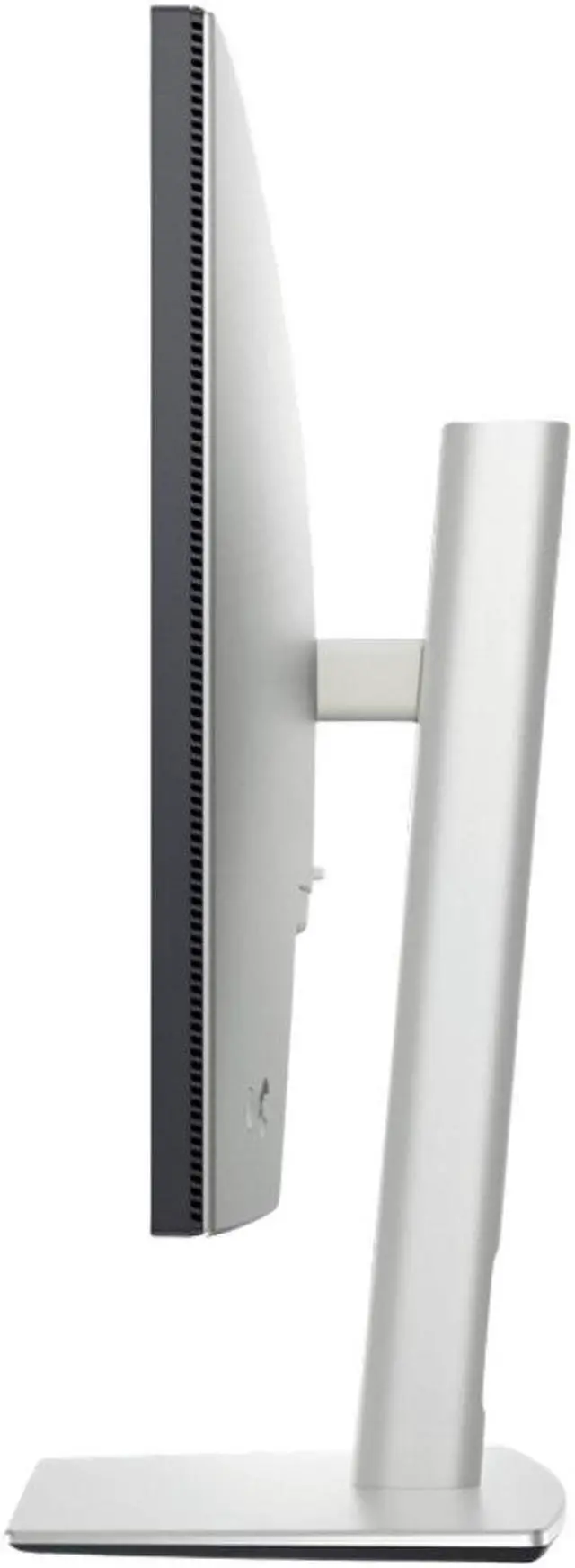

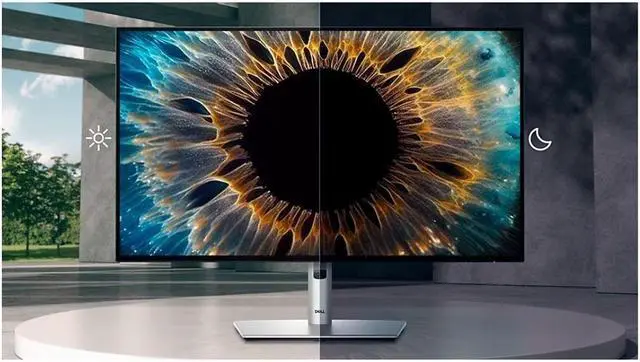


Dell UltraSharp 27 Monitor - U2724D
- Shop the Dell UltraSharp 27 Inch Monitor (U2724D) certified by TÜV with 5-star eye comfort. Experience a new level of visual comfort, enhanced productivity and extensive connectivity. View on Dell.com.
+
+
Overview
Specs
Reviews
Experience a new level of visual comfort, enhanced productivity and extensive connectivity with this monitor certified by TÜV for 5-star eye comfort.
Warranty & Returns
Warranty, Returns, And Additional Information
Warranty
- Limited Warranty period (parts): 1 year
- Limited Warranty period (labor): 1 year
- Read full details
Return Policies
- Return for refund until: January 31, 2027
- Return for replacement until: January 31, 2027
- This item is covered by Newegg.ca's Extended Holiday Return Policy.
- Read full return policy for details.
We want to ensure your holiday shopping this year is hassle-free. That’s why we’re automatically extending our return policies on almost every product! For purchases placed between November 1st, 2026 and December 31, 2026 you will have until January 31, 2027 to return your product.
Manufacturer Contact Info
- Manufacturer Website
- Support Phone: 1-800-WWW-DELL
- Support Website
- View other products from DELL
LOADING...
LOADING...
The Dell UltraSharp U2724D is a 27-inch QHD monitor designed for comfortable, productive work, with TÜV-certified 5-star eye comfort. It suits professionals and home-office users who spend long hours at a desk and want a sharp, spacious display.
Recommended For
- Desk-based office workers who spend long sessions reading, writing, or switching between windows; its adjustable stand, 120Hz scrolling, and TÜV 5-star eye-comfort certification suit extended productivity use.
- Desktop PC users who want a 27-inch display for everyday work and media, with stronger contrast than typical IPS office screens and a USB hub for desk accessories.
- Content creators doing general photo, design, or video work who value broad sRGB and DCI-P3 coverage and factory color calibration, but do not need a dedicated HDR mastering display.
- People who split a workday between productivity and casual gaming; 120Hz and variable refresh rate make desktop motion and games smoother than on a standard 60Hz office monitor.
Real-World Use Scenarios
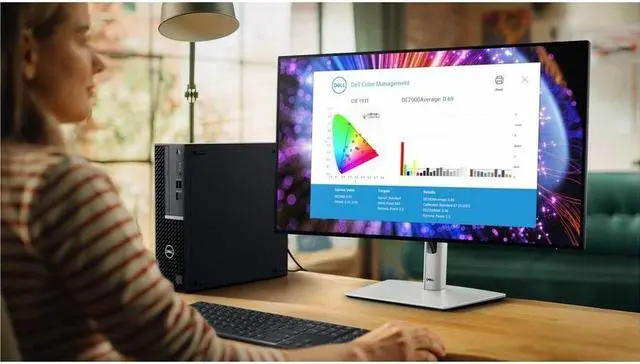
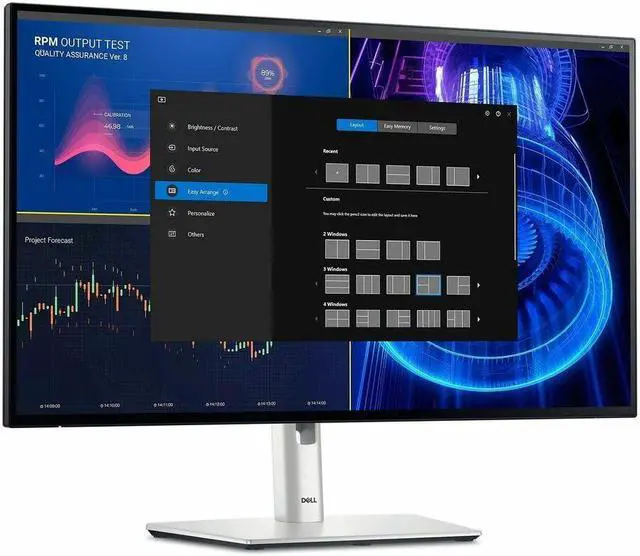
- For everyday office work—such as keeping a spreadsheet beside email, documents, or a video call—the 27-inch QHD screen provides room to arrange windows, while the adjustable stand helps position the display for a desk setup.
- For long work sessions spent reading, writing, or scrolling through documents, the 120Hz display makes scrolling feel smoother; Dell also lists an ambient-light sensor and TÜV 5-star eye-comfort certification. These features support comfort but cannot guarantee reduced eye strain for every user.
- For hobby photo editing or other general creative work, the monitor’s broad color coverage and higher-than-typical IPS contrast help produce vivid images and more defined dark tones; for color-critical grading, check calibration needs and professional-monitor alternatives.
- For casual gaming after work, the 120Hz refresh rate makes motion feel smoother than on a typical 60Hz office screen, and the QHD resolution suits a 27-inch display; it is better framed as a work-and-play option than a competitive gaming monitor.
- In a home office where a lamp or window is near the display, the matte anti-glare surface helps diffuse reflections, making the screen easier to view than a glossy display in similar lighting; it does not eliminate glare in every room.
Spec Summary
| Attribute | Value |
|---|---|
| Best For | Desktop computing and multimedia setups needing a QHD display with HDMI, DisplayPort, USB, or USB-C connectivity |
| Panel And Resolution | 27-inch LCD/LED display with IPS Black technology, 2560 × 1440 QHD resolution, 16:9 aspect ratio, and a 178-degree viewing angle |
| Refresh Rate And Response | 120 Hz refresh rate with FreeSync adaptive sync; response time is listed as 120 milliseconds |
| Ports And Connectivity | One HDMI port, five USB ports total, and USB, USB-C, and DisplayPort connectivity; zero Thunderbolt ports are listed. The listed USB 2.0 and USB 3.0 counts are both zero |
| Image Quality | 2,000:1 contrast ratio, 100% sRGB color gamut, and listed brightness of 1199.1 (unit not specified); pixel pitch is listed as 9.2 (unit not specified) |
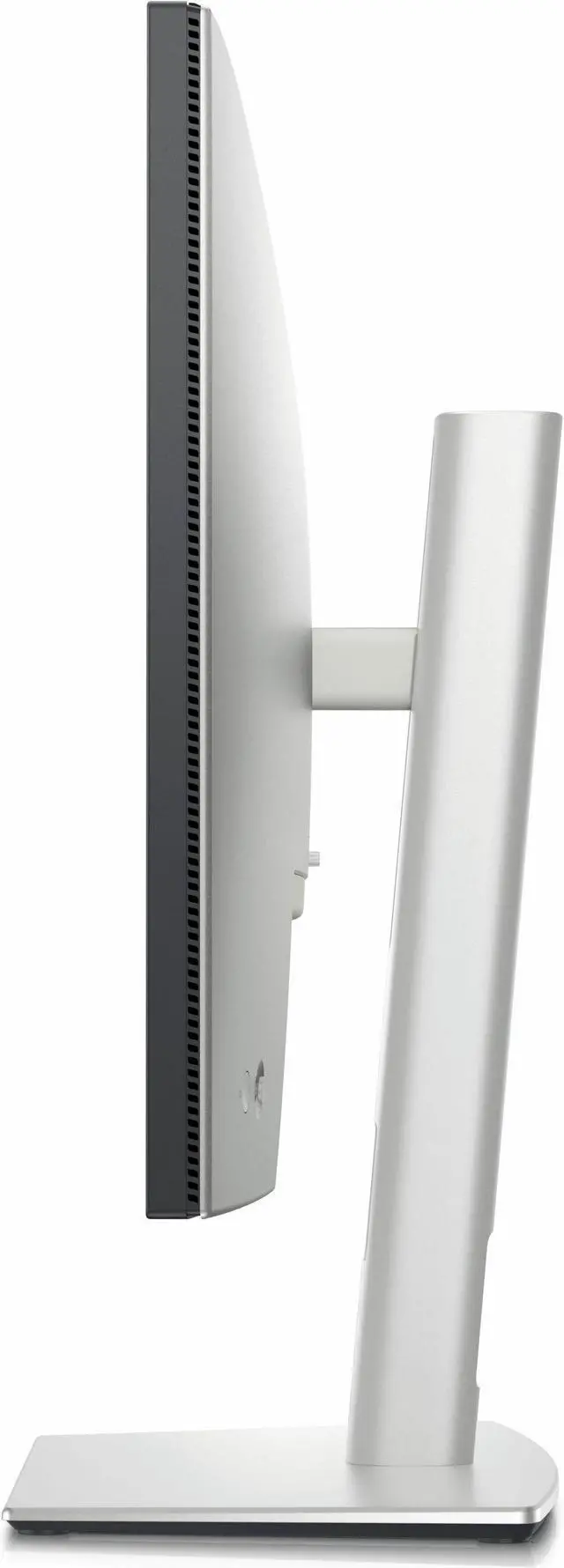
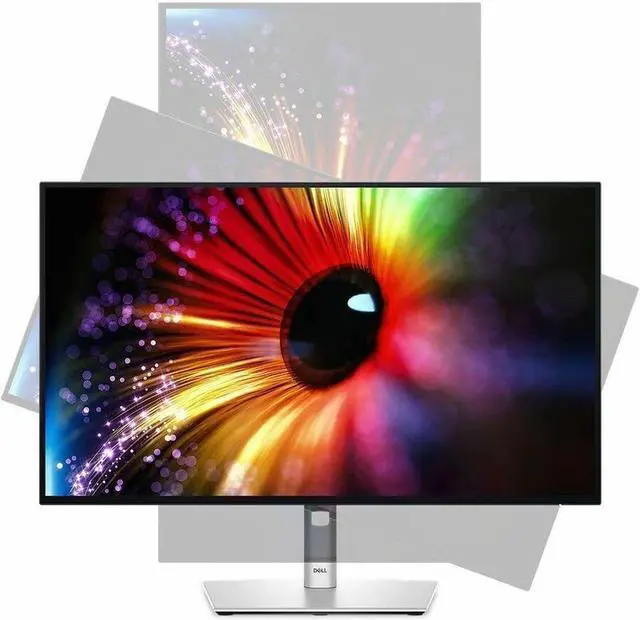
| Stand And Ergonomics | Height, tilt, and swivel adjustment; panel mounting supported |
| Screen Finish | Glossy finish is listed, along with an anti-glare screen feature |
| Power | 23.9 W power consumption; listed voltage is 240 V |
| Physical Specifications | Platinum silver/silver finish; listed dimensions are 13.9 × 24.1 × 2 inches and item weight is 14.46 pounds |
| Included Components | Monitor, stand riser, stand base, quick setup guide, and safety information |
| Model Identifiers | Dell UltraSharp; model number 210-BKSF |
Reference Q&A
Q: Dell U2724D or U2724DE: which should I choose for a laptop setup?
A: Choose the U2724D for a 27-inch QHD display with 120Hz refresh and built-in USB ports for peripherals. Choose the U2724DE when you want the same QHD 120Hz display experience with a Thunderbolt 4 hub and expanded docking connectivity for a laptop-centered desk.
Q: Dell U2724D or U2723QE: do I need 4K or 120Hz?
A: Choose the U2723QE if 4K resolution is your priority for fine text and detailed on-screen work. Choose the U2724D if you prefer QHD resolution with a 120Hz refresh rate for smoother scrolling and motion. Both are 27-inch UltraSharp monitors with IPS Black panels.
Q: Should I get the Dell U2724D or step up to the U2725QE?
A: Choose the U2724D for a QHD 27-inch display with 120Hz refresh. Step up to the U2725QE if you want 4K resolution at 120Hz along with a Thunderbolt 4 hub. The choice mainly comes down to QHD versus 4K detail and the connectivity you want at your desk.
Q: Is the U2724D suitable for office work and long workdays?
A: Yes. Its 27-inch QHD screen, adjustable stand, 120Hz refresh rate, and TÜV-certified eye-comfort features suit everyday office work. It has no built-in speakers, so plan on separate audio if needed.
Q: Can I connect and charge my laptop with one USB-C cable?
A: No. The U2724D’s USB-C upstream port is for data only; it does not carry video or charge a laptop. Connect video through HDMI or DisplayPort, and use a separate USB connection if you want to use the monitor’s USB hub.
Q: Does the monitor have built-in speakers?
A: No. The U2724D does not have built-in speakers, so use headphones or separate speakers for audio.
Q: Does the U2724D support a 120Hz refresh rate?
A: Yes. It supports up to 120Hz at its native QHD resolution of 2560 × 1440.
Q: Is the U2724D a good choice for office work and everyday use?
A: It may suit productivity-focused use, especially if you want a 27-inch QHD screen and smoother scrolling than a 60Hz display. Reddit users report good text clarity and contrast for work, though experiences vary by setup and preferences.
Q: Is the U2724D sharp enough for text on a Mac, or should I choose 4K?
A: The U2724D is a 27-inch QHD monitor, and Mac users in Reddit discussions report that text can look less crisp than on a 4K display. If fine text sharpness is your priority, compare it with a 4K monitor before buying; preferences and results vary.
Q: Is the U2724D suitable for gaming as well as work?
A: It can be a mixed-use option for work and casual gaming, but Reddit users report that IPS glow in dark scenes can be distracting. Community feedback also cautions that its 120Hz refresh rate does not necessarily make it a strong choice for competitive gaming.
Q: Is the U2724D a worthwhile upgrade from an older monitor?
A: A Reddit review describes it as a more compelling upgrade from a 1080p, 60Hz monitor than from an existing QHD display. If you already have a QHD monitor, the improvement may not justify replacing it unless the U2724D’s other features matter to you.