
 We‘re shipping as usual! The Canada Post strike only affects certain remote deliveries and PO Boxes.
  Holiday Shipping Details & Extended Holiday Returns
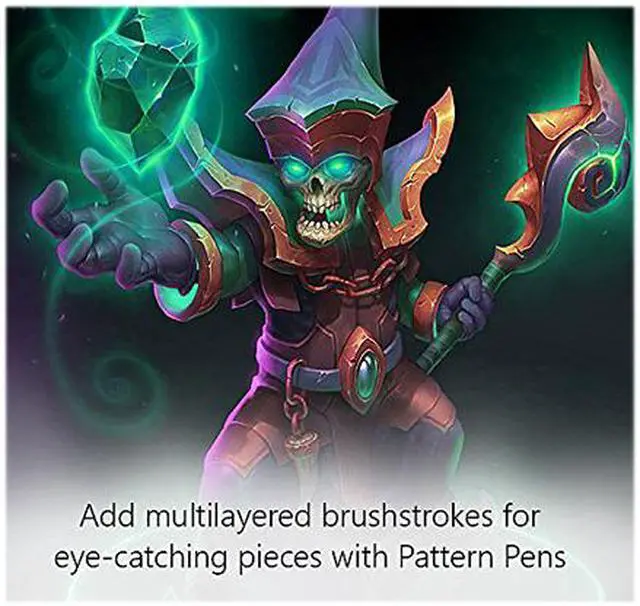
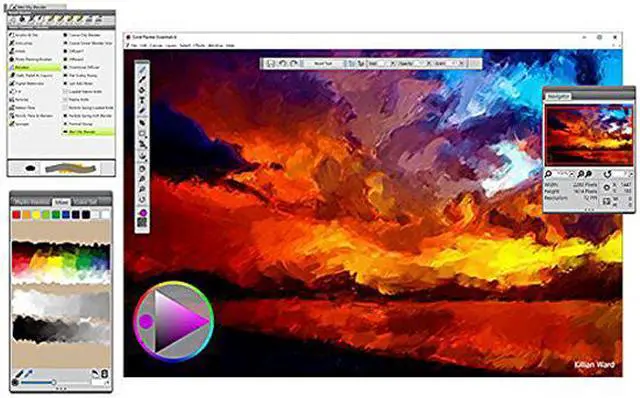
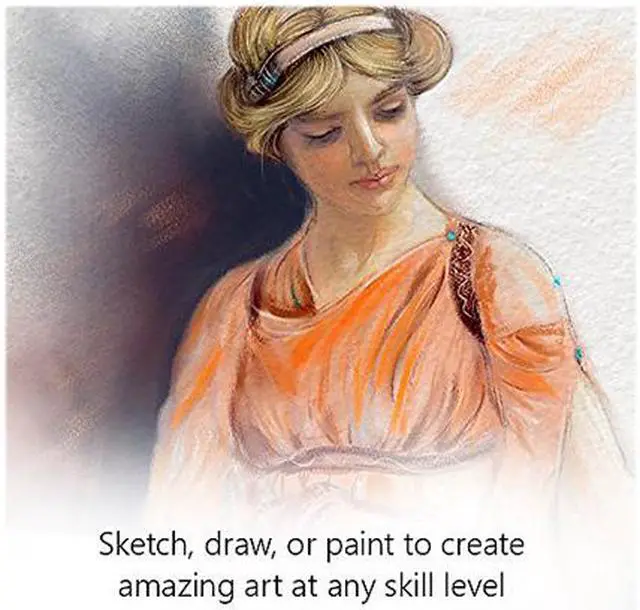
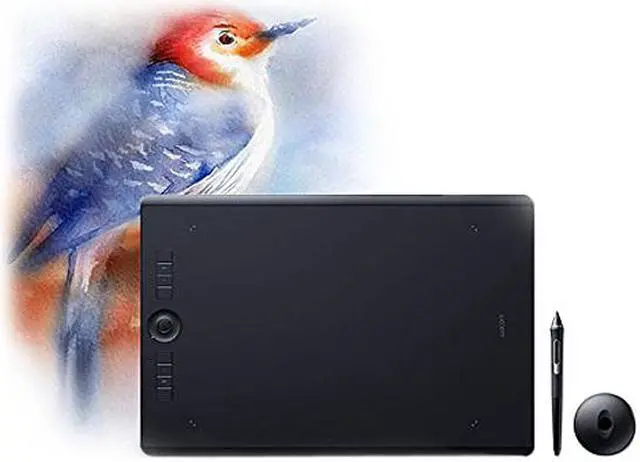
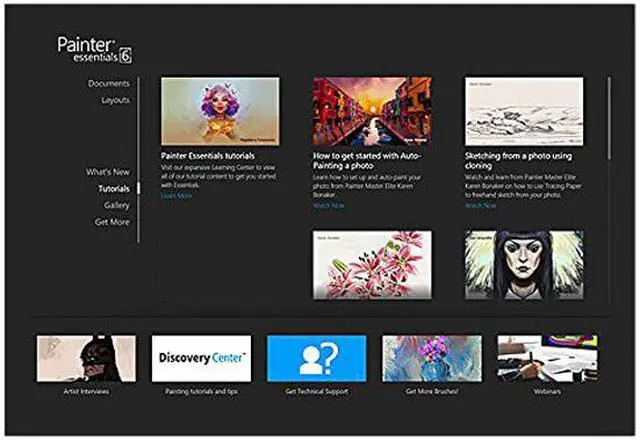


Corel Painter Essentials 6 is custom designed to inspire you to freely create blank canvas and photo art creations using Natural-Media brushes. As an intuitive paint program, Essentials offers a welcoming environment that will encourage you to have fun while using powerful and realistic art tools to reach your goals. Turn a photo into an amazing oil, pastel or impressionist work of art, or use pencils, pens or particles to paint, draw and sketch on a blank canvas. The best part? Connect with a solid social community of fellow painters who are passionate about painting and providing feedback. There’s an artist in all of us.
Updated user interface
Launch the designed Welcome Screen to kick start your painting experience. Create new documents and templates, choose from workflow UI layouts, see what is new and exciting in the world of Essentials, access helpful tutorials, view an inspirational art gallery and check out our brush packs for specific workflows.

Smart photo-painting tools
Start off easy using the one-touch Auto-Paint tool. Simply open the photo of your choice, select a painting style and click play. As a must-have paint editor, Essentials will magically paint the photo for you using Smart Stroke technology that follows the lines and contours in your image, no hands required.

Drawing tablet support
Essentials incorporates pressure sensitive memory that will adapt to your particular touch. Provide a sample of your stroke in the Brush Tracker to globally set sensitivity or save your pressure for each of your favorite brushes allowing Essentials to remember and respond accordingly.

Natural-Media
Sketch your vision using the perfect pencil for the job, choose from grainy, thick and thin and scratchboard tool variations. Then, render your masterpiece using an exciting variety of Chalks, Pastels, Crayons & Charcoal including blunt, soft, square, tapered and jitter variants that will suit any task at hand.
