
Your Browsing History


Make informed decisions with expert advice. Learn More


| Brand | Canon |
|---|---|
| Series | PIXMA Pro series |
| Model | 4280C003 |
| Functions |
| Print Technology | InkJet |
|---|---|
| Output Type | Color |
| Color Print Speed | 11" x 14" in Bordered Color Photo (A3+): 1 minute 30 seconds10 8" x 10" in Bordered Color Photo (A4): 53 Seconds |
| Color Print Quality | 4800 x 2400 dpi |
| Number of Nozzles | 768 Nozzles x 8 Inks, Total: 6,144 |
| Print Languages, std. | Swift Graphic Raster |
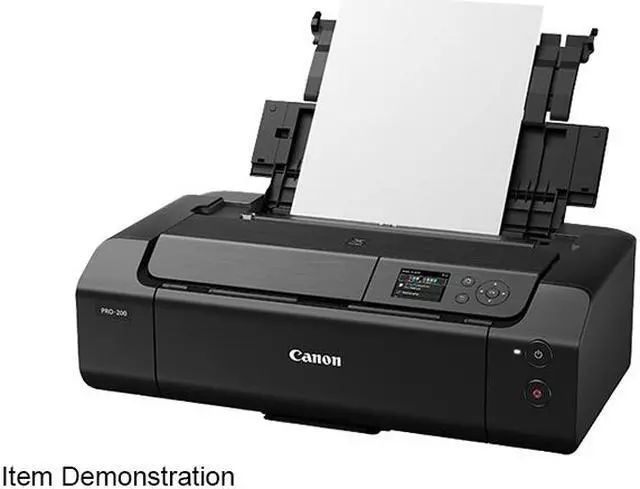
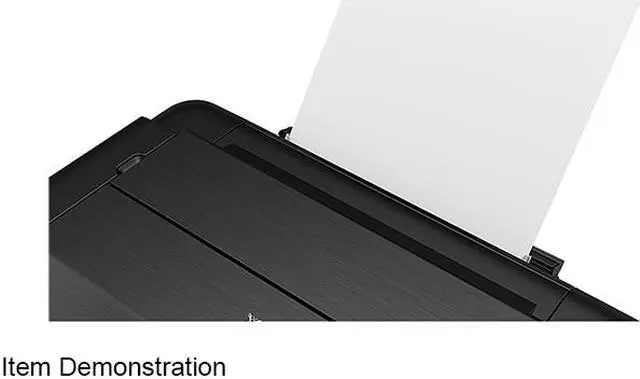
| Input Capacity, std. | Top Feed - Plain Paper: 64 - 105 gsm Top Feed - Photo Paper: Approx. 380 gsm Manual Feed Slot - Photo Paper: Approx. 380 gsm / 0.1 - 0.6 mm |
|---|---|
| Media Type | Plain: Plain Paper Super High Gloss: Photo Paper Pro Platinum Glossy: Photo Paper Plus Glossy II, Photo Paper Glossy Semi-Gloss: Photo Paper Plus Semi-Gloss, Photo Paper Pro Luster Matte: Matte Photo Paper, Photo Paper Premium Matte Fine Art: Premium Fine Art Rough Other (non-Canon): Greeting Cards, Printable Nail Stickers, Cardstock, Printable CD / DVD / Blu-ray Discs, Recycled paper and chlorine-free paper can be used |
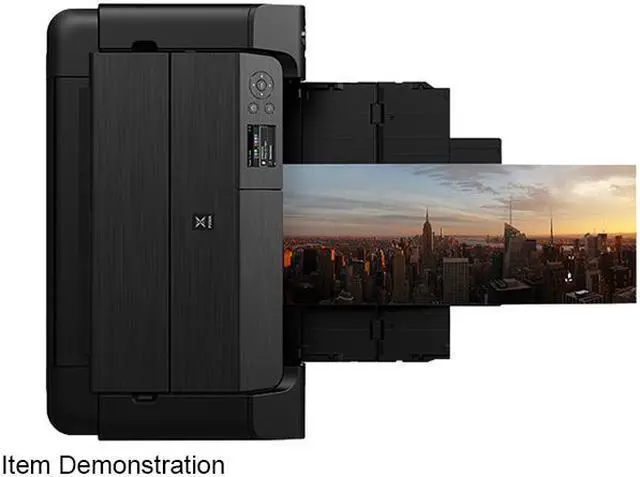
| Media sizes supported | 3.5" x 3.5" (Square), 3.5" x 5", 4" x 6", 5" x 5" (Square), 5" x 7", 7" x 10", 8" x 10", Letter (8.5" x 11"), Legal (8.5" x 14"), 10" x 12", 11" x 17" (Ledger), 12" x 12" (Square), 13" x 19" (A3+), 210 x 594mm (Panorama Size), Custom (up to 13" x 39") |
| USB Ports | Yes |
|---|---|
| Network Ports | Ethernet 10 / 100BaseTX (RJ45) |
| Other Ports | PictBridge |
| Connectivity Technology | Ethernet (RJ-45) / USB |
| Noise Level (Approx.) | 42.2 dB(A) (Canon PT-201 Paper) |
|---|---|
| Power Consumption | 16W (1.0W Standby, 0.2W Off) |
| Windows Compatible | Windows 10, Windows 8.1, Windows 7 SP1 |
|---|---|
| Macintosh Compatible | Mac OS X v10.11.6 - macOS v10.15 |
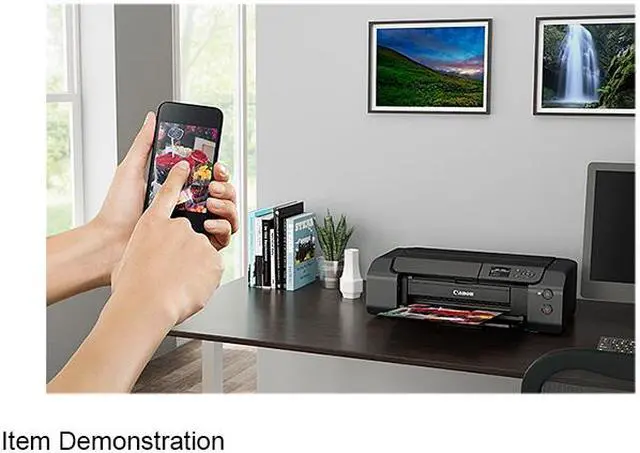
| Other | Mobile Operating Systems: 14 iOS, Android, Windows 10 Mobile |
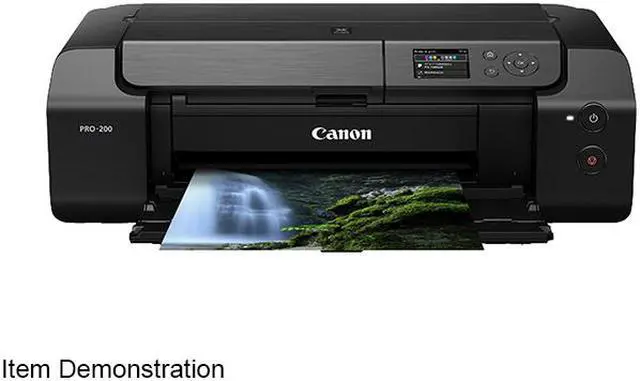
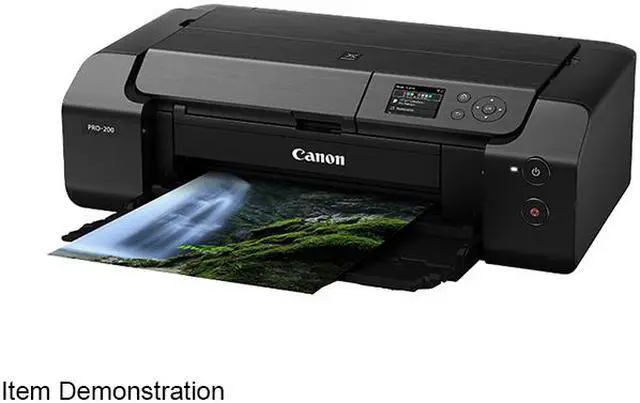
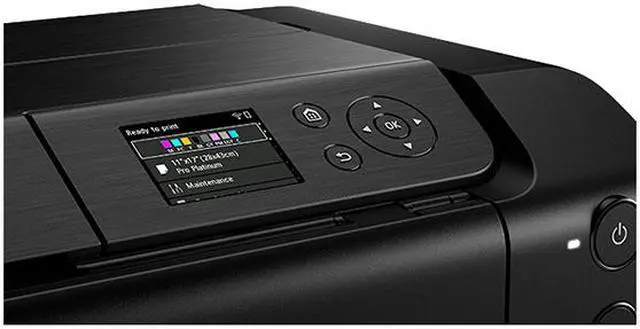
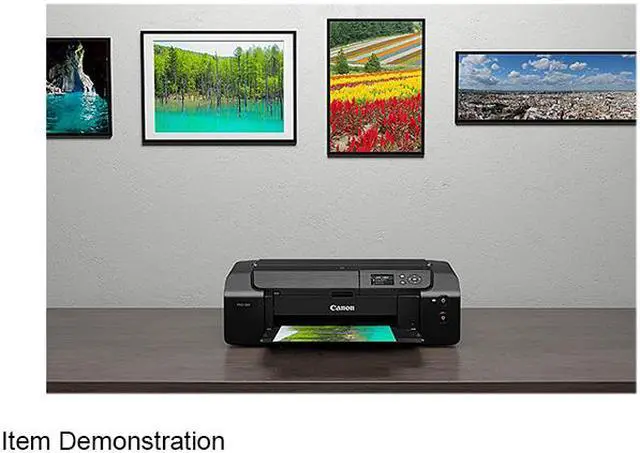
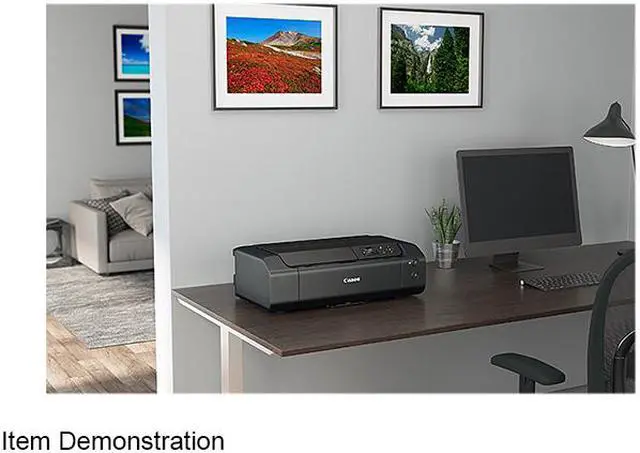
| Features | VIBRANT QUALITY & HIGH-SPEED PRINTING Bring your images to life with fast, professional quality print results. VIBRANT, TRUE COLORS With an 8-color dye-based ink system including two monochrome inks (gray, light gray), enjoy accurate color reproduction, richer colors, and vibrant professional printing, every time. FAST PHOTO PRINTING Increase your productivity through efficient high-speed printing. Produce a bordered A3+ print in just 90 seconds or bordered 8x10in print in 53 seconds! ENHANCED COLOR GAMUT ChromaLife100+ CLI-65 ink is specially formulated for enhanced color gamut in magenta and reds, deeper black expression, and improvement of dark color reproduction in red and blues. BEAUTIFUL QUALITY ON A VARIETY OF MEDIA Express your creativity and choose a paper that suits your image or artwork. The PRO-200 prints on a diverse range of photo papers, from glossy and luster to matte or fine art. EFFICIENT & EASY TO USE With the PRO-200 you can experience efficient, professional level productivity in an easy-to-use printing system. COMPACT DESIGN Save space in your home or studio with a compact a stylish design, the PIXMA PRO-200 is 15% smaller than the PIXMA PRO-10 / PRO-100. 3.0" COLOR LCD DISPLAY Easily check ink levels and printer status at-a-glance. You can also set certain printer settings and perform basic maintenance directly on the printer without a computer. VERSATILE MEDIA HANDLING The PRO-200 is compatible with a variety of media and has both Top Feed and rear Manual Feed options. With the addition of Panorama size and ability to print sizes up to 39 inches long, you can express your images as you envisioned. MEDIA CONFIGURATION TOOL Get the media management capabilities of the imagePROGRAF line in your PIXMA PRO-200 with the Media Configuration tool. Create and manage paper settings and information for high quality printing on different media types. |
|---|
| Dimensions | Closed: 7.90" x 25.20" x 15.00" Trays Extended: 16.40" x 25.20" x 33.00" |
|---|---|
| Weight | 32.00 lbs. |
| Software Included | PIXMA PRO-200 Wireless 13" Professional Inkjet Photo Printer Driver Canon Professional Print & Layout Software Media Configuration Tool |
|---|
| First Listed on Newegg | May 03, 2021 |
|---|


