


- Free 30-day Returns
$210.81


Meet Your Seller

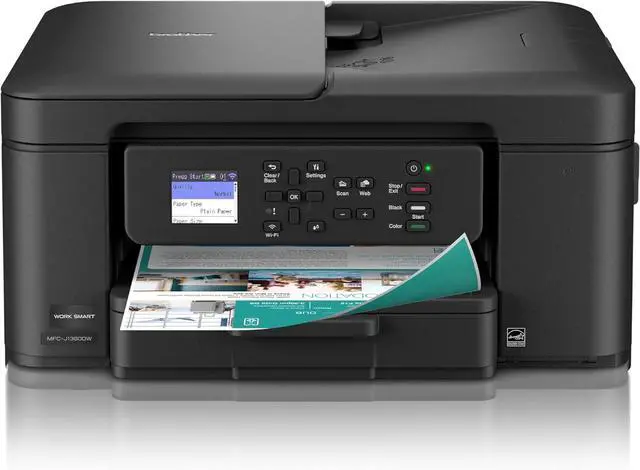
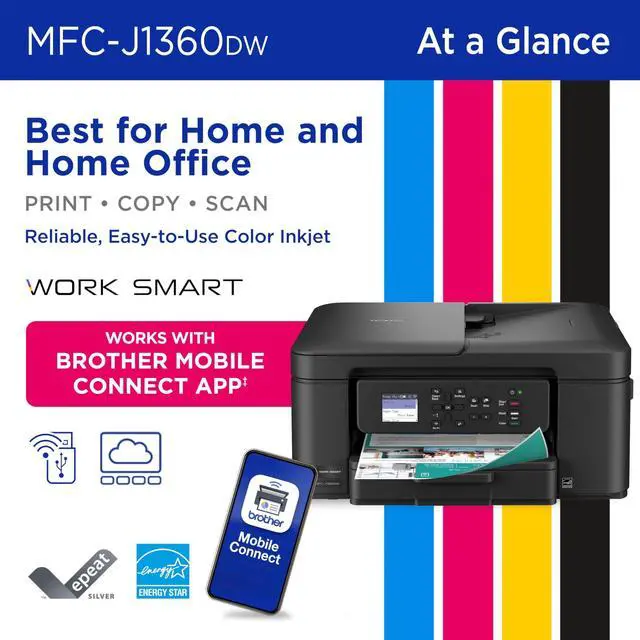
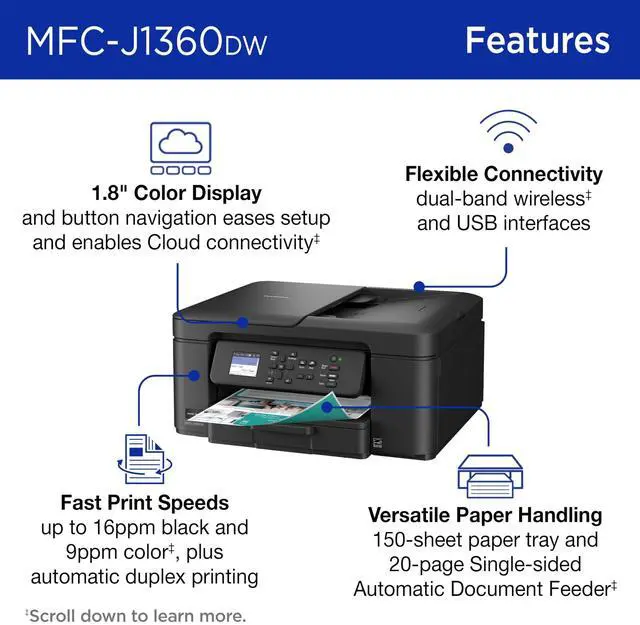
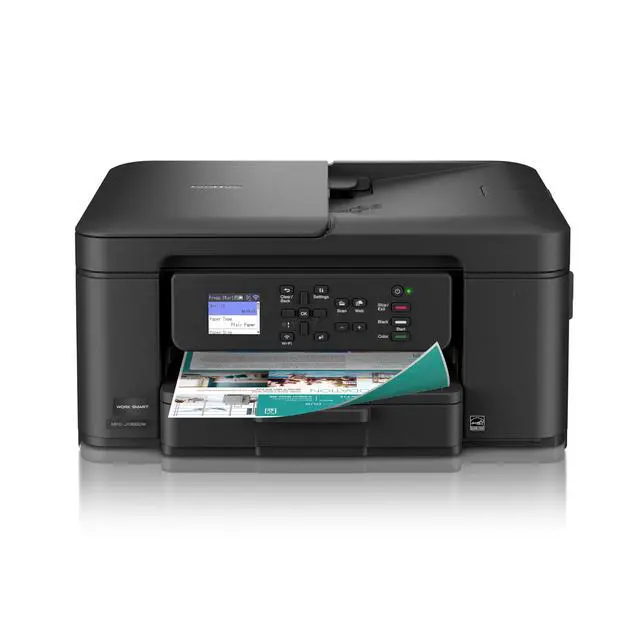
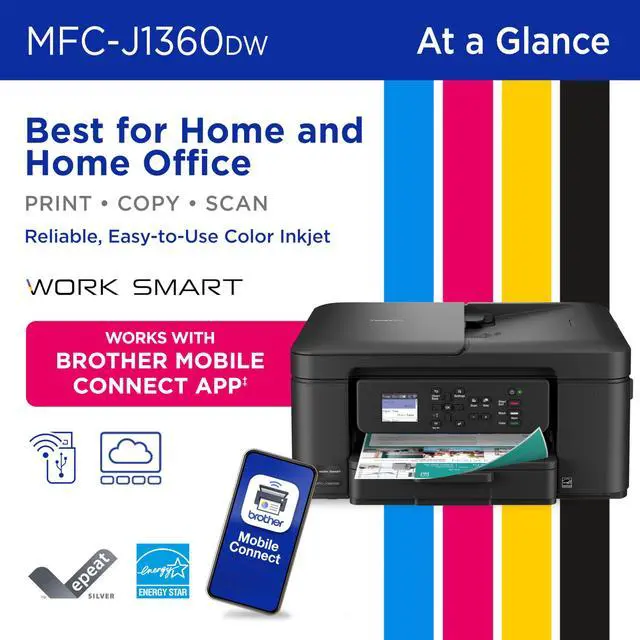
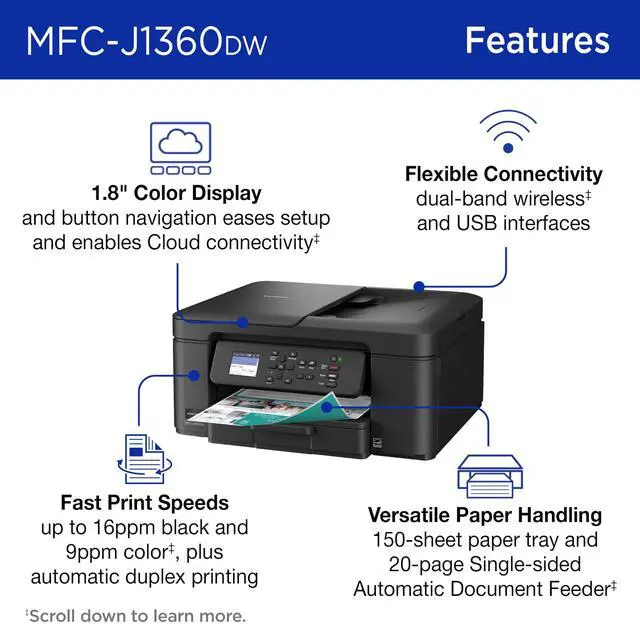
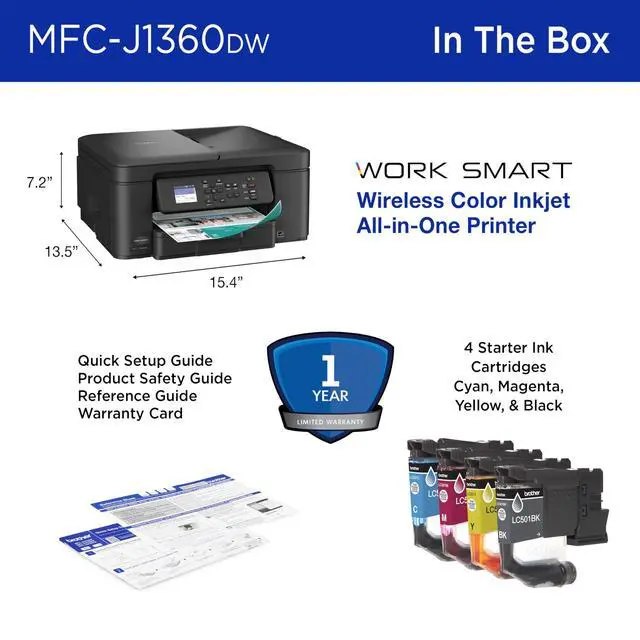
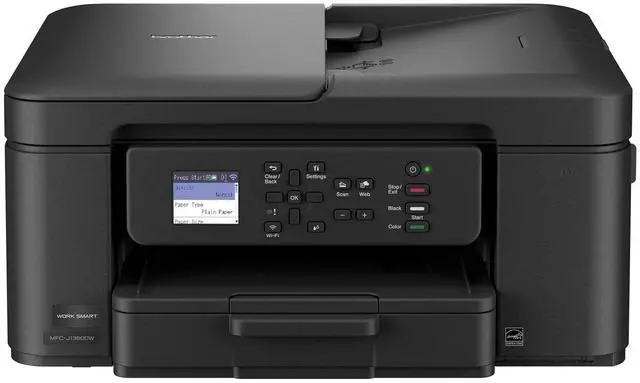


Brother Work Smart 1360 Wireless Color Inkjet All-in-One Printer with Automatic Duplex Printing and 1.8" Color Display (MFC-J1360DW)
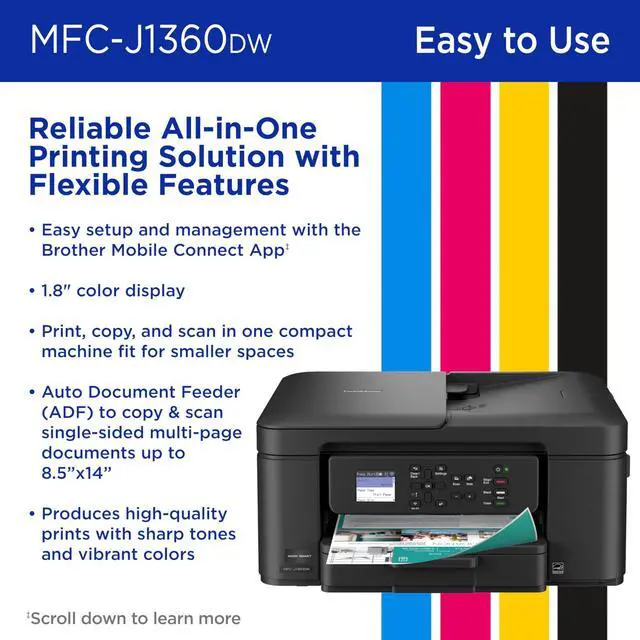
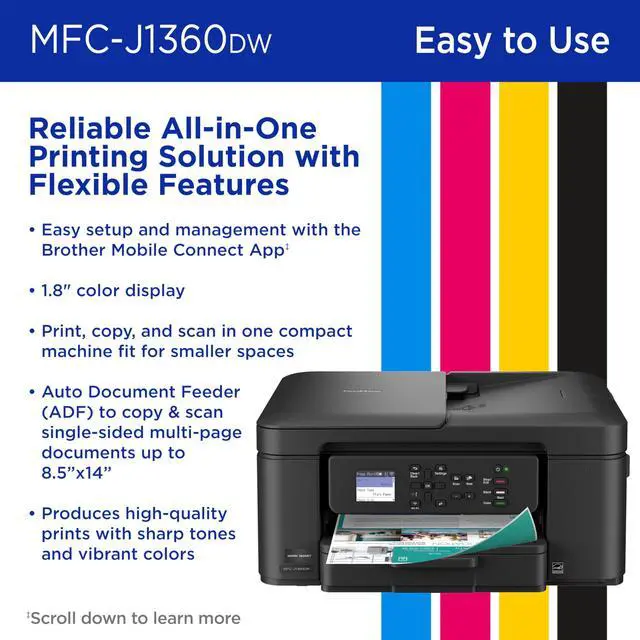
- All-in-One Printer: Get all your work done with a multifunction printer. Print, copy, and scan on one convenient, compact printer, with quick and easy setup.
- Easy to Use with Cloud App Connections: Print from and scan to popular Cloud apps, including Google Drive, Dropbox, Box, OneDrive, and more from the simple to use 1.8" color display on your printer.
- Productivity-Focused Printing Features: This printer includes automatic duplex (2-sided) printing, a 20-sheet single-sided Automatic Document Feeder (ADF), and a 150-sheet paper tray.
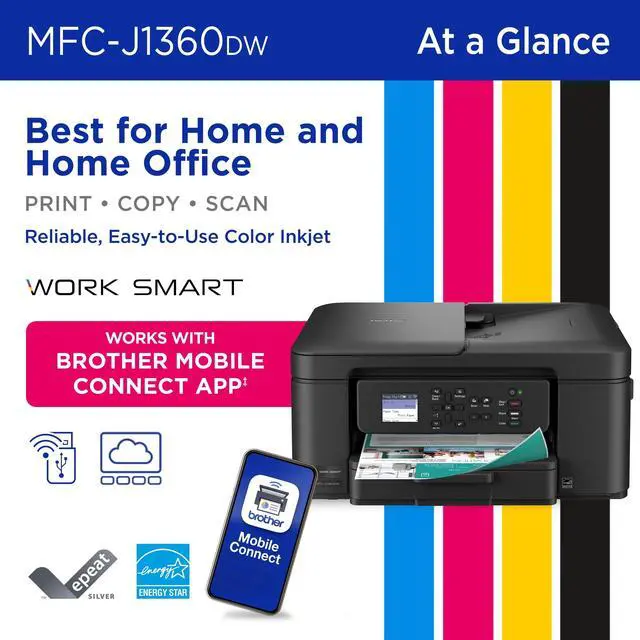
- Multiple Connection Options: Connect your way. Interface with your printer on your wireless network or via USB.
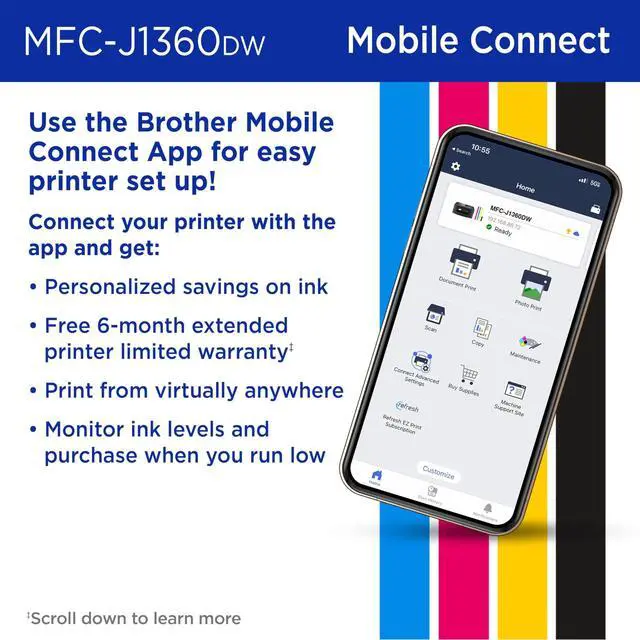
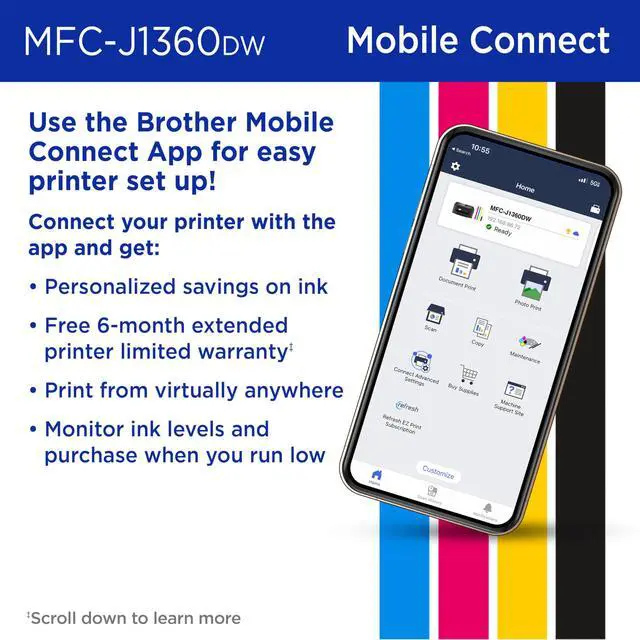
- The Brother Mobile Connect app: Put the power of printing at your fingertips. Go mobile with the simple-to-use Brother Mobile Connect app that delivers easy onscreen menu navigation for printing, copying, scanning, and device management from your mobile device.
+
+
Overview
Specs
Reviews
Looking for reliable printing with robust efficiency-boosting features? The Brother Work Smart 1360 Wireless Color Inkjet All-in-One Printer delivers. With versatile tools like automatic duplex (two-sided) printing, a 20-page single-sided automatic document feeder, and wireless and Cloud connectivity options available on the 1.8" color display, this multifunction printer makes getting your work done simple. Perfect for printing anything you need, from to-do lists to business reports, this color inkjet printer outputs vibrant colors and bold, rich blacks at fast print speeds, and Page Gauge monitors your ink usage so you know when you're running low.
When paired with the Brother Mobile Connect app, setup is quick and easy? plus, you can print from virtually anywhere on your mobile device.
When paired with the Brother Mobile Connect app, setup is quick and easy? plus, you can print from virtually anywhere on your mobile device.
Warranty & Returns
Warranty, Returns, And Additional Information
Warranty
- Please contact the Seller directly for warranty information. Warranty information may also be found on the Manufacturer's website.
- Read full details
- CONTACT
Return Policies
- Return for refund within: 30 days
- Return for replacement within: 30 days
- This item is covered by Compute4Less Corp Return Policy
Manufacturer Contact Info
- For a directory of all our manufacturers, please click below.
- Manufacturers Directory
LOADING...
LOADING...