






Question & Answers:
Q: 1. What if my mobile phone is not a thunderbots type c phone, how to make it work with ZEUSLAP portable monitor?
A: Can ONLY use our HDTV cable to connect the phone with the monitor via HDMI-compatible connection.
Q: 2. What if my laptop is not a thunderbots type c phone, how to make it work with ZEUSLAP portable monitor?
A: Normally all the laptops have HDMI-compatible or DP port for the extend screen connection. So just use the HDMI-compatible connection to our monitor is ok. DP to HDMI-compatible OTG is also help.
Q: 3. How to connect ZEUSLAP portable monitor with Nintendo Switch without dock?
A: First: take off the switch controller; Second: Connect the monitor type C PD charging port with SWITCH charger; Finally: use the type c to type c cable to connect the switch and the monitor type C data port.
Q: 4. What is the warranty of ZEUSLAP portable monitor?
A: ZEUSLAP Offer 1 year monitor warranty.

(For a better experience, please power by the monitor via "USB to Type-C Cable with Charger".)
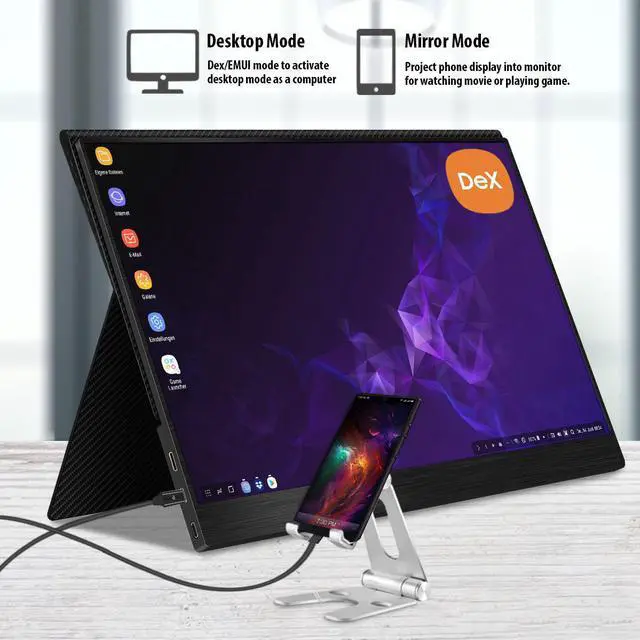
- Thunderbolts Type-C Phone Connection
- Type-C to Type-C Cable to connect the Type-C port of the Phone to the middle Type-C port (Type-C Data) of the monitor
- Please power by the monitor via USB to Type-C Cable with Charger if the monitor cannot light up for the low power by of the phone.
- Non-Thunderbolts Type-C Phone Connection (Requires power to the monitor)
- Please additionally purchase a Type-C to Mini HDMI HDTV Cable (Not include in the package) to connect your mobile phone to the portable monitor (usually a Type-C to HDMI cable + Mini HDMI adapter is required)
- iPhone Connection (Requires power to the monitor)
- Please additionally purchase a Lightning to Mini HDMI HDTV Cable (Not include in the package) to connect your mobile phone to the portable monitor (usually a Lightning to HDMI cable + Mini HDMI adapter is required)

- Laptop / MacBook with Thunderbolts Type-C Port Connection
- Type-C to Type-C Cable to connect the Type-C port of the Laptop / MacBook to the middle Type-C port (Type-C Data) of the monitor
- Please power by the monitor via USB to Type-C Cable with Charger for a better experience at different OSD setting (Such as Brightness/Volume Adjustment).
- Laptop with HDMI-compatible Port Connection
- Mini HDMI to HDMI Cable to connect the monitor and the laptop for data transfer.
- Please power by the monitor via USB to Type-C Cable with Charger for a better experience at different OSD setting (Such as Brightness/Volume Adjustment).

- Nintendo Switch Connection
- Please power by the monitor via the original Nintendo Switch Charger at the Type-C PD port.
- Type-C to Type-C Cable to connect the middle Type-C port(Type-C Data) of the monitor and the Nintendo Switch Type-C port.
Remark: The Nintendo Switch LITE Version does not support for the monitor.
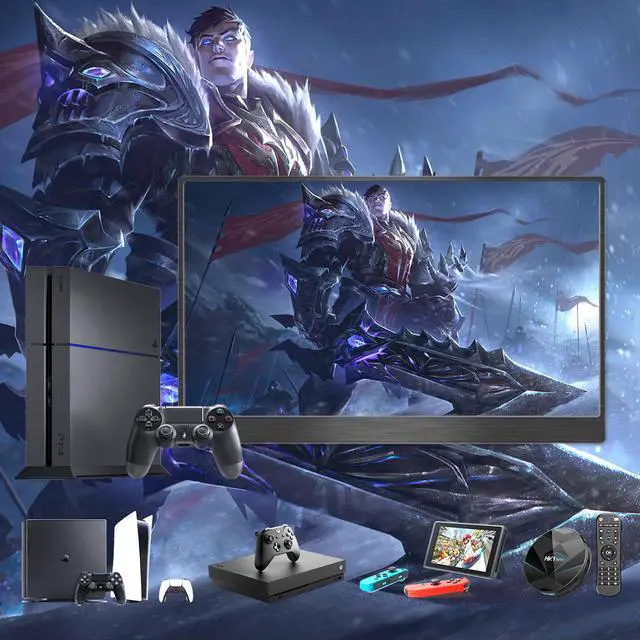
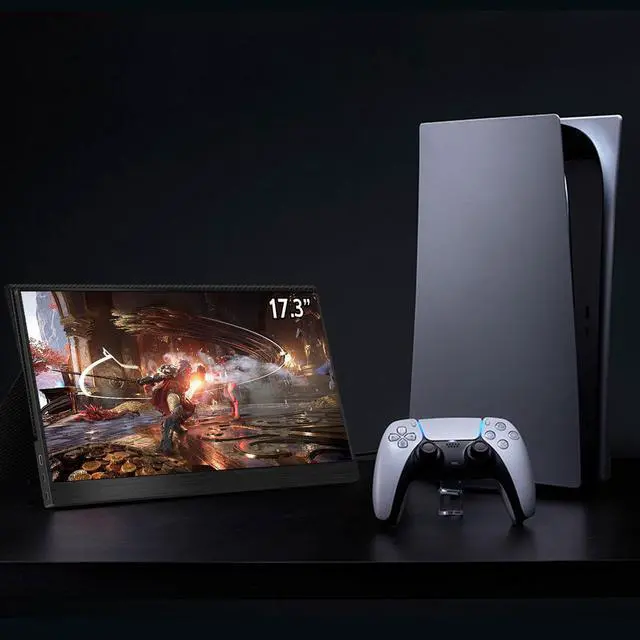
- PS4 / PS5 / Xbox Connection
- Please power by the monitor via USB to Type-C Cable with Charger (included in the parcel.)
- Mini HDMI to HDMI Cable to connect the monitor and the PS4/PS5/Xbox.

- These are the common phones with full-featured Thunderbolts Type-C ports in the market today.
- If you have other phone models and are not sure if they are compatible, you can directly consult