




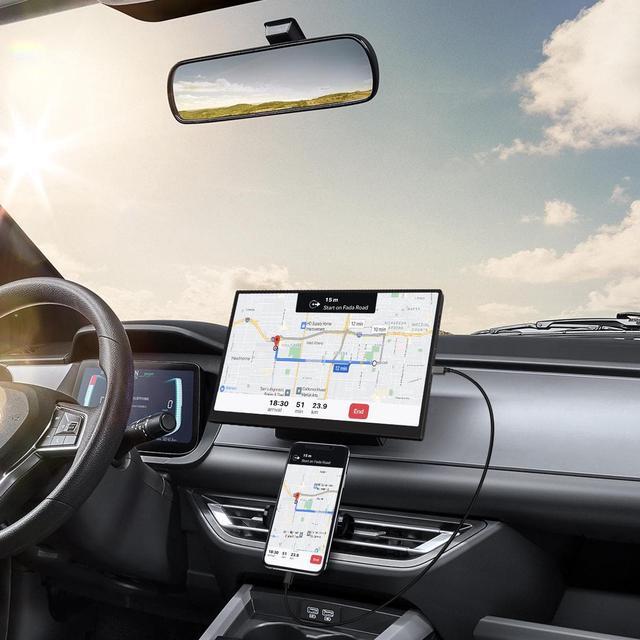
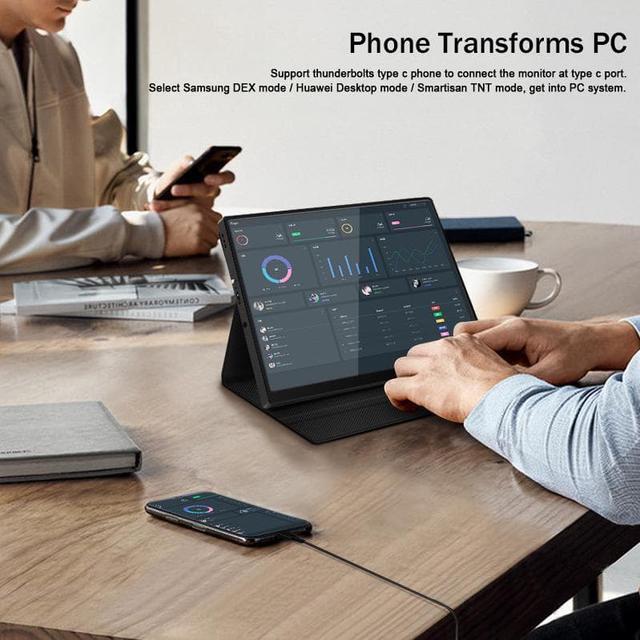
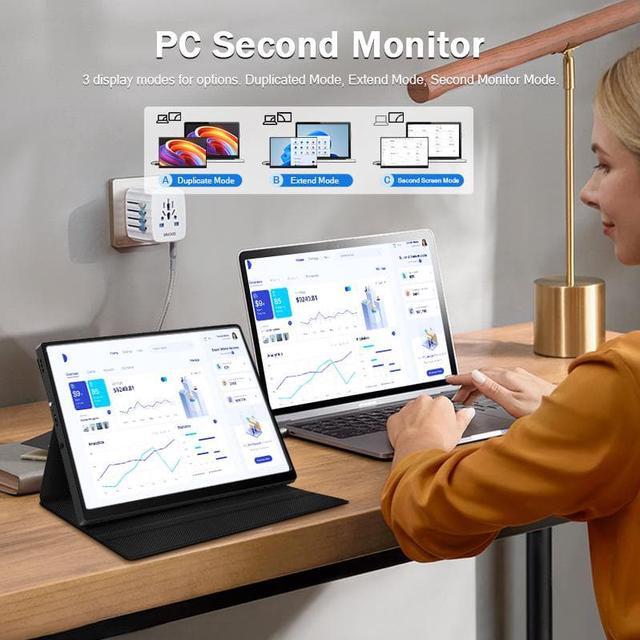


Phone Connection
(For a better experience, please power by the monitor via "USB to Type-C Cable with Charger".)
- Thunderbolts Type-C Phone Connection
- Type-C to Type-C Cable to connect the Type-C port of the Phone to the middle Type-C port (Type-C Data) of the monitor
- Please power by the monitor via USB to Type-C Cable with Charger if the monitor cannot light up for the low power by of the phone.
- Non-Thunderbolts Type-C Phone Connection (Requires power to the monitor)
- Please additionally purchase a Type-C to Mini HDMI HDTV Cable to connect your mobile phone to the portable monitor (usually a Type-C to HDMI cable + Mini HDMI adapter is required)
- iPhone Connection (Requires power to the monitor)
- Please additionally purchase a Lightning to Mini HDMI HDTV Cable to connect your mobile phone to the portable monitor (usually a Lightning to HDMI cable + Mini HDMI adapter is required)

Laptop / MacBook Connection
(For a better experience, please power by the monitor via USB to Type-C Cable with Charger.)
- Laptop / MacBook with Thunderbolts Type-C Port Connection
- Type-C to Type-C Cable to connect the Type-C port of the Laptop / MacBook to the middle Type-C port (Type-C Data) of the monitor
- Please power by the monitor via USB to Type-C Cable with Charger for a better experience at different OSD setting (Such as Brightness/Volume Adjustment).
- Laptop with HDMI-compatible Port Connection
- Mini HDMI to HDMI Cable to connect the monitor and the laptop for data transfer.
- Please power by the monitor via USB to Type-C Cable with Charger for a better experience at different OSD setting (Such as Brightness/Volume Adjustment).

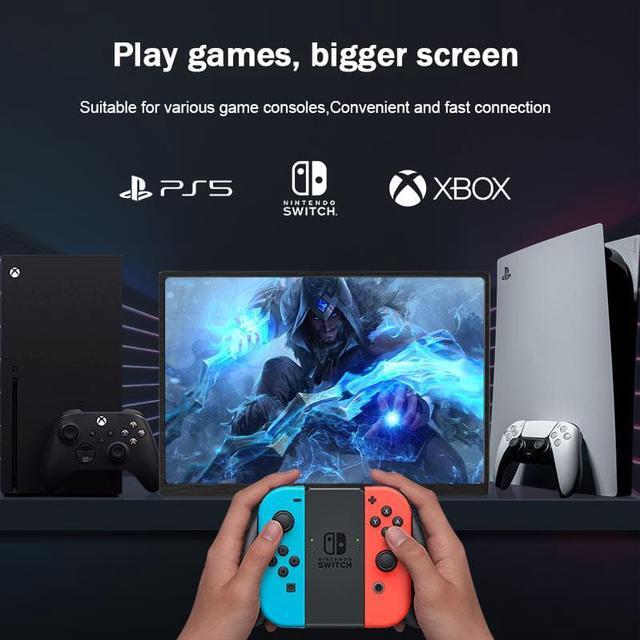
Gaming Consoles Connection
- Nintendo Switch Connection
- Please power by the monitor via the original Nintendo Switch Charger at the Type-C PD port.
- Type-C to Type-C Cable to connect the middle Type-C port(Type-C Data) of the monitor and the Nintendo Switch Type-C port.
Remark: The Nintendo Switch LITE Version does not support for the monitor.
- PS4 / PS5 / Xbox Connection
- Please power by the monitor via USB to Type-C Cable with Charger (included in the parcel.)
- Mini HDMI to HDMI Cable to connect the monitor and the PS4/PS5/Xbox.

Tips
- These are the common phones with full-featured Thunderbolts Type-C ports in the market today.
- If you have other phone models and are not sure if they are compatible, you can directly consult