

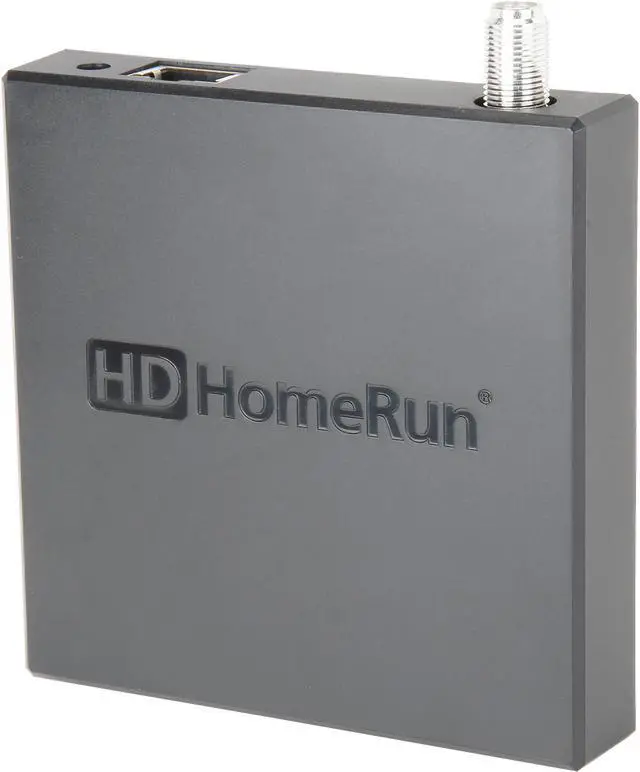
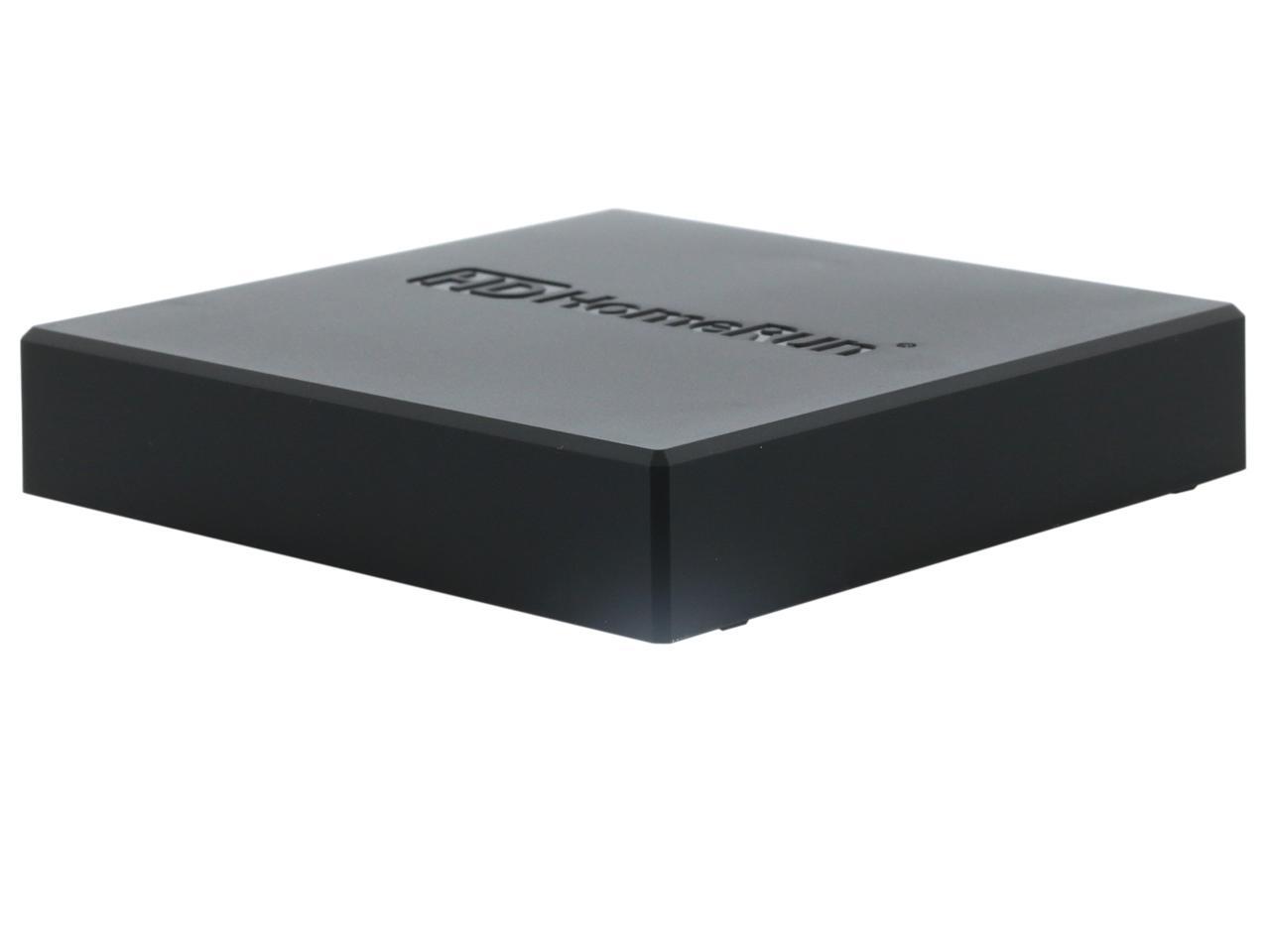
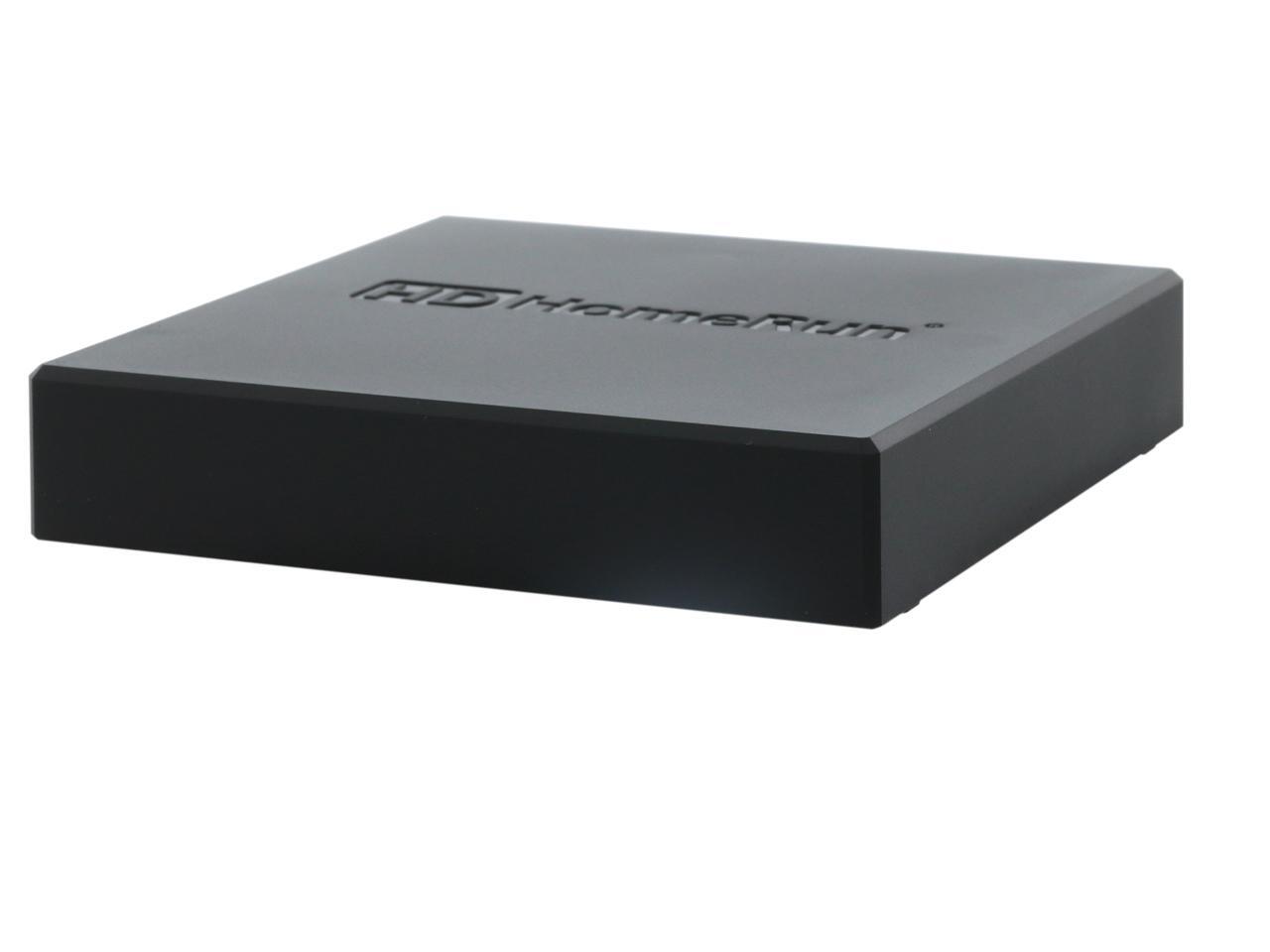
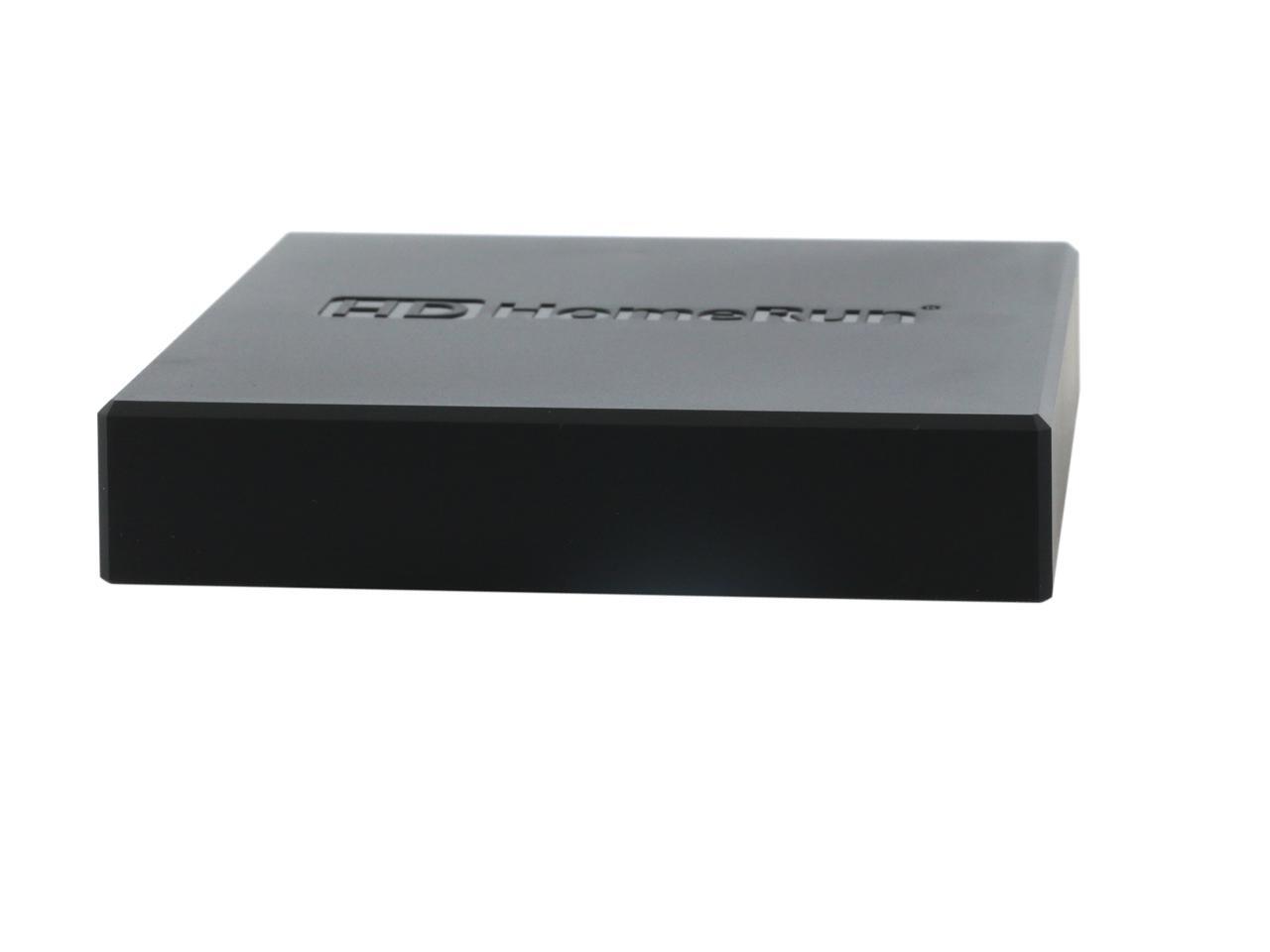
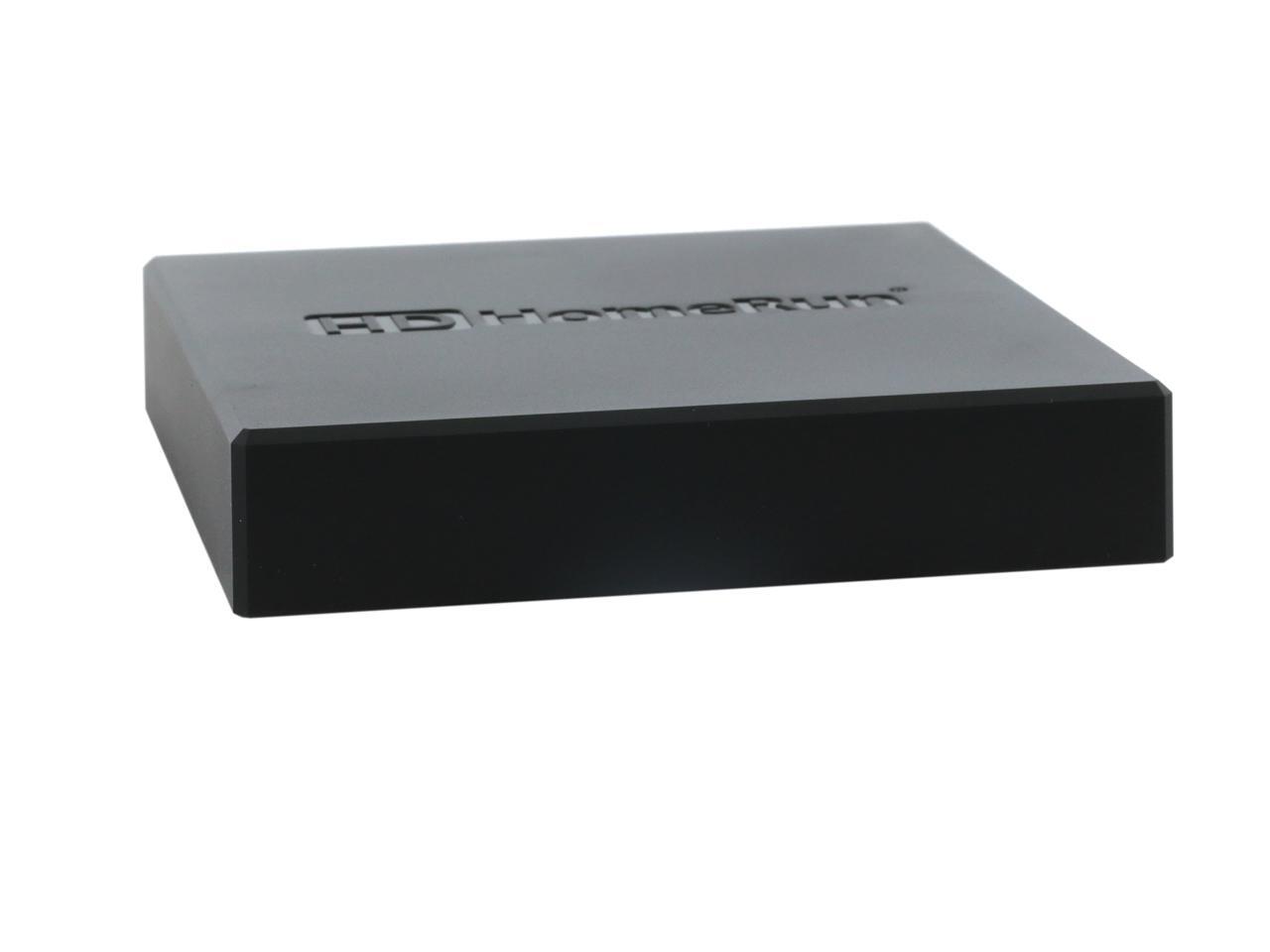
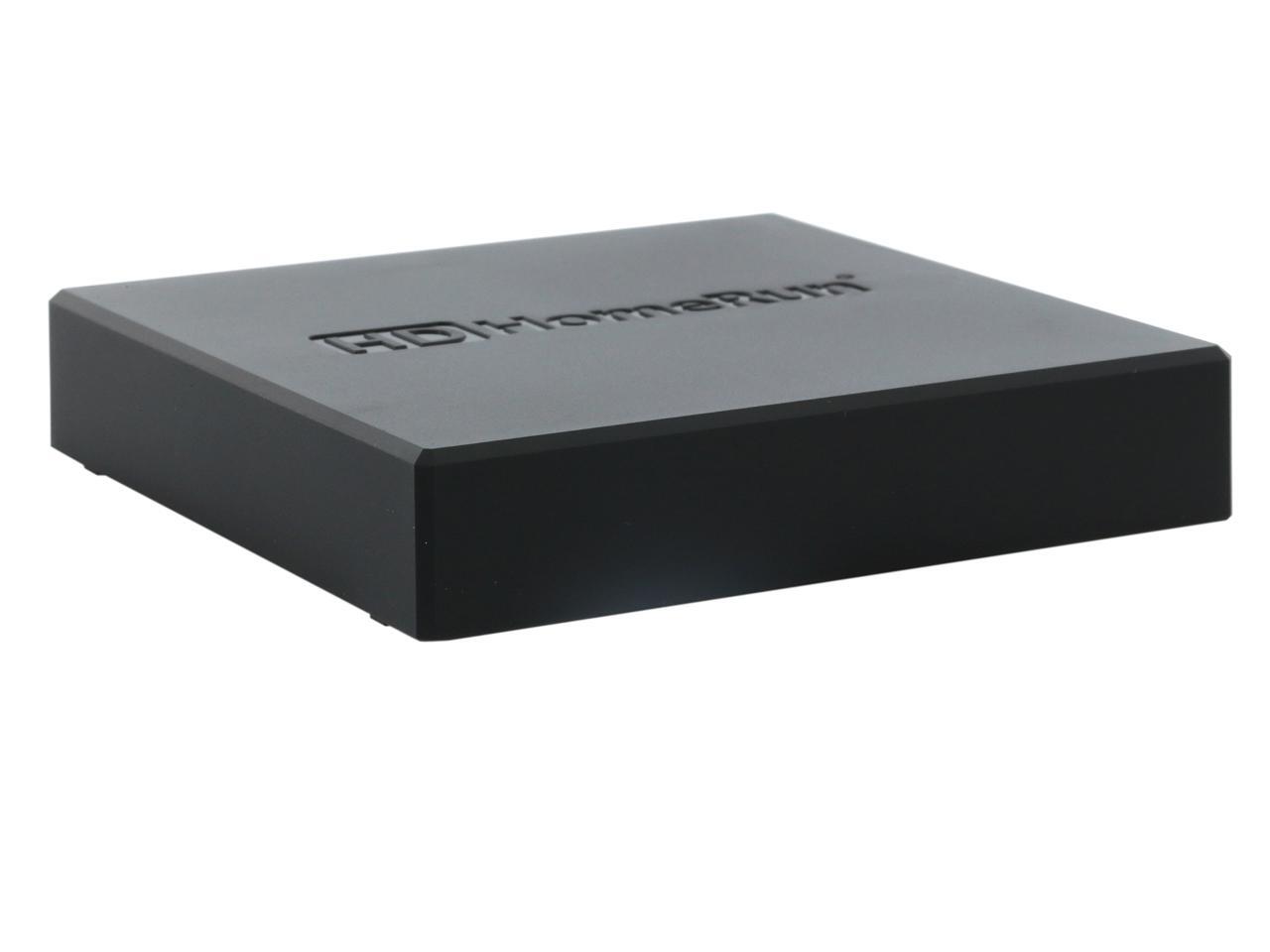
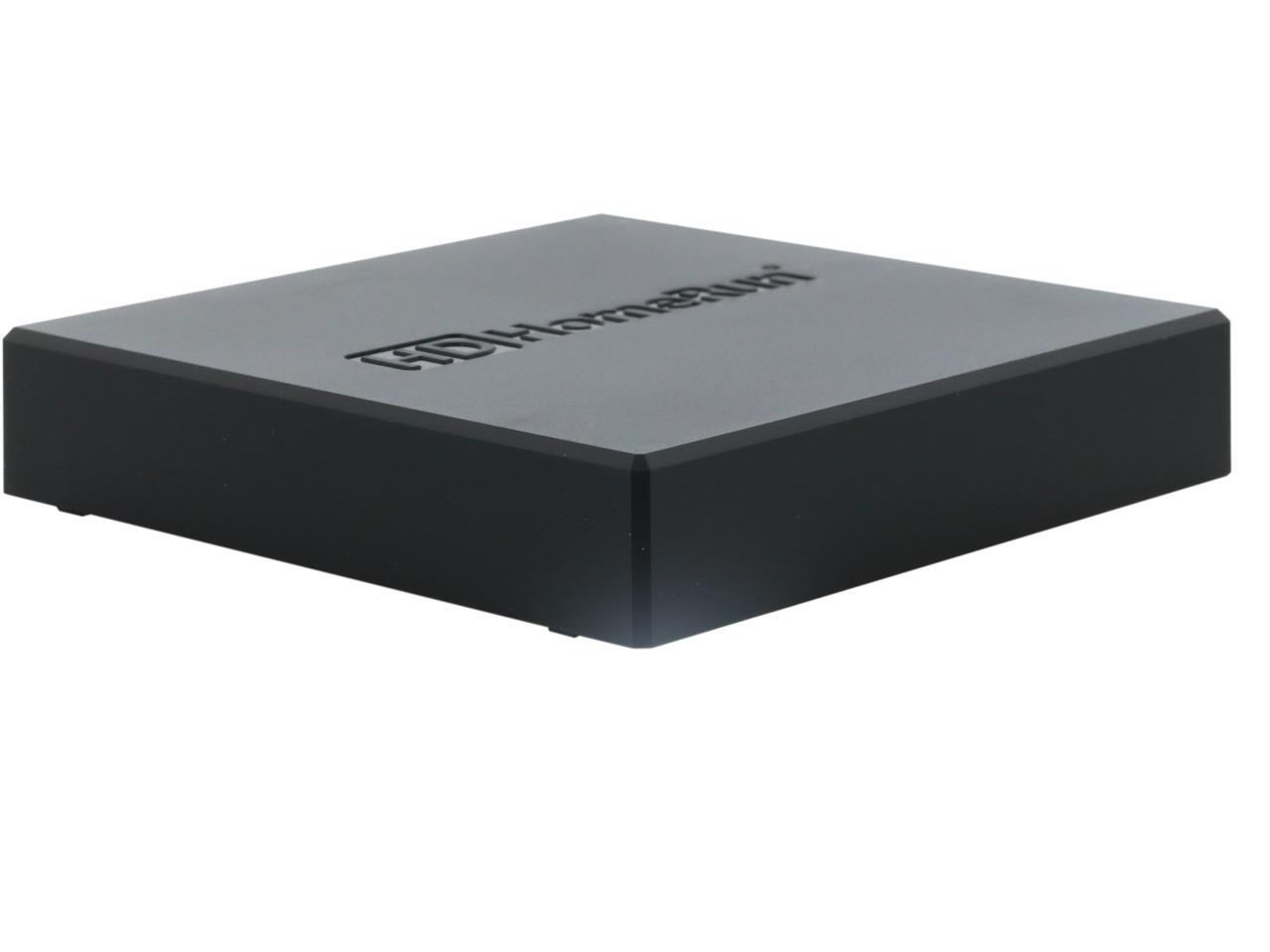
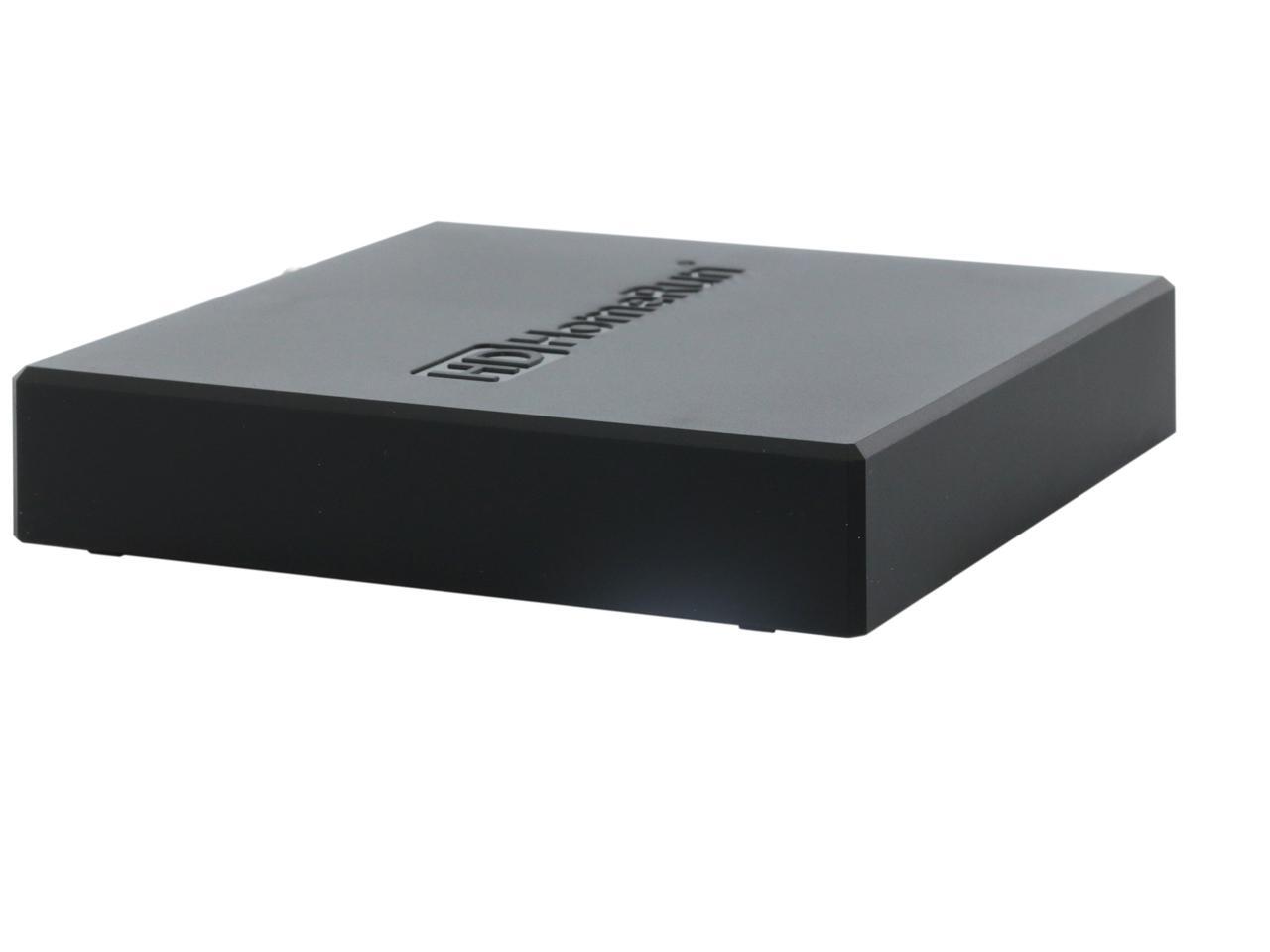
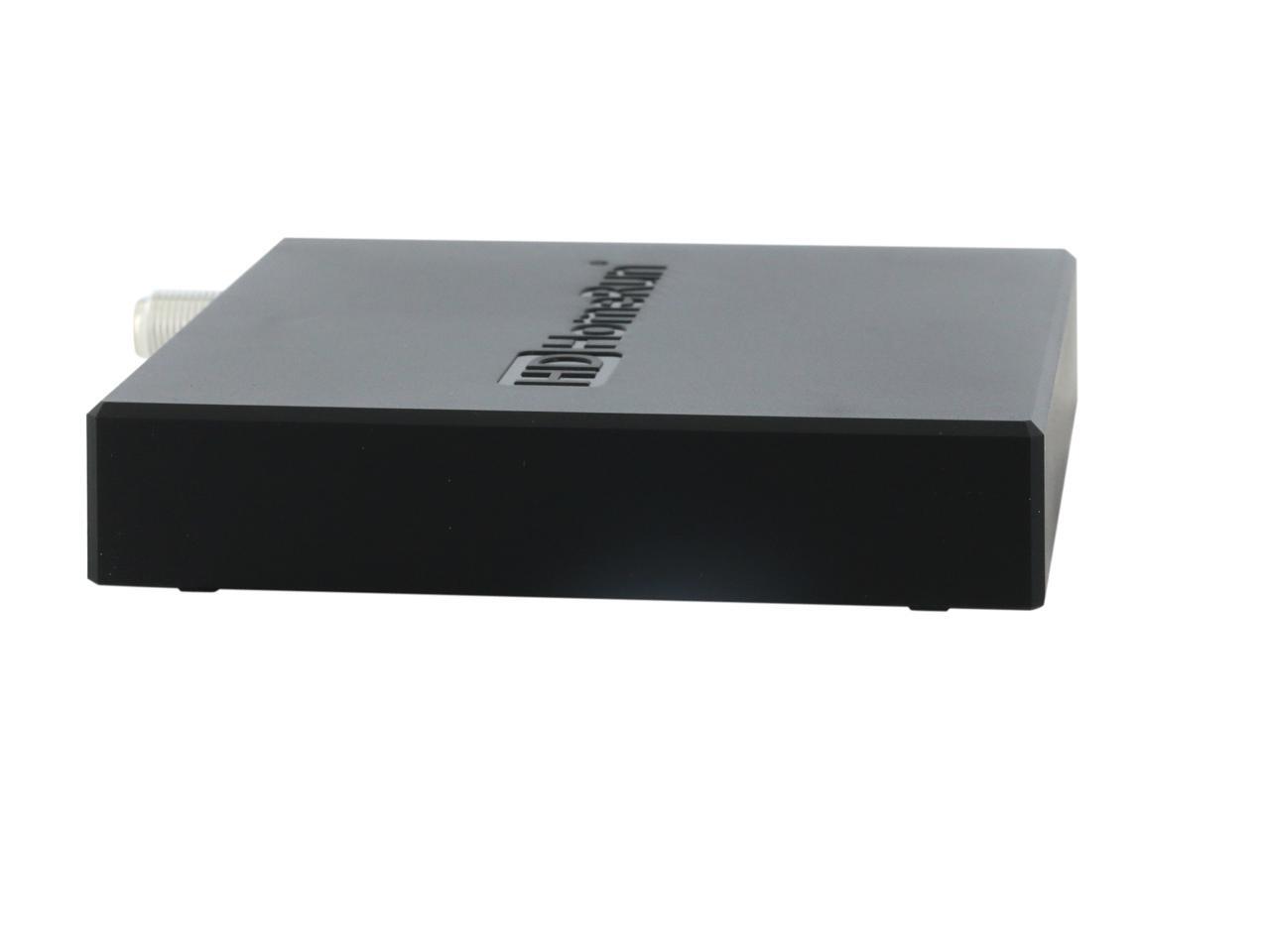
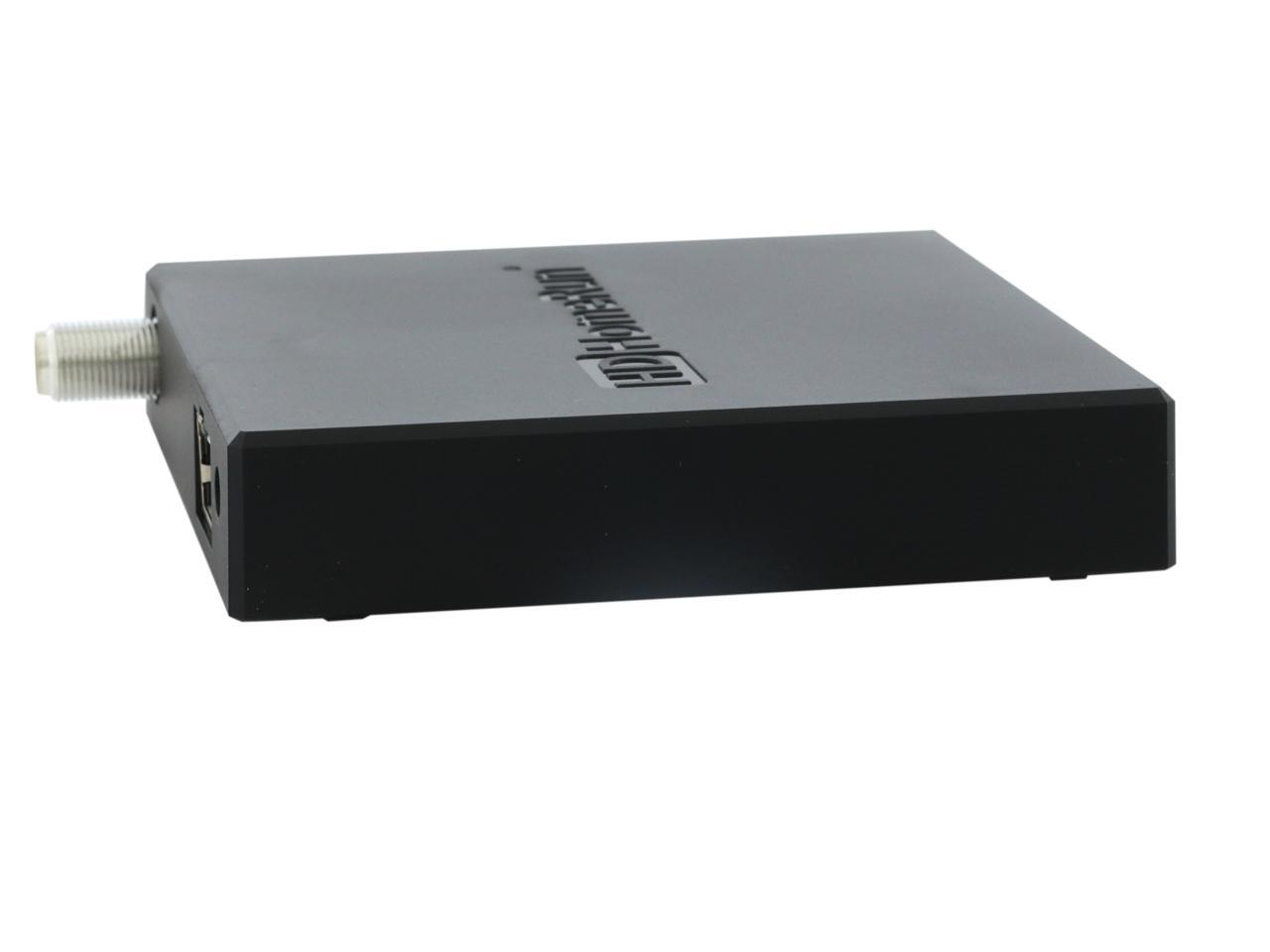
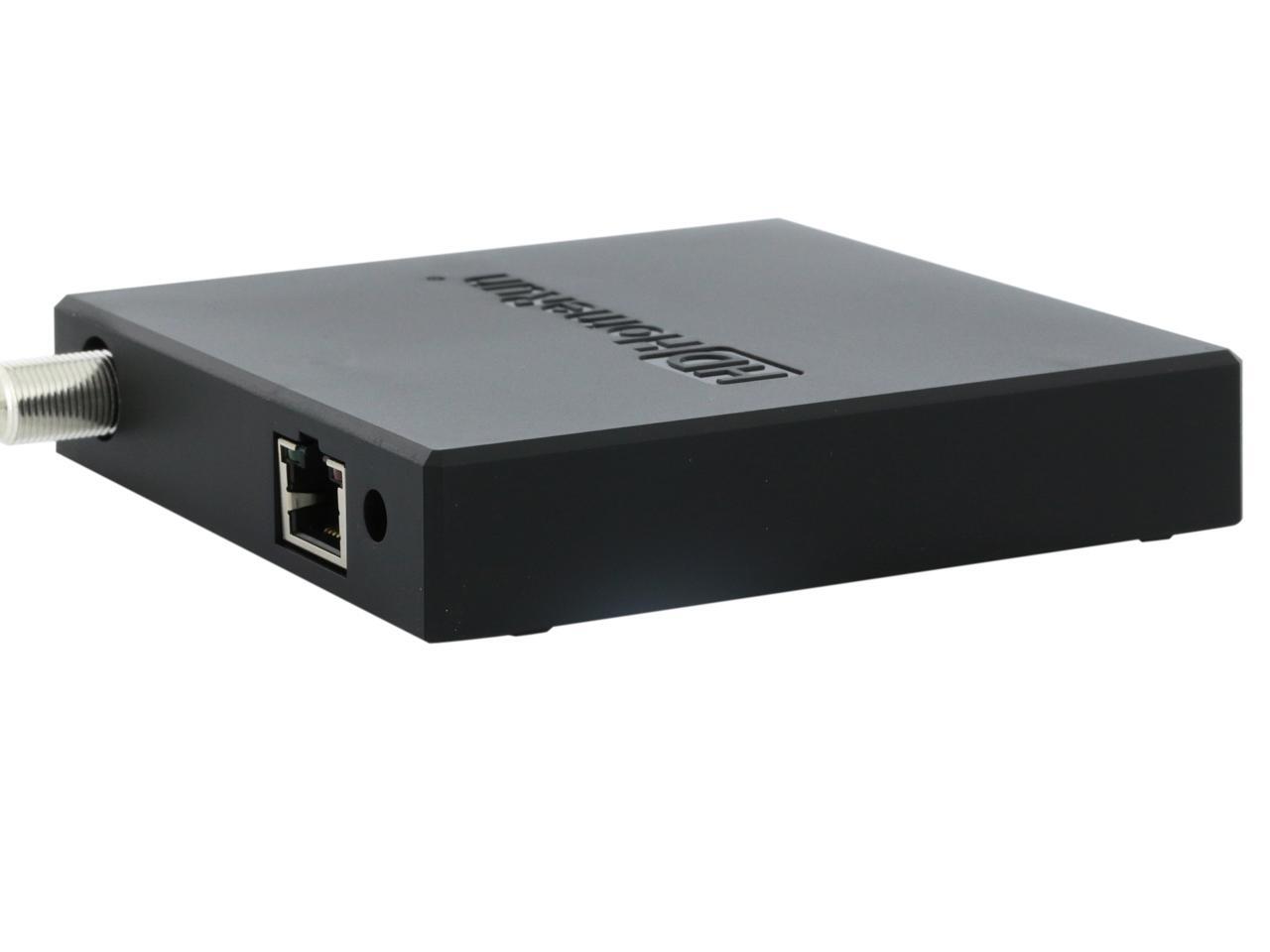
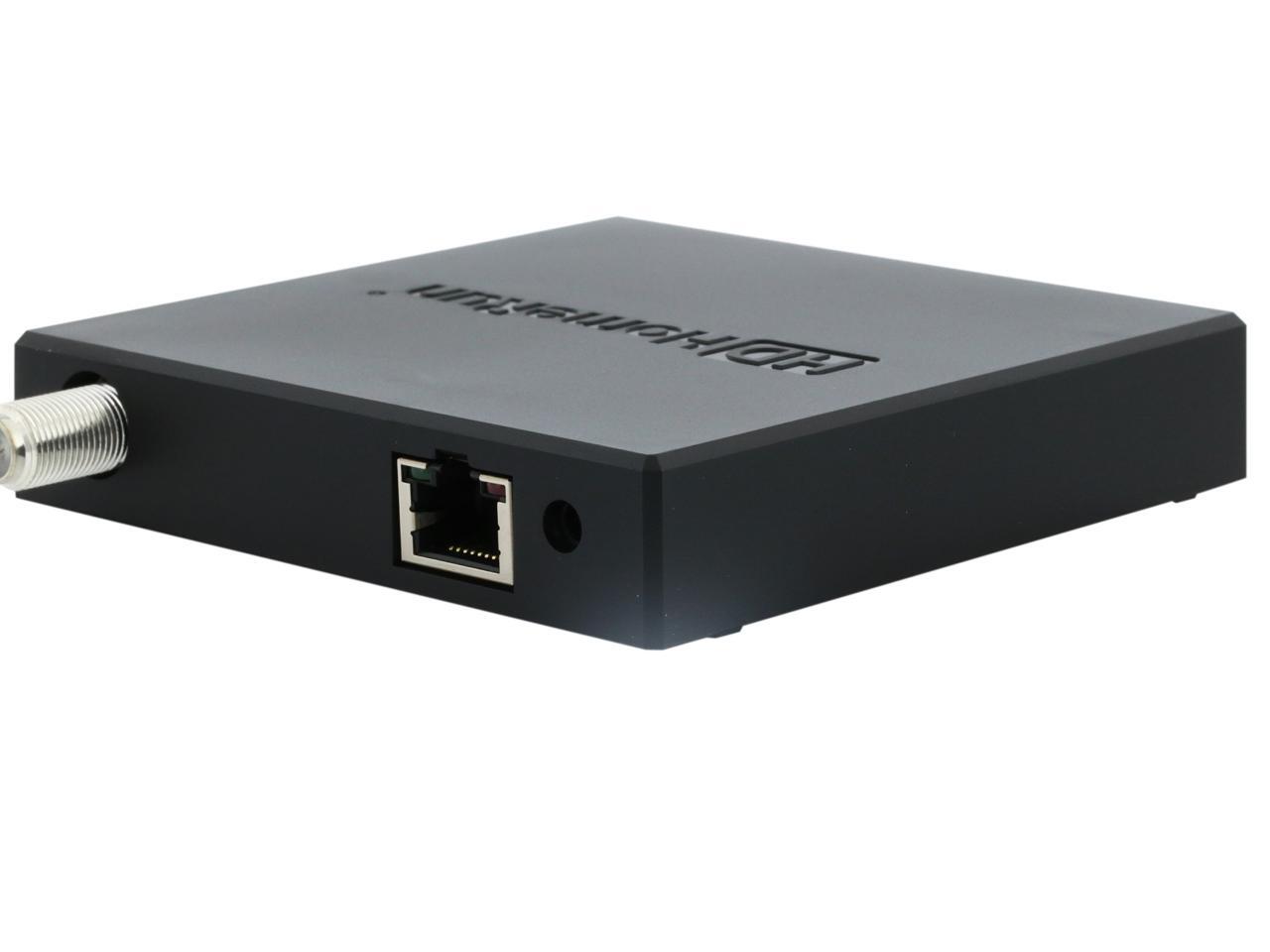
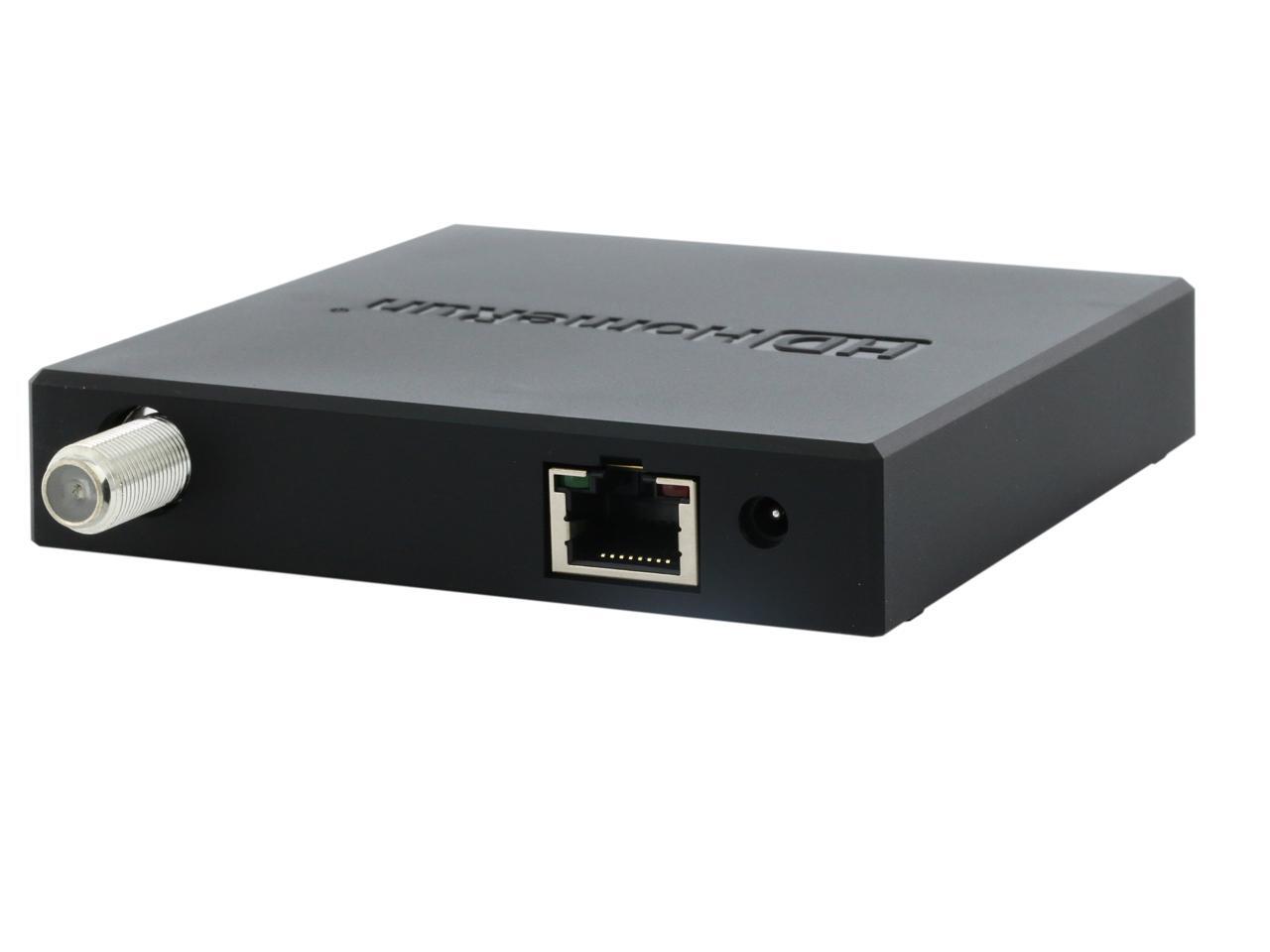
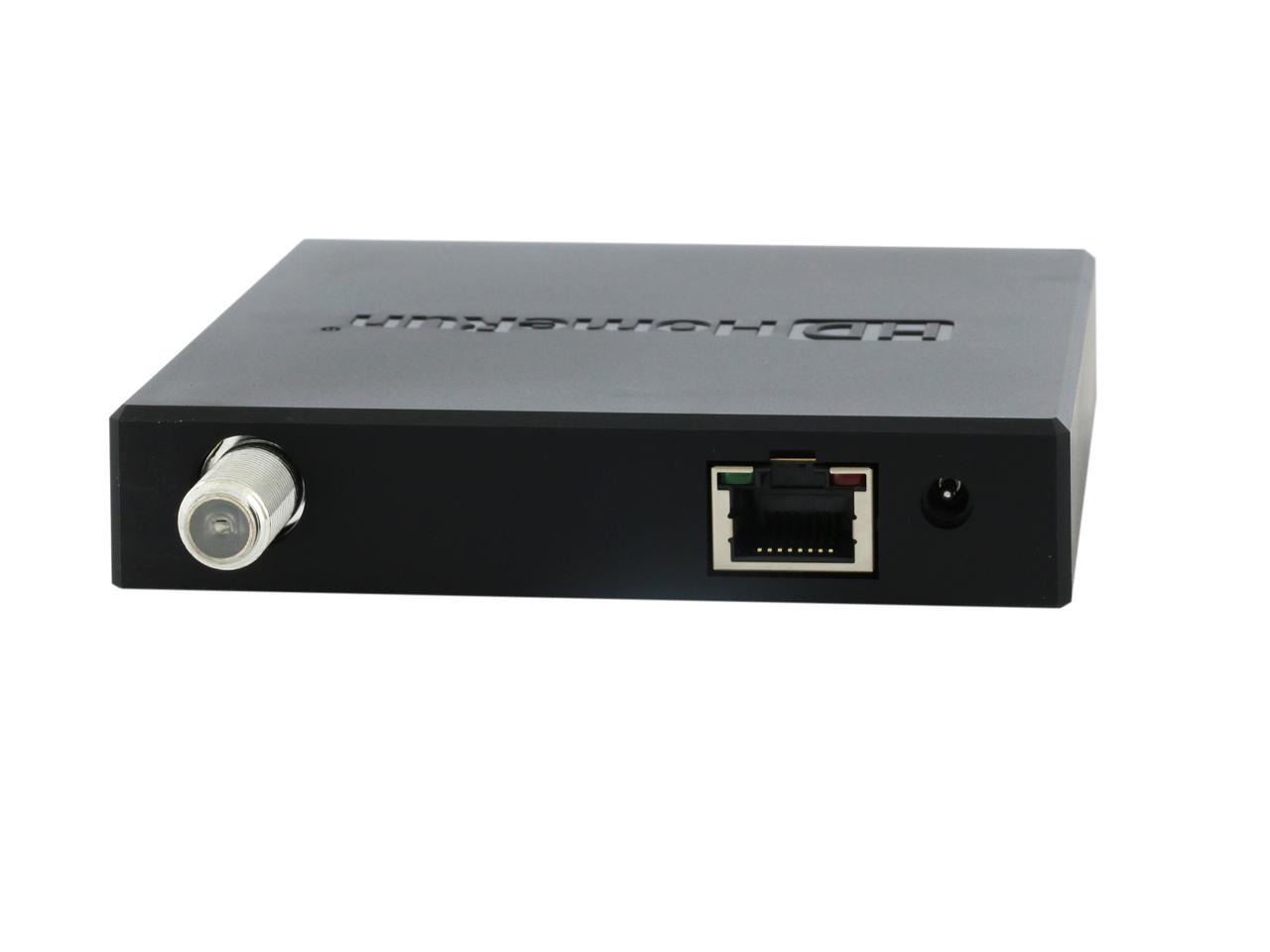
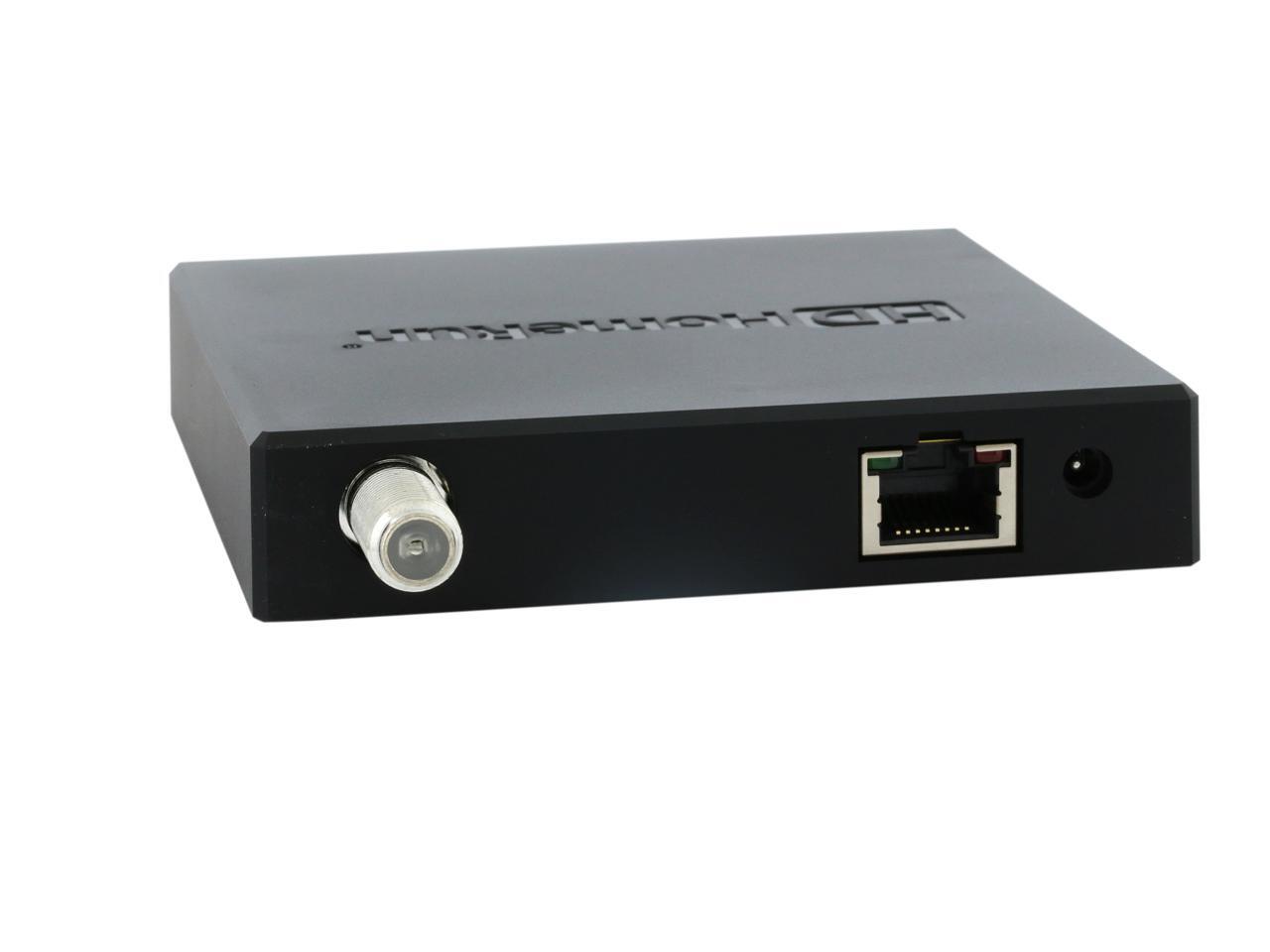
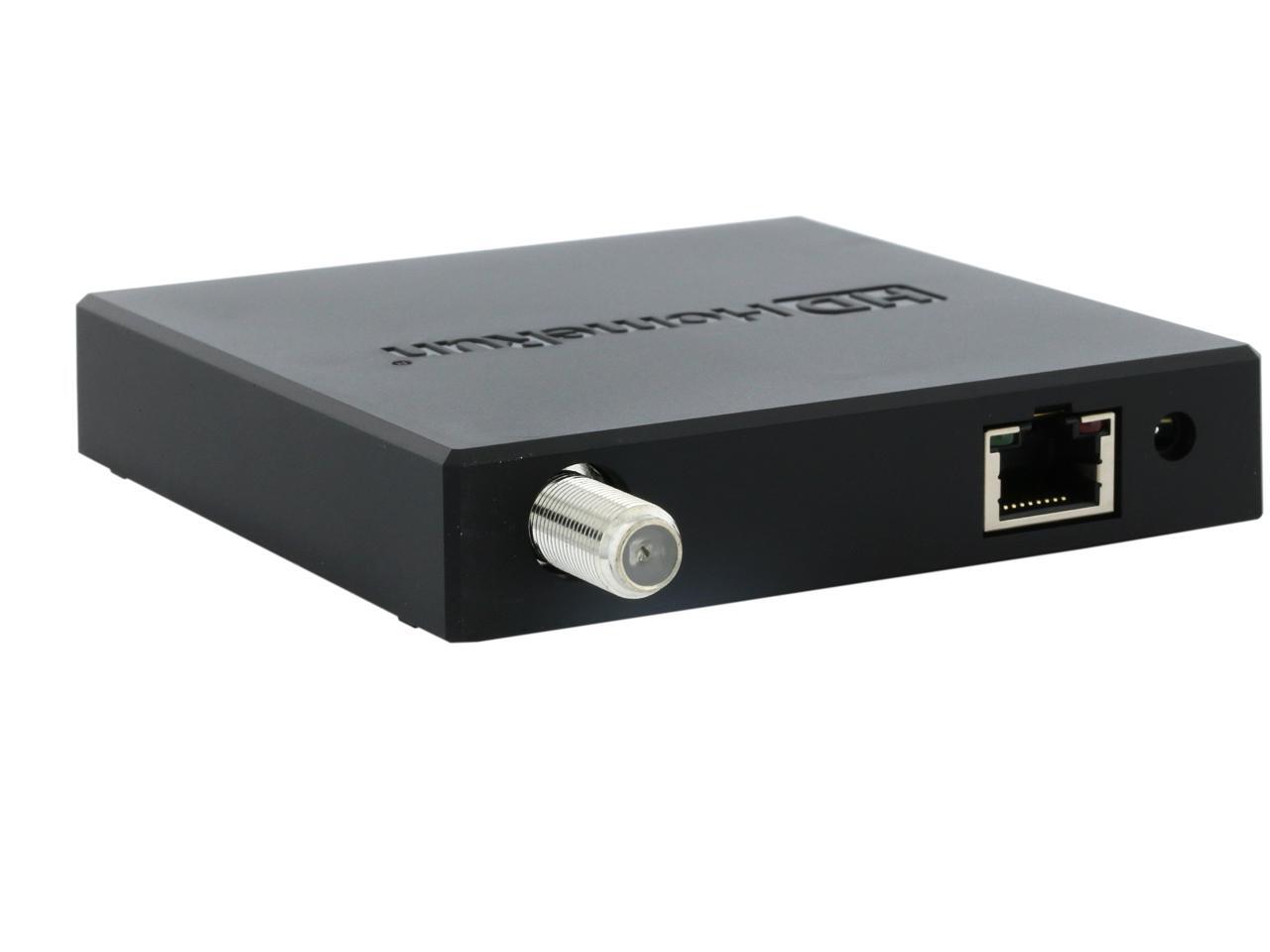
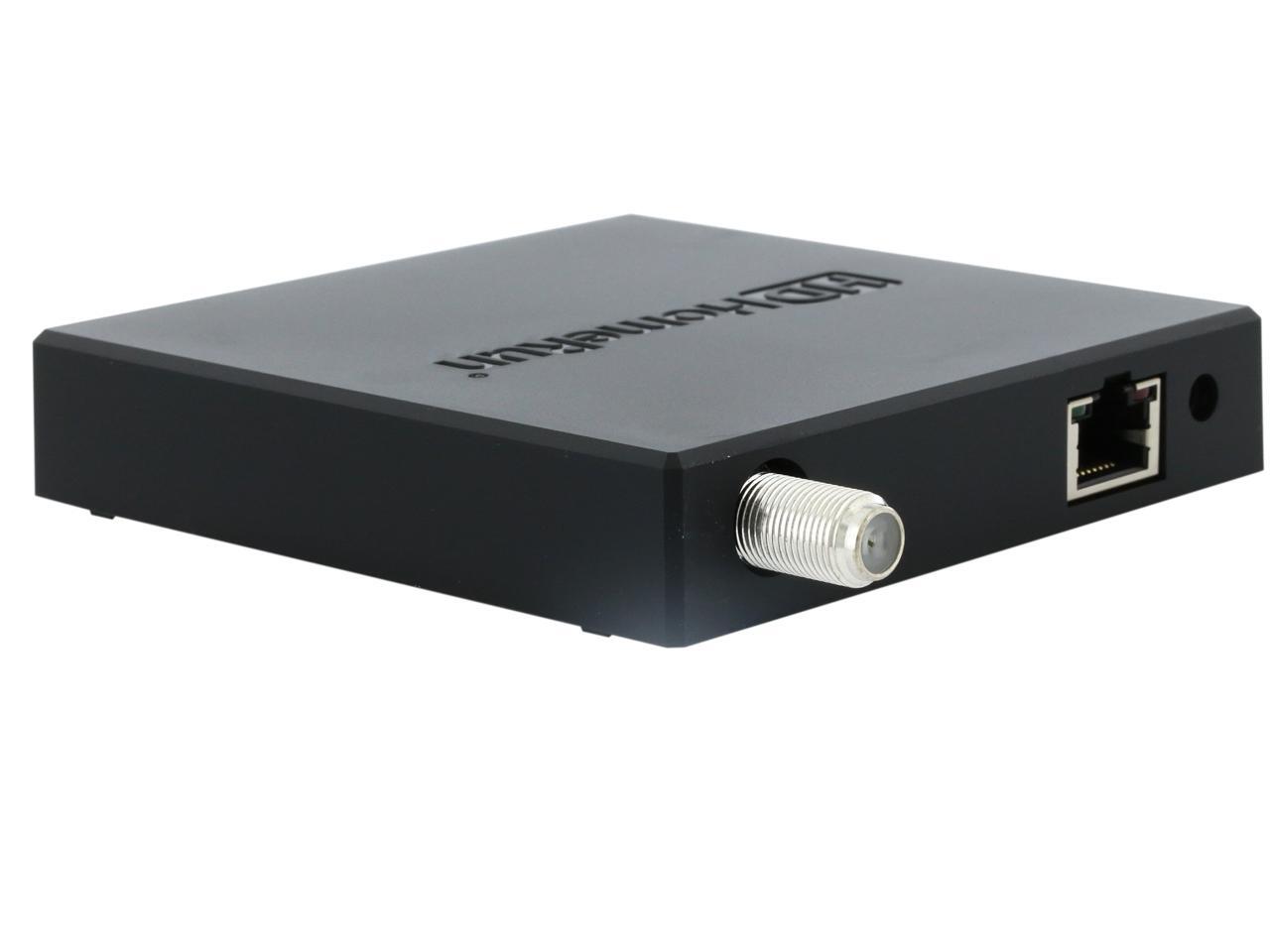
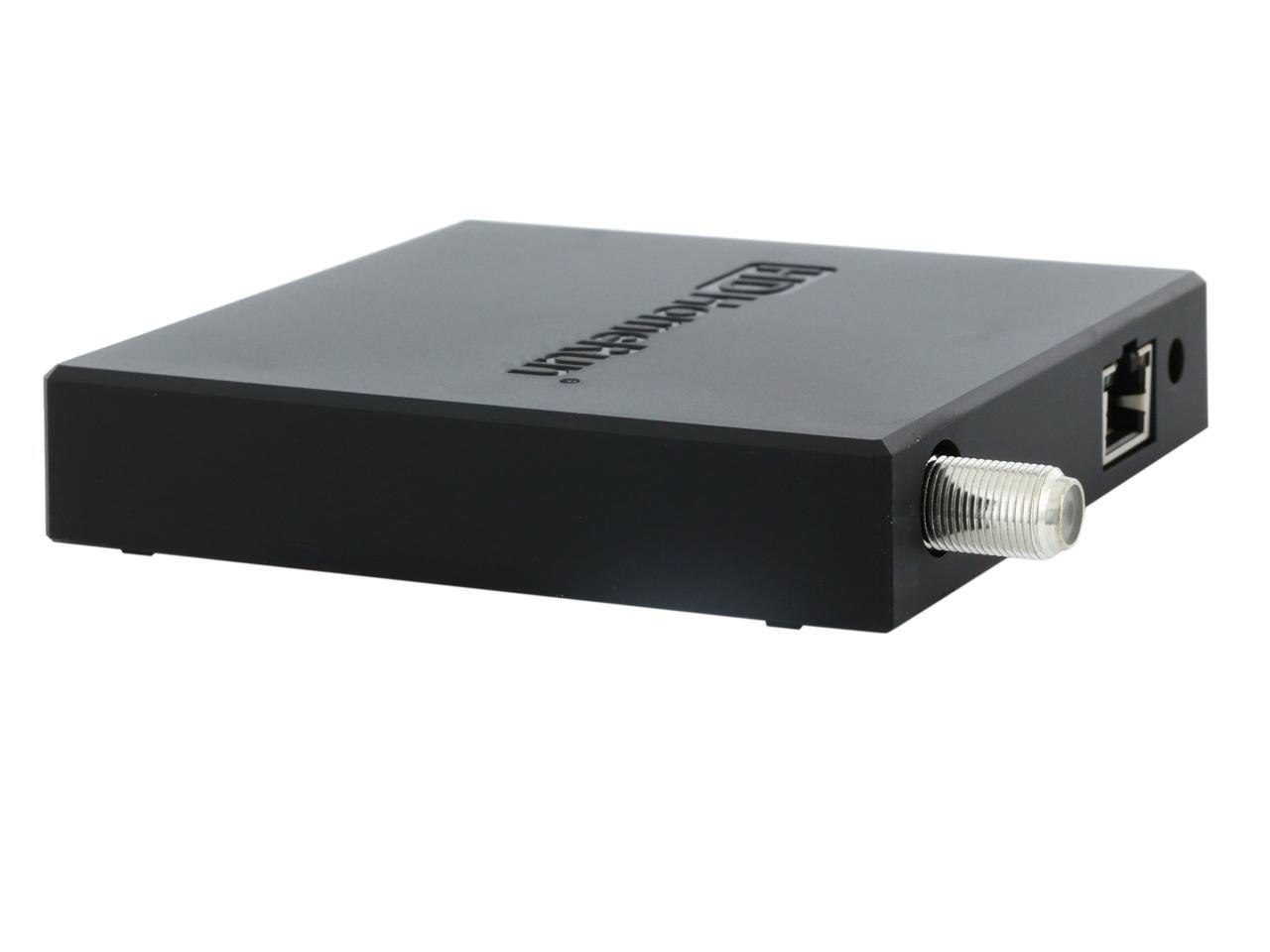
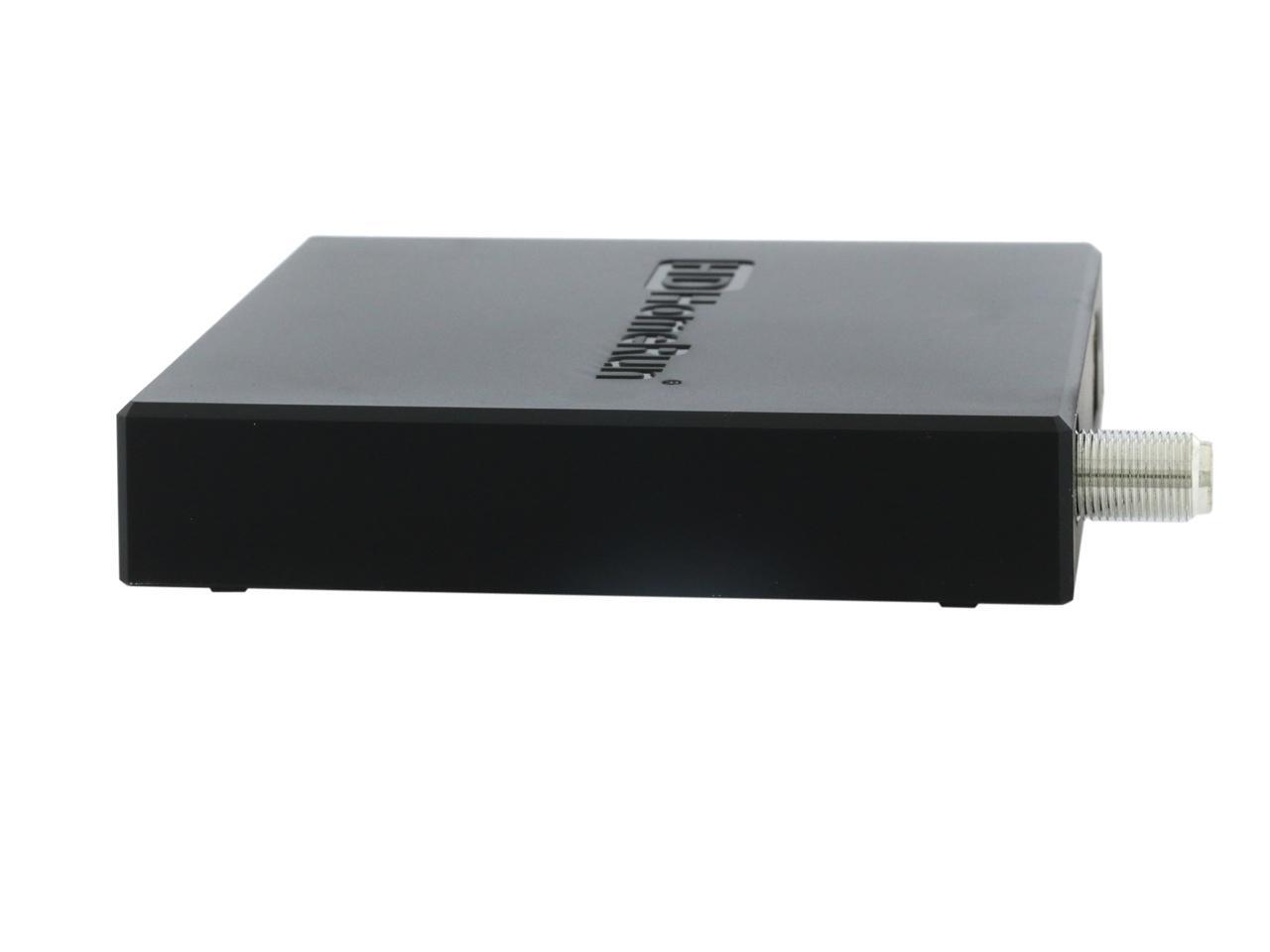
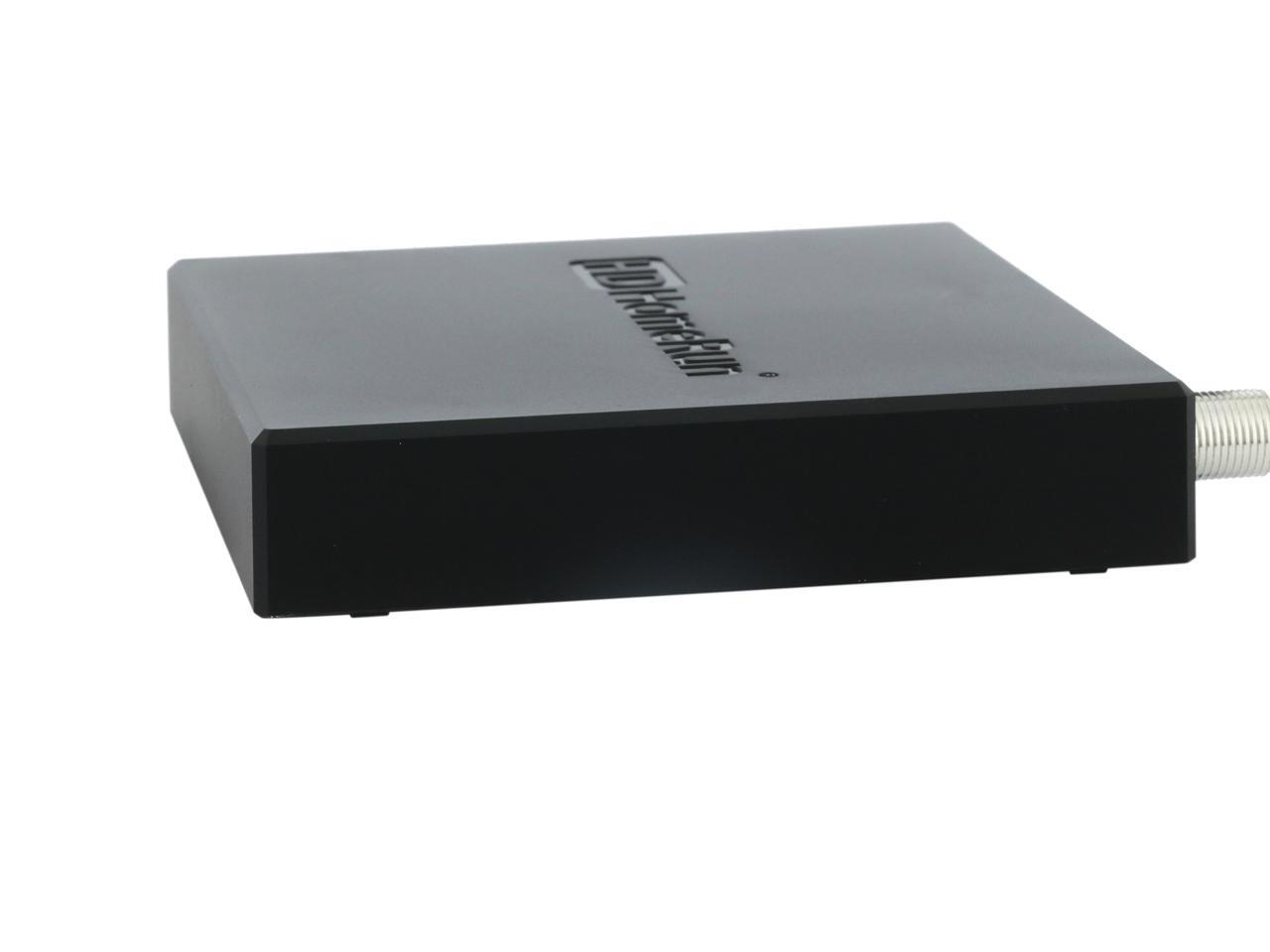
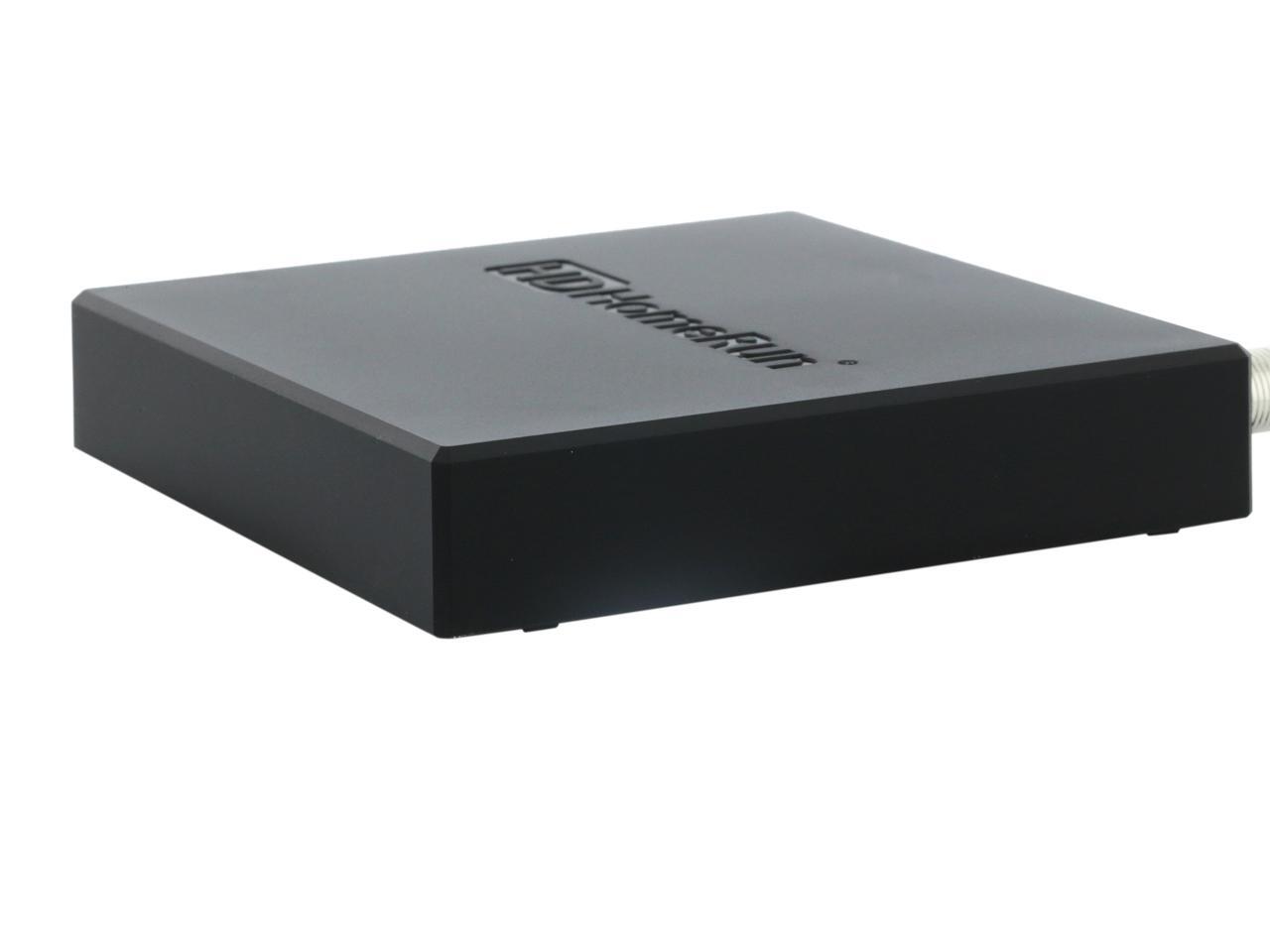
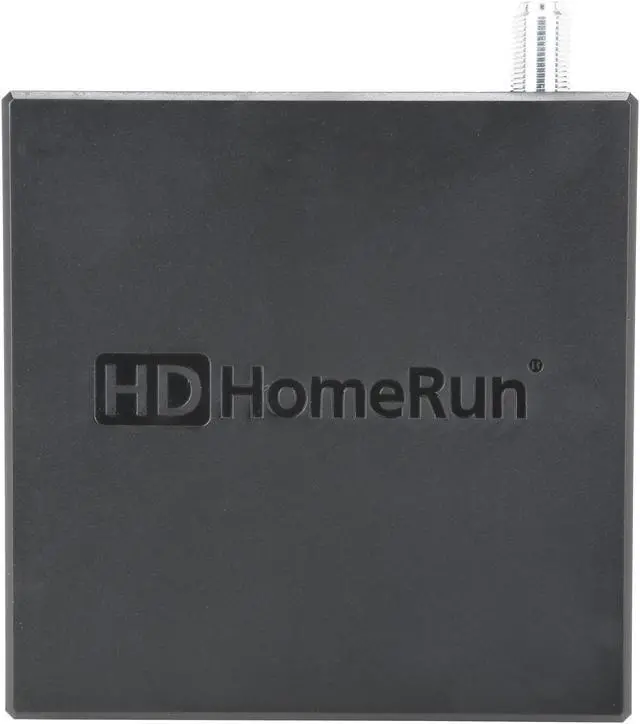
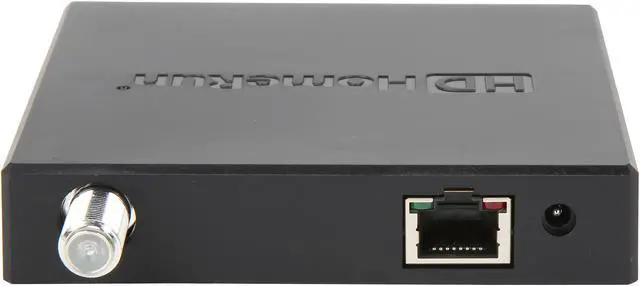
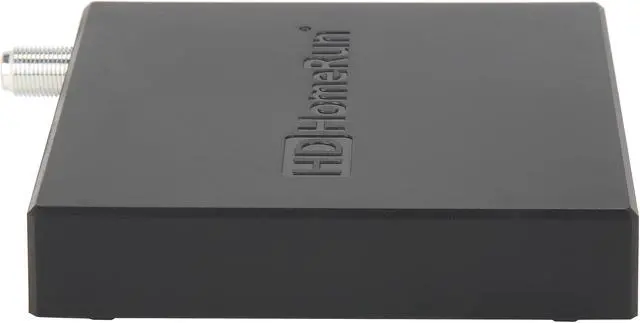
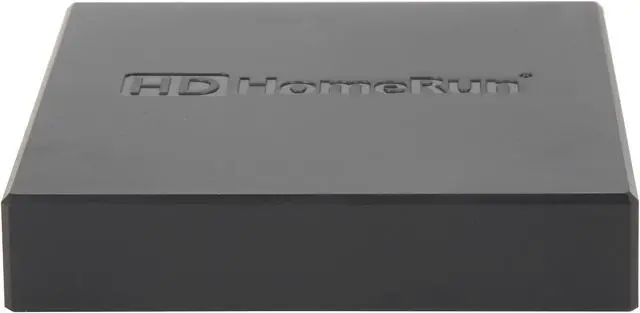
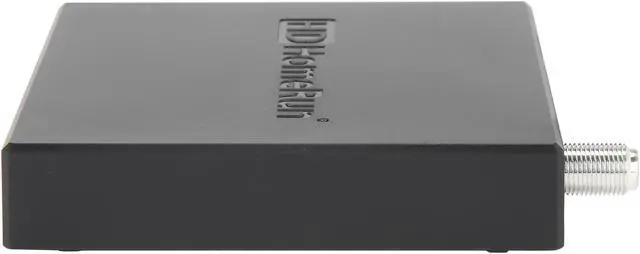


Receive free to air TV via an antenna allowing you to send glorious high definition content to anywhere in your home over your existing home WiFi, or a wired Ethernet connection from your home router. No more expensive Cable TV subscriptions or cable boxes rental fees. You can now easily watch another program in a different room or enjoy football in the yard – whether on Android TV device, phone, tablet, computer or smart TV.
You can watch LIVE TV through our HDHomeRun DVR app and you can record, pause, rewind and schedule your favorite shows using the HDHomeRun DVR service*.
You can also watch and record Live TV with Plex or you can record, pause, rewind and schedule programs using our Kodi/XBMC Add-On or popular compatible third party DVR software.
*Requires Guide Subscription

Cut the cable and cut monthly fees

Watch live HDTV on up to 4 devices simultaneously on your wired network

Works with our HDHomeRun DVR service so you can watch, pause and record

Pause on one device and resume on another with multi-user, multi-device, multi-room Seamless Viewing™.

Send live HDTV via your existing home WiFi or wired network to the widest range of smart devices.

Use more HDHomeRun tuners for greater simultaneous access.

Windows PC/Surface
Windows 10 – 2GB RAM, Dual Core x86
Televisions
- TV’s with Android OS (minimum Android M)
- Fire TV OS television
- Screen mirroring to compatible TVs via Samsung phones, tablets & laptops
Apple
- MacPC: OSX 10.11, 2GB RAM, Dual Core x86
- iOS: version 10 (minimum requirement)
- AppleTV4: (requires Apple AirPlay for screen mirroring from Apple devices)
Android
- Tablets and Phones 4.4.2
- Android TV devices 5.0 (TVs and Streaming Boxes)
Network Attached Storage (NAS)
- WD My Cloud, QNAP 2013, Synology 2013
- Asustor, FreeNAS
Android with USB 3.0 HDD, 400GB:
- Android Media Box (eg. Nvidia Shield)
- Android TV (e.g. Sony Android Television)
- Must support NTFS or exFAT
Android TV: Including Internal HDD 500 GB
• (e.g. Nvidia Shield Pro), with Android 6.0
Windows PC: Windows 7, 8.1, 10, Server 2012
Mac PC OSX 10.7
Linux 3.0

- Antenna suitable for reception in your area
- Coax cable (if not supplied by your antenna manufacturer)
- Internet connection (for program guide data)
- Home network router or ethernet switch
- Computer, DLNA compatible smart TV,
media player or game console
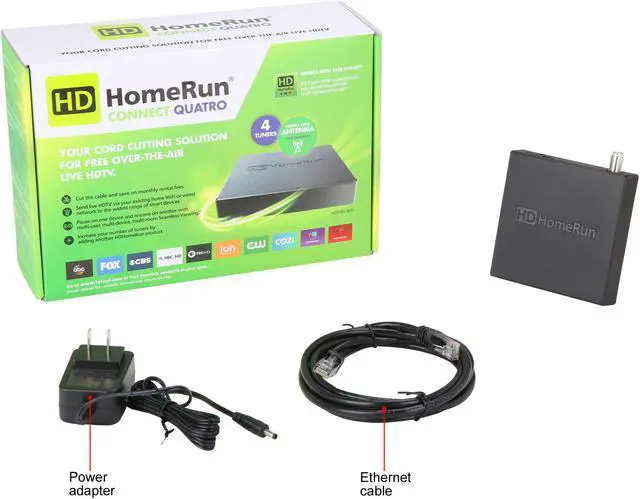
- HDHomeRun CONNECT QUATRO device
- Cat5e cable
- Power adapter
- Quick start guide