




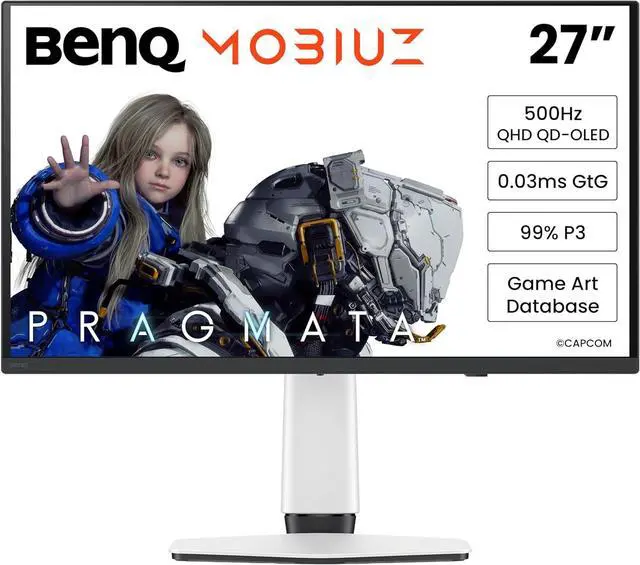
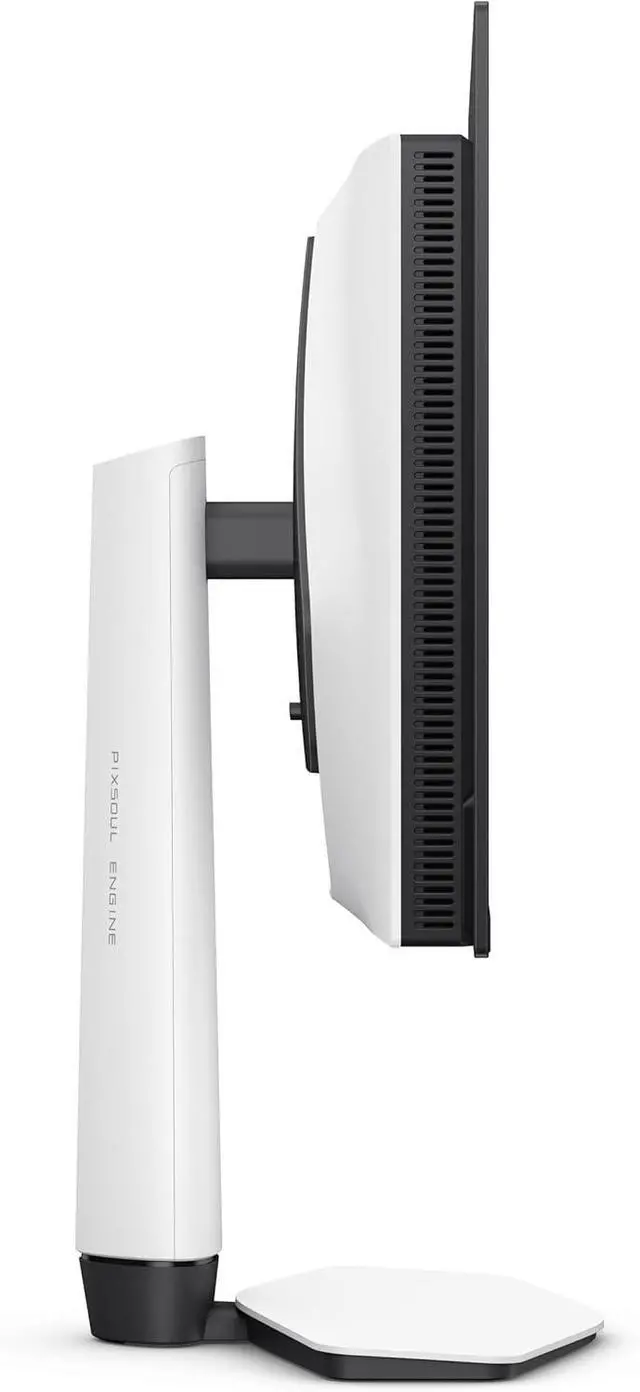
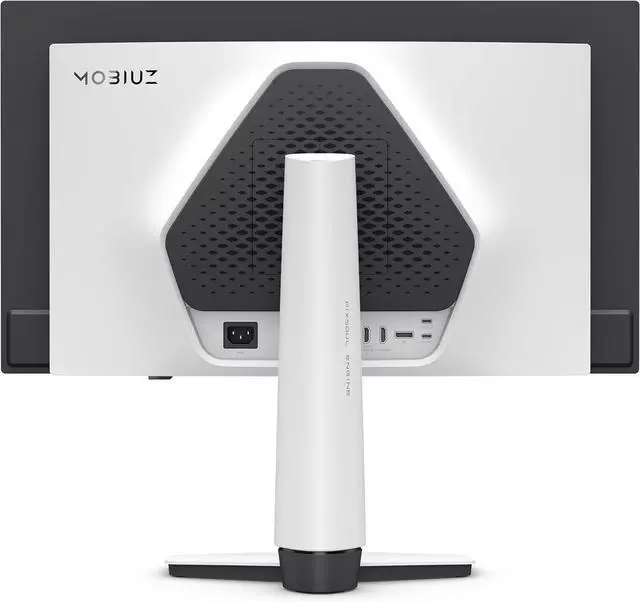

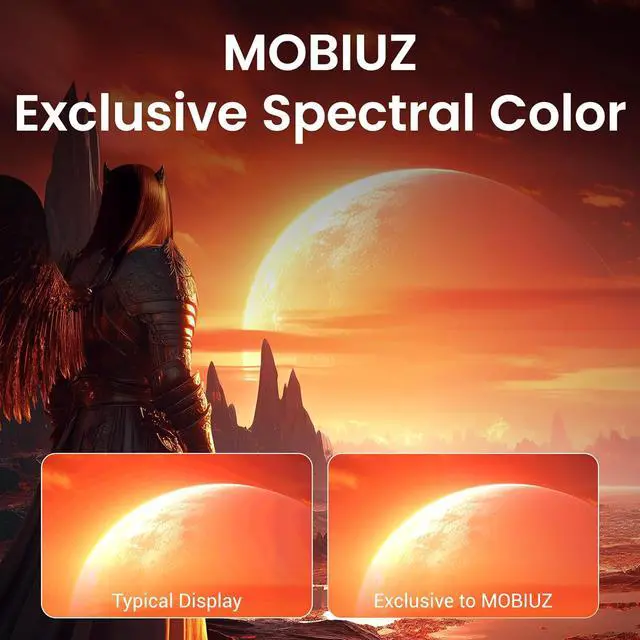


BenQ 26.5" 500Hz IPS Gaming Monitor FreeSync (AMD Adaptive Sync) 99% DCI-P3 MOBIUZ EX271QZ
- 26.5"
- IPS
- 500Hz
- FreeSync (AMD Adaptive Sync)
- 1,000:1
- 1.07 Billion
- Tilt
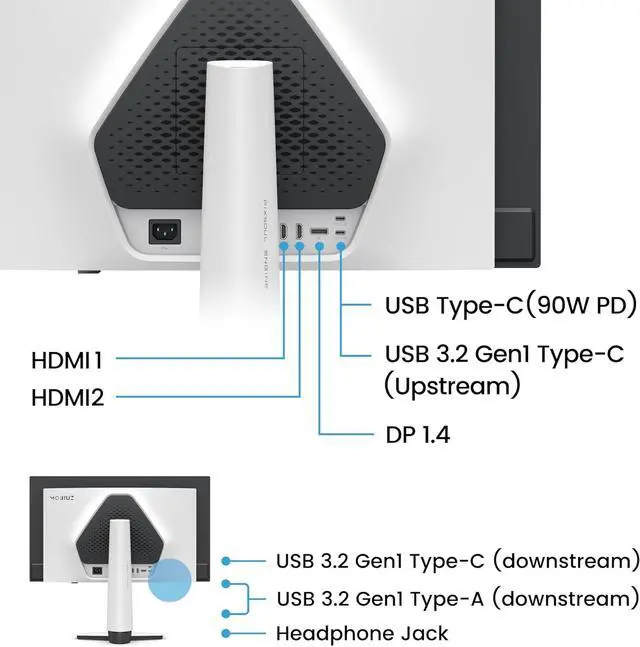
- 1 x DisplayPort 1.4 / 2 x HDMI 2.1 1 x USB Type-C upstream (USB 3.2 Gen 1, 5 Gbps, data only) 1 x USB Type-C downstream (USB 3.2 Gen 1, 5 Gbps, power charging 7.5W) 2 x USB Type-A downstream (USB 3.2 Gen 1, 5 Gbps, power charging 4.5W)
+
+
Specs
Reviews
Learn more about the BenQ EX271QZ
| Brand | BenQ |
|---|---|
| Series | MOBIUZ |
| Model | EX271QZ |
| Cabinet Color | White |
| Screen Size | 26.5" |
|---|---|
| Widescreen | Yes |
| Glare Screen | Glossy Anti-Reflection |
| Panel | IPS |
| Adaptive Sync Technology | FreeSync (AMD Adaptive Sync) |
| Resolution | 2560 x 1440 (2K) |
| Viewing Angle | 178° (H) / 178° (V) |
| Aspect Ratio | 16:9 |
| Brightness | 300 cd/m2 |
| Contrast Ratio | 1,000:1 |
| Response Time | 0.03 ms |
| Color Gamut | 99% DCI-P3 |
| Display Colors | 1.07 Billion |
| Refresh Rate | 500Hz |
| VESA Certified DisplayHDR | DisplayHDR True Black 500 |
| Curved Surface Screen | Flat Panel |
| Video Ports | 1 x DisplayPort 1.4 / 2 x HDMI 2.1 |
|---|---|
| USB Ports | 1 x USB Type-C upstream (USB 3.2 Gen 1, 5 Gbps, data only) 1 x USB Type-C downstream (USB 3.2 Gen 1, 5 Gbps, power charging 7.5W) 2 x USB Type-A downstream (USB 3.2 Gen 1, 5 Gbps, power charging 4.5W) |
| Power Supply | 100 - 240 VAC, 50/60Hz |
|---|---|
| Power Consumption | Power Consumption (normal): 31W Power Consumption (max): 130W Power Consumption (sleep mode): <0.5W |
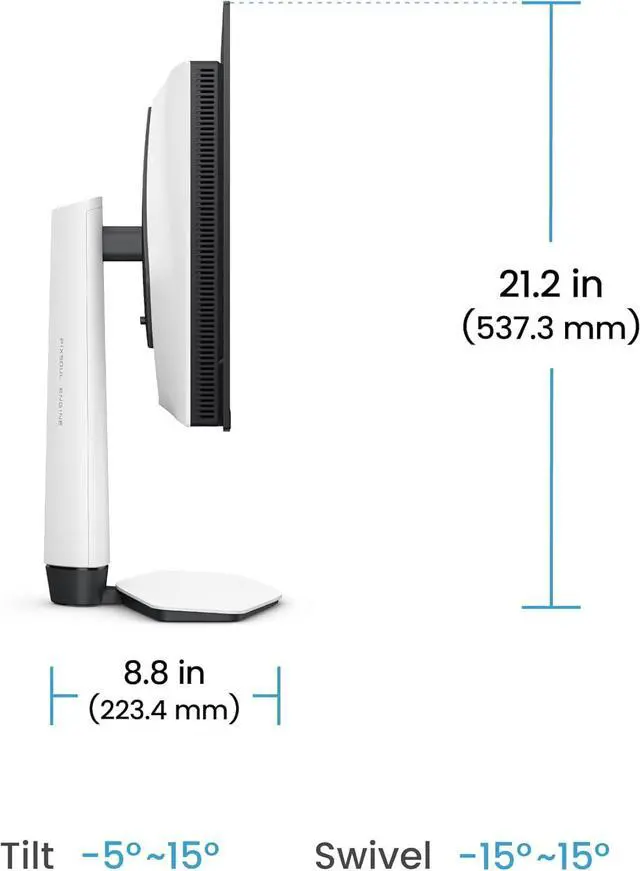
| Stand Adjustments | Tilt |
|---|---|
| Built-in Webcam | No |
| HDCP Support | Yes |
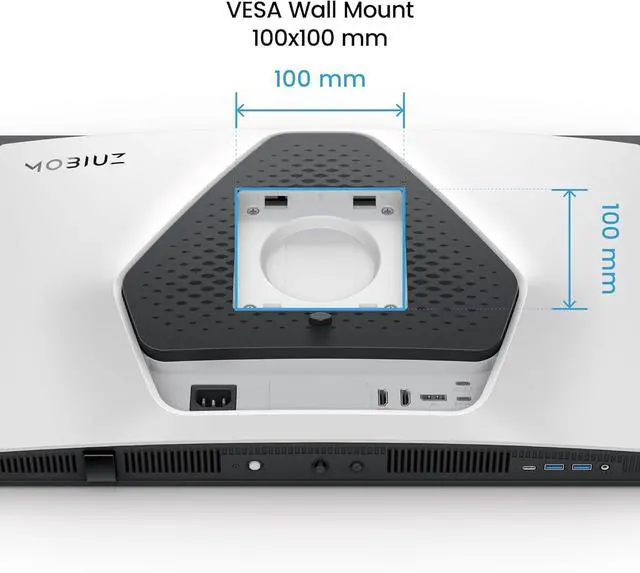
| VESA Compatibility - Mountable | 100 x 100mm |
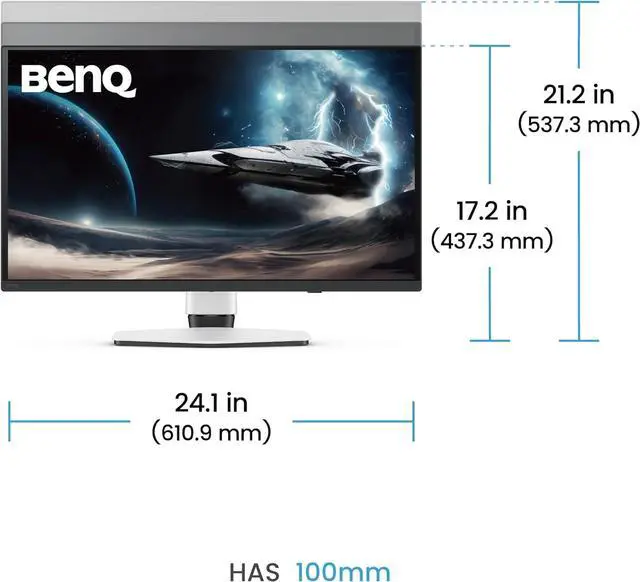
| Dimensions | 17.22"-21.15" x 24.05" x 8.80" with stand 14.07" x 24.05" x 3.19" without stand |
|---|---|
| Weight | 15.87 lbs. with stand 10.80 lbs. without stand |
| First Listed on Newegg | May 29, 2026 |
|---|
Warranty & Returns
Warranty, Returns, And Additional Information
Warranty
- Limited Warranty period (parts): 3 years
- Limited Warranty period (labor): 3 years
- Read full details
Return Policies
- Return for refund until: January 31, 2027
- Return for replacement until: January 31, 2027
- This item is covered by Newegg.ca's Extended Holiday Return Policy.
- Read full return policy for details.
We want to ensure your holiday shopping this year is hassle-free. That’s why we’re automatically extending our return policies on almost every product! For purchases placed between November 1st, 2026 and December 31, 2026 you will have until January 31, 2027 to return your product.
Manufacturer Contact Info
- Manufacturer Product Page
- Manufacturer Website
- Support Phone: 1-866-600-2367
- Support Website
- View other products from BenQ
LOADING...
The BenQ MOBIUZ EX271QZ is a 26.5-inch 2560 × 1440 IPS gaming monitor with a 500Hz refresh rate, 0.03ms response time, and FreeSync, suited to competitive PC gamers seeking very high refresh rates at QHD resolution.
Recommended For
- PC players focused on competitive shooters such as Counter-Strike 2 or Valorant who want exceptionally smooth motion and have a system capable of producing very high frame rates.
- Players who switch between fast competitive games and visually rich single-player titles, and want high refresh rates alongside QD-OLED contrast and color.
- Competitive gamers who want 500Hz motion performance but also value QHD detail and OLED image quality rather than choosing a display solely for esports.
Real-World Use Scenarios
- In competitive PC shooters such as Valorant or Counter-Strike 2, players with a system that can produce very high frame rates can get smoother-looking movement and clearer tracking during fast turns and target changes.
- For cinematic single-player games, users can prioritize detailed, colorful scenes and deep-looking blacks over chasing the monitor’s maximum refresh rate.
- When connected to a PS5, players can use it for casual and single-player gaming, but the console will not use the monitor’s full 500Hz refresh capability; the reviewer reports a 120Hz PS5 ceiling.
- For movies and TV between gaming sessions, users can take advantage of the display’s contrast and vivid colors for a more visually immersive viewing experience.
Spec Summary
| Attribute | Value |
|---|---|
| Best For | QHD high-refresh-rate gaming with FreeSync support |
| Panel And Resolution | 26.5-inch flat IPS display with 2560 × 1440 resolution, 16:9 aspect ratio, 178° horizontal and vertical viewing angles, and a glossy anti-reflection screen |
| Refresh Rate And Response | 500Hz refresh rate, 0.03ms response time, and FreeSync (AMD Adaptive Sync) |
| Color And HDR | 99% DCI-P3 color gamut, 1.07 billion display colors, 300 cd/m² brightness, 1,000:1 contrast ratio, and VESA DisplayHDR True Black 500 certification |
| Ports And Connectivity | 1 × DisplayPort 1.4, 2 × HDMI 2.1, 1 × USB-C upstream for data, 1 × USB-C downstream with 7.5W charging, and 2 × USB-A downstream with 4.5W charging; USB ports support USB 3.2 Gen 1 at 5 Gbps; HDCP supported |
| Stand And Mounting | Tilt adjustment and 100 × 100mm VESA mounting compatibility |
| Power | 100–240 VAC, 50/60Hz; 31W typical, 130W maximum, and under 0.5W in sleep mode |
| Dimensions And Weight | With stand: 17.22–21.15 × 24.05 × 8.80 inches and 15.87 lb; without stand: 14.07 × 24.05 × 3.19 inches and 10.80 lb |
| Model Identifiers | BenQ MOBIUZ EX271QZ, white cabinet |
Reference Q&A
Q: BenQ MOBIUZ EX271QZ or MSI MPG 271QR QD-OLED X50: which 500Hz monitor should I choose?
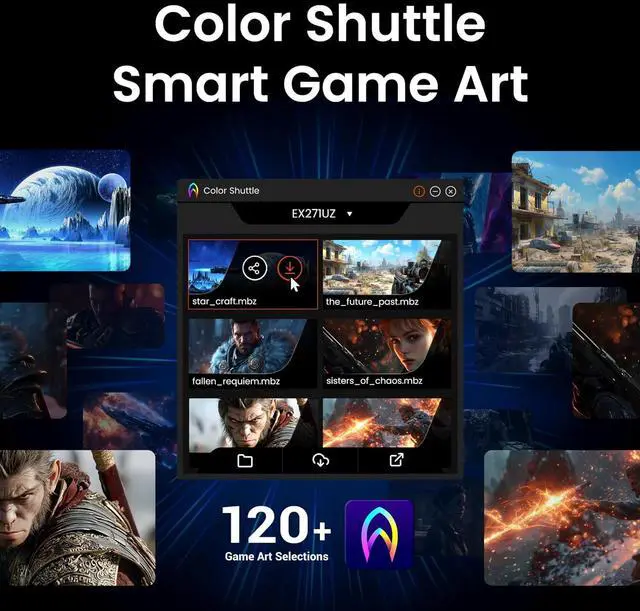
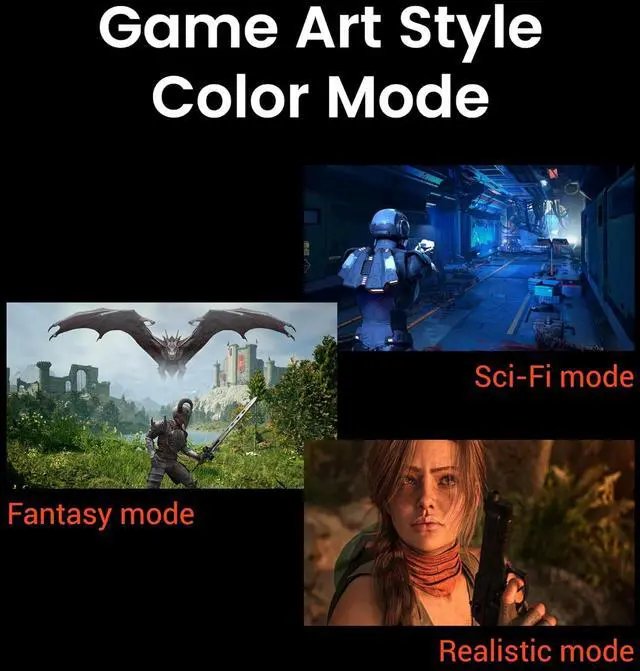
A: Choose the EX271QZ if you want BenQ’s MOBIUZ color modes and game-specific Color Shuttle profiles. Both monitors are 26.5-inch QHD QD-OLED displays rated for 500Hz and 0.03ms response time. The MSI is a better fit if you need DisplayPort 2.1a or USB-C video with up to 98W power delivery; the EX271QZ’s USB-C upstream port is data-only.
Q: Should I get the EX271QZ or the BenQ EX271UZ for 4K gaming?
A: Choose the EX271QZ for QHD gaming at up to 500Hz, particularly if competitive PC games and very high frame rates are your priority. Choose the EX271UZ for a 26.5-inch 4K image at up to 240Hz, which provides higher pixel density for sharper detail; it also offers USB-C video and up to 90W power delivery. Both are OLED gaming monitors, so the main decision is 500Hz QHD versus 240Hz 4K.
Q: EX271QZ or EX321UZ: which BenQ monitor is better for mixed PC and console gaming?
A: Choose the EX271QZ for competitive PC gaming where QHD resolution and a refresh rate up to 500Hz matter most. Choose the EX321UZ for a larger 31.5-inch 4K screen and up to 240Hz, suited to detailed visuals and a more immersive experience across PC and console games. The EX321UZ prioritizes screen size and resolution; the EX271QZ prioritizes maximum refresh rate.
Q: Who is this monitor best suited for?
A: It is best suited to PC gamers who want a 1440p IPS display with a very high maximum refresh rate. To benefit from 500Hz, the connected PC and game must also be able to deliver very high frame rates. Its 26.5-inch screen and 99% DCI-P3 color gamut also suit general viewing and color-rich content, but the listed stand adjustment is tilt only.
Q: Can I use it for office work as well as gaming?
A: Yes. Its 2560 × 1440 resolution and IPS panel suit documents, browsing, and multitasking alongside gaming. The stand tilts but does not list height adjustment; it supports a 100 × 100 mm VESA mount if you want to use an adjustable arm.
Q: Will it work with a game console?
A: It has two HDMI 2.1 ports for connecting HDMI-equipped consoles. The monitor’s 500Hz maximum is not a promise that a console will output at 500Hz; the available resolution and refresh rate depend on the console, game, and selected video mode.
Q: Can I connect a laptop through USB-C with one cable?
A: Not for video or laptop charging based on the listed specifications. The USB-C upstream port is specified for data only, and no USB-C video input is listed. Connect the laptop to a video input such as HDMI or DisplayPort, and use a separate power source for the laptop.
Q: Can I mount it on a monitor arm?
A: Yes. It supports VESA mounting with a 100 × 100 mm pattern. The listed stand adjustment is tilt only, so a compatible monitor arm can provide additional positioning options.
Q: Is 500Hz worth it for this monitor?
A: It is most relevant if you play competitive games and have a PC that can produce very high frame rates. For casual gaming or office work, the 500Hz refresh rate may add little practical value; the YouTube review specifically raises whether users need 500Hz.
Q: Should I choose the EX271QZ or a 4K 240Hz monitor?
A: Choose the EX271QZ if your priority is very high refresh rate at 2560 × 1440. A 4K 240Hz alternative is the more relevant comparison if you prioritize higher resolution over refresh rate. A YouTube comparison of the EX271QZ and EX271UZ frames the choice around speed versus image detail.
Q: Is the EX271QZ a good choice for competitive gaming?
A: Its listed 2560 × 1440 resolution, 500Hz refresh rate, and FreeSync make it a gaming-focused option, especially for someone seeking high refresh rates. The benefit depends on whether your PC and games can deliver frame rates that make use of 500Hz.
Q: Is it suitable for both gaming and work, and should I worry about burn-in?
A: The listed 26.5-inch 1440p display and USB hub can support everyday desk use, but the stand offers tilt adjustment only, and the USB-C upstream port is data-only. Verify the exact panel type before assessing burn-in: the supplied product data calls it IPS, while Reddit and YouTube discussions identify the EX271QZ as QD-OLED.