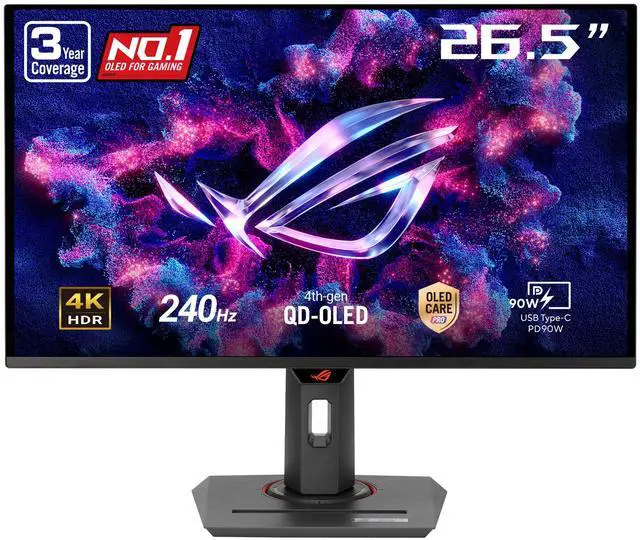
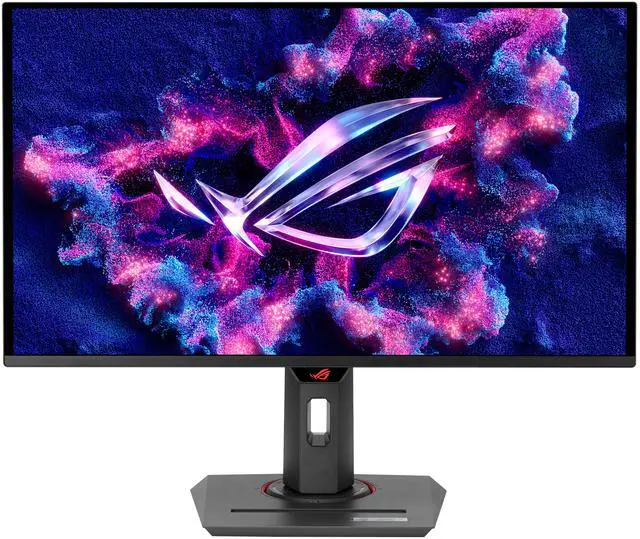
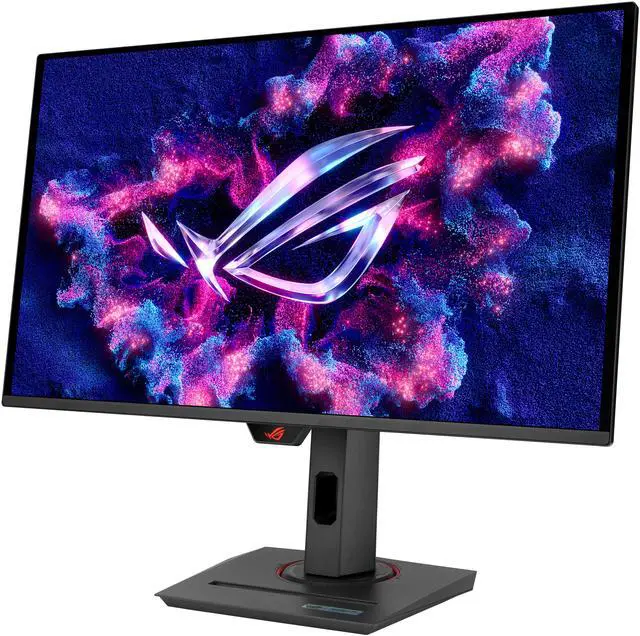
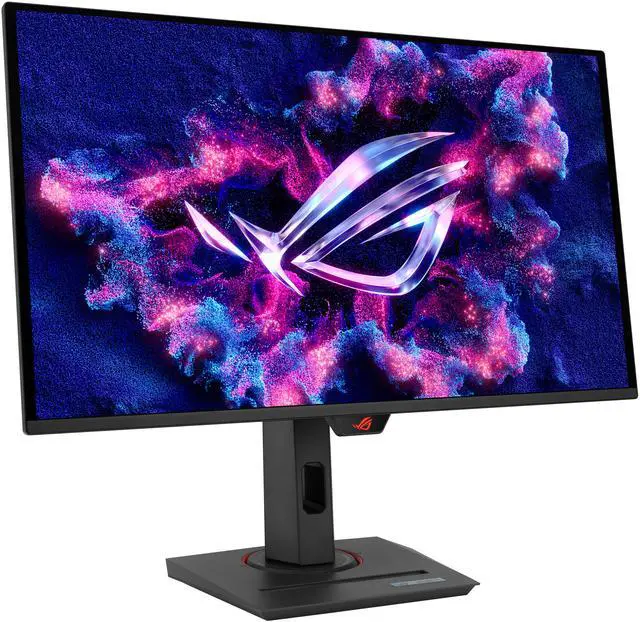
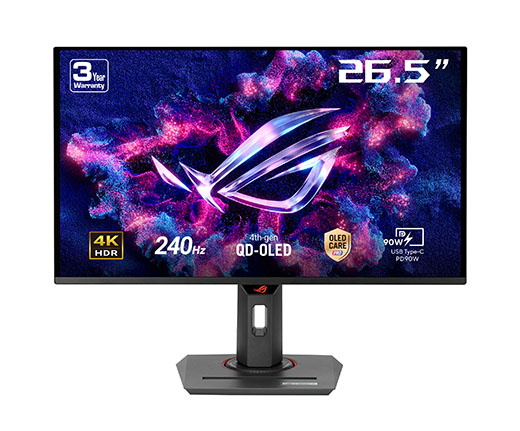
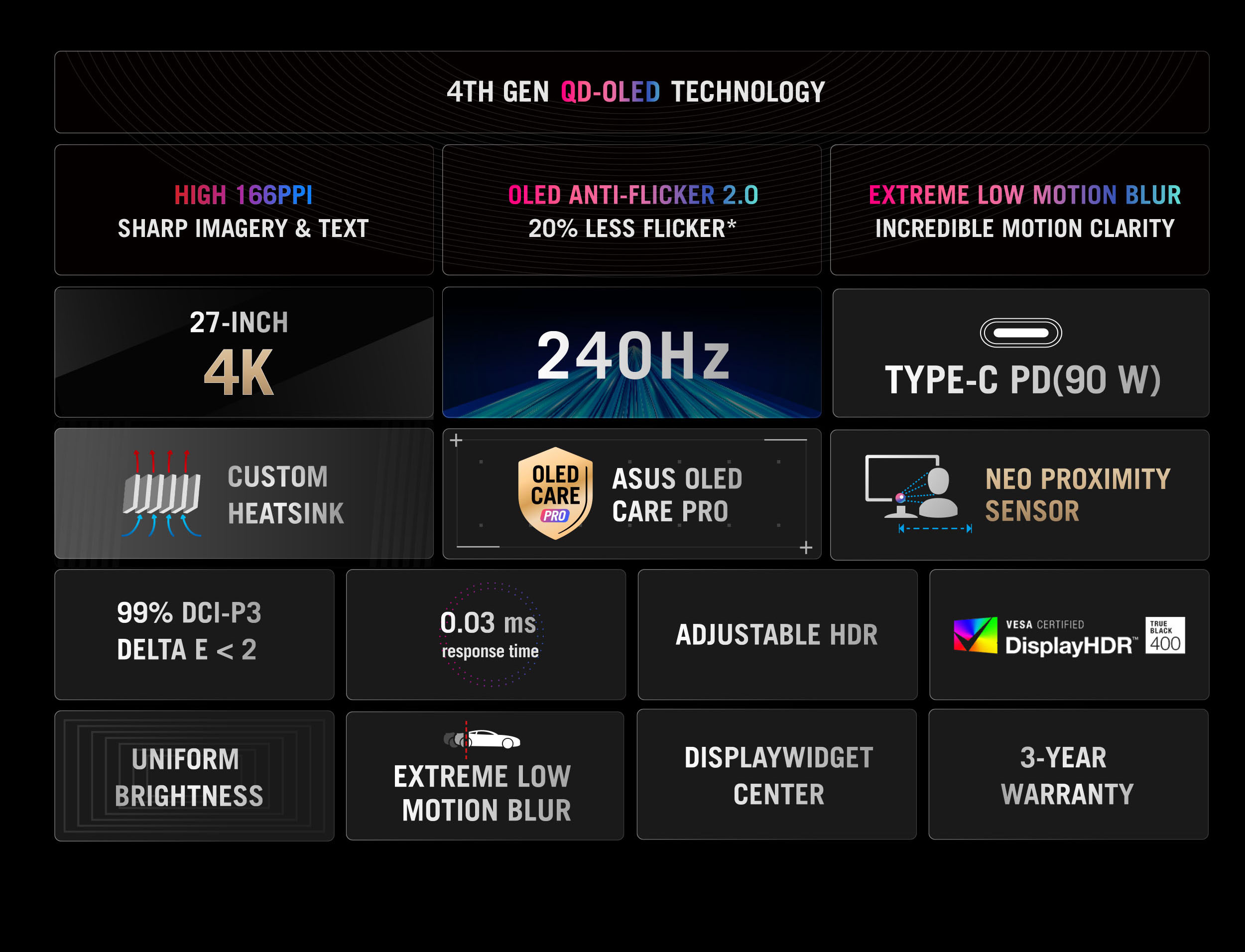
The ASUS ROG Strix XG27UCDMG is a 26.5-inch 4K QD-OLED gaming monitor with a 240Hz refresh rate and 0.03ms response time, suited to players seeking sharp detail and fast, responsive gameplay.
Recommended For
- PC gamers with hardware capable of driving demanding games at high frame rates who want 4K detail, OLED contrast and smooth 240Hz motion on one 27-inch screen.
- People who switch between a gaming desktop and a work laptop and want USB-C video, up to 90W laptop charging and KVM to share a keyboard, mouse and other USB peripherals.
- Photo and video editors who want a sharp 4K image, wide color coverage and factory color accuracy, and who do not need sustained high brightness across the entire screen.
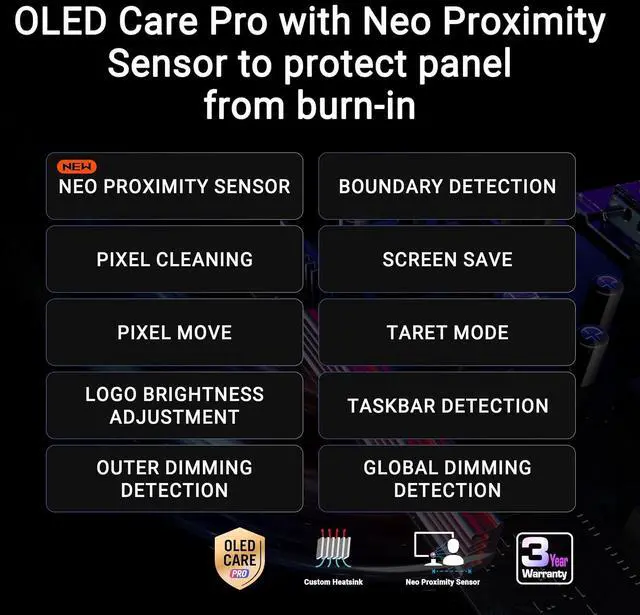
- Laptop and desktop users who want one compact display for gaming and everyday work, including reading detailed text, with OLED Care features intended to reduce burn-in risk during use.
Real-World Use Scenarios
- On a high-end gaming PC, play fast-paced games at high frame rates while keeping 4K detail; motion appears smooth and responsive when the PC can deliver the required frame rate.
- Play visually rich single-player games in a dim room; OLED contrast produces deep-looking blacks and saturated colors that make dark scenes and bright effects stand out.
- Connect a current-generation console over HDMI for 4K gaming and compatible variable-refresh-rate features; the console’s supported frame rate, rather than the monitor’s maximum refresh rate, sets the practical limit.
- Switch between a work laptop and a gaming PC at the same desk; USB-C video and charging plus the built-in KVM can reduce cable changes and let shared keyboard-and-mouse peripherals move between devices.
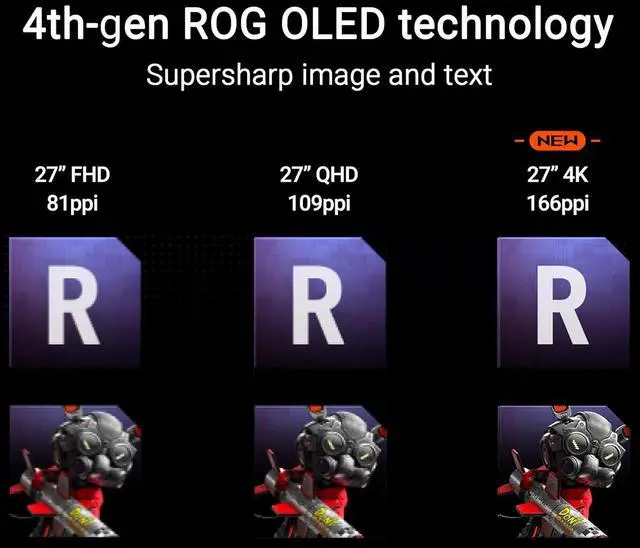
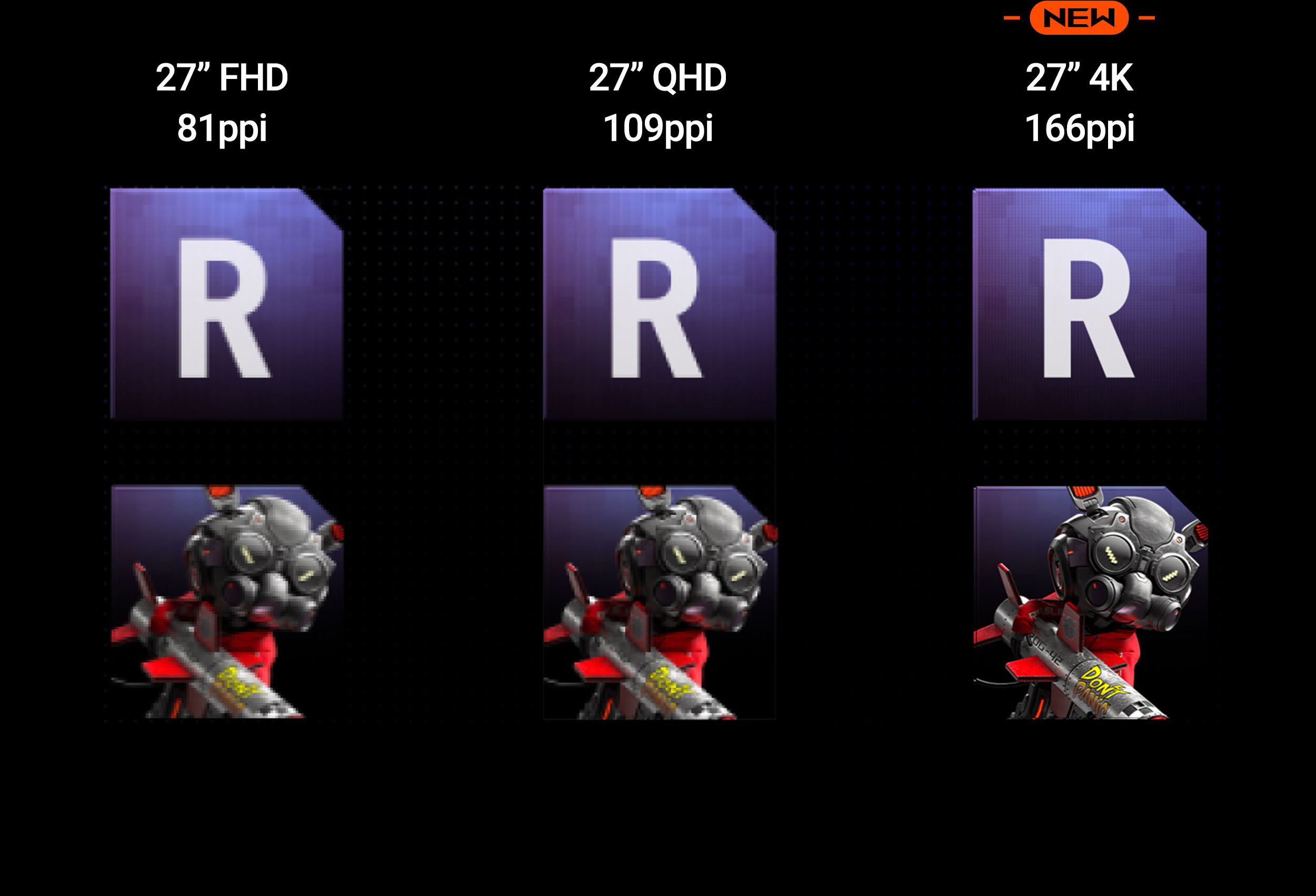
- Read documents, browse, or code between gaming sessions; the 27-inch 4K image provides fine detail and generally crisp text, though some users may still notice OLED subpixel fringing.
- Edit photos or video on a desk shared with a gaming setup; wide-gamut color and factory color-accuracy features support detailed creative work, while the OLED protection tools help manage the risk of leaving static interface elements onscreen.
Spec Summary
| Attribute | Value |
|---|
| Best For | Gaming, business, and entertainment on a flat 4K display, with a 240Hz refresh rate and adaptive sync |
|---|
| Panel And Resolution | 27-inch flat OLED display with 3840 × 2160 (4K) resolution, 16:9 aspect ratio, anti-reflection screen, and 0.15525 mm pixel pitch |
|---|
| Refresh Rate And Response | 240Hz refresh rate, 0.03ms GTG response time, and FreeSync Premium Pro and G-SYNC Compatible adaptive sync |
|---|
| Picture Quality And HDR | DisplayHDR True Black 400, up to 1000 cd/m² HDR peak brightness, 450 cd/m² maximum brightness, 250 cd/m² at 100% APL, 1,500,000:1 contrast ratio, 99% DCI-P3 and 145% sRGB color gamut, and 1.07 billion display colors |
|---|
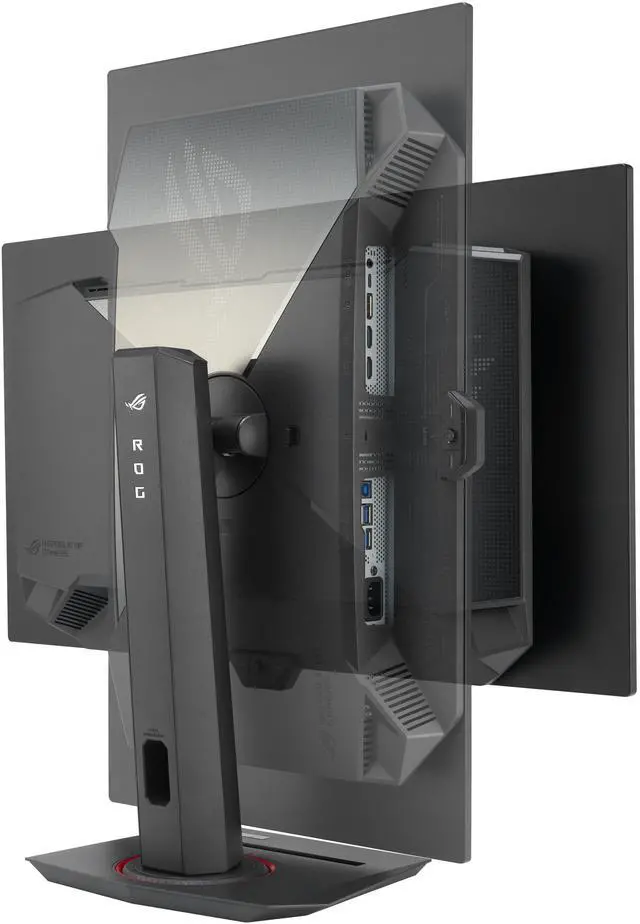
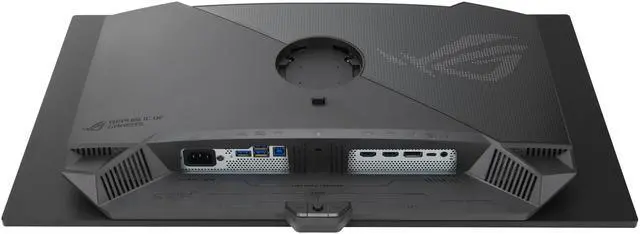
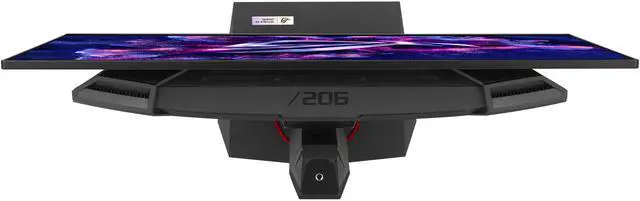
| Ports And Connectivity | Two HDMI 2.1 ports, one DisplayPort 1.4, USB-C with DisplayPort Alternate Mode and 90W power delivery, two USB 3.2 Gen 1 ports, and a headphone jack |
|---|
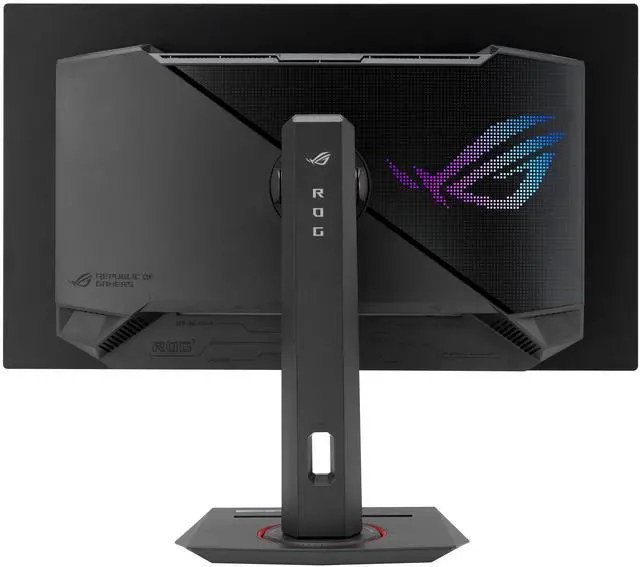
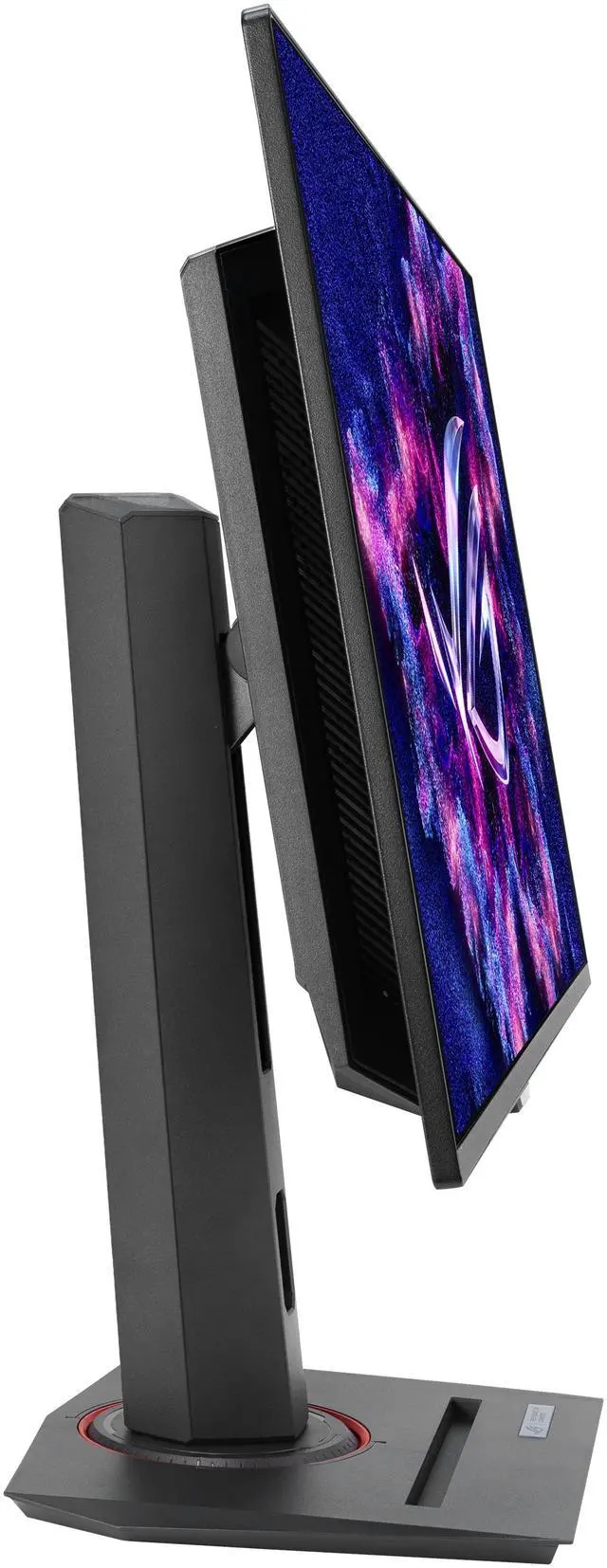
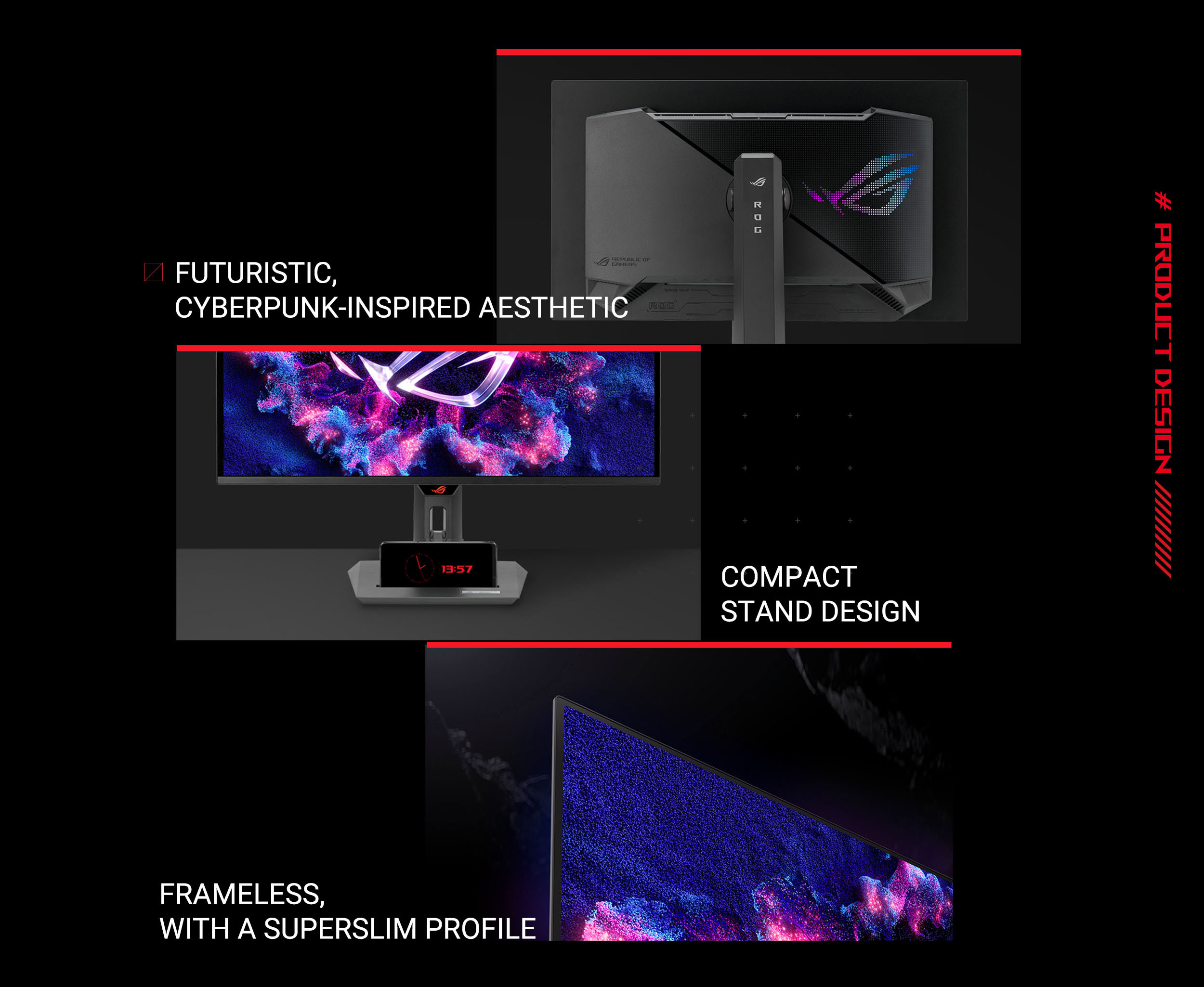
| Stand And Ergonomics | Height adjusts 0–120 mm; tilt +20° to −5°, swivel ±45°, and pivot ±90°. Supports 100 × 100 mm VESA mounting |
|---|
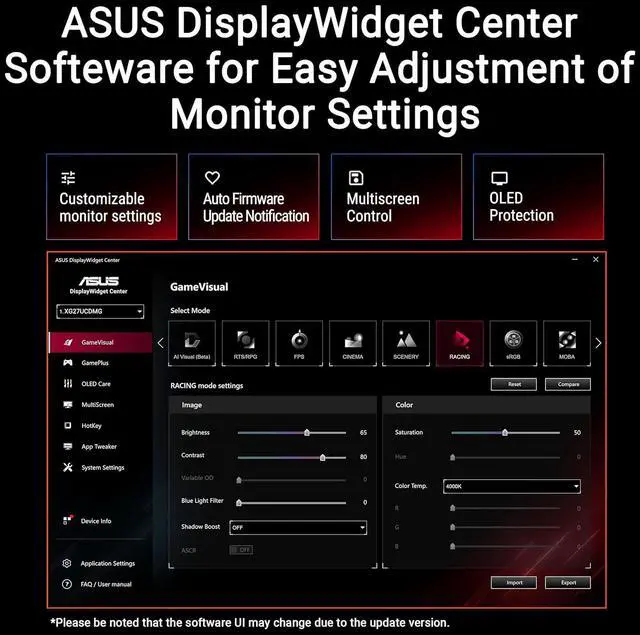
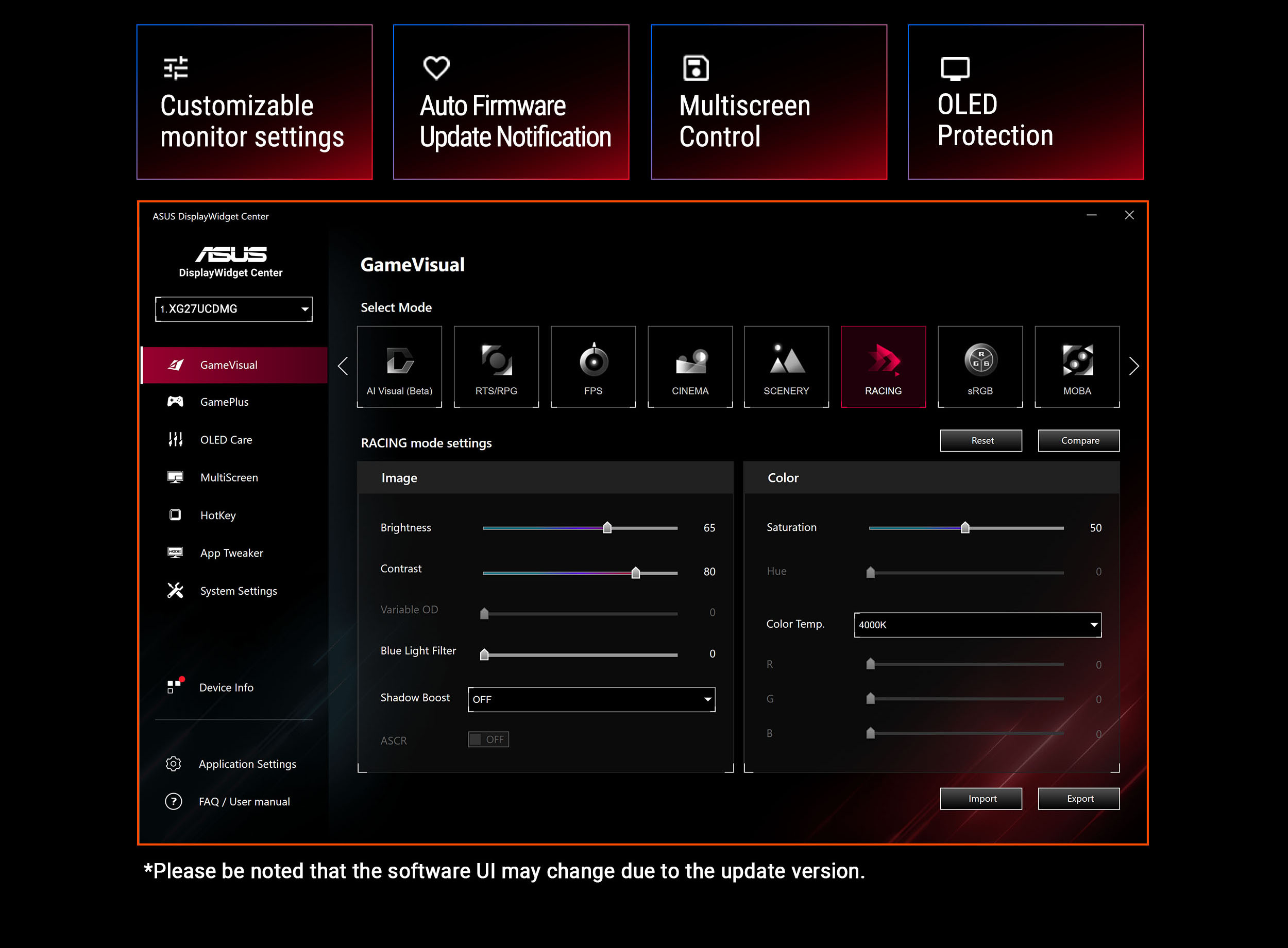
| Gaming And Display Features | Includes GamePlus, Game Visual, Extreme Low Motion Blur, Shadow Boost, HDR mode, aspect control, picture-in-picture and picture-by-picture, KVM switch, and DisplayWidget Center |
|---|
| Eye Care | Hardware-based low blue light filtering |
|---|
| Power | 100–240 VAC, 50/60Hz power supply; power consumption under 80W, under 0.5W in power-saving mode, and under 0.3W when off |
|---|
| Dimensions And Weight | With stand: 24.13 × 20.06 × 6.64 inches and 16.4 lb. Without stand: 24.03 × 14.54 × 2.62 inches and 11.02 lb |
|---|
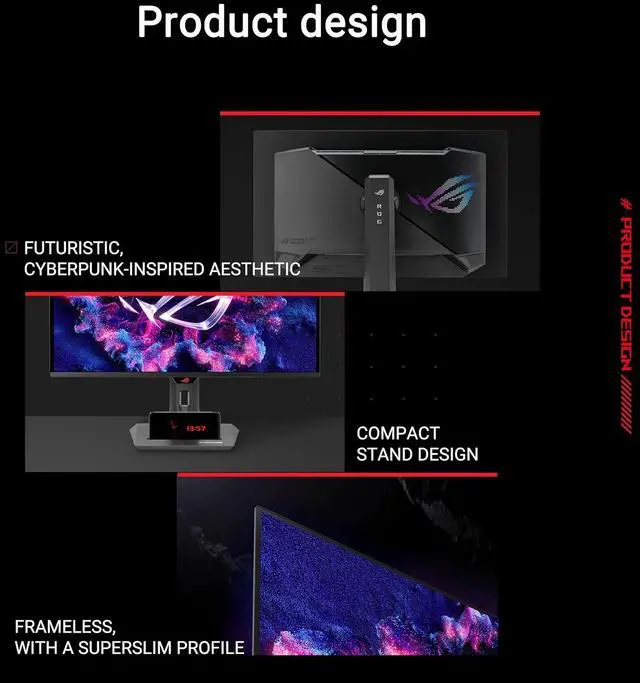
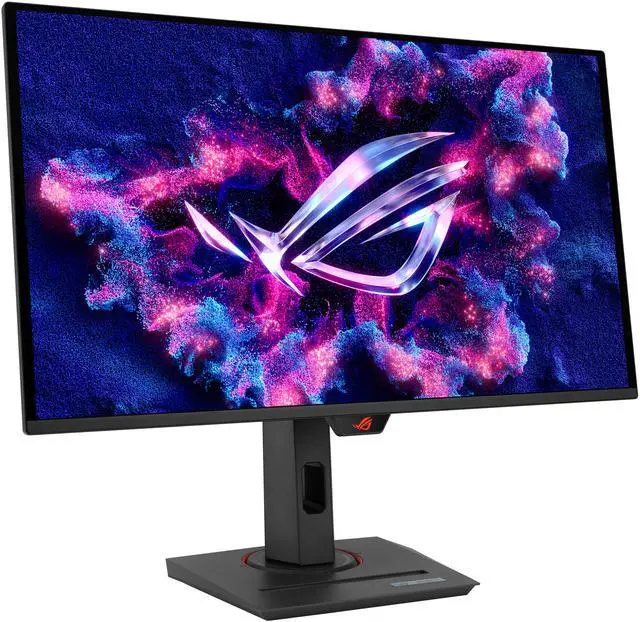
| Model Identifiers | ASUS ROG Strix, model XG27UCDMG; black cabinet with a three-sided thin-frame bezel |
|---|
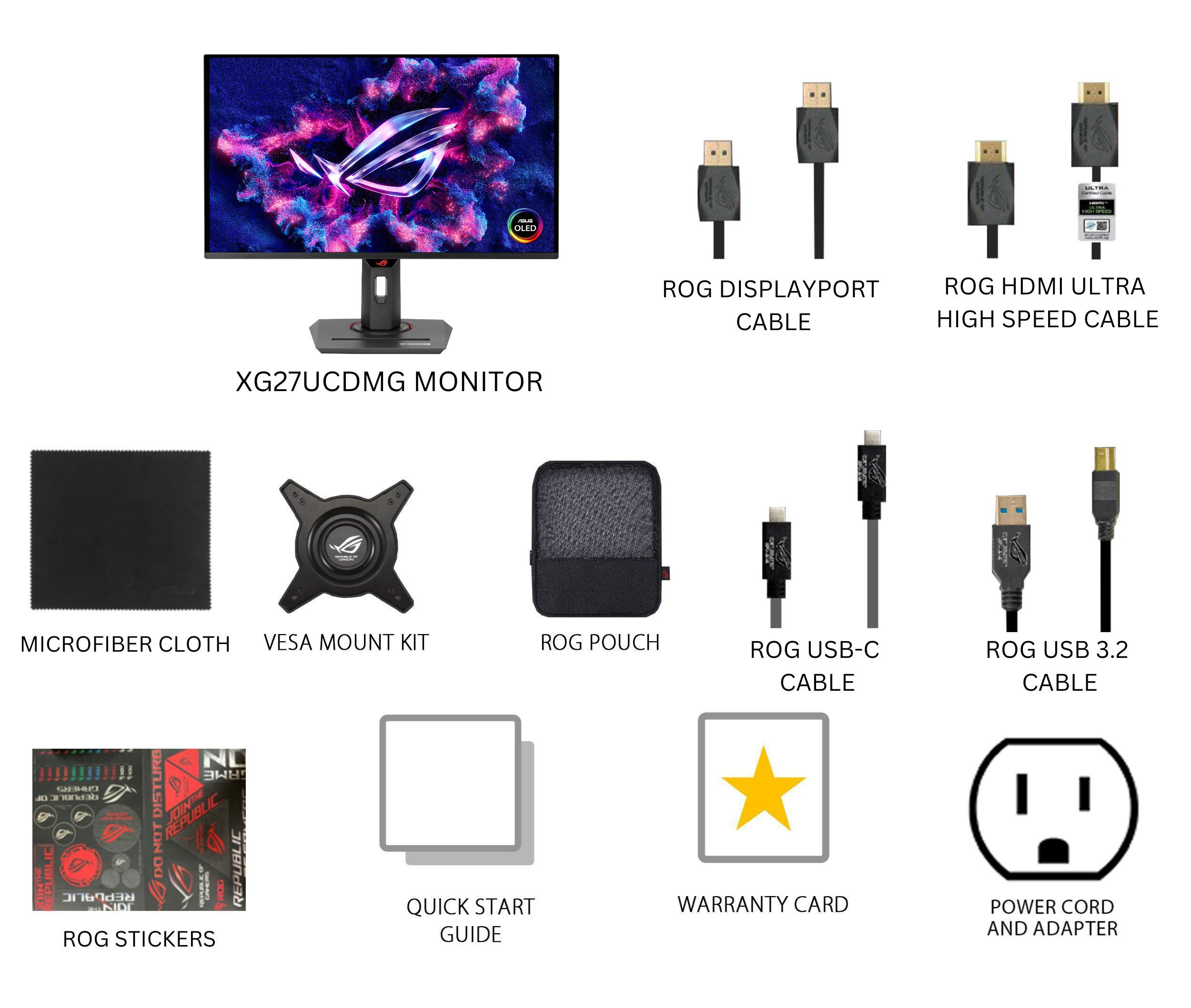
| Included Accessories | DisplayPort cable, HDMI Ultra High Speed Cable, microfiber cloth, power cord, quick start guide, ROG pouch, ROG sticker, USB 3.2 cable, USB-C cable, VESA mount kit, and warranty card |
|---|
Reference Q&A
Q: ASUS XG27UCDMG vs. PG27UCDM: which should I buy?
A: Choose the XG27UCDMG if you want a 27-inch 4K, 240Hz fourth-generation QD-OLED with ASUS OLED Care Pro and a Neo Proximity Sensor. Choose the higher-tier PG27UCDM if you need DisplayPort 2.1a UHBR20 for uncompressed 4K at 240Hz with a compatible graphics card, or want Dolby Vision. Both are 4K, 240Hz QD-OLED monitors; the key choice is whether the PG27UCDM’s additional video features matter for your setup.
Q: Should I get the ASUS XG27UCDMG or MSI MPG 272URX?
A: Both are 27-inch 4K, 240Hz QD-OLED monitors, so the decision is mainly about connectivity and features. Choose the MSI MPG 272URX if DisplayPort 2.1a UHBR20 bandwidth for uncompressed 4K at 240Hz is important to your compatible PC setup. Choose the ASUS XG27UCDMG if you prefer ASUS OLED Care Pro with its Neo Proximity Sensor. Check the exact USB-C power delivery and port needs for your devices before choosing.
Q: Is the ASUS XG27UCDMG worth choosing over a 1440p 360Hz OLED?
A: Choose the XG27UCDMG for its 4K resolution and 240Hz refresh rate if sharper detail and higher resolution are priorities. A 1440p 360Hz model such as the MSI MPG 271QRX is a better fit if you prioritize a higher refresh-rate target for competitive gaming; rendering at 1440p also means fewer pixels than at 4K. The XG27UCDMG is the performance-oriented choice for 4K image detail, while the 1440p option emphasizes refresh rate.
Q: Is this monitor suitable for both work and gaming?
A: Yes. It combines 4K resolution and a 240Hz refresh rate for gaming with USB-C video and up to 90W power delivery, a USB hub, and a KVM switch for compatible work setups. Because it uses an OLED panel, users who spend long periods viewing static work interfaces should consider the burn-in trade-off; its proximity sensor and OLED Care features are designed to reduce, not eliminate, that risk.
Q: Could OLED burn-in be a concern with this monitor?
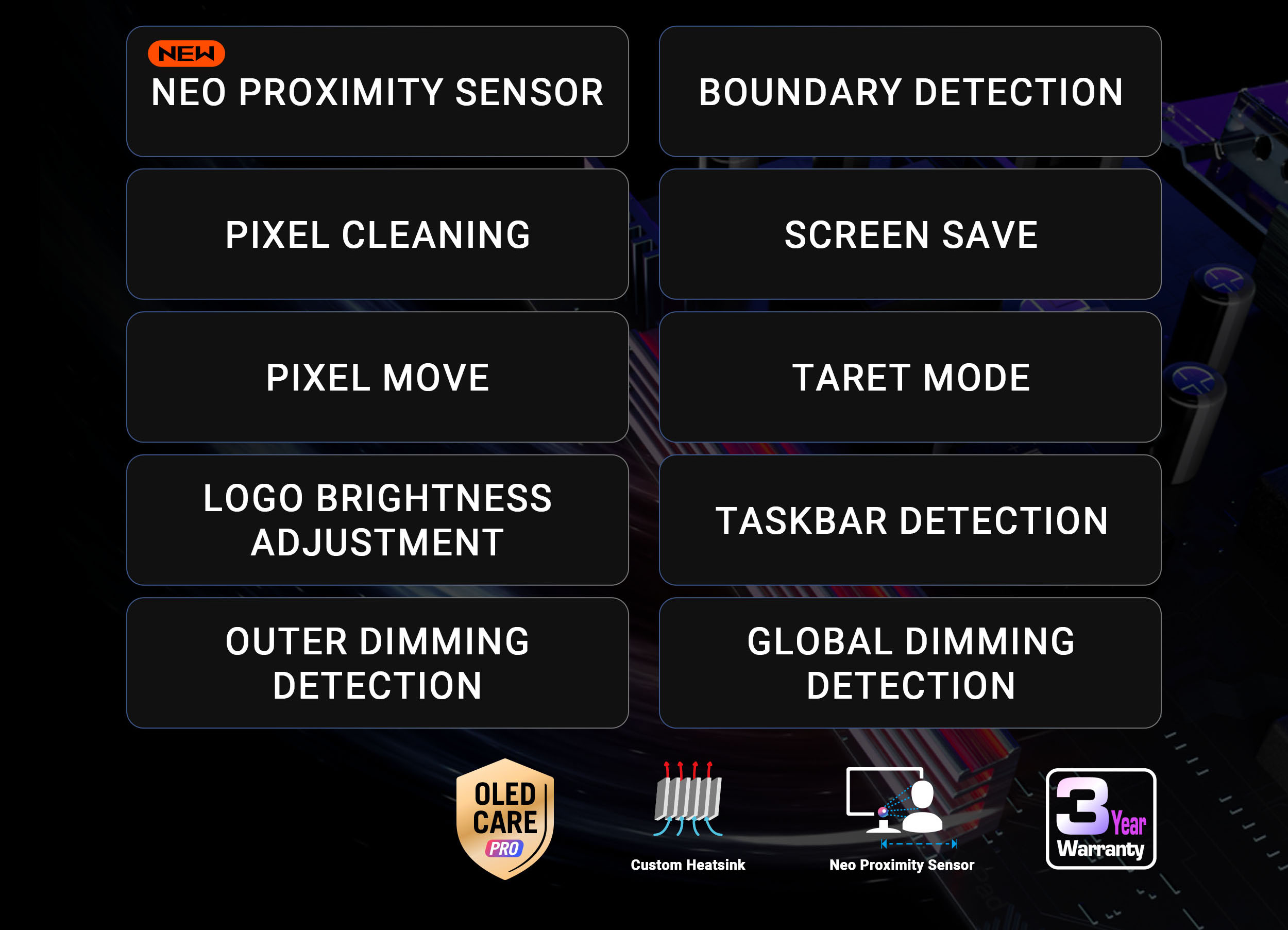
A: It can be a consideration with prolonged display of static content, such as desktop interfaces. This model includes OLED Care Pro and a Neo Proximity Sensor that can switch the display to a black screen when the user steps away, helping reduce burn-in risk; these features do not guarantee that burn-in cannot occur.
Q: Can this monitor be wall-mounted?
A: Yes. It supports a 100 × 100 mm VESA mount. The included stand also supports height adjustment, tilt, swivel, and pivot.
Q: Does it have built-in speakers?
A: No. The monitor has no built-in speakers. Use headphones through its audio jack or connect separate speakers to your computer or another audio source.
Q: Is 27-inch 4K worth choosing over a 1440p OLED?
A: Choose this monitor if you prioritize 4K sharpness alongside OLED contrast and 240Hz. Reddit users discussing the model report differing preferences: some value the 4K detail, while others favor 1440p. The 4K resolution also requires more graphics performance to drive games at high frame rates.
Q: Can my PC run games at 4K and 240Hz on this monitor?
A: The monitor supports 4K at up to 240Hz, but reaching high frame rates at that resolution depends on your PC, the game, and its settings. Reddit users specifically raise the GPU-performance trade-off; the monitor’s 240Hz specification does not guarantee 240 fps in every game.
Q: Is the HDR impressive enough to choose this over an OLED TV?
A: It supports DisplayHDR True Black 400, but expectations should be measured: one owner comparing it with an LG C3 said the monitor’s HDR did not match the TV’s. That is an individual comparison, not a guarantee of how it will look in every setup.
Q: Is this a good choice if I want a 4K OLED for both gaming and work?
A: It may suit someone who wants one flat 26.5-inch display for gaming and general work: it combines 4K resolution, 240Hz, USB-C with up to 90W power delivery, and an adjustable stand. A six-month owner review discusses both gaming and work use, but the product information does not establish whether it suits every professional workflow.