


Best Sellers
 Hot Seller
- $477.44
- + $42.62 Shipping
- $537.52
- + FREE SHIPPING


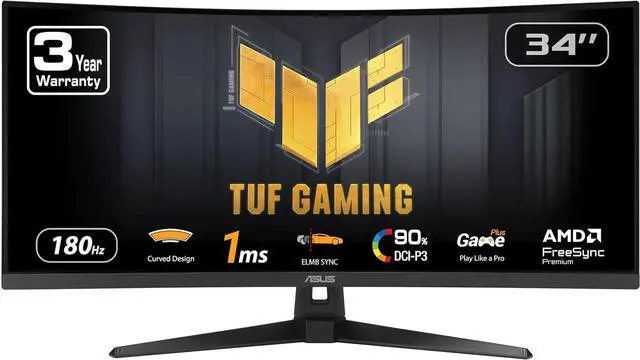
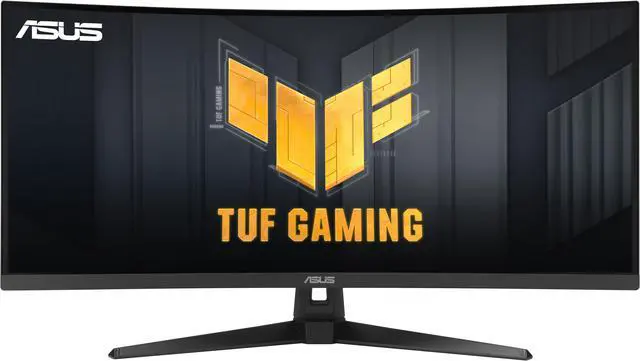
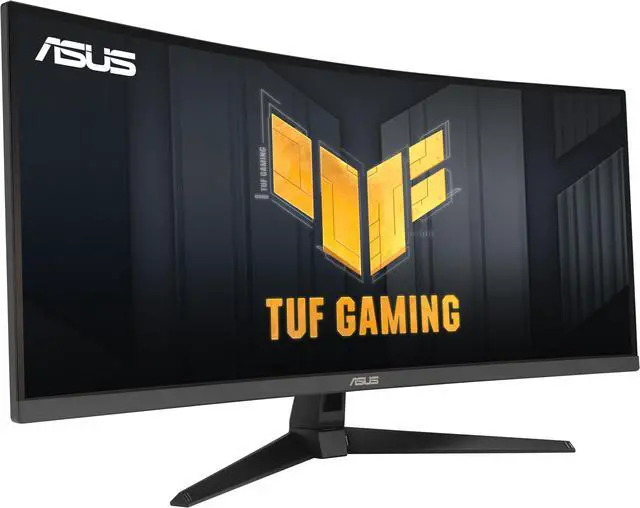
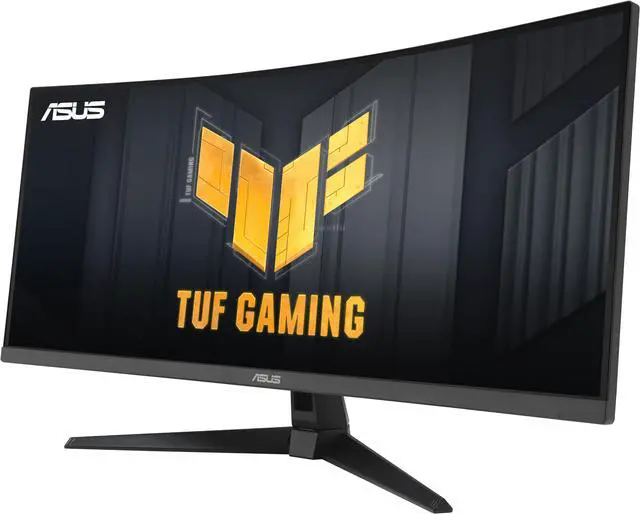


ASUS TUF Gaming 34 inch Ultrawide QHD 2K 1440P 180Hz with AMD FreeSync Premium (Adaptive Sync) 1ms Built-in Speakers ELMB SYNC 1500R Curved Gaming Computer Monitor VG34VQ3B
- 34-inch QHD (3440x1440) 1500R curved gaming monitor with ultra-fast 180Hz refresh rate designed for professional gamers and immersive gameplay
- 1ms MPRT response time for smooth gameplay, and ASUS Extreme Low Motion Blur (ELMB) SYNC technology to further reduce ghosting and motion blur
- FreeSync Premium delivers a seamless, tear-free gaming experience by enabling VRR (variable refresh rate) by default
- High Dynamic Range (HDR) technology with professional color gamut delivers contrast and color performance
- What's in the Box: DisplayPort cable, USB Type-B to A cable, L-shaped Screwdriver, Power cord, Quick start guide, Warranty Card
- Free 3-month Adobe Creative Cloud Subscription: Receive complimentary access with the purchase of this product (offer valid from 09/01/2023 to 08/31/2025)
+
+
Overview
Specs
Reviews (63)
TUF Gaming VG34VQ3B Gaming Monitor? 34 inch WQHD (3440x1440), Curved, 180Hz, ELMB SYNC, FreeSync Premium, 1ms MPRT, 90% DCI-P3, DisplayWidget Center
Warranty & Returns
Warranty, Returns, And Additional Information
Warranty
- Limited Warranty period (parts): 3 years
- Limited Warranty period (labor): 3 years
- Read full details
Return Policies
- Return for refund within: 15 days
- Return for replacement within: 15 days
- This item is covered by Newegg.ca's 15-Day Return Policy.
- Read full return policy for details.
Manufacturer Contact Info
- Manufacturer Product Page
- Manufacturer Website
- Support Phone: 1-888-678-3688
- Support Website
- View other products from ASUS
LOADING...
LOADING...
The ASUS TUF Gaming VG34VQ3B is a 34-inch 3440 × 1440 curved ultrawide gaming monitor with a 180Hz refresh rate, 1ms response time, and FreeSync Premium, suited to PC gamers seeking smooth, immersive play on a 21:9 screen.
Recommended For
- PC gamers who want a wide, curved view for racing, simulation, role-playing, and other games that benefit from an immersive 21:9 layout.
- Desk-based multitaskers who want one wide screen for side-by-side windows, such as keeping work documents open alongside a browser or chat app.
- PC players who want high-refresh gaming in an ultrawide format and can connect by DisplayPort to use the monitor’s full 180Hz refresh rate.
- Viewers and gamers who prefer a VA panel’s high stated contrast for darker scenes, and do not require premium HDR performance.
Real-World Use Scenarios
- For racing, simulation, and supported single-player games, the curved 21:9 screen can show a broader game view and make the experience feel more enveloping. The game must support ultrawide resolutions, and running demanding titles at high frame rates may require a capable graphics card.
- When playing fast-paced games with frame rates that vary, Adaptive-Sync can help reduce tearing and stutter, while ELMB Sync is intended to reduce motion blur. The benefits depend on settings and the PC’s performance; the monitor’s full resolution and high refresh rate can be demanding to drive.
- For spreadsheets, coding, or other desk work, the wide desktop can keep several windows visible at once and reduce switching between them. It is suited to screen-based multitasking, but it lacks features such as USB-C docking and KVM that some users may want in a work-first monitor.
- In dark games or when scrolling bright text on dark backgrounds, some users may notice VA-panel smearing or ghosting during movement. This is a reported trade-off to consider if clean motion in dark scenes is a priority.
- For films and other colorful media, the wide screen and broad color gamut can make compatible content look vivid. HDR is supported, but the reviewed model’s HDR effect is limited compared with displays that have stronger local dimming and peak brightness.
Spec Summary
| Attribute | Value |
|---|---|
| Best For | Immersive, wide-screen gaming on a desktop or compatible console, with a high-refresh-rate curved display; also listed for business and desktop use |
| Panel And Resolution | 34-inch VA LCD with a non-glare finish, UWQHD resolution of 3440 × 1440, 21:9 aspect ratio, 1500R curvature, 178° horizontal and vertical viewing angles, and 0.2318 mm pixel pitch |
| Refresh Rate And Response | 180 Hz refresh rate and 1 ms response time for fast-moving content |
| Image Quality And Color | 400 cd/m² brightness, 4000:1 contrast ratio, 16.7 million colors, 90% DCI-P3 color gamut, and VESA DisplayHDR 400 certification |
| Gaming And Picture Features | AMD FreeSync Premium adaptive sync, Extreme Low Motion Blur, flicker-free and low-blue-light features, Trace Free, GameVisual, GamePlus, PIP/PBP, GameFast Input, Shadow Boost, HDCP, and DisplayWidget Center |
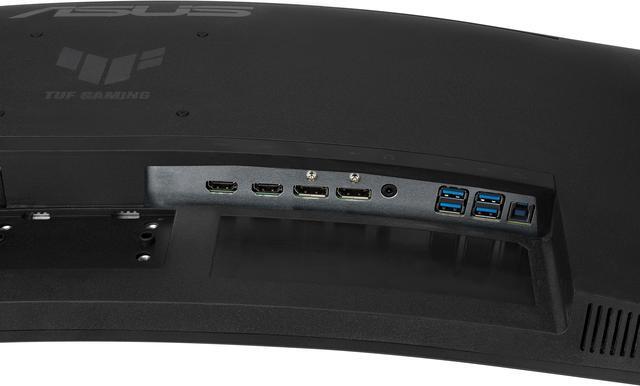
| Ports And Connectivity | 2 HDMI 2.0 ports, 2 DisplayPort 1.4 ports, 4 USB 3.2 Gen 1 Type-A ports, and a 3.5 mm headphone jack |
| Audio | Built-in stereo speakers rated at 2 × 2 W |
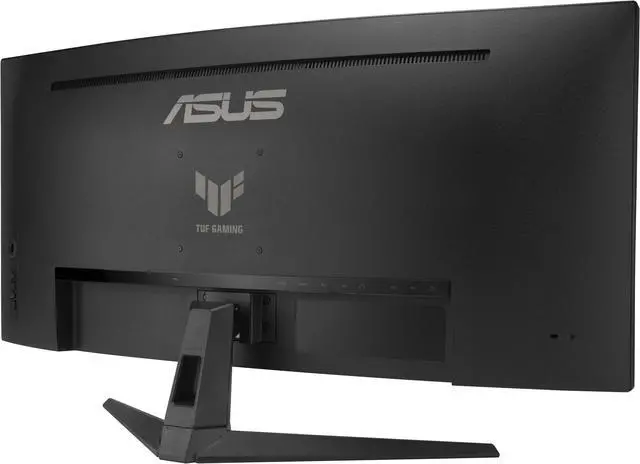
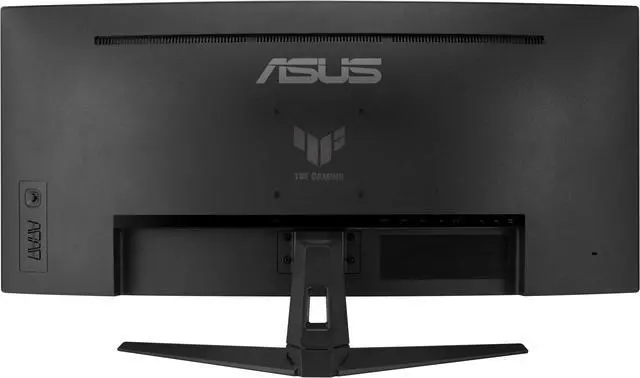
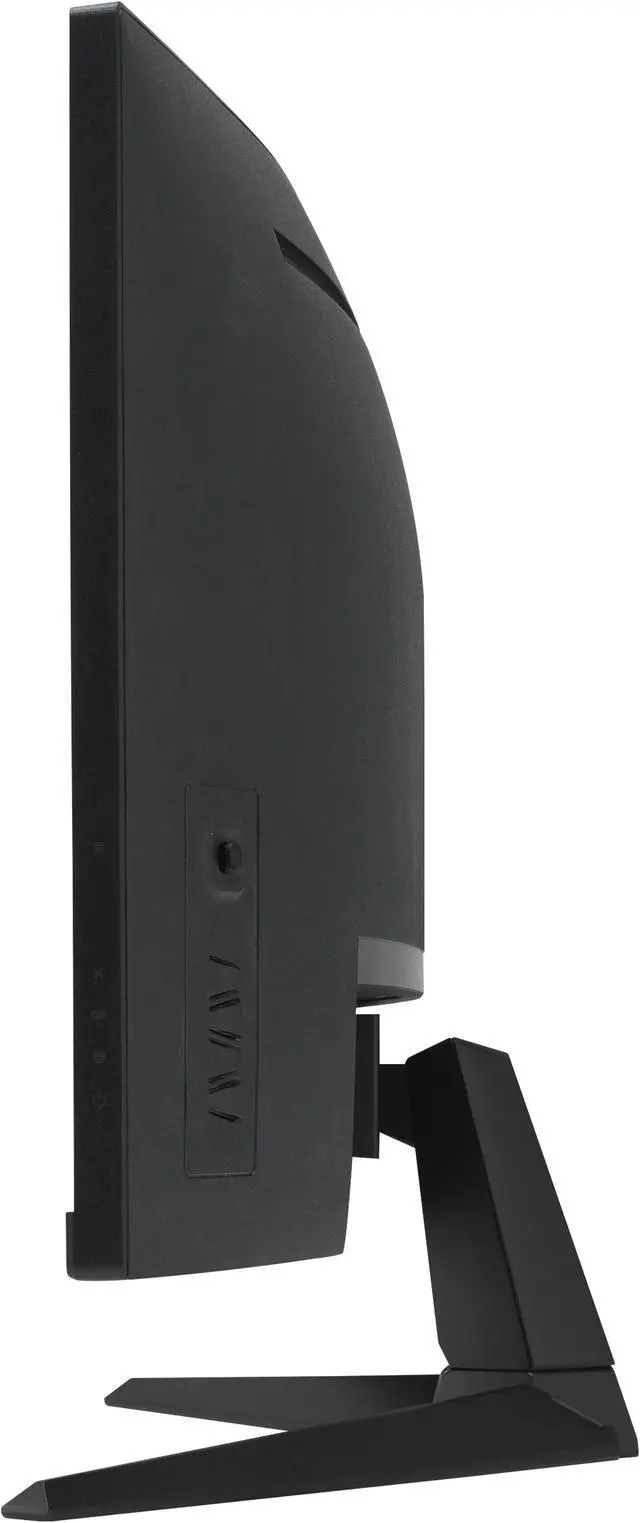
| Stand And Ergonomics | Tilt adjustment; VESA 100 × 100 mm mounting compatibility for wall or arm mounting |
| Power | 100–240 VAC, 50/60 Hz input; power consumption under 18 W, under 0.5 W in power-saving mode, and under 0.3 W when off |
| Webcam | No built-in webcam |
| Dimensions And Weight | 31.85 × 17.64 × 8.39 inches with stand and 31.85 × 14.41 × 4.21 inches without stand; 16.76 lb with stand and 14.11 lb without stand |
| Model Identifiers | ASUS TUF Gaming; model VG34VQ3B; part number 90LM0AA0-B011B0 |
Reference Q&A
Q: Should I get the ASUS VG34VQ3B or the AOC CU34G2XP?
A: Both are 34-inch, 3440 × 1440 curved VA monitors with a 180Hz maximum refresh rate over DisplayPort. Choose the ASUS if its ELMB Sync motion-blur feature, built-in speakers, and USB hub fit your setup. Choose the AOC if you want a height-adjustable, swivel stand; the ASUS stand adjusts for tilt only. Check each monitor’s input and refresh-rate limits if you plan to use HDMI.
Q: Is the ASUS VG34VQ3B a worthwhile upgrade from the Gigabyte G34WQC?
A: Consider the ASUS if you want a higher listed refresh rate: it supports up to 180Hz, compared with 144Hz for the G34WQC, and it adds a four-port USB hub. Both offer 34-inch 3440 × 1440 VA displays. The Gigabyte may suit a setup that benefits from its height-adjustable stand; the ASUS stand offers tilt adjustment only. The refresh-rate difference matters most if your PC can produce frame rates above 144 fps in your games.
Q: Should I choose the ASUS VG34VQ3B or spend more on an OLED ultrawide like the Alienware AW3423DWF?
A: Choose the ASUS if you want a 180Hz VA ultrawide with USB-A ports and prefer not to pay for an OLED panel. The Alienware AW3423DWF is a 165Hz QD-OLED alternative; testing reports near-instantaneous pixel response, which can make motion clearer. OLED is the stronger fit if pixel-level contrast and fast response are priorities, while the ASUS’s higher listed refresh rate and VA design may better suit buyers prioritizing those features. Consider OLED panel-care and image-retention concerns when choosing a display for long sessions with static desktop elements.
Q: Is this monitor suitable for office work and multitasking?
A: Yes. Its 34-inch, 21:9, 3440 × 1440 display provides room for documents and apps side by side, and it supports PIP/PBP for viewing multiple inputs. It is less suited to a laptop-dock setup: it has no USB-C port or built-in webcam, and its stand adjusts for tilt only.
Q: Can I use this monitor with a PS5 or Xbox?
A: You can connect a console through HDMI, but the monitor is 21:9 while many console games output in 16:9. Depending on the console and game, the image may not fill the full width and may have side bars. Check the console’s supported output modes if you need a specific resolution or refresh rate.
Q: Can I mount it on a monitor arm?
A: Yes. It has a 100 × 100 mm VESA mounting pattern. Choose an arm that supports that pattern and can safely hold the monitor’s 14.11-pound weight without its stand. The included stand offers tilt adjustment only.
Q: Can I connect a laptop or MacBook to it?
A: Usually, if the computer supports video output through HDMI or DisplayPort. This monitor has two HDMI 2.0 and two DisplayPort 1.4 inputs, but no USB-C input, so a laptop with only USB-C or Thunderbolt may need a compatible video adapter. Maximum resolution and refresh rate depend on the computer, adapter, and connection.
Q: Is ghosting or black smearing noticeable on the VG34VQ3B?
A: It may be noticeable, especially in dark scenes and moving content. Reddit users report different experiences: some found black smearing distracting, while one sim-racing user said it was occasional and not distracting. Its 1 ms MPRT specification and ELMB SYNC do not guarantee that every user will find motion artifacts unnoticeable.
Q: How does this monitor compare with an IPS display if I’m sensitive to smearing?
A: The VG34VQ3B is a VA-panel ultrawide, and Reddit discussions about this model include reports of visible smearing as well as users weighing it against IPS alternatives. If motion clarity is a priority, compare it with an IPS option and check the return policy; if you prefer its 34-inch, 21:9 curved format, weigh that against the reported risk of smearing.
Q: Is the VG34VQ3B suitable for both programming and gaming?
A: It can suit someone seeking one wide display for work and gaming: it has a 34-inch, 3440 × 1440 resolution and a 21:9 aspect ratio, plus a 180 Hz refresh rate and FreeSync Premium. A Reddit discussion specifically considers it for programming and gaming, but also reports distracting smearing. Consider that trade-off if you often read moving text or play games with dark scenes.