
Your Browsing History
- Free 30-day Returns
$239.84


Meet Your Seller


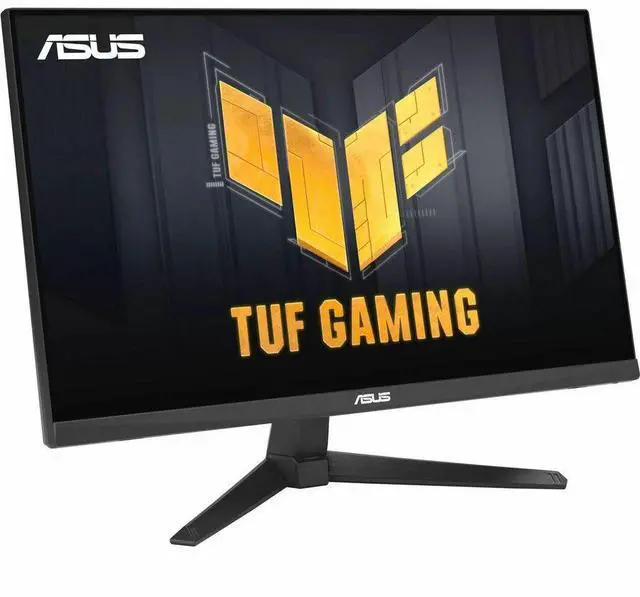
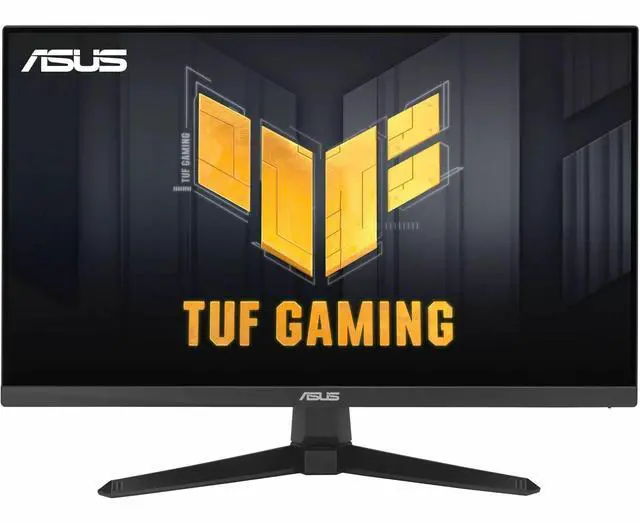
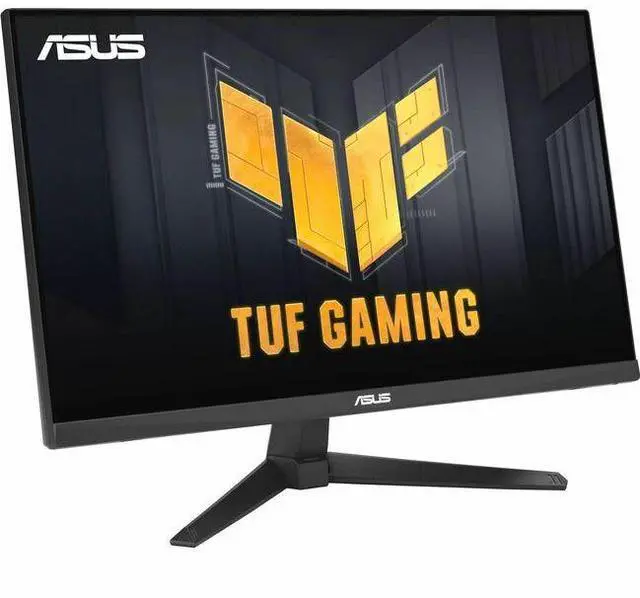
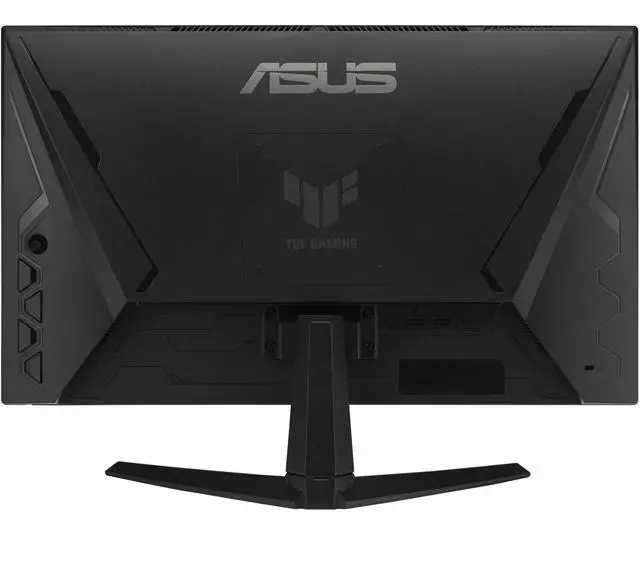
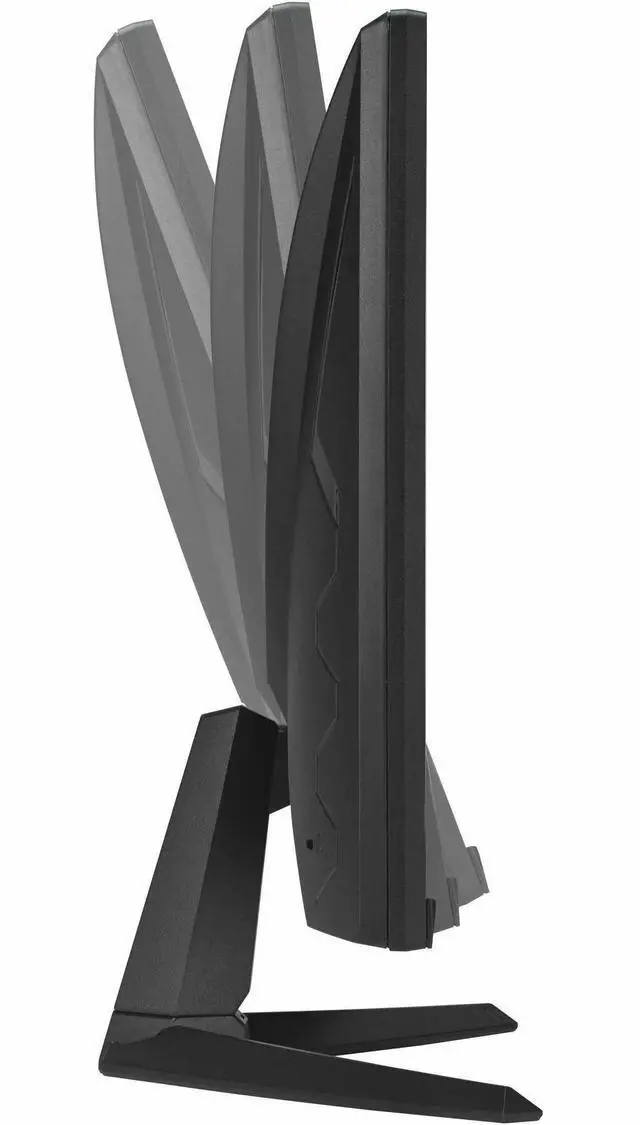
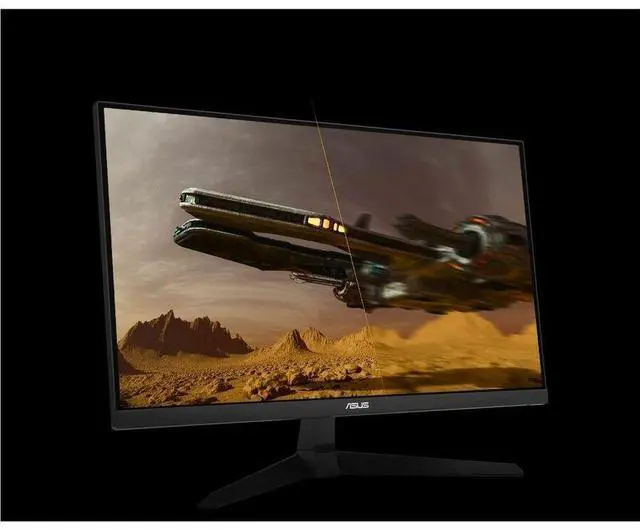
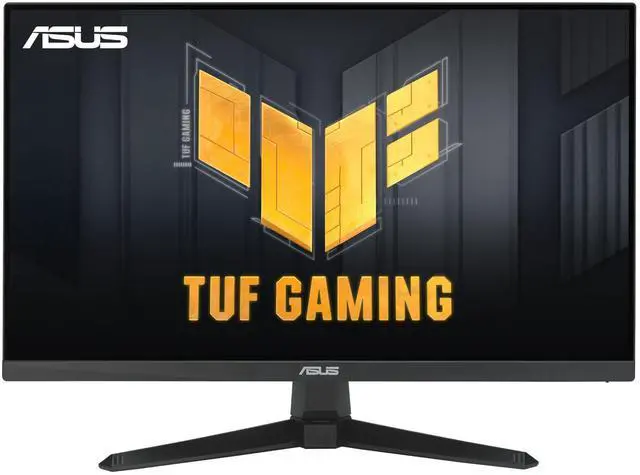
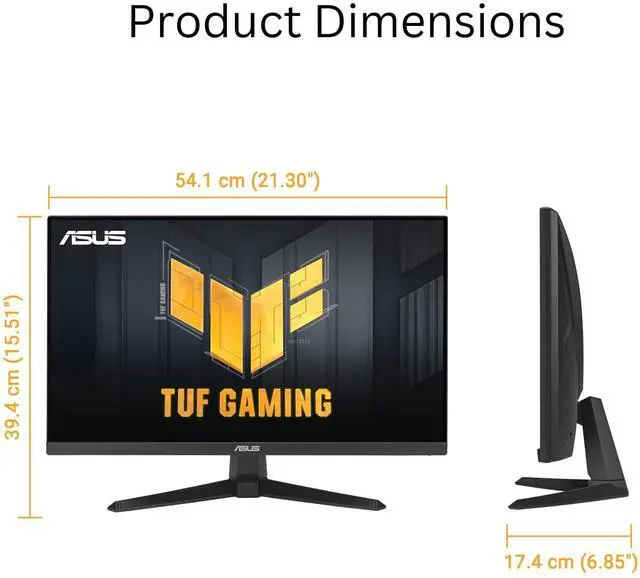
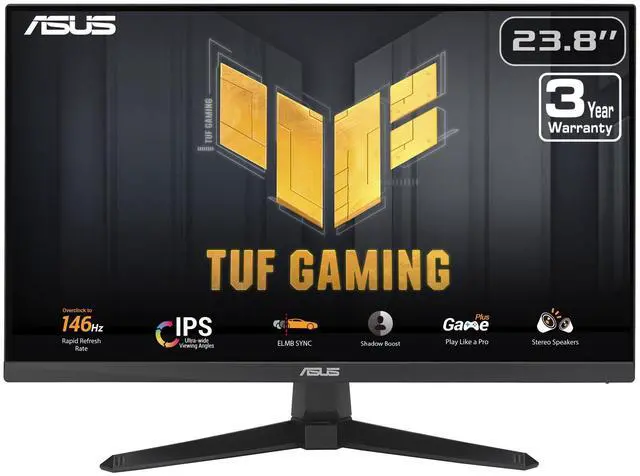
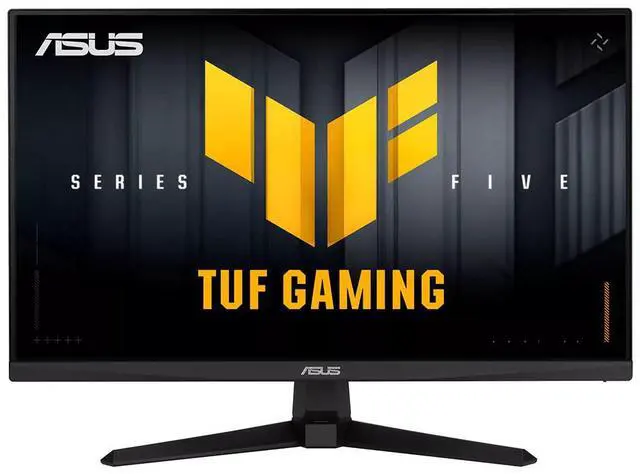
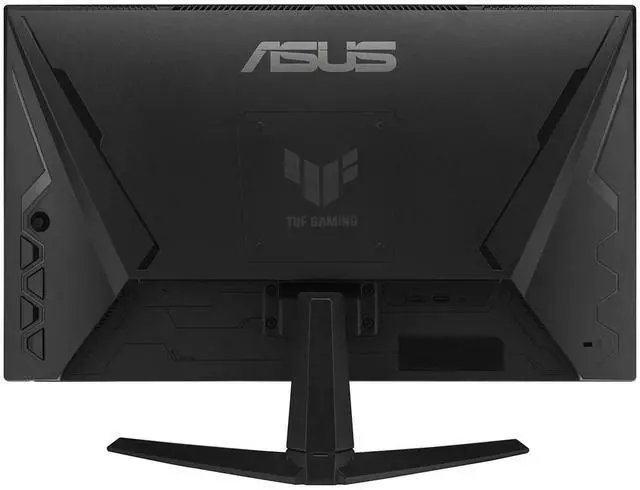
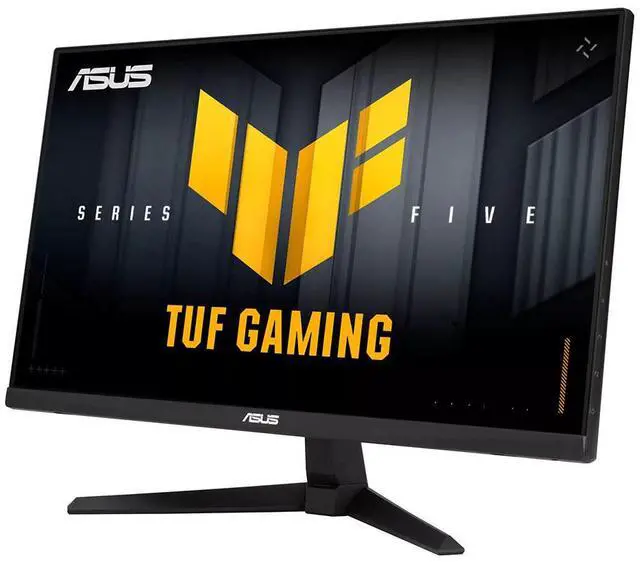
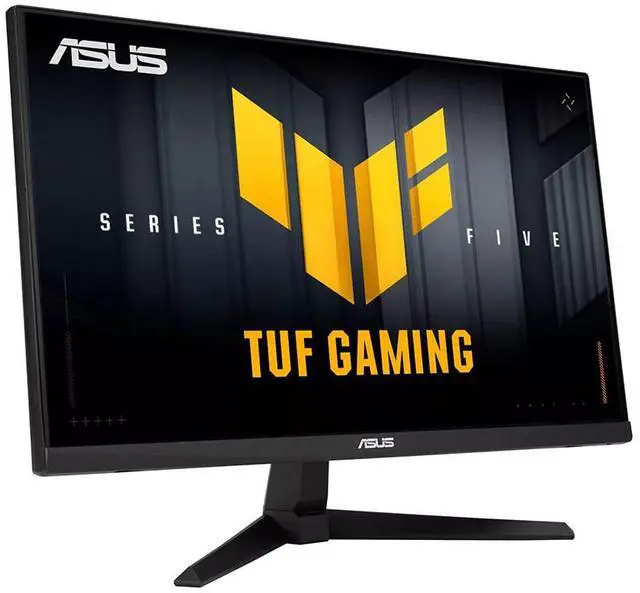
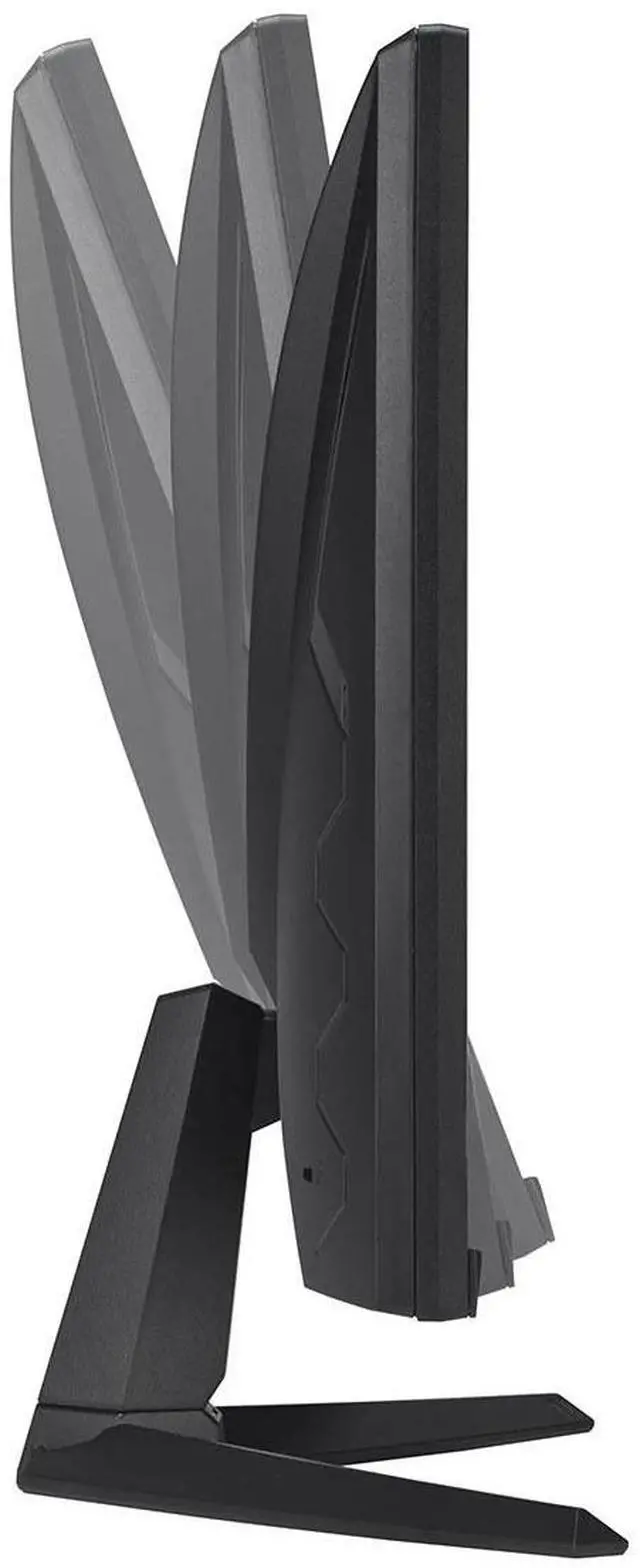


ASUS TUF Gaming 24 inch (23.8" viewable) Full HD 144Hz OC to 146Hz IPS with Adaptive Sync 1ms HDR Ready Low Motion Blur Sync (ELMB Sync) technology Built-in Speakers Gaming Computer Monitor VG249QE5A
- Vivid Display: Features a 24"(23.8" viewable) Full HD (1920x1080) IPS panel with a 146Hz (OC) refresh rate, designed for professional gamers.
- Smooth Performance: ASUS Extreme Low Motion Blur Sync (ELMB Sync) eliminates ghosting and tearing for sharp visuals and high frame rates.
- Intuitive Control: Display Widget Center allows for easy adjustment of monitor settings using a mouse.
- Enhanced Visibility: Shadow Boost technology brightens dark areas in scenes without over-exposing bright regions, enhancing image details.
- Rich Colors: Offers a 125% sRGB gamut, providing exceptional colors and contrast for an immersive viewing experience.
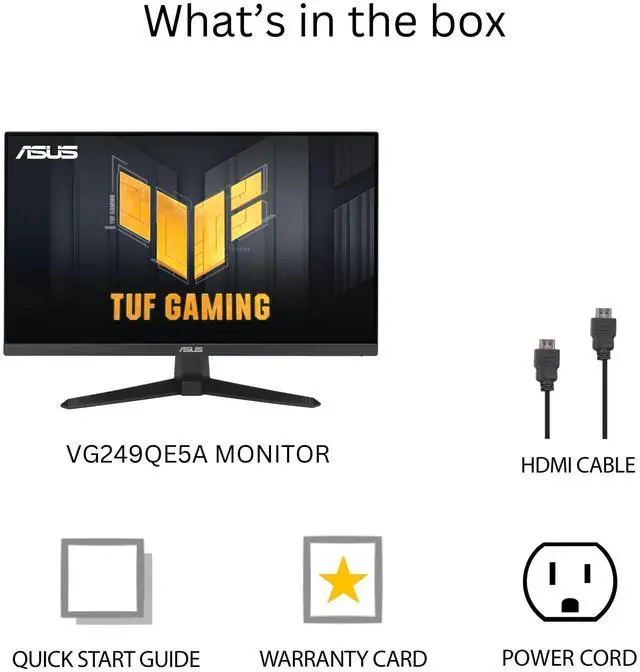
- Included Accessories: Comes with an HDMI cable, power cord, quick start guide, and warranty card.
+
+
Overview
Specs
Reviews (1)
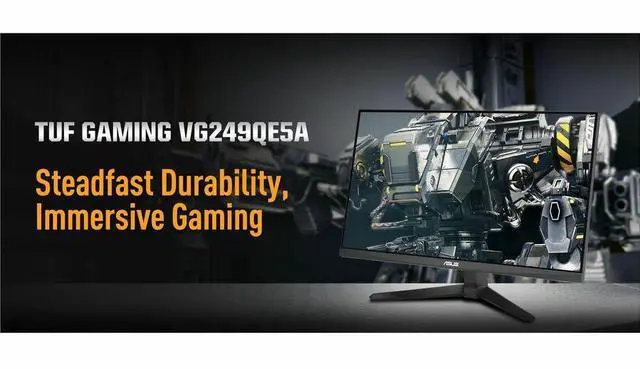
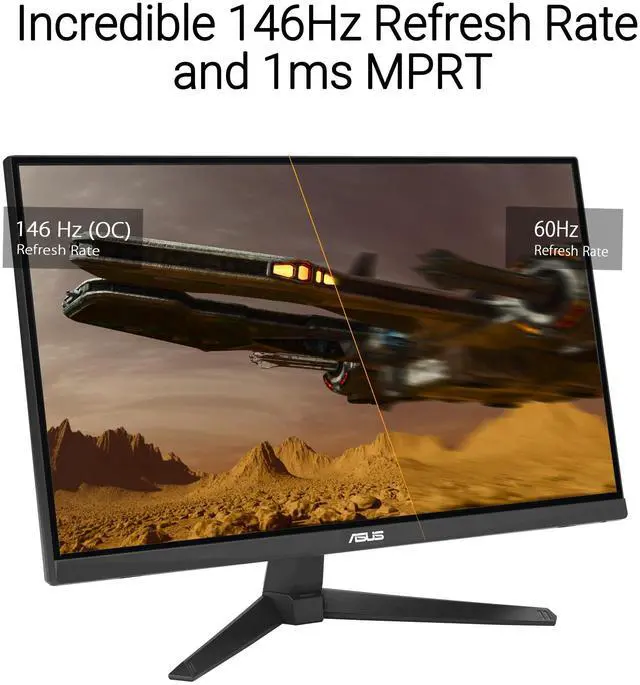
Steadfast Durability, Immersive GamingThe 23.8 -inch TUF Gaming VG249QE5A Full HD gaming monitor featuring a IPS panel for blistering-fast overclock to 146 Hz refresh rate gaming. ASUS Extreme Low Motion Blur Sync (ELMB Sync) enables ELMB and variable-refresh-rate technologies to work simultaneously to eliminate ghosting and tearing for buttery-smooth gaming. In addition, it has a 125% sRGB gamut to offer exceptional colors and contrast. Gaming key spec146Hz Refresh Rate (OC) and 1ms (MPRT) Response TimeWith overclock to 146Hz refresh rate decimates lag and motion blur to give you the upper hand in first person shooters, racers, real-time strategy, and sports titles.
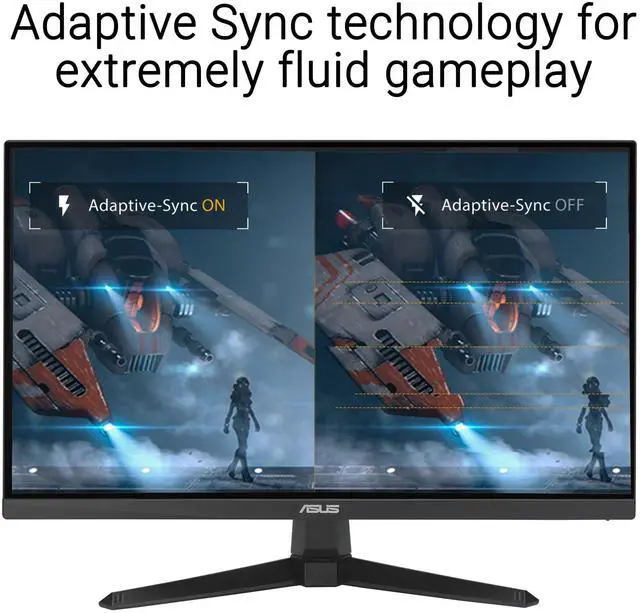
Adaptive-SyncVESA AdaptiveSync technology ensure supersmooth, tear-free visuals with low latency. Exclusive gaming featureELMB
Sync ELMB: ASUS Extreme Low Motion Blur (ELMB) technology provides a 1 ms GTG response time to eliminate smearing and motion blur. It makes moving objects appear even sharper, so gameplay is more fluid and responsive.
Adaptive-sync: Adaptive-sync technology delivers the smoothest, fastest and most breathtaking gaming visuals by eliminating screen tearing and choppy frame rates, and by minimizing display stutter and input lag ELMB Sync software that enables ELMB to work simultaneously with adaptive-sync technology to eliminate ghosting and tearing for extraordinarily sharp, high-frame-rate gamingVariable OverdriveIntegrated ASUS Variable Overdrive technology allows the display to dynamically alter its overdrive setting as frame rates fluctuate, ensuring optimal results for any game. You choose how strong you want the overall effect to be, then let the monitor take it from there.
In-game enhancementsDisplaywidget Center: Intuitive ControlsDisplayWidget Center software upgraded the user interface so that users can easily change monitor settings via a mouse - so there's no need to access the OSD menu. Shadow BoostASUS Shadow Boost technology clarifies dark areas of the game without overexposing brighter areas, improving overall viewing while also making it easier to spot enemies hidden in dark areas of the map. GamePlusThe ASUS-exclusive, integrated GamePlus hotkey offers in-game enhancements that help you get more out of your game. This function is co-developed with input from pro gamers, allowing them to practice and improve their gaming skills. Crosshair Timer FPS Counter Display Alignment StopwatchGameVisualASUS GameVisual Technology has seven pre-set display modes to optimize visuals for different types of content. This unique feature can be easily accessed through a hotkey or the on-screen display settings menu.
Racing: Reduces input lag for real time racing and fast gaming experience
MOBA: Enhances the color of your opponents' health/mana bars, so that you can simultaneously respond and be the first to destroy the opposing team's main
Cinema: Enhances contrast and color saturation for lively, vivid visuals - ideal for viewing movies
RTS/RPG: Enhances color saturation and contrast sharpness to give you better, brighter colors and detailed visuals for real-time strategy (RTS) or RPG games
FPS mode: High contrast settings enhance the visibility even in dark scenes to clearly see your enemies sRGB: Ideal settings for viewing photos and graphics online
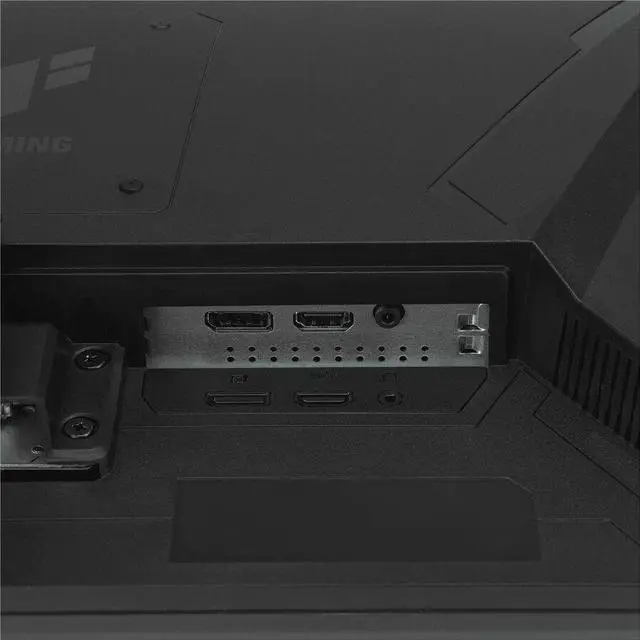
Scenery: Provides a greater brightness range and introduces more contrast gradations. It tweaks color saturation for greens and blues, making it ideal for viewing photos and videos that depict sceneryFlicker-Free technologyFlicker-Free technology reduces flicker to minimize eyestrain for improved comfort when you're embroiled in long gaming sessions. Low Blue LightASUS Low Blue Light technology reduces the amount of potentially harmful blue light emitted by the display. Four different filter settings are available to control the amount of blue light reduction. EngineeringExtensive ConnectivityA multitude of connectivity options, including HDMI 2.0 and DisplayPort 1
Adaptive-SyncVESA AdaptiveSync technology ensure supersmooth, tear-free visuals with low latency. Exclusive gaming featureELMB
Sync ELMB: ASUS Extreme Low Motion Blur (ELMB) technology provides a 1 ms GTG response time to eliminate smearing and motion blur. It makes moving objects appear even sharper, so gameplay is more fluid and responsive.
Adaptive-sync: Adaptive-sync technology delivers the smoothest, fastest and most breathtaking gaming visuals by eliminating screen tearing and choppy frame rates, and by minimizing display stutter and input lag ELMB Sync software that enables ELMB to work simultaneously with adaptive-sync technology to eliminate ghosting and tearing for extraordinarily sharp, high-frame-rate gamingVariable OverdriveIntegrated ASUS Variable Overdrive technology allows the display to dynamically alter its overdrive setting as frame rates fluctuate, ensuring optimal results for any game. You choose how strong you want the overall effect to be, then let the monitor take it from there.
In-game enhancementsDisplaywidget Center: Intuitive ControlsDisplayWidget Center software upgraded the user interface so that users can easily change monitor settings via a mouse - so there's no need to access the OSD menu. Shadow BoostASUS Shadow Boost technology clarifies dark areas of the game without overexposing brighter areas, improving overall viewing while also making it easier to spot enemies hidden in dark areas of the map. GamePlusThe ASUS-exclusive, integrated GamePlus hotkey offers in-game enhancements that help you get more out of your game. This function is co-developed with input from pro gamers, allowing them to practice and improve their gaming skills. Crosshair Timer FPS Counter Display Alignment StopwatchGameVisualASUS GameVisual Technology has seven pre-set display modes to optimize visuals for different types of content. This unique feature can be easily accessed through a hotkey or the on-screen display settings menu.
Racing: Reduces input lag for real time racing and fast gaming experience
MOBA: Enhances the color of your opponents' health/mana bars, so that you can simultaneously respond and be the first to destroy the opposing team's main
Cinema: Enhances contrast and color saturation for lively, vivid visuals - ideal for viewing movies
RTS/RPG: Enhances color saturation and contrast sharpness to give you better, brighter colors and detailed visuals for real-time strategy (RTS) or RPG games
FPS mode: High contrast settings enhance the visibility even in dark scenes to clearly see your enemies sRGB: Ideal settings for viewing photos and graphics online
Scenery: Provides a greater brightness range and introduces more contrast gradations. It tweaks color saturation for greens and blues, making it ideal for viewing photos and videos that depict sceneryFlicker-Free technologyFlicker-Free technology reduces flicker to minimize eyestrain for improved comfort when you're embroiled in long gaming sessions. Low Blue LightASUS Low Blue Light technology reduces the amount of potentially harmful blue light emitted by the display. Four different filter settings are available to control the amount of blue light reduction. EngineeringExtensive ConnectivityA multitude of connectivity options, including HDMI 2.0 and DisplayPort 1
Warranty & Returns
Warranty, Returns, And Additional Information
Warranty
- Please contact the Seller directly for warranty information. Warranty information may also be found on the Manufacturer's website.
- Read full details
- CONTACT
Return Policies
- Return for refund within: 30 days
- Return for replacement within: 30 days
- This item is covered by OneDealOutlet Canada Return Policy
Manufacturer Contact Info
- For a directory of all our manufacturers, please click below.
- Manufacturers Directory
LOADING...
LOADING...