




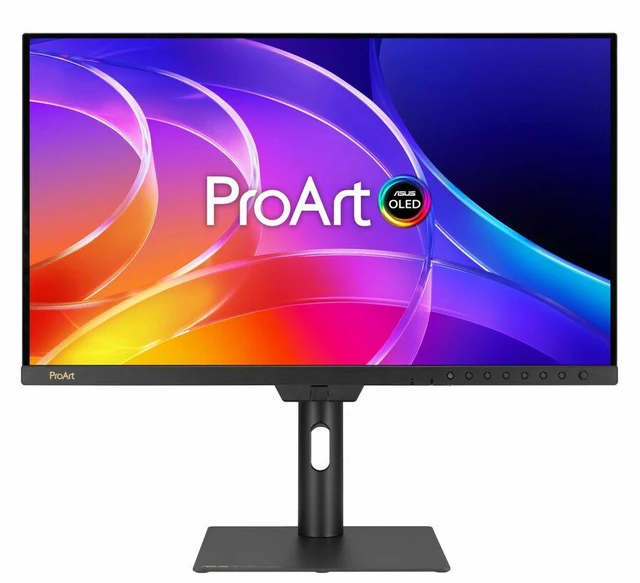
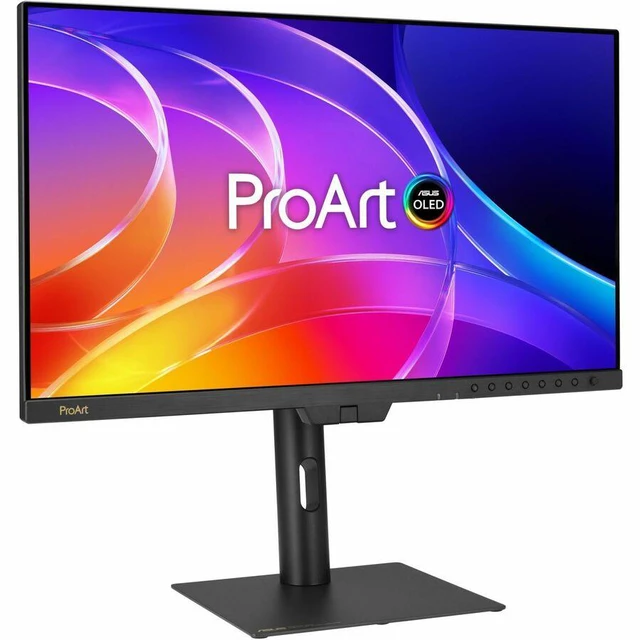
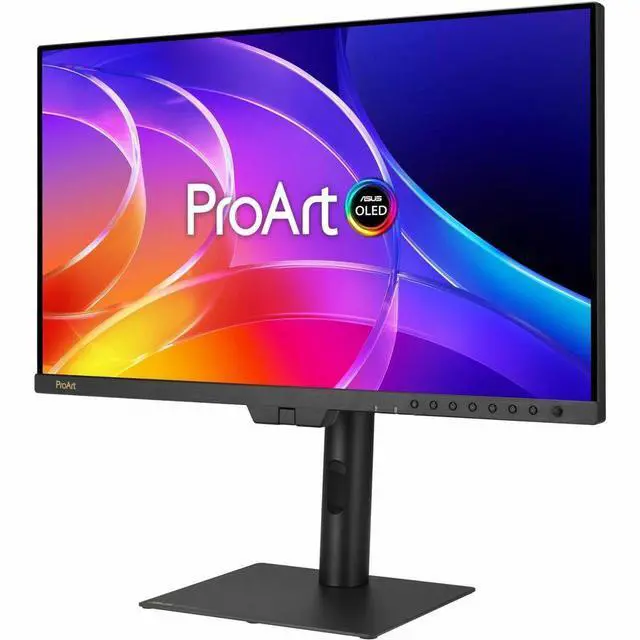
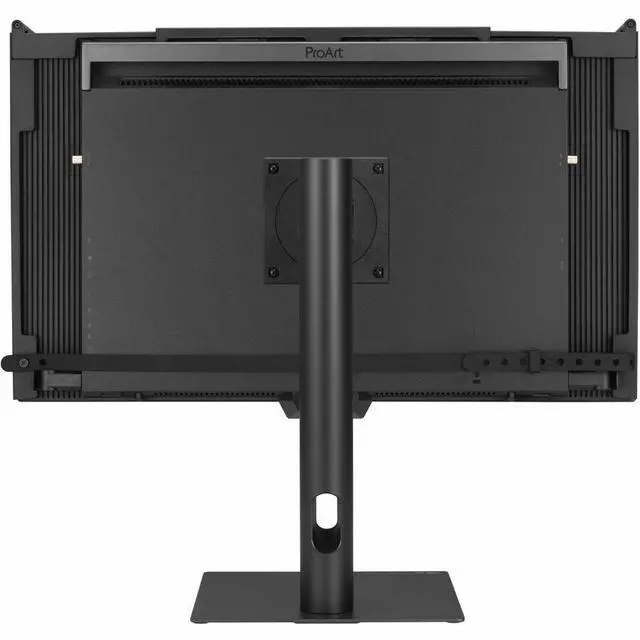
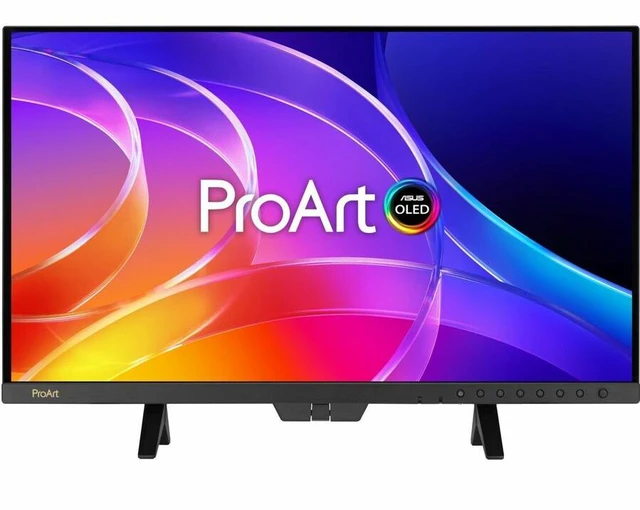


Asus ProArt PA32USD 32" Class 4K UHD OLED Monitor - 16:9 - 31.5" Viewable - Quantum Dot OLED - 3840 x 2160 - 1073.7 Million Colors (10-bit) - Adaptive Sync - 250 Nit - 0.10 ms - 240 Hz Refresh Rate
- Mfr Part#: PA32USD
- UPC: 199291454521
- Display: 31.5" Quantum Dot OLED, 3840x2160 4K, 1073.7 Million Colors (10-bit), 250 Nit
- Refresh Rate: 240Hz, 0.10ms Response Time, Adaptive Sync
- Adjustment: Swivel, Height, Pivot, Tilt
- Connectivity: USB Type-C, HDMI, DisplayPort, USB Hub, KVM Switch, Colorimeter, VESA Mount Compatible
- Manufacturer Warranty: 1 Year
- Country of Origin: China
+
+
Overview
Specs
Reviews
Warranty & Returns
Warranty, Returns, And Additional Information
Warranty
- Limited Warranty period (parts): 3 years
- Limited Warranty period (labor): 3 years
- Read full details
Return Policies
- Return for refund until: January 31, 2027
- Return for replacement until: January 31, 2027
- This item is covered by Newegg.ca's Extended Holiday Return Policy.
- Read full return policy for details.
We want to ensure your holiday shopping this year is hassle-free. That’s why we’re automatically extending our return policies on almost every product! For purchases placed between November 1st, 2026 and December 31, 2026 you will have until January 31, 2027 to return your product.
Manufacturer Contact Info
- Manufacturer Product Page
- Manufacturer Website
- Support Phone: 1-510-739-3777
- Support Website
- View other products from ASUS
LOADING...
The ASUS ProArt PA32USD is a 31.5-inch 4K QD-OLED monitor with 240Hz refresh, 0.1ms response time, 10-bit color, and hardware calibration, suited to creators who want detailed, color-focused visuals and smooth motion on one display.
Recommended For
- Video editors and colorists working in a studio who need a 4K screen for color-critical post-production, calibration, and HDR review.
- Film and broadcast teams that review camera feeds or route uncompressed video over SDI as part of an on-set-to-post workflow.
- Game developers who want one desk monitor for 4K art review and checking fast-moving content, rather than a separate high-refresh display.
- Photographers and design professionals who work with wide-gamut images and want built-in hardware calibration for a recurring color workflow.
Real-World Use Scenarios
- When a colorist is finishing 4K HDR footage, the calibrated wide-gamut display and support for Dolby Vision, HDR10, and HLG can help them judge color, contrast, and shadow detail during the grading workflow.
- On a video shoot, a DIT or director can connect an SDI video source for on-set monitoring; the mini stand and hood help adapt the monitor to a temporary setup and reduce screen reflections.
- During post-production or a client review, a team working with two SDI video sources can use the dual SDI inputs and picture-by-picture features to view feeds side by side on one screen.
- A game artist or developer reviewing detailed assets and fast-moving scenes can use the 4K workspace for visual inspection and the high refresh rate for smoother motion checks on the same display.
- A photographer editing images for web and print can work with color-managed sRGB or Adobe RGB presets, then run the built-in calibration to help maintain consistent color between editing sessions.
- At a desk shared between a laptop and desktop, a user can connect compatible devices through Thunderbolt and use the built-in hub and KVM features to reduce cable swapping when moving between systems.
Spec Summary
| Attribute | Value |
|---|---|
| Best For | 4K gaming, home or business use, entertainment, and photo/video editing |
| Panel And Resolution | 31.5-inch flat Quantum Dot OLED panel with a matte finish, 16:9 aspect ratio, and 3840 × 2160 4K resolution; 178° viewing angles and 140 PPI |
| Color And HDR | 10-bit color with 1.0737 billion colors, 100% sRGB and 99% DCI-P3 coverage, 250-nit typical and 1000-nit HDR peak brightness, 1,500,000:1 contrast, Dolby Vision, HLG, HDR10, and DisplayHDR 400 True Black |
| Refresh Rate And Response | 240 Hz refresh rate, 0.1 ms GTG response time, 48–240 Hz vertical refresh range, and VRR Adaptive-Sync with FreeSync |
| Ports And Connectivity | Two 12G-SDI and two Thunderbolt 4 ports, plus DisplayPort 2.1, HDMI 2.1, USB-C and USB-A hub ports, and a headphone jack; supports USB-C power delivery up to 96 W, Thunderbolt daisy chaining, KVM switching, and HDCP 2.3 |
| Stand And Mounting | Height adjusts up to 130 mm; tilt from −5° to +23°, swivel ±30°, and pivot ±90°; VESA 100 × 100 mm mount compatible |
| Calibration And Eye Care | ProArt hardware calibration, color pre-calibration report, ambient-light and proximity sensors, ASUS OLED Care, low-blue-light and flicker-free features, and PIP/PBP |
| Power And Consumption | 100–240 V, 50/60 Hz input; typical power consumption under 50 W and standby under 0.5 W |
| Dimensions And Weight | 28.28 × 24.24 × 9.44 inches with stand; 20.02 lb with stand |
| Model Identifiers | ASUS ProArt PA32USD, black |
Reference Q&A
Q: ASUS ProArt PA32USD vs PA32UCDM: which fits a color-grading workflow with SDI video?
A: Choose the PA32USD when your workflow benefits from dual 12G-SDI inputs, DisplayPort 2.1, and an integrated motorized colorimeter for self- or auto-calibration. Both models are 31.5-inch 4K QD-OLED displays with 240Hz refresh rates, 10-bit color, and 99% DCI-P3 coverage; the PA32UCDM is a strong fit when its Thunderbolt 4 connectivity and shared core display specifications meet your workflow.
Q: Should I choose the PA32USD or PA32UCXR for HDR mastering?
A: Choose the PA32USD for a 4K QD-OLED workflow with 240Hz refresh and dual 12G-SDI inputs. Choose the PA32UCXR when high sustained HDR brightness is the priority: its 4K Mini-LED panel has 2,304 local-dimming zones, up to 1,600-nit peak brightness, and up to 1,000-nit sustained full-screen brightness.
Q: PA32USD vs PA32DC: which ASUS ProArt monitor is better for high-refresh 4K work?
A: The PA32USD is the fit for high-refresh 4K work: it pairs a QD-OLED panel with a 240Hz refresh rate and includes dual 12G-SDI inputs. The PA32DC is a 31.5-inch 4K OLED option with a built-in motorized colorimeter and a 60Hz refresh rate, making it a fit for workflows centered on calibrated OLED monitoring.
Q: Can this monitor run 4K at 240Hz?
A: The PA32USD is specified for 3840 × 2160 resolution at up to 240Hz. Reaching that combination also depends on the connected computer, graphics hardware, connection, and settings.
Q: Is this monitor suitable for color work and everyday office use?
A: Its 31.5-inch 4K QD-OLED display, 10-bit color, stated 100% sRGB and 99% DCI-P3 coverage, and hardware calibration support suit color-focused work. It can also handle everyday office tasks, but ASUS OLED Care is listed as a panel-care feature—not a guarantee against burn-in.
Q: Can I connect a laptop and use the monitor’s USB-C ports to charge it?
A: The listed connections include two Thunderbolt 4 ports and USB-C ports, plus a KVM switch. The supplied specifications do not state laptop power-delivery wattage, so confirm charging support and wattage before relying on the monitor to power a laptop.
Q: Does it have built-in speakers and support a monitor arm?
A: Yes. It has two built-in 3W speakers and supports VESA 100 × 100mm mounting. Its stand also adjusts for height, tilt, swivel, and pivot.
Q: Is the PA32USD worth the premium over a gaming OLED monitor?
A: It may make sense if you need its ProArt workflow features, such as hardware calibration, SDI connectivity, or creator-focused connectivity, alongside 4K at 240 Hz. If gaming is the main use and you do not need those features, Reddit users suggest considering a less expensive gaming monitor.
Q: Is the PA32USD suitable for color grading?
A: Its 10-bit QD-OLED panel, wide-gamut specifications, and hardware calibration features suit color-focused workflows on paper. Reddit colorists nevertheless discuss calibration setup and possible near-black issues, so the listed specifications alone do not establish it as a reference monitor; evaluate it against your calibration and delivery requirements.
Q: Does the built-in colorimeter calibrate the monitor automatically?
A: A Reddit discussion says the built-in colorimeter is not a fully automatic self-calibration system: calibration requires connecting a computer and using ASUS ProArt calibration software. Confirm the exact workflow and software compatibility for your setup before buying.
Q: Is the PA32USD a good choice if my video workflow needs SDI?
A: Reddit users specifically point to the PA32USD’s SDI connectivity as a reason to consider it for video workflows. Check the exact number and type of SDI inputs against your equipment before purchase, since the provided product details list them inconsistently.