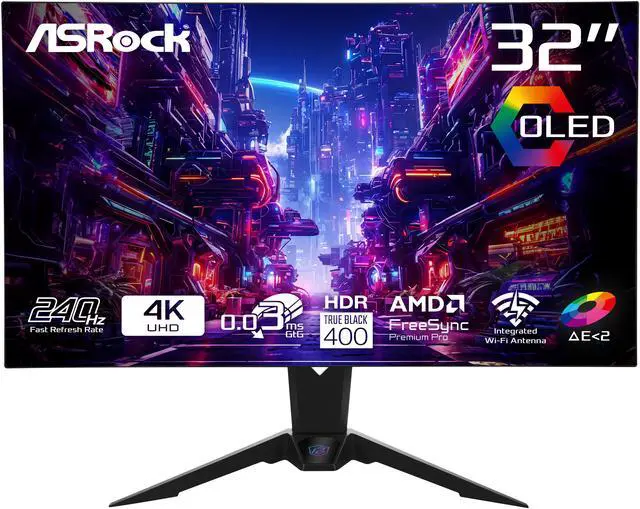
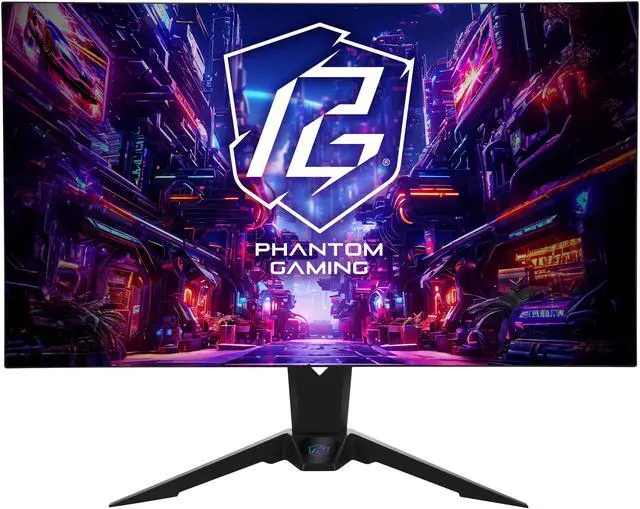
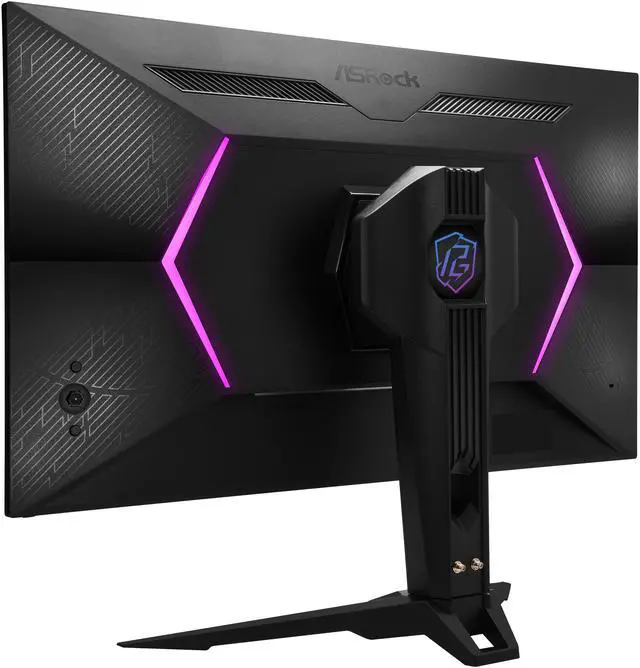
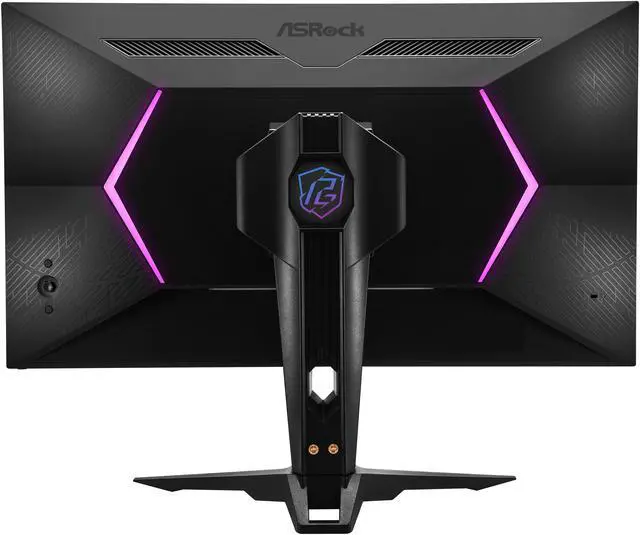
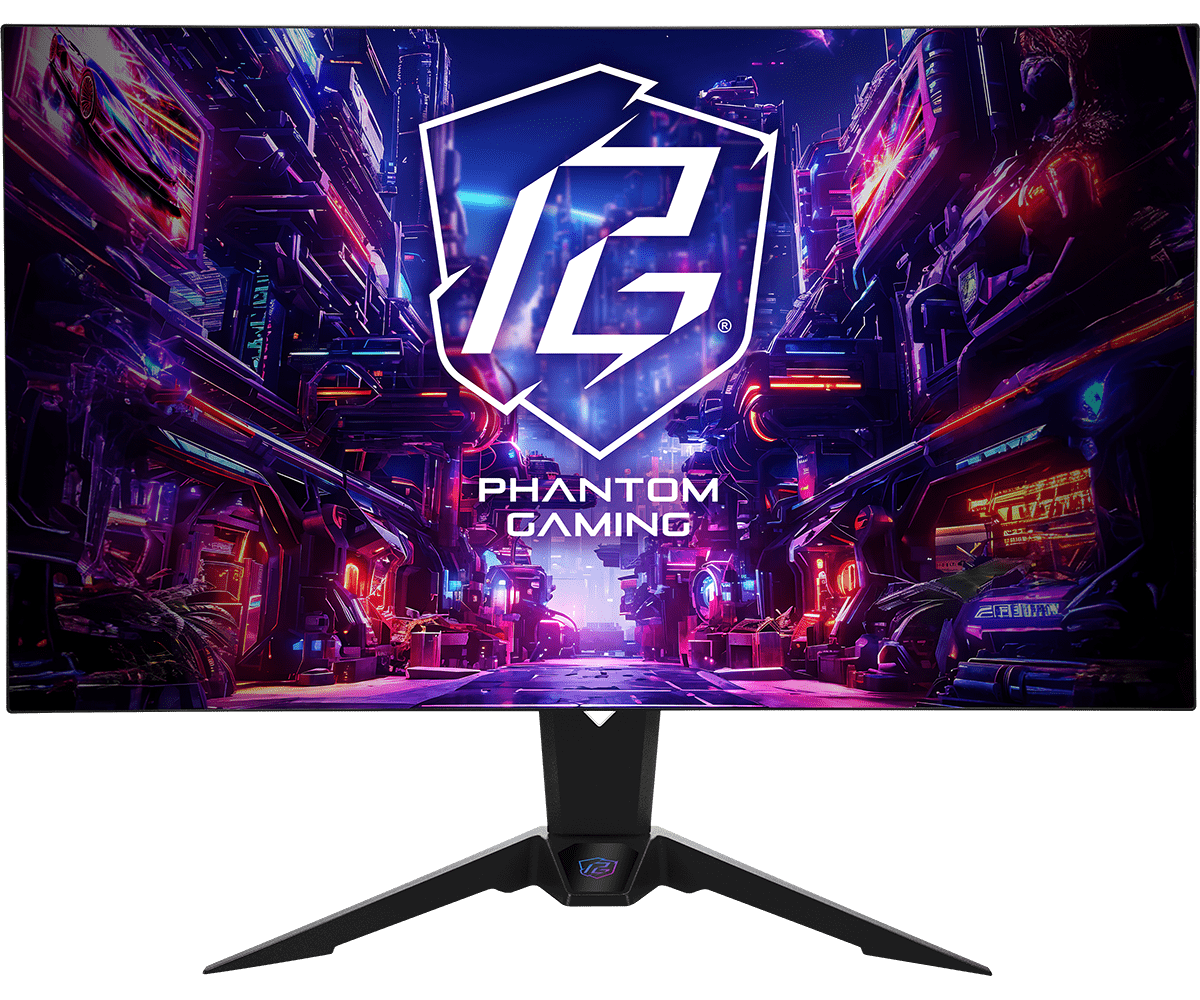
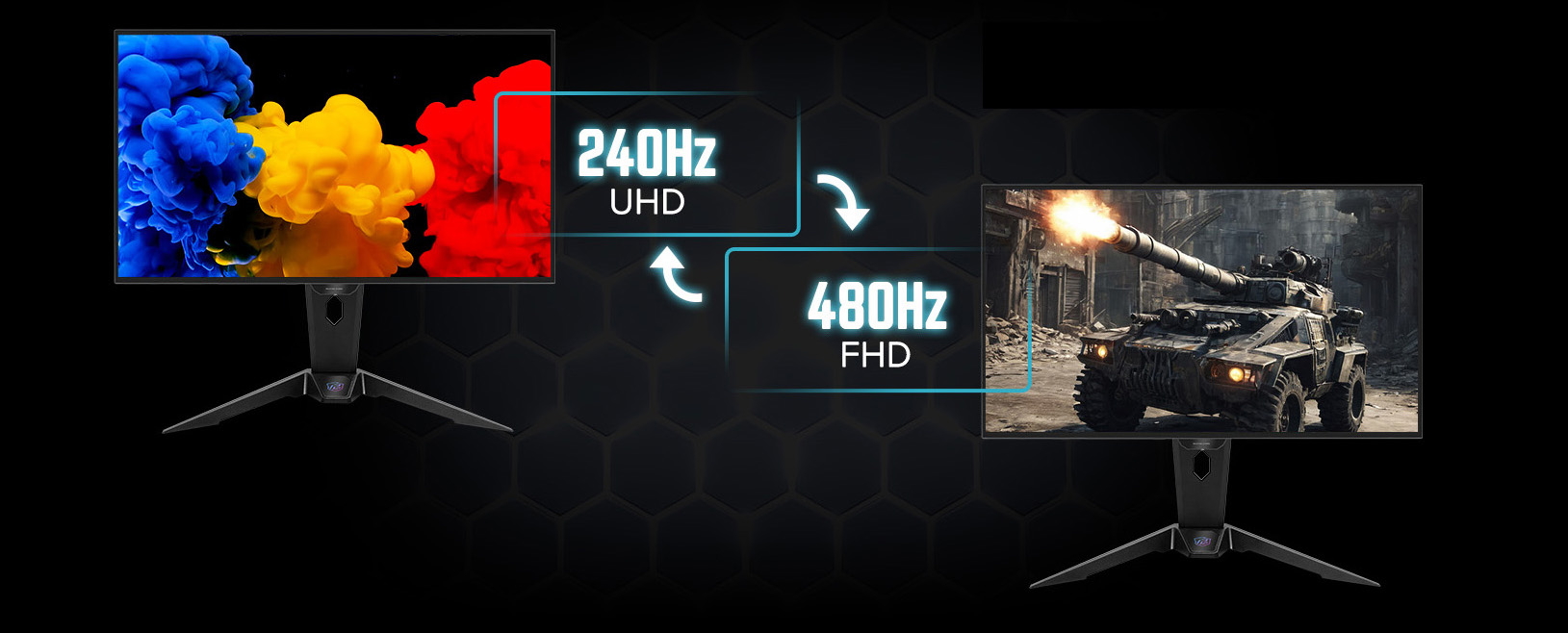
The ASRock Phantom Gaming PGO32UFS is a 32-inch OLED gaming monitor with dual-mode 4K at 240Hz or Full HD at 480Hz, 0.03ms response time, and FreeSync Premium Pro. It suits players who want high refresh rates for competitive gaming and detailed 4K visuals for immersive play.
Recommended For
- PC gamers who switch between visually detailed games and competitive shooters: use 4K at 240Hz for sharp, immersive play, then switch to 1080p at 480Hz when motion clarity matters more than resolution.
- Players with a high-end PC who want both detailed 4K gaming and high refresh rates; reviews note that running demanding games at 4K with very high frame rates can require substantial GPU performance or upscaling.
- People sharing a desk between gaming and everyday computer work who want a 32-inch 4K screen, USB-C laptop connection, KVM switching, and clearer text than earlier WOLED monitor designs.
- Gamers and media viewers who prioritize OLED contrast, deep blacks, and wide-gamut color for games and video, and are comfortable adjusting picture settings to suit their preferences.
Real-World Use Scenarios
- For visually detailed single-player games, use 4K at 240Hz to keep fine scene detail sharp while retaining smooth motion; OLED contrast also helps dark scenes stand out.
- For competitive shooters or other fast-paced games, switch to 1080p at 480Hz when your PC can produce very high frame rates; tested motion looked clearer, though the image is noticeably softer than at 4K on a 32-inch screen.
- For someone who plays both cinematic games and esports titles, keep 4K/240Hz for detail-focused sessions and use the monitor’s dual-mode switch for 1080p/480Hz when prioritizing motion clarity; changing modes takes several seconds.
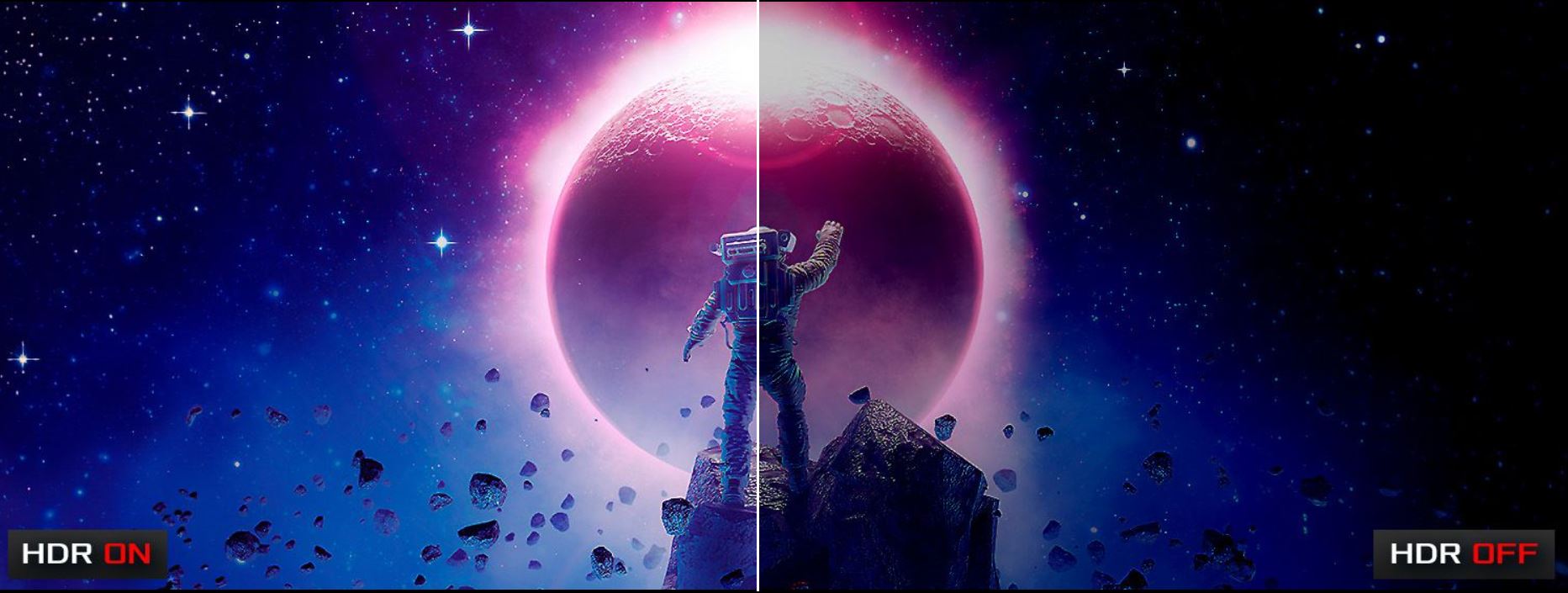
- For darker games or HDR-supported entertainment, OLED’s high contrast can make dark areas and bright highlights more distinct; the experience depends on the content and settings.
Spec Summary
| Attribute | Value |
|---|
| Best For | Gaming setups prioritizing an OLED 4K display, 240Hz refresh rate, and FreeSync Premium Pro |
|---|
| Panel And Resolution | 32-inch flat OLED panel with 3840 × 2160 (4K) resolution, 16:9 aspect ratio, anti-glare screen, and 178° horizontal and vertical viewing angles |
|---|
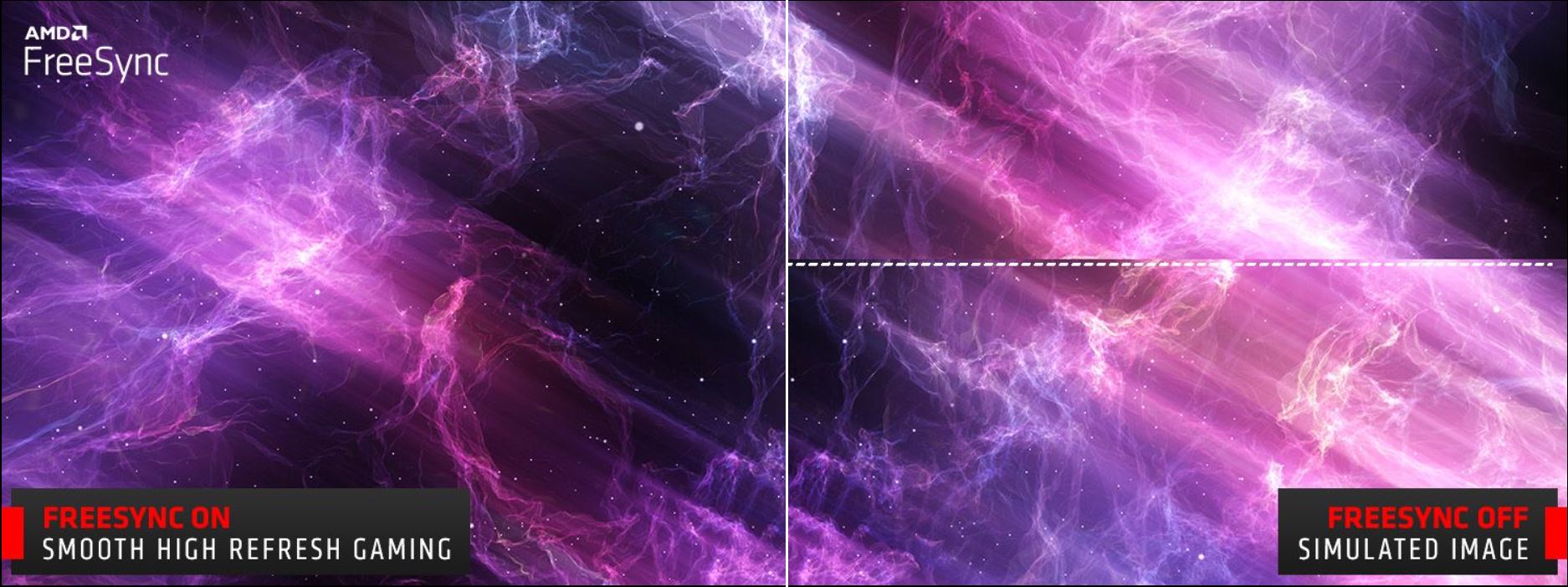
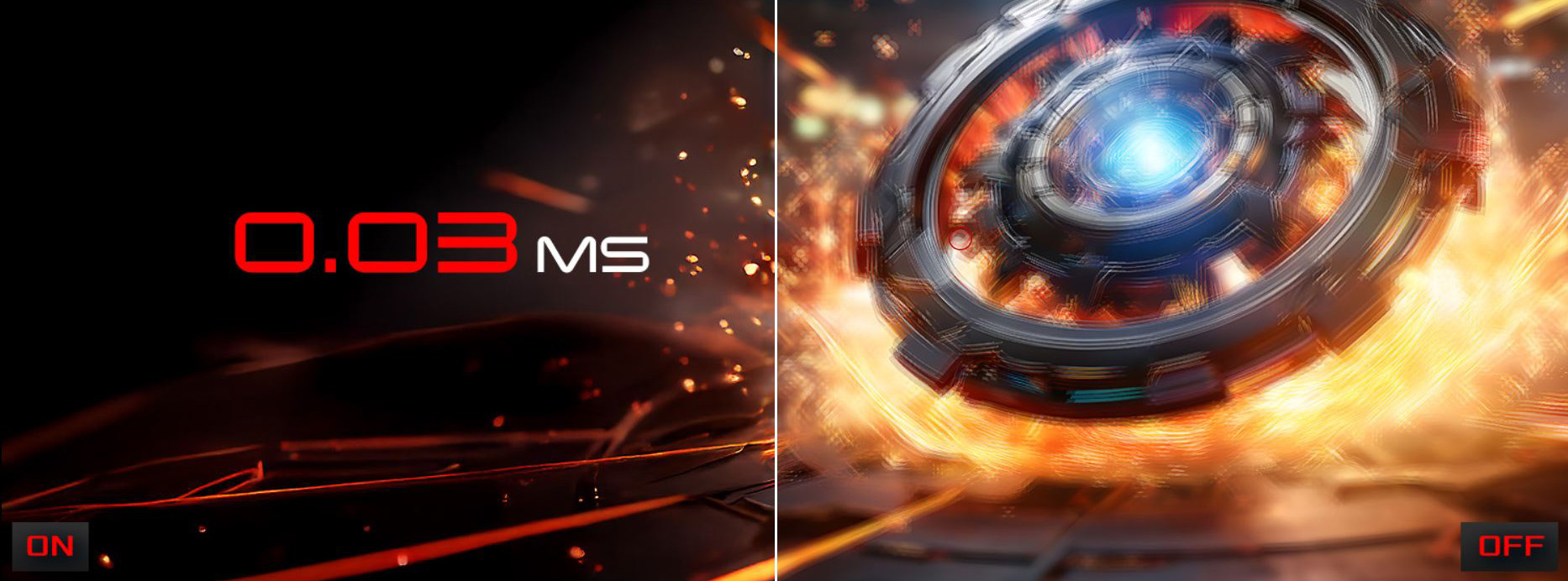
| Refresh Rate And Image Quality | 240Hz refresh rate and 0.03ms response time, with FreeSync Premium Pro adaptive sync, DisplayHDR True Black 400, 1,500,000:1 contrast, 275 cd/m² brightness, 1.07 billion colors, and 99% DCI-P3 / 132% sRGB color gamut |
|---|
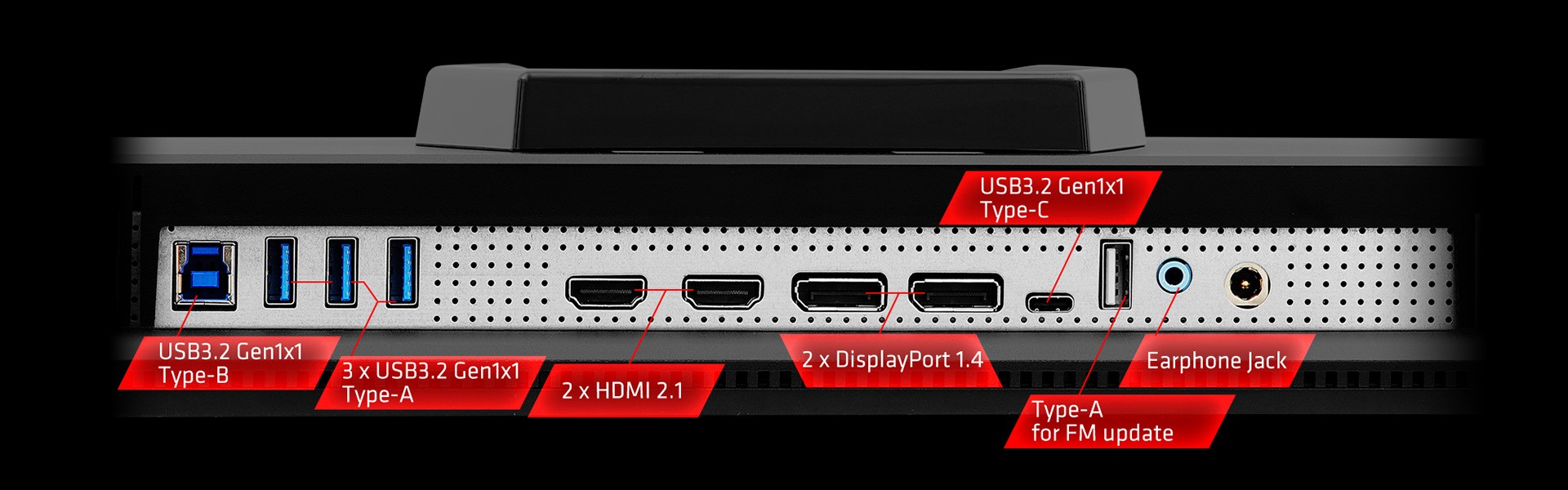
| Ports And Connectivity | 2 HDMI 2.1, 2 DisplayPort 1.4, USB-C with DisplayPort Alternate Mode, 1 USB 3.2 Gen 1 Type-B, 3 USB 3.2 Gen 1 Type-A, and a headphone output |
|---|
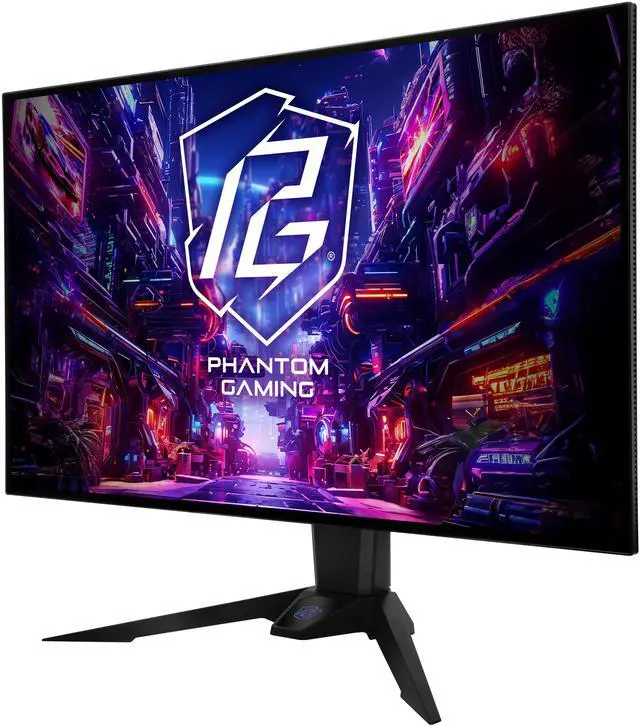
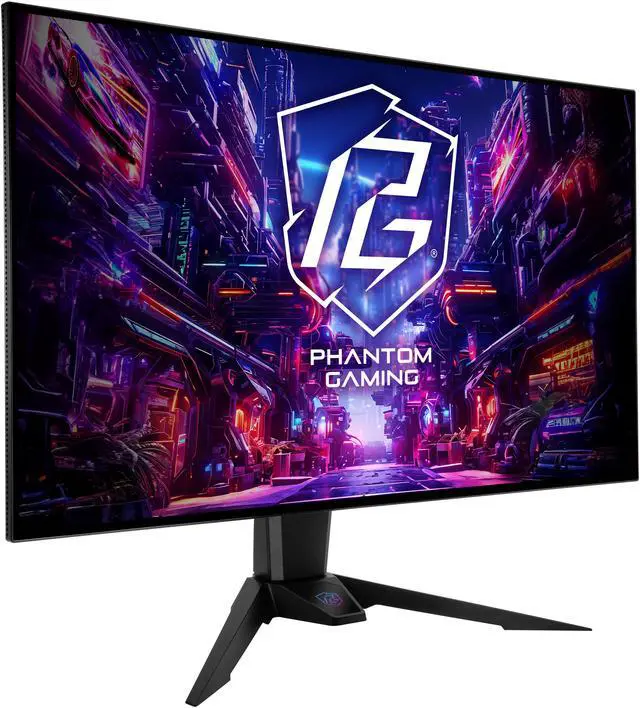
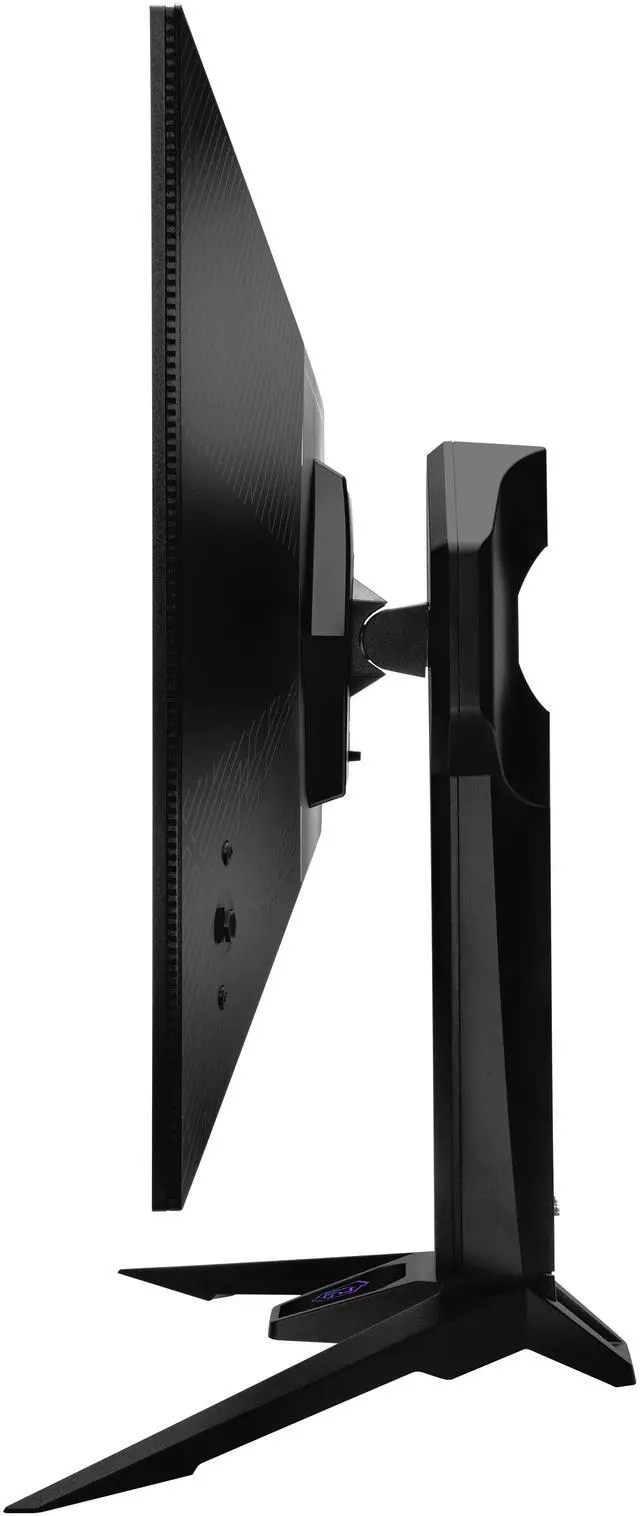
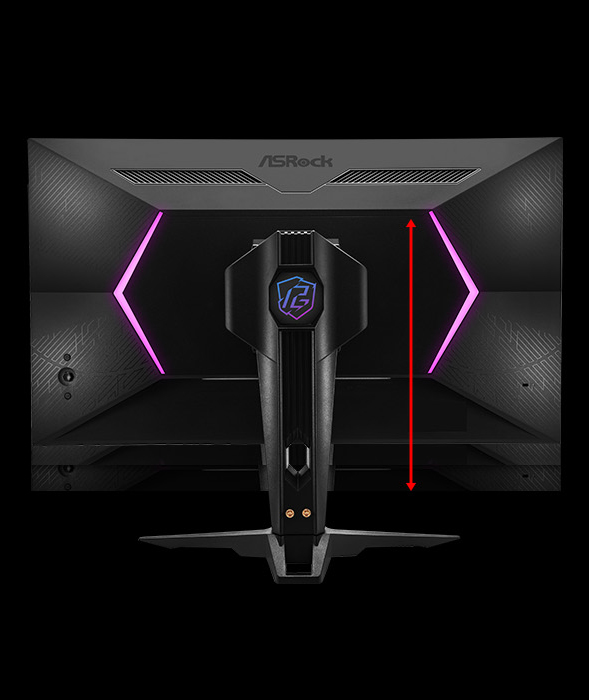
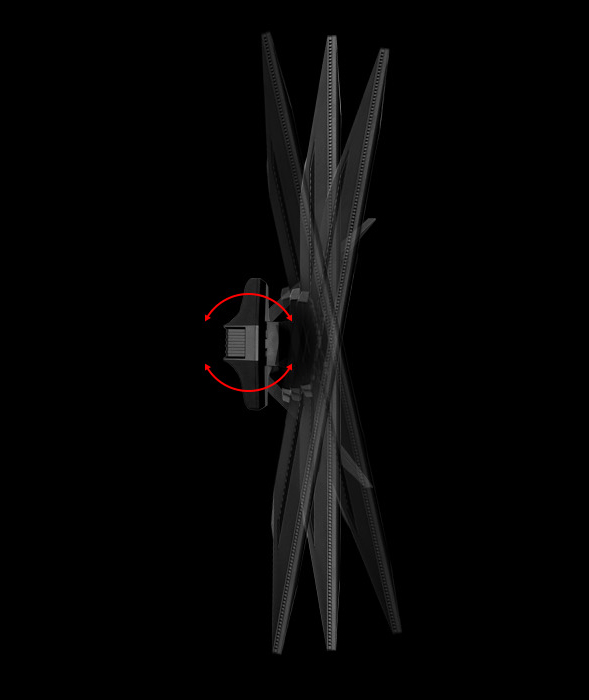
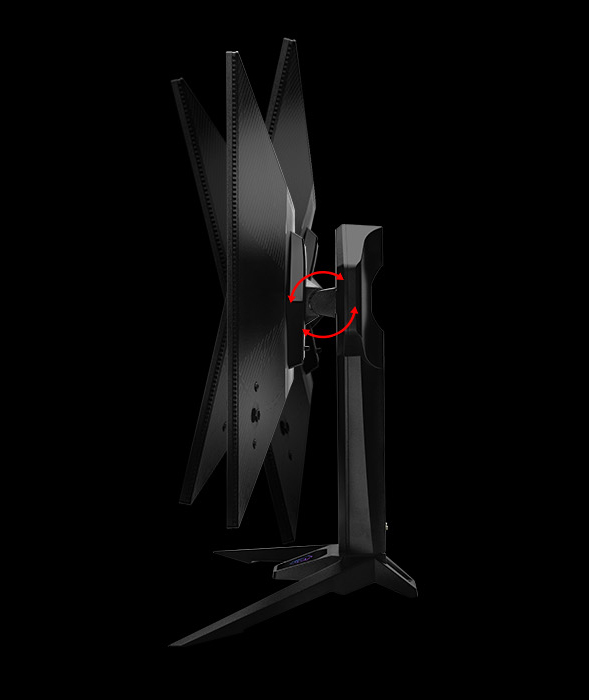
| Stand And Ergonomics | Stand supports height adjustment, swivel, and tilt; VESA 100 × 100mm mount compatible |
|---|
| Design And Dimensions | Black cabinet with a three-sided thin-frame bezel; 23.7 × 28.15 × 11.02 inches with stand and 16.26 × 28.15 × 2.48 inches without stand; weighs 13.89 lbs with stand or 9.04 lbs without stand |
|---|
| Audio Setup | Two built-in 5W speakers |
|---|
| Power And Consumption | 100–240 VAC, 50/60Hz power supply; maximum power consumption ≤235W, power-saving mode ≤0.5W, and power-off mode ≤0.3W |
|---|
| Webcam | No built-in webcam |
|---|
| Operating Environment | Operating temperature 0°C to 40°C and humidity 20% to 80%, non-condensing; storage temperature -20°C to 60°C and humidity 20% to 80%, non-condensing |
|---|
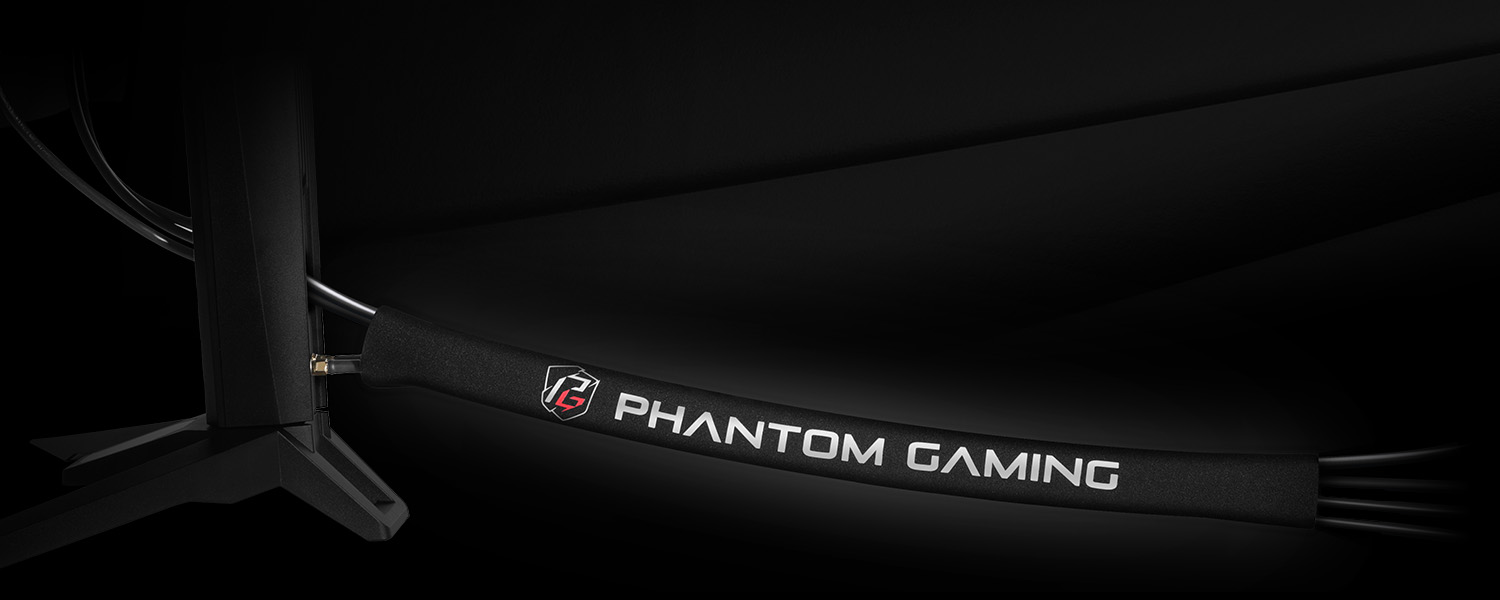
| Included Accessories | Includes HDMI 2.1, DisplayPort 1.4, USB-C, USB Type-A-to-Type-B cables, a 240W adapter, power cord, quick start guide, Wi-Fi antenna cable set, and Phantom Gaming cable sleeve |
|---|
| Model Identifiers | ASRock Phantom Gaming PGO32UFS |
|---|
Reference Q&A
Q: Should I use the PGO32UFS at 4K 240Hz or 1080p 480Hz?
A: Use 4K at 240Hz when image detail is the priority, such as in visually rich single-player games. Switch to 1080p at 480Hz when you prioritize motion clarity in competitive games and your PC can deliver very high frame rates. The trade-off is that 1080p looks noticeably softer on a 32-inch screen than native 4K.
Q: ASRock PGO32UFS or LG 32GS95UE-B: which 4K OLED dual-mode monitor should I get?
A: Both offer 4K at 240Hz and Full HD at 480Hz. Choose the PGO32UFS if its USB-C DisplayPort input with 65W power delivery, built-in speakers, or listed port selection better suits your setup. Choose the LG if you specifically want its Pixel Sound feature. Compare current prices and the connection features you will actually use; the shared dual-mode specification alone does not distinguish them.
Q: How does the PGO32UFS compare with a 4K 240Hz QD-OLED like the ASUS PG32UCDM?
A: Choose the PGO32UFS if you want the option to switch to 1080p at 480Hz or prefer its matte WOLED screen. The ASUS PG32UCDM is a 4K 240Hz QD-OLED without that 480Hz mode; its QD-OLED panel is a better fit if more vivid color is your priority. Both target high-refresh-rate 4K gaming, so the deciding factors are dual-mode refresh, panel type, and coating preference.
Q: What resolution and refresh-rate modes does this monitor support?
A: It supports 4K UHD (3840 × 2160) at up to 240Hz and Full HD (1920 × 1080) at up to 480Hz. The listed dual modes are intended to let you choose between higher resolution and a higher refresh rate.
Q: Can I connect a laptop through USB-C and charge it at the same time?
A: USB-C supports DisplayPort Alt Mode for video, but the supplied specifications do not list USB-C Power Delivery. Treat it as a video connection; laptop charging over that cable is not confirmed.
Q: Can I use this monitor with a game console?
A: Yes. It has two HDMI 2.1 inputs for connecting a console. The console and game determine which resolutions and refresh rates are available; the monitor’s 480Hz mode is Full HD.
Q: Does it have built-in speakers, or do I need separate speakers?
A: It has two built-in 5W speakers, so separate speakers are not required for basic audio. It also has a headphone output for headphones or compatible external audio equipment.
Q: Can it be mounted on a monitor arm or wall mount?
A: Yes. It supports VESA 100 × 100mm mounting. Check that the arm or mount supports that pattern and the monitor’s weight of 9.04 lb without the stand.
Q: Who is the PGO32UFS best suited for?
A: It suits players who want one 32-inch OLED for both detailed 4K gaming and competitive play: the monitor offers 4K at up to 240Hz and FHD at up to 480Hz. Reddit users describe switching between those modes for different games, so its appeal depends on whether you would use both.
Q: Is the 480Hz mode worth it if my PC cannot reach 480 fps?
A: The 480Hz mode is most relevant when your games and PC can deliver very high frame rates. In Reddit discussion, an owner reported not reaching the 480 fps cap in most games even with a high-end system. If your usual frame rates are much lower, the 4K 240Hz mode may matter more to your decision.
Q: Is it worth choosing over a single-mode 4K 240Hz OLED?
A: It is a stronger fit if you expect to use both its 4K 240Hz and FHD 480Hz modes. If you mainly want 4K gaming and do not need the 480Hz option, Reddit buyers have raised comparisons with other OLED monitors; compare the current price and features rather than paying extra for a mode you will not use.