





ANNQUAN pop up socket has won the "2024 IDEA Design Award".
The IDEA(International Design Excellence Awards) in the United States is the most prestigious, rigorous, globally recognized annual design award in the world. We believe in combining innovation with practicality to create products that simplify your life. Our product is designed to meet the needs of modern homes and offices, offering a perfect blend of functionality, style, and safety.
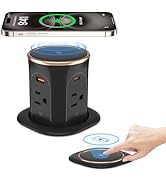
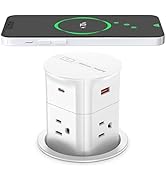
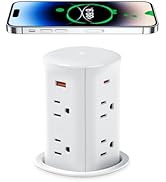
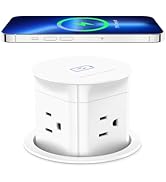
3 inch Pop Up Outlet
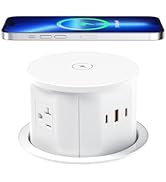
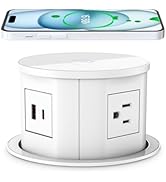
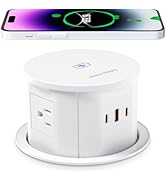
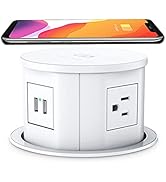
4.75 inch Pop Up Outlet
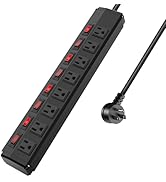
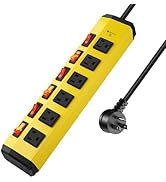
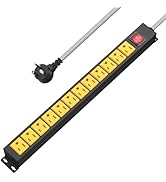
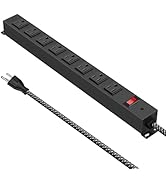
Power Strip with Switch
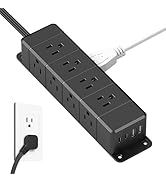
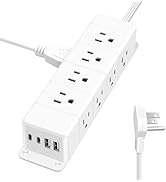
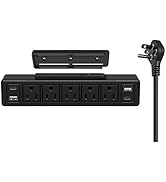
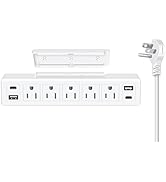
Under Desk Power Strip
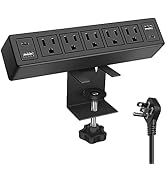
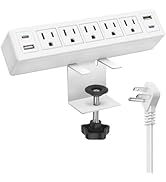
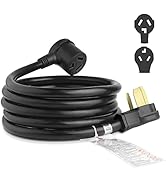
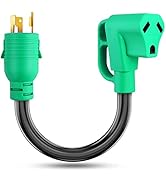
Power Strip & Adapter Cord
hero-video
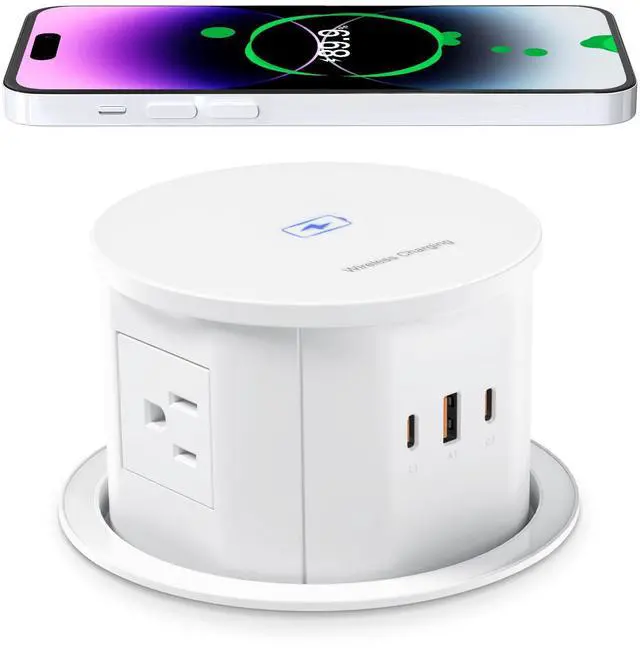
Merchant Video4.75 inch Hole Pop Up Outlet for Countertop with Wireless Charger

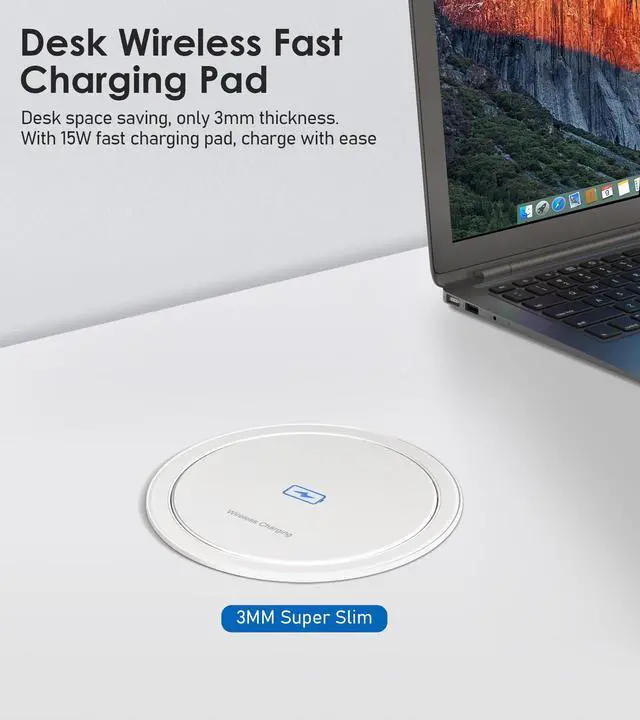
15W 3.3mm Thickness Wireless Charging Panel, Flush With The Desk


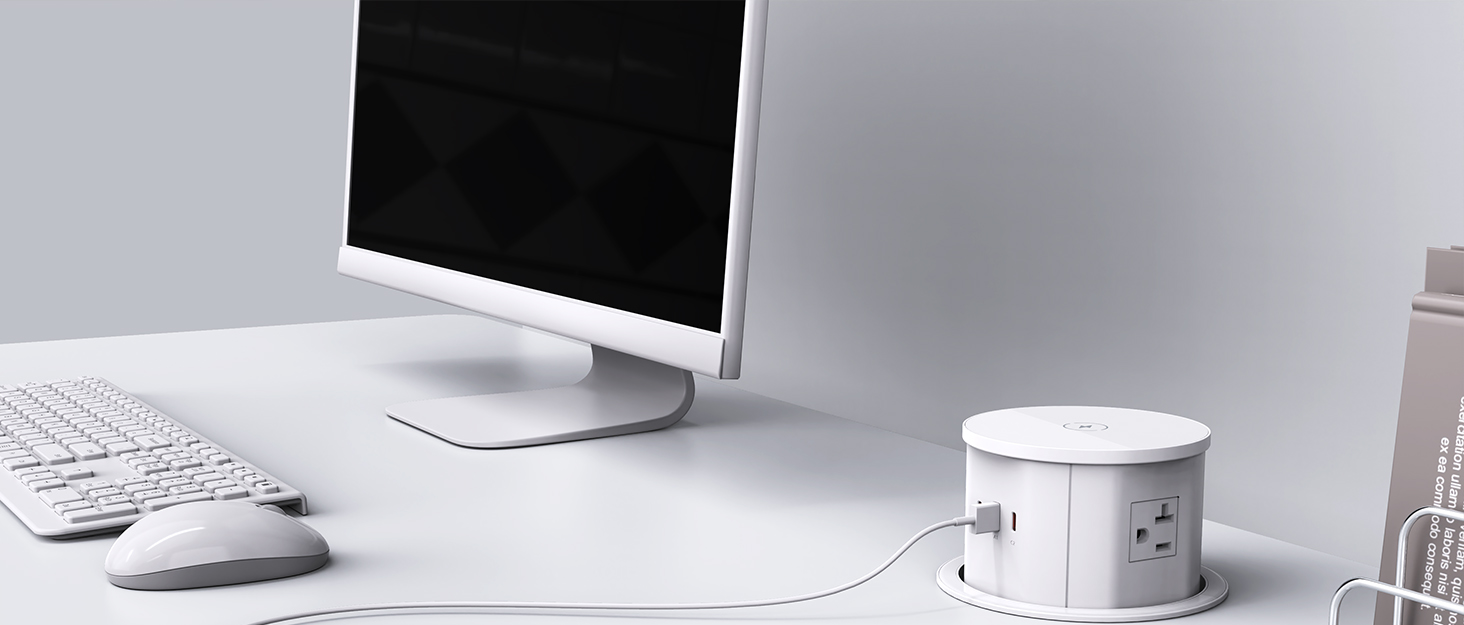
Pop Up Charger for your table countertop.
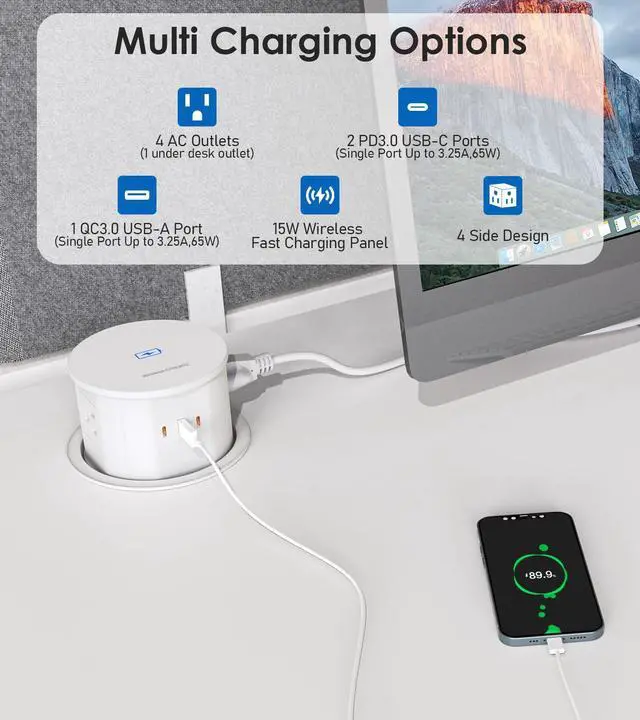
Charge your multiple devices at the same time. Keep your desk or counter tidy and clean.
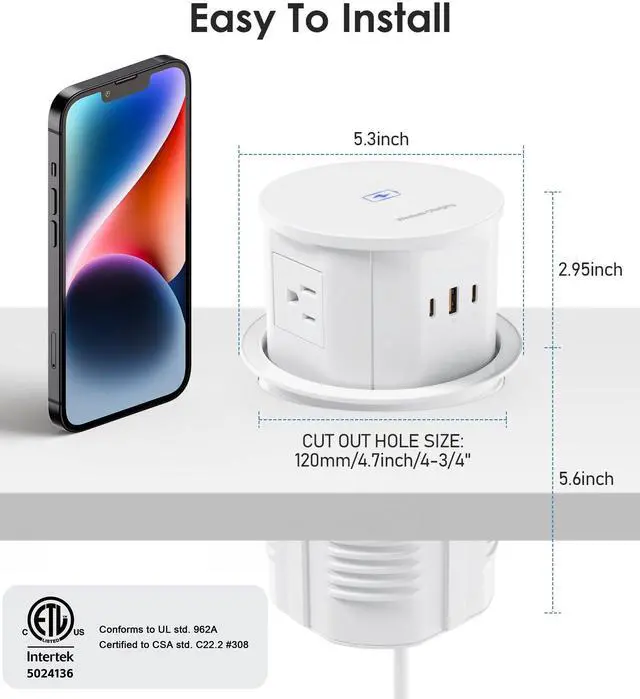
Pop Up Receptacle Countertop Outlet Installation Steps

Step 1
Before installing, make sure that there's a 6" depth under the desk, mark the position and cut out the hole for 120mm/4-3/4“.

Step 2
Take off the lock ring, Install the pop up outlet into the hole and DO place the cable straight up and don't be coiled and trapped.

Step 3
Tighten up the lock ring clockwisely between socket and countertop.

Step 4
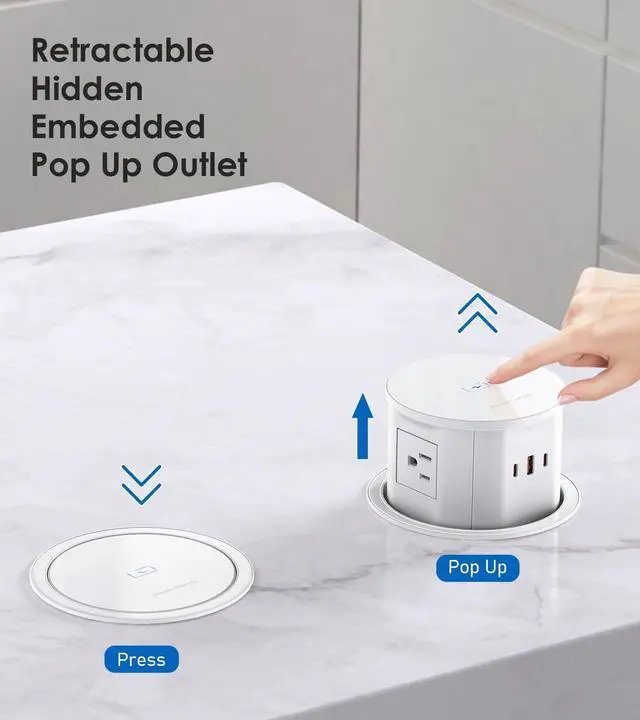
Press down on the pop up surface to pop it up or hide.
Compare with other pop up sockets from ANNQUAN
 20W USB-C Pop Up Outlet |  20W USB-C Pop Up Outlet |  20 Amp Pop Up Outlet |
|---|---|---|
Cut Out Hole Size 50mm/2" Hole Size | Cut Out Hole Size 80mm/3.15"/3-5/32" Hole Size | Cut Out Hole Size 120mm/4.75"/4-3/4" Hole Size |
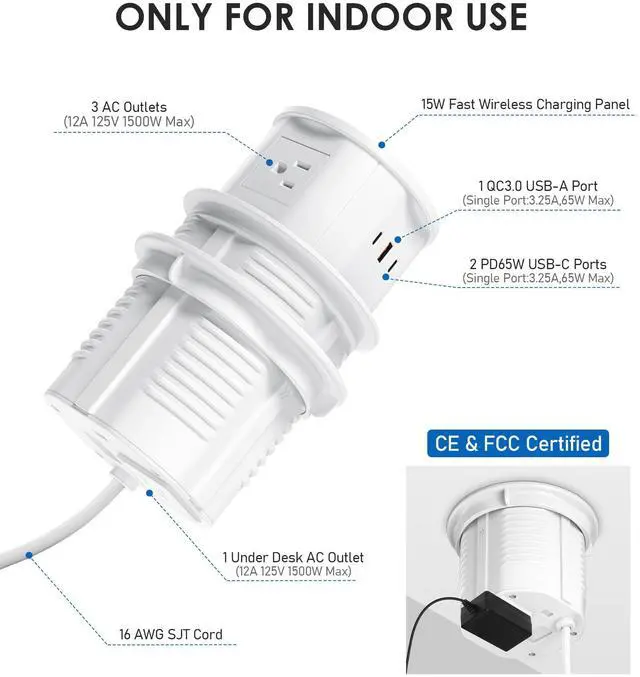
AC Outlet 2 AC Outlets | AC Outlet 8 AC Outlets | AC Outlet 3 AC Outlets(20 Amp) |
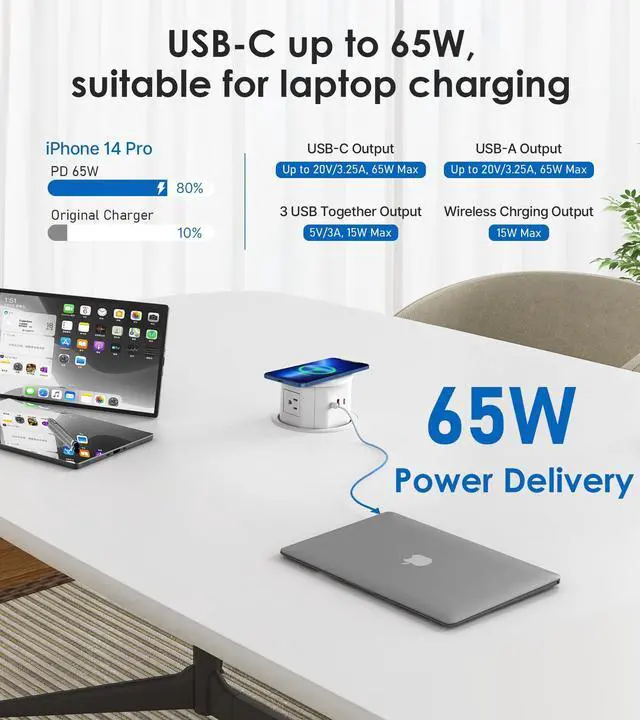
USB-C Port 2 x PD20W USB-C Port | USB-C Port 2 x PD20W USB-C Port | USB-C Port 2 x PD65W USB-C Port |
USB-A Port 1 x QC3.0 USB-A Port | USB-A Port 2 x QC3.0 USB-A Port | USB-A Port 1 x QC3.0 USB-A Port |
ANNQUAN pop up socket has won the "2024 IDEA Design Award".
The IDEA(International Design Excellence Awards) in the United States is the most prestigious, rigorous, globally recognized annual design award in the world. We believe in combining innovation with practicality to create products that simplify your life. Our product is designed to meet the needs of modern homes and offices, offering a perfect blend of functionality, style, and safety.
3 inch Pop Up Outlet
4.75 inch Pop Up Outlet
Power Strip with Switch
Under Desk Power Strip
Power Strip & Adapter Cord
hero-video
Merchant Video4.75 inch Hole Pop Up Outlet for Countertop with Wireless Charger

15W 3.3mm Thickness Wireless Charging Panel, Flush With The Desk

Recessed Design
Pop Up Charger for your table countertop.
Charge your multiple devices at the same time. Keep your desk or counter tidy and clean.
Pop Up Receptacle Countertop Outlet Installation Steps
Step 1
Before installing, make sure that there's a 6" depth under the desk, mark the position and cut out the hole for 120mm/4-3/4“.
Step 2
Take off the lock ring, Install the pop up outlet into the hole and DO place the cable straight up and don't be coiled and trapped.
Step 3
Tighten up the lock ring clockwisely between socket and countertop.
Step 4
Press down on the pop up surface to pop it up or hide.