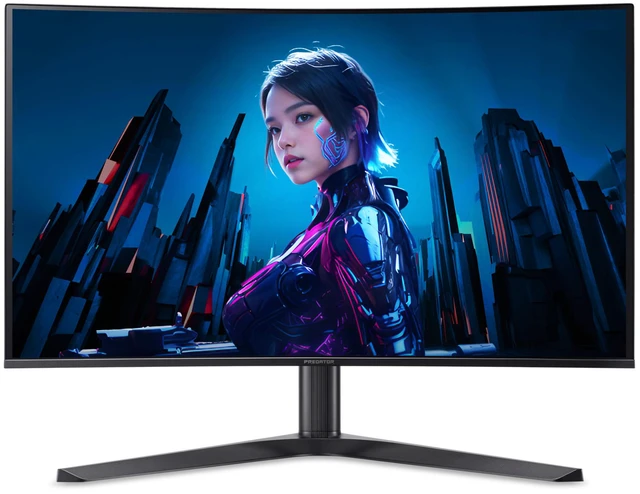
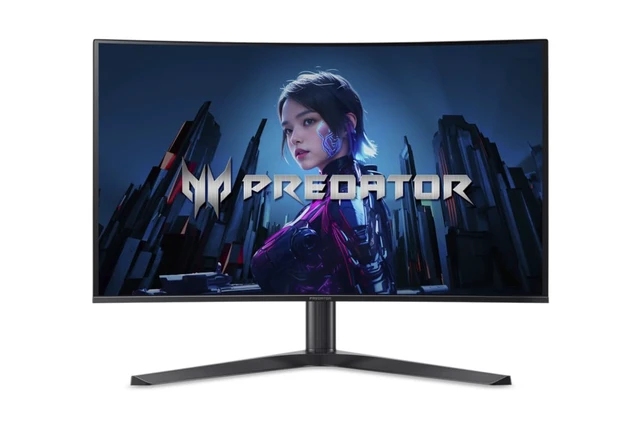
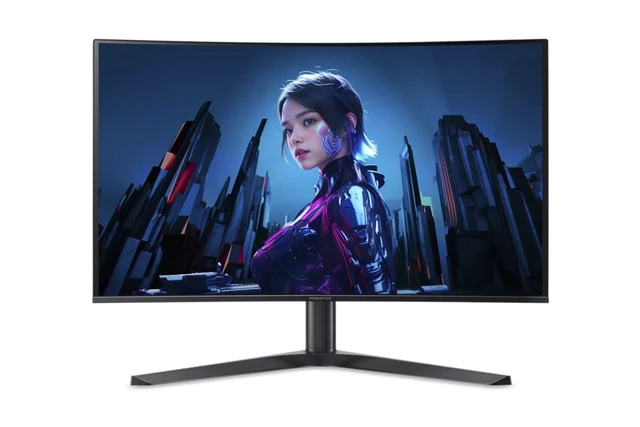
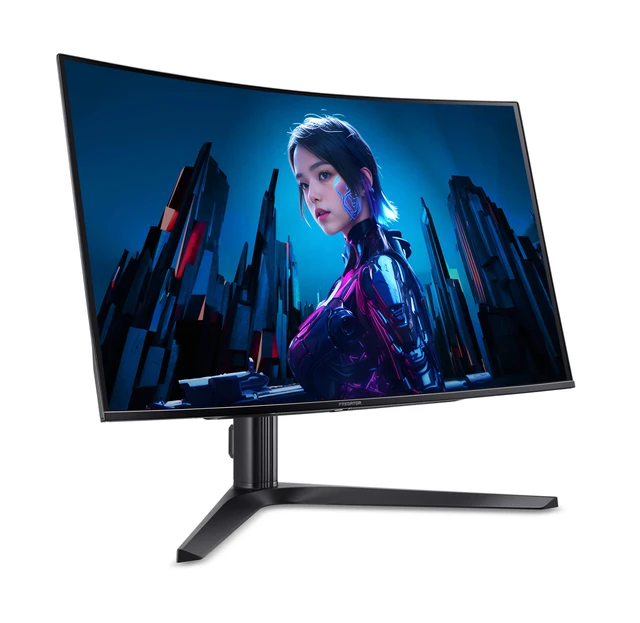
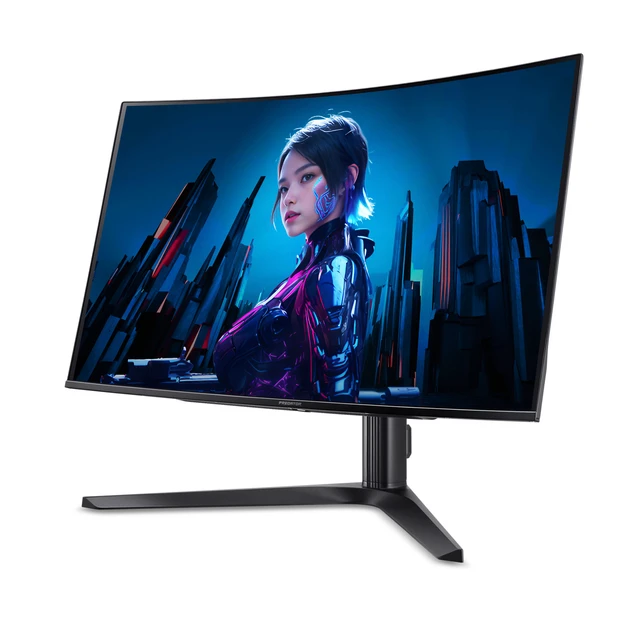
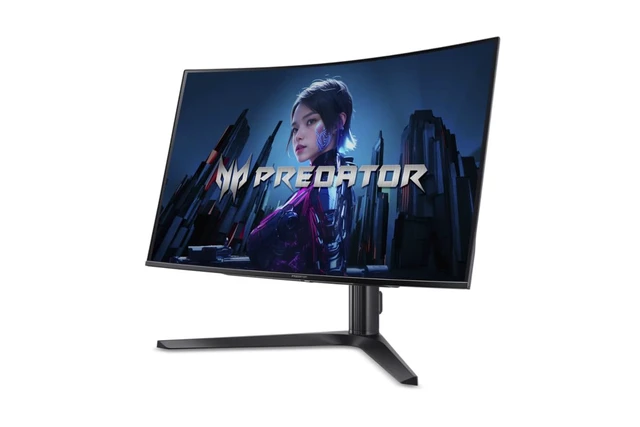
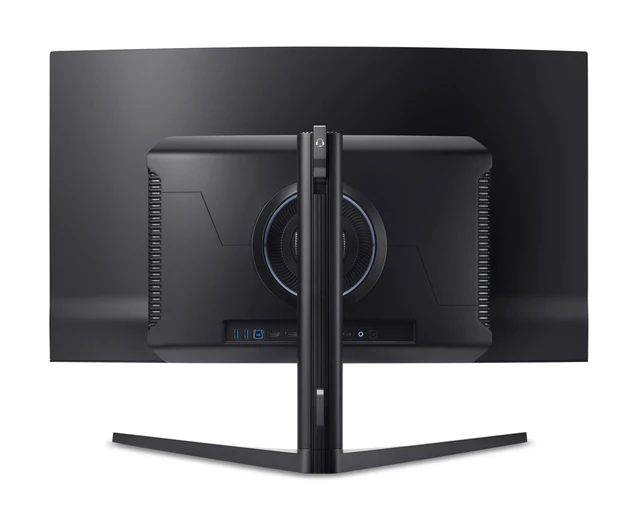
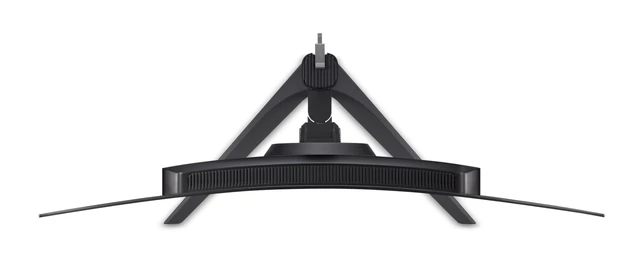
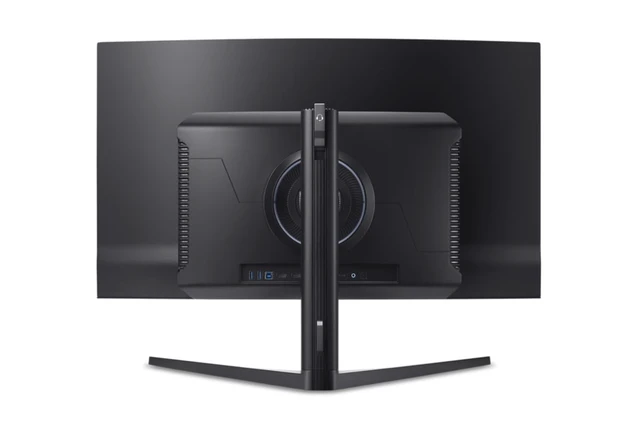
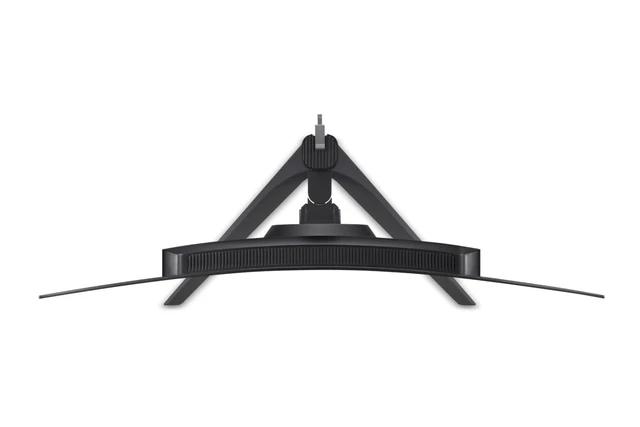
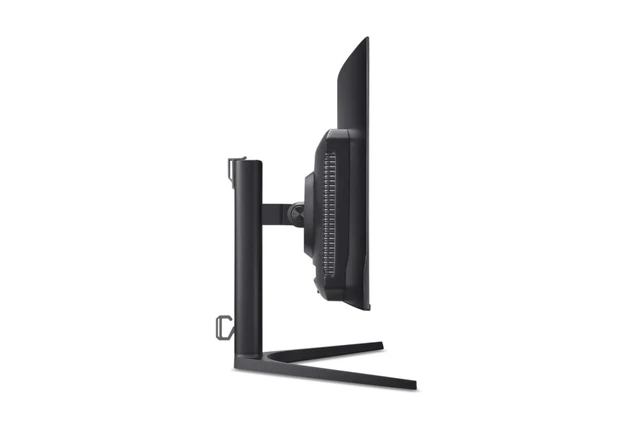
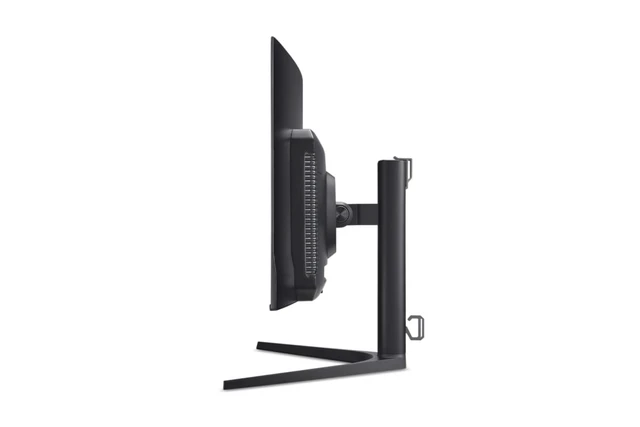
The Acer Predator X32 XBMIIPPHUZX is a 31.5-inch curved 4K QD-OLED gaming monitor with a 240Hz refresh rate, 0.03ms response time, and FreeSync Premium, suited to PC gamers seeking detailed visuals and fluid high-refresh gameplay.
Recommended For
- PC gamers who want detailed 4K visuals and fluid motion for cinematic games and fast-paced play, and have hardware capable of driving games at high frame rates.
- Players who value vivid HDR, deep blacks, and high-contrast scenes in games, movies, and other content, especially in a room where they can manage ambient light.
- People switching between a gaming desktop and a laptop who want to connect through USB-C and share a keyboard and mouse using the monitor’s KVM features.
- Gamers with multiple devices—such as a PC and consoles—who want several video inputs on one monitor rather than frequently swapping cables.
Real-World Use Scenarios
- Playing visually rich PC games, such as open-world or HDR titles, users can see fine 4K detail alongside deep blacks and vivid highlights; full-screen bright scenes may look less bright than smaller highlights.
- In fast-paced PC shooters, the high refresh rate and quick OLED pixel response make motion look crisp and responsive, provided the computer can deliver high frame rates.
- Using the monitor for photo work or other color-focused creative tasks gives users a sharp 4K workspace with a wide color range and strong tested color accuracy; color-critical workflows may still benefit from calibration.
- Sharing a desk between a gaming PC and a work laptop, users can connect both and use the monitor’s KVM to share a keyboard and mouse; USB-C can connect and charge a compatible laptop.
- Connecting a console alongside a PC lets users keep multiple gaming systems on the same display and switch between them; the HDMI 2.1 inputs support modern console connections.
Spec Summary
| Attribute | Value |
|---|
| Best For | Gaming at UHD resolution with a 240Hz refresh rate, QD-OLED panel, and FreeSync Premium adaptive sync |
|---|
| Panel And Resolution | 31.5-inch curved QD-OLED display with 3840 × 2160 (4K) resolution and a 16:9 aspect ratio |
|---|
| Refresh Rate And Response | 240Hz refresh rate with a 0.03ms response time and FreeSync Premium (AMD Adaptive Sync) |
|---|
| Image Quality And HDR | 250 cd/m² brightness, 99% DCI-P3 color gamut, HDR10, and VESA DisplayHDR True Black 400 certification |
|---|
| Ports And Connectivity | 2 HDMI 2.1 ports, 2 DisplayPort 1.4 ports, and a 3.5mm headphone jack |
|---|
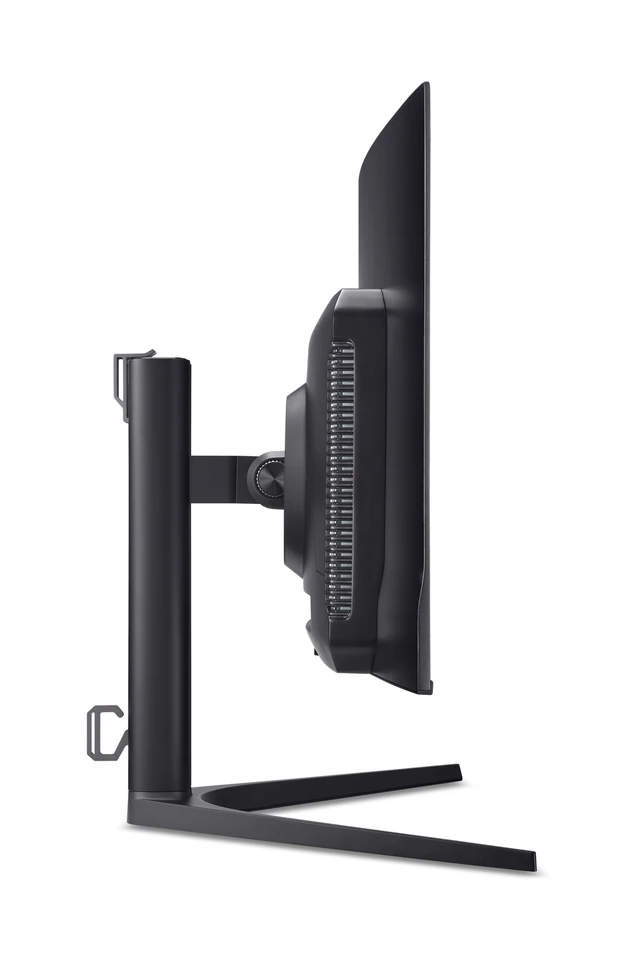
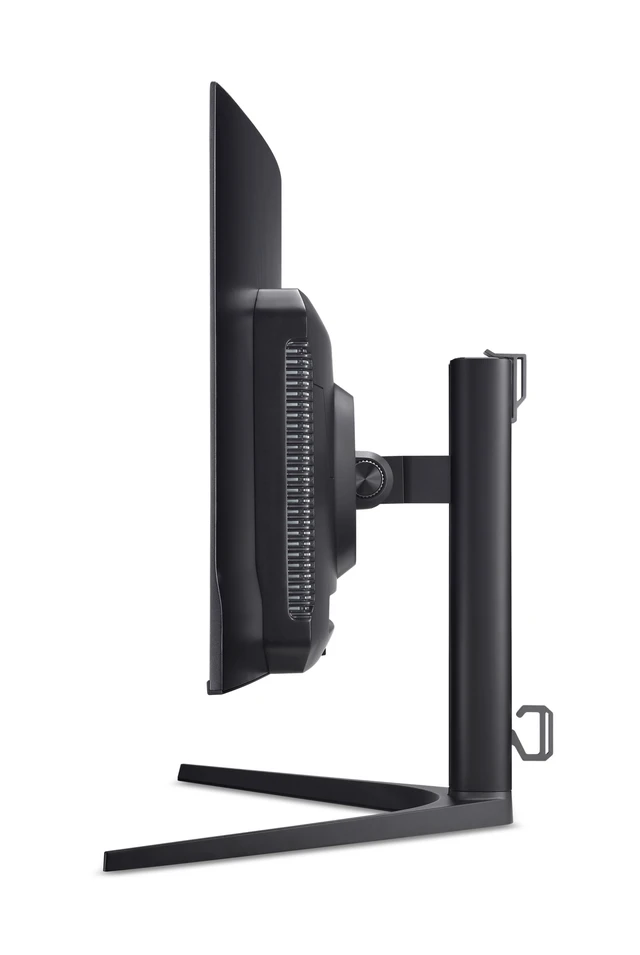
| Stand And Mounting | Height-adjustable stand with 100 × 100mm VESA mounting compatibility |
|---|
| Audio And Webcam | Two built-in 5W speakers; no built-in webcam |
|---|
| Model Identifiers | Acer Predator X32 XBMIIPPHUZX, part number UM.JXXAA.X02; black cabinet |
|---|
| In The Box | Monitor, US power cord, DisplayPort cable, HDMI cable, USB Type-C cable, and USB 3.0 cable |
|---|
Reference Q&A
Q: Acer Predator X32 X or X27U X1: which is better for 4K gaming?
A: Choose the Predator X32 X for a 31.5-inch curved 4K QD-OLED display at 240Hz. The 26.5-inch Predator X27U X1 also offers QD-OLED and 240Hz, but uses 2560 × 1440 resolution; it suits buyers who prefer a smaller, more space-saving display. Both models are designed for high-refresh-rate gaming.
Q: Acer Predator X32 X or X32 X3 for competitive gaming?
A: The Predator X32 X pairs its curved QD-OLED panel with 4K resolution and a 240Hz refresh rate. The Predator X32 X3 also runs at 4K and 240Hz, and adds a 1080p 480Hz mode. Choose the X32 X for curved QD-OLED 4K gaming; choose the X32 X3 if switching to a higher refresh rate at Full HD is a priority.
Q: Should I upgrade from the Acer Predator X32 FP to the X32 X?
A: The X32 X is a strong upgrade choice for moving from the X32 FP’s 4K Mini-LED, up-to-160Hz setup to a curved 4K QD-OLED display with a 240Hz refresh rate. The X32 FP remains a 4K Mini-LED option with a 160Hz maximum refresh rate and multiple video inputs, including USB-C. Choose based on whether QD-OLED and 240Hz or Mini-LED and its connectivity are the priority.
Q: Is this monitor suitable for high-refresh-rate 4K gaming?
A: Yes. It combines a 3840 × 2160 resolution, 240Hz refresh rate, 0.03ms response time, and FreeSync Premium. To take advantage of 4K at 240Hz, the connected gaming system must also support that output.
Q: Can I connect a game console to it?
A: Yes. It has two HDMI 2.1 ports for connecting a compatible console. The console and game determine the available resolution and refresh rate; the monitor's 240Hz maximum does not mean every console can output 240Hz.
Q: Does it have built-in speakers?
A: Yes. It has two built-in 5W speakers, so it can provide audio without separate desktop speakers. A 3.5mm headphone jack is also listed.
Q: Can I mount it on a monitor arm?
A: Yes. It supports 100 × 100mm VESA mounting, so it can attach to a compatible monitor arm or wall mount that supports its size and weight. The supplied stand is listed with height adjustment.
Q: Is the Acer Predator X32 X worth considering as a 4K OLED gaming monitor?
A: It is worth considering if you want a 31.5-inch 4K QD-OLED display with a 240Hz refresh rate. Whether it is good value depends on its current price and whether your PC can make use of 4K gaming at high frame rates; the product information does not include a price.
Q: Is the curved screen a good fit if I prefer a 32-inch monitor?
A: The X32 X is curved, so it may suit buyers specifically looking for an immersive curved 32-inch display. If you prefer flat screens, or are unsure about a curve for desktop use, compare one in person if possible before choosing.
Q: Can it work for both gaming and desktop or design work?
A: Its 31.5-inch 4K resolution and 99% DCI-P3 coverage may suit users who want one display for gaming and color-focused desktop tasks. OLED text rendering can take adjustment for some users, so consider your text-heavy workload and viewing comfort before buying.
Q: Is 240Hz useful if my PC may not reach 240 frames per second?
A: The monitor supports refresh rates up to 240Hz, but a game must be rendering at a matching frame rate to fully use that refresh rate. If your setup cannot reach high frame rates at 4K in the games you play, the 240Hz specification may be less important to your decision.