


DisplayHDR True Black 400
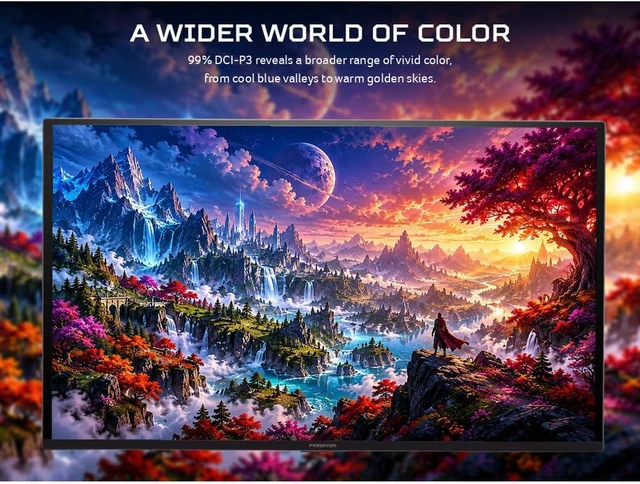
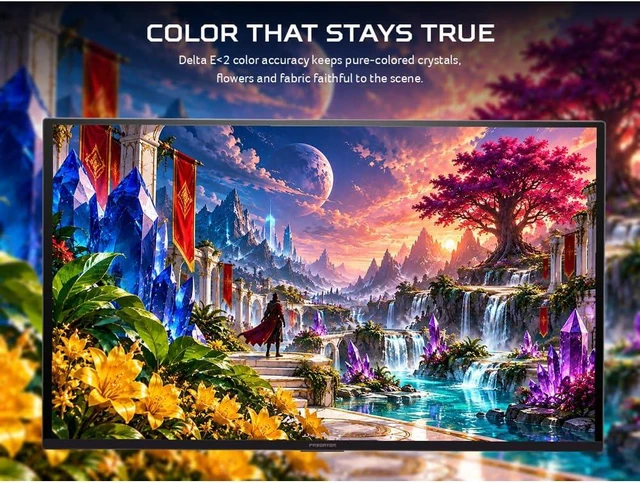
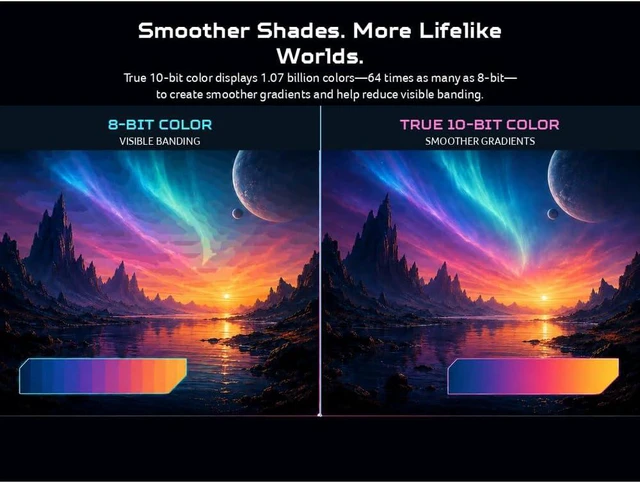
DCI-P3 99% & Delta E of Less Than 2
Acer VisionCare 2.0






We want to ensure your holiday shopping this year is hassle-free. That’s why we’re automatically extending our return policies on almost every product! For purchases placed between November 1st, 2026 and December 31, 2026 you will have until January 31, 2027 to return your product.
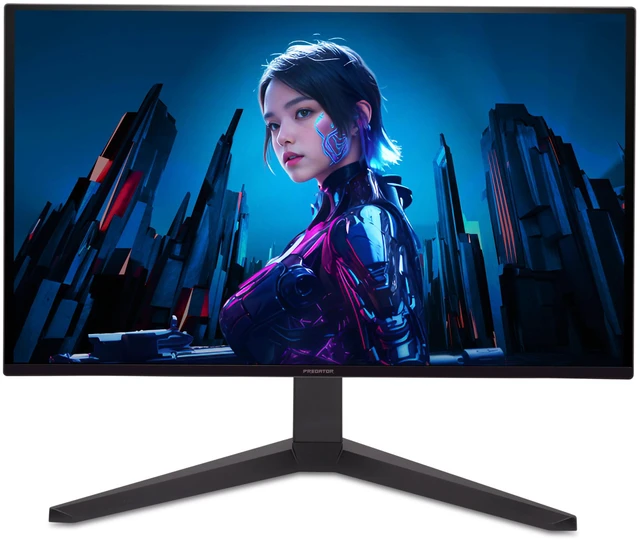
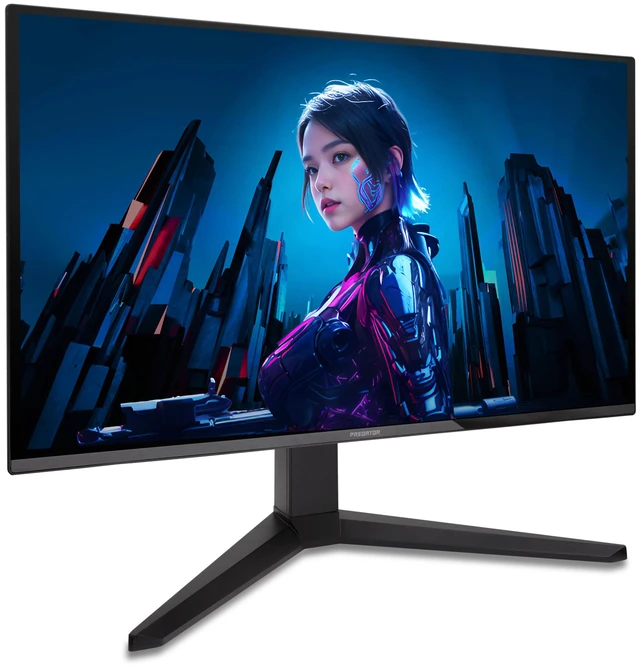
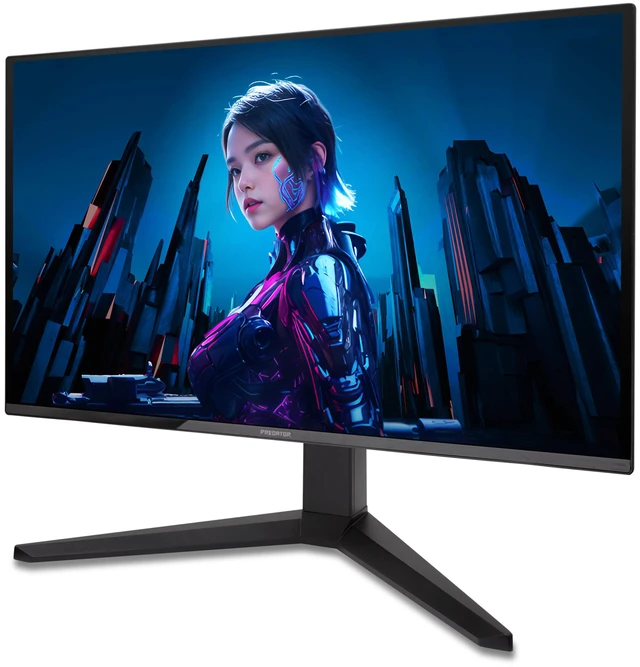
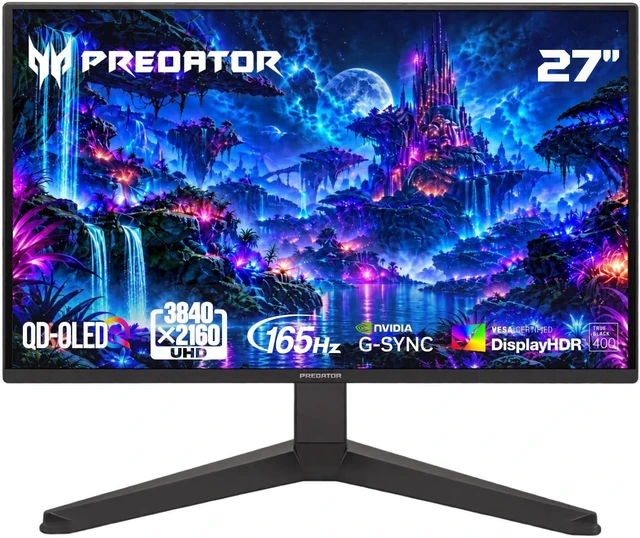
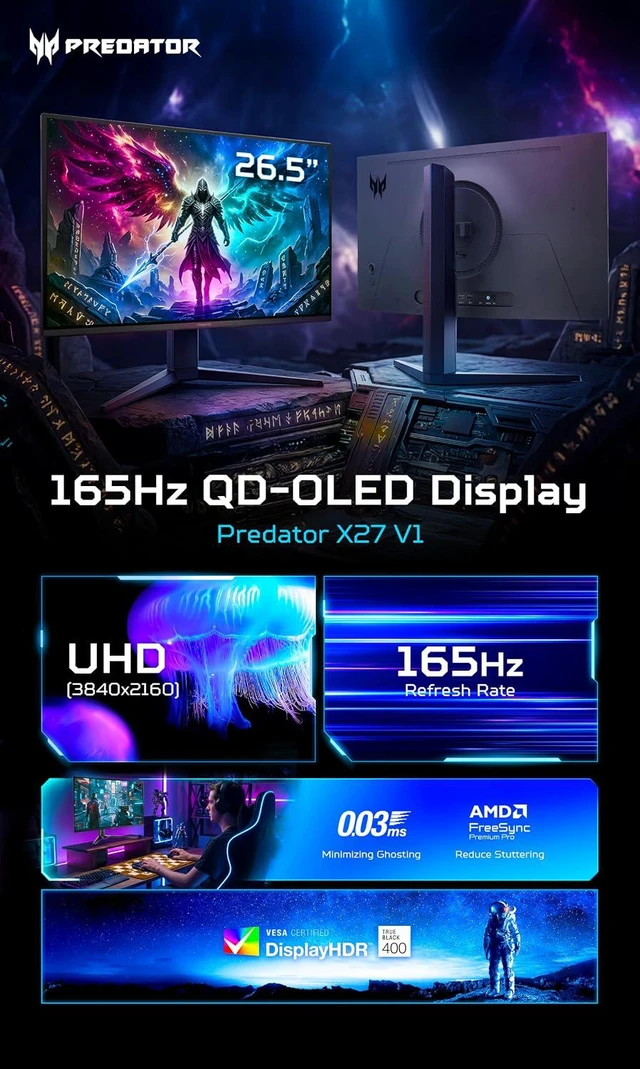
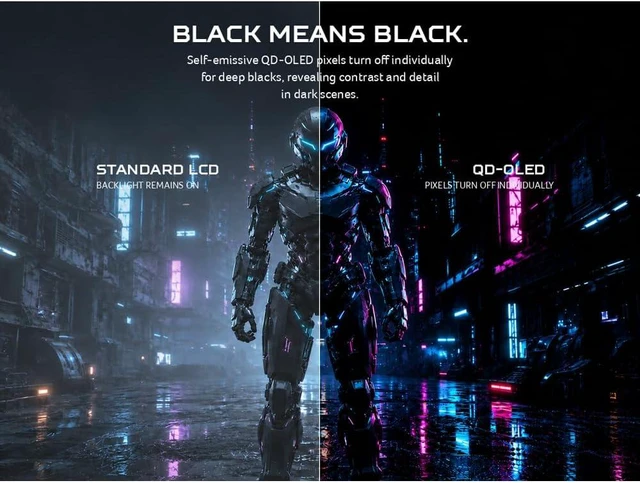
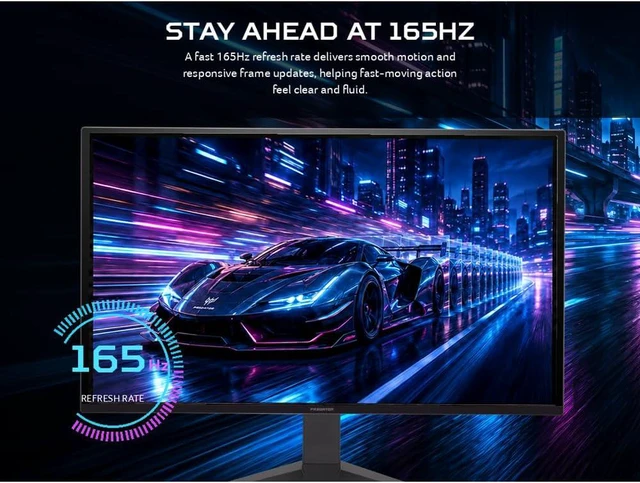
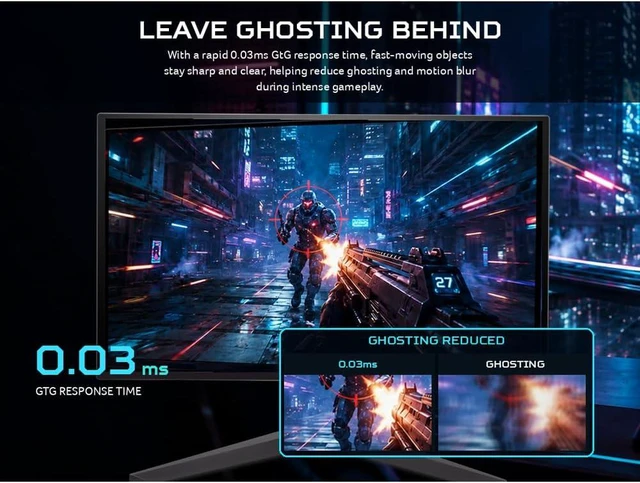
The Acer Predator X27 V1bmiipprx is a 26.5-inch 4K QD-OLED gaming monitor with a 165Hz refresh rate, 0.03ms response time, and AMD FreeSync Premium Pro, suited to PC gamers who want sharp detail and fast, fluid gameplay.
| Attribute | Value |
|---|---|
| Best For | Gaming, desktop, and entertainment use on a 4K UHD display |
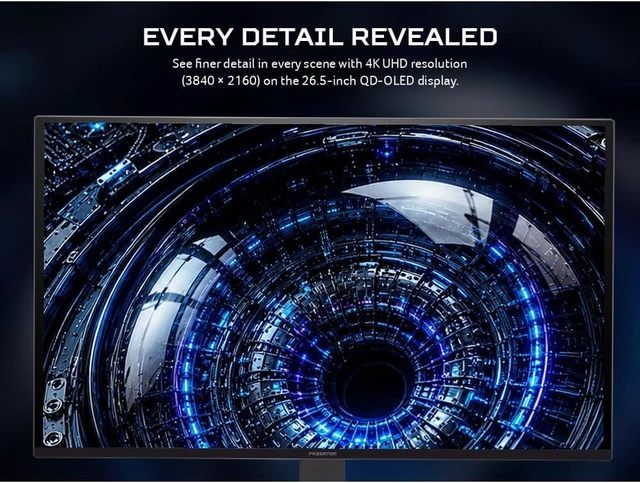
| Panel And Resolution | 26.5-inch QD-OLED panel with 3840 × 2160 (4K UHD) resolution and a 16:9 aspect ratio; matte screen finish |
| Refresh Rate And Response | 165Hz refresh rate, 0.03ms response time, and FreeSync Premium Pro adaptive sync |
| Color And HDR | 99% DCI-P3 color gamut, 250 cd/m² brightness, HDR10, and VESA DisplayHDR True Black 400 certification |
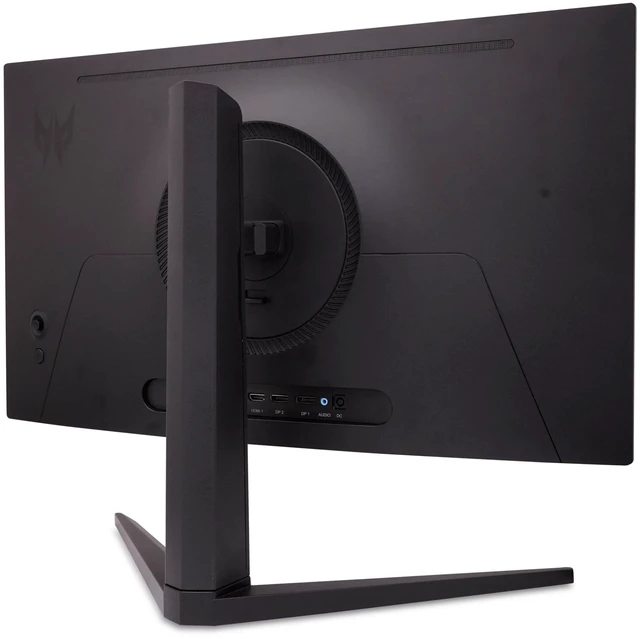
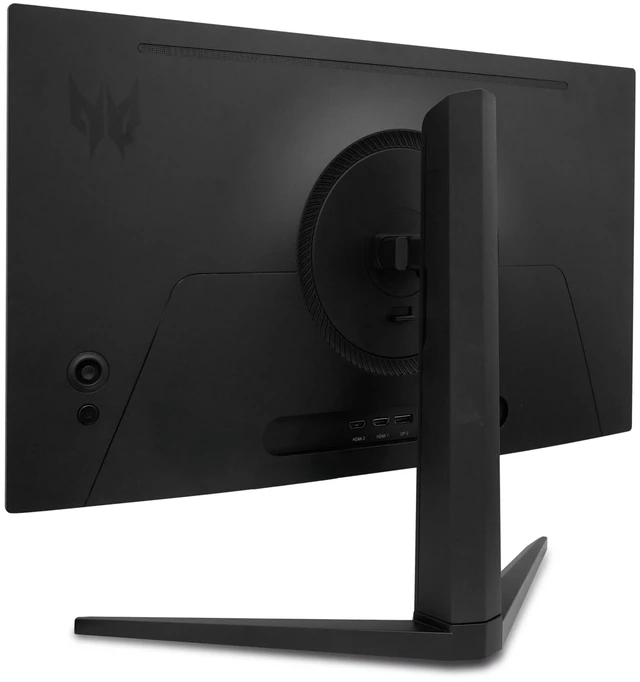
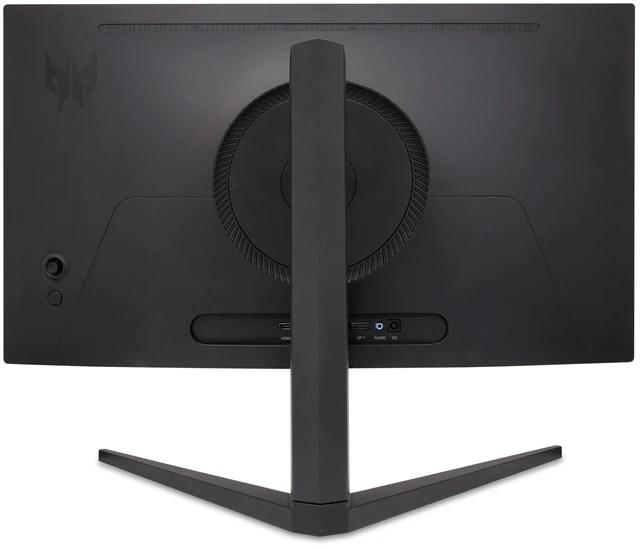
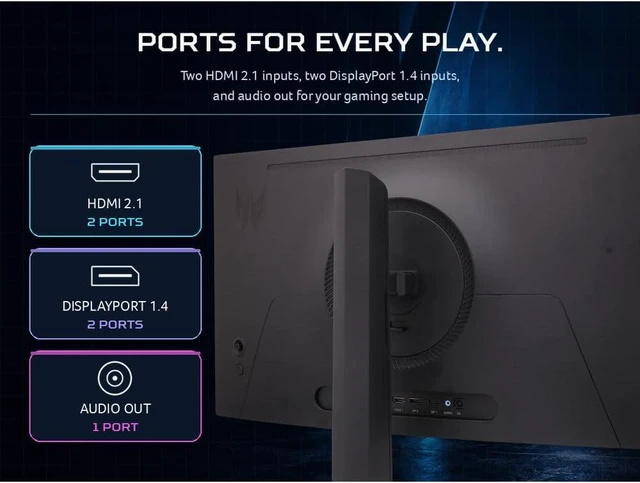
| Ports And Connectivity | 2 × HDMI 2.1, 2 × DisplayPort 1.4, and 1 × audio out |
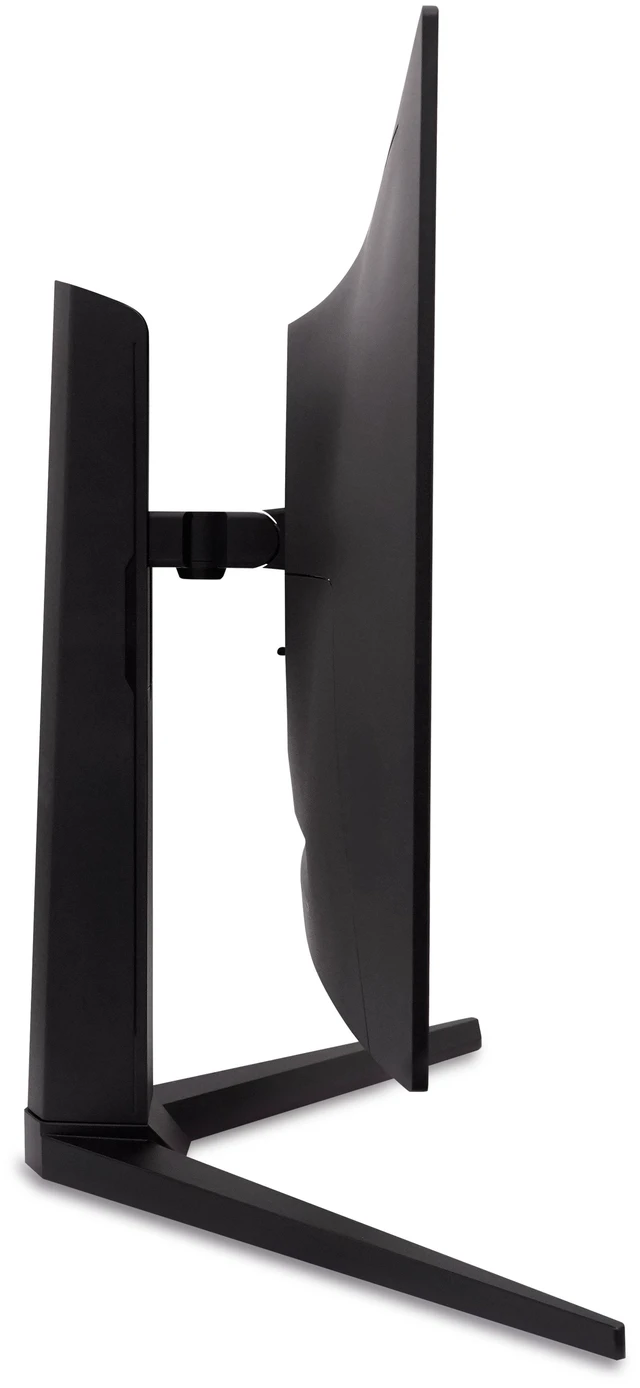
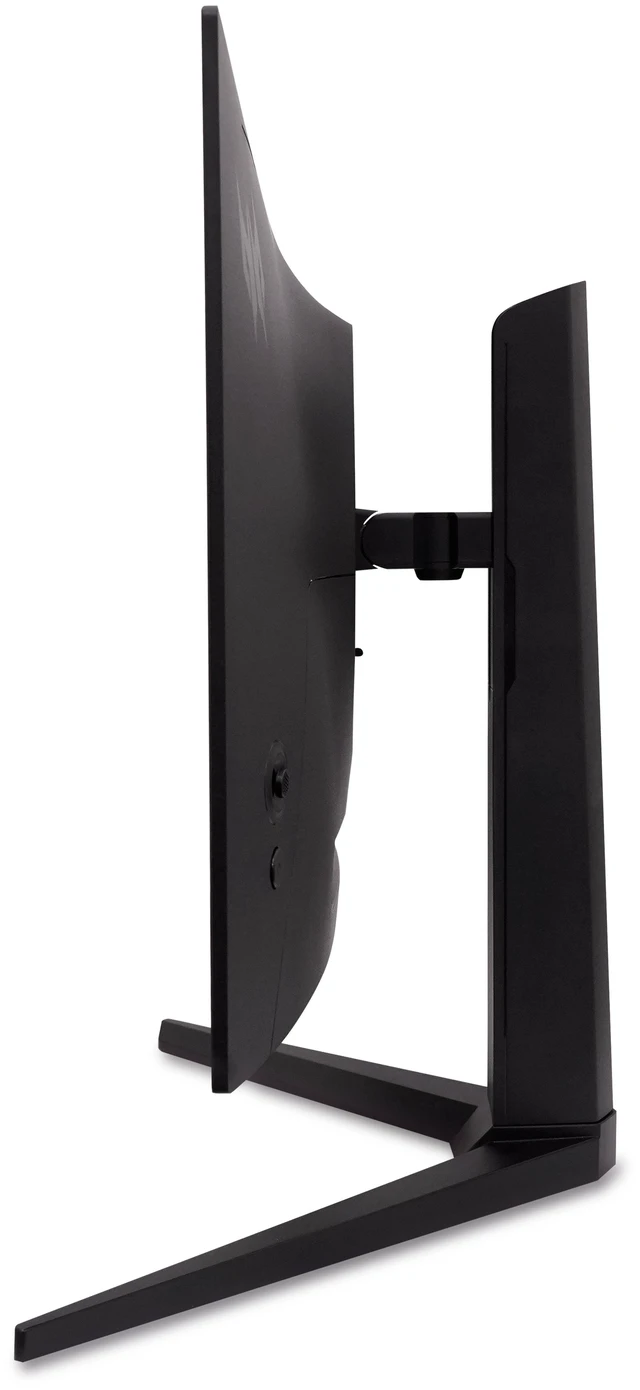
| Stand And Mounting | Height, pivot, swivel, and tilt adjustments; VESA 100 × 100mm mounting compatibility |
| Audio And Webcam | Built-in speakers; no built-in webcam |
| Physical Specifications | Black cabinet; listed dimensions are 24.06 × 17.75 × 9.5 inches (W × H × D), with a listed item weight of 11.68 pounds |
| Model Identifiers | Acer Predator X27 V1bmiipprx; part number UM.GXXAA.110 |
| Included In Box | Monitor, US power cord, and HDMI cable |
Q: Acer Predator X27 vs. X32 X2: which 4K QD-OLED should I choose?
A: Choose the Predator X27 for 4K QD-OLED gaming in a compact 26.5-inch format at 165Hz. Choose the Predator X32 X2 if you prefer a larger 31.5-inch screen and a 240Hz refresh rate. The main trade-off is the X27’s smaller display and 165Hz refresh rate versus the X32 X2’s larger screen and higher refresh rate.
Q: Predator X27 or X27U X1 for 4K versus high-refresh gaming?
A: Choose the Predator X27 for 4K resolution on a 26.5-inch QD-OLED screen at 165Hz. Choose the Predator X27U X1 if you prioritize a higher 240Hz refresh rate and are happy with its 2560 × 1440 resolution. The choice is between the X27’s higher resolution and the X27U X1’s higher refresh rate.
Q: Predator X27 or X27U F3 for competitive gaming?
A: Choose the Predator X27 if you want 4K QD-OLED detail at 165Hz. Choose the Predator X27U F3 if your priority is very high refresh gaming: it uses a 2560 × 1440 OLED panel with a 480Hz refresh rate. This is a resolution-versus-refresh-rate choice within Acer’s Predator OLED lineup.
Q: Is this monitor suitable for both gaming and everyday work?
A: Yes. Its 4K resolution, 165Hz refresh rate, and adjustable stand support gaming and general desktop use. It has no built-in webcam, and as an OLED display it may be less suitable for work that leaves the same static interface visible for long periods.
Q: Can I mount it on a monitor arm or wall mount?
A: Yes. The monitor supports a 100 × 100 mm VESA mount. Check that your mount uses this pattern and supports the monitor’s weight.
Q: Does it have built-in speakers, or do I need separate speakers?
A: It has built-in speakers, so separate speakers are not required for basic audio. The specifications do not state their sound quality; the monitor also has an audio-out connection for external audio equipment.
Q: Is OLED burn-in a concern if I use it for work?
A: It can be a consideration: prolonged display of the same static elements may increase the risk of image retention or burn-in on OLED displays. Varying content and using a screen saver can help reduce prolonged static display. The provided product information does not specify this model’s burn-in coverage or prevention features, so check Acer’s warranty terms if that is a deciding factor.
Q: Is the Acer Predator X27 worth buying?
A: It may suit buyers prioritizing 4K QD-OLED gaming at up to 165Hz. The Reddit discussion is about the related X27 X1, not this exact model, so it does not establish this model’s value or performance; the supplied data also gives no price.
Q: Should I choose this over a 32-inch monitor?
A: Consider it if desk space is limited or you prefer a smaller screen: this model is listed as 26.5 inches. In the Reddit discussion about the related X27 X1, one buyer favored a smaller monitor because there was not room for a 32-inch model.
Q: Is an OLED monitor a good choice if I leave work apps open all day?
A: Be cautious if your work leaves static elements onscreen for long periods. A Reddit comment about the related X27 X1 raises burn-in as a consideration; the discussion does not test this exact 165Hz model or establish its long-term durability.