



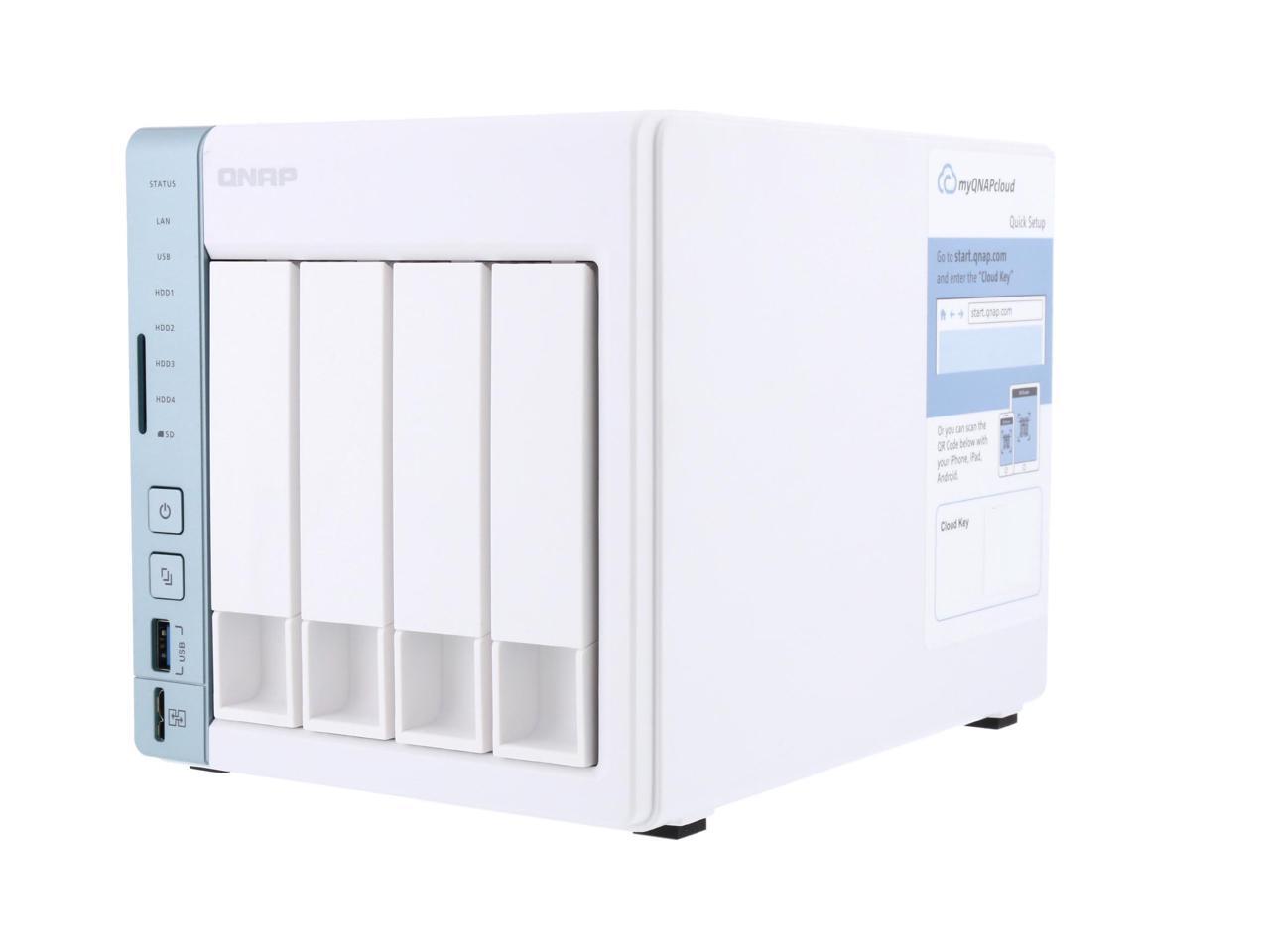
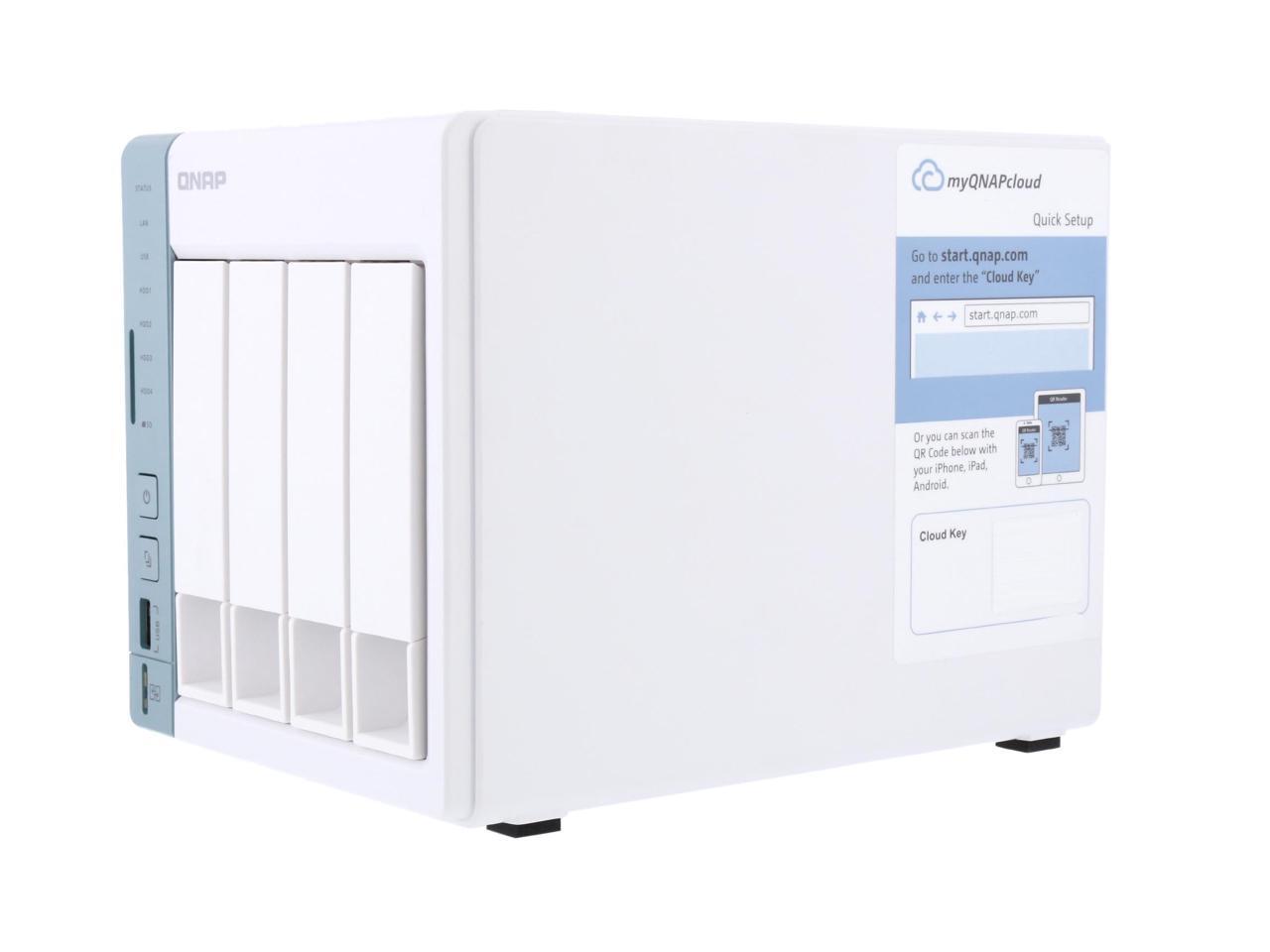
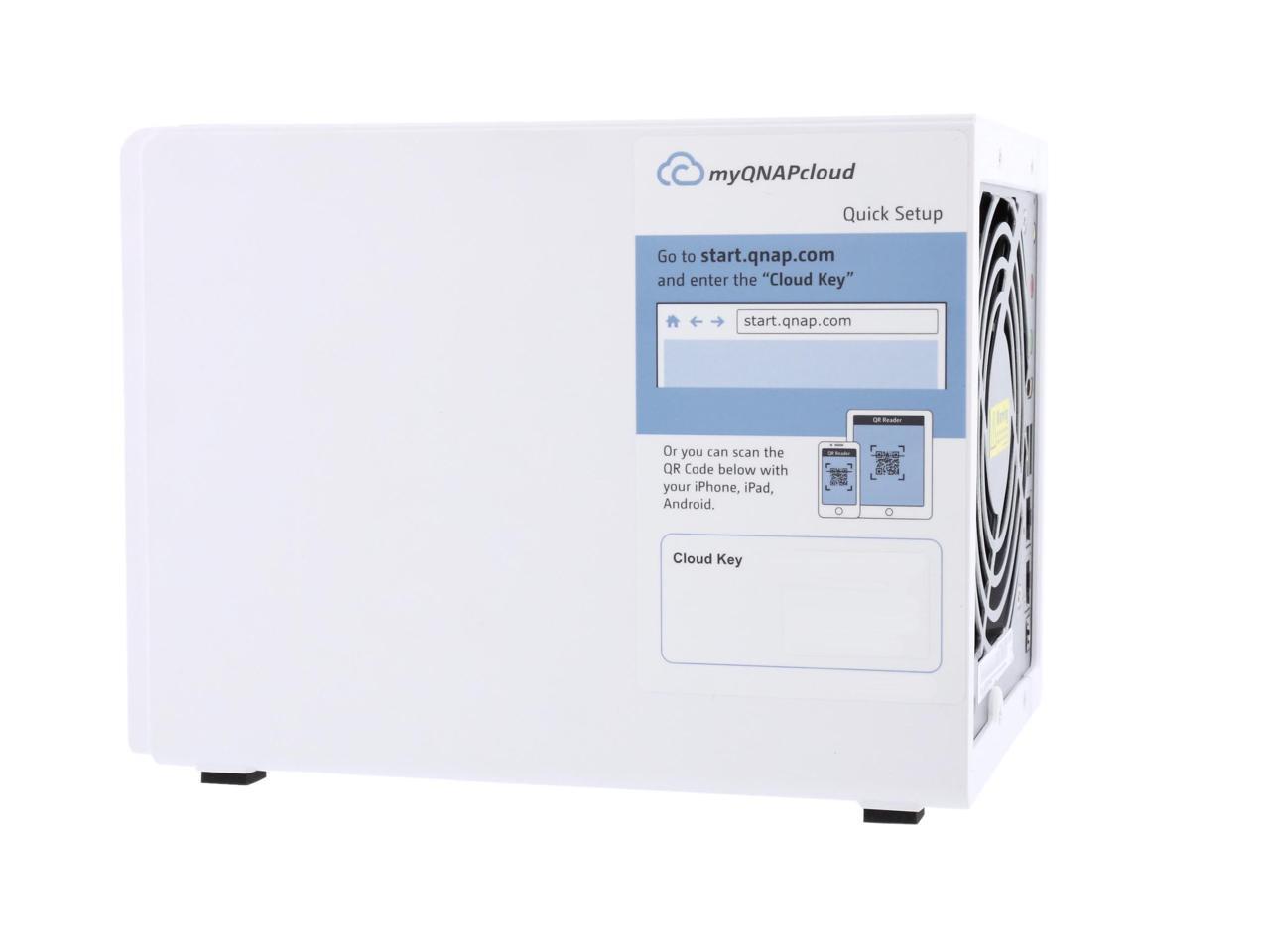
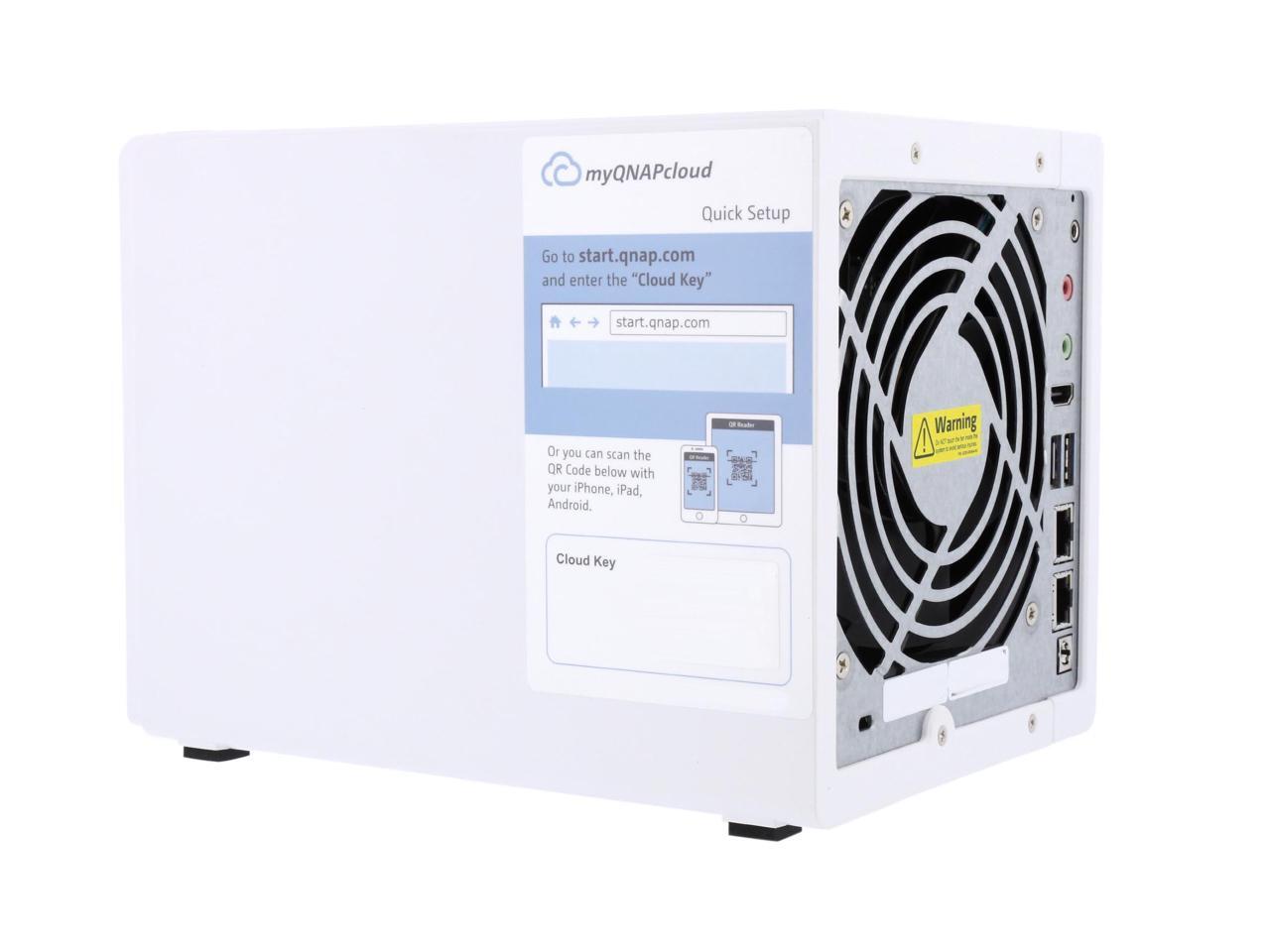
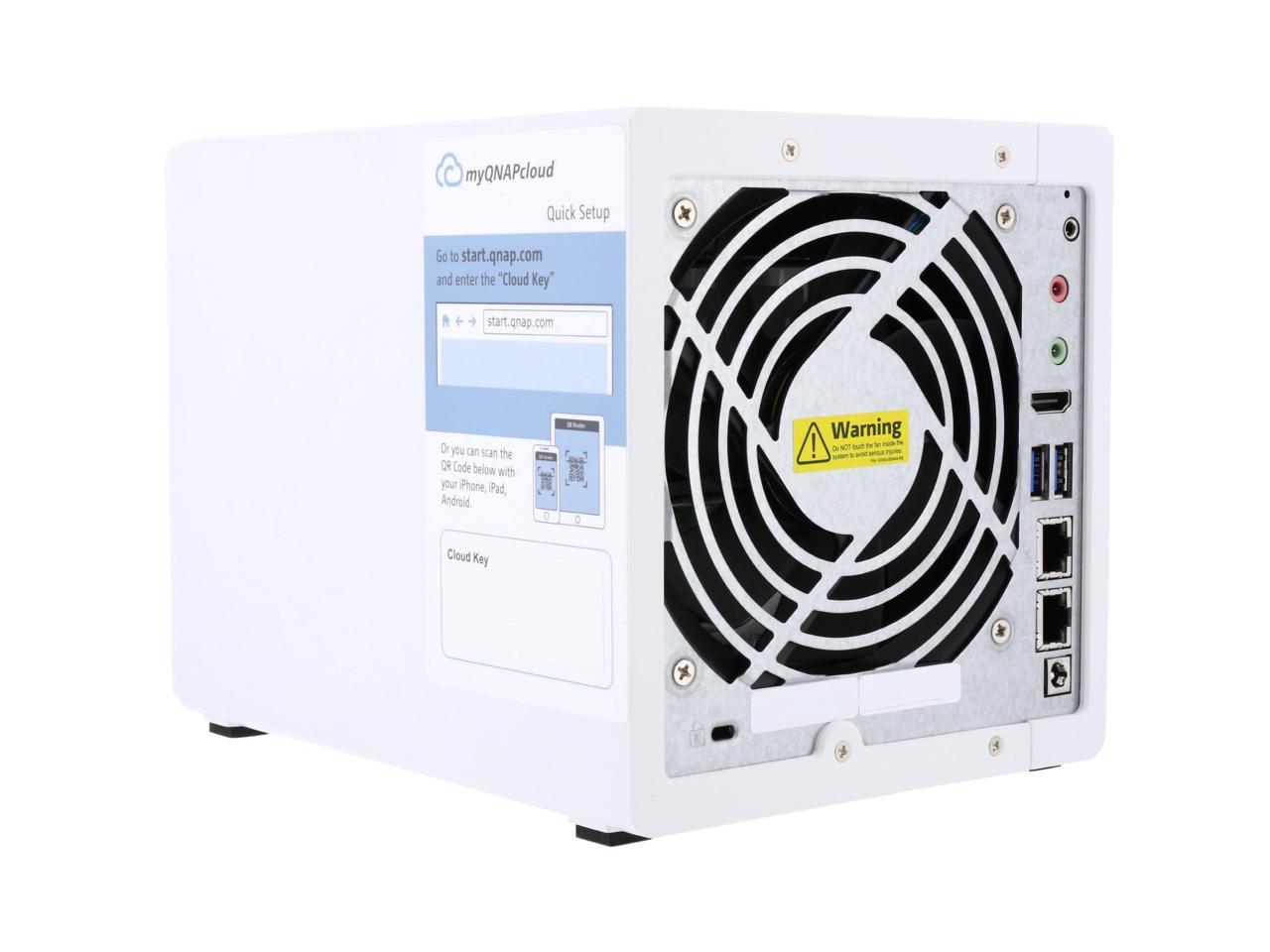
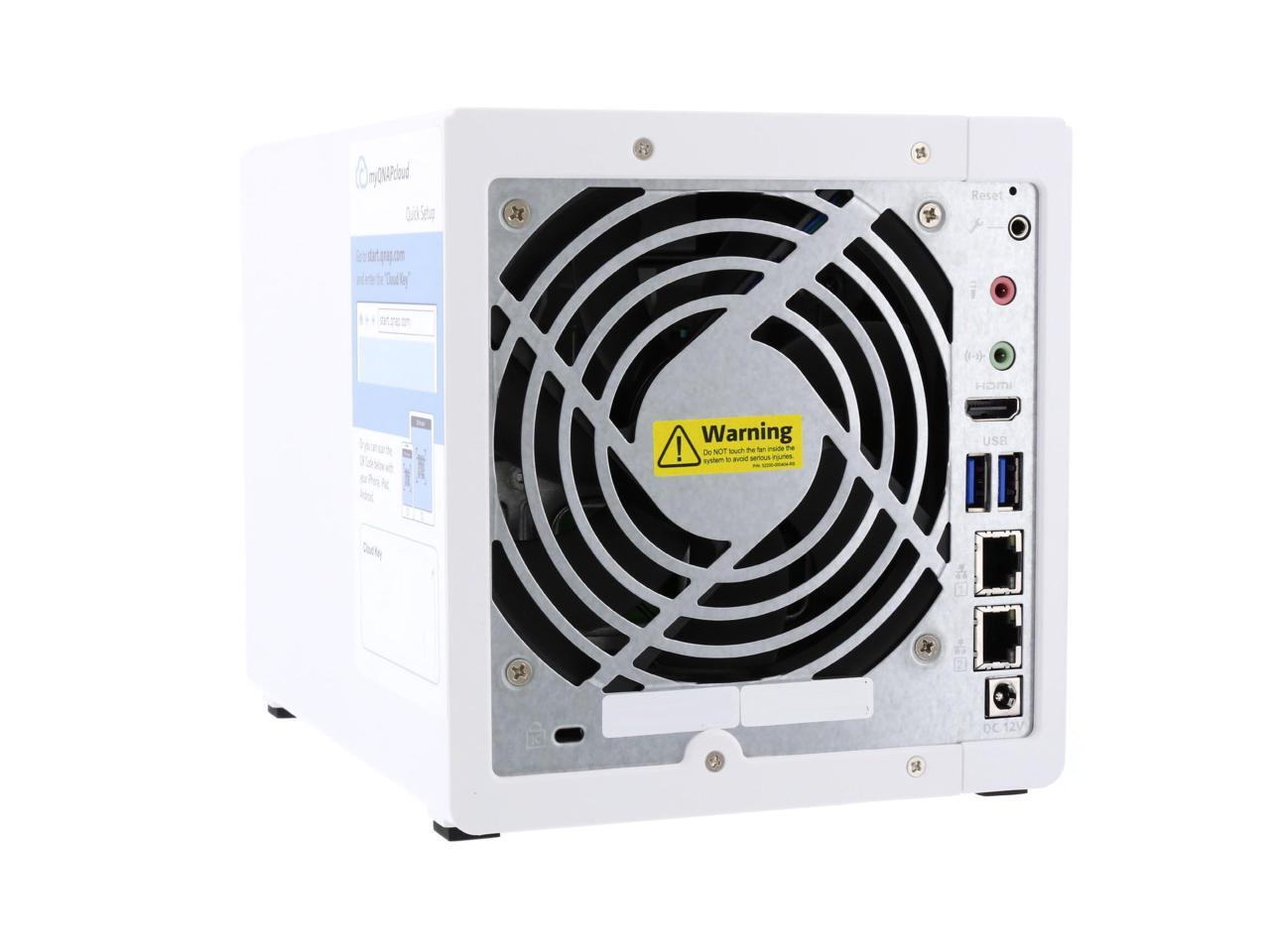
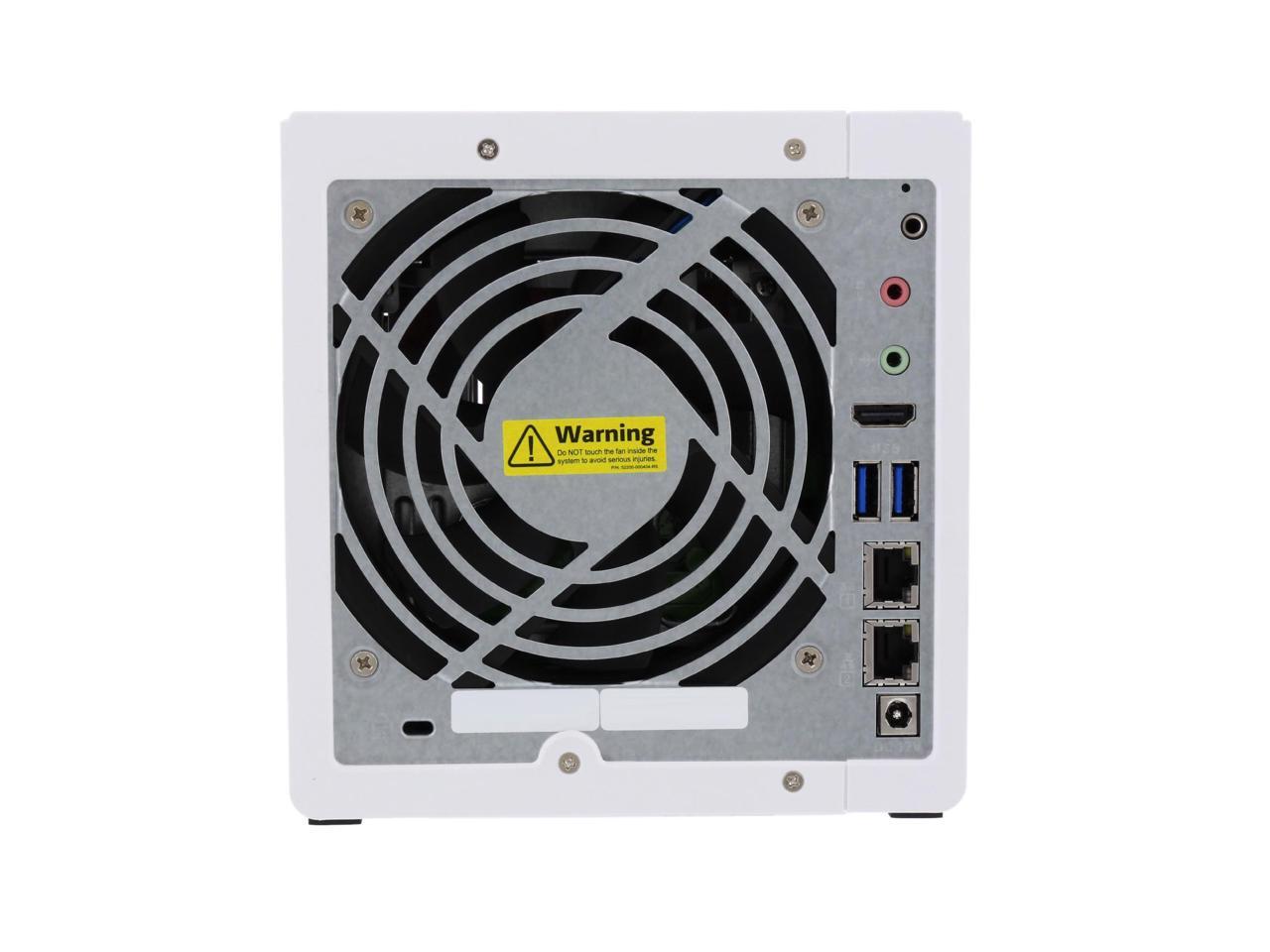
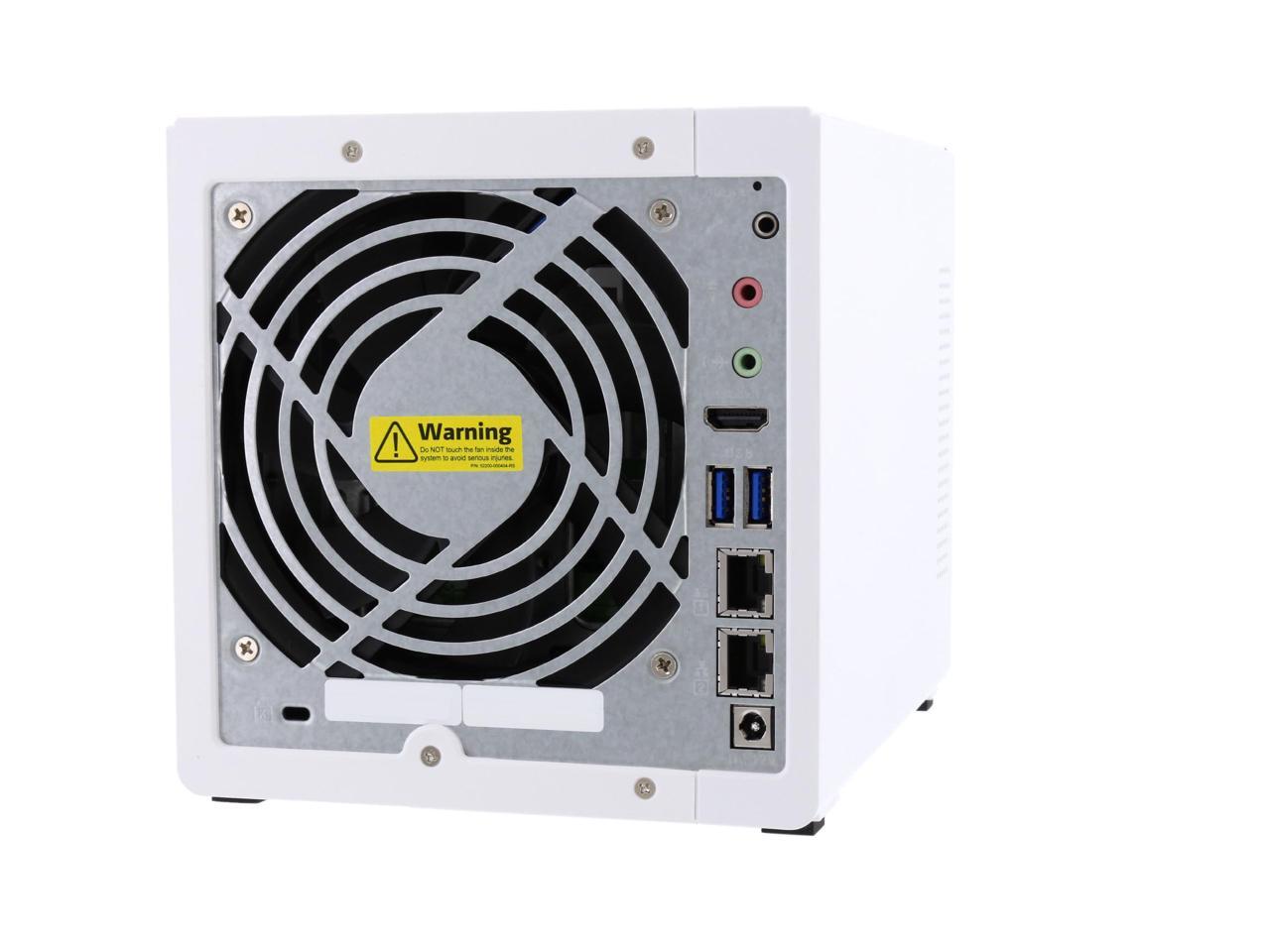
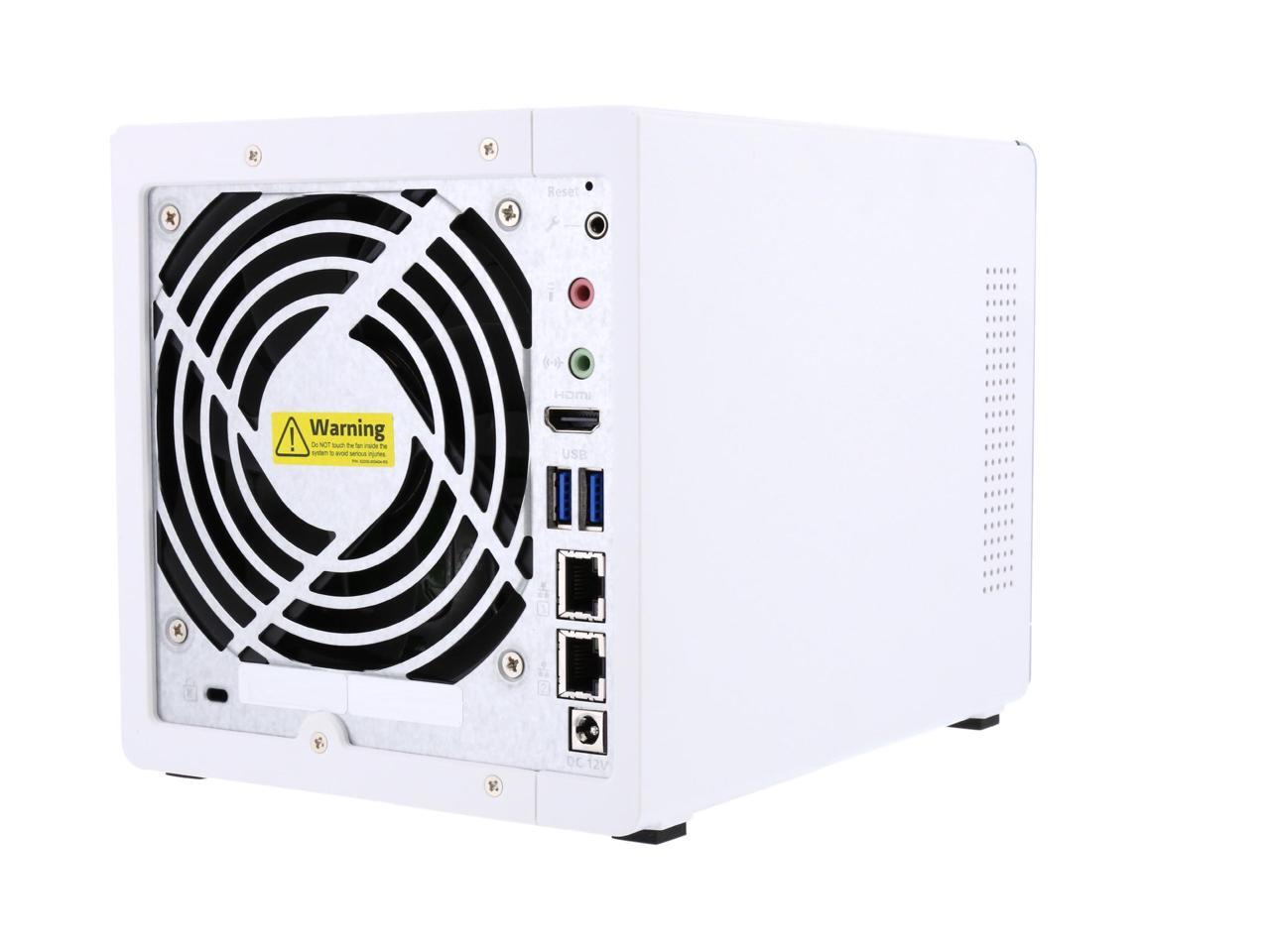
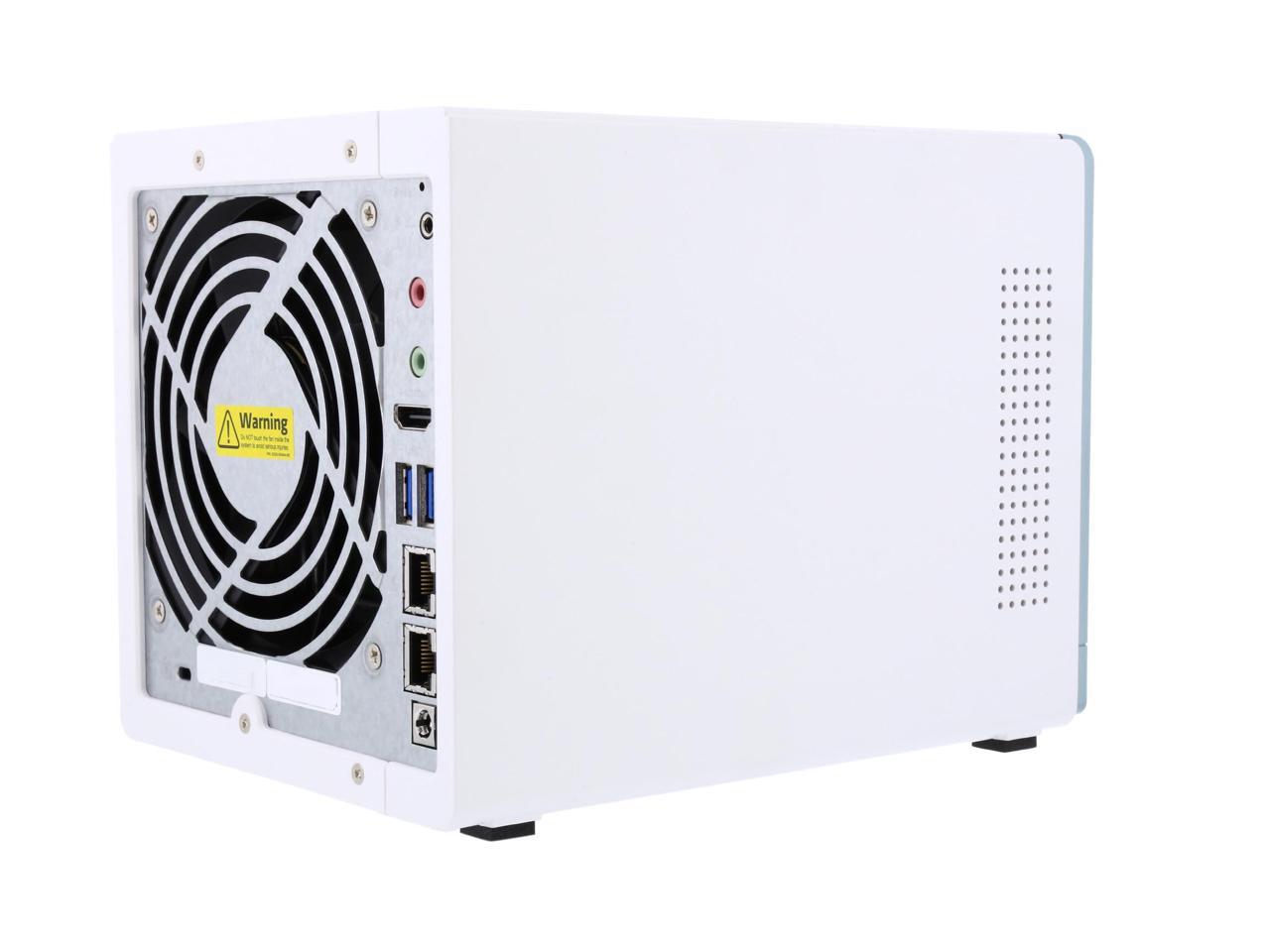
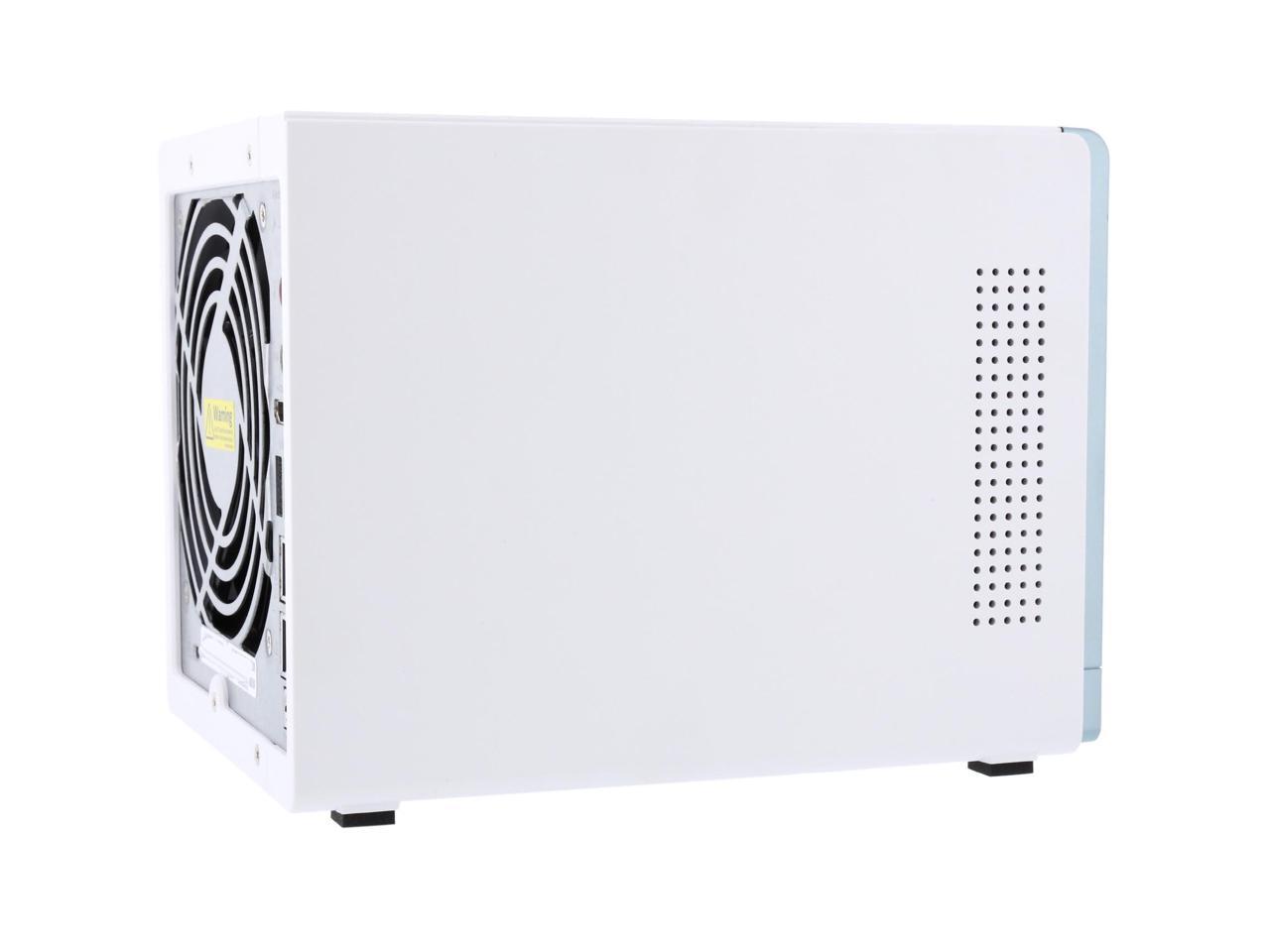
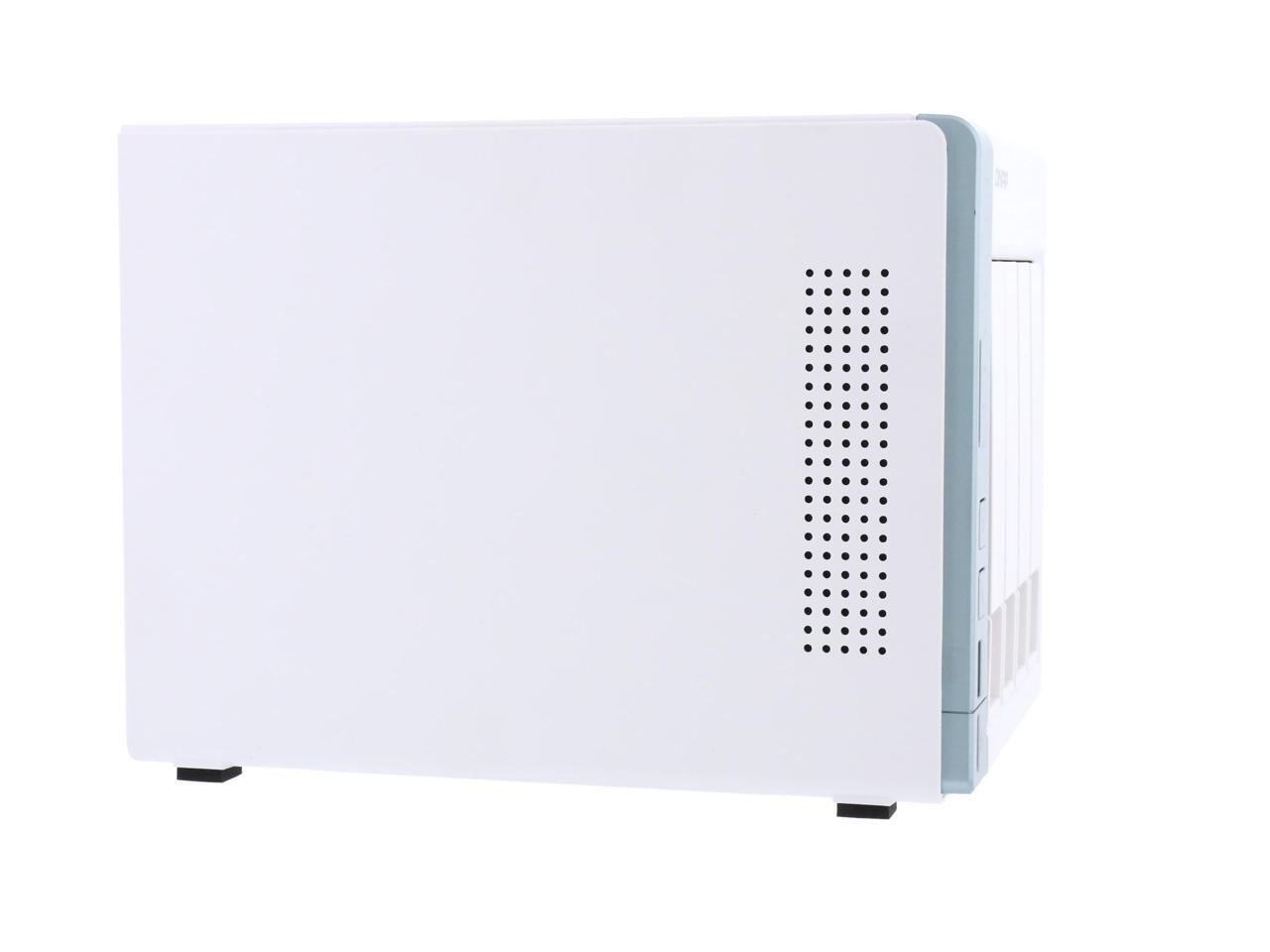
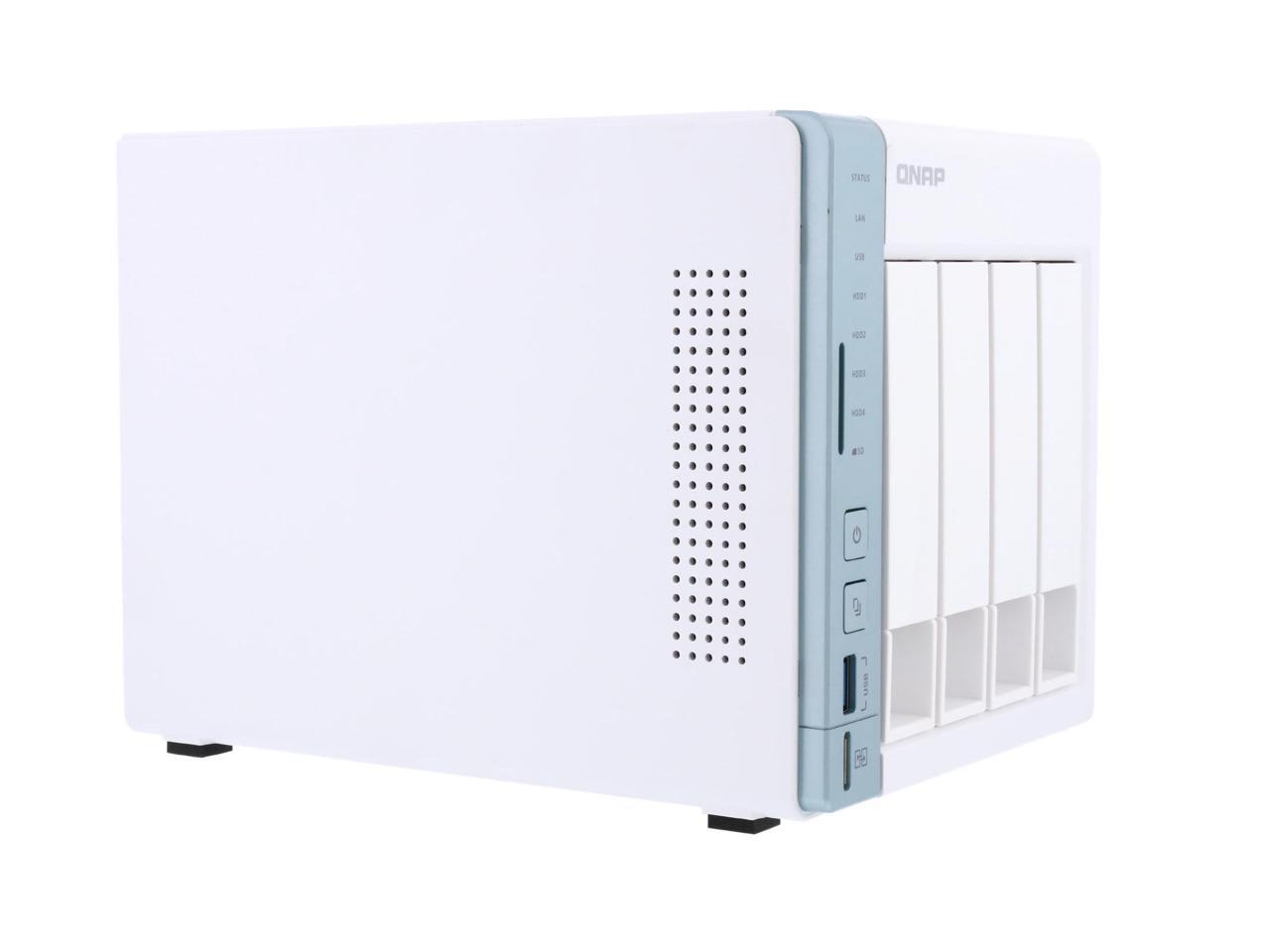
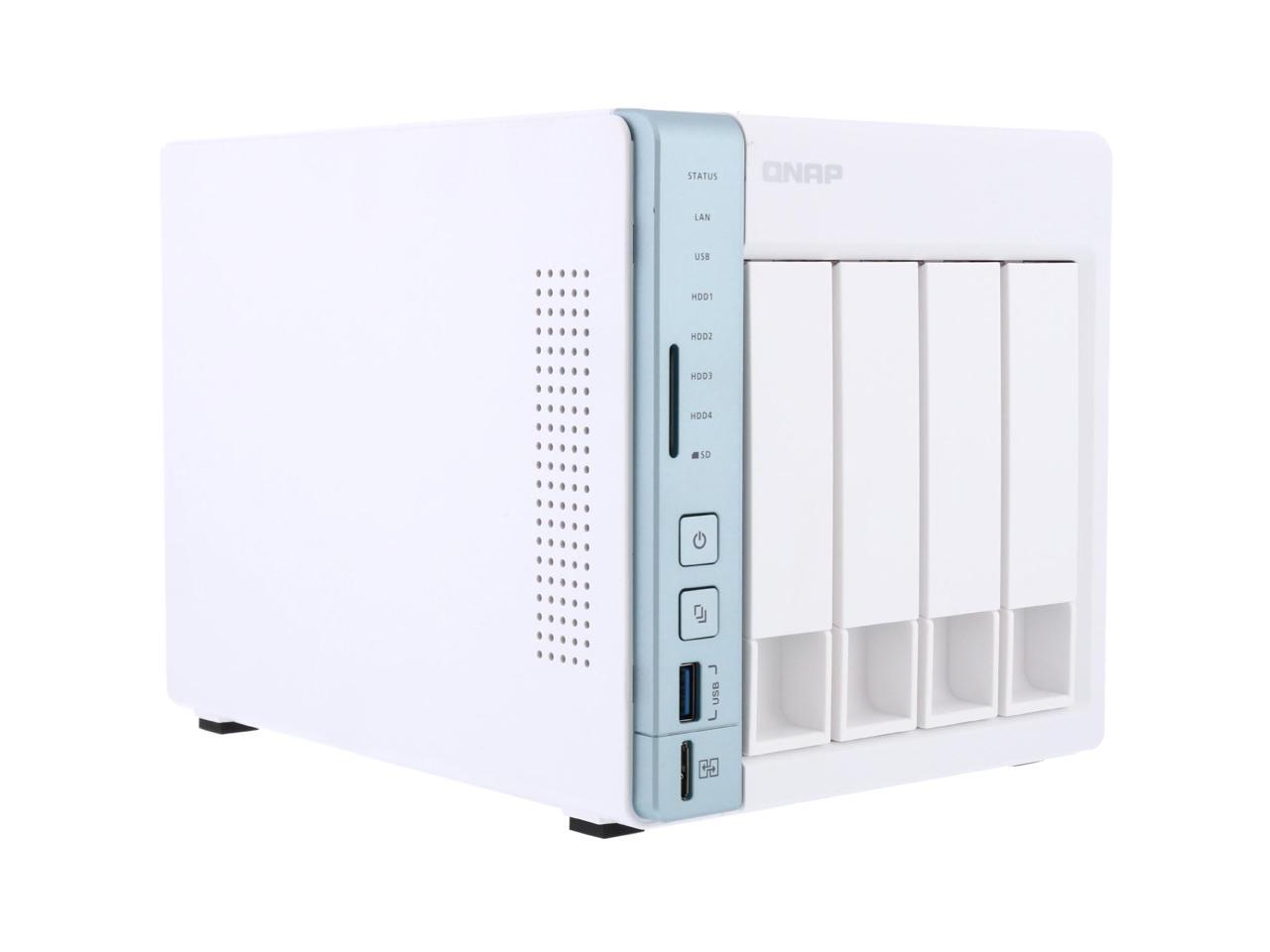
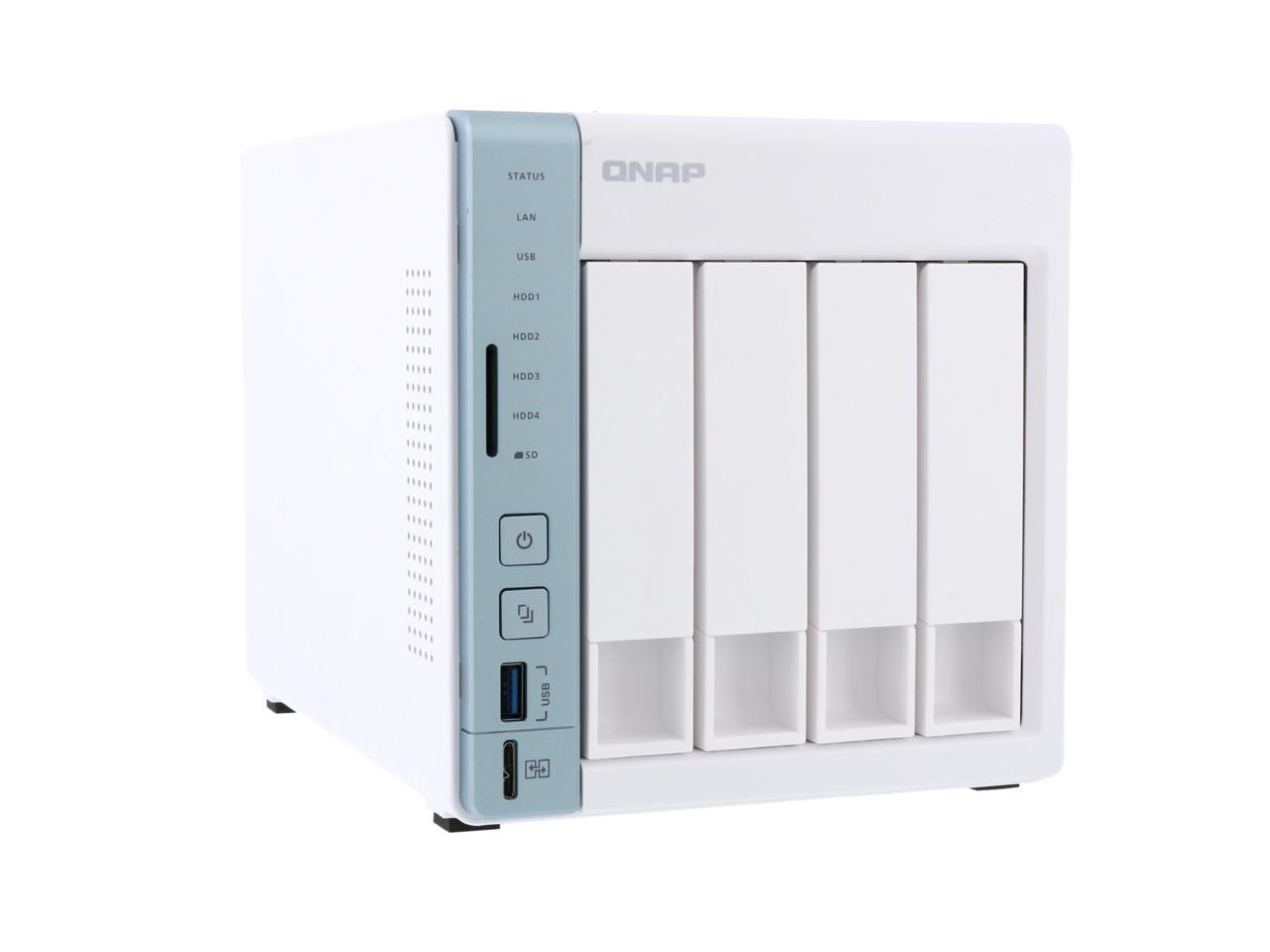
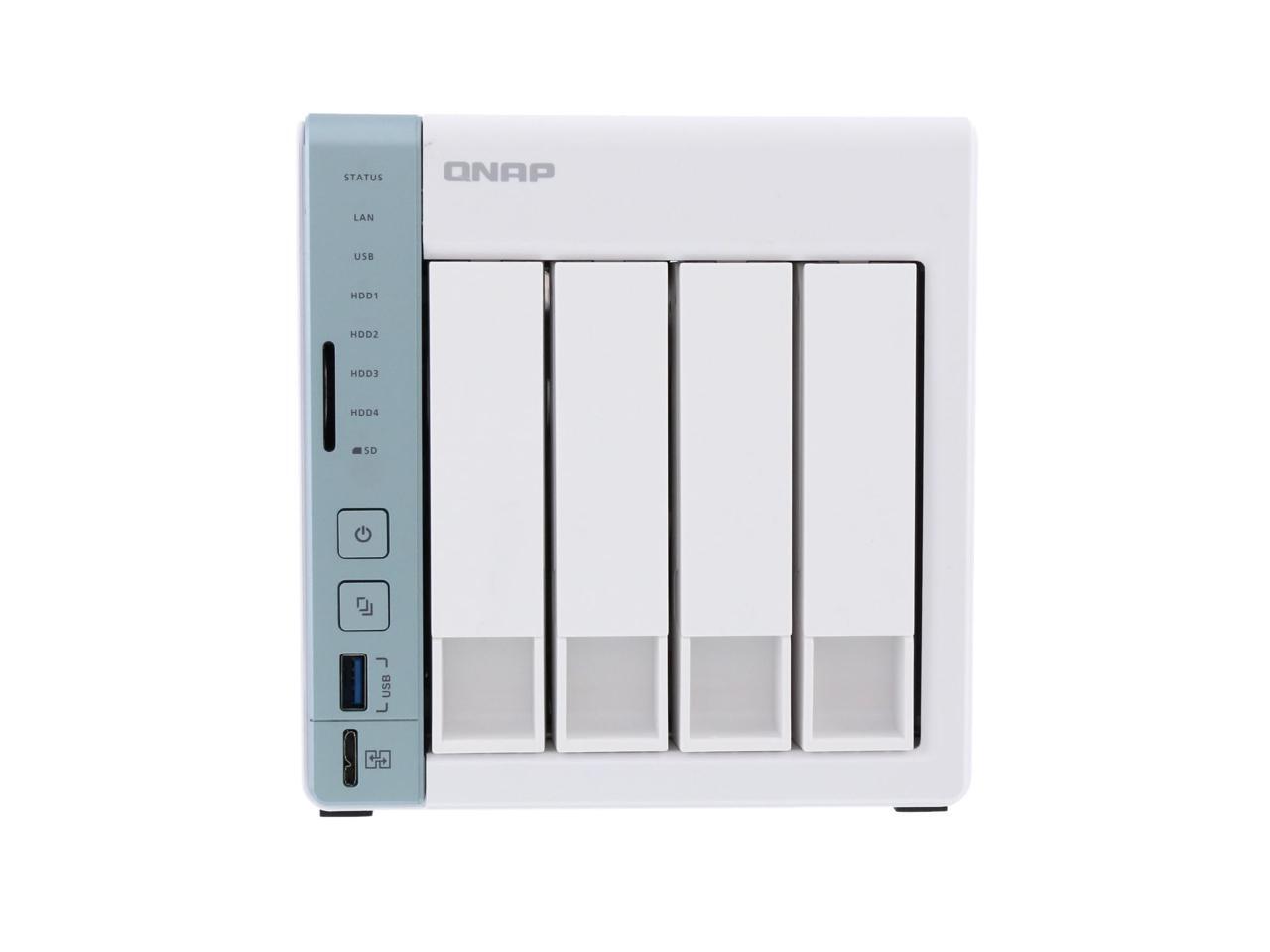
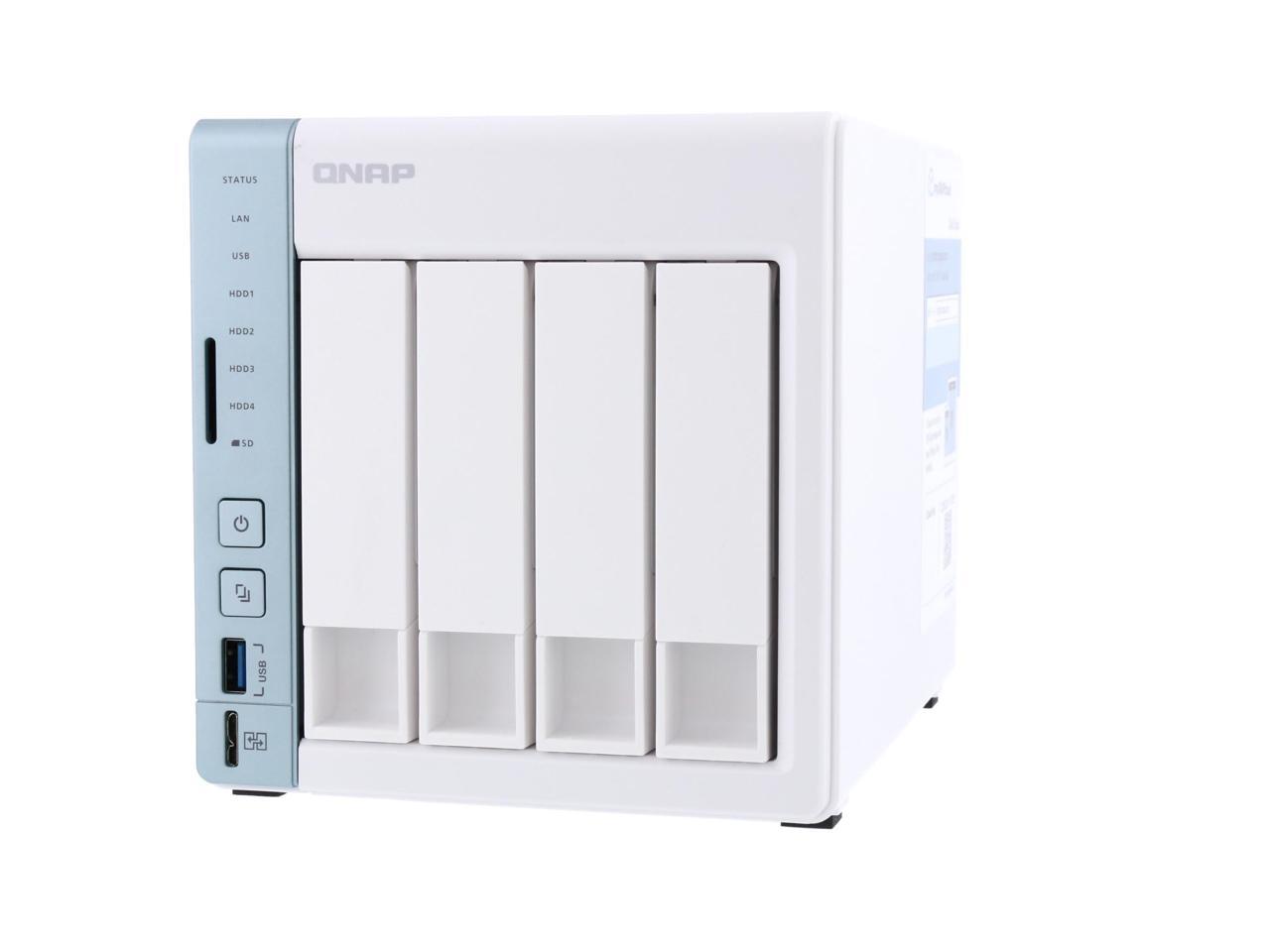
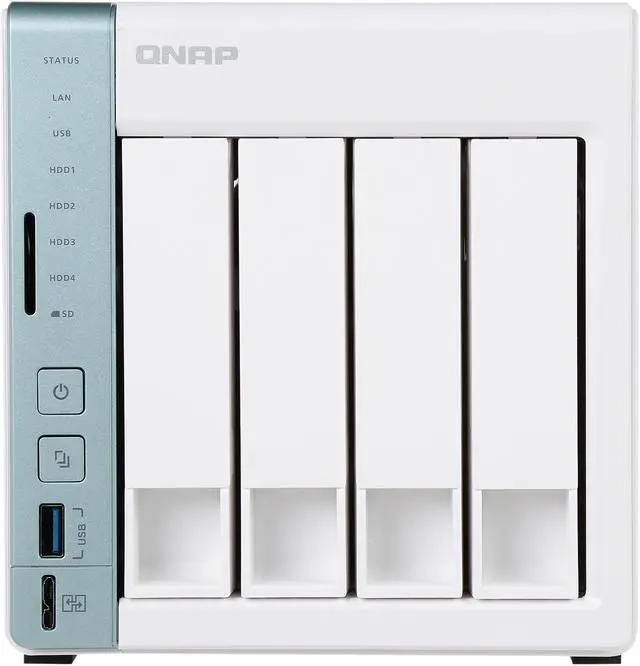
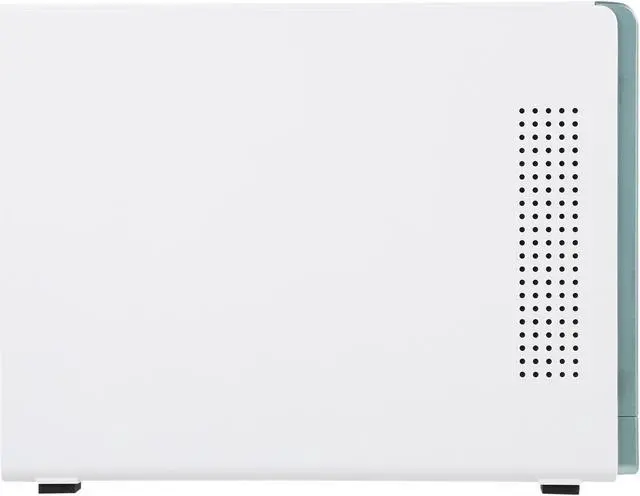
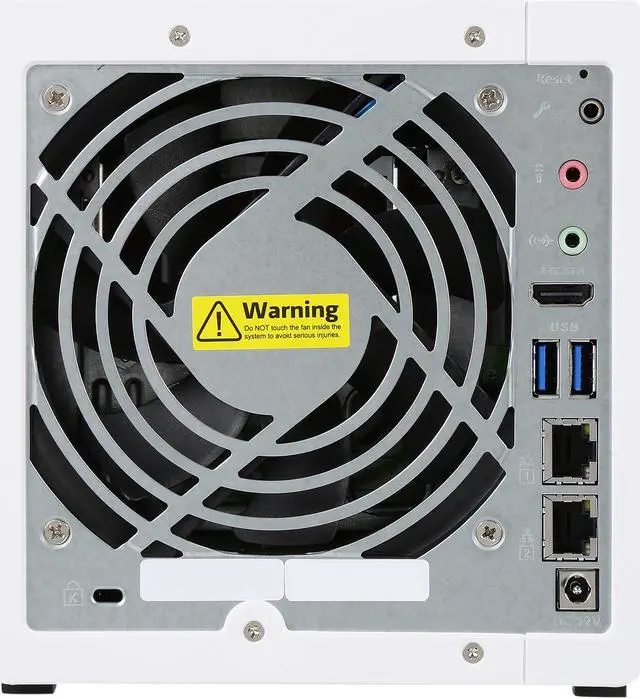


Dual-core NAS featuring direct file transfer and access via USB QuickAccess


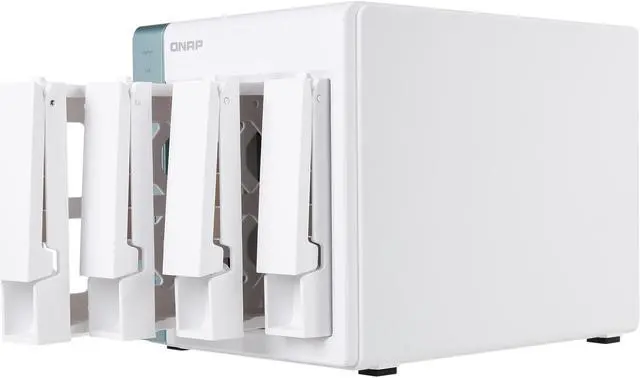
The QNAP TS-451A is a powerful, easy-to-use, feature-rich personal cloud NAS/ DAS, providing an ideal storage solution for data backup, file synchronization, remote access, and home entertainment.
- Excellent system performance, ideal for centralized management, file sharing and backup
- USB QuickAccess port for accessing files without needing a network connection
- Support for 4K hardware decoding and transcodes 4K H.264 videos on-the-fly or offline
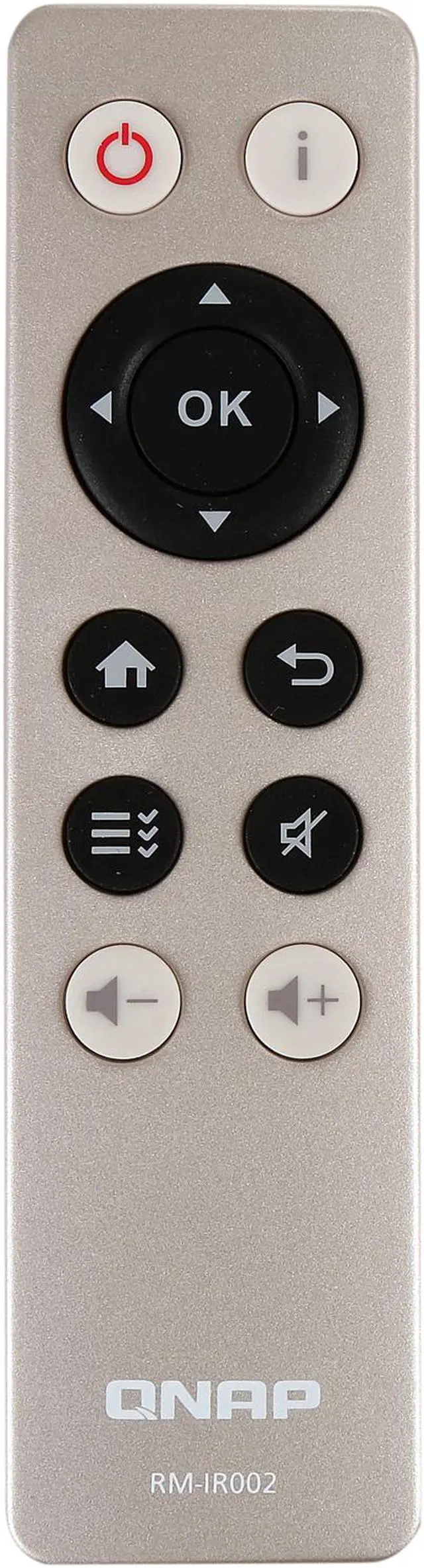
- Enjoy the best audio-visual experience with HDMI output and the free remote control.
- Build a personal karaoke system with OceanKTV.
- Linux Station supports Ubuntu with direct output via HDMI.
- A hybrid approach to virtualization: Virtualization Station & Container Station
- Support for Virtual JBOD (VJBOD) to maximize the storage utilization of multiple QNAP NAS units

The TS-451A is powered by an advanced 14nm Intel Celeron dual-core 1.6 GHz processor that features low TDP (only 6 watts) and can automatically burst up to 2.48 GHz. Coupled with dual-channel 2/4GB DDR3L-1600 dual-channel RAM (upgradable to 8GB), dual Gigabit LAN ports, and SATA 6Gb/s, the TS-451A can deliver up to 213.4 MBps throughput for optimizing mission-critical tasks while still being energy efficient. The TS-451A also features Intel AES-NI hardware-accelerated encryption to deliver up to 205.14 MBps throughput with AES-NI encryption for both full NAS volume and shared folders, boosting system performance & security while ensuring the safety of sensitive business data stored in the NAS.


Note: Tested in QNAP Labs. Figures may vary by environment.
The TS-451A features an innovative USB QuickAccess port that allows you to complete the first-time installation and setup of your TS-451A without requiring network connectivity. The files and data stored on the TS-451A can also be directly accessed by using Qfinder Pro* and a USB 3.0 A-Male to Micro B-Male cable or a USB 2.0 Micro B cable**. Furthermore, you can assign access rights to users for different folders to prevent unauthorized access to important files.
The TS-451A innovatively re-defines what NAS can do by providing a USB QuickAccess port for direct access, along with its native NAS transmission mode over the network allowing users to multi-task with maximized productivity.
* QfinderPro and USB QuickAccess support Windows 8.0 (and above) and Mac OS X 10.7(and above). Other versions may require driver installation.
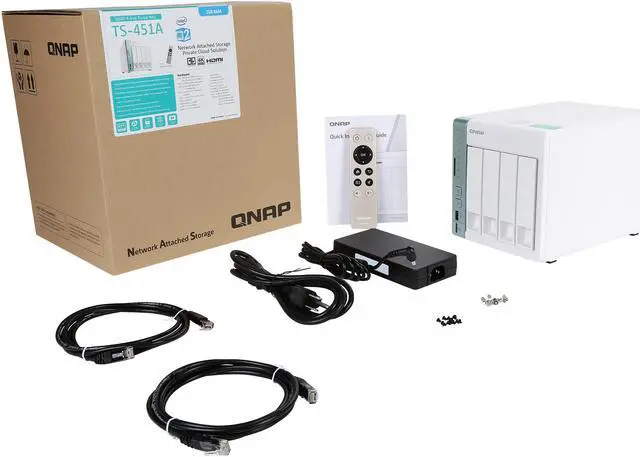
** A USB cable is not included.

Featuring advanced 8th-generation Intel HD Graphics, the TS-451A supports 4K H.264 hardware decoding and delivers superior real-time 4K and 1080p video transcoding to convert videos to universal formats that can be smoothly played on PCs, mobile devices and Smart TVs*. With offline transcoding, even when you can only connect using a low-speed Internet connection, you can still enjoy smooth video playback via File Station, Video Station, and the Qfile mobile app by selecting a pre-rendered lower resolution video. The TS-451A also allows you to set a dedicated folder for automatic video transcoding.
* Supported video formats depend on the hardware and software specifications of the devices. Playback capability and quality may vary due to factors including the original file formats/quality, hardware and software limitations, and output devices.

Use a TS-451A as a multi-zone multimedia system to fill every corner of your house with your choice of media. You can centrally manage and stream photos, music and videos stored on the TS-451A to HDMI, DLNA, Apple TV, Chromecast*, Roku, Amazon Fire TV or to the devices connected to the TS-451A (music streaming only) through Bluetooth & USB. With Plex Media Server, the TS-451A is transformed into a powerful streaming machine.
*To stream multimedia via Chromecast, you must first install the Multimedia Extension Pack from the QTS App Center.

Thanks to the intuitive user interface of QTS, your NAS experience is smarter, smoother and spectacular. Its modern flat design streamlines loading times, and the intelligent desktop allows you to find desired functions quickly, create desktop shortcuts or group shortcuts, monitor important system information on a real-time basis, and open multiple application windows to run multiple tasks concurrently, bringing greater working efficiency. QTS breaks the barriers of devices, platforms, and geography to bring optimized cloud experiences and incorporates advanced features including volume/LUN snapshots, remote connections to public cloud services in File Station, multi-zone multimedia system, and more.

Qsync turns your TS-451A into a safe, large-capacity data center for file synchronization. Any file uploaded to the TS-451A will be made available for all linked devices, such as computers, laptops or mobile devices. Qsync is especially useful for frequent travelers to manage files and always have the most up-to-date files on different devices. Qsync provides multiple ways of file synchronization and group file sharing, greatly enhancing the flexibility of team projects and collaboration. It also supports centralized configuration, and allows you to remotely erase the Qsync folder on a lost device to avoid data breaches, and even restore it after you have retrieved the device.


The TS-451A supports SMB/CIFS, NFS, and AFP protocols for file sharing across Windows, Mac, Linux/UNIX networks. Data, logs and ISO images of CDs and DVDs can be centrally stored on the TS-451A and protected by an integrated antivirus solution. The Windows AD and LDAP services enable system administrators to configure user permissions by using an existing Windows AD server, LDAP server or the built-in LDAP service.
Hybrid Backup Sync consolidates backup, restoration and synchronization functions into a single QTS application for you to easily transfer your data to local or remote QNAP NAS, to remote servers and to cloud storage spaces as a comprehensive data storage and disaster recovery plan. You can synchronize files between the TS-451A and cloud storage in real time - including Amazon Drive, Google Drive, Dropbox, Microsoft OneDrive, Yandex Disk, and Box, and back up files to Amazon S3, Amazon Glacier, Microsoft Azure, Google Cloud Storage, OpenStack Swift and WebDAV cloud services. Hybrid Backup Sync can detect sparse files to avoid backing up unnecessary data, and supports file compression to save storage space. There are flexible settings for concurrent file processing and multi-threaded data transfer by splitting large files into smaller parts, greatly increasing the file transfer rate for greater work efficiency.

QTS Storage Manager features an easy-to-use web-based snapshot tool to easily backup and restore data on the TS-451A back to any point of time in the event of data loss. You can take snapshots for volumes and LUN (up to 64 snapshots per volume/LUN and maximum 256 snapshots per NAS), efficiently replicate volume/LUN snapshots via Snapshot Replica to remote servers by copying only the changes made, and quickly clone a volume /LUN snapshot as a local volume without interrupting current system operations. You can even set up the system to automatically take a snapshot of the volume before backup via RTRR/rsync, even if files are opened.

The TS-451A supports Qsirch, a proprietary search engine for quick file searching. In addition to previewing thumbnails, content abstract and keyword hints, Qsirch allows you to search through all of the .eml files stored on the TS-451A and use customized search criteria such as date, size, sender and recipient. Qsirch even remembers your search history allowing you to quickly navigate to files you've previously searched for. You can also use the Google Chrome extension - Qsirch Helper - to search for files on your NAS when using Google Search. Qsirch is a huge productivity boost that greatly reduces the time spent looking for files on the NAS, allowing you to focus on other tasks.


QmailAgent is an online email client that helps you manage multiple email accounts, allowing you to access all of your emails and to easily switch between different accounts. It provides complete functionality for composing, reading and organizing emails. You can even attach files, photos and documents from the TS-451A when composing emails. QmailAgent also allows iOS and Android users to quickly check multiple email accounts with mobile devices, and to browse & send emails using the QmailAgent on their TS-451A. You can also use QmailAgent together with Qsirch, which supports powerful email search functions to search through all of the .eml files stored on the TS-451A to make managing and searching through massive quantities of emails much easier.
The TS-451A’s QTS-Linux dual systems are based on QNAP’s advanced virtualization technologies. The revolutionary architecture of the TS-451A enables users to not only to enjoy the extraordinary QTS operating system and download rich apps from QTS App Center but also to develop or utilize IoT packages for Linux. The TS-451A supports Ubuntu and allows users to develop and install various IoT packages on demand and centrally store the data on the TS-451A, providing a secure private storage and IoT development solution. Simply plug in a keyboard, mouse and HDMI monitor to the TS-451A, and use the Linux Station as if you were using a PC*. You can also operate Ubuntu in Linux Station as a remote desktop via web browser for instant management**.
* The remote desktop function does not support remote audio output.
** Linux Station supports both Ubuntu versions 14.04 and 16.04 for users to choose from. Linux Station requires a minimum 4GB RAM.

Virtualization Station allows you to host virtual machines (VM) on the TS-451A and access them via a web browser or VNC. Virtualization Station supports multiple operating systems, fast VM creation, VM backup & restoration, VM import/export, snapshot, and Device Management for centrally managing VM. Virtualization Station allows the TS-451A and VMs to share the same LAN port. No longer constrained by physical network performance, high-speed Virtual Switches greatly increases data transfer between VMs as well as between VMs and NAS through the internal interface. You can also download VMs on demand from online VM markets and import them to the TS-451A without any complex procedures.
The TS-451A also features the game-changing container technology for server virtualization with Container Station. It exclusively integrates LXC and Docker lightweight virtualization technologies, allowing you to operate multiple isolated Linux systems on the TS-451A as well as download apps from the built-in Docker Hub Registry. Container Station now also provides the QIoT Containers platform to help you quickly structure your IoT environment and deployment in your private cloud.

Surveillance Station is a professional network surveillance Video Management System (VMS) that offers a user-friendly management interface, over 3,000 compatible IP camera models, and expandable IP camera channel licenses. It supports real-time monitoring, video & audio recording and playback with a wide range of customizable settings. You can also install the Vmobile app on your iOS or Android devices to manage monitored channels anytime and anywhere to safeguard your office environment, or install the Vcam mobile app to turn your device into a network camera to instantly record to your TS-451A. The TS-451A includes 2 free IP camera channels and you can expand up to 32 channels by purchasing additional licenses.

Besides using physical storage expansion enclosures, there is an additional option to expand NAS storage capacity. QNAP VJBOD (Virtual JBOD) is network-based JBOD that allows you to expand the storage of a QNAP NAS by using unused storage from other QNAP NAS units. You can mount this storage space to the TS-451A as virtual disks and create virtual storage pools and volumes for NAS functions such as creating and reverting snapshots, indexing multimedia files into the media library, and even creating iSCSI LUNs. VJBOD supports 10GbE/40GbE connections and port trunking (link aggregation with multiple LAN ports) that increase the performance and reliability of your VJBOD storage.
* Remote QNAP NAS must support iSCSI and Storage Pools and use QTS 4.2.1 (or newer). Up to 8 remote NAS units can be mounted.

The TS-451A supports online capacity expansion for archiving rapidly-growing data by connecting a QNAP expansion enclosure. With the QNAP scale-up solution, the raw storage capacity can be expanded on demand, making the TS-451A an ideal file center with large storage capacity, especially useful for data-intensive applications.
With the support of QJBOD Express (JBOD enclosures roaming)*, you can just connect a large capacity QNAP expansion enclosure to the TS-451A, and migrate data to another NAS through the JBOD enclosure without needing a network connection.
The maximum number of drives available by connecting QNAP expansion enclosures:
*RAID groups of storage pools cannot cross multiple enclosures.

If you encounter technical problems or have suggestions for improving QNAP’s products you can directly contact their support staff using the Helpdesk app. This app allows you to directly send feedback, questions, and technical support requests to their support team. Helpdesk features remote support, allowing their support team to help you quickly resolve issues by remotely connecting to your NAS over a secure 256-bit SSL encrypted connection. Helpdesk also provides a range of online resources, including online tutorials, frequently-asked questions, compatibility lists and the QNAP Helpdesk Knowledgebase. Whether you are a new or experienced NAS user, you can quickly find answers to your questions by browsing through these resources.
Note: Response times may vary depending on your location, time zones, and local holidays.

OceanKTV is the first NAS-based karaoke application and allows you to create a quality karaoke experience at home or in the office. The TS-451A offers high-capacity storage for accommodating up to thousands of 1080p karaoke songs. The TS-451A comes with a 3.5 mm microphone jack and can transmit audio to your amplifier using HDMI or the 3.5 mm Line out port. Simply attach an HDMI display to the TS-451A and start singing with OceanKTV. The experience can be managed using the OceanKTV app in QTS or by using the OceanKTV mobile app on your phone or tablet. More than a NAS, the TS-451A is a karaoke machine for singing entertainment. Enjoy alone or with your friends!
Note: The NAS must have at least 4GB RAM to run OceanKTV.

The TS-451A supports various applications for home offices as an all-in-one Turbo NAS with cost-efficiency.

The Turbo NAS supports Web server which allows numerous websites built on the same server conveniently. Administrators can manage up to 32 websites on the single one Turbo NAS for reduced IT costs.

The Turbo NAS supports Web server which allows numerous websites built on the same server conveniently. Administrators can manage up to 32 websites on the single one Turbo NAS for reduced IT costs.

The Turbo NAS supports RADIUS server which provides centralized authorization management for computers to connect and use a network service.

QTS also supports VPN Client for PPTP and OpenVPN to protect your privacy during data transmission.

The Turbo NAS supports Printer server to send remote printing request over the Internet (max. 3 USB printers), and supports IPP (Internet Printing Protocol), Samba, print job management and Bonjour printing for Mac OS X.

The Turbo NAS supports Surveillance Station to connect and manage multiple IP cameras remotely, including real-time monitoring, video recording, playback, and event notifications.