
Your Browsing History




ZALMAN CNPS9700 LED 110mm 2 Ball CPU Cooler
- 1250-2800 RPM
- 19.5-35 dBA
- Copper
Overview
Specs
Reviews (2,312)
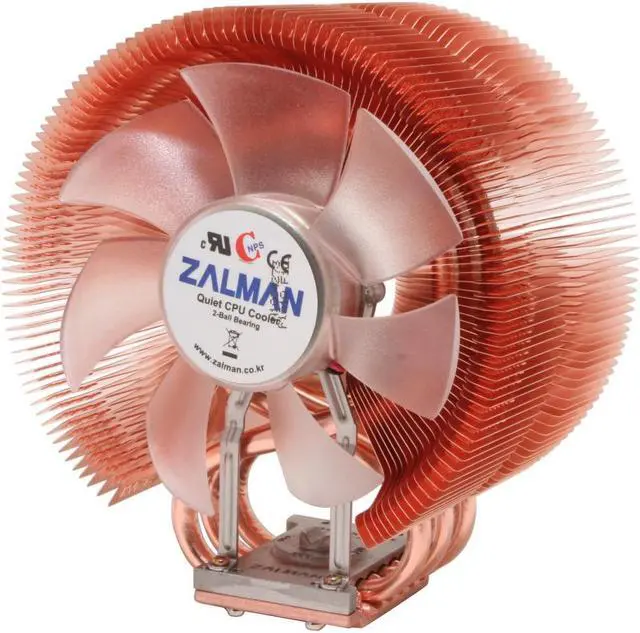
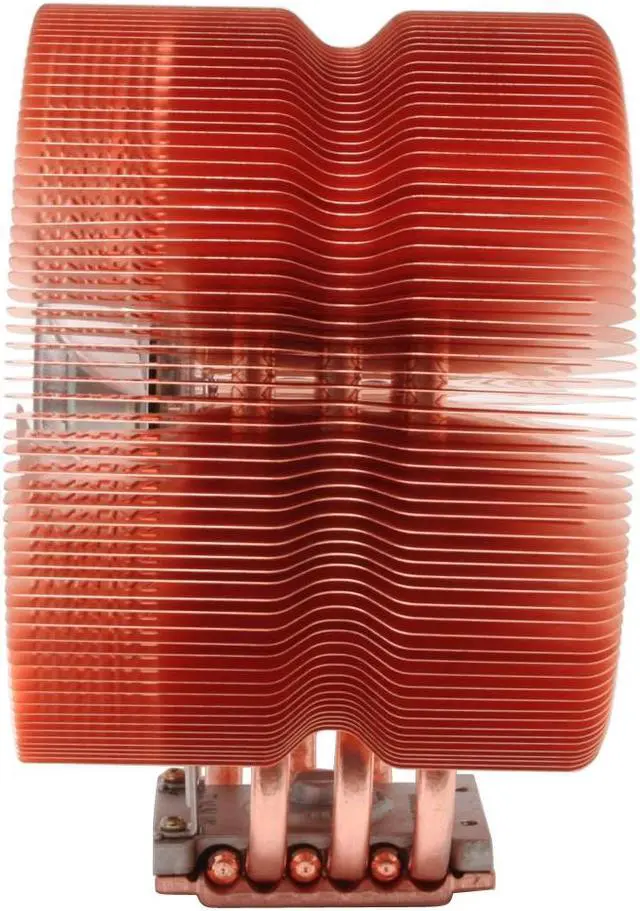
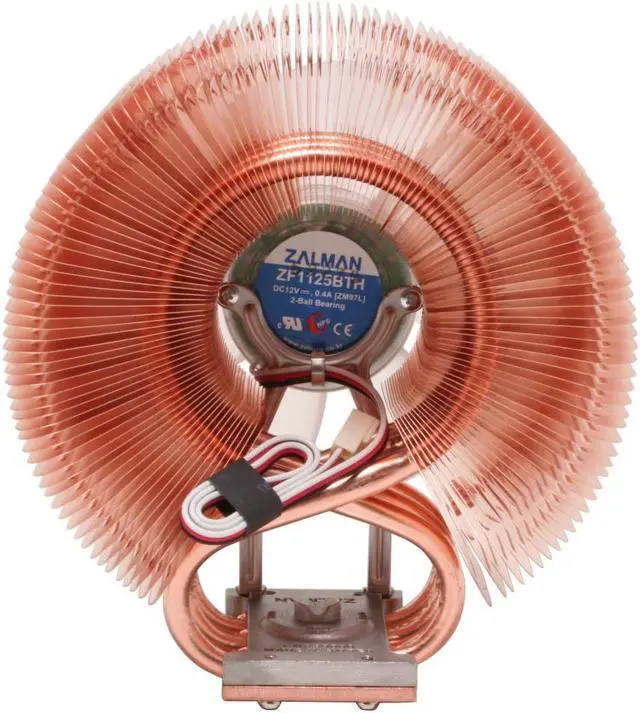
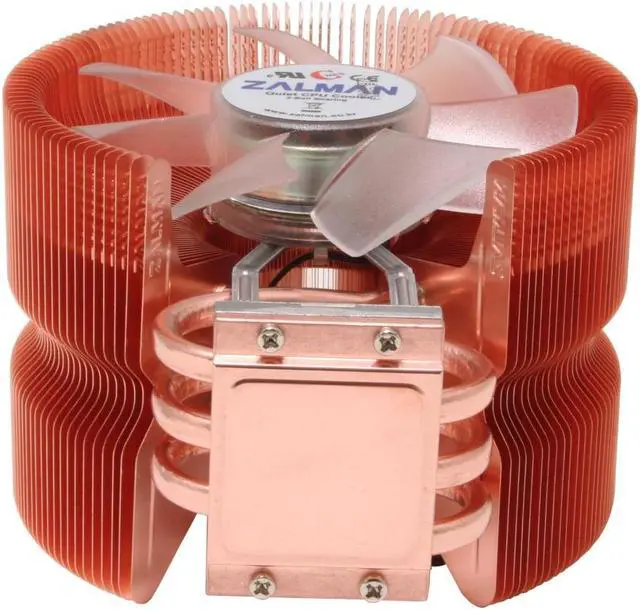
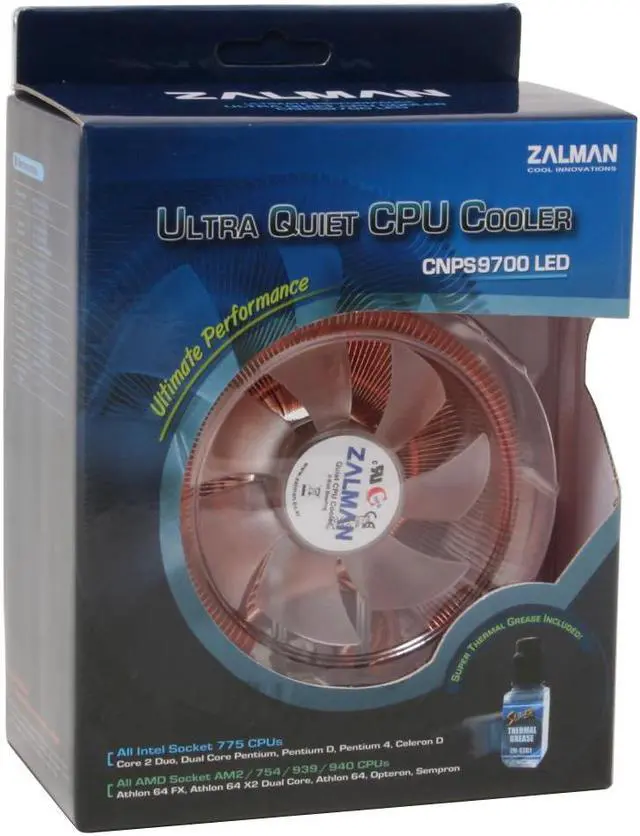
The Zalman 9700 CPU cooler offers high-performance cooling in a unique design. The heatsink and fin assembly are made from 100 percent copper for improved heat dissipation. The base is built of both copper and aluminum, keeping the overall weight of the unit down while providing optimal heat transfer to the triple set of copper pipes. The curved heat-pipe design allows them to draw twice the amount of heat away from the processor.
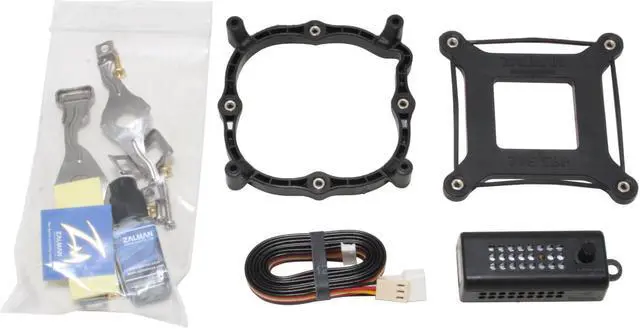
At the center of the aerodynamically optimized tunnel created by the fins is a 110mm, blue LED fan. Included is the company's Fan Mate 2 fan-speed controller. In Silent mode the fan spins at 1,250rpm and creates 19dBA of noise, but when you need extra cooling for demanding tasks you can shift it up to 2,800rpm to quickly force heat away from your CPU and other system components.
The 9700 is compatible with both Intel's LGA 775/1155/1156 and AMD’s Socket AM3/AM2+/AM2/754/939/940 platforms. All the clips and backplates are included so there's nothing else to buy to get the unit attached to your motherboard in minutes. A tube of Zalman's own thermal grease is bundled in as well.
The Zalman 9700 CPU cooler offers high-performance cooling in a unique design. The heatsink and fin assembly are made from 100 percent copper for improved heat dissipation. The base is built of both copper and aluminum, keeping the overall weight of the unit down while providing optimal heat transfer to the triple set of copper pipes. The curved heat-pipe design allows them to draw twice the amount of heat away from the processor.
At the center of the aerodynamically optimized tunnel created by the fins is a 110mm, blue LED fan. Included is the company's Fan Mate 2 fan-speed controller. In Silent mode the fan spins at 1,250rpm and creates 19dBA of noise, but when you need extra cooling for demanding tasks you can shift it up to 2,800rpm to quickly force heat away from your CPU and other system components.
The 9700 is compatible with both Intel's LGA 775/1155/1156 and AMD’s Socket AM3/AM2+/AM2/754/939/940 platforms. All the clips and backplates are included so there's nothing else to buy to get the unit attached to your motherboard in minutes. A tube of Zalman's own thermal grease is bundled in as well.
At the center of the aerodynamically optimized tunnel created by the fins is a 110mm, blue LED fan. Included is the company's Fan Mate 2 fan-speed controller. In Silent mode the fan spins at 1,250rpm and creates 19dBA of noise, but when you need extra cooling for demanding tasks you can shift it up to 2,800rpm to quickly force heat away from your CPU and other system components.
The 9700 is compatible with both Intel's LGA 775/1155/1156 and AMD’s Socket AM3/AM2+/AM2/754/939/940 platforms. All the clips and backplates are included so there's nothing else to buy to get the unit attached to your motherboard in minutes. A tube of Zalman's own thermal grease is bundled in as well.
 Unique Heatpipe DesignThree innovative and curved heatpipes provide a heat transfer capacity matching that of six heatpipes designs for maximum performance.
 Aerodynamically Optimized Heatsink Layout and Ultra-Slim FinsA 100% copper heatsink with an aerodynamically optimized "tunnel" design and 0.2mm ultra-slim fins maximize heatsink efficiency with minimal weight and smoother airflow for optimum cooling.
 Adjustable Fan Speed ControllerThe bundled adjustable fan speed controller (Fan Mate 2) enables manual fan speed adjustment ranging from 1,250rpm to 2,800rpm and provides a silent mode and low-noise mode for an optimum balance between silence and performance.
 Blue LED LightingThe ultra-quiet 110mm fan produces brilliant illumination during operation for eye-catching fun.
 Universal Socket CompatibilityAs an all-in-one solution for PC systems, the ZALMAN CNPS9700 LED features broad compatibility with all AMD Socket AM3/AM2+/AM2/754/939/940 and Intel LGA 775/1155/1156 platforms.
 Unique Heatpipe DesignThree innovative and curved heatpipes provide a heat transfer capacity matching that of six heatpipes designs for maximum performance.
 Aerodynamically Optimized Heatsink Layout and Ultra-Slim FinsA 100% copper heatsink with an aerodynamically optimized "tunnel" design and 0.2mm ultra-slim fins maximize heatsink efficiency with minimal weight and smoother airflow for optimum cooling.
 Adjustable Fan Speed ControllerThe bundled adjustable fan speed controller (Fan Mate 2) enables manual fan speed adjustment ranging from 1,250rpm to 2,800rpm and provides a silent mode and low-noise mode for an optimum balance between silence and performance.
 Blue LED LightingThe ultra-quiet 110mm fan produces brilliant illumination during operation for eye-catching fun.
 Universal Socket CompatibilityAs an all-in-one solution for PC systems, the ZALMAN CNPS9700 LED features broad compatibility with all AMD Socket AM3/AM2+/AM2/754/939/940 and Intel LGA 775/1155/1156 platforms.
Warranty & Returns
Warranty, Returns, And Additional Information
Warranty
- Limited Warranty period (parts): 1 year
- Limited Warranty period (labor): 1 year
- Read full details
Return Policies
- Return for refund within: 30 days
- Return for replacement within: 30 days
- This item is covered by Newegg.ca's Standard Return Policy.
- Read full return policy for details.
Manufacturer Contact Info
- Manufacturer Product Page
- Manufacturer Website
- Support Phone: 1-714-530-0700
- Support Email: [email protected]
- Support Website
- View other products from Zalman
LOADING...
LOADING...