Skip to: |

Newegg.ca - A great place to buy computers, computer parts, electronics, software, accessories, and DVDs online. With great prices, fast shipping, and top-rated customer service - once you know, you Newegg.

If you are reading this message, Please click this link to reload this page.(Do not use your browser's "Refresh" button). Please email us if you're running the latest version of your browser and you still see this message.

Newegg.ca - Computer Parts, Laptops, Electronics, HDTVs, Digital Cameras and More!

  • | Wish List
  • Help
Home
Home > 
Computer Hardware > 
Hard Drives > 
External Hard Drives > 
Toshiba > 
Item#: N82E16822149389

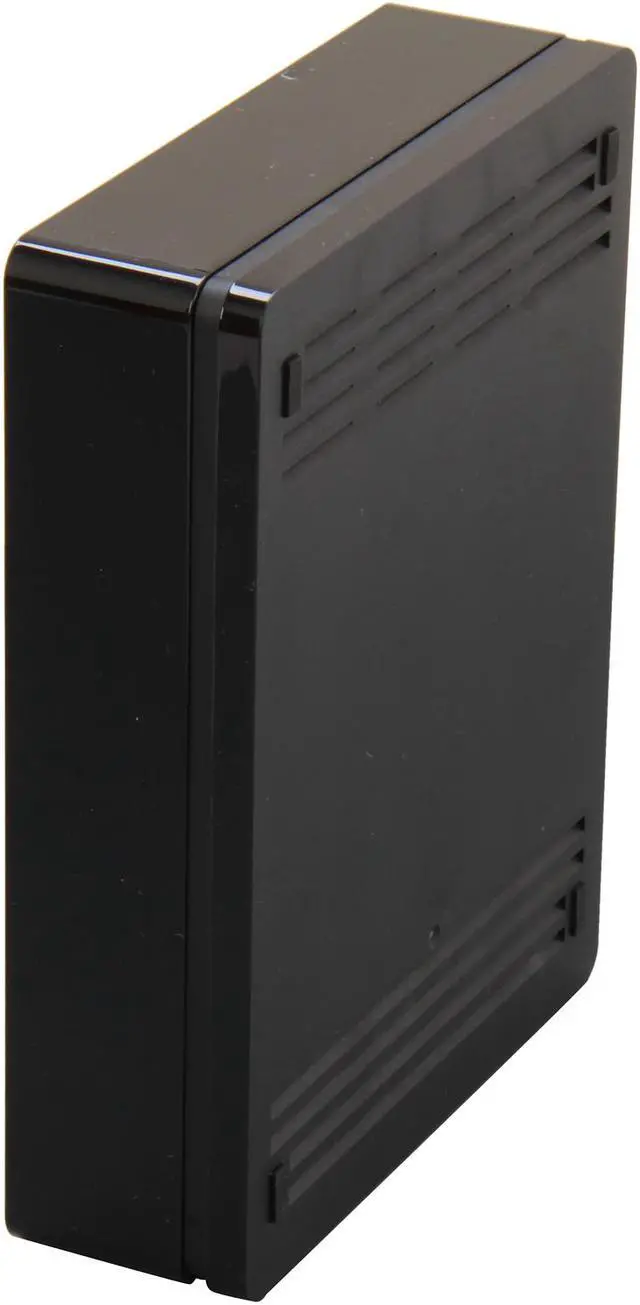
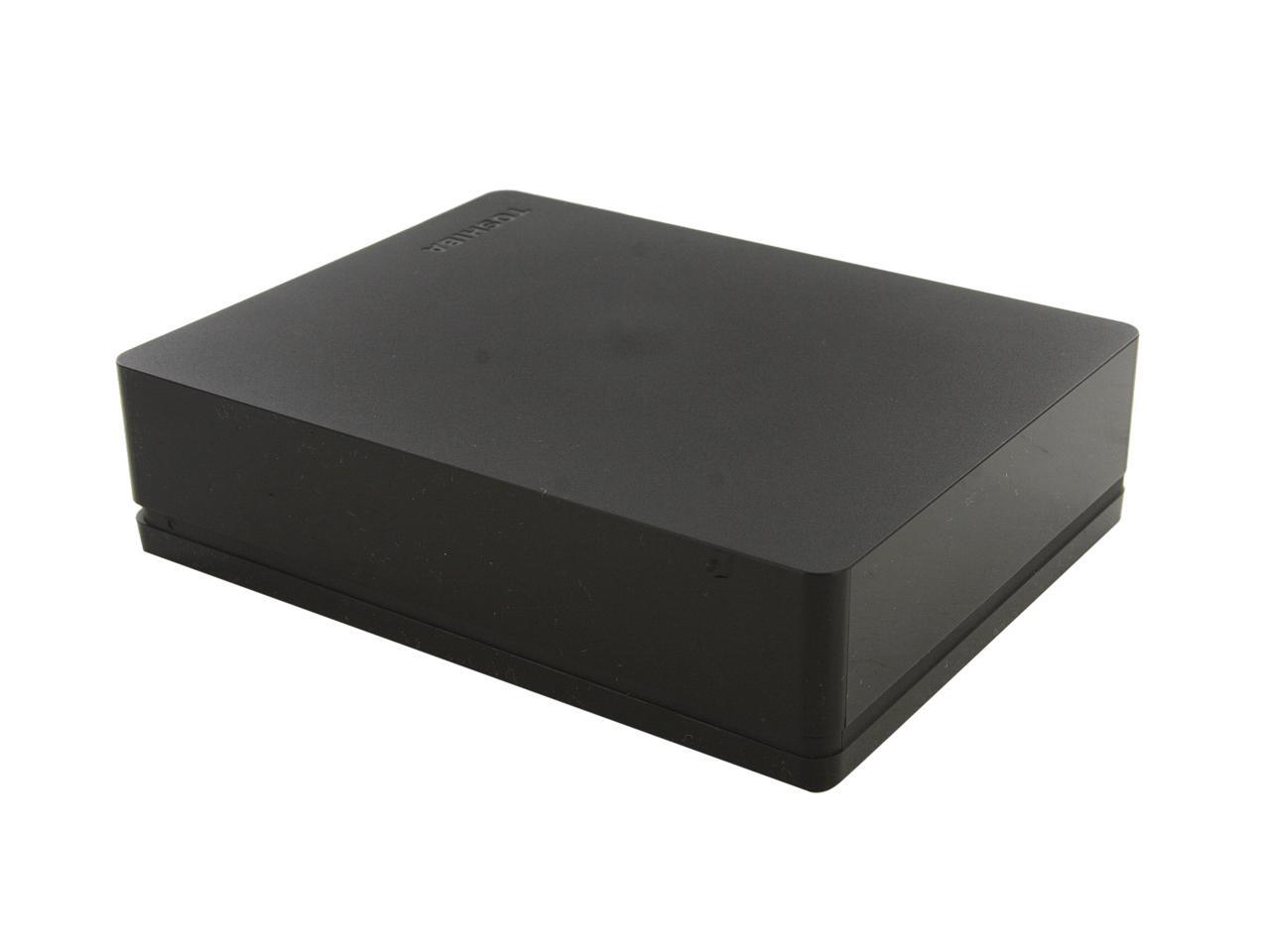
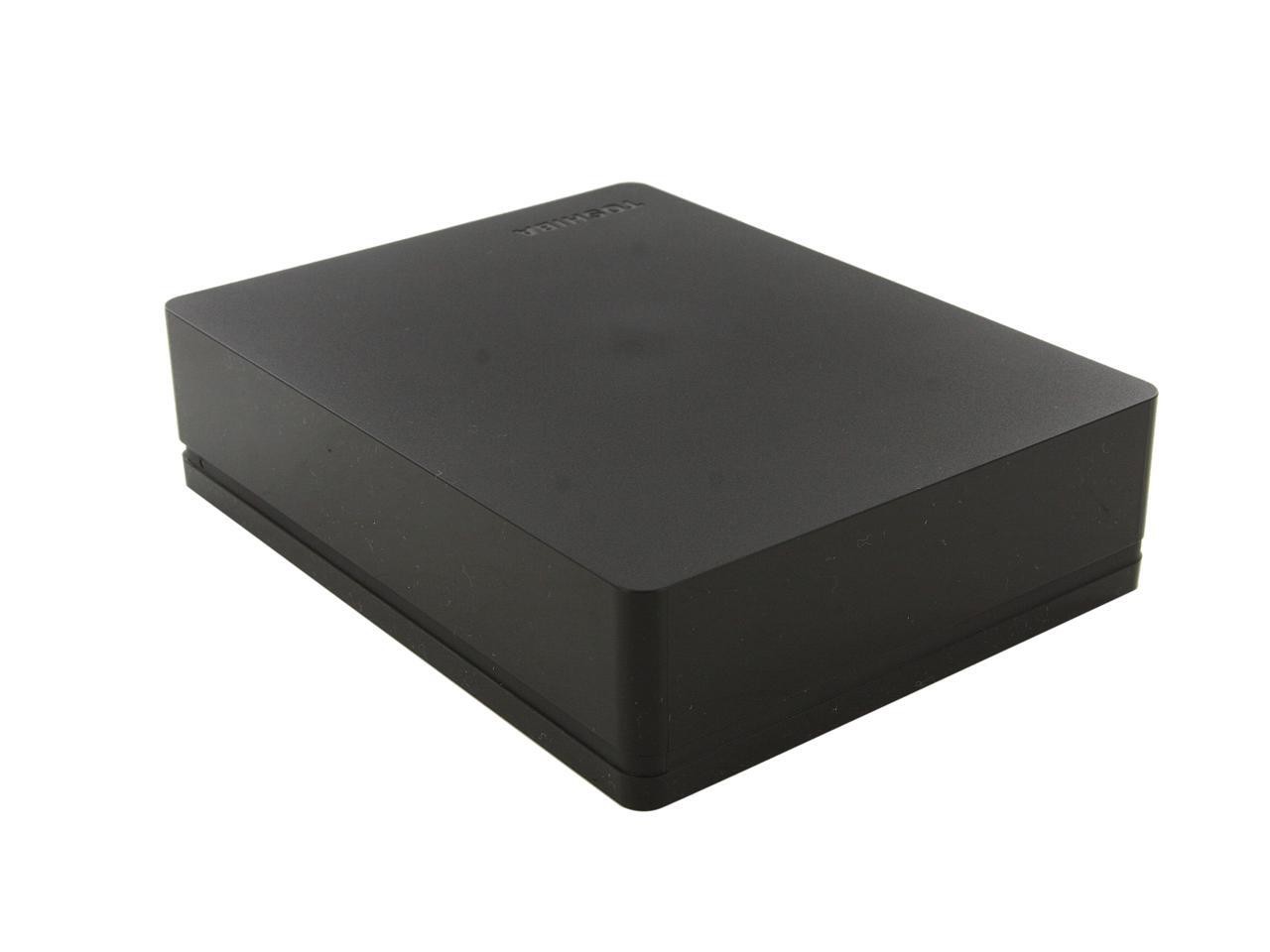
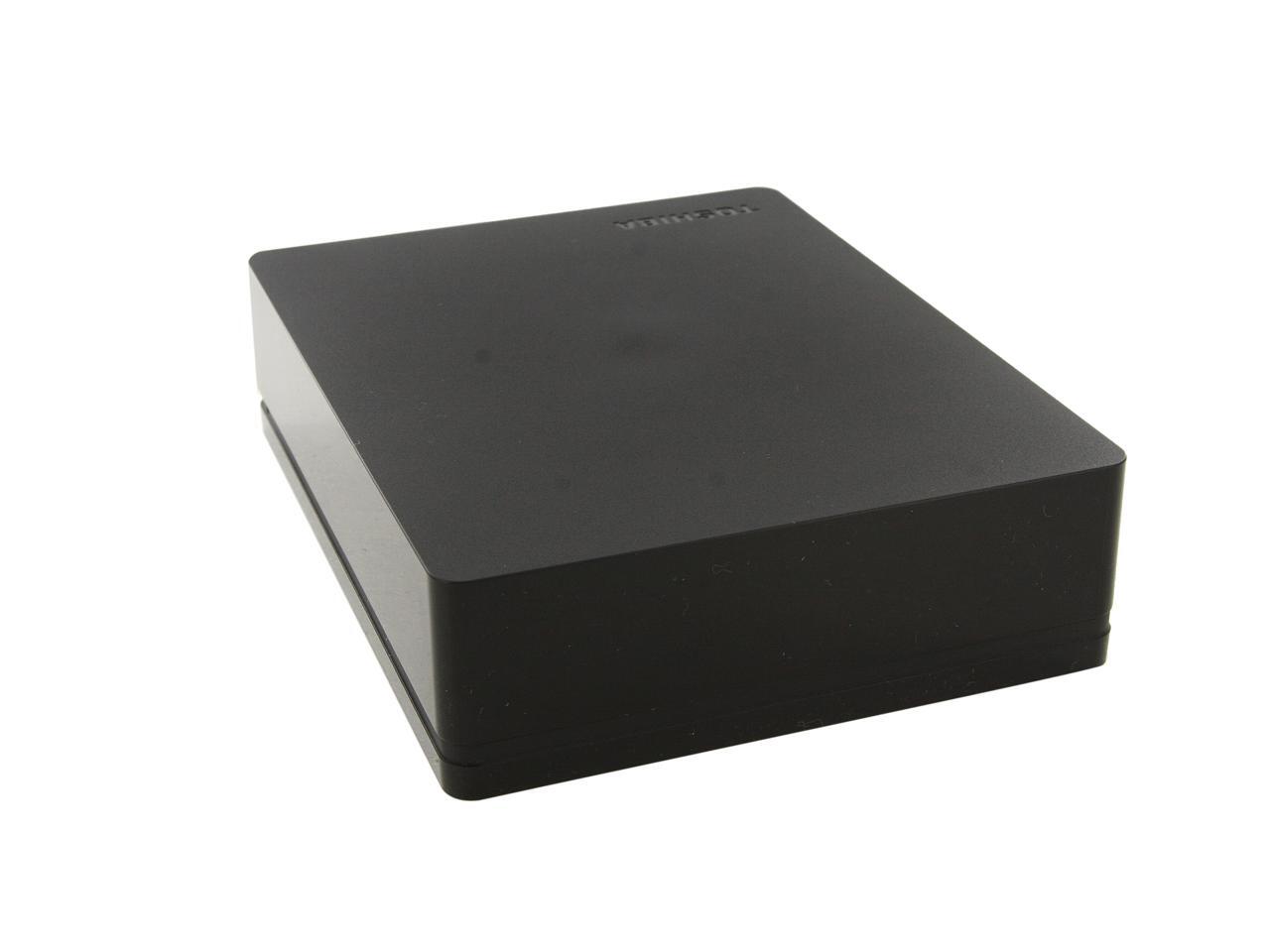
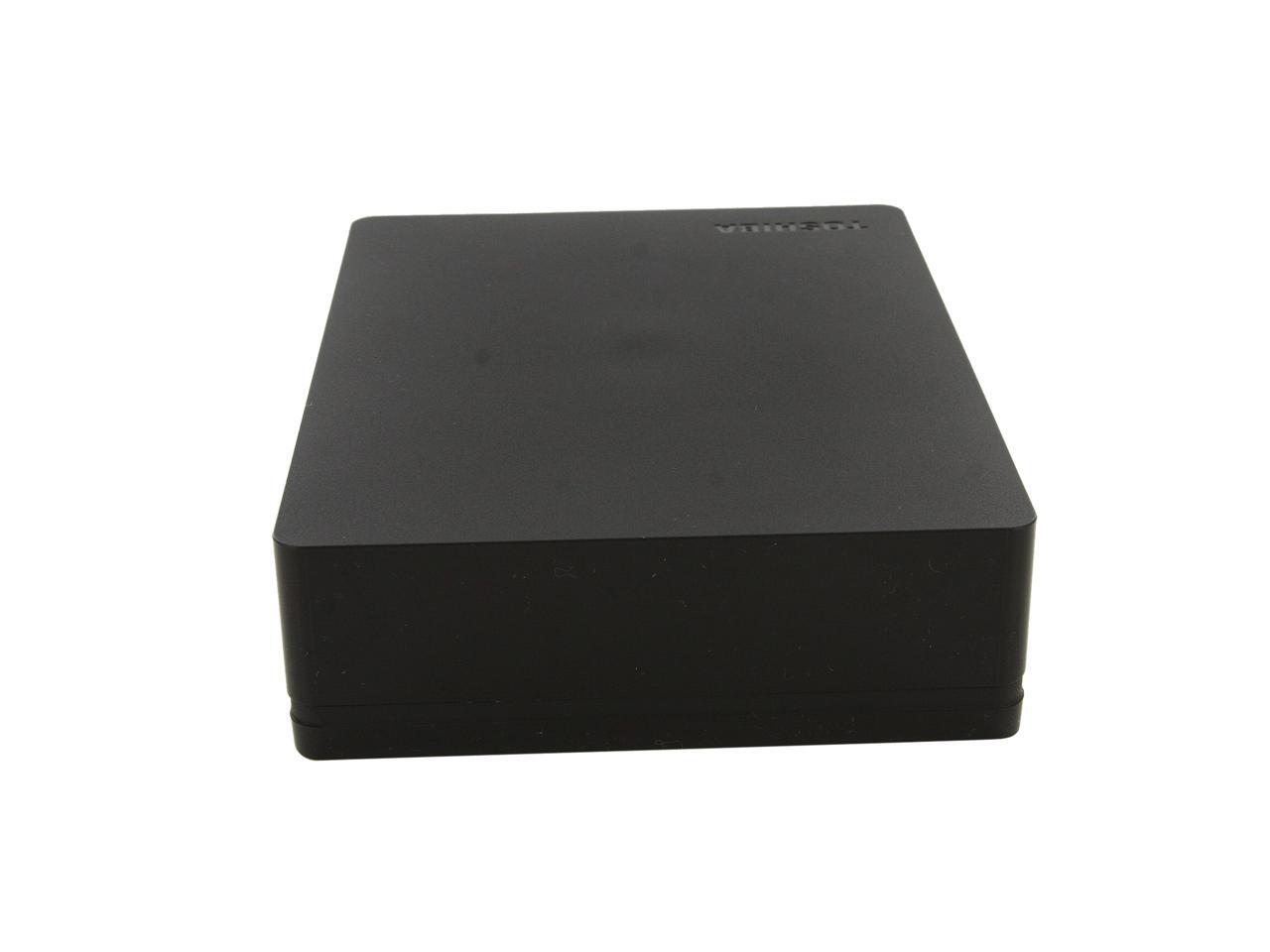
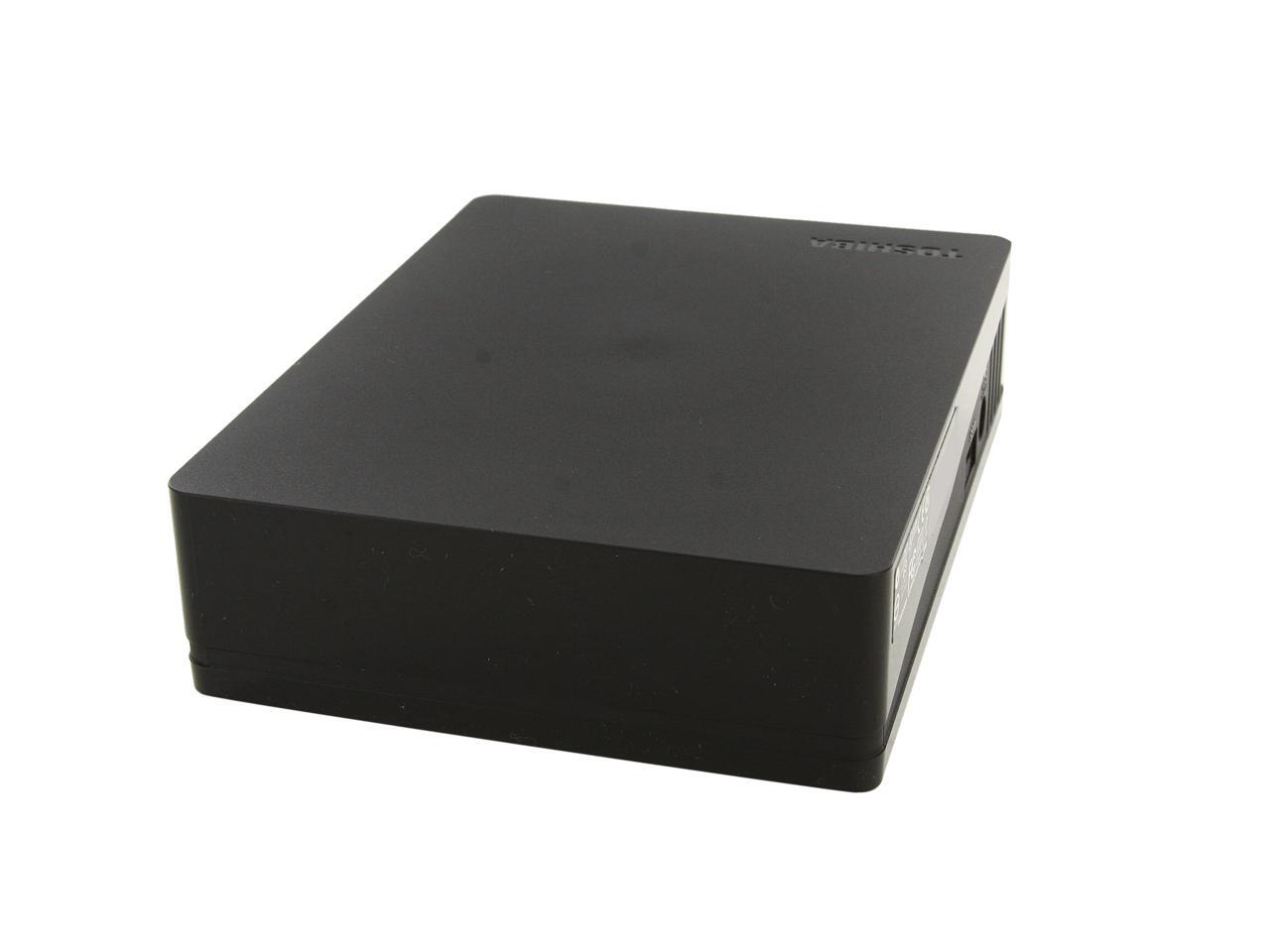
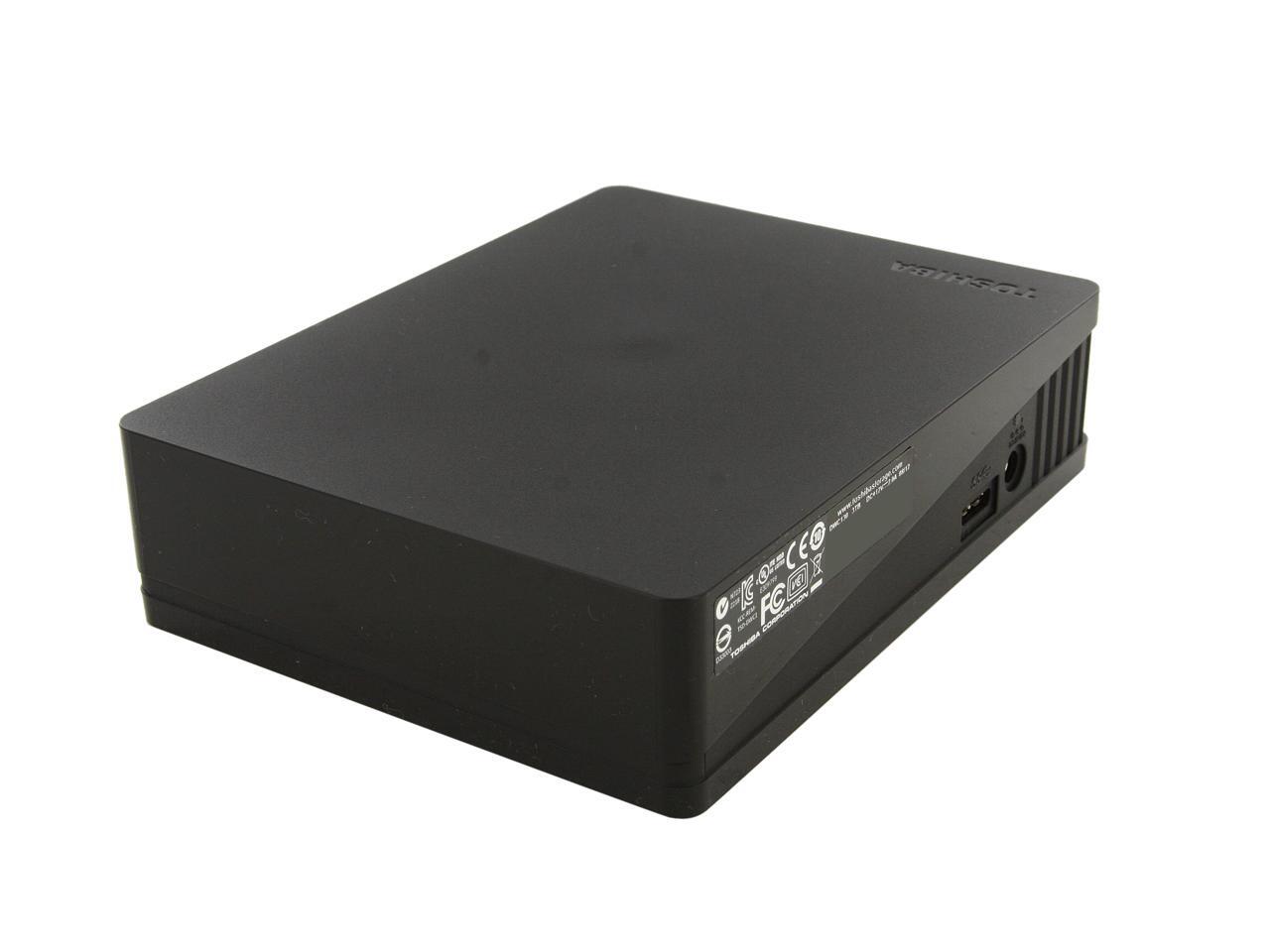
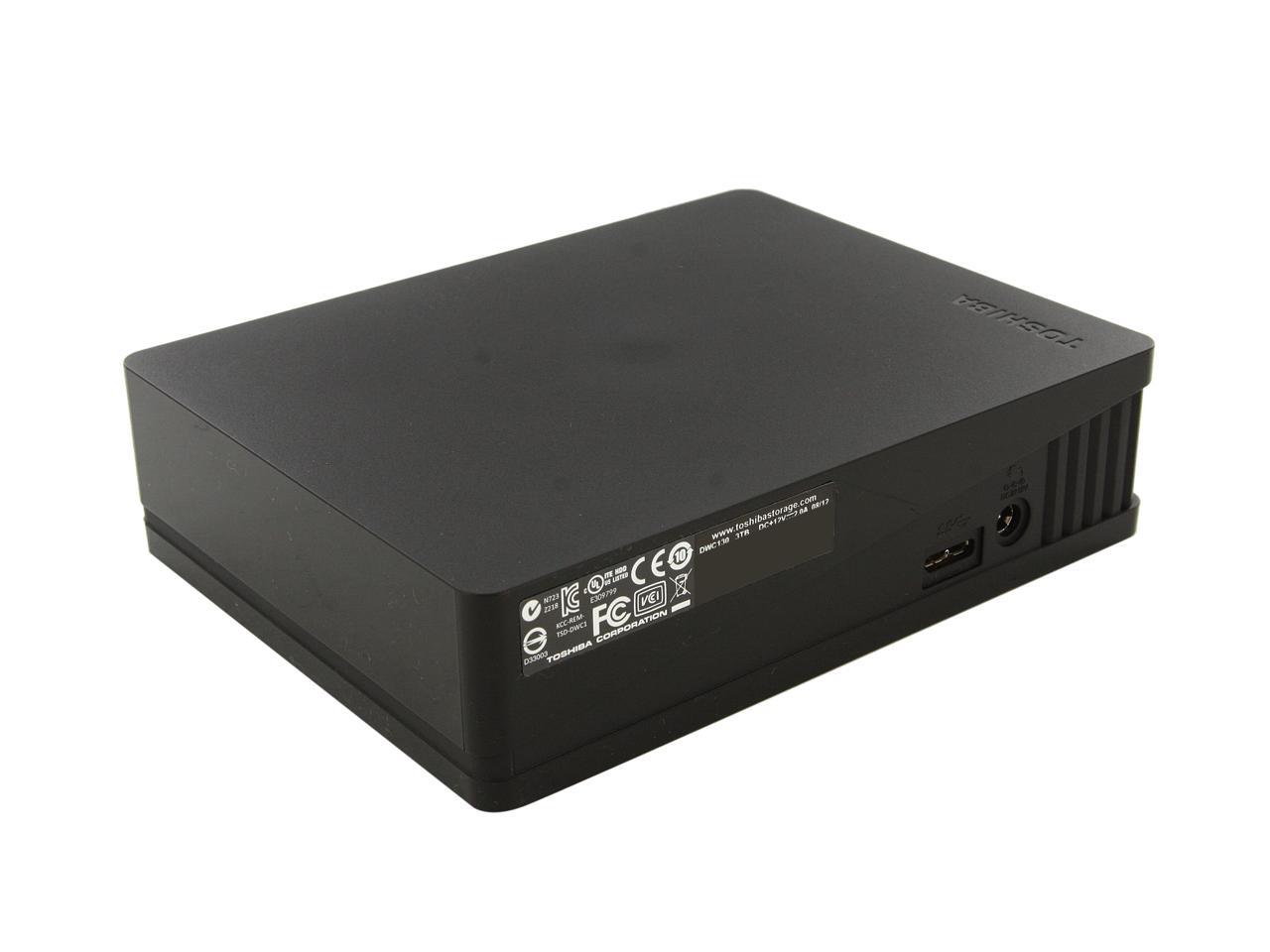
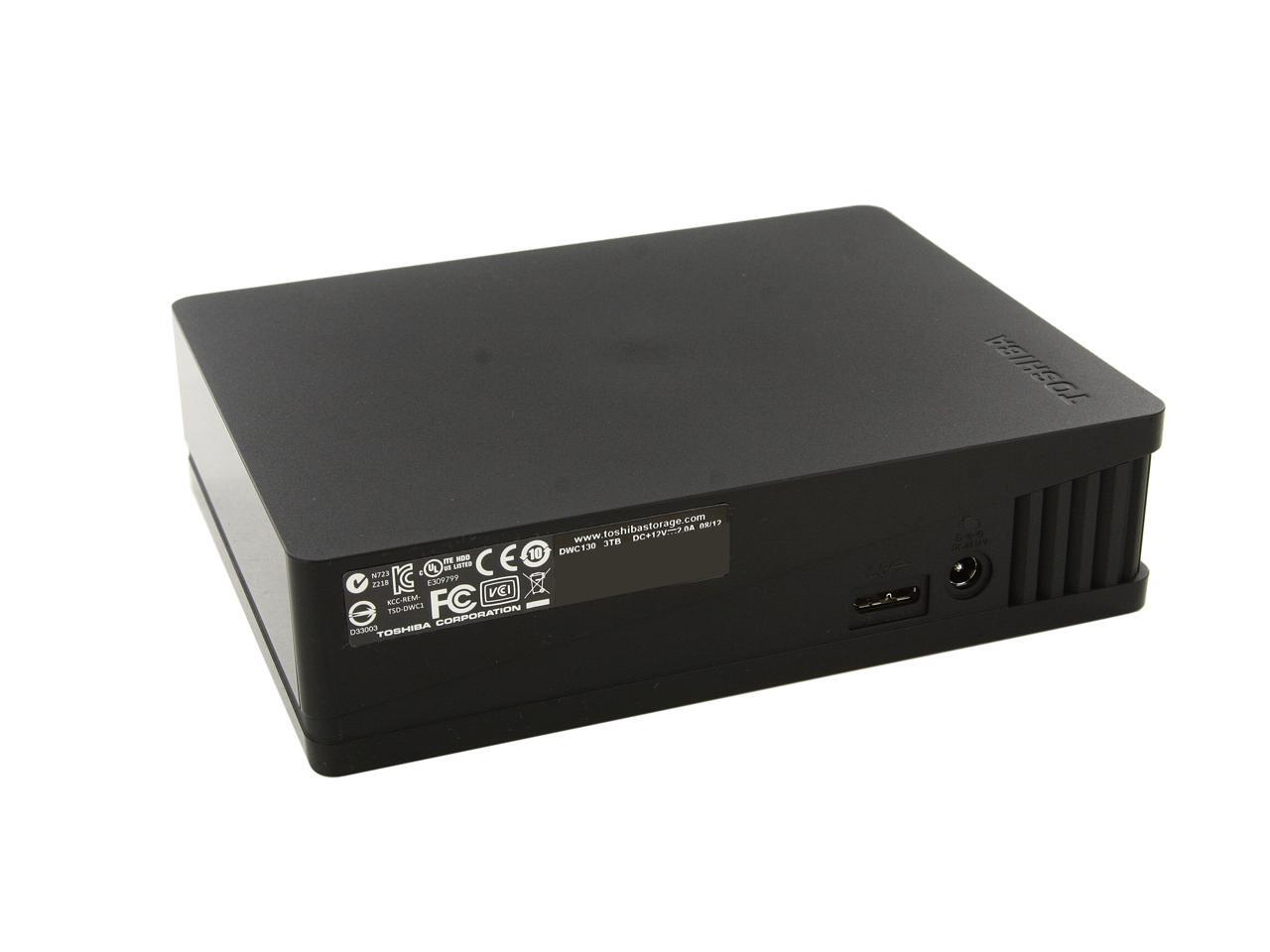
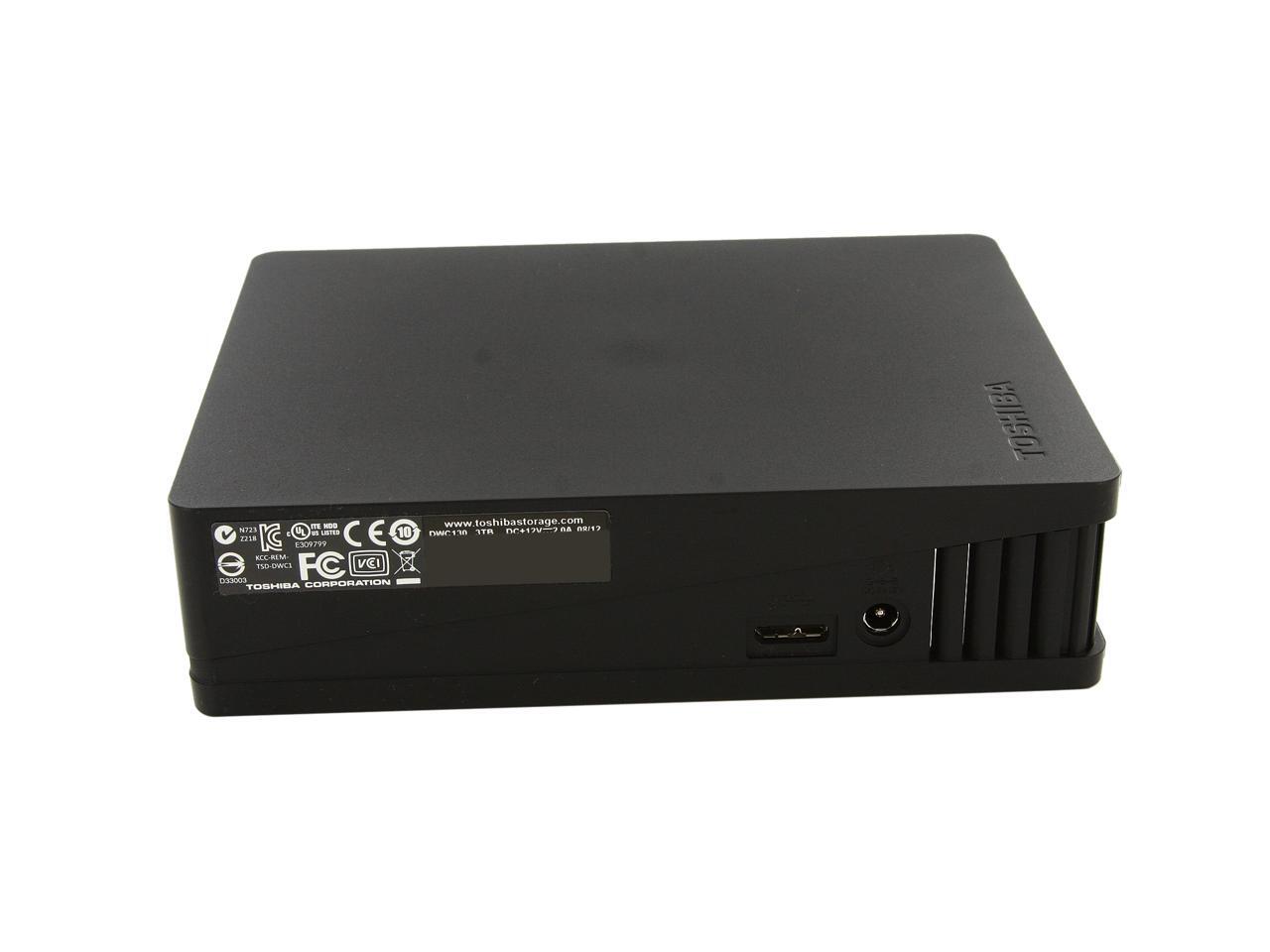
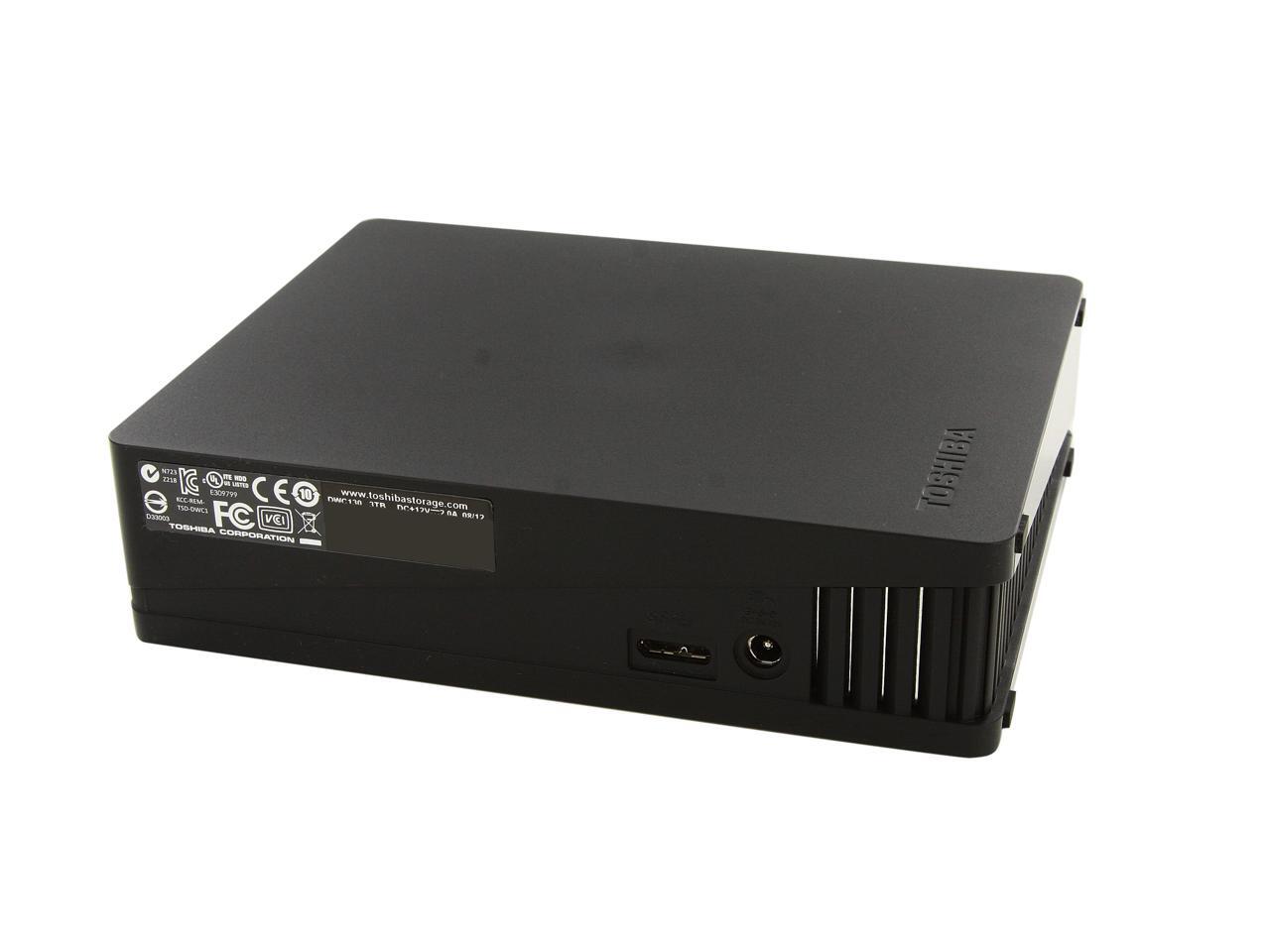
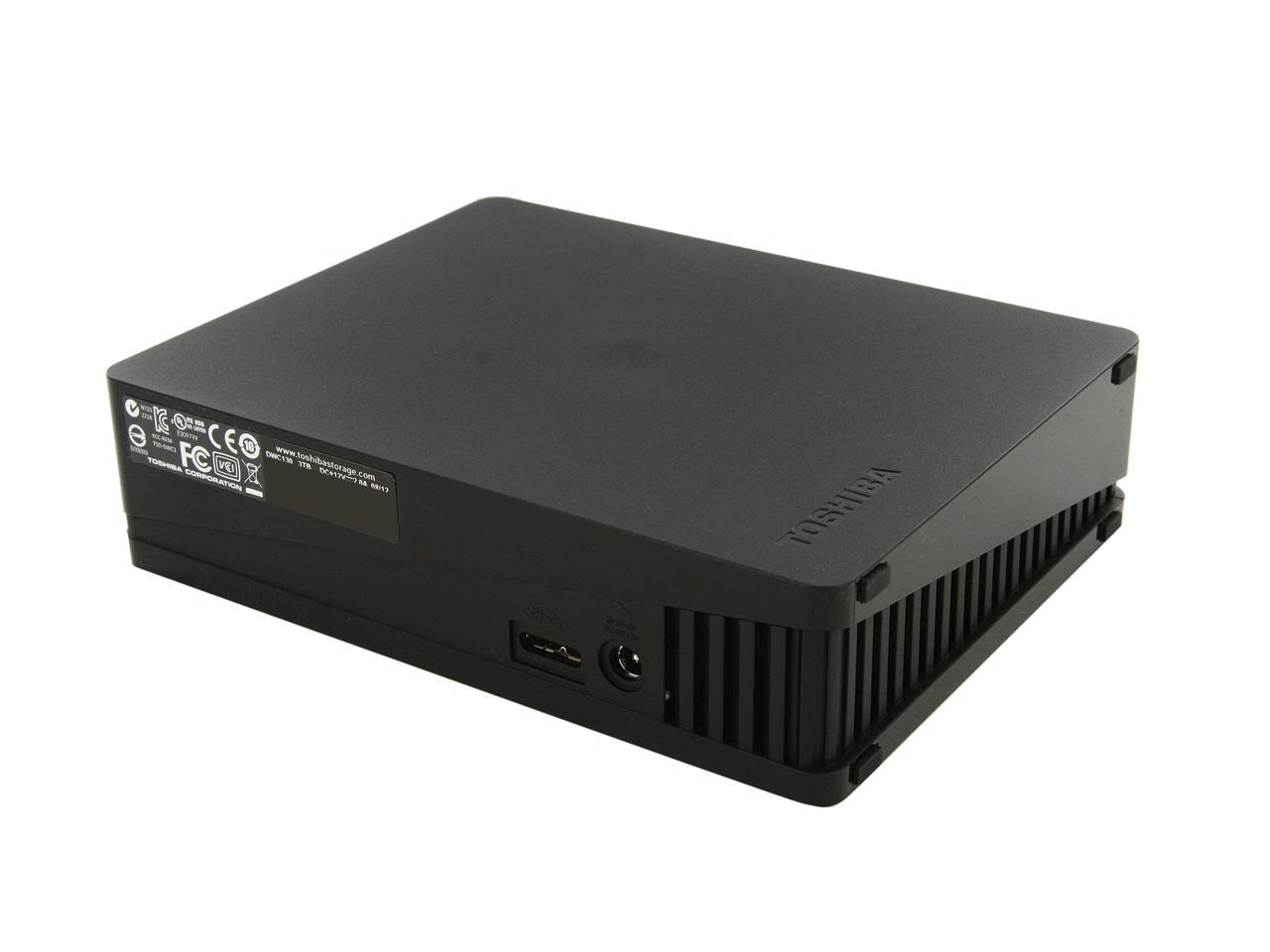
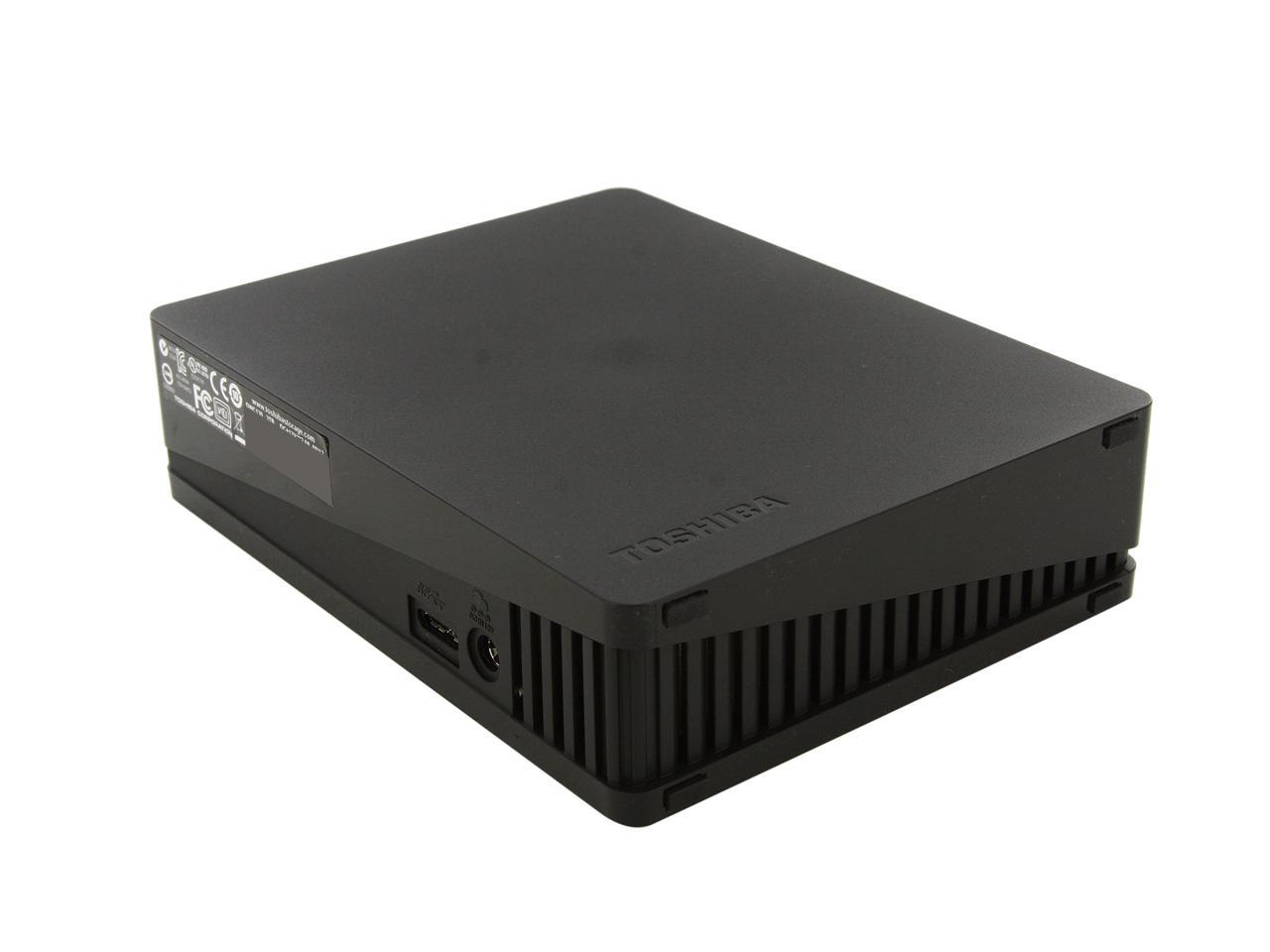
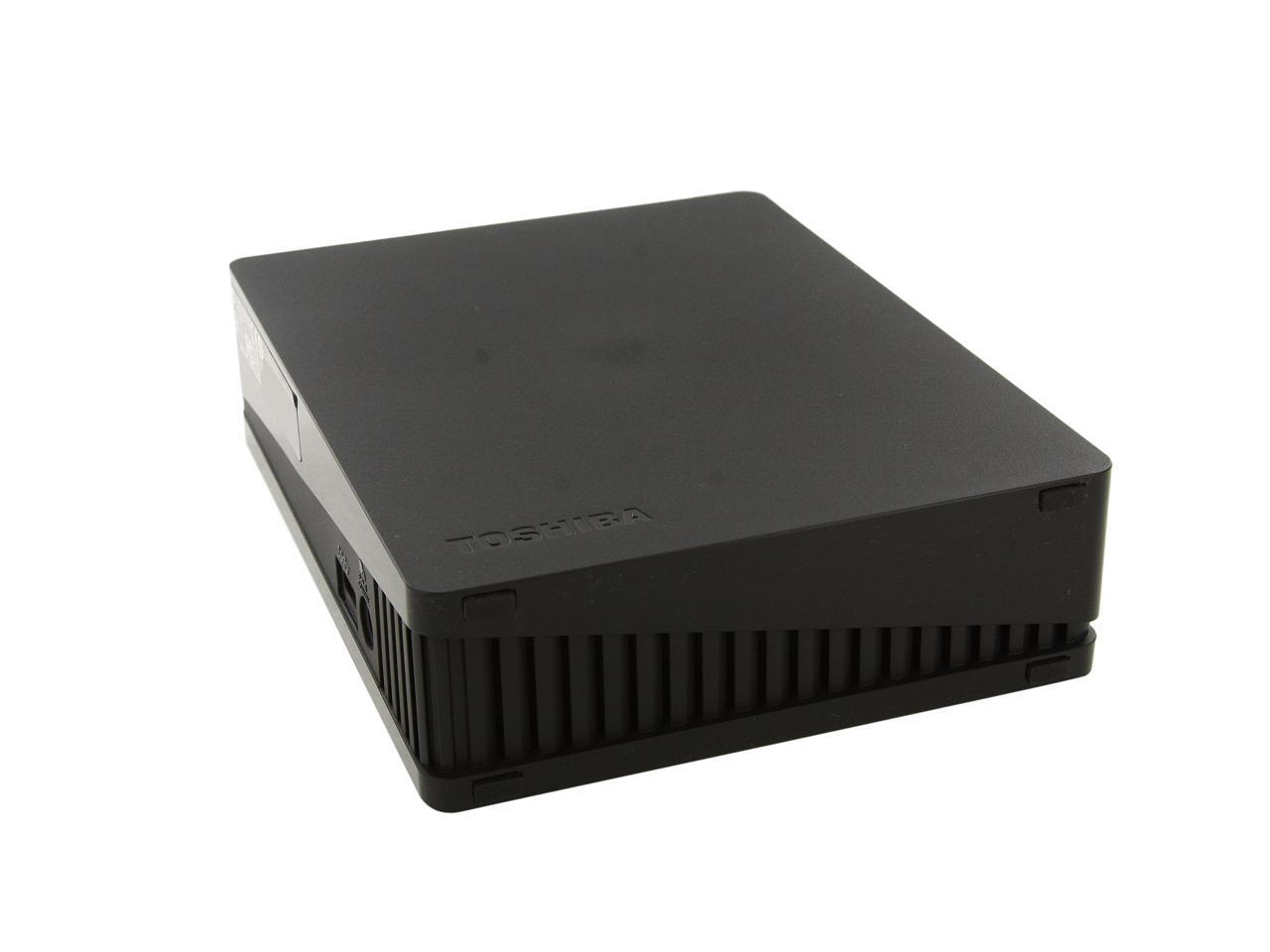
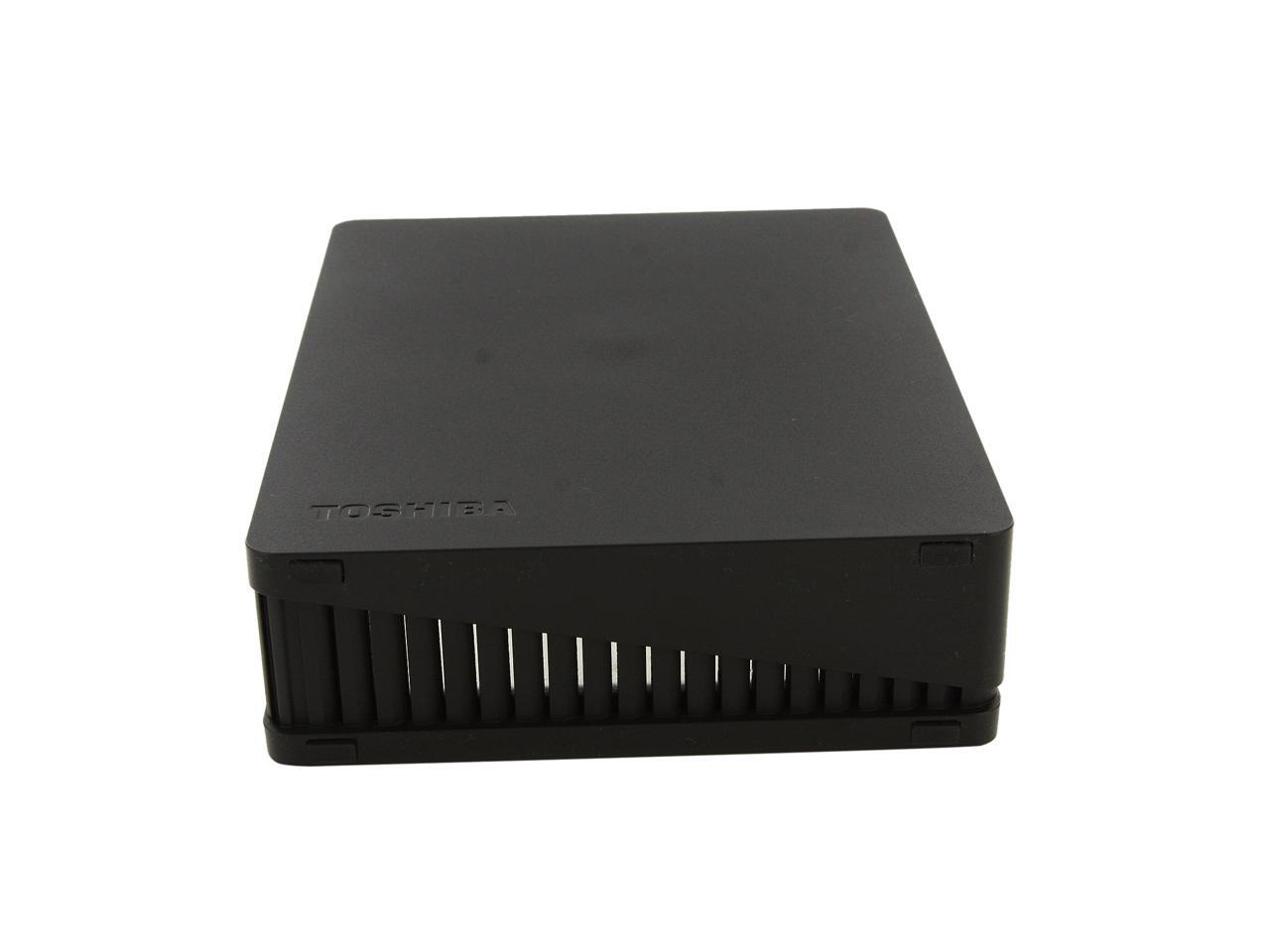
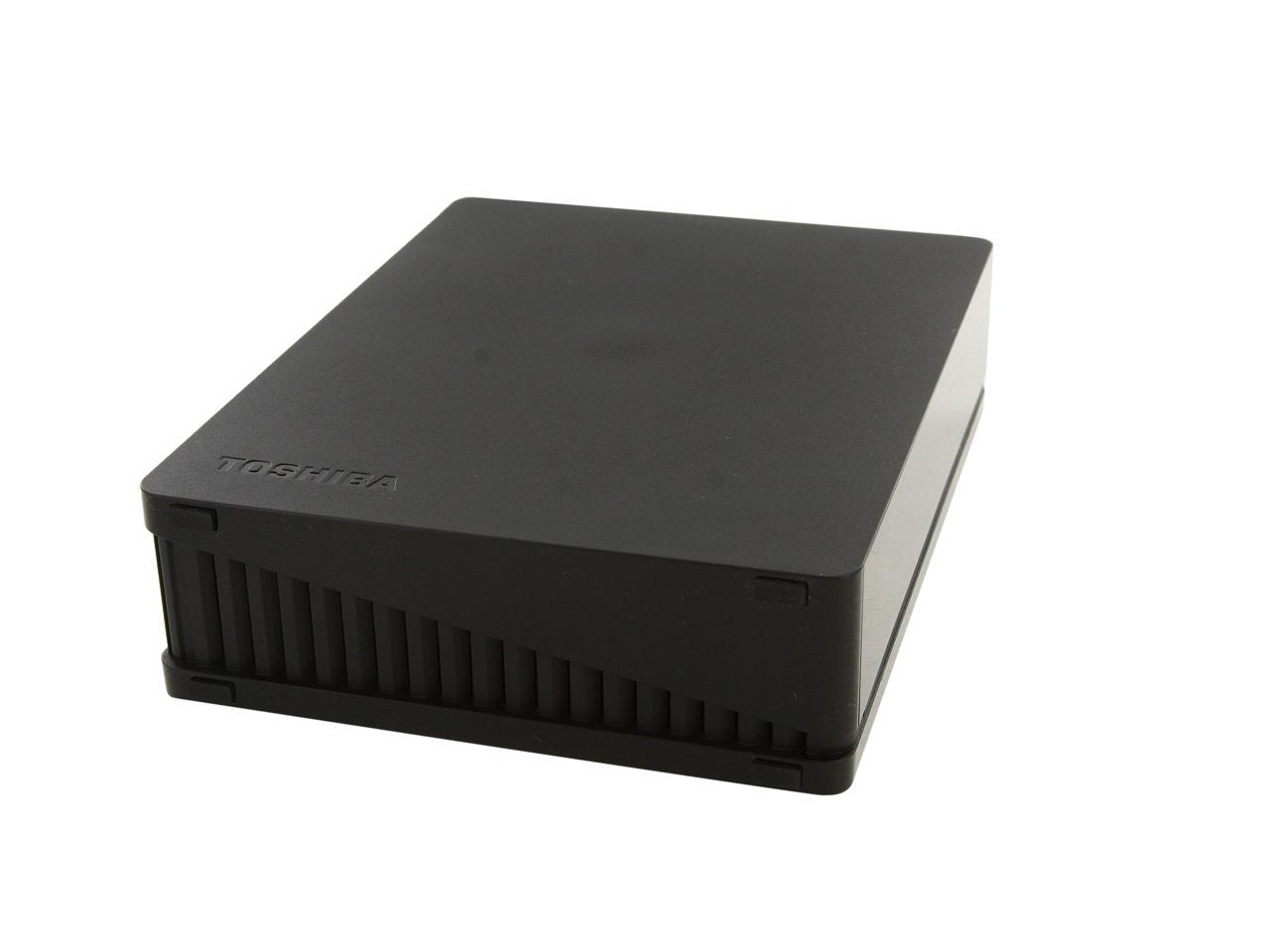
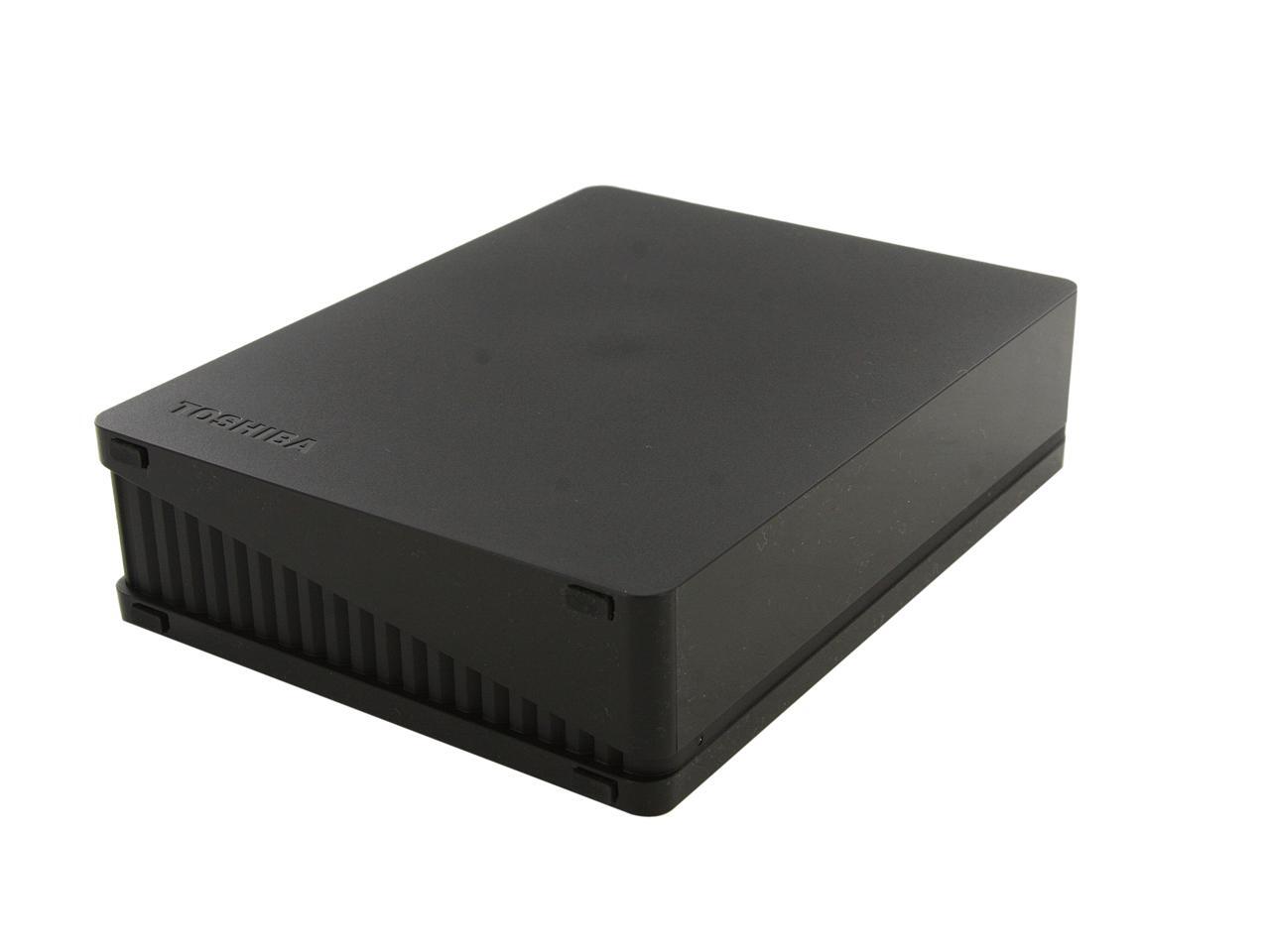
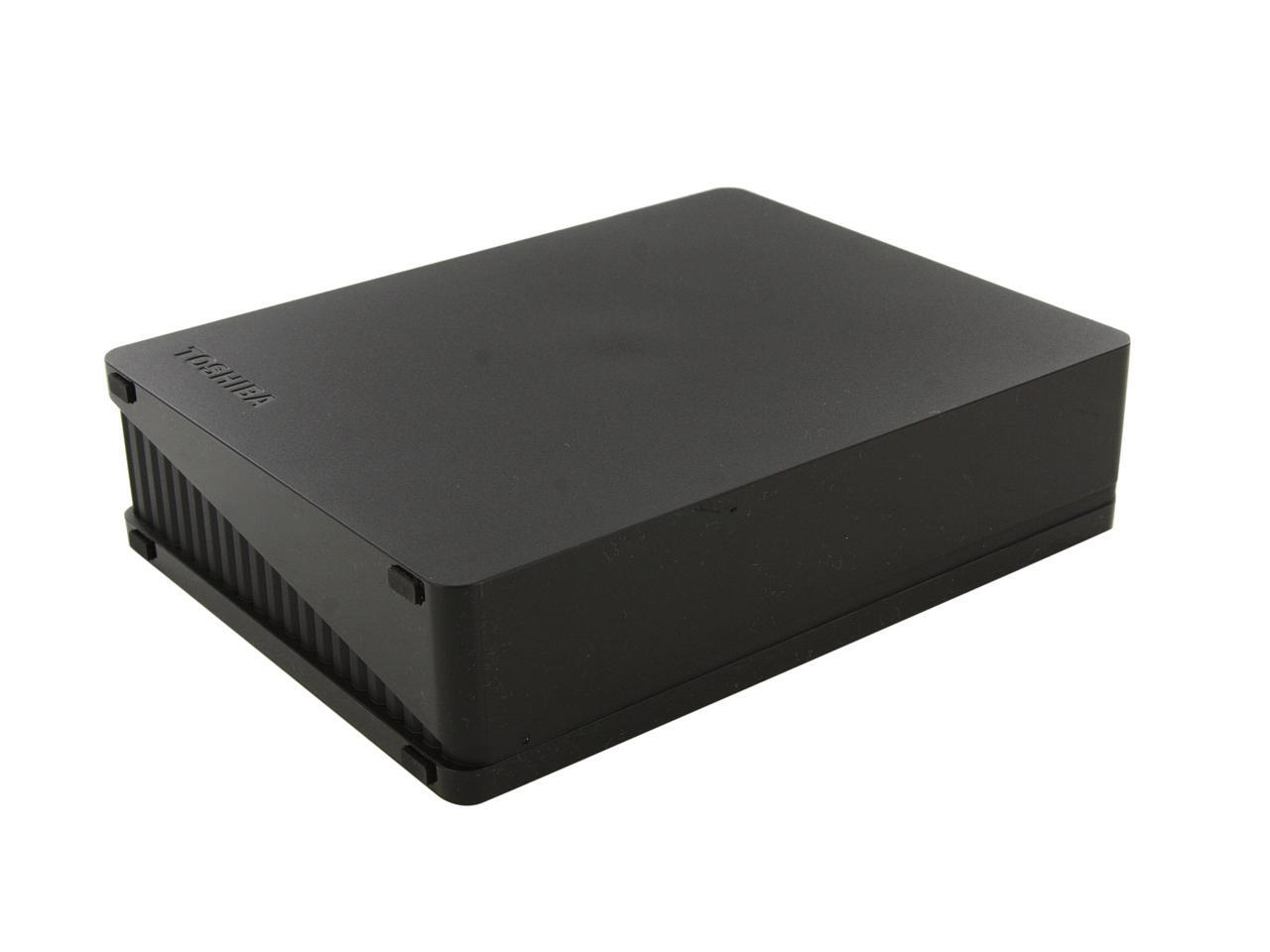
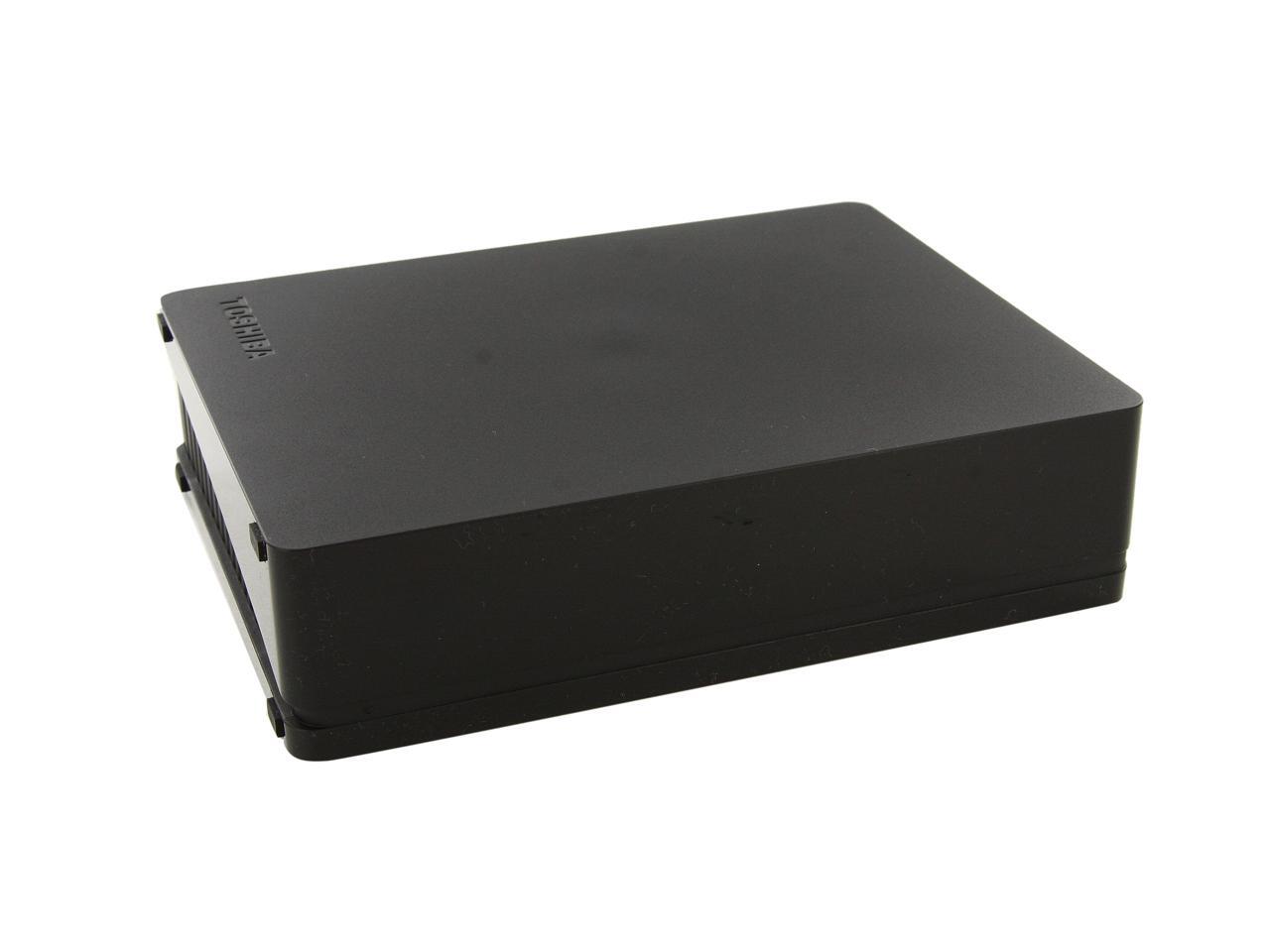
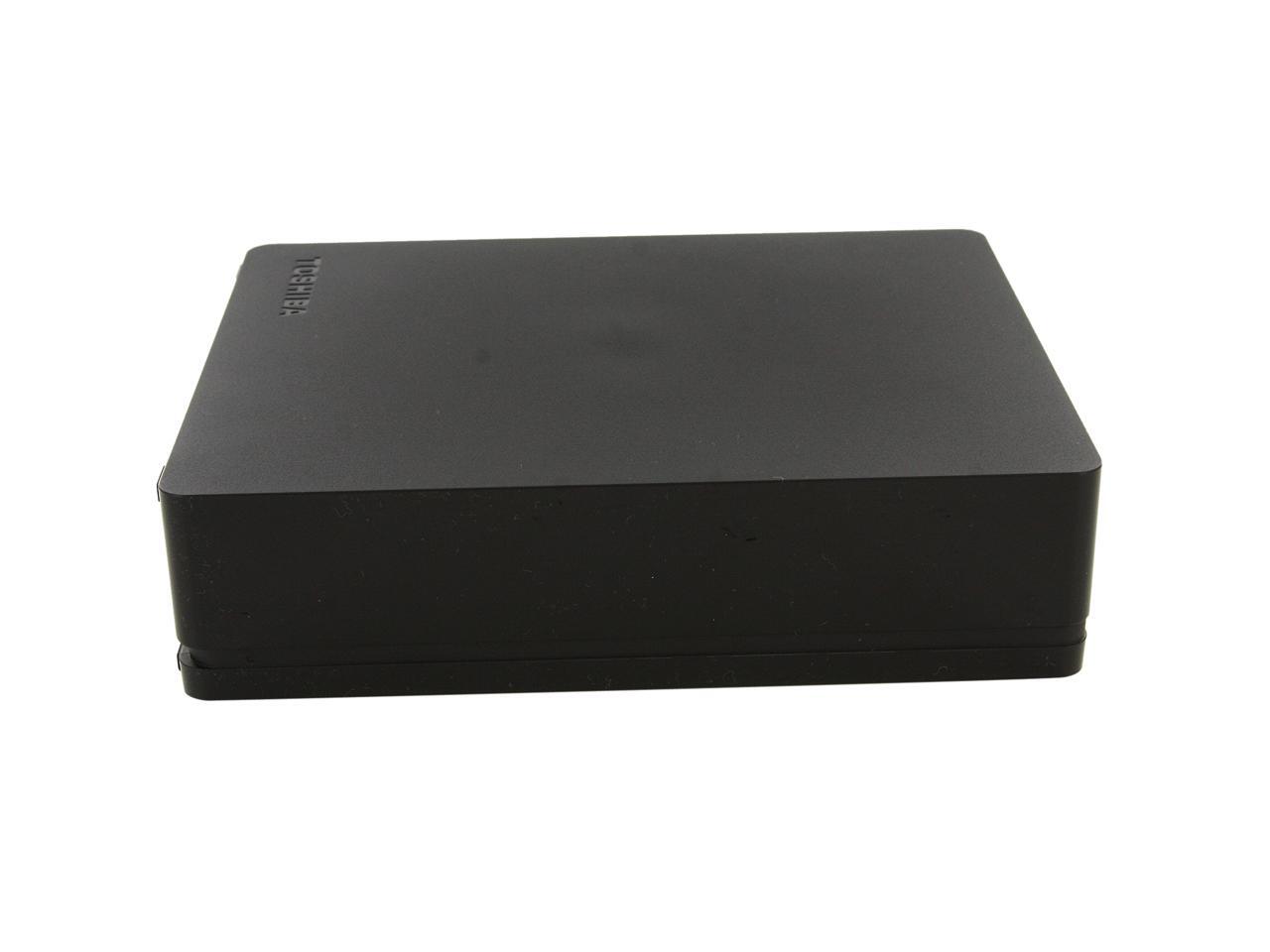
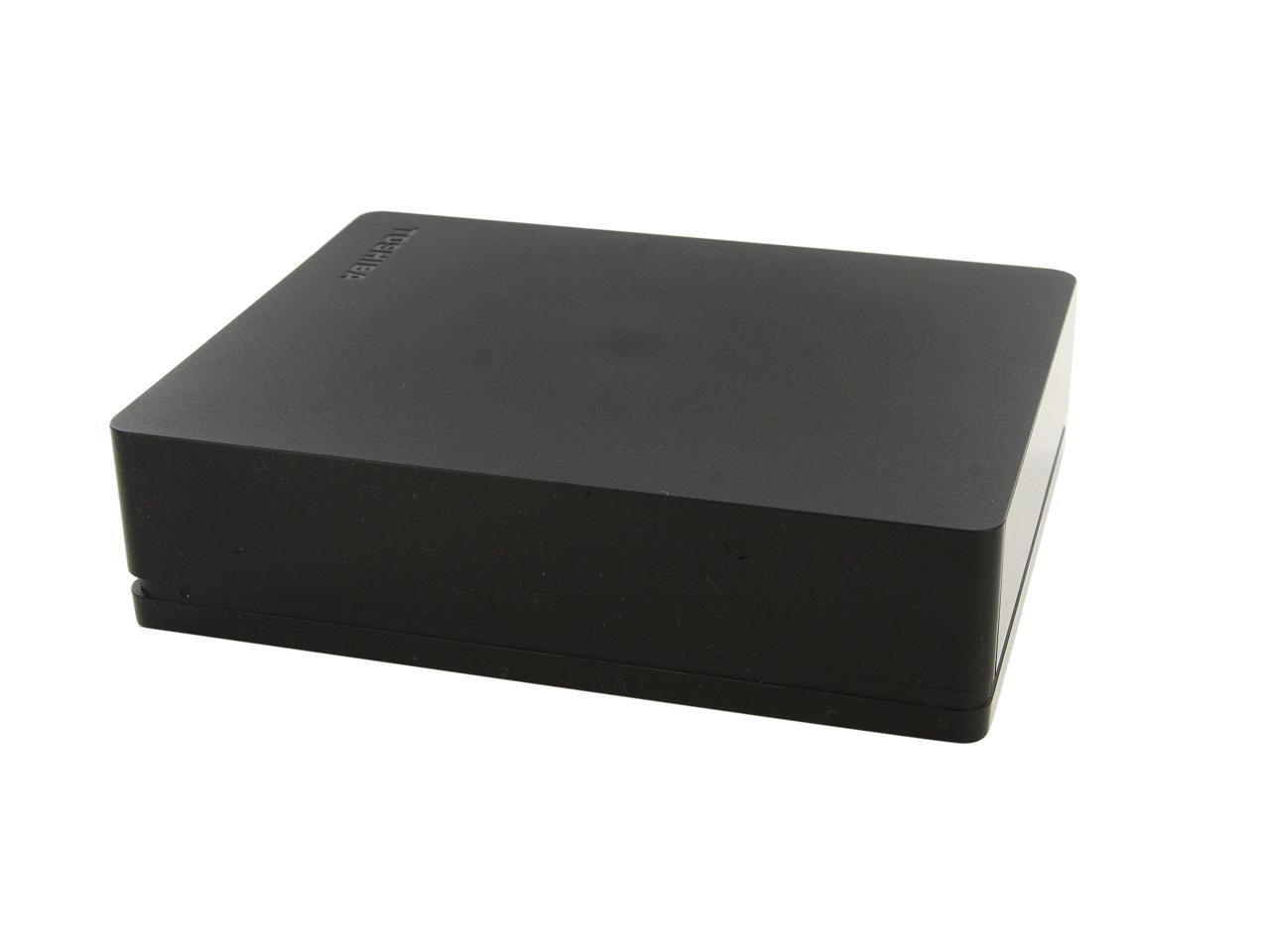
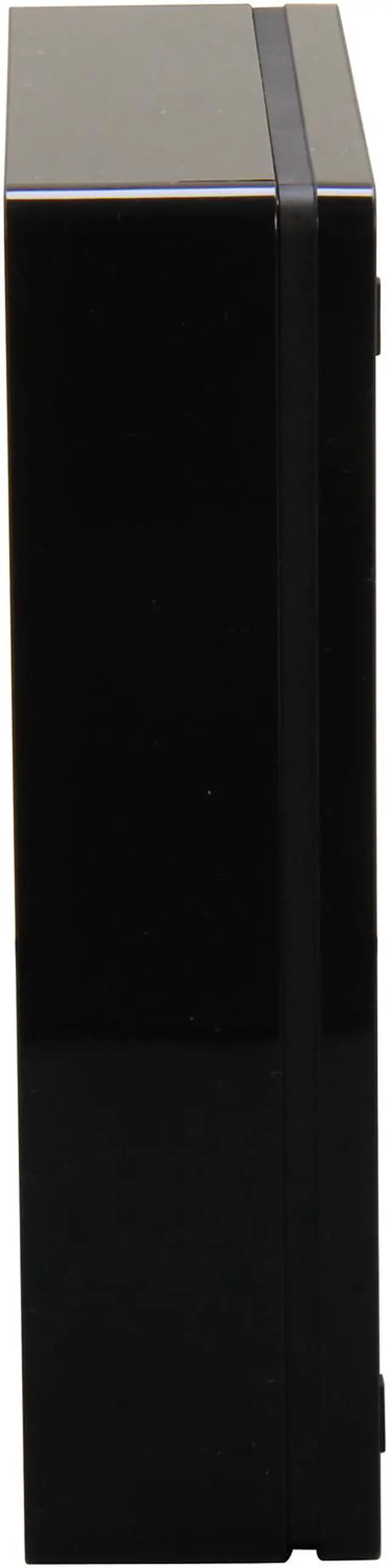
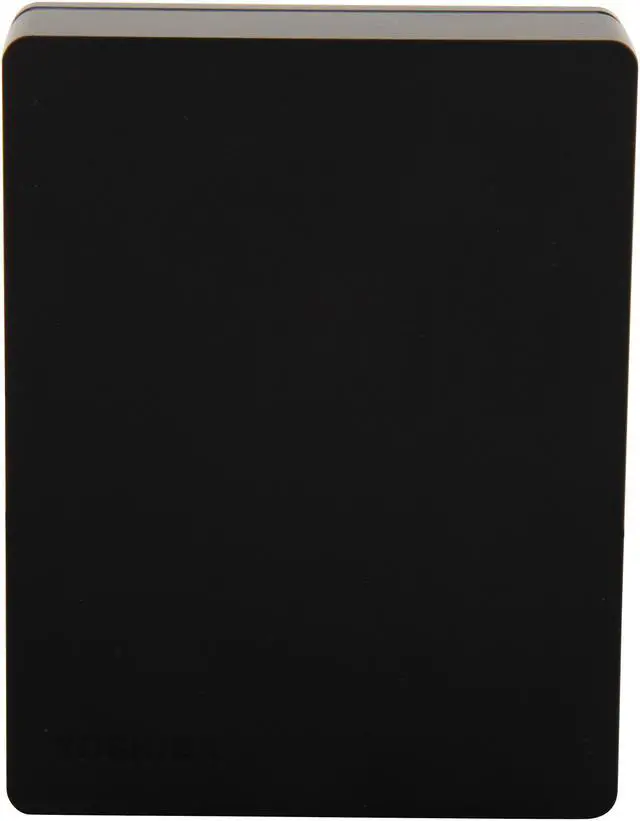
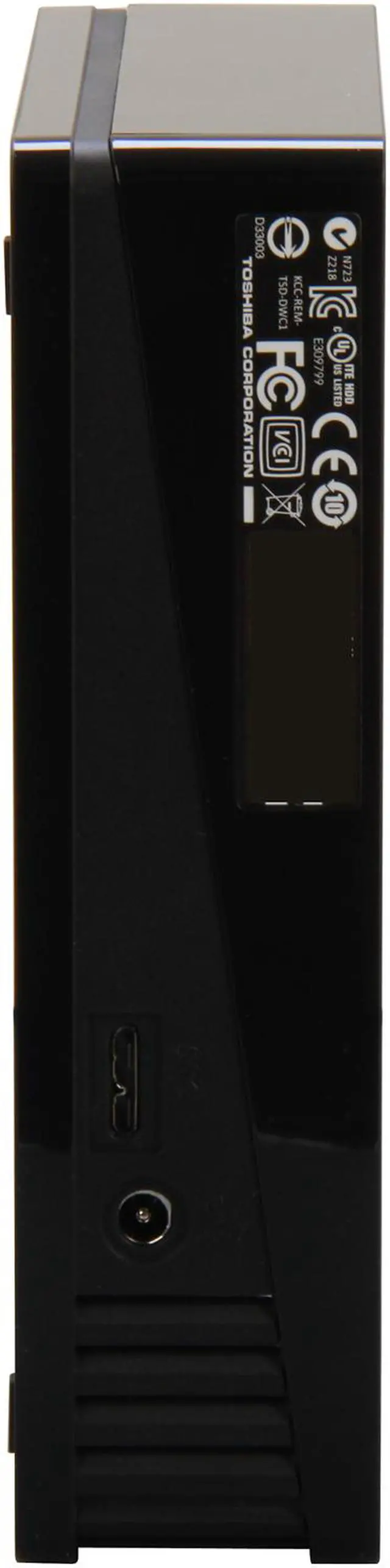
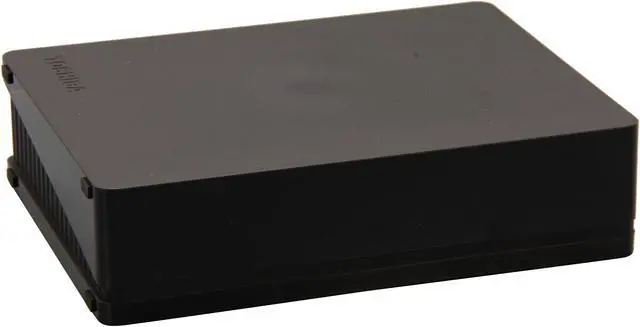
TOSHIBA Canvio Desk 3TB USB 3.0 Black Desktop External Hard Drive HDWC130XK3J1

In stock. Limit 10 per customer.

  • HDWC130XK3J1
  • USB 3.0
  • 3.5"
  • Pin It
  • Email this page
ICON Loading...

Expand your Digital Storage

The Toshiba Canvio® Desk Desktop External Hard Drive is easy to set up and is ideal for expanding your storage needs. This drive offers high capacity storage in a small compact design. Built-In USB 3.0 Interface significantly improves file transfer performance for large media files and dramatically minimizes the wait time for backup.


Learn more about the Toshiba HDWC130XK3J1

Model

Brand
TOSHIBA
Series
Canvio Desk
Model
HDWC130XK3J1

Performance

Color
Black
Interface
USB 3.0
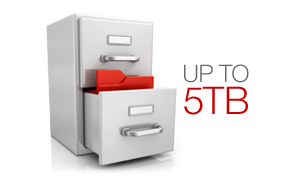
Capacity
3TB
Cache
32MB
RPM
5700 RPM
Average Seek Time
14ms

Physical Spec

Form Factor
3.5"
Dimensions
6.57" x 5.08" x 1.65"

Features

Features
High capacity storage in a compact desktop design

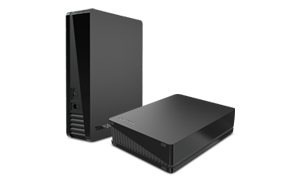
Versatile orientation that fits your space in your home or office

Preloaded easy-to-use backup software

Secure backup with password

Schedule automatic backup

File, folder and full system backup and recovery

USB plug and play

USB 3.0 + USB 2.0 compatible

System Requirements:
- Formatted NTFS for Windows XP, Windows Vista, or Windows 7
- Requires reformatting for Mac OS X Tiger, Leopard or Snow Leopard
- Available USB 3.0 or USB 2.0 port
- USB 3.0 port required for high speed transfers

Packaging

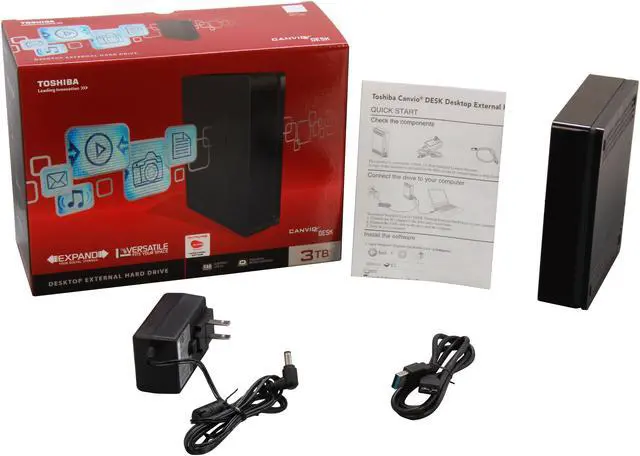
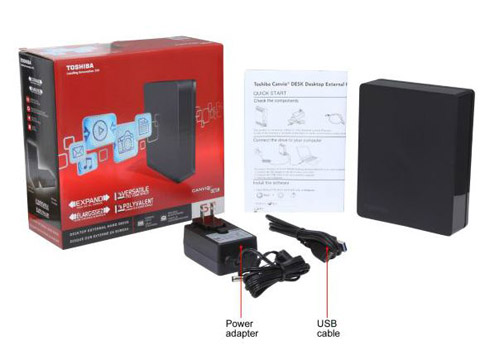
Package Contents
Toshiba Canvio Desk Hard Drive
USB 3.0 Cable
AC Power Adapter
Quick Start Guide
NTI Backup Now EZ (preloaded on drive)

Quick Info

Warranty

  • Limited Warranty period (parts): 3 years
  • Limited Warranty period (labor): 3 years


Customer Reviews of the Toshiba HDWC130XK3J1

Do you own this product? Write a Review

Filter Results

Go
  • TiktOFF
  • 5/14/2013 9:04:09 PM
  • Tech Level: Somewhat High
  • Ownership: 1 month to 1 year
  • Verified Owner

2 out of 5 eggsThink about it.. TWICE

Pros: Newegg shipped fairly quick, great price...Just the product was lacking... I have had it since February 22, 2013.. And it crapped out this past weekend, when I most depended on it to function properly.. Lost all my music files.. (cursing still in silence)

Cons: Lost all my music files.. (cursing still in silence)
Toshiba asks for a credit card to send you another replacement or just plain wait till they send u a voucher to " buy anything from their Toshiba direct" PFFFTTT!!! How about u send me a replacement now and let me re-back it up to my WESTERN DIGITAL.. Talk about that ughhhhh feeling.

Other Thoughts: Toshiba, stick to TVs and electronics you support in a better and timely fashion and don't sell us cra99y drives.

Did you find this review helpful? Yes No

  • chugger
  • 5/14/2013 7:15:41 PM
  • Tech Level: Average
  • Ownership: 1 month to 1 year
  • Verified Owner

5 out of 5 eggsNo problems so far.

Pros: I hooked it to my Ubuntu media server to keep a second copy of my classic TV shows. It's done exactly what I bought it to do.

Yes it's only been 6 months and I realize drives can fail, which is why I bought it.

I suspect they fail early in their lives though, and if they don't fail then, they're likely to last a few years. So I should be good to go. :)

Actually though, the 2 Terrabyte media drive I'm backing up is... just about full, which is why I'm back, and since I'm back to possibly buy the same drive again, I suppose that means that "yes", I would recommend the drive to a friend. :)

ALWAYS have at least two copies of anything importantant though, any drive "can" fail, and in fact "will" fail.

Cons: Manufacturers now days rate drives in human gigs(base 10) instead of computer gigs (base 2) like a computer uses but I suppose they all do that ever since some marketing dude/dudet figured out it make the capacity sound higher and... since one does it they all have too. Kinda sad. :(

Did you find this review helpful? Yes No

  • N/A
  • 5/13/2013 3:05:28 PM
  • Tech Level: High
  • Ownership: 1 month to 1 year
  • Verified Owner

1 out of 5 eggsTerrible

Pros: None

Cons: Unreliable

Other Thoughts: I have had this drive for just a few months and it has already failed. It would regularly disconnect from my computer and now it is not recognized by Windows.

Did you find this review helpful? Yes No

  • papabug
  • 4/22/2013 9:16:32 AM
  • Tech Level: Average
  • Ownership: 1 month to 1 year
  • Verified Owner

4 out of 5 eggs3T

Pros: Works fine did not install bloatware from tosheba running as a bare drive. No problems...

Cons: Win 7 home premium will not use this drive for back-up. That sucks...

Did you find this review helpful? Yes No

  • Alster
  • 3/12/2013 6:42:40 PM
  • Tech Level: High
  • Ownership: 1 week to 1 month
  • Verified Owner

5 out of 5 eggsNice drive

Pros: I got this at a great price. The drive works fine no hassles no worries even using Xp64. I use it as a Back up for Movies and animation. I transferred 480 gig from and internal drive to it using usb2 in less then 2 hours.

Cons: None at first I was worried about the Usb cable but Google shows more Usb 3.0 just like it. This has far less to do with My computer skills ( first build 1991 and hundreds since) but
more to do with my computer budget being zero $ for the last few years.

Other Thoughts: I used a 500 gig for a few years in a external case and on occasion in my computer. The drive still works good this drive seems every bit as nice and with the added bonus of being 6 times larger.

0 out of 1 people found this review helpful. Did you? Yes No

  • N/A
  • 3/11/2013 2:00:45 PM
  • Tech Level: Average
  • Ownership: 1 week to 1 month

1 out of 5 eggsDied after 3 weeks

Pros: Longer warranty than other brands.

Cons: Died after 3 weeks of use.

Other Thoughts: Replaced with Seagate Backup Plus 3TB USB 3.0

1 out of 2 people found this review helpful. Did you? Yes No

  • N/A
  • 3/10/2013 6:59:05 PM
  • Tech Level: High
  • Ownership: 1 week to 1 month
  • Verified Owner

1 out of 5 eggsAvoid the Toshiba 3TB Canvio external hard drive

Pros: Aesthetics and accessories are acceptable and what I would expect for a 99.00 to $129.99 priced drive.

Cons: Upon initial use, the drive would hang with sustained transfers and inevitably failed after approximately one hour of use. Transfer rates were about 14 to 25 MB/s, or very poor, while it worked.

Other Thoughts: The drive was admittedly inexpensive; however, the value for the price is poor because it failed almost immediately and Toshiba support is mind-bogglingly poor. This is my first and last external Toshiba hard drive.

The hard drive in my enclosure is a Hitachi HDS5C3030BLE630 (5,700 RPM, 32MB Cache, and 14 ms access time).

3 out of 4 people found this review helpful. Did you? Yes No

  • DH950
  • 3/3/2013 3:18:31 AM
  • Tech Level: High
  • Ownership: 1 month to 1 year
  • Verified Owner

2 out of 5 eggs3TB OF NUISANCES

Pros: Copying files from an internal drive to the external Toshiba using a USB 3.0 port, I averaged a little over 50 MB/s using TeraCopy. Being able to view a 2GB video file, jumping from place to place was only a small fraction of a second slower than viewing the same file from an internal drive. It comes with its own NTI backup software. It backed up 12.09GB of mixed data in 4min57sec. There is no file compression option. The backup software is easy to setup & use. I use different backup software so all the backups use the same software & I have more options.
Even after large data transfers, the drive case is only a little warm.

Cons: Due to problems when this drive is connected, I only connect it when I need to add or recovers something from it.
I’ve had several system crashes & reboots when the computer is doing time consuming tasks, with the Windows warning that there was a possible hardware problem. These problems stopped as soon as I disconnected the Toshiba from my computer. I’m using XP SP3 with HDD set to never power down, & Toshiba lists this drive as compatible with XP. The Toshiba drive keeps what I guess is a powering down problem, because the system lists it, then when it tries to access it, its unavailable, then I hear it spinning up, the system finds “new hardware” then it’s usually back to work, but a couple times I’ve had to disconnect the USB cable & reconnect it to get the system to see it again. I’ve switched USB cables from another working HDD and the problem remains with the Toshiba. No problems with the other USB drive using the Toshiba’s USB cable. I was copying recovered files from a failing HDD to it, but when the recovery program spent too long trying to piece together a good copy of large files, the Toshiba drive had done its disappearing act & I had to start over several times because the recovered data had nowhere to be copied to. This cost me hours of extra work & time.

Other Thoughts: I have a lot of data backed up to the drive and it all checks out as being OK so far, but the hide and go seek game the Toshiba drive does doesn’t inspire confidence, especially in a large data restore. Also I get the frequent warnings that MFT (Master File Date) data was not written. So far this has not caused a problem because there were no significant changes to the MFT, but it is still worrisome.
I’ve 4 other brands of external HDD’s and none of them act like this.
Since this drive has its own hardware to overcome the 2.2GB barrier, I worry about what other things like disobeying the drive shutdown rules it ignores.

2 out of 2 people found this review helpful. Did you? Yes No

  • N/A
  • 2/7/2013 10:51:13 AM
  • Tech Level: Somewhat High
  • Ownership: 1 month to 1 year
  • Verified Owner

2 out of 5 eggsDied in 4 months :(

Pros: Quiet
RMA process was easy

Cons: Died after less then 4 months, of LIGHT use. I did not keep it in my bag, I left it at home almost all the time. Only moved it to share files with friends a few times. Had only filled up about 2 Tb of space, and only used it on the weekends to watch movies. VERY LITTLE USE, and it was not knocked around or mistreated. However when I plugged it in this morning....beep beep beep (the hard drive made that noise) then the clicking started :(
Windows can't see it, but i'm not surprised after the clicking and the other noises it started making. Bought it in Nov for black Friday, dead second week in Feb of next year. RMA process was easy, but had to post 214$ (which I will get back on my card when Toshiba gets my bad drive back) I was outside of when I could return to new egg or I would have sent it back (New egg is the best)

Hopefully the replacement drive wont have issues, and me and the rest of the people with bad posts just got a bad batch of these... only time will tell.

Other Thoughts: I will try to update this later after I get the replacement. Cross your fingers

4 out of 5 people found this review helpful. Did you? Yes No

  • w_marquardt
  • 2/4/2013 8:11:41 AM
  • Tech Level: High
  • Ownership: 1 week to 1 month
  • Verified Owner

2 out of 5 eggsDrive doesn't work for Windows server backup

Pros: Price per GB.

Cons: This unit will not work for Windows Server Backup.

Other Thoughts: Unit used Advanced Format (4096 cluster size) This is quickly becoming the new standard but older OS's do not support this. Windows Server Backup creates a VHD for backup. It is optimized for 512 cluster and does not support the new 4096. Should Microsoft address this? Yes... but they haven't yet and have been aware of it for several months. The is a 512e emulation by WD and Seagate but I was unable to locate one for the Toshiba line. I have a message into their support and if there is a good option, I will update this review.

5 out of 10 people found this review helpful. Did you? Yes No

ICON Loading...
Free Shippingrestrictions apply
  • $199.99
  • $129.99
  • Save: $70.00 (35%)
 
Are you an E-Blast Insider? Subscribe Newegg e-Blast

Buzz

Toshiba - Hitachi, the Only Game in Town

5 out of 5 eggs
I wanted to give a little more info on the drive to help everyone out. This drive runs cool and quiet. CrystalDiskInfo shows ...
— Jeff H. 11/14/2012

So far so good

5 out of 5 eggs
Got this as a black Friday special from Newegg ($0.04/gb), but just had the chance to install it on my Mac ...
— Jay_in_VA 12/12/2012


Home
Home > 
Computer Hardware > 
Hard Drives > 
External Hard Drives > 
Toshiba > 
Item#: N82E16822149389
LOADING... LOADING...
Shop by Region: United States | Canada | China
Follow us:   RSS Feeds Youtube
VeriSign Reliability Seal1 PaypalVerify GoldenSeal InteracThis site protected by Trustwave's Trusted Commerce program Inc500

Policy & Agreement | Privacy Policy

 © 2000-2013 Newegg Inc.  As used herein, “Newegg.ca” means Newegg Canada Inc. unless the context specifically refers to the www.newegg.ca web address.
If the Adobe Reader does not appear when you click on a link for a PDF file, you can download Adobe Reader from the Adobe web site. nassau